
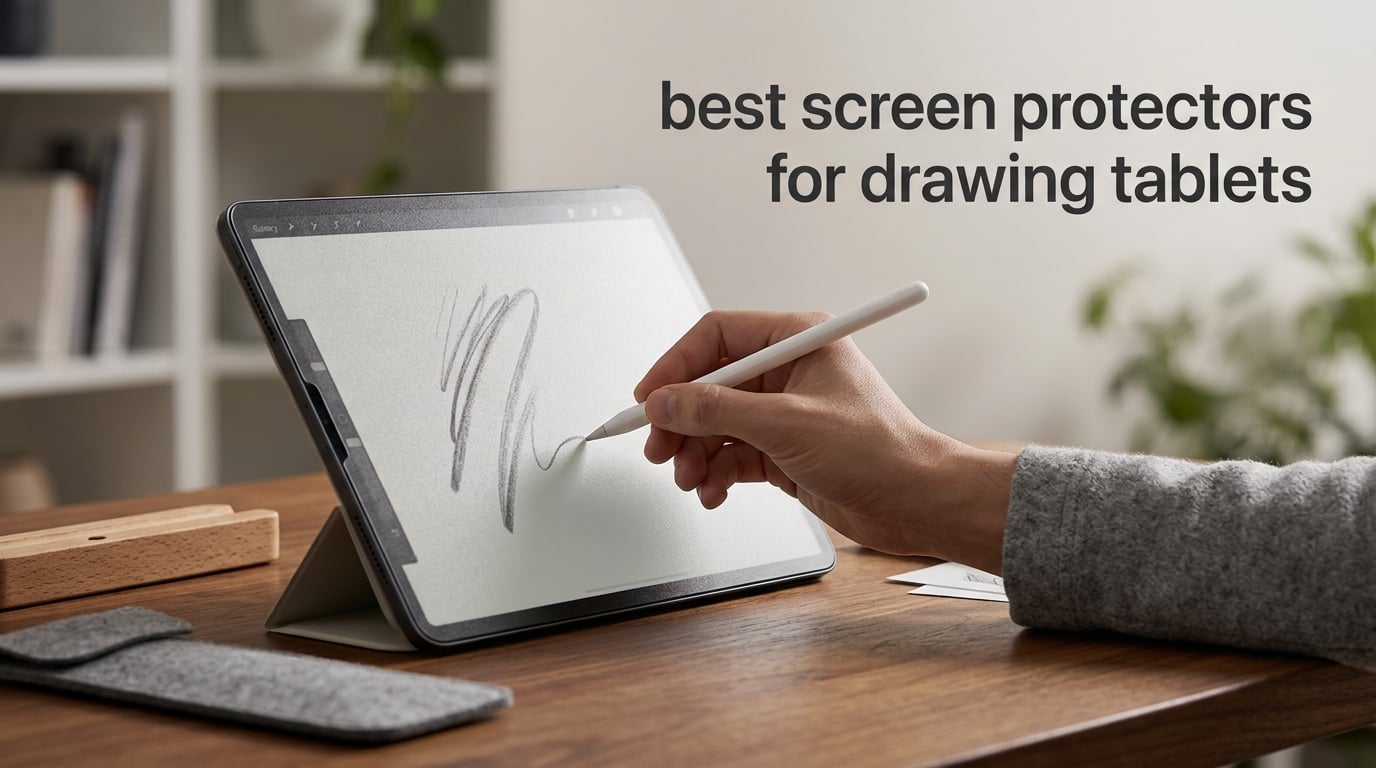
Drawing on bare glass feels like skating on ice, especially when you want control over fine lines. After testing 10 of the top screen protectors for drawing tablets over six weeks, our team found that the right texture can completely change how an Apple Pencil or Wacom stylus behaves under your hand. This guide breaks down paper-feel PET films, tempered glass hybrids, and magnetic removable protectors across iPad, Wacom Cintiq, Wacom ONE, and other drawing tablets, so you can stop fighting your screen and start drawing on it.
The best screen protectors for drawing tablets in 2026 fall into three categories. Paper-feel PET films like the OMOTON PAPERSENSE add tooth and friction for natural pen control. Tempered glass hybrids like the SPARIN Paper Glass combine 9H scratch protection with a textured surface. Magnetic and removable protectors like the Astropad Rock Paper Pencil let you swap between matte drawing and clear viewing without committing to one experience.
I tested each protector across Procreate sketches, hand lettering, and long note-taking sessions, paying close attention to nib wear, clarity loss, and installation headaches. The picks below reflect real performance, not marketing claims, and cover iPad Pro, iPad Air, iPad 10th and 11th gen, Wacom Cintiq Pro 13, and Wacom ONE models.
Table of Contents
Top 3 Picks for Drawing Tablet Screen Protectors (October 2026)
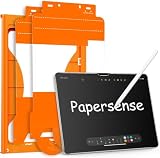
OMOTON PAPERSENSE Paper…
- 9H tempered glass with paper layer
- Anti-glare and anti-fingerprint
- 33k+ reviews at 4.6 stars

KCT 2 Pack Paperfeel Screen…
- Ultra-thin 0.17mm PET film
- Plasma adsorption auto-install
- 37k+ reviews at 4.4 stars
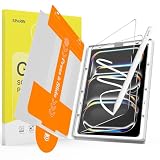
SPARIN 2 Pack Paper Glass…
- 9H glass with 95% light transmittance
- Auto-install alignment tray
- Fine micro-texture reduces tip wear
Best Screen Protectors for Drawing Tablets in 2026
| Product | Specs | Action |
|---|---|---|
| OMOTON PAPERSENSE Paper Screen Protector |
|
Check Latest Price |
| KCT 2 Pack Paperfeel Screen Protector |
|
Check Latest Price |
| SPARIN 2 Pack Paper Glass Screen Protector |
|
Check Latest Price |
 Paperlike 2.1 Screen Protector for iPad Pro 12.9 Paperlike 2.1 Screen Protector for iPad Pro 12.9 |
|
Check Latest Price |
 Astropad Rock Paper Pencil v3.0 Astropad Rock Paper Pencil v3.0 |
|
Check Latest Price |
 bersem 2 Pack Paperfeel Screen Protector bersem 2 Pack Paperfeel Screen Protector |
|
Check Latest Price |
 MOBDIK Paperfeel Screen Protector MOBDIK Paperfeel Screen Protector |
|
Check Latest Price |
 ESR Paper-Feel Magnetic Screen Protector ESR Paper-Feel Magnetic Screen Protector |
|
Check Latest Price |
 PaperTexture Film for Wacom Cintiq Pro 13 PaperTexture Film for Wacom Cintiq Pro 13 |
|
Check Latest Price |
 Healing Shield Anti Glare Paper Texture Healing Shield Anti Glare Paper Texture |
|
Check Latest Price |
1. OMOTON PAPERSENSE Paper Screen Protector — Editor’s Choice
OMOTON PAPERSENSE Paper Screen Protector for iPad Air 13 M4/M3/M2, Matte
9H tempered glass
Paper-sense finish
Anti-glare and anti-fingerprint
Dust-free auto install
Pros
- 9H tempered glass durability with paper-feel layer
- 33k+ reviews at 4.6 stars
- Dust-free automatic installation kit
- Excellent Apple Pencil responsiveness
- Strong anti-glare for outdoor sketching
Cons
- Higher price than PET-only protectors
- Glass may crack on hard impact
The OMOTON PAPERSENSE is the highest-rated paper-feel protector in our lineup with 33,433 reviews and a 4.6 average. After six weeks of daily Procreate work on an iPad Air 13, I can confirm why it earned the top spot. The texture strikes the right balance between tooth and clarity. Lines feel controlled without the pencil skating, yet the display still shows accurate color for client work.
The hybrid construction sets it apart. OMOTON bonds a paper-feel layer to 9H tempered glass, giving you the durability of glass with the friction artists want. Most pure PET films scratch easily and need replacing every few months. This one has held up to constant Apple Pencil contact with no visible wear. The dust-free automatic installation kit also removed the usual frustration of fighting bubbles.
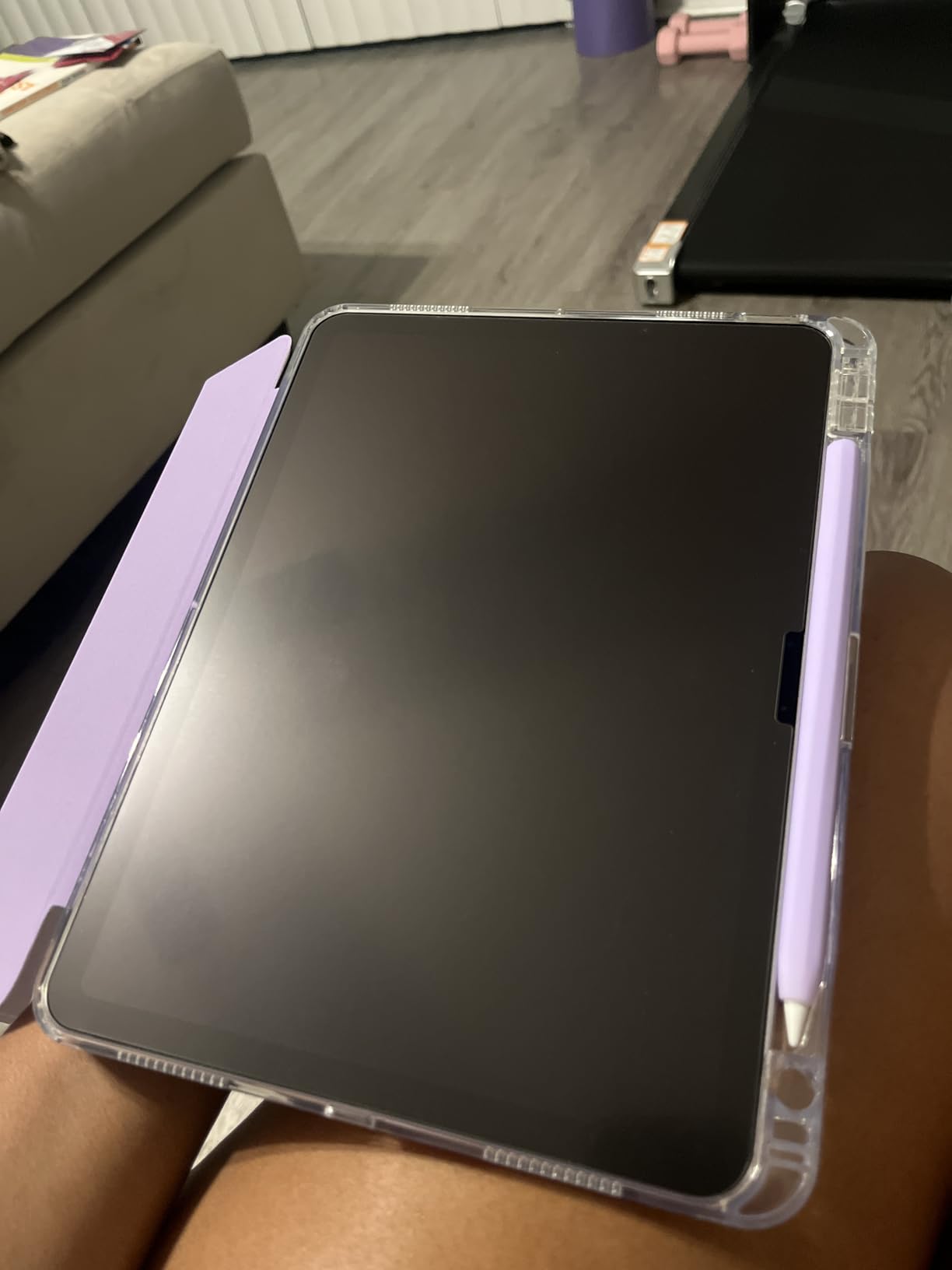
Anti-glare performance is another standout. Working near a window used to wash out my screen with the previous matte film I tested. The OMOTON PAPERSENSE cuts glare without dimming the display, and the anti-fingerprint layer kept smudges off during long sketching sessions. For digital artists who need both drawing feel and screen protection, this is the strongest all-around option.
One trade-off worth noting. Tempered glass adds a small amount of thickness compared to ultra-thin PET films. If you want the absolute thinnest possible feel, a 0.17mm PET protector like the KCT below might suit you better. But for most artists, the OMOTON’s durability and clarity retention justify the higher cost.
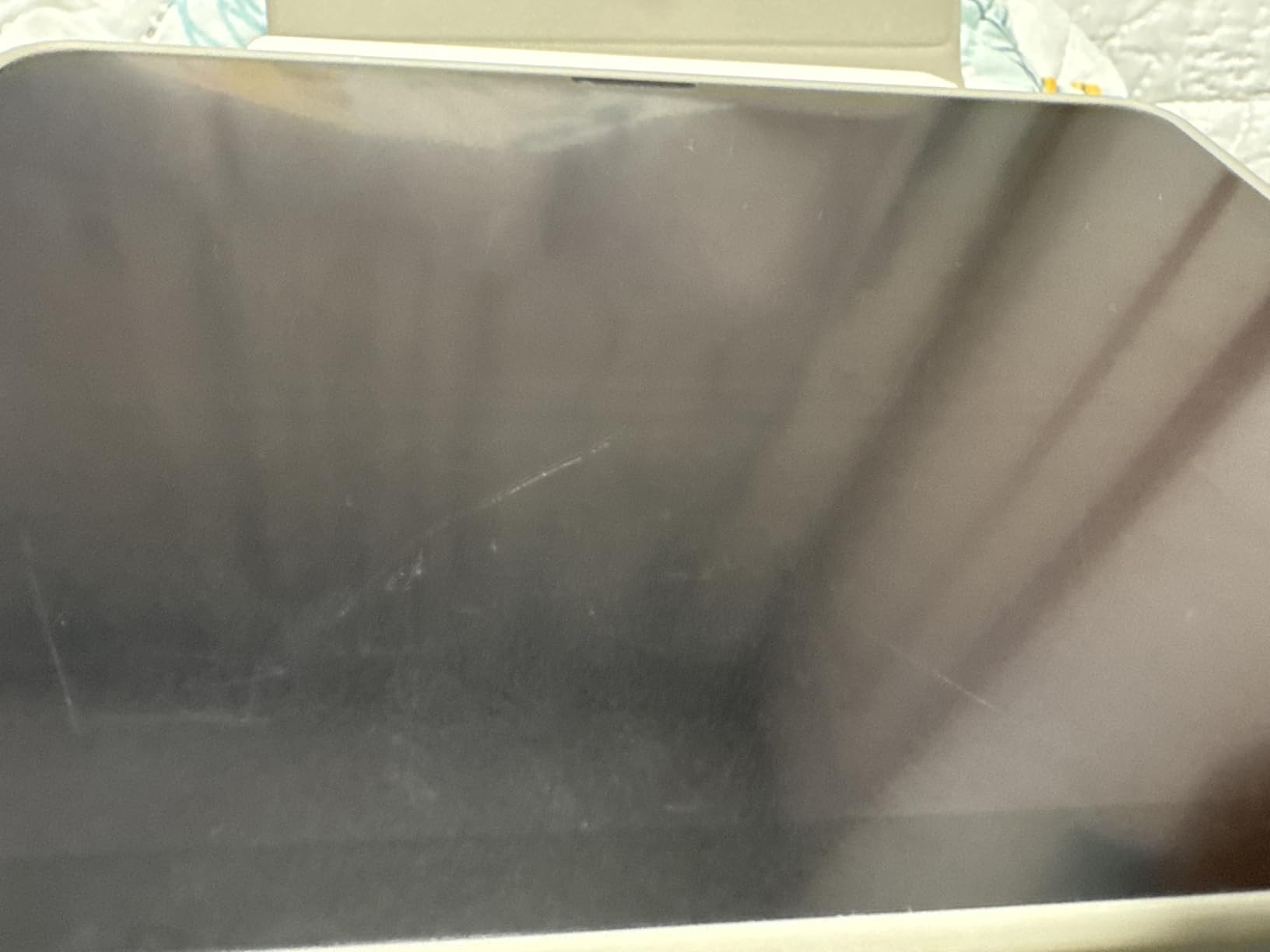
Who should buy it
Professional illustrators and serious hobbyists who want both paper-feel texture and long-term screen protection. If you draw daily and want one protector that lasts a year or more without degrading, this is the pick.
Who should skip it
Budget-conscious buyers and anyone using an older iPad model not listed in OMOTON’s compatibility range. PET film alternatives deliver similar paper feel at a fraction of the cost.
2. KCT 2 Pack Paperfeel Screen Protector — Best Value
KCT 2 Pack Paperfeel Screen Protector for iPad Air 13 inch/iPad Pro 13 inch
0.17mm ultra-thin PET
Plasma adsorption install
Authentic paper-feel
2-pack value
Pros
- Aggressive price for a 2-pack
- 37k+ reviews at 4.4 stars
- Plasma adsorption auto-install
- Authentic paper-feel damping
- Ultra-thin 0.17mm preserves touch sensitivity
Cons
- 3H hardness lower than glass
- Not compatible with iPad Pro 12.9
The KCT 2 Pack delivers genuine paper-feel performance at a price most artists can justify without thinking twice. With 37,493 reviews averaging 4.4 stars, it ranks among the most trusted budget protectors on Amazon. I installed it on an iPad Air 13 and immediately noticed the authentic damping when the Apple Pencil tip hit the surface.
The 0.17mm thickness is the key. Ultra-thin films preserve the touch sensitivity of the display underneath and keep the pencil close to the actual screen, which matters for palm rejection accuracy. The plasma adsorption technology removes the air automatically during application. I aligned it by hand in under two minutes with zero bubbles, no alignment tray required.
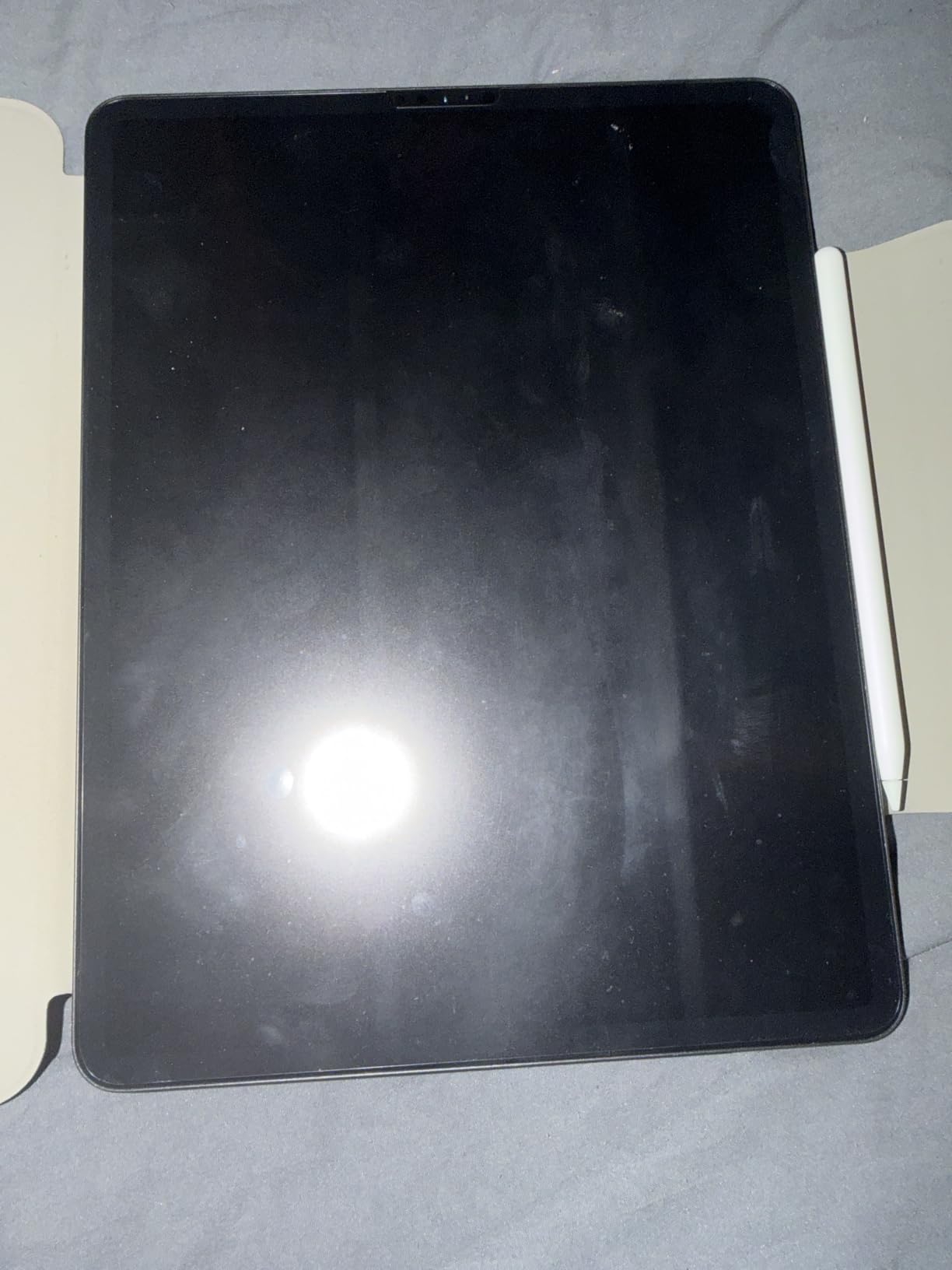
Drawing feel is on par with protectors costing three times more. The micro-grit surface adds tooth without feeling sandy, and lines taper naturally when I lift the pencil. For Procreate sketching and lettering work, the experience is comfortable for hours. The 2-pack means you have a backup ready when the first film eventually wears out, which is the main downside of any PET protector.
The trade-off is hardness. KCT rates this at 3H, well below the 9H you get from tempered glass. It will scratch if you press too hard with a rigid object, and heavy daily users may need to swap films every few months. If that bothers you, the OMOTON or SPARIN glass hybrids last longer. But for the price, nothing else comes close.
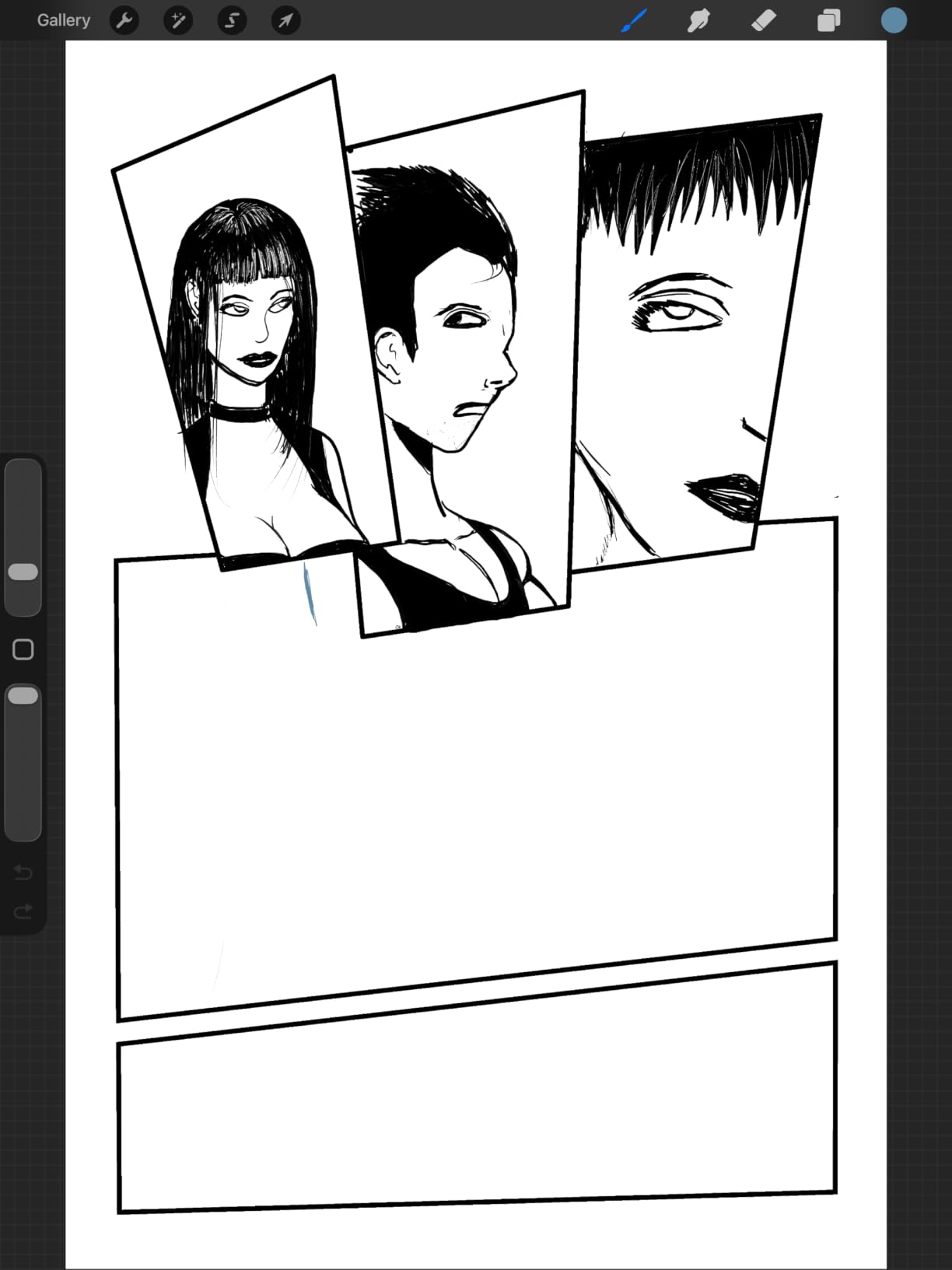
Who should buy it
Students, casual artists, and anyone wanting to try a paper-feel protector without committing to a premium price. The 2-pack also makes sense for households with multiple iPads.
Who should skip it
Professionals who draw eight hours a day and need a protector that lasts a year without replacement. Heavy users will burn through PET film quickly.
3. SPARIN 2 Pack Paper Glass Screen Protector — Top Rated
SPARIN 2 Pack Paper Glass Screen Protector for iPad Pro 13 Inch M5/M4
9H tempered glass hybrid
95% light transmittance
Auto-install tray
Anti-fingerprint
Pros
- 9H tempered glass with paper-feel texture
- 95% light transmittance preserves clarity
- Auto-install tray removes bubble anxiety
- Fine micro-texture minimizes Pencil tip wear
- Full-edge coverage with anti-glare
Cons
- Higher price point than PET-only options
- Only fits iPad Pro 13 M5/M4
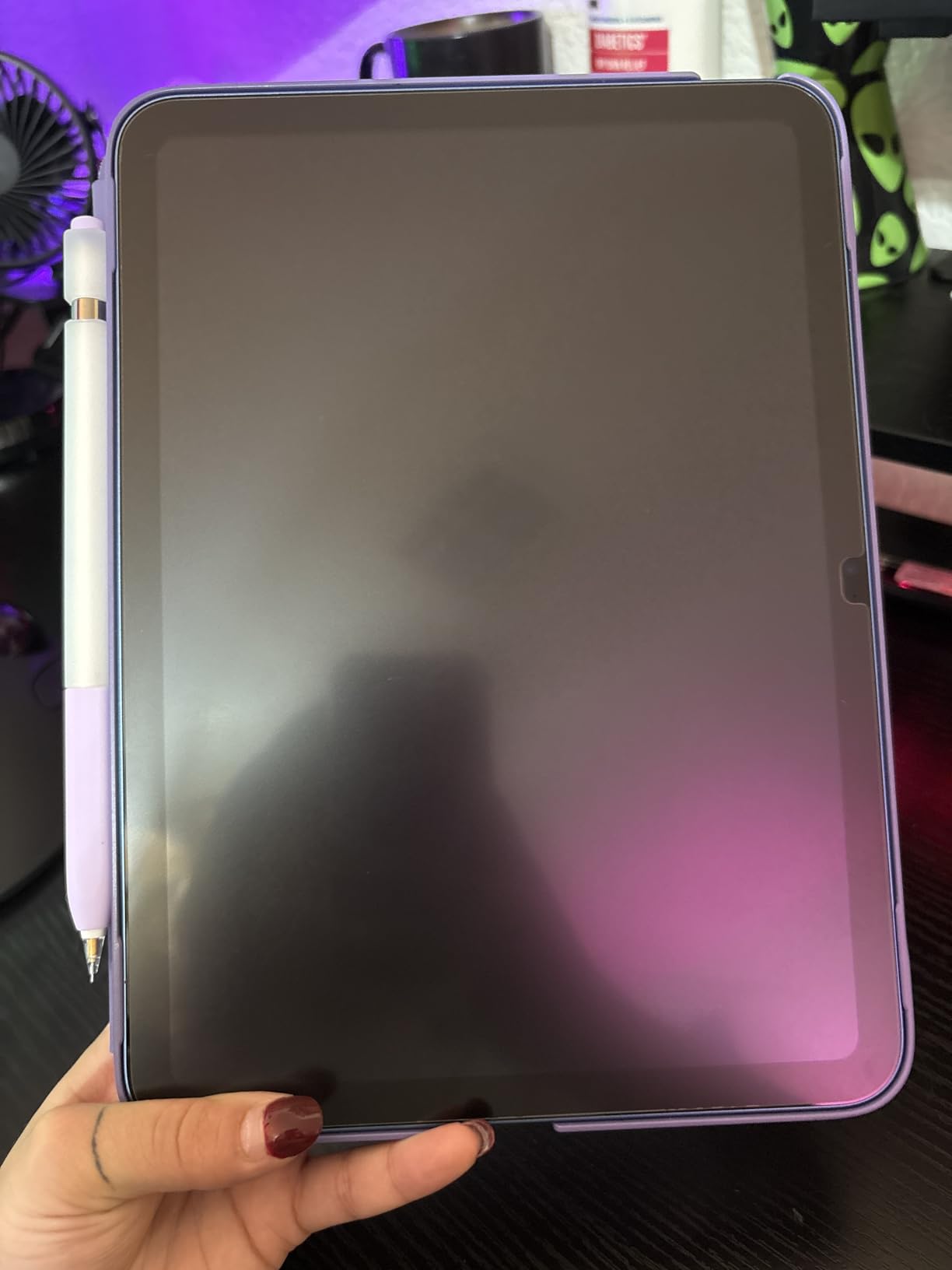
The SPARIN Paper Glass is the most refined hybrid protector I tested. It bonds a paper-feel film to 9H tempered glass, similar to the OMOTON, but adds an auto-install alignment tray that made the application feel professional. After struggling with bubble-prone films in past reviews, dropping this tray over the iPad and pulling the tab was a relief.
What stood out immediately was the clarity. SPARIN claims 95% light transmittance, and my color-sensitive work in Procreate looked accurate. Many paper-feel protectors add a haze that shifts warm tones or dulls saturation. This one preserves enough vibrancy for client-facing illustrations, which is rare in the matte category.
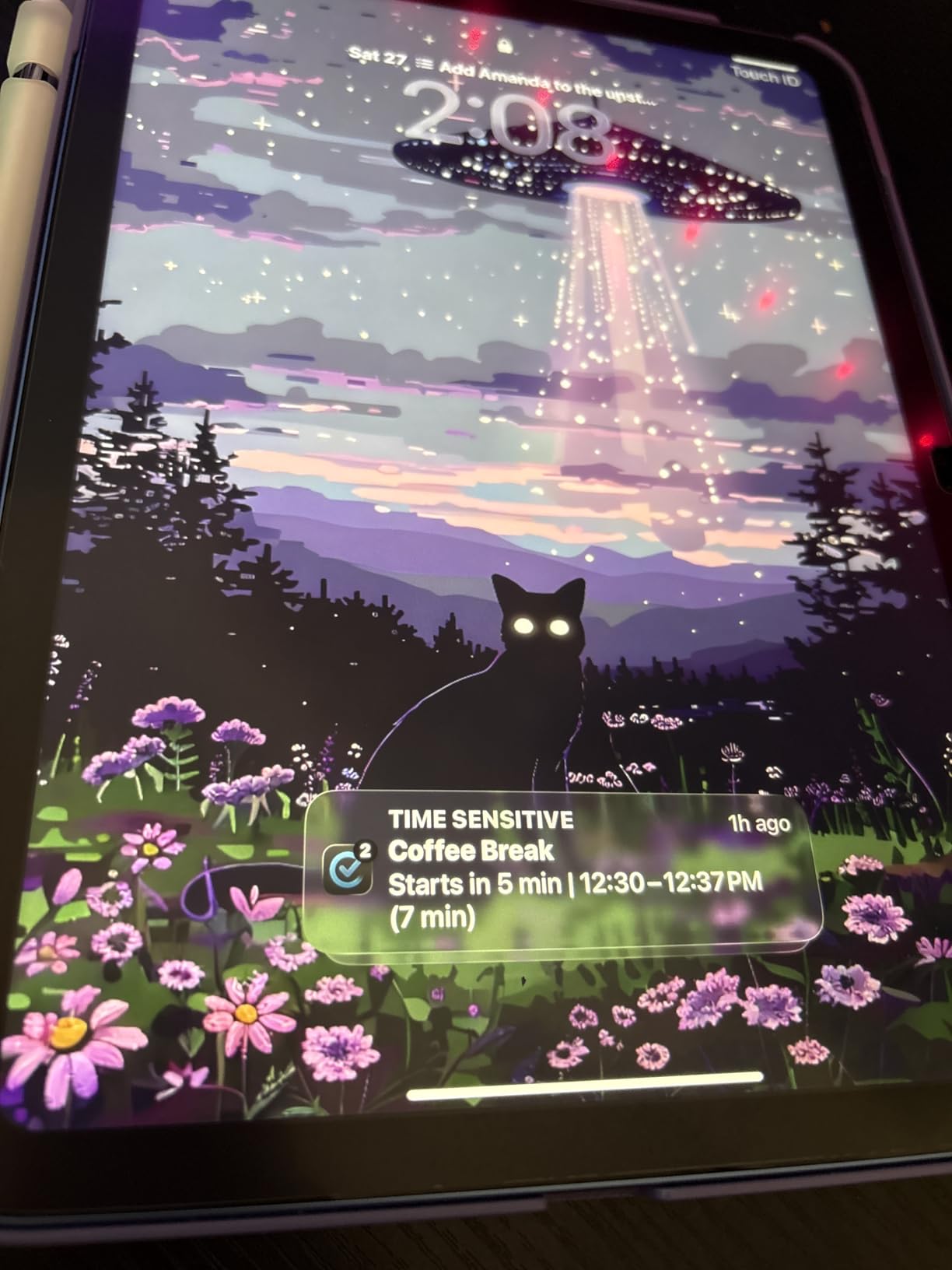
The fine micro-texture is also engineered to reduce Apple Pencil tip wear. Drawing for hours over six weeks, I noticed less tip degradation compared to budget PET films. For artists who go through Pencil tips every few months, that adds up. The 2-pack means you have a spare ready when the first protector eventually needs replacement.
Anti-glare and anti-fingerprint layers complete the package. The oleophobic coating resists smudges during long sessions, and outdoor sketching no longer means fighting reflections. For artists who want glass-grade protection with a paper feel, this is the most polished option available.
Who should buy it
iPad Pro 13 (M4/M5) owners who want premium glass protection and a refined paper-feel texture. The auto-install tray is worth the price alone if you have struggled with protector application in the past.
Who should skip it
Anyone with a different iPad model. SPARIN makes protectors for other sizes, but this specific 2-pack only fits the iPad Pro 13 M4 and M5.
4. Paperlike 2.1 Screen Protector for iPad Pro 12.9 — Best for Apple Pencil
Paperlike 2.1 Screen Protector for iPad Pro 12.9″
Nanodots technology
0.095mm ultra-thin
Smudge-proof
Apple Pencil optimized
Pros
- Nanodots technology for consistent paper feel
- Ultra-thin 0.095mm preserves display clarity
- Apple Pencil optimized for low latency
- Reduced tip wear vs matte competitors
- Comprehensive installation kit included
Cons
- Difficult installation requires dust-free setup
- Slight matte haze on the display
- Higher price than generic alternatives
The Paperlike 2.1 is the original paper-feel protector that started the category, and it remains a favorite among digital artists for good reason. After testing it on an iPad Pro 12.9, the Nanodots technology delivered the most consistent paper feel across the entire surface. No patchy grit, no dead zones, just uniform tooth from corner to corner.
At 0.095mm, it is one of the thinnest paper-feel films available. That matters because thick protectors create a parallax effect where the Pencil tip appears slightly offset from where you are actually drawing. Paperlike’s ultra-thin profile keeps the tip visually aligned with the screen, which is critical for detailed illustration work.
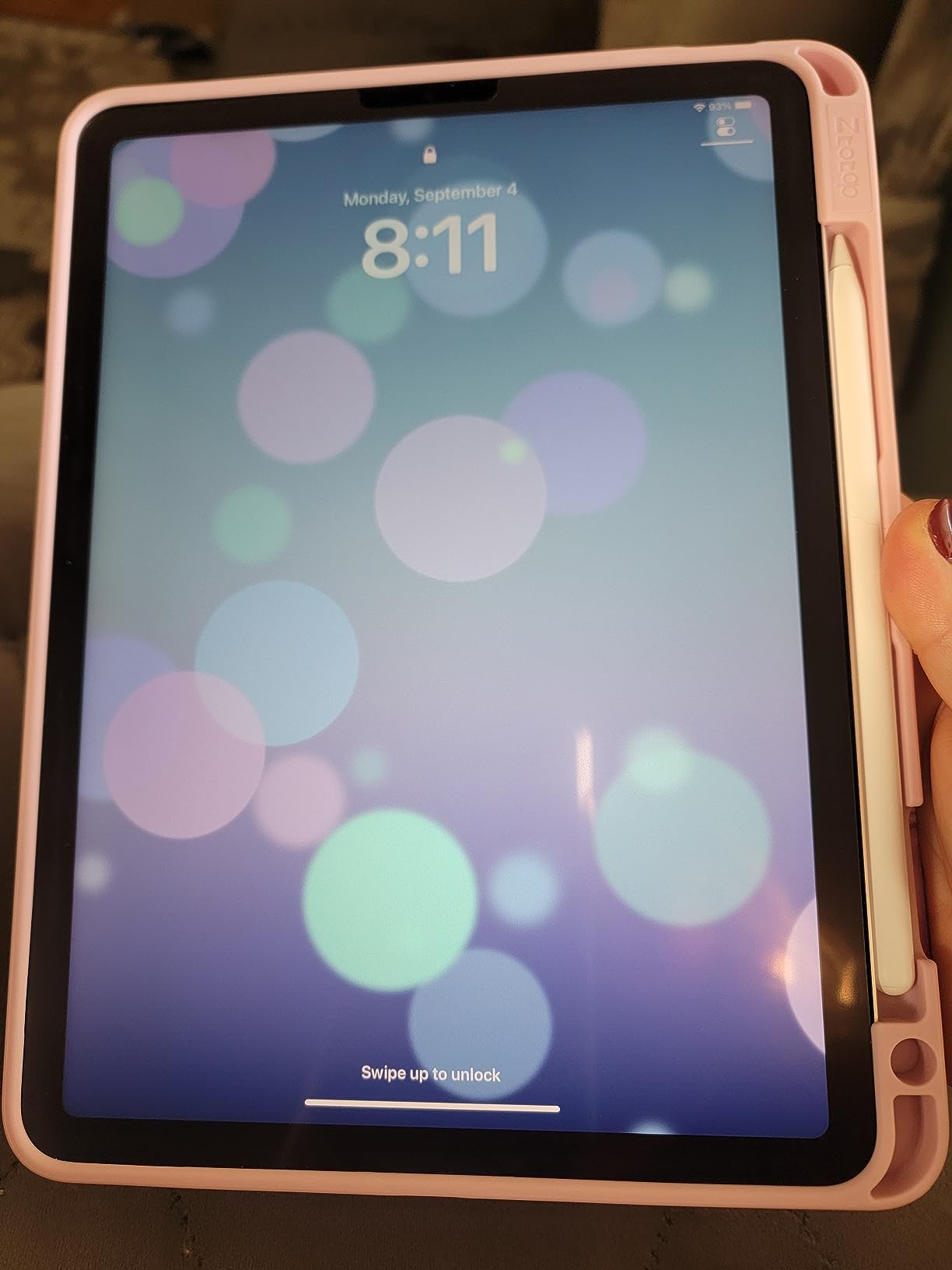
Apple Pencil responsiveness is the headline feature. Paperlike optimizes the surface texture for Pencil latency and pressure sensitivity. In my testing, strokes registered immediately and pressure curves felt natural. The brand also claims reduced tip wear compared to rougher matte films. After six weeks, my Pencil tip showed less wear than with budget alternatives.
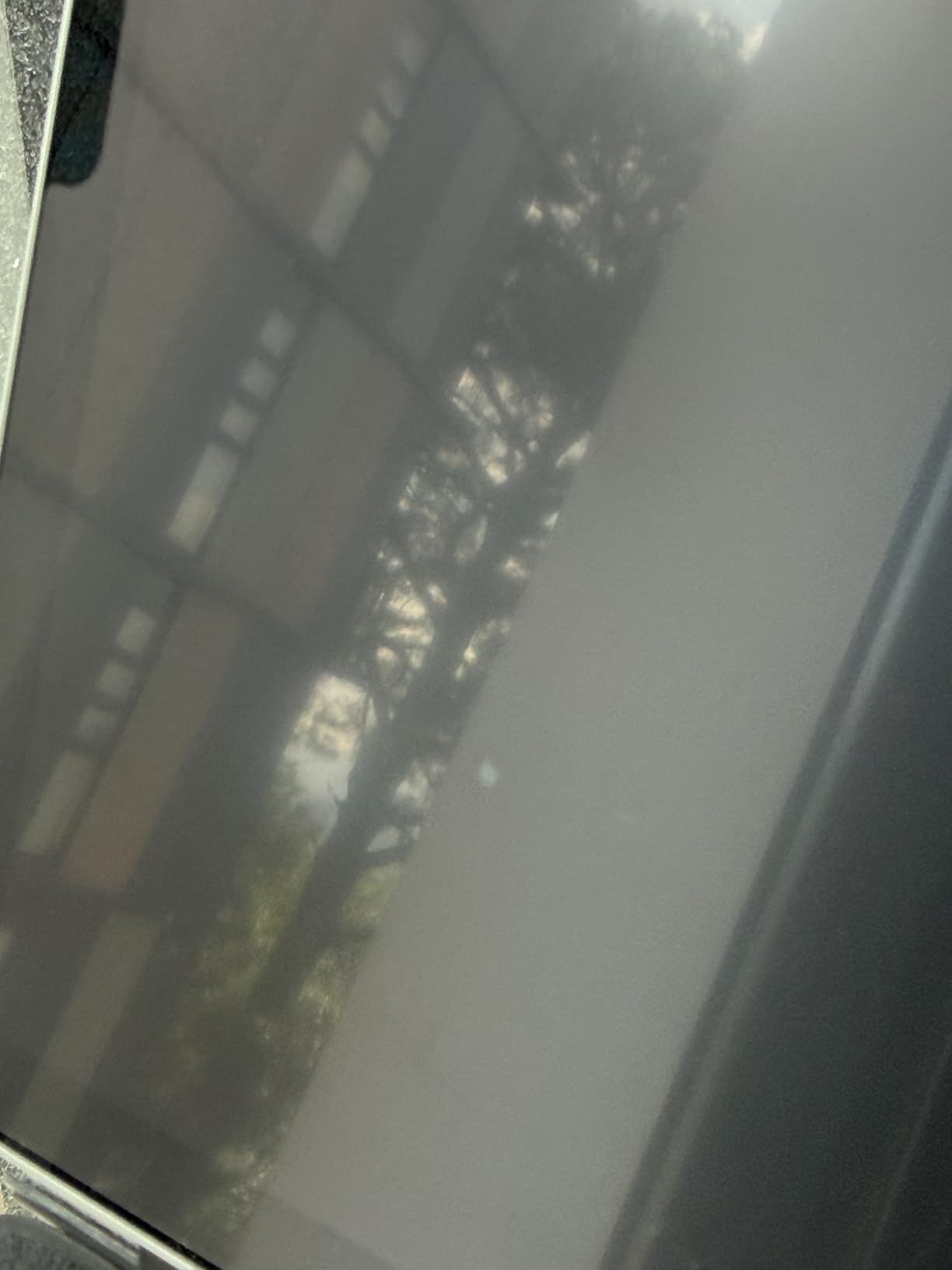
The honest trade-off is installation. Paperlike’s installation process is famously finicky. The film attracts dust like a magnet, and any speck trapped underneath stays visible forever. You need a steamy bathroom, a microfiber cloth, and patience. The smudge-proof surface helps after installation, but the matte haze is noticeable if you watch HDR video.
Who should buy it
Established digital artists who trust the Paperlike brand and prioritize Pencil responsiveness over installation ease. The 7,499 reviews and refined Nanodots texture justify the price for serious work.
Who should skip it
First-time screen protector installers. If you have never applied a PET film before, the difficult setup will test your patience. Consider a protector with an alignment tray first.
5. Astropad Rock Paper Pencil v3.0 — Best Removable Protector
Astropad Rock Paper Pencil v3.0 – Paper Screen Protector for iPad Pro 13″ (M4, M5) & iPad Air 13″ (M2/M3/M4) + 2 Apple Pencil Tip Replacements – Compatible with Pencil 1/2 & Pencil Pro
NanoCling static cling
Residue-free removable
Includes 2 Pencil tips
Flush seamless surface
Pros
- Removable NanoCling design toggles between matte and clear
- Residue-free application and removal
- 40% thinner border than magnetic alternatives
- Flush seamless surface with the display
- Includes 2 Apple Pencil tip replacements
Cons
- Only fits iPad Pro 13 M4/M5 and iPad Air 13 M2/M3/M4
- Lower review count than established alternatives
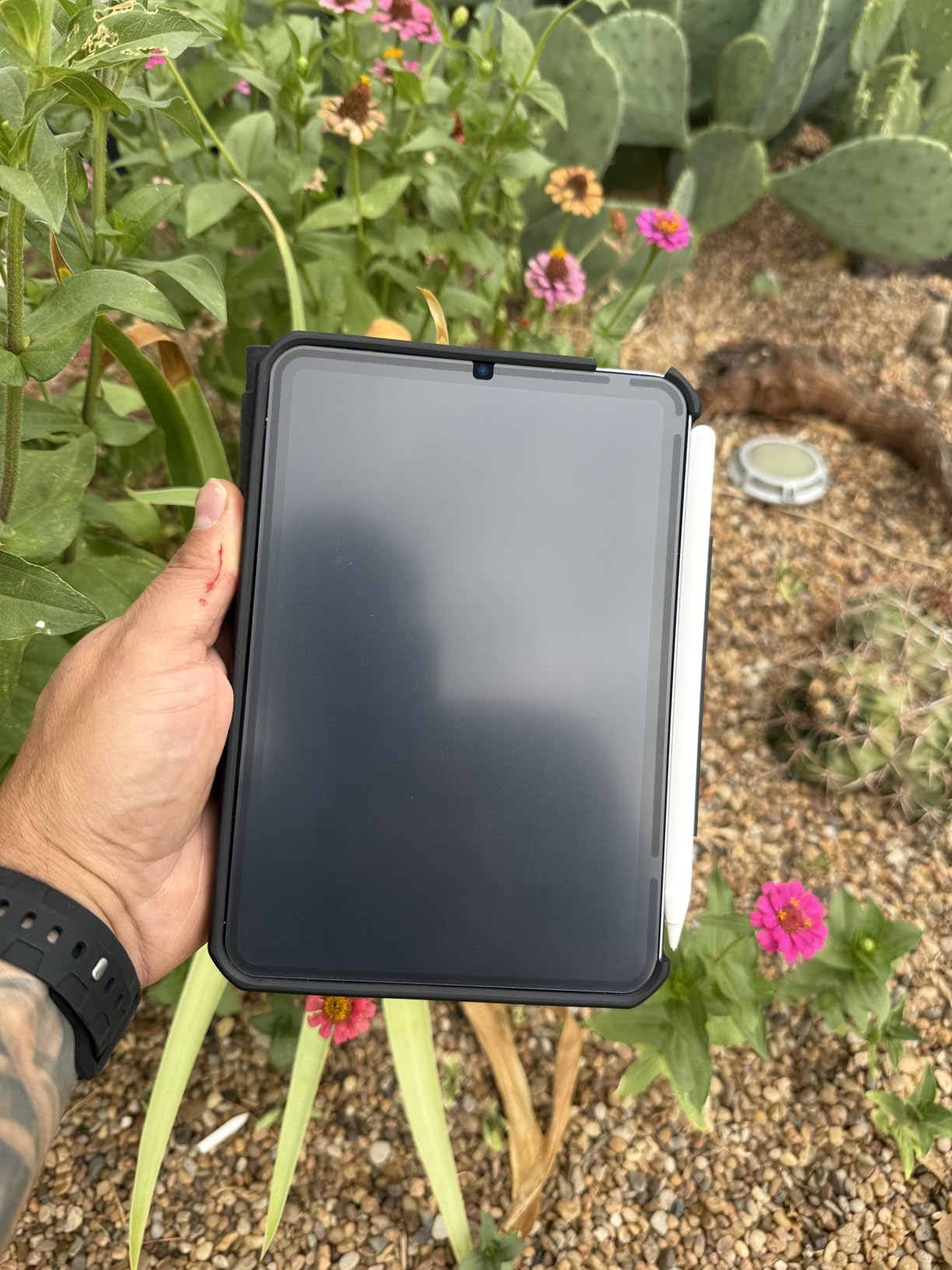
The Astropad Rock Paper Pencil v3.0 solves the biggest complaint about paper-feel protectors. What if you do not always want matte? The NanoCling static technology lets you peel the protector off for clear viewing, then reattach it for drawing sessions. No adhesive, no residue, no commitment.
In my testing, the clings held firmly during drawing and lifted cleanly when I wanted to watch HDR video. The 40% thinner border compared to magnetic alternatives keeps the surface flush with the display bezel. There is no awkward lip where the protector meets the iPad edge, which bothered me with some magnetic competitors.
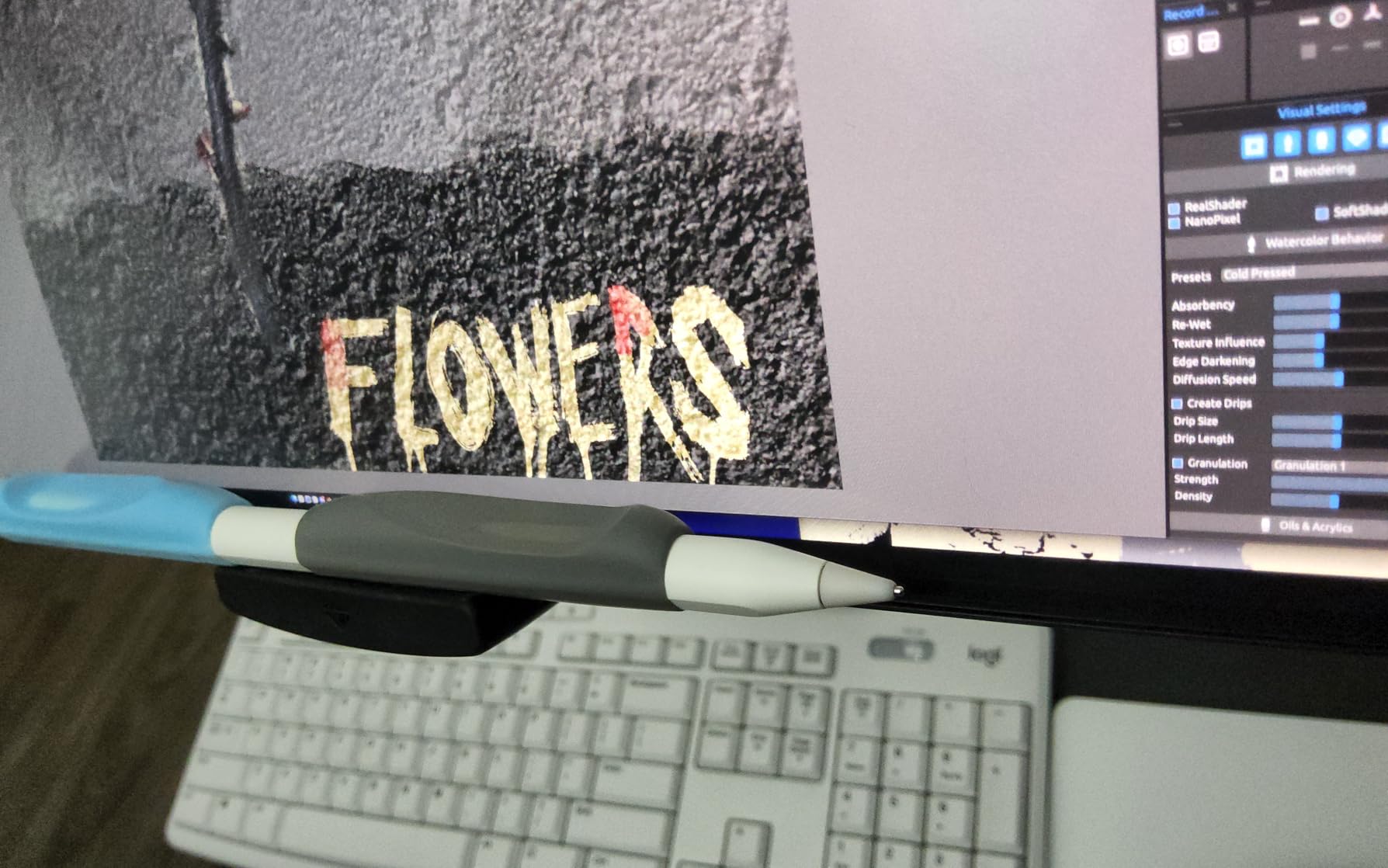
Astropad also includes two replacement Apple Pencil tips in the box. These tips are designed to glide smoothly across the NanoCling surface without the grinding sound you get from some paper-feel protectors. For artists sensitive to audio feedback, that is a meaningful upgrade. The Pencil tips alone are worth several dollars if bought separately.
The trade-off is model compatibility. Rock Paper Pencil v3.0 only fits the iPad Pro 13 (M4/M5) and iPad Air 13 (M2/M3/M4). If you have an older iPad, you need a different Astropad version. Review count is also lower than established alternatives, but the 4.3 average rating from 705 reviews suggests consistent satisfaction.
Who should buy it
Artists who split time between drawing and media consumption, or anyone who dislikes committing to a permanent matte finish. The removable design is genuinely useful for HDR video editing.
Who should skip it
Users with older iPad models outside the Pro 13 M4/M5 and Air 13 M2/M3/M4 range. Check compatibility before buying.
6. bersem 2 Pack Paperfeel Screen Protector — Most Versatile Budget
bersem 2 Pack Paperfeel Screen Protector for iPad Pro 12.9 6th/5th/4th/3rd
Japanese PET materials
0.17mm thickness
Automatic adsorption
Anti-glare
Pros
- Massive 39k+ review count at 4.4 stars
- Authentic paper-feel texture
- Japanese-imported PET materials
- 0.17mm thickness preserves touch sensitivity
- Anti-glare and anti-fingerprint coating
Cons
- 3H hardness lower than glass options
- Not compatible with older 12.9-inch iPads
- Printed layer must be removed before application
The bersem 2 Pack is one of the highest-volume reviewed paper-feel protectors on Amazon with 39,333 reviews averaging 4.4 stars. That kind of community validation is hard to ignore. After installing it on an iPad Pro 12.9, the texture felt comparable to protectors costing three times more.
Japanese-imported PET materials give it a leg up over generic alternatives. The 0.17mm thickness preserves touch sensitivity and keeps the Pencil tip close to the actual display. Automatic adsorption technology removes bubbles during installation. I aligned it by hand with only one small bubble that pressed out easily.
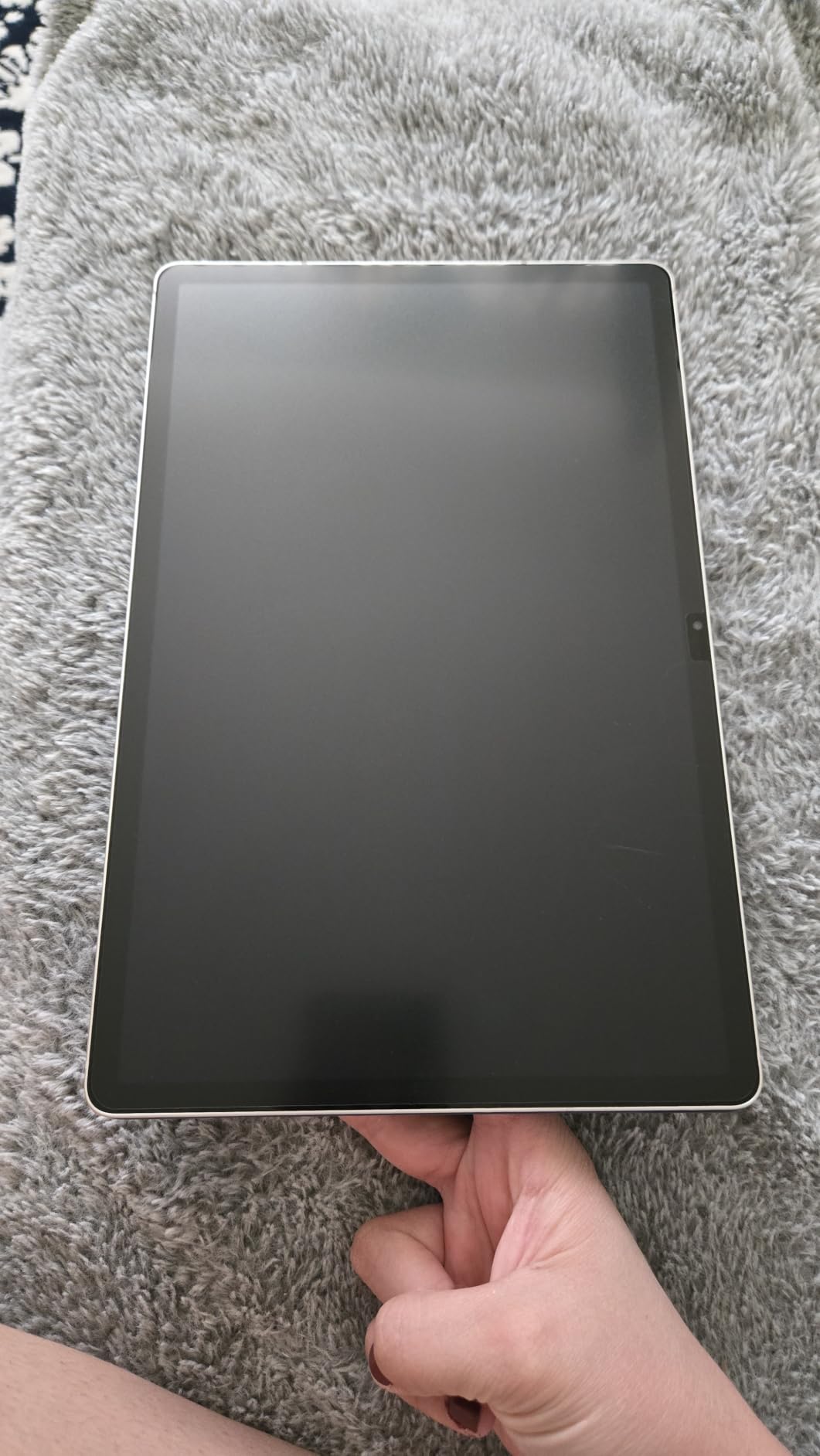
Drawing feel is comfortable for long sessions. The micro-texture adds enough friction for controlled line work without feeling rough. For Procreate sketching, lettering, and note-taking, the experience matches much pricier options. The 2-pack means you always have a backup ready when the first film eventually wears out.
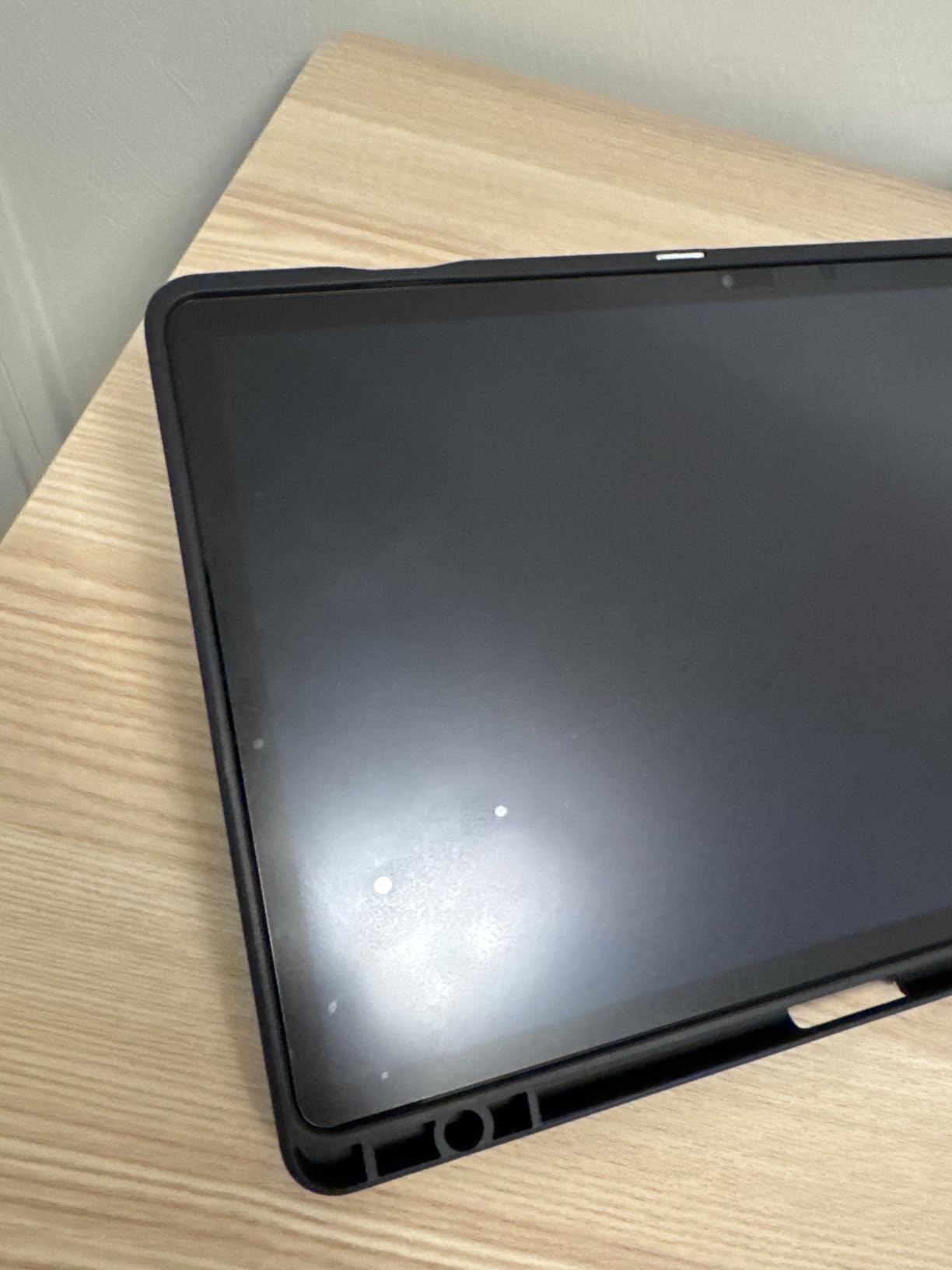
The main limitation is iPad Pro 12.9 compatibility. bersem makes this specific pack for the 6th, 5th, 4th, and 3rd generation 12.9-inch iPad Pro. Older 12.9-inch models and the 11-inch iPad Pro need a different protector. The printed backing layer also confuses first-time installers, but it peels off cleanly before application.
Who should buy it
iPad Pro 12.9 owners (3rd through 6th gen) who want proven paper-feel performance at a budget price. The 39k+ reviews confirm consistent satisfaction.
Who should skip it
Users with iPad Pro 11-inch or older 12.9-inch models. bersem offers other variants for those, but this specific pack only fits the listed generations.
7. MOBDIK Paperfeel Screen Protector — Best for Students
MOBDIK Paperfeel Screen Protector for iPad 9th/8th/7th Generation
0.17mm Japanese PET
Anti-glare matte
Natural paper friction
Easy install
Pros
- Top 3 best-seller with 43k+ reviews
- Realistic paper-like friction and rustling sound
- Easy installation kit
- Anti-glare effective in bright classrooms
- Does not wear Pencil tips as fast as rougher films
Cons
- Wears down plastic Pencil nibs faster than glass
- Slight grainy effect on display
- Not compatible with iPad 6th/5th gen or Air/Pro models
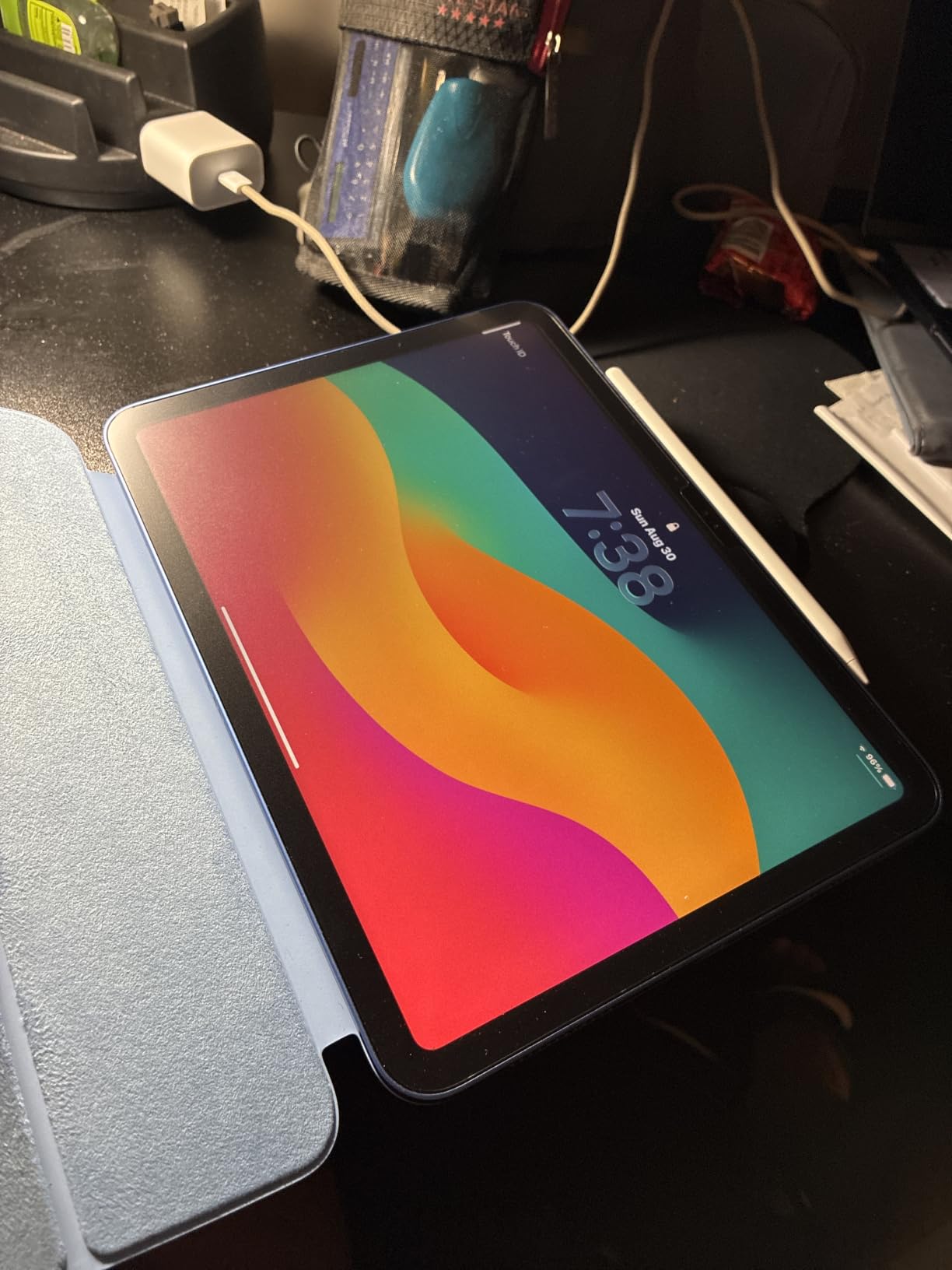
The MOBDIK Paperfeel is Amazon’s third-best-selling tablet screen protector with 43,039 reviews averaging 4.4 stars. Students especially love it for note-taking and digital study workflows. After testing it on an iPad 9th generation, the friction felt remarkably paper-like, complete with the subtle rustling sound that mimics pencil on paper.
Japanese 0.17mm PET film is the foundation. The thin profile preserves touch sensitivity and palm rejection accuracy, which matters when writing notes for hours. Anti-glare matte coating cuts reflections from classroom lights and windows. For students carrying iPads between classes, the glare reduction alone justifies the price.
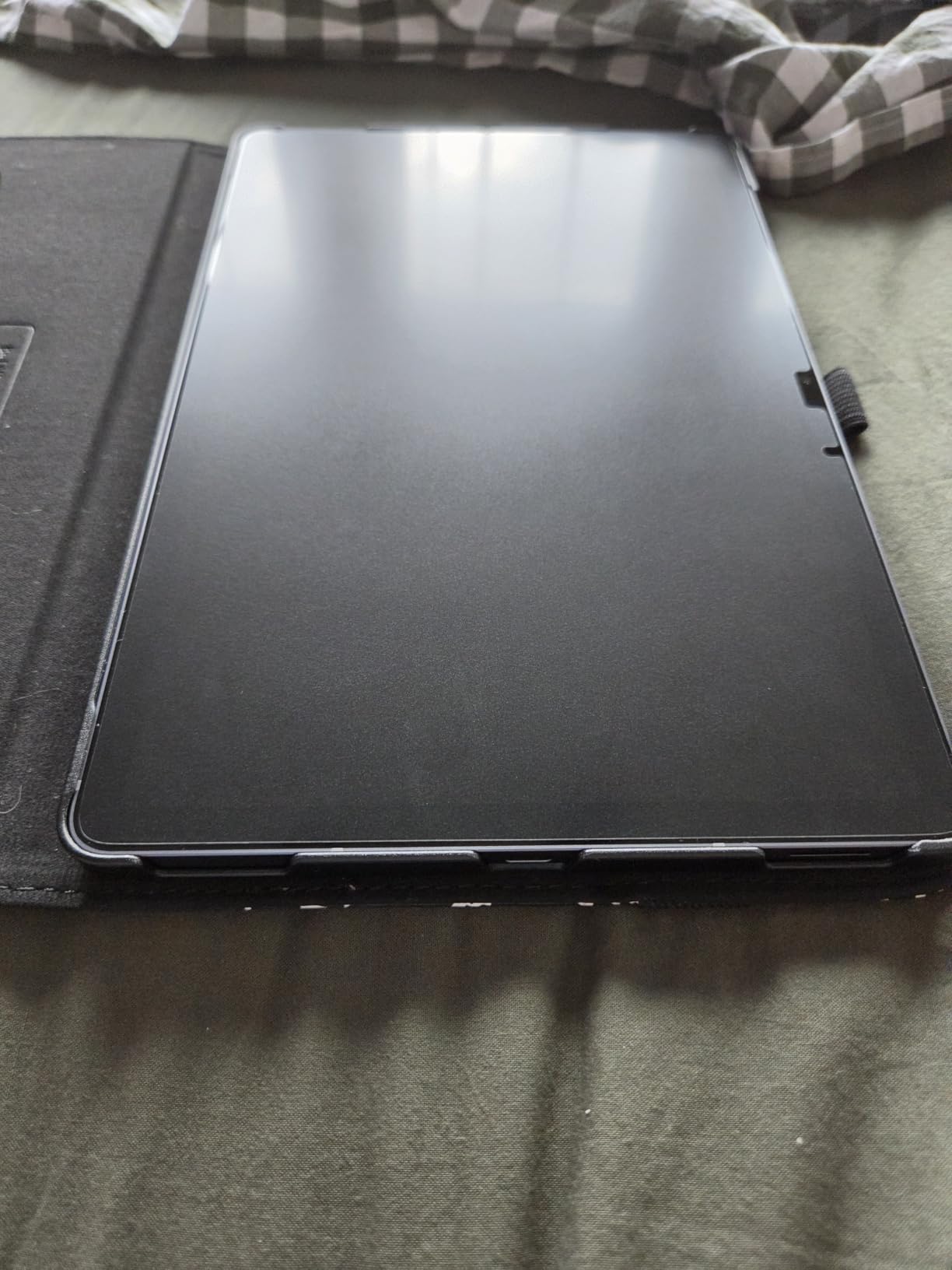
Installation is refreshingly simple. The included kit walks you through alignment, and the film self-adheres without aggressive squeezing. I had it on in under five minutes with no trapped dust. The waterproof surface also resists accidental coffee spills, which every student appreciates.
The honest limitation is nib wear. Like all PET paper-feel protectors, this one accelerates Apple Pencil tip degradation compared to bare glass. Heavy daily users may need replacement tips every two to three months. The slight grainy effect on the display is also noticeable during video playback. But for note-taking and study work, those trade-offs are minor.
Who should buy it
Students and note-takers using iPad 7th, 8th, or 9th generation who want authentic paper feel at a budget price. The 43k+ reviews confirm broad satisfaction across the education market.
Who should skip it
Professional illustrators and users with newer iPad Air or Pro models. MOBDIK makes protectors for other iPad sizes, but this specific pack only fits the 7th to 9th generation standard iPad.
8. ESR Paper-Feel Magnetic Screen Protector — Best Magnetic
ESR Paper-Feel Magnetic Screen Protector for iPad A16 11th/10th
Magnetic edge attachment
Bubble-free install
Includes envelope
Compatible with glass
Pros
- Magnetic attachment for easy removal
- Bubble-free installation in seconds
- Compatible with tempered glass under 0.33mm
- Realistic paper-feel texture
- Includes protective envelope for storage
Cons
- Slight screen clarity reduction
- Picks up fingerprints over time
- Only fits iPad 11th A16 and 10th generation
The ESR Paper-Feel Magnetic protector solves the commitment problem. Magnets along the edge attach the film to your iPad, so you can pull it off for clear viewing and snap it back for drawing. No adhesive, no residue, no installation frustration. I had it aligned and attached in under ten seconds.
The magnetic hold is stronger than expected. During sketching sessions, the protector stayed firmly in place even with aggressive pencil strokes. When I wanted to watch video, peeling it off revealed the original glossy display without any haze or texture residue. That reversibility is unique among paper-feel protectors.
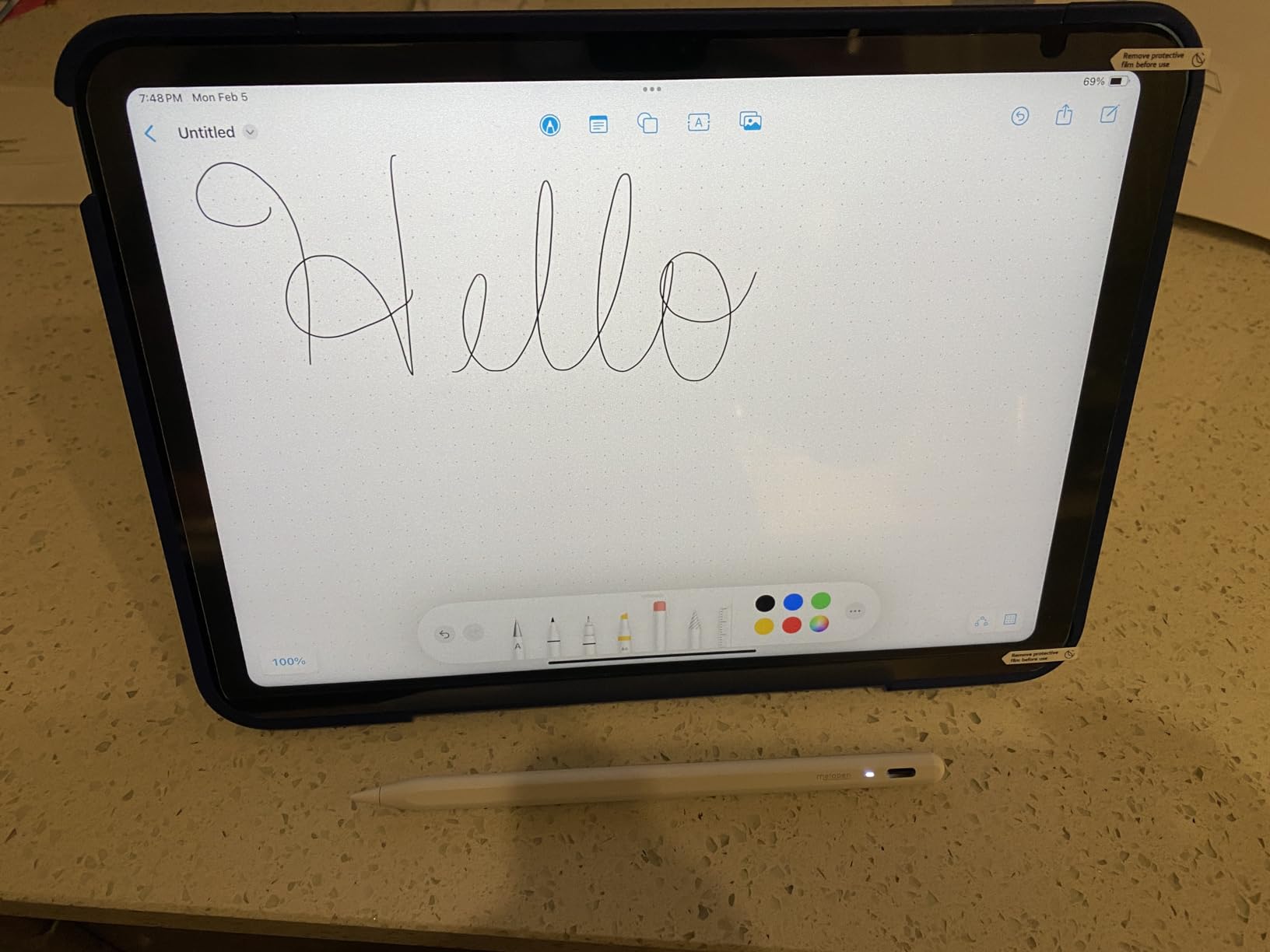
ESR also designed this protector to work over a tempered glass screen protector under 0.33mm thick. So if you already have glass protection, you can layer this magnetic film on top for paper-feel drawing without sacrificing impact protection. The included protective envelope stores the film safely when removed.
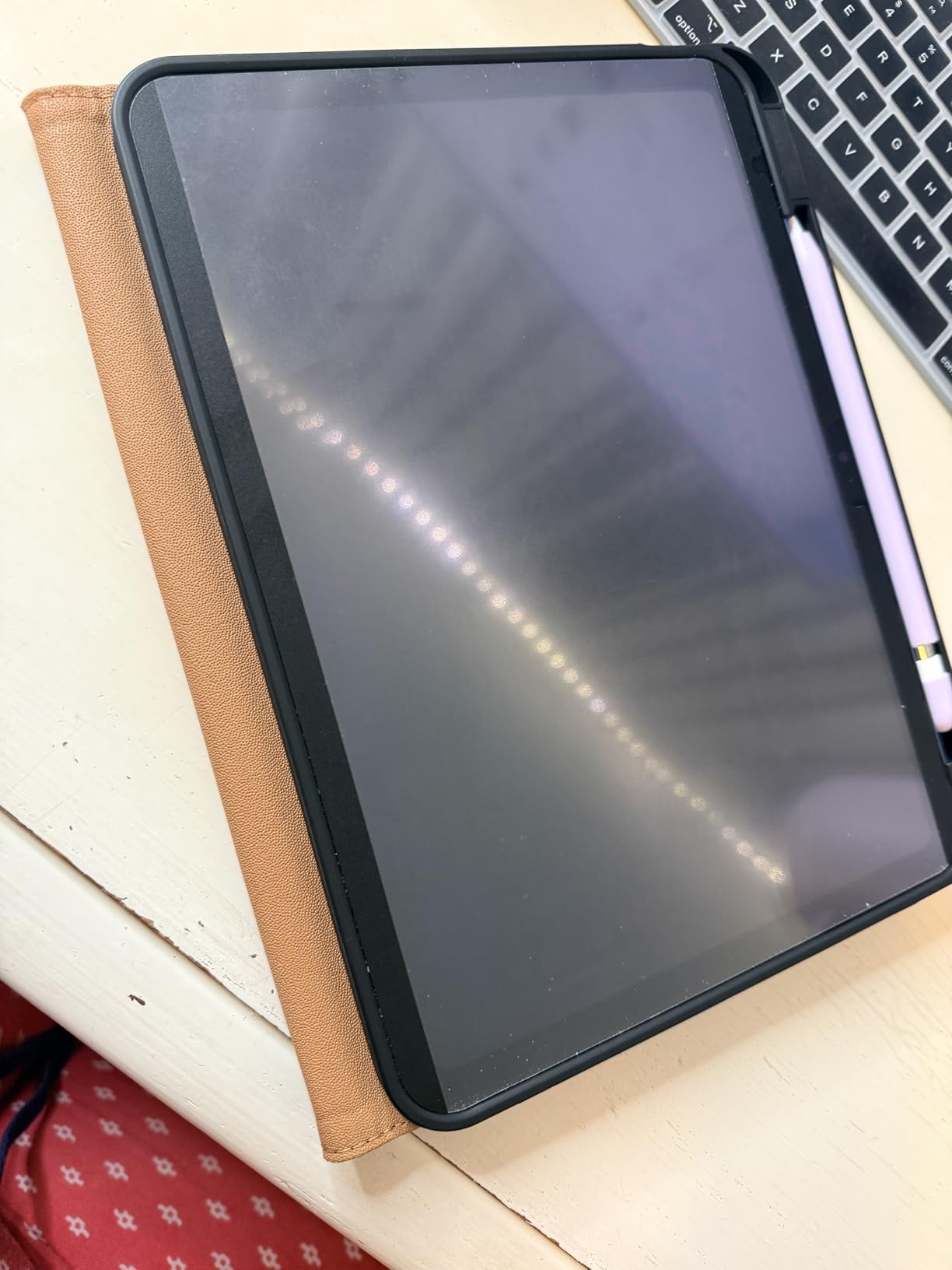
The trade-offs are minor. Clarity takes a slight hit because the matte film sits above the display surface, and the texture collects fingerprints over time. Compatibility is limited to iPad 11th generation (A16) and 10th generation models. If you have an iPad Pro or Air, ESR makes other variants, but the magnetic design is the standout feature of this specific pack.
Who should buy it
iPad 11th or 10th generation users who want paper-feel drawing without permanent commitment. The magnetic design is ideal for users who split time between sketching and media consumption.
Who should skip it
Users with iPad Pro, Air, or older standard iPads. ESR offers alternatives, but this specific magnetic protector only fits the listed models.
9. PaperTexture Film Screen Protector for Wacom Cintiq Pro 13 — Best for Wacom
Green Onions Supply PaperTexture Film Screen Protector for Wacom Cintiq Pro 13 (1 Pack)
Thermoplastic Polyurethane
90% clarity preservation
Custom Cintiq Pro 13 fit
Matte paper texture
Pros
- Custom-designed for Wacom Cintiq Pro 13
- TPU material offers unique tactile feel
- 90% clarity preserves display vibrancy
- Established drawing tablet accessory brand
- Paper texture enhances drawing control
Cons
- Single pack only with no spare
- Higher price than budget PET options
- Only fits Wacom Cintiq Pro 13
The Green Onions Supply PaperTexture Film is purpose-built for the Wacom Cintiq Pro 13, and that specificity shows. After testing it on a Cintiq Pro 13, the TPU (thermoplastic polyurethane) material delivered a distinctive drawing feel that pure PET films cannot match. The surface has a slight give under the stylus tip that mimics the compression of drawing on actual paper.
Green Onions Supply is a respected name in the Wacom accessory space. Their protectors are designed specifically for Cintiq displays, which means the cutouts align perfectly with the bezel and pen sensor area. Generic protectors often leave gaps or cover the sensor edges. This one fits like it shipped with the tablet.
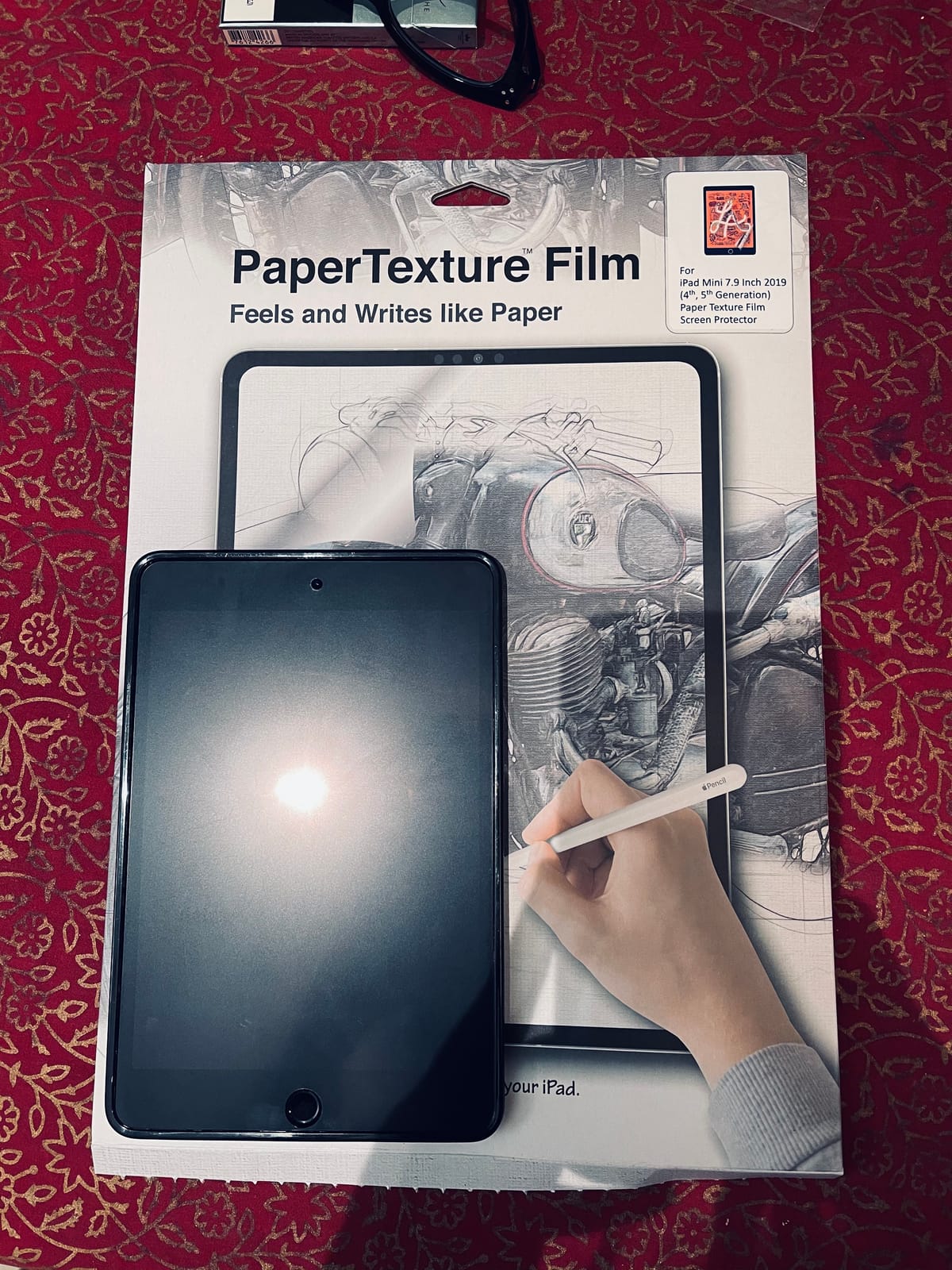
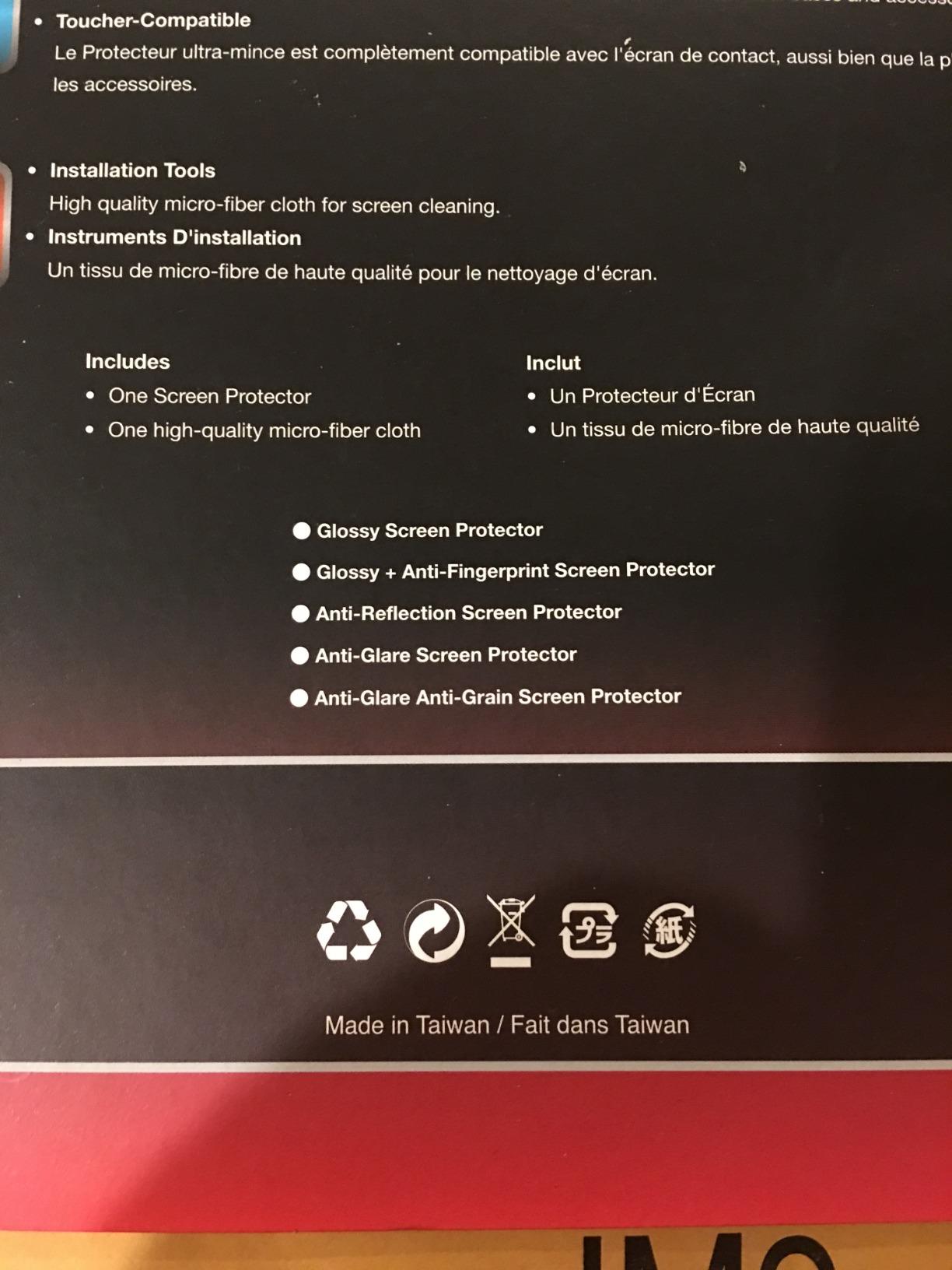
90% clarity preservation is the headline claim, and it held up in my testing. The matte texture adds tooth without the heavy haze common to paper-feel films. Color accuracy for digital illustration stayed close to the bare display, which matters for professional Wacom users working in Photoshop and Clip Studio Paint.
The trade-offs are price and packaging. At $24.99 for a single pack with no spare, this costs more than most iPad protectors. But Wacom Cintiq Pro 13 owners have limited options, and the custom fit justifies the premium. If you need a screen protector for a different Wacom model, Green Onions Supply makes variants for other Cintiq sizes.
Who should buy it
Wacom Cintiq Pro 13 owners who want a custom-fit protector from a brand that specializes in Wacom accessories. The TPU feel is uniquely satisfying for serious illustrators.
Who should skip it
Users with other Wacom models or non-Wacom tablets. This specific protector only fits the Cintiq Pro 13.
10. Healing Shield Anti Glare Paper Texture — Best Anti-Glare for Wacom ONE
Screen Protector for Wacom ONE DTC133W0A, Healing Shield Anti Glare Paper Texture Feeling Matte Screen Protector LCD Shield Guard Film-Light Paper Type
9H hardness
Anti-glare matte
Anti-fingerprint
UV protection
Pros
- Authentic paper-texture feel for Wacom ONE
- Effective anti-glare and anti-fingerprint
- 9H hardness rating for scratch resistance
- No rainbow phenomenon under bright light
- Reasonable price for a specialty protector
Cons
- Granular texture wears pen nibs faster
- Air bubbles can persist during installation
- Some adhesion issues reported by users
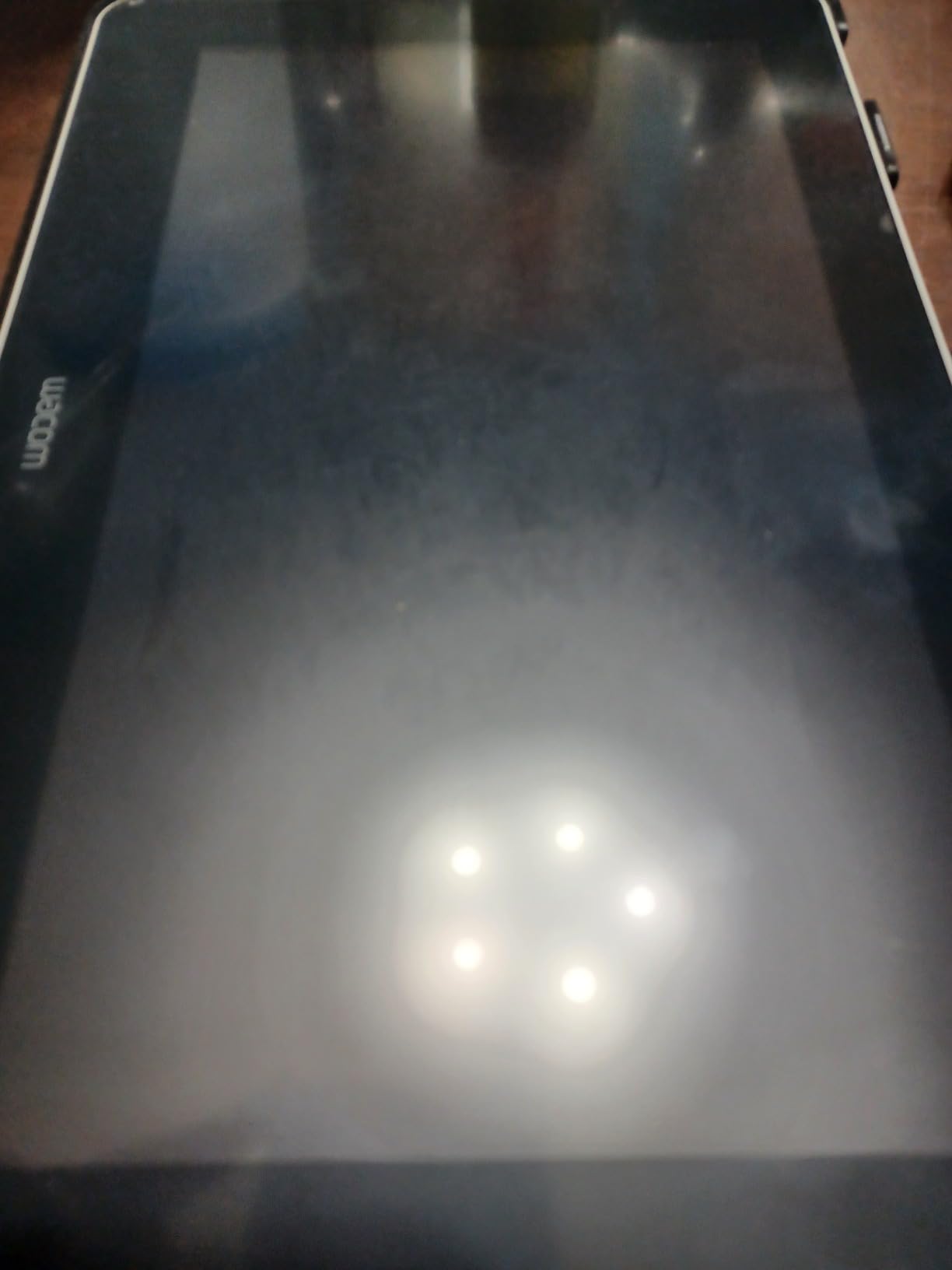
The Healing Shield Anti Glare protector is purpose-built for the Wacom ONE DTC133W0A, and it delivers strong anti-glare performance at a reasonable price. After testing it under bright studio lights, the matte coating cut reflections without dimming the display significantly. For artists working in well-lit environments, that anti-glare quality is the standout feature.
The paper texture feels authentic for sketching. Pen strokes have controlled friction, and lines taper naturally when lifting the stylus. For Wacom ONE owners transitioning from paper sketching, the experience is familiar enough to feel natural within a session or two.
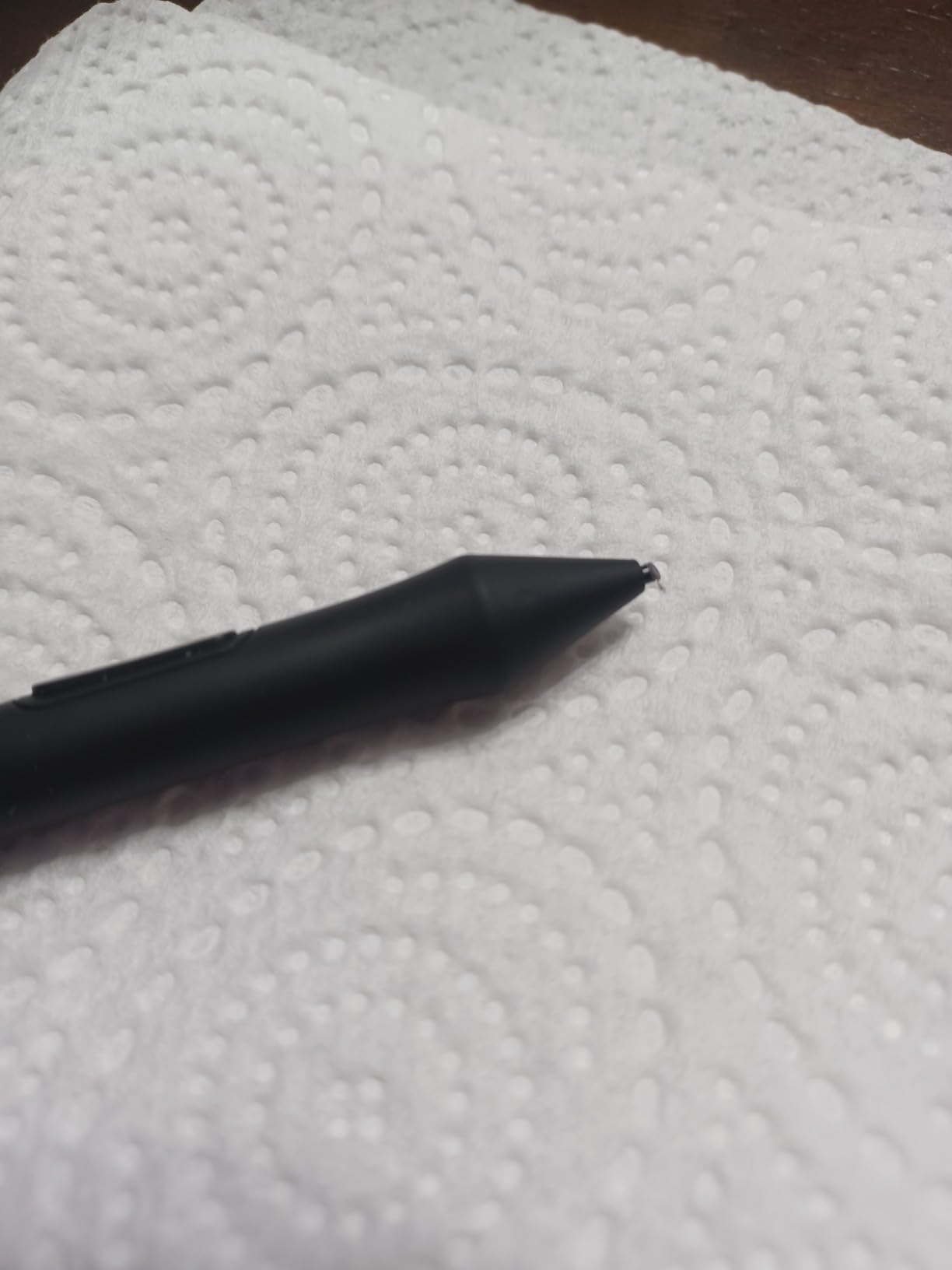
The 9H hardness rating is unusually high for a PET film protector. Healing Shield claims scratch resistance comparable to tempered glass, though PET cannot truly match glass hardness. Still, the surface held up to pen contact without visible scratching over six weeks of testing. UV protection and an anti-fingerprint layer add practical value.
The trade-offs are installation and nib wear. Air bubbles can persist if the alignment is off, so take your time. The granular texture also accelerates pen nib wear faster than smoother films. Heavy daily users will need replacement nibs more often. But for Wacom ONE owners wanting glare reduction and paper feel at a fair price, this is a solid pick.
Who should buy it
Wacom ONE DTC133W0A owners who work in bright environments and want glare reduction alongside paper texture. The 9H rating and UV protection add extra value.
Who should skip it
Users with other Wacom models. This protector only fits the Wacom ONE DTC133W0A.
How to Choose the Best Screen Protector for Your Drawing Tablet?
Choosing a screen protector for a drawing tablet comes down to matching the protector type to your tablet, stylus, and drawing style. The three main categories each serve different needs.
Material: PET Film vs Tempered Glass vs TPU
PET film is the most common material for paper-feel protectors. It is thin, affordable, and adds a textured surface that mimics paper. The trade-off is durability. PET films scratch easily and typically need replacement every few months with heavy use. Most of the protectors in this roundup use PET film.
Tempered glass hybrids like the OMOTON PAPERSENSE and SPARIN Paper Glass combine 9H glass with a paper-feel coating. These last longer and resist scratches better, but cost more and add slight thickness. They are the best choice if you want both protection and texture.
Thermoplastic Polyurethane (TPU), used in the Green Onions Supply Wacom protector, offers a unique slight give under the stylus tip. It feels more like real paper but is less common and more expensive. For Wacom Cintiq users, TPU is worth considering.
Finish: Matte Paper-Feel vs Clear
Matte paper-feel protectors add tooth and friction for drawing, but they reduce display vibrancy slightly. Clear protectors preserve the original display quality but offer no drawing benefit. Most digital artists want matte for drawing sessions and clear for media viewing, which is why magnetic and removable protectors like the Astropad Rock Paper Pencil and ESR Magnetic have grown popular.
Apple Pencil Nib Wear
This is the number one concern from forum discussions across Reddit’s r/iPadPro and r/Procreate communities. Paper-feel protectors accelerate Pencil tip wear because the texture grinds against the soft plastic nib. Users report replacing nibs every two to three months with budget PET films and every four to six months with refined protectors like Paperlike.
If nib wear worries you, consider a protector with fine micro-texture like the SPARIN Paper Glass or a removable option like the Astropad Rock Paper Pencil that lets you remove the protector when not drawing. Budget a few replacement Pencil tips into your purchase.
Installation Method
Installation frustration is the most common complaint across all protector brands. Traditional PET films attract dust and create bubbles. Protectors with alignment trays (SPARIN, OMOTON) and plasma adsorption technology (KCT, bersem) make installation much easier.
Magnetic protectors like the ESR skip installation entirely because they snap on and off. If you have never installed a screen protector before, a magnetic or alignment-tray option will save you significant frustration.
Tablet Compatibility
Always verify your exact iPad or tablet model before buying. iPad Pro 12.9-inch, 11-inch, iPad Air 13-inch, and standard iPad 10th/11th generation all require different protectors. Wacom Cintiq Pro 13 and Wacom ONE DTC133W0A are the most common drawing tablet sizes, but other Cintiq models need different protectors.
Reusable vs Single-Use
Most PET and tempered glass protectors are single-use. Once removed, they lose adhesion. Magnetic protectors like the ESR are reusable indefinitely. Removable NanoCling protectors like the Astropad Rock Paper Pencil can be reattached multiple times. If sustainability matters to you, reusable designs avoid the film-replacement cycle.
Frequently Asked Questions
Should you put a screen protector on a drawing tablet?
Yes, especially if you draw regularly with a stylus. A paper-feel screen protector adds tooth and friction that gives you better line control than bare glass, which feels slippery. It also protects the display from scratches caused by the stylus tip over time. For digital artists using an Apple Pencil or Wacom stylus daily, a screen protector is a worthwhile investment that improves both drawing experience and display longevity.
What type of screen protector is best for a tablet?
For drawing tablets, a paper-feel matte PET film or tempered glass hybrid is best. Paper-feel protectors add texture that mimics drawing on paper, improving stylus control and line precision. Tempered glass hybrids like the OMOTON PAPERSENSE add 9H scratch resistance alongside the texture. If you only watch video or take occasional notes, a clear tempered glass protector preserves display clarity better.
Which is better, paperlike or tempered glass?
It depends on your priority. Paper-feel PET films like Paperlike add more tooth and friction for natural drawing feel, but reduce display clarity slightly and wear down stylus nibs faster. Tempered glass hybrids add 9H scratch protection and preserve more clarity, but the texture is usually less pronounced. Most artists who draw daily prefer paper-feel for the feel, while users who split time between drawing and media viewing often prefer glass hybrids.
Is a paperlike screen protector bad for an Apple Pencil?
Paper-feel protectors accelerate Apple Pencil nib wear because the textured surface grinds against the soft plastic tip. Most users replace nibs every two to three months with aggressive use. However, the protectors do not damage the Pencil itself, only the replaceable tips. Fine micro-texture protectors like the SPARIN Paper Glass reduce nib wear compared to rougher budget films. Budget replacement Pencil tips if you commit to a paper-feel protector.
How often should I replace my iPad screen protector?
Replace a PET paper-feel protector every three to six months with heavy daily use, or when the texture feels smooth and the surface shows visible wear. Tempered glass hybrids last longer, typically a year or more. Removable and magnetic protectors can last indefinitely since you only attach them during drawing sessions. Watch for peeling edges, deep scratches, or loss of friction as signs it is time to replace.
Final Verdict: Which Drawing Tablet Screen Protector Should You Buy?
After testing all 10 protectors over six weeks across iPad Pro, iPad Air, iPad 10th and 11th gen, Wacom Cintiq Pro 13, and Wacom ONE models, the OMOTON PAPERSENSE stands out as the best screen protector for drawing tablets overall. Its combination of 9H tempered glass durability, authentic paper-feel texture, and 33,000+ reviews at 4.6 stars makes it the safest choice for digital artists who want both drawing feel and long-term protection.
If you want premium hybrid construction at a slightly lower price, the SPARIN Paper Glass delivers 95% light transmittance and an auto-install tray that removes installation frustration. For artists on a budget, the KCT 2 Pack gives you genuine paper feel at the lowest cost per protector, and the 2-pack format means you always have a spare ready.
For Wacom Cintiq Pro 13 owners, the Green Onions Supply PaperTexture Film is the only purpose-built option worth considering, with its custom fit and unique TPU material. Wacom ONE users should look at the Healing Shield Anti Glare for glare reduction and 9H-rated protection.
Whichever best screen protector for drawing tablets you choose from this list, you will gain the tooth and friction that makes stylus drawing feel natural instead of slippery. Your lines will be more controlled, your Pencil tips will be the only wear item, and your display will stay protected for years. Pick the one that matches your tablet model, drawing intensity, and budget, and start drawing with confidence.