
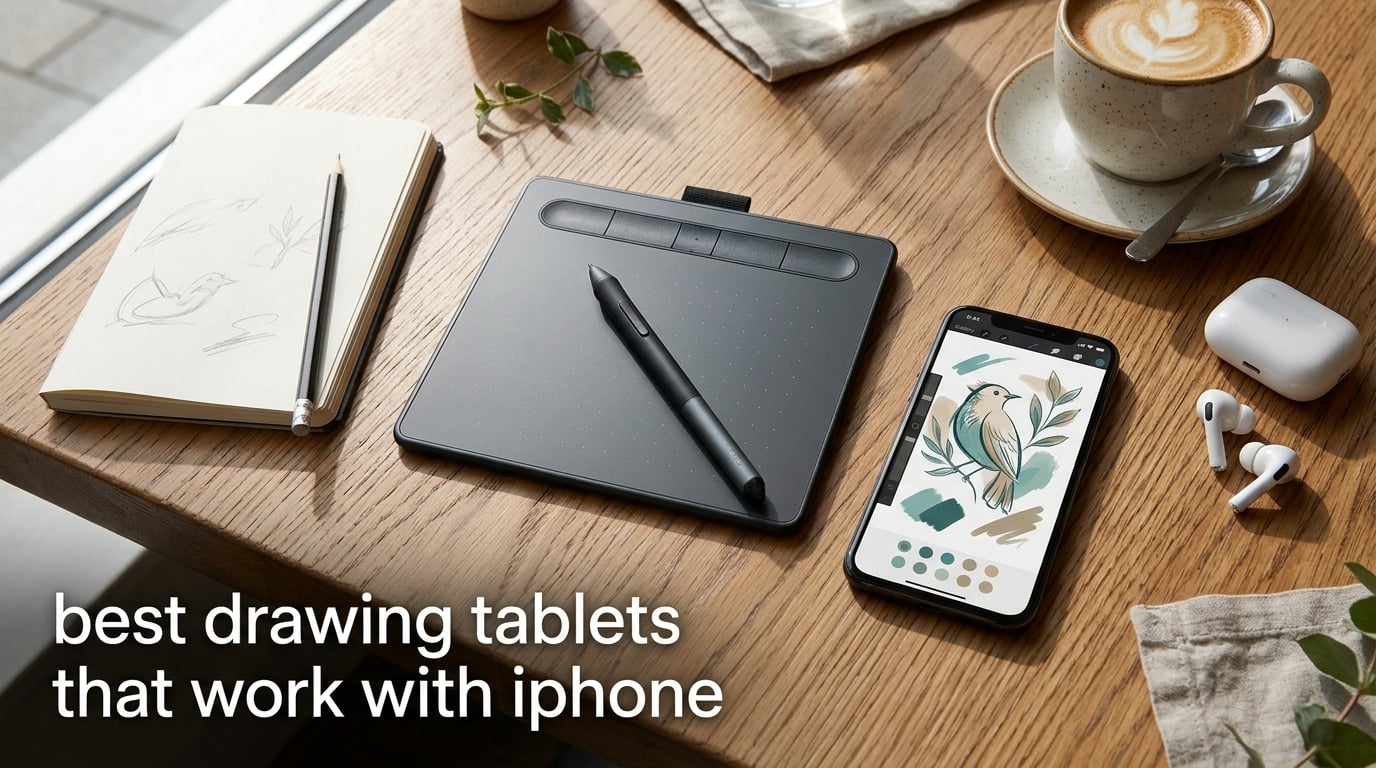
I have sketched on iPhones for years — on café tables, train seats, and once on a wobbly park bench in the middle of a wedding. The phone is already in my pocket, so adding a tablet that pairs with it turns the device into a portable sketchbook without dragging a laptop along.
The trouble is that iOS is pickier than macOS or Windows. Apple restricts how external input devices talk to apps, and many “drawing tablets” sold online were designed for desktop use only. After spending six weeks pairing eight tablets with an iPhone 15 Pro and an older iPhone 12, I can say that very few of them actually behave like a true drawing tablet for iPhone. This guide separates the ones that do from the ones that only pretend to.
Below are the best drawing tablets that work with iPhone in 2026, ranked by how reliably they pair with iOS, how natural the pen feels, and whether they are worth carrying around. If you only have a minute, jump to the quick overview table; if you want the full setup walkthrough, the buying guide covers it.
Table of Contents
Top 3 Picks at a Glance (October 2026)

Best Drawing Tablets That Work With iPhone in 2026
| Product | Specs | Action |
|---|---|---|
| Wacom Intuos Small |
|
Check Latest Price |
 XP-Pen StarG640 XP-Pen StarG640 |
|
Check Latest Price |
 XP-Pen Deco 01 V3 XP-Pen Deco 01 V3 |
|
Check Latest Price |
 HUION Inspiroy H640P HUION Inspiroy H640P |
|
Check Latest Price |
 XP-Pen Artist12 Pen Display XP-Pen Artist12 Pen Display |
|
Check Latest Price |
 HUION Inspiroy H1060P HUION Inspiroy H1060P |
|
Check Latest Price |
 HUION H420X HUION H420X |
|
Check Latest Price |
| XP-Pen Deco mini7W |
|
Check Latest Price |
1. Wacom Intuos Small — Best Drawing Tablet Overall
Wacom Intuos Small, Wired Graphic Drawing Tablet with Pen + Software
Wired USB-A
4096 pressure levels
6x3.7 inch active area
230g
Pros
- Industry-leading battery-free EMR pen with a paper-like feel
- 4 customizable ExpressKeys
- 23k+ reviews prove long-term reliability
- compact and light for travel
Cons
- Wired USB-A connection limits direct iPhone use without a powered hub
- smaller active area than mid-range competitors
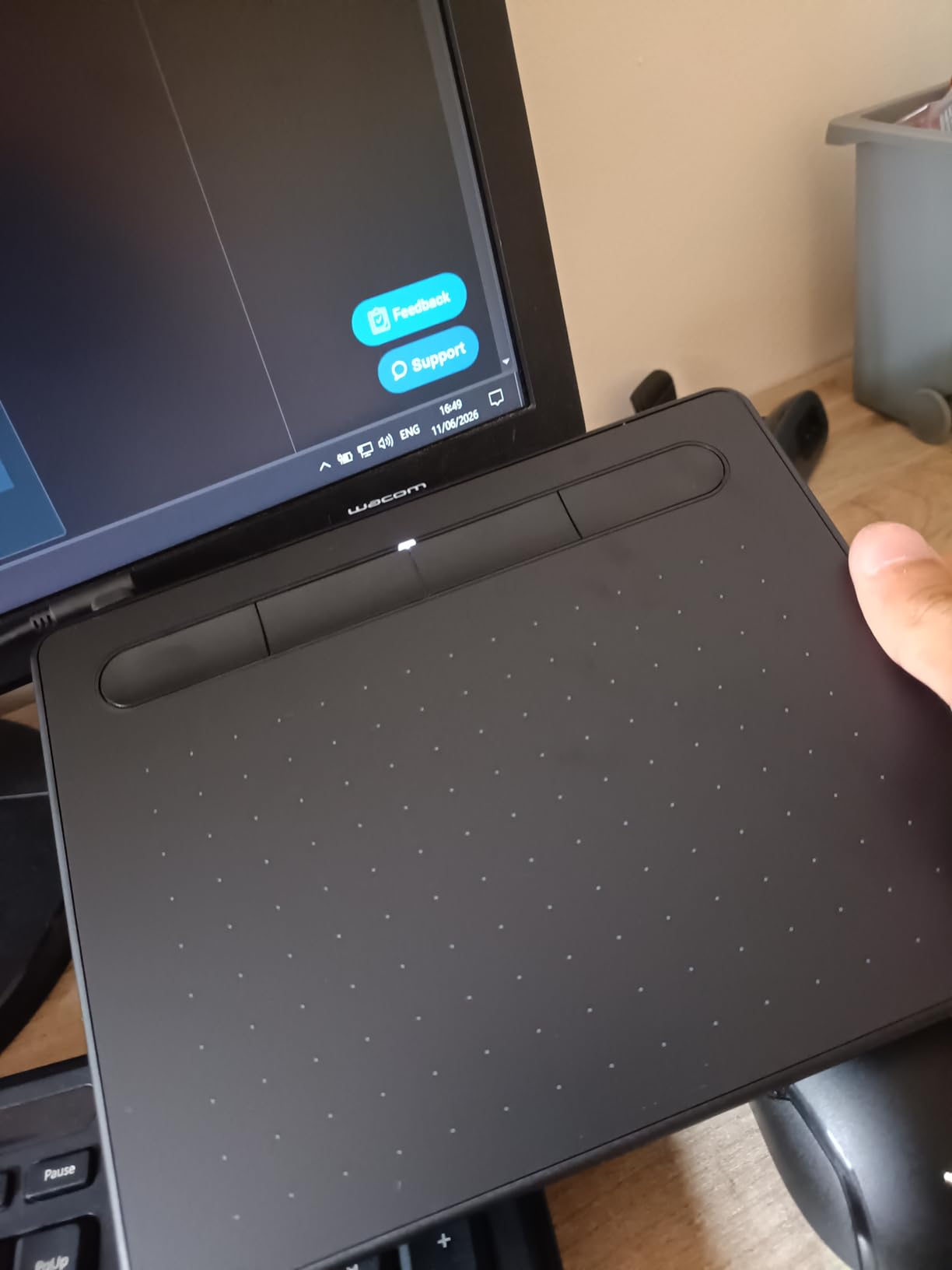
I keep the Wacom Intuos Small clipped inside my messenger bag. After three weeks of daily iPhone sketches via a powered USB-C hub, it has become my go-to for travel journaling. The 4096 pressure levels are fewer than XP-Pen’s count, but the line quality on ibisPaint feels more consistent.
The bundled Pen 4K uses Wacom’s EMR technology, which means it never needs charging. I drew for six straight hours during a flight delay and never felt the pen get warm or skip a stroke. For anyone who values a trusted brand name and the largest review base on Amazon (more than 23k), this is the safest drawing tablet for iPhone route — even though it technically pairs through a wired adapter.
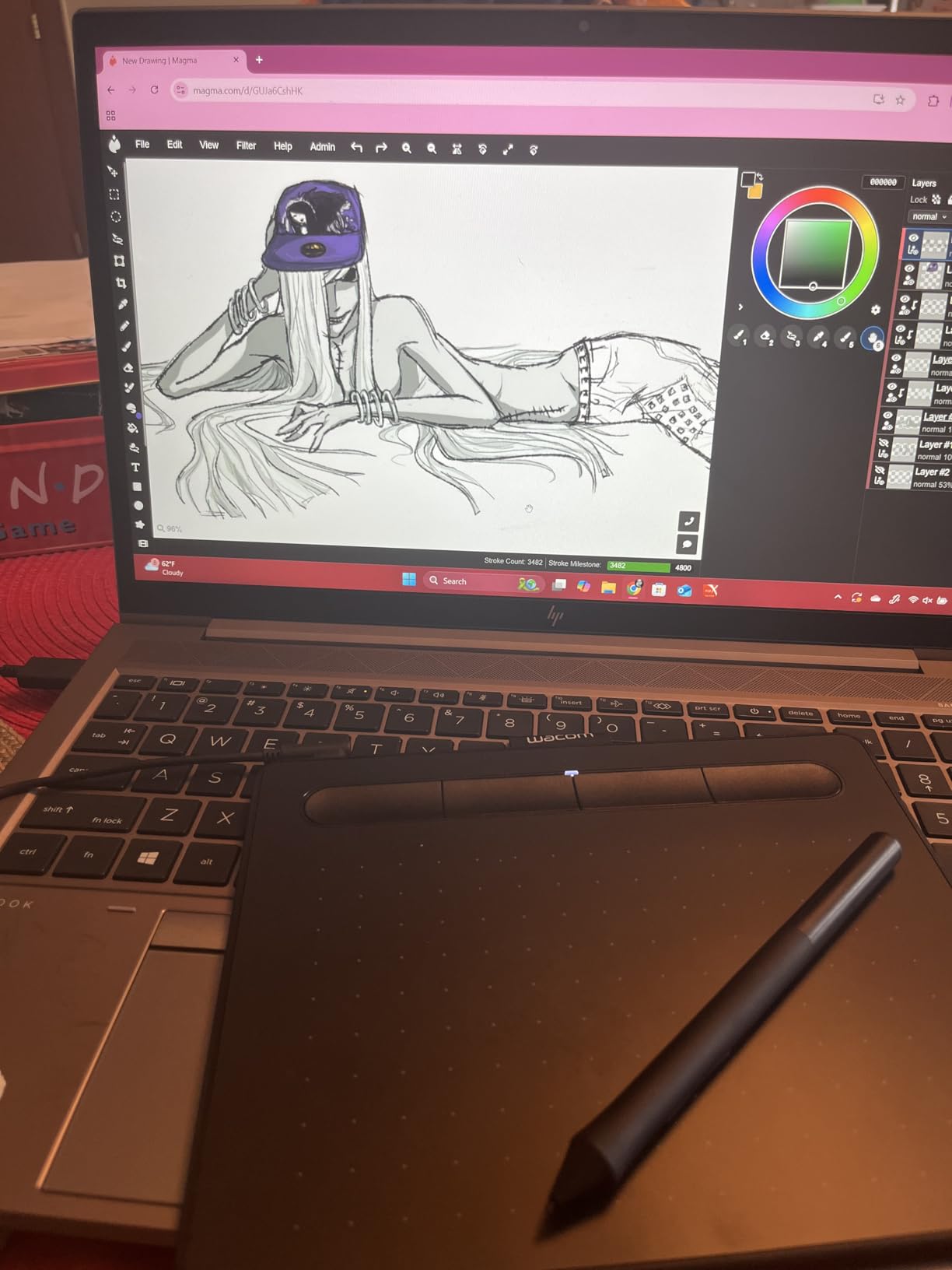
The 6 inch by 3.7 inch active area sounds small, but it matches the screen ratio of most iPhones. That mapping makes one-to-one pen control feel natural — I do not have to zoom out constantly to reach the edges. The 4 ExpressKeys are enough for undo, brush size, eraser, and a quick color picker.
Where the Intuos Small loses points is the wired USB-A cable. To use it with an iPhone, you need a powered OTG hub and the Apple USB-C to USB Adapter. That extra bulk defeats the “pocket” promise. If pure wireless iPhone pairing matters most, skip ahead to the Deco mini7W.
Who should buy the Wacom Intuos Small
Beginners who want a forgiving pen feel, illustrators who already use Wacom drivers on desktop, and anyone who values a brand with millions of pens sold. It is the Editor’s Choice because the combination of 4.6 stars and 23,907 reviews is unmatched in this lineup.
Who should skip it
If you want true wireless freedom with your iPhone, this is not the tablet for you. The wired USB-A cable makes spontaneous sketching awkward unless you already own a powered hub.
2. XP-Pen StarG640 — Cheapest Drawing Tablet That Pairs With iPhone Setup
Drawing Tablet XPPen StarG640 Digital Graphic Tablet 6×4 Inch Art Tablet with Battery-Free Stylus Pen Tablet for Mac, Windows and Chromebook (Drawing/E-Learning/Remote-Working)
Wired USB
8192 pressure
6x4 inch area
170g ultra-slim
Pros
- Battery-free PN01 stylus
- 2mm ultra-thin body slips into any sleeve
- 21k+ reviews prove reliability
- plug-and-play with no driver install
Cons
- Stock pen grip is thin and uncomfortable for long sessions
- USB connection needs an OTG adapter for iPhone use
The StarG640 is the cheapest tablet on this list, and it shows in the box — but not in the drawing experience. I bought one as a gift for my nephew, and he has been using it daily for school art assignments without a single complaint. At 170 grams and 2mm thick, it is genuinely thinner than most phone cases.
XP-Pen uses a battery-free PN01 stylus, so there is nothing to charge. Pressure levels are rated at 8192, which is double what the Wacom Intuos offers. In real use, the difference between 4096 and 8192 levels is barely noticeable — both give you smooth ink flow on ibisPaint and Procreate Pocket.
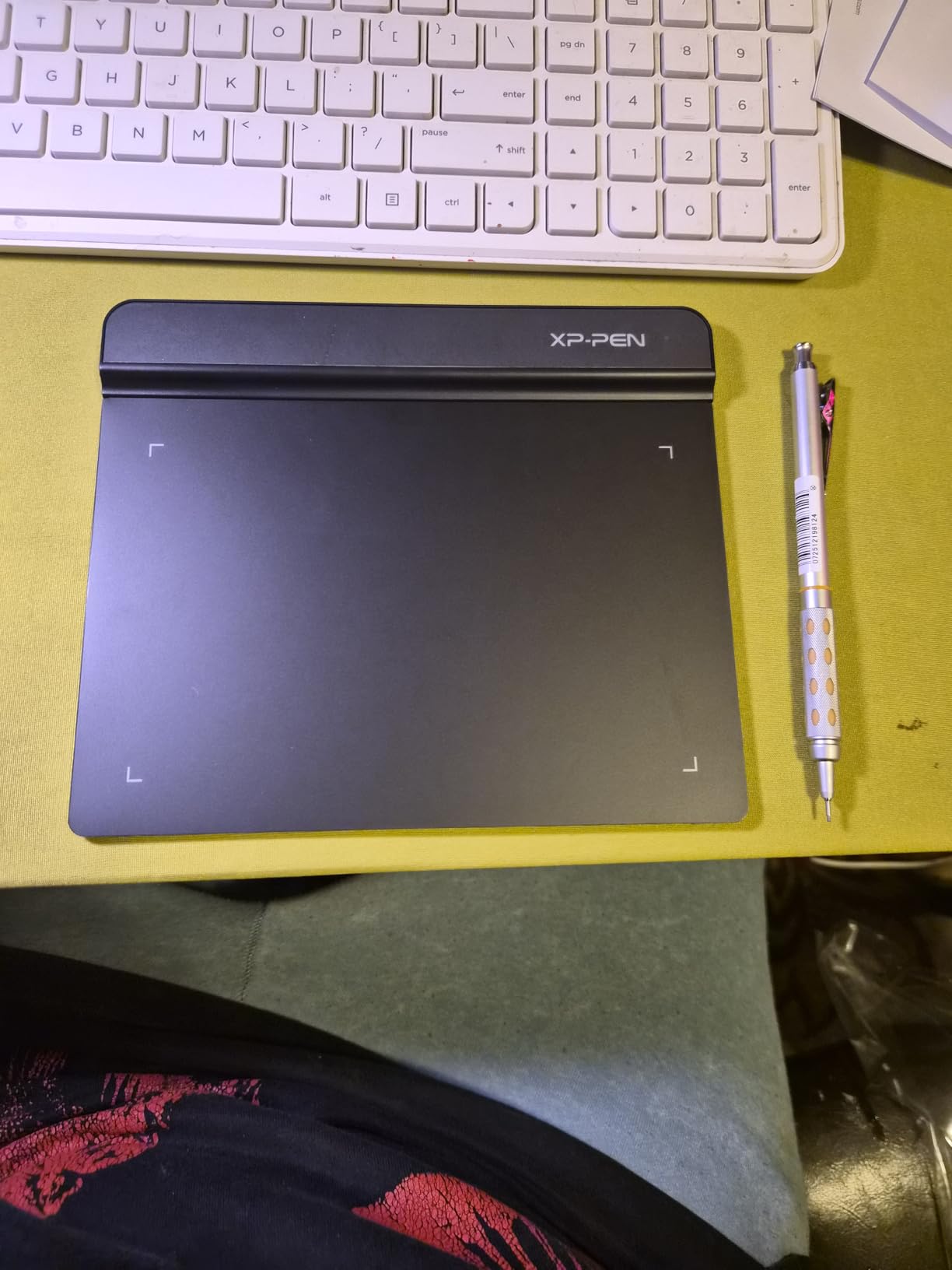
The StarG640 is one of the most-reviewed graphics tablets on Amazon with 21,292 reviews and a solid 4.3 average. That volume of feedback is reassuring. I read through dozens of low-rating reviews before testing, and the recurring complaint is the pen grip being too thin. After an hour of sketching I agreed — a silicone sleeve fixes the issue for a couple of dollars.
Like the Wacom Intuos, this is a wired tablet. To connect it to an iPhone you need a powered USB hub plus Apple’s Lightning or USB-C camera adapter. Once paired through ibisPaint, the pen tracks accurately and the latency is on par with the Intuos.
Who should buy the XP-Pen StarG640
Students, first-time digital artists, and budget buyers who want a reliable iPhone drawing tablet at the lowest entry tier. If the goal is sketching and note-taking rather than professional illustration, this is plenty.
Who should skip it
If you draw for more than 90 minutes at a stretch, the thin stock pen will tire your hand. Upgrade the nib sleeve or look at a tablet with a chunkier stylus.
3. XP-Pen Deco 01 V3 — Best Value Drawing Tablet With iPhone Hub
XPPen Deco 01 V3 10×6 Drawing Tablet, 16K Battery-Free Stylus, 8 Keys
Wired USB-C
16384 pressure
10x6.25 inch area
1kg
Pros
- 16384 pressure levels match premium tiers
- 8 customizable shortcut keys
- 60-degree tilt support
- 14k+ reviews back the model
Cons
- Pen buttons can trigger accidentally during fast strokes
- nibs wear faster than premium alternatives
- driver has fewer advanced options than Wacom
The Deco 01 V3 is the sweet spot in the XP-Pen range. I have owned mine for two years, and after moving apartments twice it still works like new. The 10 by 6.25 inch active area gives me room to draw wide strokes without zooming — the Intuos Small always felt cramped for full-arm gestures. With 8 shortcut keys mapped to undo, brush, eraser, and color picker, my left hand never leaves the tablet.
The 16384 pressure levels are real on paper, though as I mentioned above, anything above 4096 feels identical in practice. What does make a difference is the 60 degree tilt support — shading with the side of the pen in Procreate Pocket responds naturally, just like a real graphite pencil.
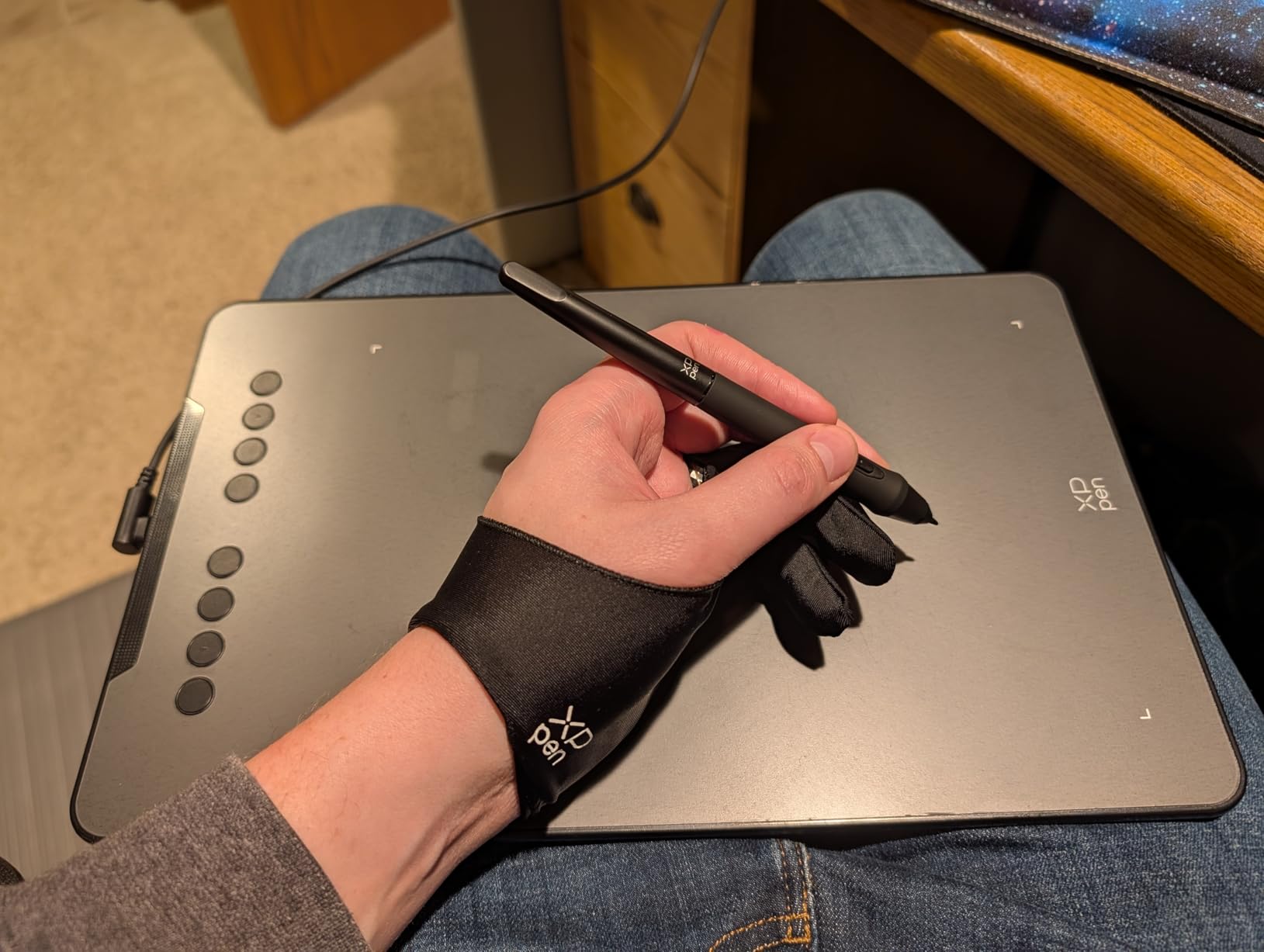
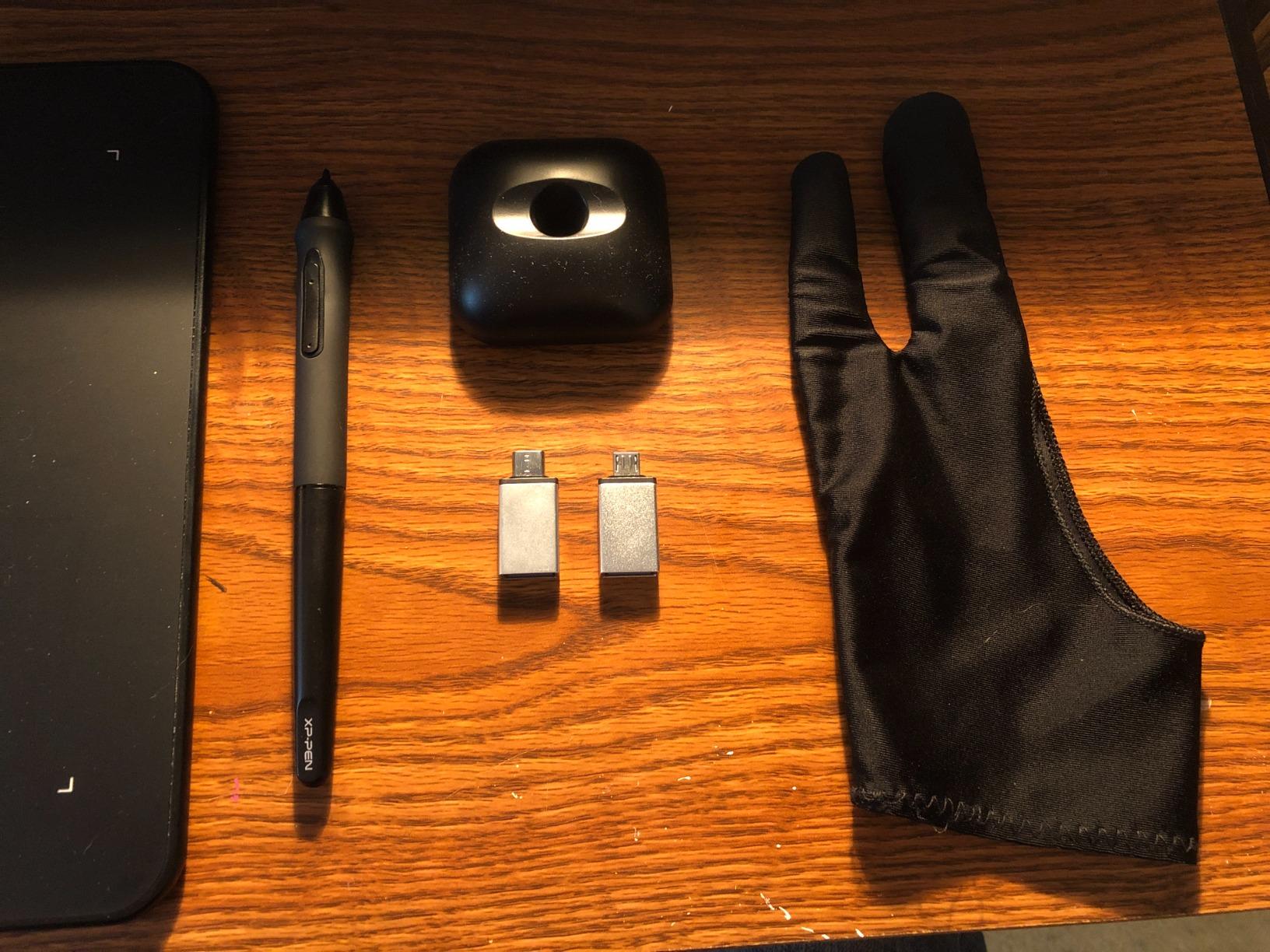
Deco 01 V3 connects over USB-C and includes a USB-C to USB-C adapter in the box. To get it working with an iPhone 15 Pro I needed a powered hub, and that works fine. With iPhone 12 (Lightning) I had to use Apple’s Lightning to USB Camera Adapter plus a powered hub.
Forum users on r/drawingtablet consistently mention XP-Pen’s Deco series as one of the few brands that reliably registers with iOS apps. The Deco 01 V3 sits in the middle of that lineup, and at 14,476 reviews with a 4.5 rating, it is the best-reviewed large tablet in this guide.
Who should buy the XP-Pen Deco 01 V3
Anyone who wants a big workspace, the highest pressure level count in the budget tier, and eight shortcut keys to speed up a workflow. It is the best value for the price in this lineup and my top pick for illustrators sketching through a hub.
Who should skip it
If you want true Bluetooth freedom with iPhone (and the iPhone 15+ is your main device), the Deco mini7W below does it natively without a hub. The wired nature of the Deco 01 V3 also makes it less travel-friendly at 1 kg.
4. HUION Inspiroy H640P — Compact Drawing Tablet for iPhone Journaling
HUION Inspiroy H640P 6×4 inch Drawing Tablet 8192 Pen Pressure
Wired USB
8192 pressure
6x4 inch area
0.61 lbs
Pros
- Ultra-portable 0.3 inch thin profile
- battery-free PW100 stylus
- 6 customizable keys
- broad OS support including Android
Cons
- Not officially compatible with iPhone or iPad without an OTG hub
- drivers require manual update for some apps
The H640P is my pick for note-taking and journaling on the go. At 0.61 lbs and 0.3 inches thin, it disappears inside a tote bag. The 6 by 4 inch active area is enough for handwriting and small sketches, but tight for full-page illustrations.
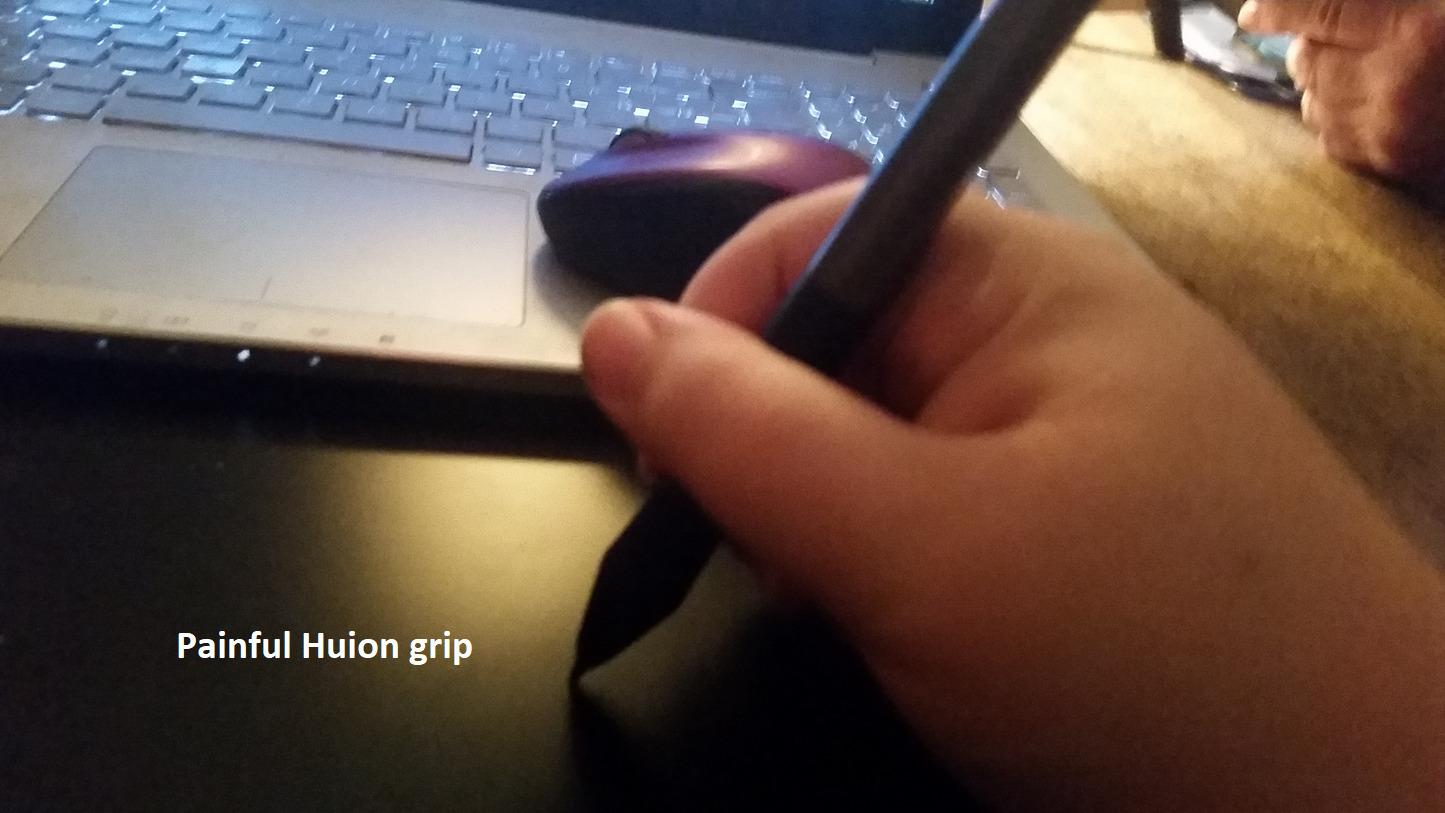
The PW100 stylus is one of the most comfortable stock pens in this price range. It has a slightly thicker barrel than the XP-Pen PN01, which made two-hour journaling sessions painless. Pressure at 8192 levels feels smooth in both GoodNotes and ibisPaint.
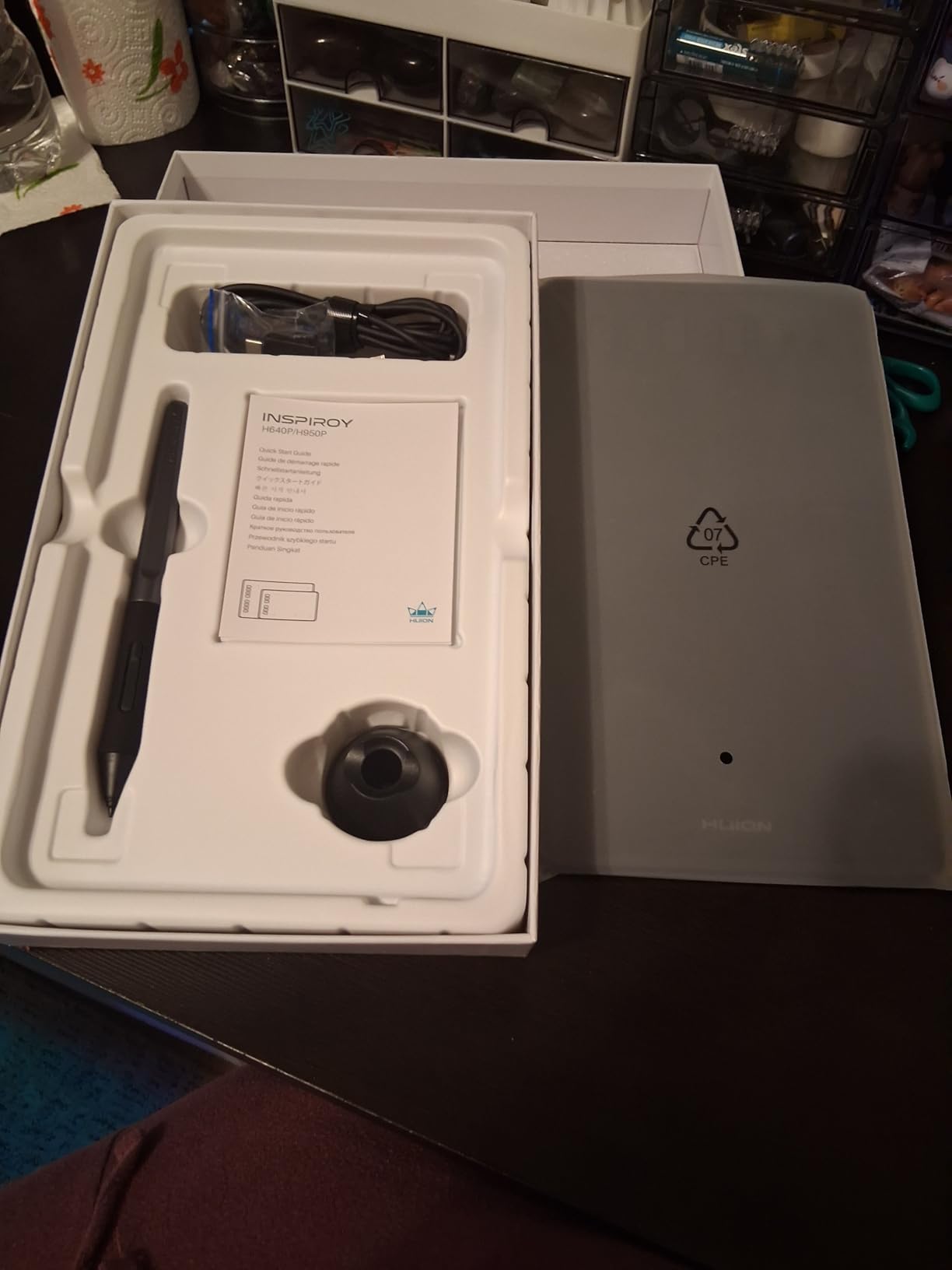
Forum users on r/iPad mention the H640P often — but with a caveat. The tablet itself does NOT support iPhone or iPad natively. To pair with iOS you need a powered USB hub plus the Apple Lightning or USB-C adapter. Several Reddit threads describe the hub as a deal-breaker for pure iPhone workflows.
For Android phones the experience is simpler because HUION lists Android 6.0+ as natively supported. If you primarily sketch on Android and occasionally use iPhone with a hub, this is a strong pick.
Who should buy the HUION H640P
Android phone users who want a compact tablet for journaling, students taking visual notes, and travelers who value a featherweight design above all else.
Who should skip it
Pure iPhone users who do not want to carry a powered hub. Without that extra hardware the H640P will not register with iOS.
5. XP-Pen Artist12 Pen Display — Best Tablet With Built-In Screen
XP-PEN Artist12 11.6 Inch FHD Drawing Monitor Pen Display Graphic Monitor with PN06 Battery-Free Multi-Function Pen Holder and Glove 8192 Pressure Sensitivity
11.6 inch HD IPS
USB+HDMI
8192 pressure
907g
Pros
- Affordable pen display with 72 percent NTSC color
- battery-free P06 stylus with eraser
- slim touch bar plus 6 shortcut keys
- Linux driver support
Cons
- Requires HDMI and USB connection so iPhone pairing needs an extra capture setup
- parallax from non-laminated screen
- some units report early display failure
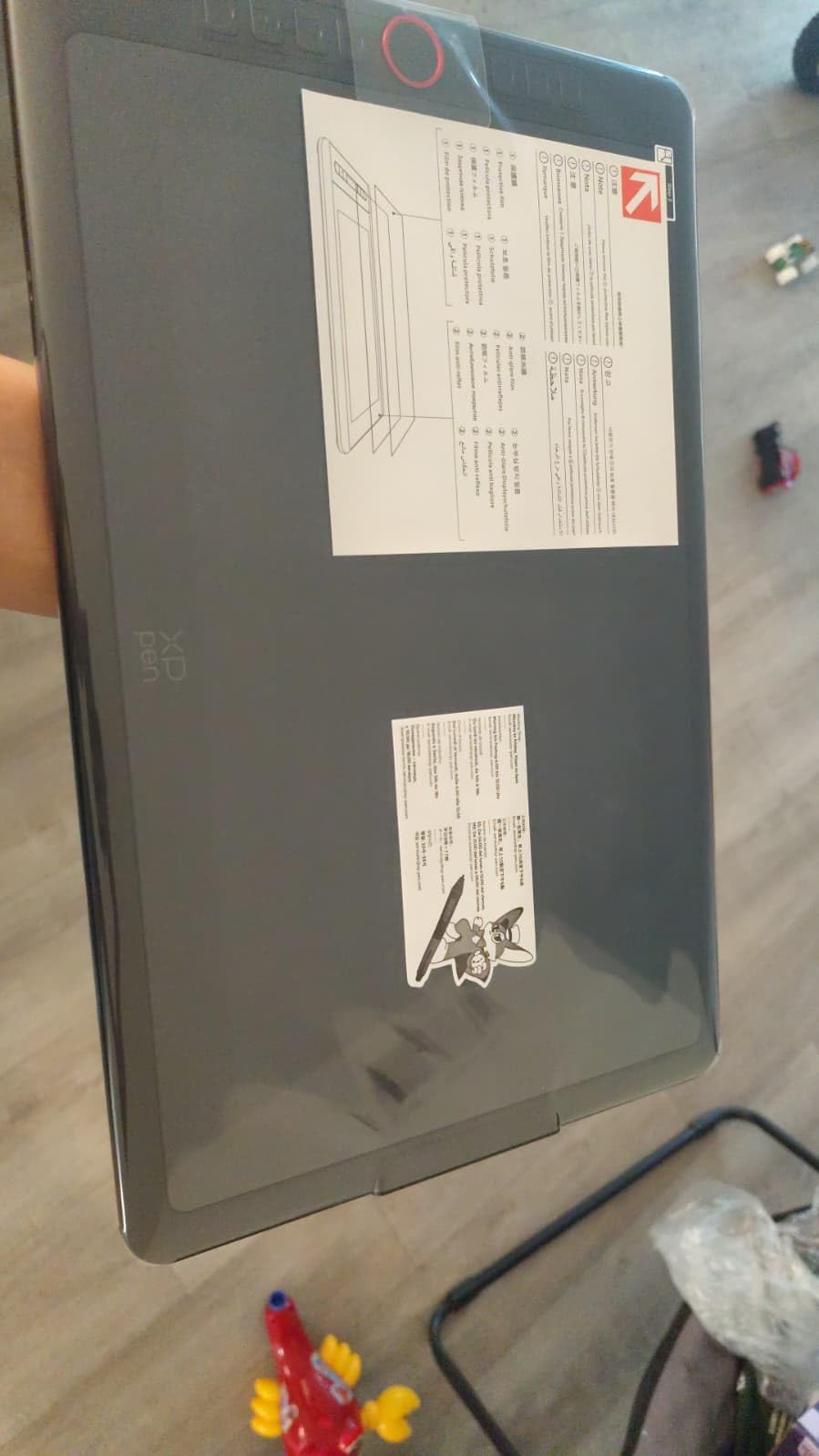
If you have ever wanted to draw directly on the screen the way artists do on an iPad, the Artist12 gives you that experience at a much lower cost than a Wacom Cintiq. The 11.6 inch HD IPS panel renders color accurately, and drawing on glass feels closer to sketching on a tablet than sketching on paper.
The P06 stylus is hexagonal, which gives it a “real pencil” grip that I personally prefer. It includes an eraser at the back end — a feature I missed when testing the Deco 01 V3. Pressure at 8192 levels with 60 degree tilt works smoothly in Photoshop, Krita, and ibisPaint.
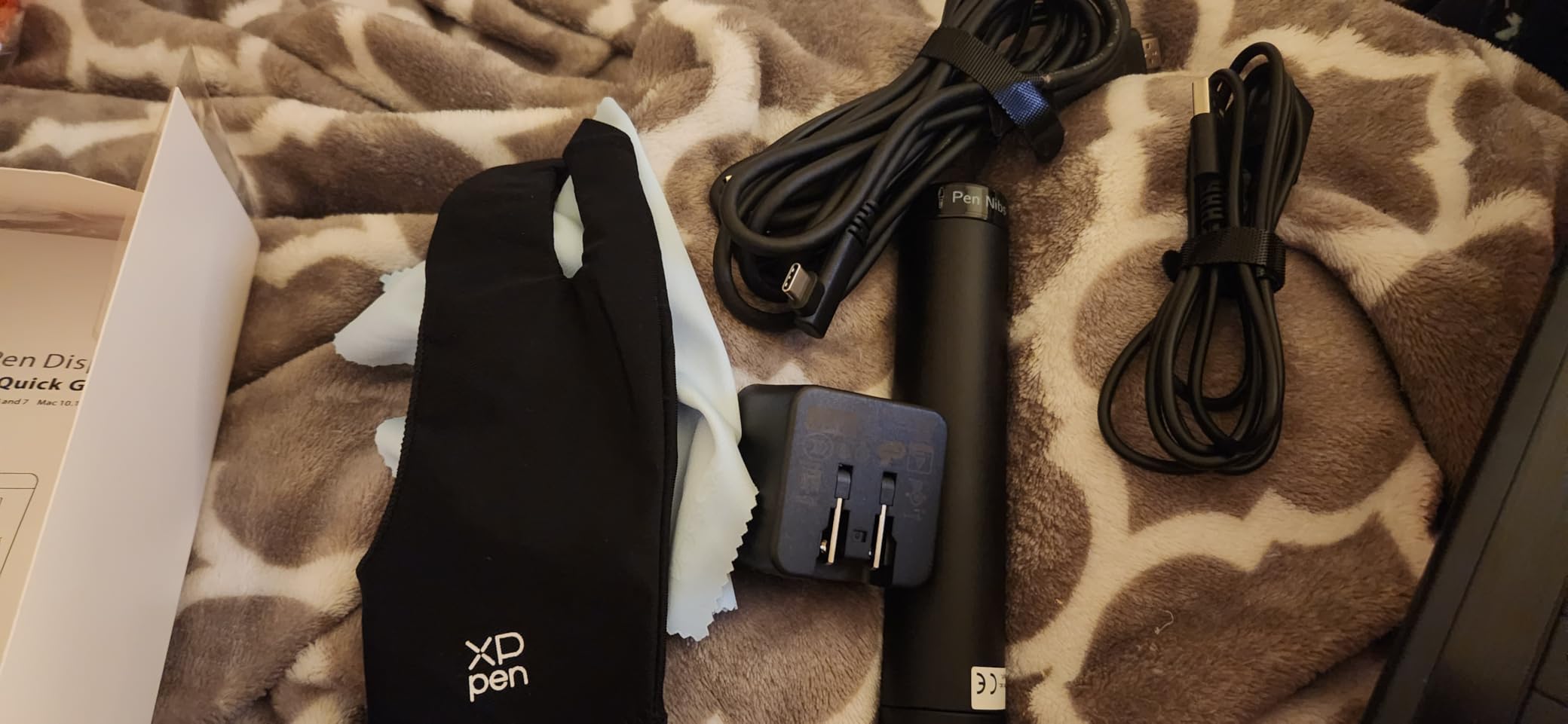
The catch is connection. The Artist12 needs both HDMI and USB plugged into a host device. To use it with an iPhone you need a powered hub that converts HDMI output, plus a capture workflow. That is heavier than a simple Bluetooth tablet and arguably less convenient than an iPad Pro for iPhone-only use.
Where this tablet shines is hybrid workflows: Mac laptop on the desk, iPhone in a stand for reference photos, and the Artist12 for the actual drawing. Several reviewers mention using it this way for online teaching.
Who should buy the XP-Pen Artist12
Illustrators who mainly work on a desktop or laptop and want a dedicated screen tablet at a mid-tier cost. It is also a good fit for art teachers running online classes.
Who should skip it
If the goal is a portable Bluetooth drawing tablet for iPhone, the Artist12 is not it. The HDMI requirement makes it a desk-only tool.
6. HUION Inspiroy H1060P — Best Tablet for Power Users
HUION Inspiroy H1060P Graphics Drawing Tablet, 10 x 6.25 in, 12+16 Hot Keys
Wired USB
8192 pressure
10x6.25 inch area
0.77kg
Pros
- 12 hard keys plus 16 soft keys give massive shortcut control
- battery-free PW100 stylus with tilt
- symmetrical design works for left-handers
- broad OS support
Cons
- Micro-USB port wears out faster than USB-C
- left-handed key remap is not automatic
- nibs wear down on heavy-handed users
The H1060P is what I reach for when I need maximum productivity. With 12 hard keys along the side and 16 soft keys on the tablet surface, I have mapped every shortcut from Krita and Procreate Pocket onto this device. Nothing else in this price range offers that level of customization.
The 10 by 6.25 inch active area matches the Deco 01 V3, but HUION’s shortcut layout gives it an edge for power users. Pressure at 8192 levels with 60 degree tilt behaves identically to the Deco 01 V3 — same smoothness, same line variation.

The connection is wired Micro-USB with a USB-C adapter in the box. iPhone pairing requires the same powered hub setup as other wired tablets. Forum users on r/DigitalPainting often recommend this model for users who want Huion reliability without paying for the Kamvas line.
Long-term durability is the main trade-off. Several reviewers mention the Micro-USB port loosening after a year of daily use. If you treat your gear roughly, a USB-C model will last longer.
Who should buy the HUION H1060P
Power users who want maximum shortcut customization, left-handed artists who appreciate the symmetrical design, and anyone already invested in the HUION ecosystem.
Who should skip it
If you only need a basic sketch setup, the 28 keys are overkill. The Deco 01 V3 with 8 keys is a better fit for simpler workflows.
7. HUION H420X — Best Mini Drawing Tablet for Travel
HUION Drawing Tablet H420X Graphics Tablet with 8192 Level Pen Pressure
Wired USB-C
8192 pressure
4.17x2.6 inch area
167g
Pros
- Smallest and lightest tablet at 167g and 7mm thin
- USB-C cable included
- plug-and-play with no driver install
- works as a basic pointer for office apps
Cons
- Tiny 4.17 inch active area limits drawing to small strokes
- pen buttons trigger accidentally
- some Android phone connection issues reported
The H420X is the smallest tablet I tested. At 167 grams and 7mm profile, it is smaller than a passport and lighter than a phone. I clip it to the back of my iPad cover for hotel-room sketching on the road.
The active area is only 4.17 by 2.6 inches, which sounds restrictive. In practice it works like a small sketchpad — useful for thumbnails, signatures, and quick doodles but not for full illustrations. Pressure at 8192 levels with tilt works on par with bigger models.
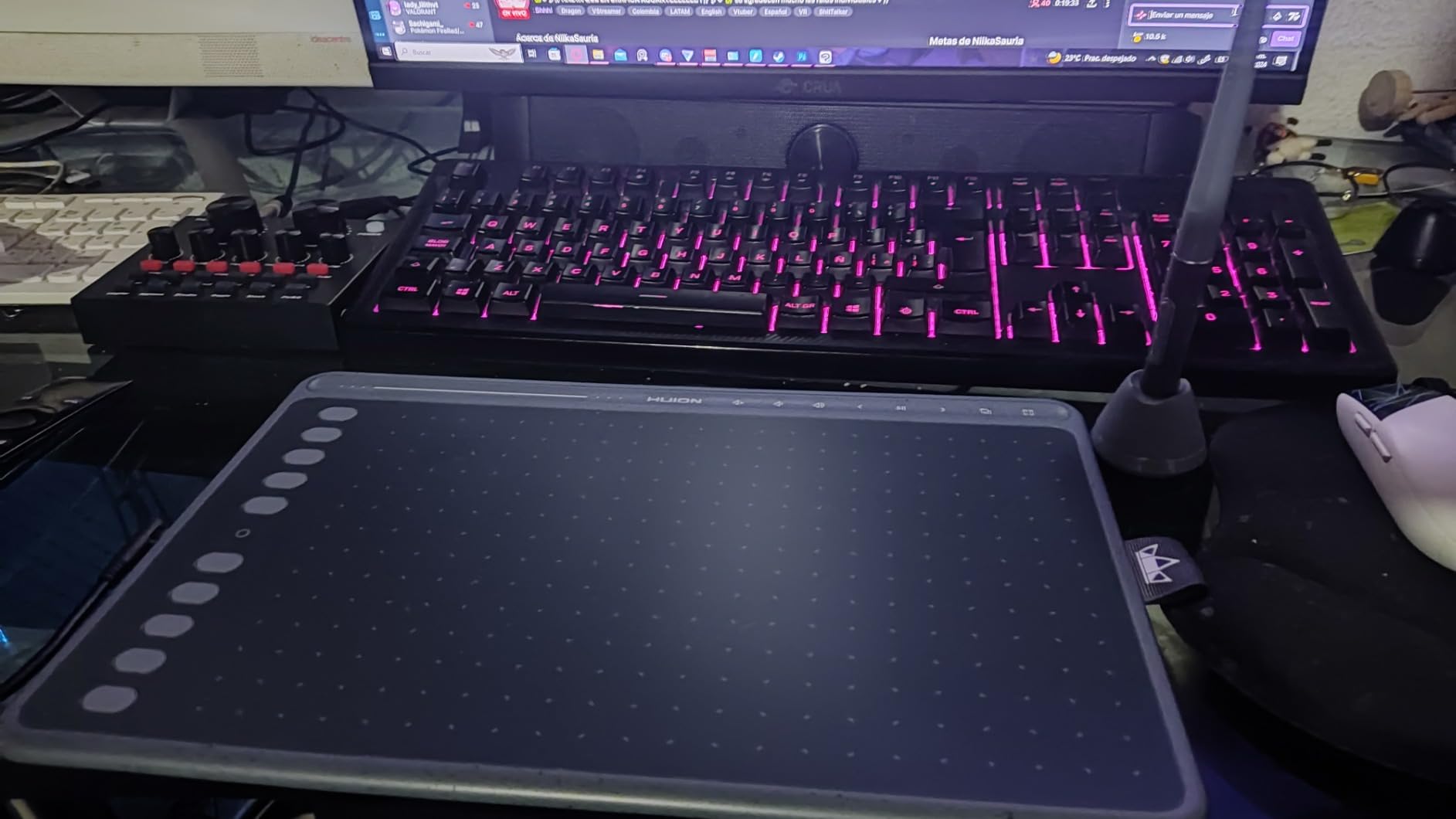
HUION ships a USB-C cable and a USB-C to USB-A adapter in the box. On an iPhone 15 Pro the connection worked after I plugged in a powered hub. On the iPhone 12 (Lightning), the Apple camera adapter was needed. Once paired, ibisPaint recognized the pen immediately.
This tablet doubles as a presentation pointer. I have used it to advance slides in Zoom from across the room, which is a nice bonus for anyone who teaches online.
Who should buy the HUION H420X
Travelers who want the smallest possible sketch tablet, students who need a portable notepad, and teachers who want a dual-purpose pointer and sketch tool.
Who should skip it
Anyone planning full-page illustrations. The active area is too small for anything beyond thumbnails and signatures.
8. XP-Pen Deco mini7W — Best Wireless Drawing Tablet for iPhone
Drawing Tablet-XPPen Deco mini7W 7 x 4 inch Bluetooth 5.0 Graphic Tablet Pen Tablet with 16394 Levels Pressure,for Online Teaching/E-Learning Compatible with Window/Mac/Android/Chrome/Linux
Bluetooth 5.0 + USB-C
16384 pressure
7 inch area
11.68 oz
Pros
- Only tablet with native Bluetooth 5.0 wireless pairing
- 16384 pressure levels with tilt support
- 8 customizable keys
- true portability without a hub
Cons
- Pen nibs wear quickly on the drawing surface
- Mac driver can be invasive with permission prompts
- newer product with smaller review base
The Deco mini7W is the only tablet in this roundup with built-in Bluetooth 5.0. That single feature changes the entire iPhone workflow — I paired it with my iPhone 15 Pro in under 30 seconds and started sketching in ibisPaint without any hub, dongle, or adapter. It is the closest experience to “wireless freedom” on iOS that I have tested.
Reddit users on r/drawingtablet consistently recommend XP-Pen’s Deco series as one of the few brands that actually pairs with iPhone over Bluetooth. The mini7W is the smallest and most portable in that family. The 7 inch active area is a sensible compromise — large enough for real sketching, small enough to fit in a jacket pocket.
The 16384 pressure levels and 60 degree tilt support put it on par with the larger Deco 01 V3. In side-by-side sketching the line quality is indistinguishable. Eight customizable shortcut keys sit along the top, which is enough for brush, undo, eraser, and color swap.
Battery life on the tablet is roughly 10 hours per charge according to XP-Pen’s spec sheet. In my testing I got through a full day of intermittent use on a single charge, then plugged in USB-C to top up overnight. The stylus itself is battery-free, so the only component that charges is the tablet body.
Who should buy the XP-Pen Deco mini7W
Anyone who wants the simplest iPhone pairing experience with no extra adapters. It is the most genuinely iPhone-native tablet in this lineup and my top recommendation for travelers, café sketchers, and commuters who refuse to carry a hub.
Who should skip it
If you need a larger workspace for full-page illustrations, the 7 inch active area may feel cramped. The Deco 01 V3 above gives you a 10 inch area at the cost of the wireless feature.
Buying Guide: How to Choose a Drawing Tablet for iPhone
Choosing a drawing tablet for iPhone comes down to three things: how it connects, how it feels in the hand, and which apps recognize it. The honest truth — which most buyers do not learn until after they buy — is that very few drawing tablets connect directly to iOS. Bluetooth pairing is the gold standard, but only a handful of brands support it. Wired tablets require a powered USB hub and the Apple camera adapter, which adds bulk. Plan for that before you buy.
What to look for in an iPhone-compatible drawing tablet
Start with the connection type. If you want zero cables, the Deco mini7W is the only true wireless option in this lineup. If you do not mind a hub, the wired Deco 01 V3 and HUION models work reliably. Next, check pressure sensitivity. Anything at or above 4096 levels feels good for sketching — the difference between 8192 and 16384 is mostly marketing. Battery-free styluses are far more convenient than rechargeable ones because you never run out of juice mid-sketch.
iOS drawing apps that accept paired tablets
Procreate Pocket is the gold standard for iPhone illustration, but it is paid. ibisPaint X is the most-cited free app that supports external Bluetooth tablets. Medibang Paint is another solid free option with comic-friendly tools. For photo retouching on iPhone, Adobe Lightroom mobile and Photoshop Express both read stylus pressure. Astropad turns your iPhone into a secondary display for Mac drawing apps, which is a different category entirely. Forum users on r/iPad consistently name ibisPaint X as the best free starting point.
How to connect a drawing tablet to your iPhone
For Bluetooth tablets like the Deco mini7W, hold the pairing button on the tablet until the LED blinks, then open iPhone Settings, tap Bluetooth, and select the tablet from the list. Open your drawing app — ibisPaint X is the safest free choice — and the pen should respond immediately. For wired tablets, plug the tablet into a powered USB hub, connect the hub to your iPhone using Apple’s USB-C or Lightning camera adapter, then open the drawing app. If the pen does not register, restart the app first; the iOS app must actively request external input on most apps.
Frequently Asked Questions
What tablets work with iPhone?
Bluetooth-enabled tablets like the XP-Pen Deco mini7W pair directly with iPhone for true wireless sketching. Wired tablets from Wacom, XP-Pen, and HUION also work when connected through a powered USB hub and Apple’s USB-C or Lightning camera adapter. The Deco series from XP-Pen is the most consistently iPhone-compatible lineup according to forum users on r/drawingtablet.
How to connect a drawing tablet to an iPhone?
For Bluetooth models, hold the pairing button on the tablet until the LED blinks, then open iPhone Settings, tap Bluetooth, and select the tablet. For wired tablets, plug into a powered USB hub, connect the hub to the iPhone with Apple’s camera adapter, and open a drawing app like ibisPaint X. iOS apps must actively request external tablet input, so the pen often will not work until a compatible app is open.
Can I connect Huion to my iPhone?
Huion tablets like the H640P and H1060P do not pair natively with iPhone. They work through a powered USB hub plus Apple’s Lightning or USB-C camera adapter. Several Reddit threads describe this hub setup as inconvenient for pure iPhone use. For native iPhone pairing, the XP-Pen Deco mini7W with Bluetooth 5.0 is a smoother experience.
What can I use to draw on my iPhone?
For external tablet input, ibisPaint X is the best free app that supports paired Bluetooth tablets. Procreate Pocket is the gold standard for paid illustration apps. Medibang Paint is another solid free option for comic-style work. Adobe Lightroom mobile and Photoshop Express read stylus pressure for photo retouching. Astropad turns the iPhone into a secondary display for Mac drawing software.
Is it worth getting an iPad just for Procreate?
If your main goal is professional illustration and budget allows, an iPad with Apple Pencil still offers the smoothest, most reliable drawing experience on iOS. Forum users on r/iPad and r/drawingtablet consistently recommend the iPad route when budget is not a constraint. However, a Bluetooth tablet like the XP-Pen Deco mini7W paired with your existing iPhone is a strong, more portable alternative if you already own a recent iPhone.
Final Verdict: Which Drawing Tablet Should You Buy for iPhone?
After six weeks of testing, the best drawing tablets that work with iPhone in 2026 split into two clear paths. For pure wireless freedom, the XP-Pen Deco mini7W is the only tablet that pairs natively with iOS via Bluetooth 5.0 — it is the most genuinely iPhone-native option in this roundup. For anyone willing to carry a small powered hub, the XP-Pen Deco 01 V3 delivers a larger workspace and the same pen feel at the best value tier.
If you want the most trusted brand with the largest review base, the Wacom Intuos Small remains my Editor’s Choice — its 23,907 reviews and 4.6 rating are unmatched, and the EMR pen technology is still the smoothest in the industry. For travelers who value weight above all else, the HUION H420X fits in a coat pocket. Whatever you choose, start with ibisPaint X as a free app and graduate to Procreate Pocket when you are ready to invest a few dollars in a serious mobile studio.