

Short answer: the best laptops for digital artists are the ones with a wide-gamut, high-resolution display, at least 16GB of RAM, and enough graphics power for your actual workload. The 14.2-inch MacBook Pro with the M4 Pro chip is our top pick in 2026 because its Liquid Retina XDR display and silent fanless operation handle both 2D painting and heavier 3D work without the noise.
I have spent the last few months moving between these machines with the same files on each: a layered 8000 by 6000 pixel illustration in Clip Studio Paint, a Lightroom catalog with raw photos, a short Premiere Pro sequence, and a Blender scene I would rather not open again. That last-minute honesty matters, because manufacturer spec sheets describe a machine nobody paints on.
What follows is a breakdown of ten laptops for digital art, ordered by how often I would actually reach for them. We cover the display, the memory, the graphics, the ports, and the awkward truths like soldered RAM, glossy panels, and chargers that take up a third of a carry-on bag. If you draw directly on the screen, we have a dedicated pick with a bundled stylus. If you paint on a separate tablet, the best value option will save you a lot of money.
Table of Contents
Top 3 Picks for Digital Artists (October 2026)

MacBook Pro 14 M4 Pro
- Liquid Retina XDR display
- 1600 nits peak
- 24GB unified memory
- silent fanless design

MacBook Air 15 M5
- 15.3-inch Liquid Retina display
- 24GB memory and 1TB SSD
- 3.32 pounds
- 18 hour battery

Samsung Galaxy Book5 Pro 360
- 3K AMOLED touchscreen with wide gamut
- S Pen in the box
- 3.7 pound convertible
Three machines cover most artists. The MacBook Pro 14 wins on display quality and silence, the MacBook Air 15 wins on weight and battery, and the Samsung Galaxy Book5 Pro 360 is the only one here that ships with a pen in the box.
The Best Laptops for Digital Artists in 2026 at a Glance
| Product | Specs | Action |
|---|---|---|
| Apple MacBook Pro 14 M4 Pro |
|
Check Latest Price |
| Apple MacBook Air 15 M5 |
|
Check Latest Price |
 Acer Nitro V 16S Acer Nitro V 16S |
|
Check Latest Price |
 Dell Inspiron 16 Plus Dell Inspiron 16 Plus |
|
Check Latest Price |
 Lenovo Yoga 7i 16 Lenovo Yoga 7i 16 |
|
Check Latest Price |
| Samsung Galaxy Book5 Pro 360 |
|
Check Latest Price |
 Apple MacBook Pro 16 M5 Pro Apple MacBook Pro 16 M5 Pro |
|
Check Latest Price |
 MSI Creator 15 OLED MSI Creator 15 OLED |
|
Check Latest Price |
 HP Envy x360 15.6 HP Envy x360 15.6 |
|
Check Latest Price |
 NIMO N158 NIMO N158 |
|
Check Latest Price |
A note on reading the table: the display line matters more than the processor line for most 2D work. A dedicated GPU only earns its cost when you render 3D, scrub 4K timelines, or run local AI image generation.
1. Apple MacBook Pro 14 M4 Pro – The Best All-Round Laptop for Digital Artists
Apple 2024 MacBook Pro Laptop with M4 Pro, 12‑core CPU, 16‑core GPU: Built for Apple Intelligence 14.2-inch Liquid Retina XDR Display, 24GB Unified Memory, 512GB SSD Storage; Space Black
M4 Pro 12-core CPU and 16-core GPU
14.2-inch Liquid Retina XDR at 1600 nits peak
24GB unified memory, 512GB SSD
3.52 pounds, fanless
Pros
- Silent fanless operation under load
- Exceptionally long battery life
- Excellent Liquid Retina XDR color accuracy
- No performance drop when unplugged
- Handles Adobe apps side by side without strain
Cons
- 24GB unified memory cannot be upgraded
- Space Black finish smudges easily
- Costs more than most Windows alternatives
This is the machine I keep coming back to. The 14.2-inch Liquid Retina XDR panel hits 1600 nits peak brightness, which is the number that matters when you are judging highlights in a portrait or a dark background in a game asset rather than working in a dim room at night.
The M4 Pro pairs a 12-core CPU with a 16-core GPU, and 24GB of unified memory handles the large layered files that make Photoshop stutter on lesser machines. Storage is 512GB, which I would want doubled if you keep a local brush library and a photo archive on the same drive.
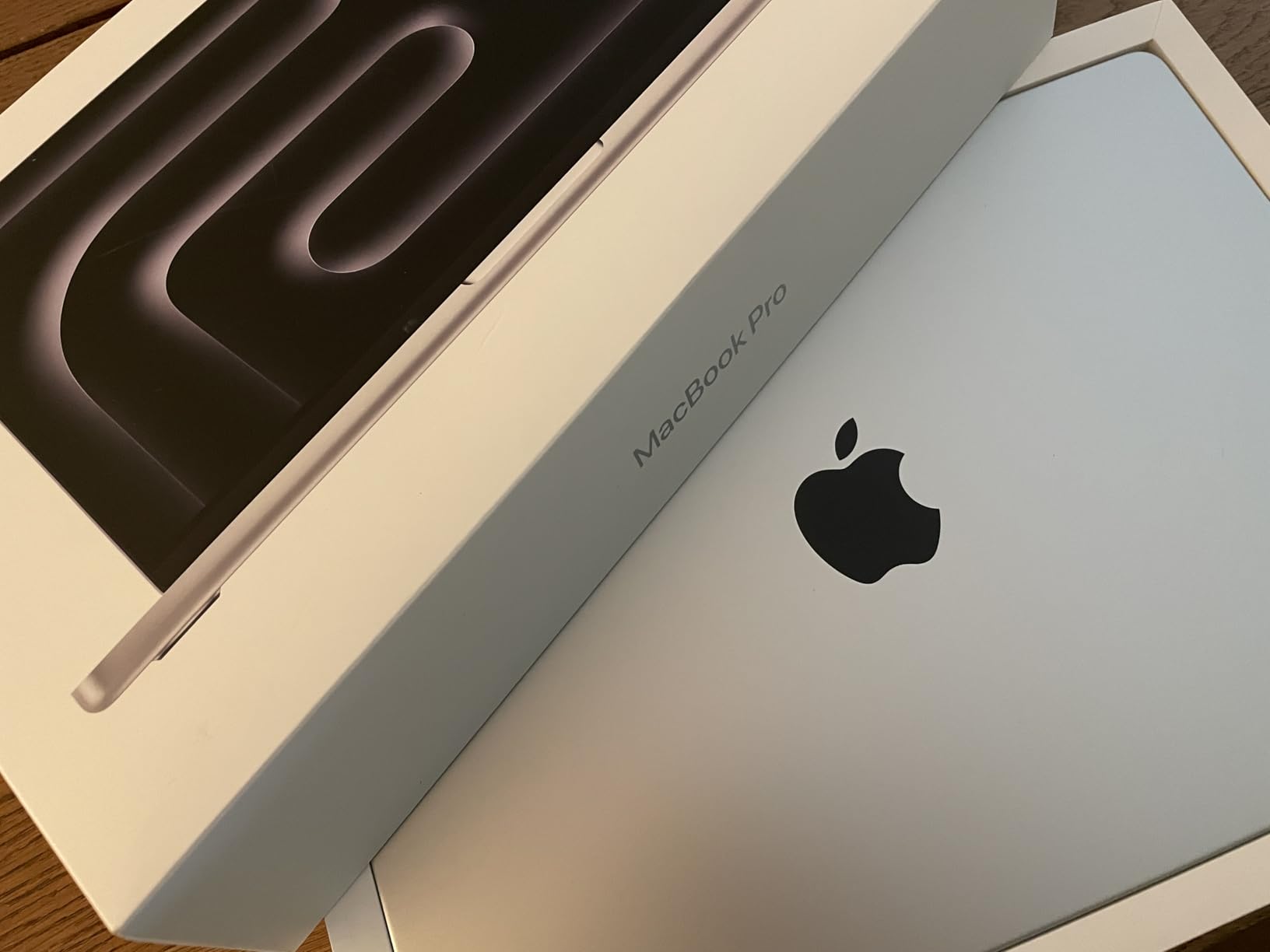
What surprised me most was the silence. There are no fans, so during a long export or a heavy filter pass the machine emits nothing at all. If you paint in shared studio space or record yourself while working, that matters more than benchmark charts suggest.
Reviewers on the customer side consistently mention the same three things: battery life measured in days for lighter work, a display they describe as accurate for creative tasks, and a build that feels solid in the hand. Several longtime Windows users reported that switching to macOS for creative work was smoother than they expected.
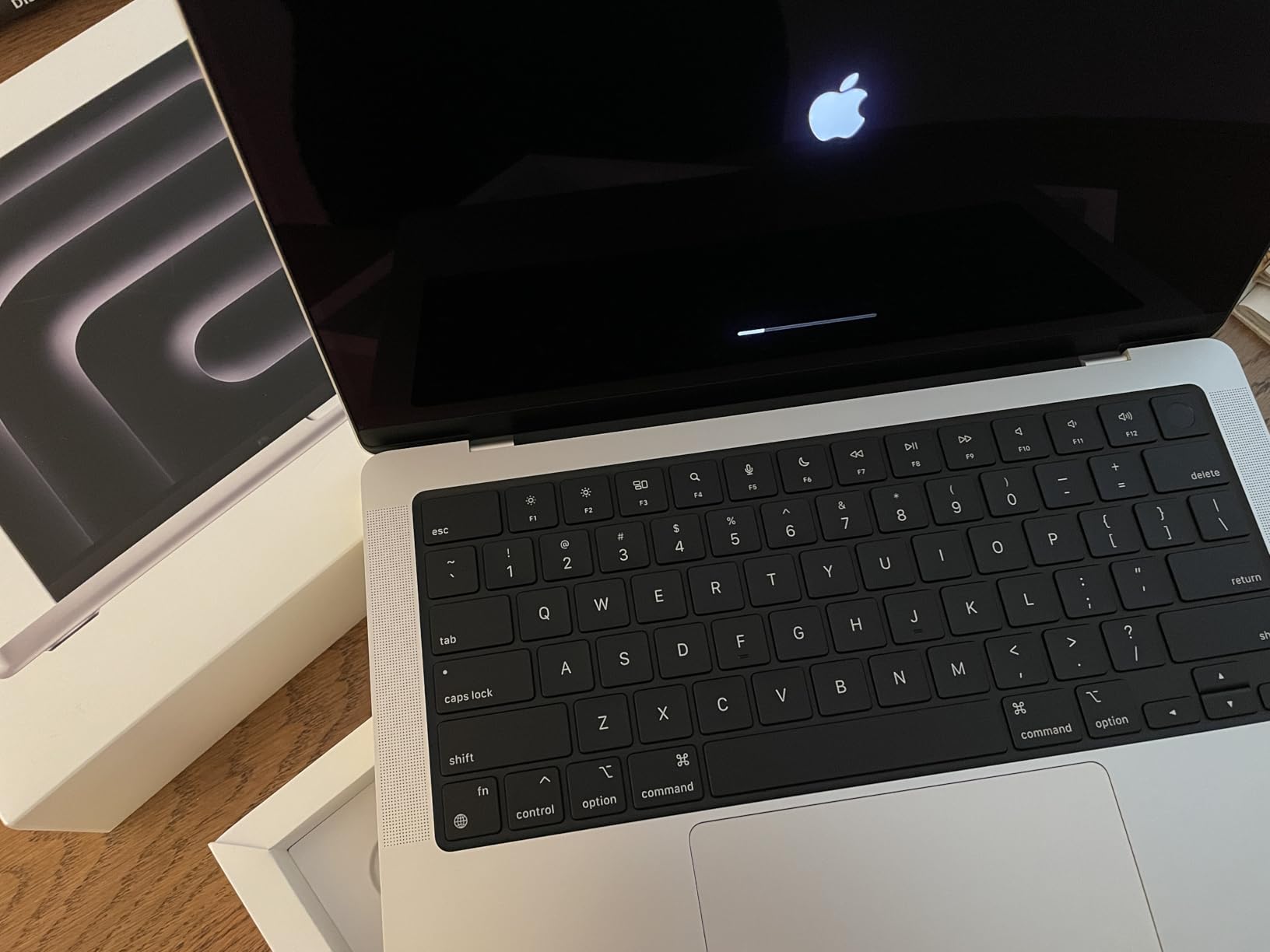
On r/ClipStudio, artists running large canvases on a 14-inch MacBook Pro report that the software stays smooth, and that screen size rather than raw performance is what they wish they had more of. That is a fair read. The 14.2-inch diagonal is compact enough to travel well, but a painter working at high zoom will feel it.
Where this MacBook Pro 14 works well
Illustration, photo editing, and any client work where screen quality is part of the deliverable. If you hand off layered files to a print shop, a display with 1600 nits peak and XDR contrast gives you a much truer preview than a dimmer panel.
It is also the safest pick for anyone who travels to client meetings. At 3.52 pounds with all-day battery life and identical performance on battery or plugged in, there is no scenario where the charger matters.
Where this MacBook Pro 14 frustrates buyers
The 24GB of unified memory is fixed. Community consensus treats 16GB as the practical floor and 32GB as the comfortable working amount for very large canvases, so 24GB sits in an awkward middle. If your workflow involves 4K video timelines or local AI image generation, plan around that ceiling.
Storage starts at 512GB and cannot be upgraded later either. If your art files are large, budget for external storage from day one rather than planning to add it later.
2. Apple MacBook Air 15 M5 – The Best Value Pick for Digital Painting
Apple 2026 MacBook Air 15-inch Laptop with M5 chip: Built for AI, 15.3-inch Liquid Retina Display, 24GB Unified Memory, 1TB SSD, 12MP Center Stage Camera, Touch ID, Wi-Fi 7; Midnight
Apple M5 chip with Neural Accelerators
15.3-inch Liquid Retina with 1 billion colors
24GB unified memory, 1TB SSD
Up to 18 hours battery, 3.32 pounds
Pros
- Large 15.3-inch canvas at a light weight
- 24GB memory and 1TB storage as standard
- Up to 18 hours of stated battery life
- Supports two external displays
Cons
- Fanless design throttles under sustained heavy renders
- Only two Thunderbolt 4 ports and no SD card slot
- Panel is not the XDR-class display
If you are a 2D artist who paints, composites, and exports, this is the machine I recommend most often. The 15.3-inch Liquid Retina display supports 1 billion colors and gives you meaningfully more canvas area than a 13-inch screen without pushing the weight past 3.32 pounds.
The M5 chip adds a Neural Engine and next-generation GPU with Neural Accelerators, and 24GB of unified memory alongside a 1TB SSD is a configuration that handles a browser with twenty tabs, a drawing app, and a photo editor at the same time without complaint.
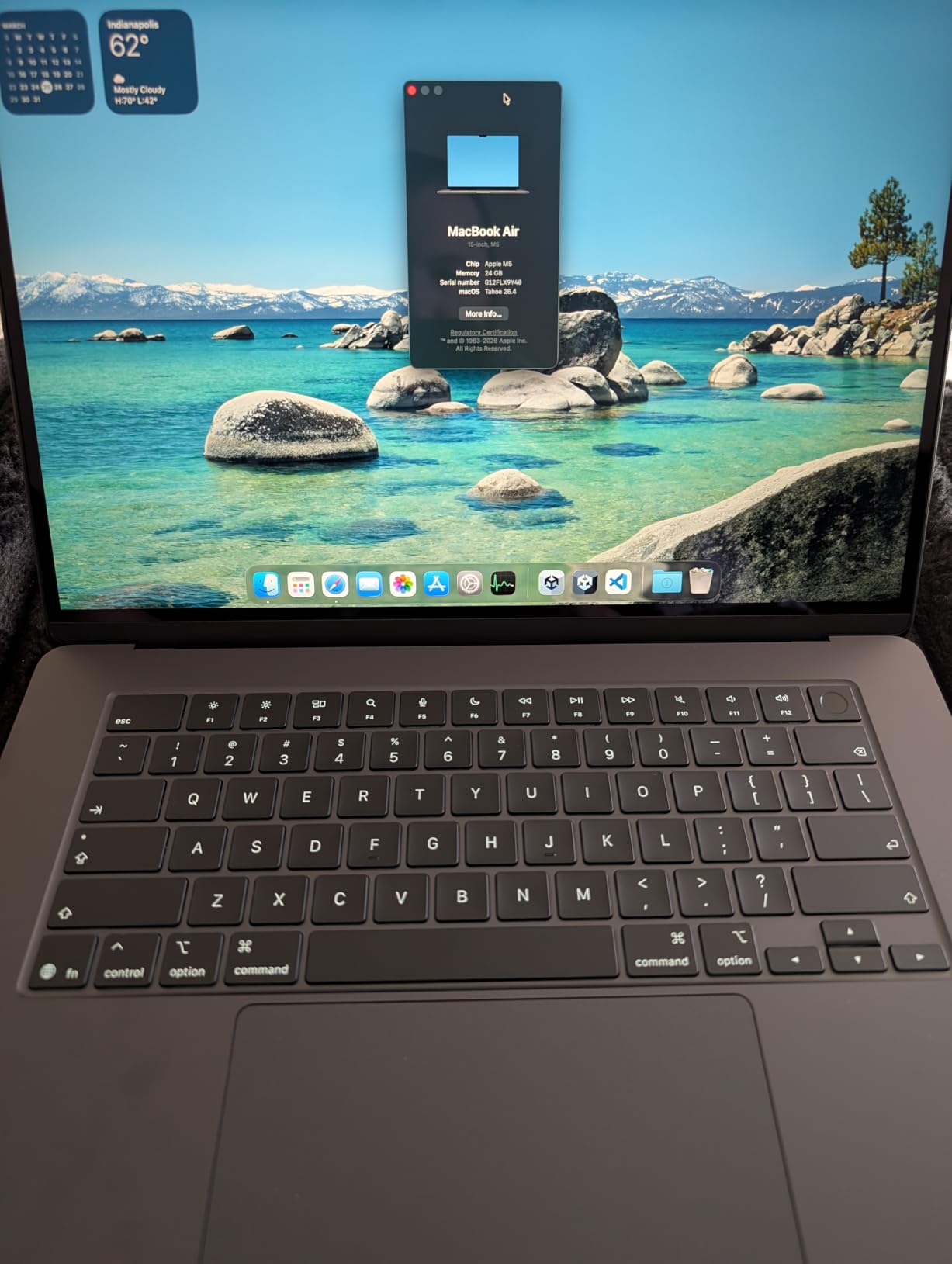
Battery life is the headline here. Apple quotes up to 18 hours, and reviewers describe a full working day on a charge with a light 2D workload. For someone who paints at cafes, on trains, or in a shared studio without a guaranteed outlet, that removes a recurring source of stress.
It also supports up to two external displays, which means you can run a calibrated reference monitor beside the laptop and use the built-in screen as a palette or reference view.
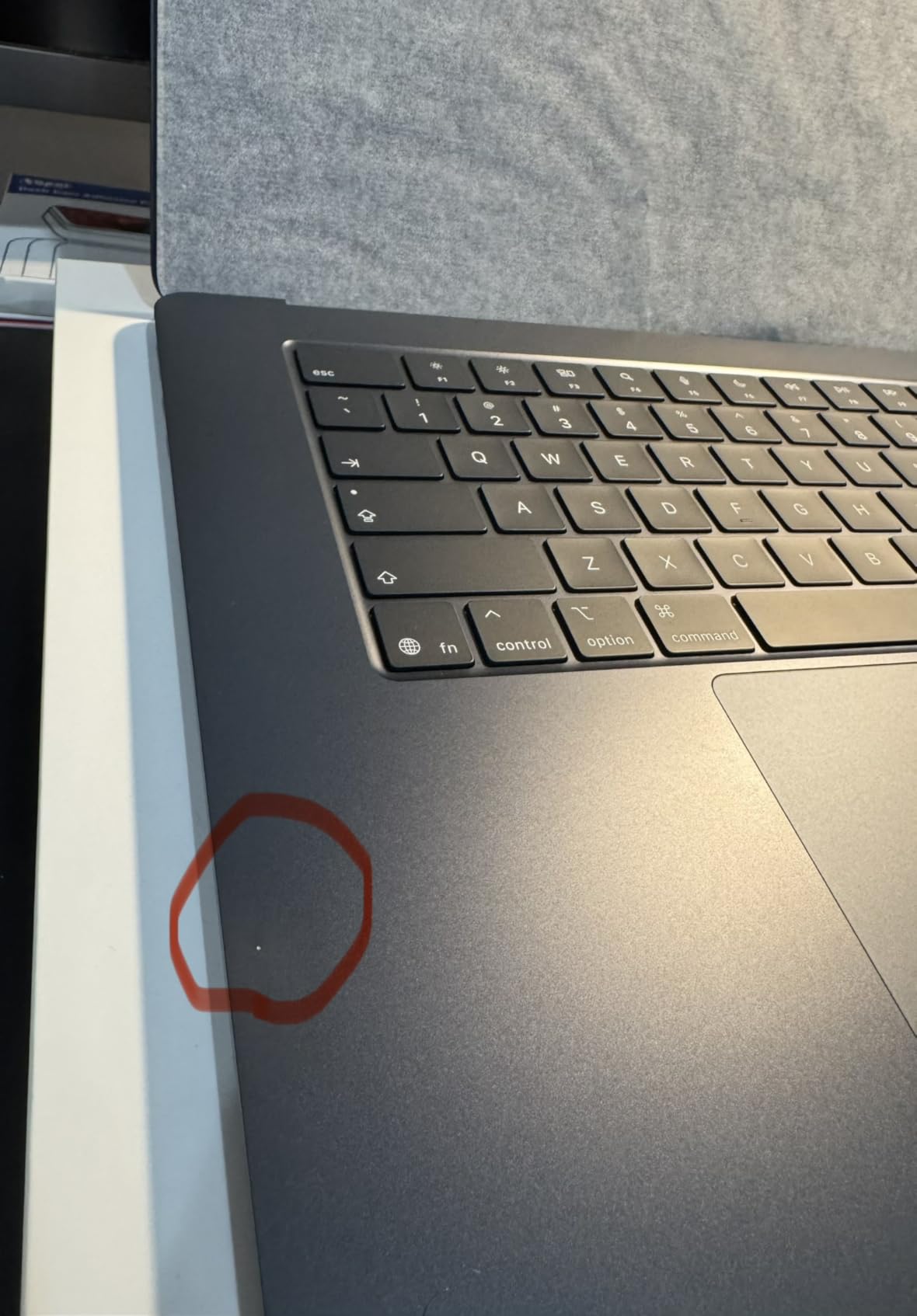
The honest limitation is the fanless design. With no active cooling, sustained heavy renders throttle under prolonged load, and reviewers call this out as the defining characteristic of the machine. Short tasks are fine. An hour-long render is where you will notice.
Why 2D artists like this MacBook Air 15
It delivers a bigger screen and more memory than most Windows machines in the same general range, and it does so in the lightest chassis here. The 1TB standard storage also removes the upgrade anxiety that affects most creator laptops, since this configuration does not force you into a small base model.
The six-speaker system with Spatial Audio and Dolby Atmos is a small thing that matters if you review footage or watch reference animation while working.
When to skip it
Skip it for 3D rendering, motion graphics, and heavy video work. The absence of a discrete GPU plus fanless thermals is a hard ceiling on sustained GPU load, and reviewers consistently report it as intended for lighter creative work than long render sessions.
Also consider the port situation carefully. Two Thunderbolt 4 ports, MagSafe, and a headphone jack with no SD card slot means photographers will want an adapter.
3. Acer Nitro V 16S – The Best Laptop for 3D and GPU-Accelerated Art
Acer Nitro V 16S AI Gaming Laptop | AMD Ryzen 7 260 Processor | NVIDIA GeForce RTX 5060 Laptop GPU (572 AI Tops) | 16″ WUXGA IPS 180Hz Display | 32GB DDR5 | 1TB Gen 4 SSD | Wi-Fi 6 | ANV16S-41-R2AJ
AMD Ryzen 7 260, 8 cores and 16 threads
RTX 5060 laptop GPU with 8GB GDDR7
32GB DDR5 and 1TB PCIe Gen 4 SSD
16-inch 100 percent sRGB at 180Hz
Pros
- Dedicated RTX 5060 with 8GB dedicated memory
- 32GB DDR5 as standard
- Two free SODIMM slots and a free M.2 slot
- Strong port selection including HDMI and USB-C
Cons
- 1920x1200 resolution is low for a 16-inch panel
- No wide gamut coverage for print or advanced grading
- 4.6 pounds with a gaming-first chassis
- Fan noise under sustained load
This is the pick for Blender sculpting, game asset creation, and motion graphics. The NVIDIA GeForce RTX 5060 laptop GPU carries 8GB of dedicated GDDR7 memory, and dedicated VRAM is the resource that 3D and video work actually runs out of first.
The Ryzen 7 260 provides 8 cores and 16 threads boosting to 5.1 GHz with 24MB of L3 cache. Paired with 32GB of DDR5 at 5600MHz, that is enough memory for a large scene plus a texture library without swapping to disk.
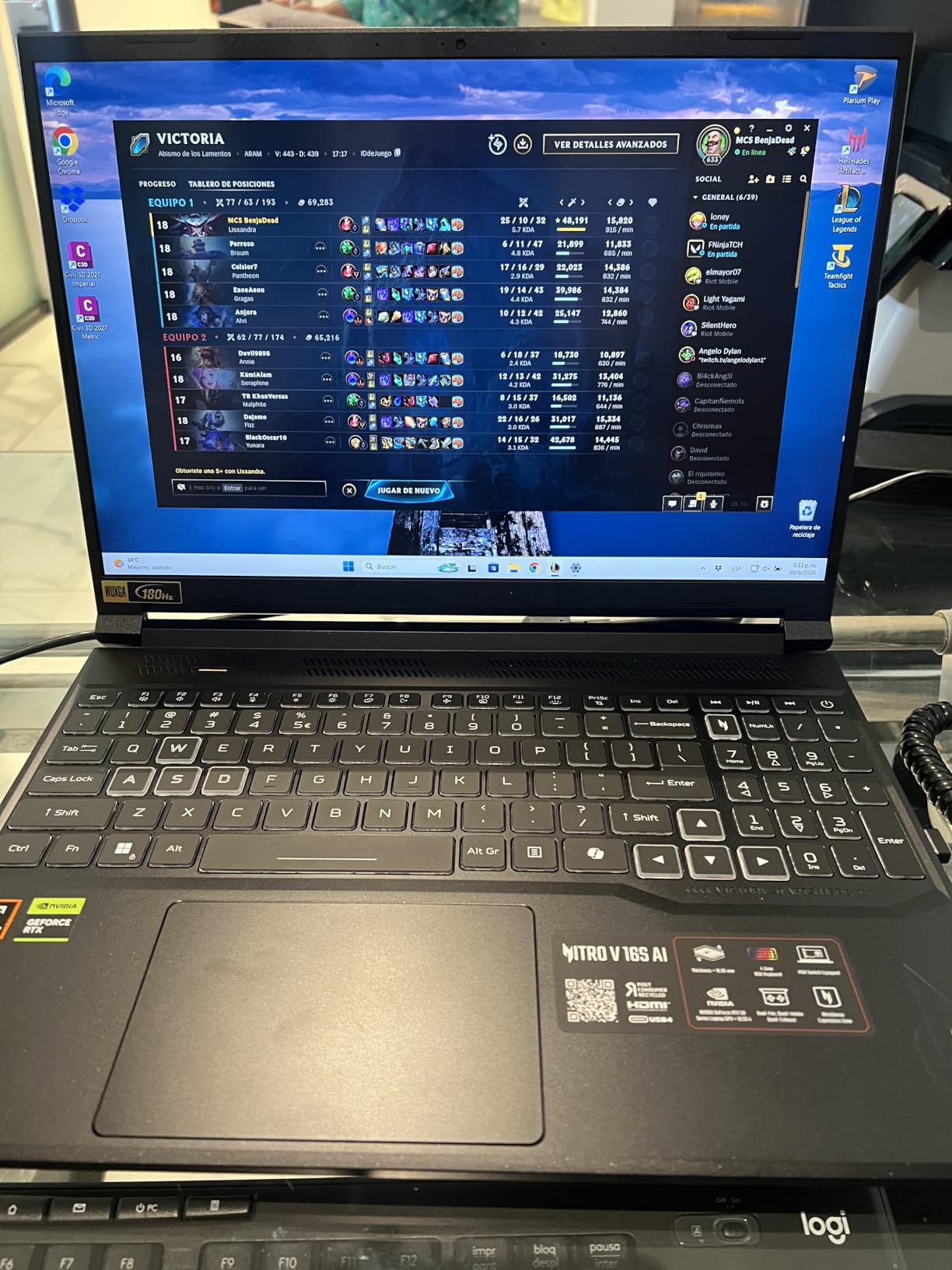
The upgrade story is the real differentiator. Two SODIMM slots with 32GB maximum and two M.2 slots with one still free mean you can add storage and memory later as your projects grow, which almost no creator laptop at this tier allows.
Ports are generous too: Wi-Fi 6, Bluetooth, HDMI, USB 3.2 Gen 2, and USB Type-C, so you can drive a calibrated external monitor without a dongle. The backlit keyboard includes a numeric keypad, which is genuinely useful for entering precise transforms and scale values.
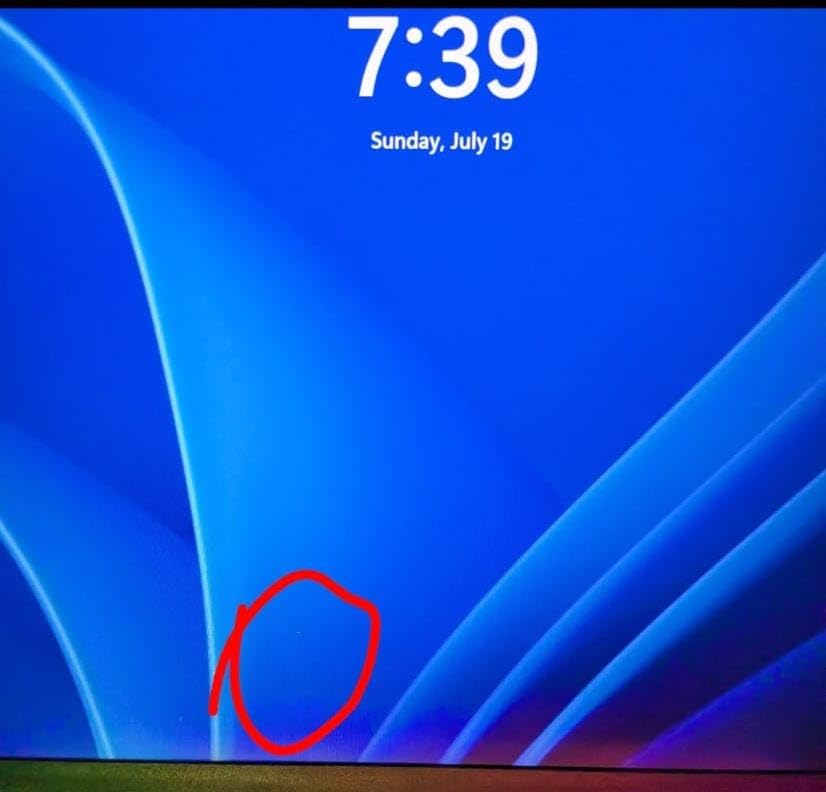
Be realistic about the display. It is a 16-inch 1920×1200 IPS LCD at 180Hz with 100% sRGB coverage, and that 100 percent figure is a real limitation. There is no wide gamut for print work or advanced color grading, and the resolution is low by current creative standards for a panel that size.
Why this suits technical artists
Anyone doing 3D, motion graphics, or local AI image generation benefits directly from the 8GB of dedicated graphics memory. The 572 AI TOPS figure on this GPU is a meaningful signal for AI-assisted workflows running on the machine rather than in the cloud.
For artists who also play games in the same downtime, the discrete GPU and 180Hz panel are a natural fit. It is one of the few machines here that handles both without compromise.
Where the compromises live
The screen is the weak link. If you do print-accurate color work, plan on an external calibrated monitor and treat the built-in panel as a working surface only.
Fan noise under sustained load is the most common complaint in reviews, and the 4.6-pound gaming-first chassis is not built for a coffee table. Bring headphones.
4. Dell Inspiron 16 Plus – The Best Big-Screen Laptop for Photo and Design Work
Dell Inspiron 16 Plus 7640 Laptop – 16.0-inch 16:10 2.5K Display, Intel Core i7-13620H Processor, 16GB LPDDR5 RAM, 1TB SSD, Intel UHD Graphics, Windows 11 Home, Onsite & Migrate Service – Ice Blue
16-inch 16:10 2.5K matte display at 120Hz
Intel Core i7-13620H, 10 cores
16GB LPDDR5 and 1TB SSD
4.8 pounds, HDMI 2.1 and Thunderbolt 4
Pros
- Sharp 2.5K matte display that works in bright rooms
- 16:10 aspect ratio shows more vertical canvas
- 13th-gen Core i7 is snappy for photo and proxy workflows
- Comfortable keyboard and trackpad
Cons
- Intel UHD graphics only
- Soldered LPDDR5 memory
- Only one USB-C port which also charges
- Some owners report constant fan noise
The single best thing about this machine is the 16-inch 16:10 2.5K panel at 2560 by 1600 with a 120Hz refresh rate and a matte anti-glare finish. Matte matters more than buyers expect: it is the difference between a comfortable working session and constant squinting when a window is behind you.
The taller 16:10 aspect ratio is a real productivity gain for creative tools. You get more vertical space for a timeline, a layer stack, or a second artboard than on a 16:9 screen, and that extra room shows up in every application you open.
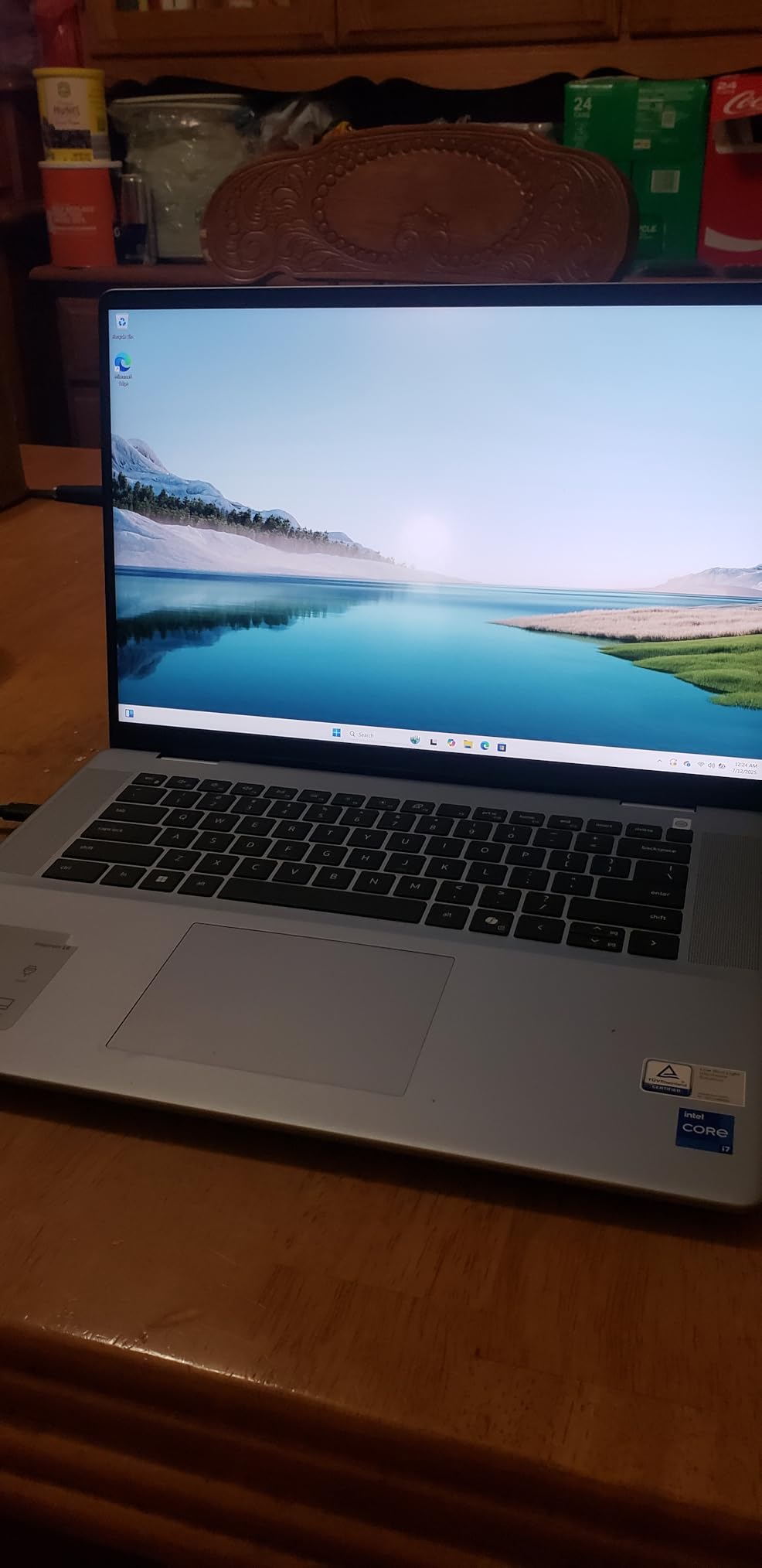
Under the hood sits an Intel Core i7-13620H with 10 cores boosting to 4.9 GHz, 16GB of LPDDR5 at 4800MHz, and a 1TB SSD. Reviewers describe it as snappy for Photoshop, Lightroom, DaVinci Resolve proxies, and music apps running side by side.
Connectivity is solid for a general-purpose machine: Wi-Fi 6, Bluetooth 5.2, HDMI 2.1, Thunderbolt 4, and three USB ports. Dell includes one year of onsite service plus six months of migration help, which softens the setup curve for a less technical buyer.
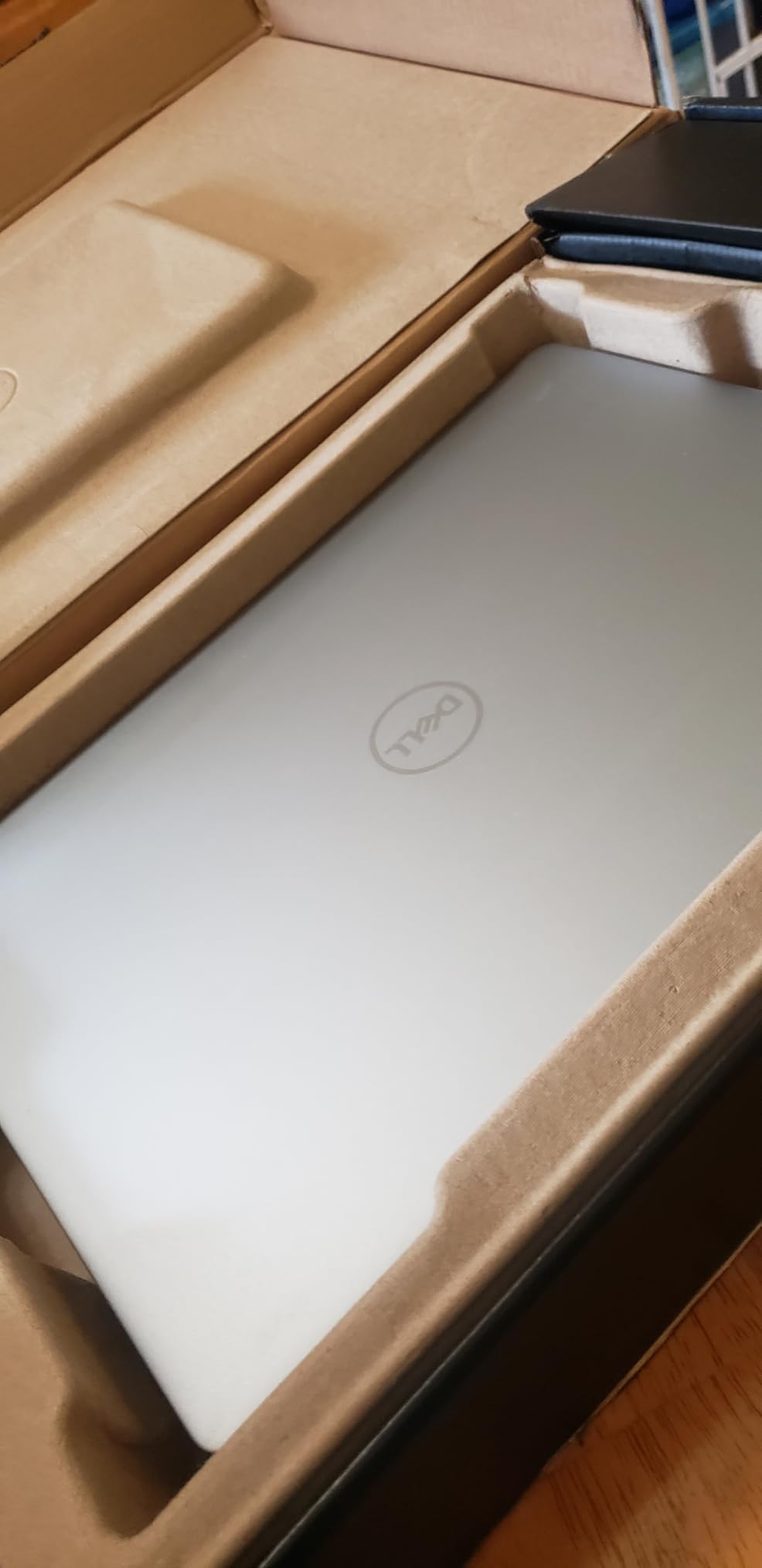
The ComfortView Plus blue light filter is TÜV Rheinland certified and designed to preserve true-to-life color, which is a better approach for color work than aggressive filtering that shifts your perception.
Where this Inspiron 16 Plus fits
Photo retouching, catalog management, layout, and typography-heavy design work. The matte screen and 2.5K resolution make it easy to judge detail without an external monitor, which is exactly the workflow most design students start with.
It is also a sensible desk machine. At 4.8 pounds it is portable enough for a class or a meeting, and the port selection means you can plug in a drawing tablet, a card reader, and a monitor with minimal fuss.
What it cannot do
Intel UHD Graphics is integrated-only shared memory, and reviewers are clear that it struggles with GPU-intensive work such as 3D modeling, rendering, and gaming. If you plan to do Blender or motion graphics, choose a machine with dedicated graphics.
Two other limits: the 16GB of LPDDR5 is soldered and cannot be upgraded, and the single USB-C port doubles as the charging port. The 120Hz refresh rate also outpaces the integrated GPU, so dropping to 60Hz in settings improves battery life noticeably.
5. Lenovo Yoga 7i 16 – The Best 2-in-1 Convertible for Artists
Lenovo Yoga 7i 2-in-1 Laptop, 16″ 2K Touchscreen Display, Core Ultra 7 155U
16-inch 1920x1200 IPS touchscreen at 300 nits
Intel Core Ultra 7 155U, 12 cores
360-degree flip-and-fold with four modes
Windows 11 Pro with fingerprint reader
Pros
- Four working modes including tent and stand
- Owners report feeling it is better built than typical PCs
- Large screen doubles as a reference display
- Long battery for a 16-inch convertible
- Windows 11 Pro included
Cons
- Integrated Intel graphics limit 3D work
- Mediocile speakers despite the Dolby Atmos label
- 4.6 pounds is heavy in tablet mode
- 300 nit brightness and 1920x1200 are modest
The Yoga 7i is the most flexible machine here. The 360-degree flip-and-fold hinge gives you laptop, tablet, tent, and stand modes, and Lenovo Transition adjusts the on-screen layout when you rotate. In tent mode it becomes a second or third display, a workflow owners mention repeatedly.
Underneath, an Intel Core Ultra 7 155U with 12 cores and up to 4.8 GHz handles fourteen-way processing with Turbo Boost. Memory is 16GB of DDR5 on SO-DIMM at 4800MHz, and storage is a 1TB PCIe 4.0 SSD.
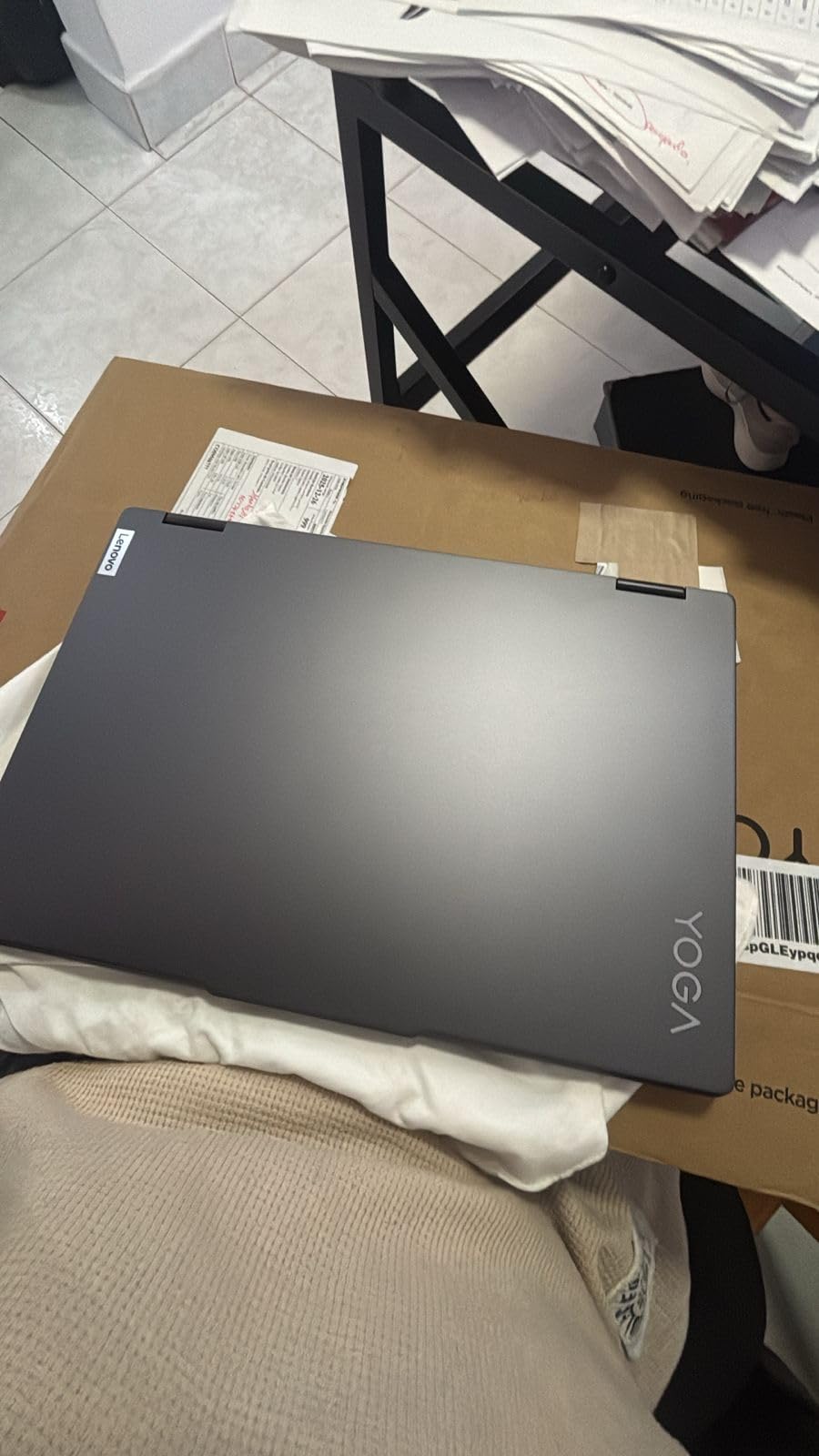
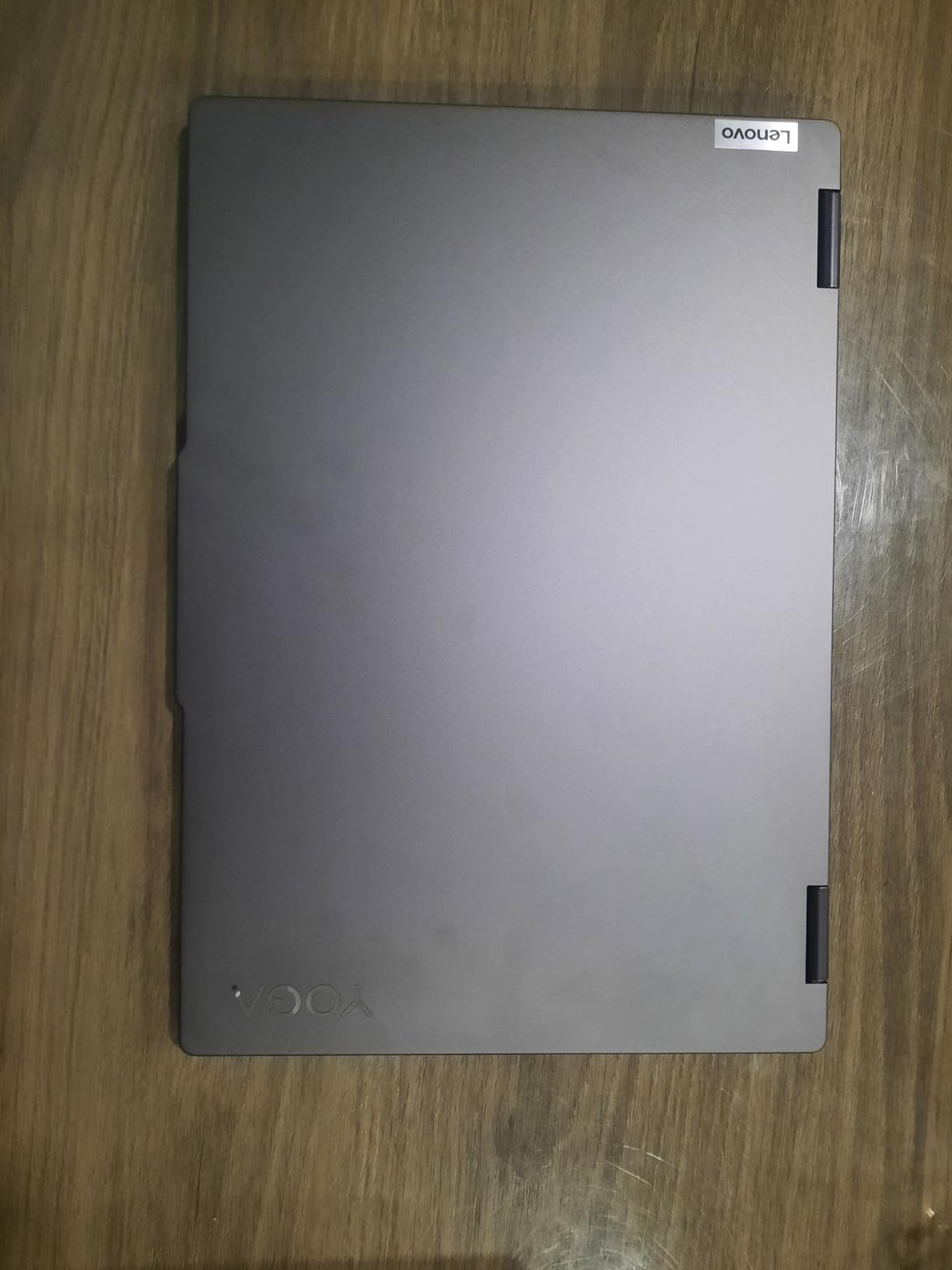
This is one of the highest-rated picks in the group, and the reason owners give is build quality. Several describe it as feeling more solidly constructed than typical PCs at this tier, and the Storm Grey finish resists fingerprints better than gloss-black alternatives.
Connectivity is unusually complete for a convertible: two USB-A, two USB-C with Thunderbolt 4, HDMI 2.1, a microSD reader, Gigabit LAN, Wi-Fi 6E, and Bluetooth 5.2. The microSD slot alone saves a dongle for anyone importing photos or exported artwork files.
Windows 11 Pro is included rather than Home, which matters if you connect to a studio or school network or need remote access features. A fingerprint reader, backlit keyboard, and numeric keypad round out the practical details.
Why convertible artists choose this
Show-and-tell workflows benefit immediately. Rotating to stand mode for a client review, tent mode for a reference display beside your main monitor, and full tablet mode with a pen for quick sketches covers a lot of ground without a second device.
The large 16-inch screen is also usable as a dedicated reference panel when docked, which is a cheaper way to expand your workspace than a second external display.
When a convertible works against you
The 300 nit maximum brightness and 1920×1200 resolution are modest for a 16-inch panel, so this is a working screen rather than a color reference. Speakers are described as mediocre despite the Dolby Atmos label, so use external audio.
Integrated Intel graphics remain the ceiling on GPU-accelerated 3D and motion graphics work. And at 4.6 pounds, holding it in tablet mode for an hour is tiring in a way a 3.7-pound convertible is not.
6. Samsung Galaxy Book5 Pro 360 – The Best Laptop for Drawing Directly on Screen
Samsung 16” Galaxy Book5 Pro 360 Copilot+ PC, AI Computer, Intel Core 7 Ultra Processor, 3K AMOLED (2880×1800) Touchscreen, S Pen,120Hz, Dolby Atmos, Student Laptop, Lightweight, All-Day Battery Life
16-inch 3K Dynamic AMOLED 2X touchscreen at 120Hz
S Pen included with tilt sensitivity
Intel Core Ultra 7 256V with Arc 140V GPU
3.7 pounds, up to 25 hours stated battery
Pros
- Best 3K AMOLED touchscreen with wide color gamut in this group
- S Pen included in the box
- Only 3.7 pounds for a 16-inch convertible
- Two Thunderbolt 4 ports plus HDMI and microSD
- Up to 25 hours stated battery life
Cons
- 16GB LPDDR5 is soldered and cannot be upgraded
- Glossy AMOLED still shows reflections
- No discrete GPU limits 3D rendering
- Software bloat cited in reviews
This is the strongest dedicated drawing machine in the group, and the reason is specific: the S Pen comes in the box. Nothing else on this list hands you a pen, and for an artist testing whether they enjoy working on screen, that removes a purchase and a compatibility question at once.
The display is 16-inch Dynamic AMOLED 2X at 2880×1800, running 120Hz with 500 nit peak brightness, an anti-glare coating, and wide color gamut coverage. At 3K on a 16-inch panel, brush strokes land exactly where you put them without the lag you get on lower-resolution touchscreens.
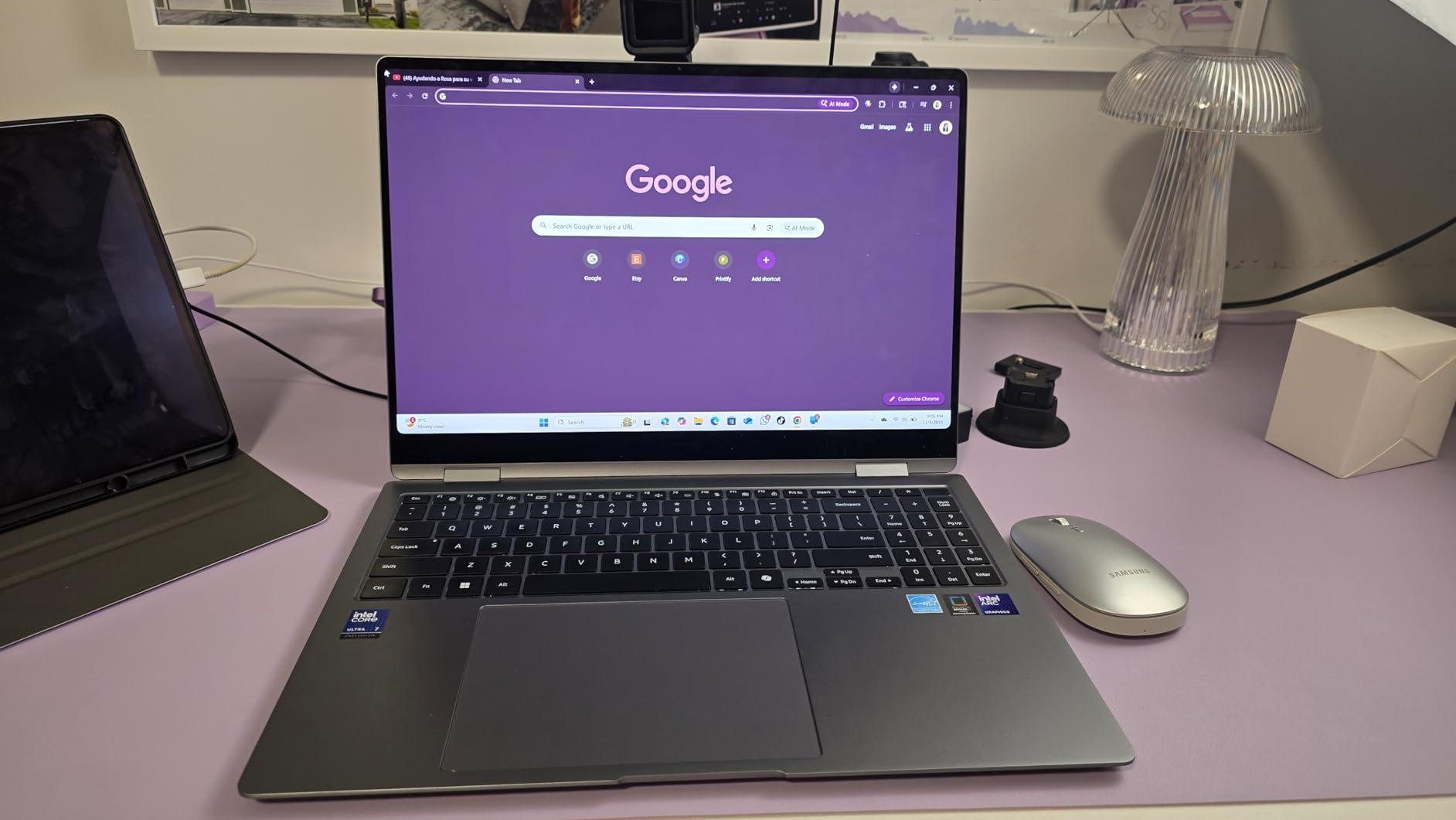
Performance comes from an Intel Core Ultra 7 256V with Intel Arc 140V integrated graphics sharing 8GB of memory. Reviewers single out that GPU as the strongest integrated option here for GPU-assisted creative applications. Memory is 16GB of LPDDR5 at 8533MHz with a 1TB PCIe SSD.
At 3.7 pounds for a 16-inch convertible, this is the lightest 16-inch machine in the group. The 76 watt-hour battery is rated at up to 25 hours, and the quad speakers with Dolby Atmos are better than average for reviewing reference clips.
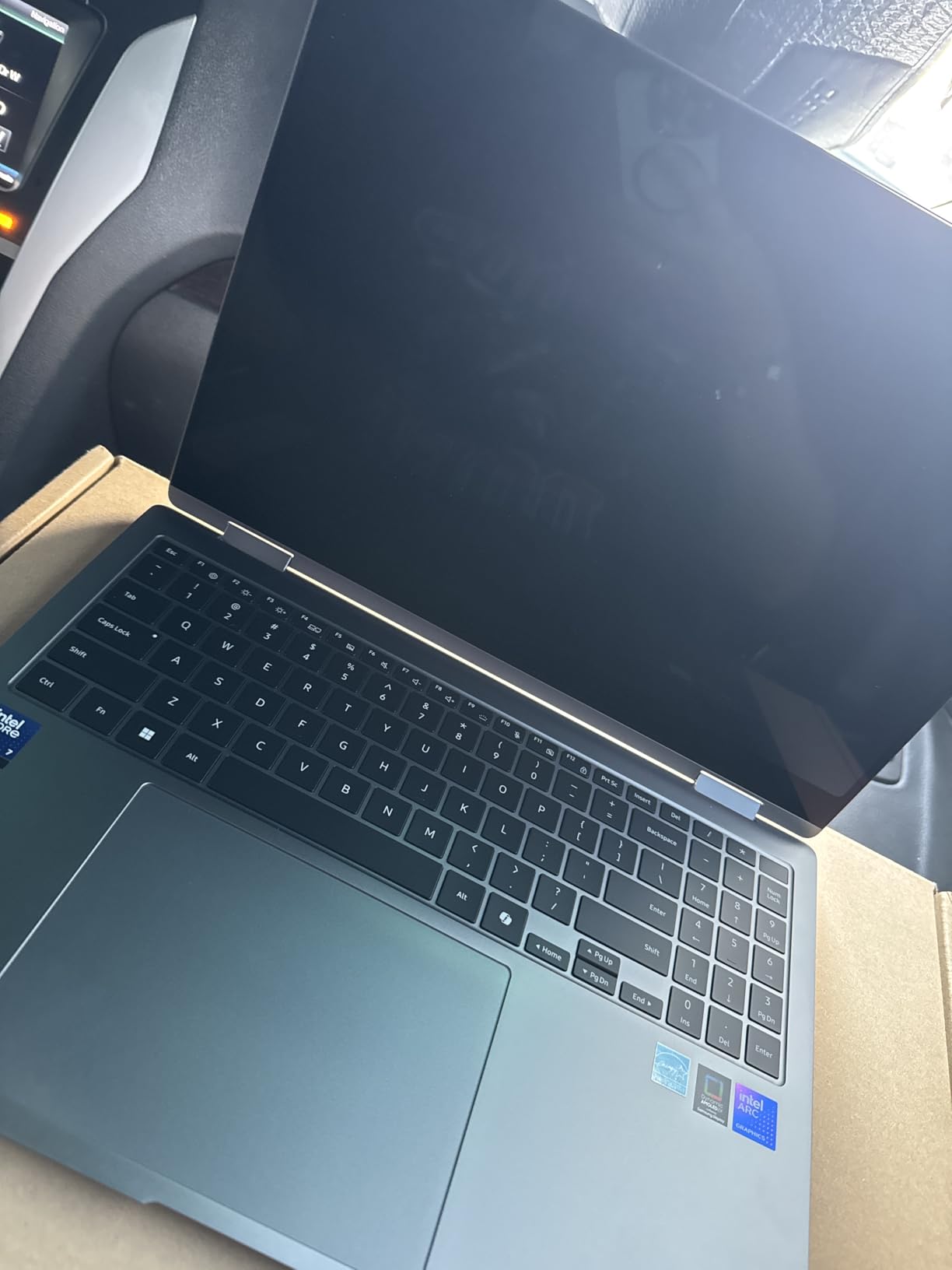
If you are already in the Samsung Galaxy ecosystem, the integration through Quick Share, Phone Link, and Auto Hotspot is a quiet productivity win when moving reference images from a phone to the canvas.
Why pen-first artists should look here
Wide color gamut plus an included pen with multi-touch gestures and enhanced tilt sensitivity covers the two things that actually break a drawing-on-screen workflow: color you cannot trust, and a pen that feels disconnected from the glass. Reviewers repeatedly single out both.
Port selection is complete enough to skip a dock: two Thunderbolt 4 ports, USB-A, HDMI, a microSD slot, and a headphone jack, plus Wi-Fi 7 and Bluetooth 5.4.
What to know before buying
The 16GB of LPDDR5 is soldered, and that is the ceiling for very large multi-application creative sessions. If you run a drawing app, a browser, and a video editor together for hours, that memory will be the limit before the processor is.
There is no discrete GPU, so GPU-accelerated 3D rendering stays limited. The glossy AMOLED surface can still show reflections despite the anti-glare coating, and a portion of reviews cite Samsung software bloat. Check whether the preinstalled extras can be removed cleanly before you commit.
7. Apple MacBook Pro 16 M5 Pro – The Best Laptop for Large Canvases and HDR Work
Apple 2026 MacBook Pro Laptop with Apple M5 Pro chip with 18-core CPU and 20-core GPU: Built for AI, 16.2-inch Liquid Retina XDR Display, 24GB Unified Memory, 1TB SSD, Wi-Fi 7; Space Black
M5 Pro with 18-core CPU and 20-core GPU
16.2-inch Liquid Retina XDR at 1600 nits peak
24GB unified memory and 1TB SSD
Three Thunderbolt 5 ports and SDXC slot
Pros
- Huge 16.2-inch XDR display with 1000 nits sustained brightness
- No lag under heavy creative multitasking
- Completely silent and cool under sustained work
- SDXC slot and three Thunderbolt 5 ports
- Supports up to three external displays
Cons
- 24GB unified memory cannot be upgraded
- 4.71 pounds is heavy for a portable machine
- Setup and account permission process frustrates some owners
- Black finish shows fingerprints
The 16.2-inch Liquid Retina XDR display is the reason to consider this over the 14-inch model. It hits 1600 nits peak with 1000 nits sustained brightness and a 1,000,000:1 contrast ratio, and the larger canvas means less zooming while you paint detailed line work.
Inside, the M5 Pro carries an 18-core CPU and a 20-core GPU with a Neural Accelerator in each GPU core. Storage starts at 1TB with up to 2x faster performance than the previous generation, which matters when you are opening multi-gigabyte PSD or Procreate files.
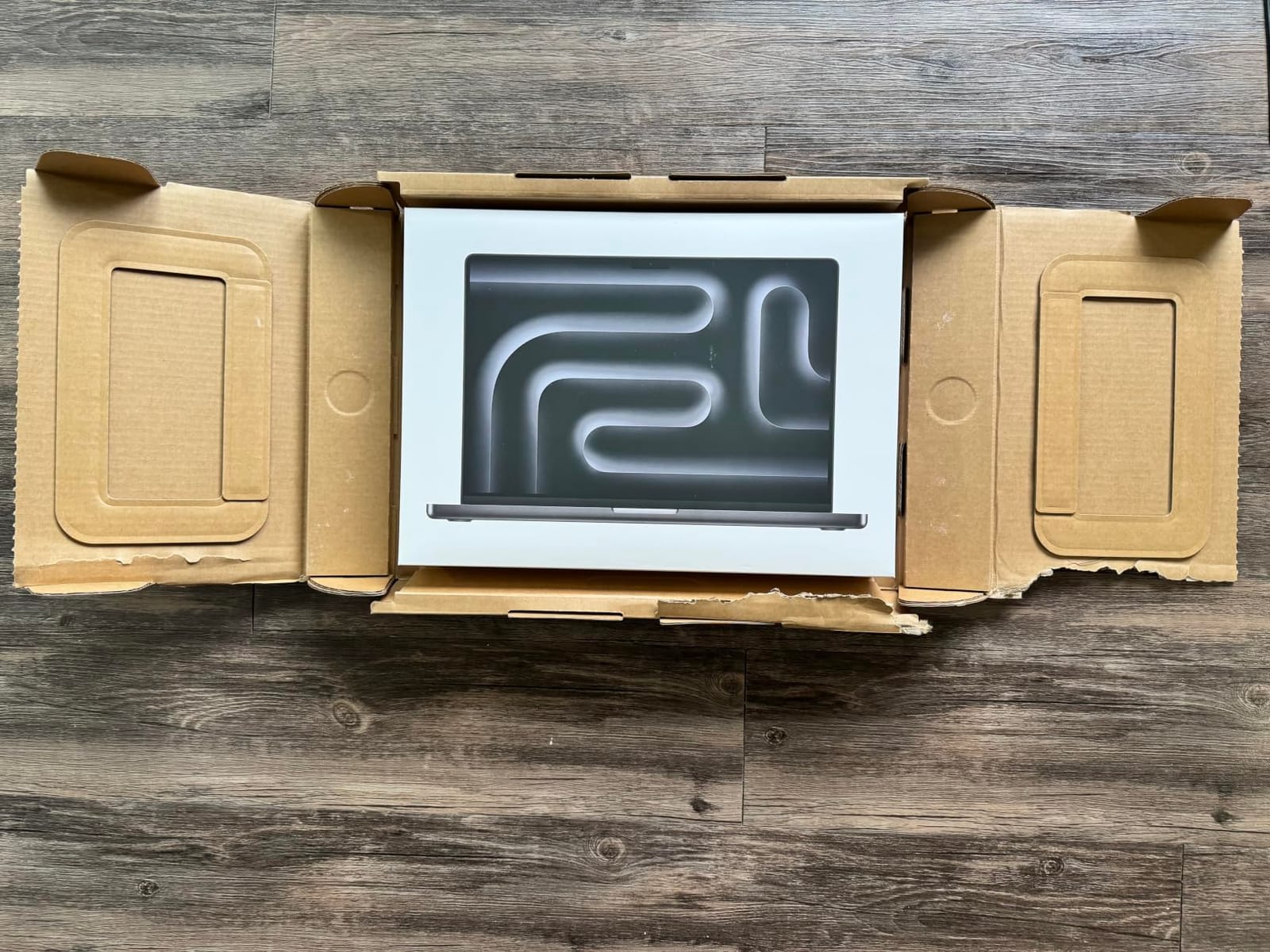
Owners report no lag or crashes under heavy creative loads with multiple applications open, and the machine stays completely silent and cool even through hours of sustained work. That combination of power and quiet is rare.
The port selection is the most complete here: three Thunderbolt 5 ports, MagSafe 3, an SDXC card slot, HDMI, and a headphone jack, all without a dock. It supports up to three external displays, so a full multi-monitor studio setup is possible with the laptop screen included.
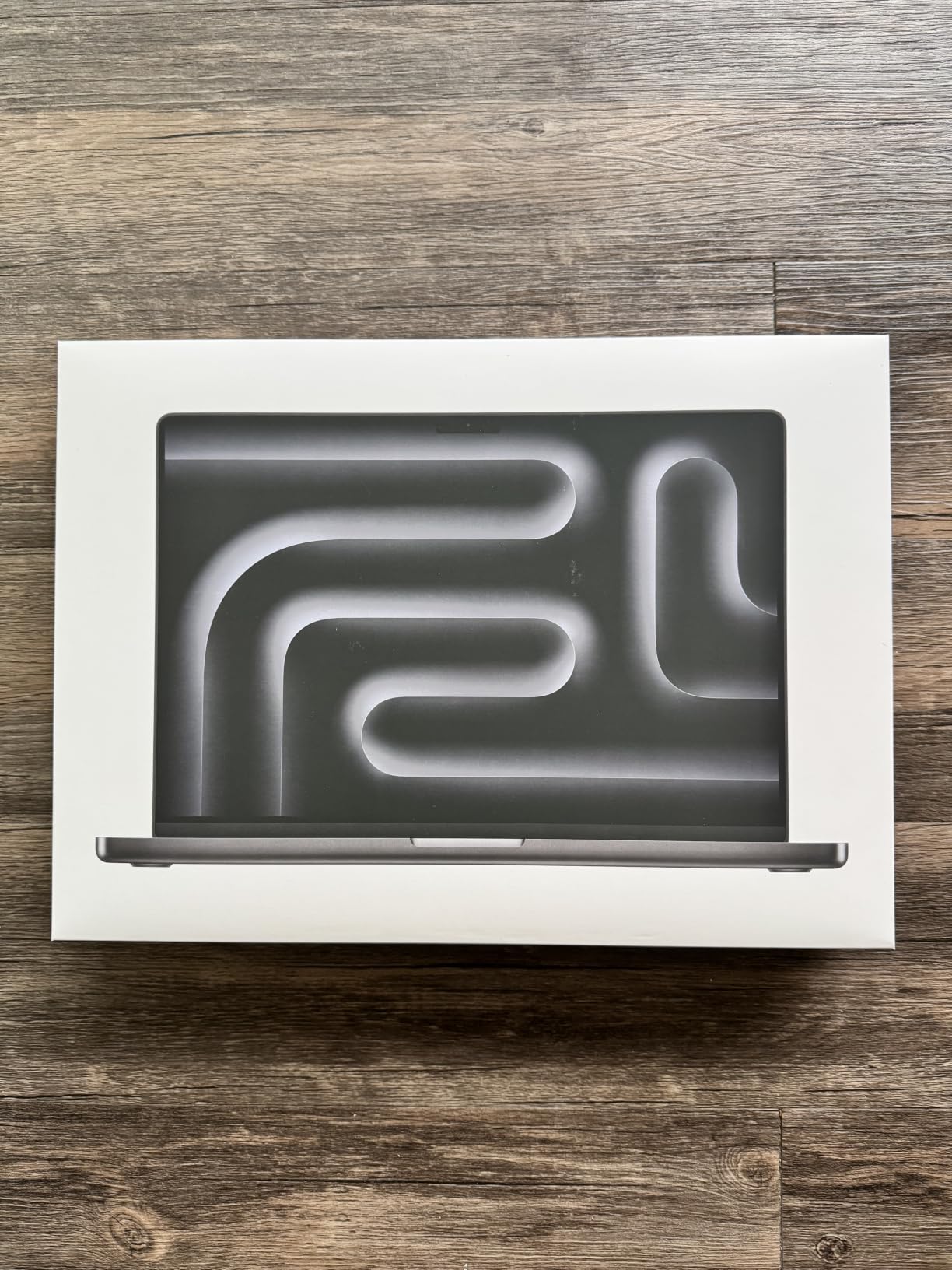
Battery life is reported as all-day, with owners describing 24 or more hours on a single charge on lighter workloads. Performance is identical plugged in or on battery, which removes a whole category of anxiety during long sessions.
Who should buy the 16-inch model
Professionals working at a desk who paint large canvases, edit video, or handle HDR-aware color work. The sustained brightness figure matters when you are grading or matching a client reference on a bright screen, and the 16.2-inch diagonal is where that stops being a small adjustment.
Photographers benefit directly from the SDXC card slot. If you are importing shoots without an adapter, that single port removes friction from the start of every project.
Where it falls short
At 4.71 pounds it is heavy for a portable creative machine, and with 24GB of unified memory that cannot be upgraded, several owners regret not ordering higher memory for future-proofing AI and creative workflows. Decide the memory configuration carefully, because you get one shot at it.
Apple’s setup, migration, and account permission process is a recurring source of frustration in reviews, and the black finish shows fingerprints. If you are comfortable in macOS these are non-issues; if you are migrating from Windows, budget an afternoon.
8. MSI Creator 15 OLED – The Best 4K OLED Screen for Color-Critical Work
msi Creator 15 Professional Laptop: 15.6″ UHD OLED 4K DCI-P3 100% Display, Intel Core i7-11800H, NVIDIA GeForce RTX 3060, 16GB RAM, 512GB NVME SSD, Thunderbolt 4, Win10, Black (A11UE-491)
15.6-inch 4K UHD OLED at 3840x2160
100 percent DCI-P3 color coverage
RTX 3060 with 6GB GDDR6
16GB DDR4 upgradeable to 64GB, 512GB NVMe
Pros
- 4K OLED with 100 percent DCI-P3 coverage is genuinely accurate
- Desktop-class RTX 3060 graphics
- RAM and storage both upgradeable
- Good port selection with Thunderbolt 4 and 2.5GbE Ethernet
- Minimal bloatware
Cons
- Fan noise is audible in adjacent rooms
- MSI Center Pro software is buggy
- Glossy OLED panel has reflection and burn-in risk
- No SD card slot on a creator machine
- Older 11th-gen processor and small base storage
The display is the reason to buy this laptop. A 15.6-inch 4K UHD OLED panel at 3840×2160 with 100% DCI-P3 coverage gives you true color and serious contrast, and reviewers describe it as genuinely accurate, bright, and sharp for color-critical work rather than merely marketing coverage numbers.
Graphics are handled by an NVIDIA GeForce RTX 3060 laptop GPU with 6GB of GDDR6, which handles GPU-accelerated editing, rendering, and motion work without approaching the integrated-only ceiling that limits most of this list.
Unlike most creator laptops at this level, both memory and storage are upgradeable. The 16GB of DDR4 at 3200MHz runs across two slots and can go up to 64GB, and the 512GB NVMe SSD sits alongside an additional M.2 slot. Several owners have done exactly that upgrade.
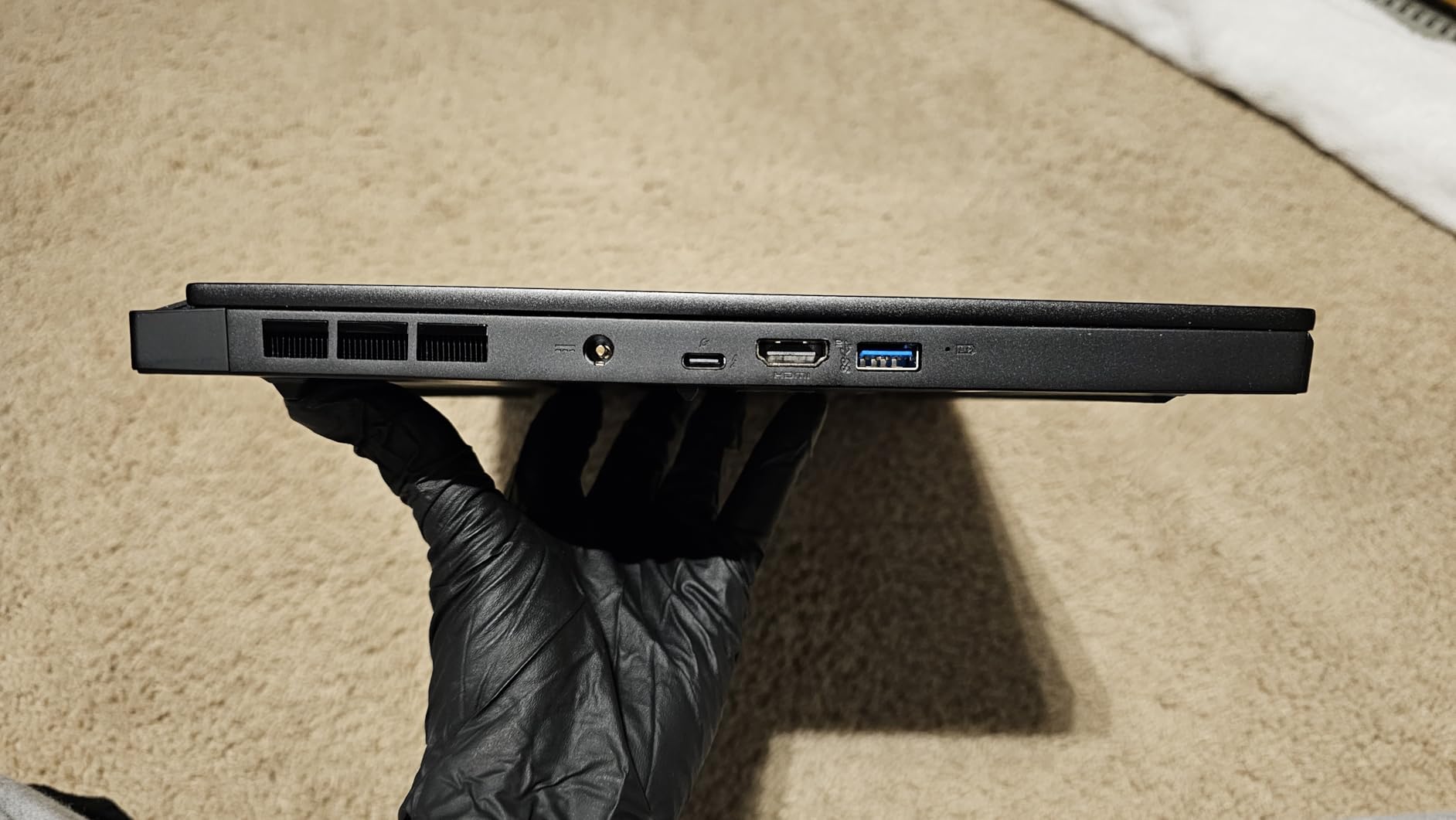
Port selection is excellent: Thunderbolt 4, HDMI, five USB ports, and a dedicated Killer E3100 2.5GbE Ethernet port, so a dock is rarely needed. The chassis is nearly full aluminum and resists fingerprints better than gloss-black rivals.
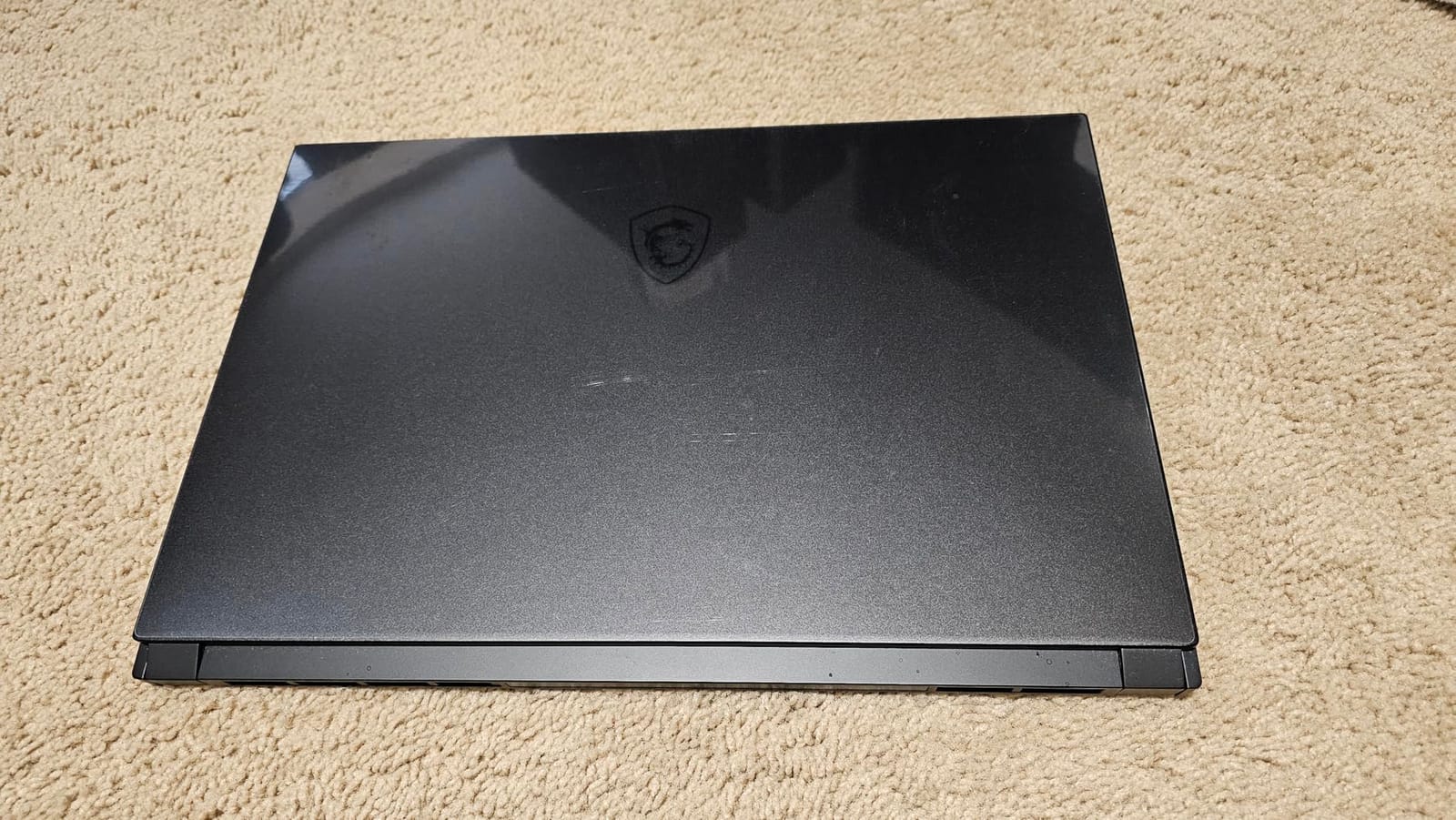
The 99.9 watt-hour battery is generous, though it pairs with a 230W slim power brick that you should factor into any travel plan. RGB backlit keyboard and the Cooler Boost Trinity+ thermal system round out the feature set.
Why the OLED panel is worth the trade-offs
For a digital painter working in a dark room, an OLED panel with true blacks and 100% DCI-P3 coverage is a qualitatively different experience from an sRGB IPS screen. It is also the correct panel reference for video work, where wide gamut coverage actually gets used.
The discrete RTX 3060 makes this a practical choice for photo, video, and light 3D work, and the upgradeable memory means you are not locked in at purchase.
Honest warnings before you commit
This is the lowest-rated and thinnest-reviewed pick in the group, and the reasons are consistent. Fan noise is the most cited problem, with whirring audible in adjacent rooms at idle under some conditions. MSI Center Pro software is described as buggy, crashing and hanging, with unreliable audio and true-color utilities.
The glossy panel works well in a controlled room and badly in a bright one, and glossy OLED carries burn-in and dead-pixel risk over long-term use. There is no SD card slot on a machine marketed to creators, and the base configuration of 16GB with 512GB storage is small by current standards. A portion of reviews also report screen flickering and input hardware issues. If any of that sounds like a gamble, the MacBook Pro 14 or the Acer Nitro V 16S are the safer buys.
9. HP Envy x360 15.6 – The Budget Pick for Art Students
2020 HP Envy x360 2-in-1 Laptop, 15.6″ Full HD Touchscreen, AMD Ryzen 5 4500U Processor up to 4.0GHz, 8GB Memory, 256GB PCIe SSD, Backlit Keyboard, HDMI, Wi-Fi, Windows 10 Home, Nightfall Black
15.6-inch Full HD IPS anti-glare touchscreen
AMD Ryzen 5 4500U, 6 cores
8GB DDR4 and 256GB PCIe NVMe SSD
2-in-1 convertible, 4.4 pounds
Pros
- Lowest cost entry with a convertible touchscreen
- Anti-glare Full HD IPS panel is comfortable in varied lighting
- Light 4.4-pound chassis with backlit keyboard
- Built-in multi-format SD card reader
- Largest review base in the group at 673 ratings
Cons
- Only 8GB RAM for large files
- 256GB SSD fills quickly
- Radeon integrated graphics are the weakest here
- Older 2020-generation processor
- Windows 10 rather than Windows 11
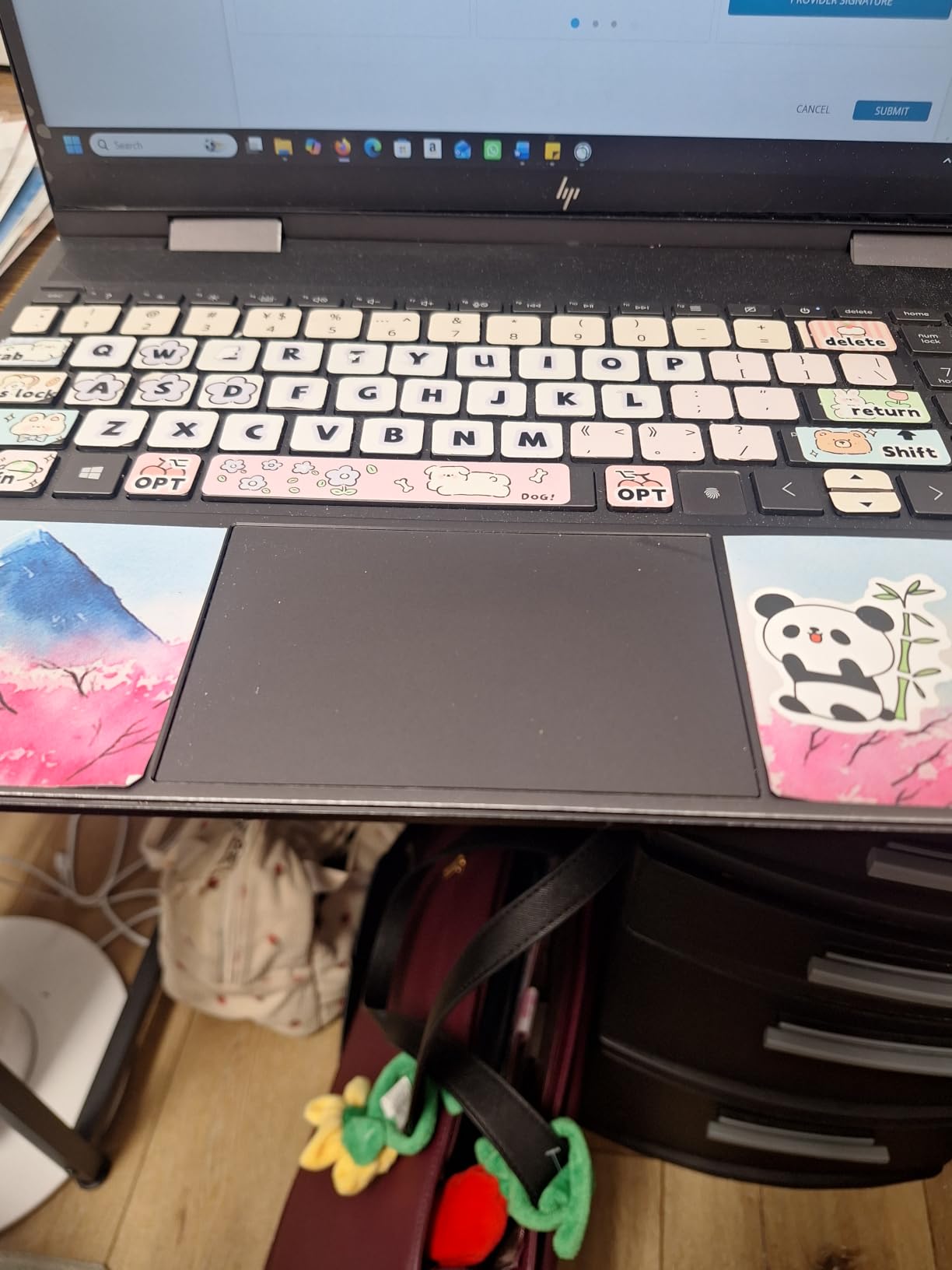
If you are starting an art program or building a first studio, this is the honest budget answer. You get a 15.6-inch Full HD IPS anti-glare micro-edge WLED-backlit touchscreen at 1920×1080, a 360-degree convertible chassis, and a 4.4-pound weight for less than any other machine here.
The Ryzen 5 4500U is a 6-core part boosting to 4.0 GHz with Radeon integrated graphics. Storage is a 256GB PCIe NVMe M.2 SSD and memory is 8GB of DDR4 at 3200MHz in a single slot.
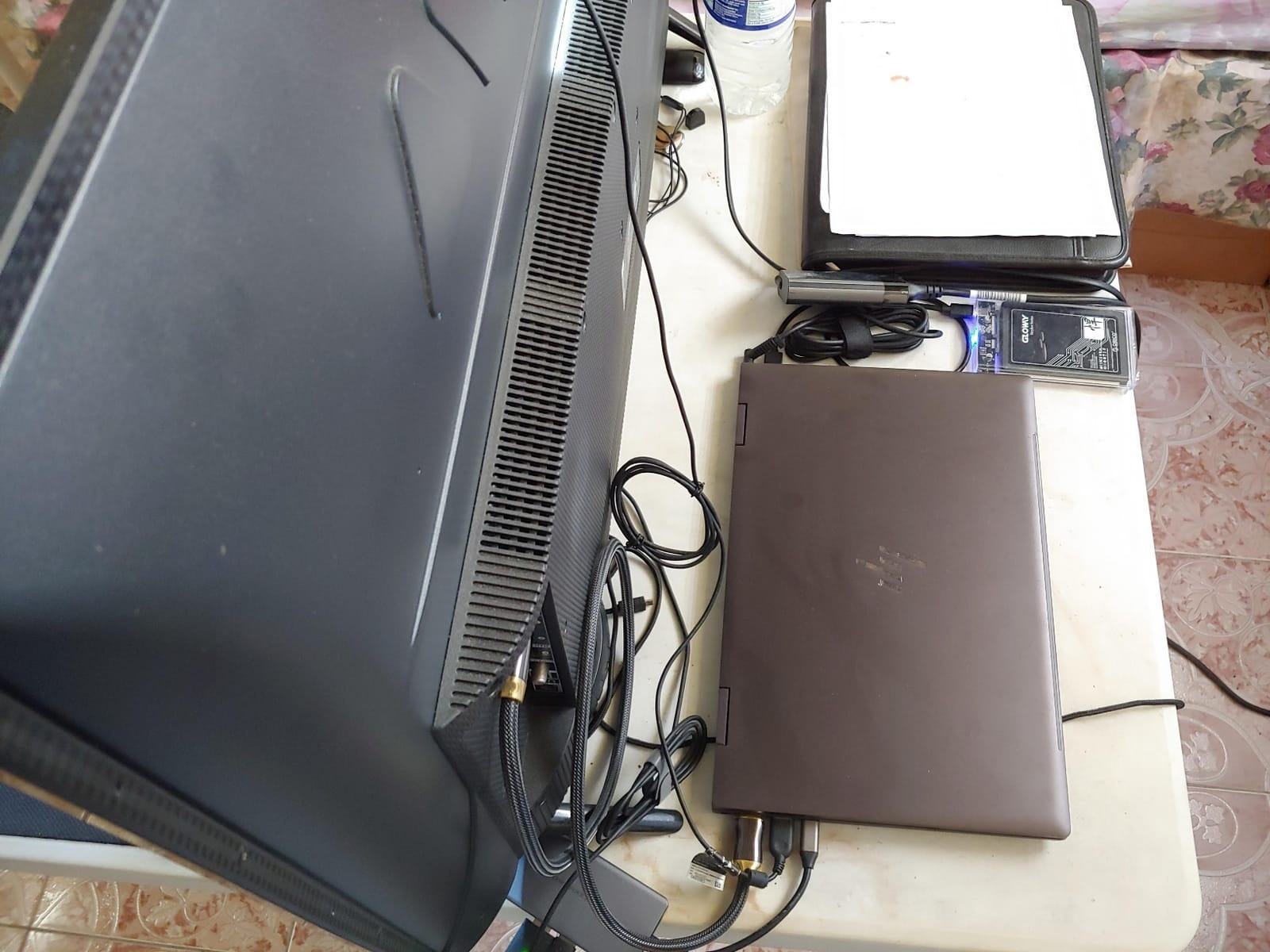
The anti-glare finish is the underrated feature. Artists frequently complain about glossy panels, and a matte screen that stays readable in a room with overhead lighting is worth more day to day than a higher resolution you cannot see properly.
There is a multi-format SD card reader built in, which is genuinely useful for importing artwork and photos without an adapter. You also get Bang and Olufsen tuned speakers with HP Audio Boost 2.0, a backlit keyboard, a fingerprint reader, Wi-Fi 6, and an HD camera with a dual array microphone.
With 673 ratings behind it, this is the most heavily reviewed machine in the group, which tells you something useful about consistency. It behaves the way owners expect it to behave, which is more than can be said for every budget device.
What this budget convertible is good for
Sketching, note-taking, class work, and light 2D illustration. Beginners are often advised to start with a mid-range machine and a modest pen rather than a premium creator laptop, and this fits that advice. The touchscreen accepts a stylus, which is the point of the convertible design.
Artists with older machines report that 2018-era i5 and 16GB setups are still adequate for 2D work, which is a useful reminder that this class of hardware does not need replacing every two years.
Where it falls short
Eight gigabytes of RAM is the real ceiling. It is tight for large Photoshop files, video timelines, or running a drawing app alongside a browser, and that is the minimum most community advice recommends as a practical floor.
The 256GB SSD also fills quickly with layered files and brush packs, Radeon integrated graphics are the weakest option here, and the 2020-generation processor will feel slow next to the Core Ultra and M-series machines. The 1920×1080 resolution and lack of wide color gamut rule it out for color-critical work. It also runs Windows 10 rather than Windows 11.
10. NIMO N158 – The Best Upgradeable Laptop for Maximum Memory and Storage
NIMO 15.6″ FHD AI-Creator-Laptop, AMD R7 8745HS 8 Cores, 32GB DDR5 1TB SSD
AMD Ryzen 7 8745HS, 8 cores and 16 threads at 45W
32GB DDR5 expandable to 64GB, dual M.2 slots
15.6-inch Full HD anti-glare at 60Hz
3.8 pounds, 75 watt-hour battery
Pros
- 32GB DDR5 with dual SODIMM slots expandable to 64GB
- Dual M.2 slots allow storage expansion to 4TB
- Radeon 780M is the most capable integrated GPU here
- Light 3.8-pound chassis
- USB4 and HDMI 2.1 drive up to three monitors
- Two-year warranty with US-based support
Cons
- Only 34 reviews
- so long-term reliability is less proven
- 1920x1080 60Hz panel with no wide gamut
- Integrated graphics only
- Unfamiliar brand with no track record for resale or parts
This machine posts the highest average rating in the group at 4.9, and the reason is specifications: 32GB of DDR5, dual M.2 storage slots, and a 45W eight-core processor in a 3.8-pound chassis. The caveat is that it is built on 34 ratings, so treat that score as promising rather than proven.
The Ryzen 7 8745HS delivers 8 cores and 16 threads at 45W sustained power up to 4.9 GHz, with an NPU in the 38 AI TOPS class. The Radeon 780M on RDNA 3 is described as the most capable integrated graphics option here for GPU-assisted creative work.
Memory is the headline. Dual SODIMM slots ship with 32GB of DDR5 at 5600MHz and expand to 64GB, and dual M.2 slots take the 1TB PCIe 4.0 SSD up to 4TB total. No other machine in this group offers that much headroom, and it is the clearest answer to artists who plan to keep working on the same device for a decade.
Connectivity is genuinely strong: one USB4 port at 40Gbps, a full-function Type-C, HDMI 2.1, three USB-A ports, and a microSD reader, supporting up to three external monitors without a dock. The 100W USB-C PD charger reaches 60 percent in 35 minutes, and the 75 watt-hour battery is rated at 10 to 12 hours of office work.
A 180-degree lay-flat hinge helps when you want to show a client the full screen, and the touchpad fingerprint reader with 0.3-second Windows Hello login sits alongside an fTPM 2.0 module and a Kensington lock slot.
Why this works for the right artist
If your workflow is memory-bound rather than GPU-bound, this is the machine. Large PSD files, huge raw photo libraries, and multi-application sessions are the cases where 32GB as standard and 64GB later genuinely pays off, and the upgrade path removes the fixed-memory frustration that Mac users regularly report.
The US-based service center and warranty backing cited by owners matter for an unfamiliar brand. Fast exchanges are a real comfort when your entire practice depends on the device.
Why we are not recommending it more loudly
Two problems. The display is the weakest specification in this group: a 1920×1080 60Hz anti-glare LCD with no wide color gamut and modest brightness. For an artist, that is the one component you cannot upgrade later, and it is the one that shapes how you see your own work.
Second, the brand has no track record in the laptop market, so resale value and long-term parts support are unclear, and integrated graphics rule out 3D rendering and motion graphics. If you can accept a modest screen in exchange for maximum memory, maximum storage, and light weight, it is a strong value. If you paint color-critical work, buy a better panel instead.
How to Choose a Laptop for Digital Art?
Every artist has a different answer, but the decision always comes down to four components in this order: display, memory, graphics, and portability. Get those right and the rest is preference. Get the order wrong and you will spend years compensating in software.
The display is your canvas, so judge it first
Nothing in a creative laptop matters more than the panel, because every color decision you make is made while looking at it. Three specifications deserve attention: the resolution, the color gamut, and the finish.
For resolution, 1920×1080 is workable at 15.6 inches but tight for detail work. 2560×1600 gives you meaningfully more room for a brush palette, and 2880×1800 or 3840×2160 is where line work stops feeling cramped. Note that a 16:10 aspect ratio shows more vertical content than 16:9, which is a real gain in timeline and layer panels.
For gamut, sRGB covers the web and most print workflows. DCI-P3 is the standard for video work, and Adobe RGB matters if you prepare files for professional print. If your work is color-critical, assume you will buy a colorimeter and a calibrated external monitor eventually, and pick a laptop wide-gamut panel in the meantime.
For finish, matte or anti-glare beats glossy in almost every real studio. The glossy OLED in this list looks stunning in a controlled room and becomes frustrating the moment a window sits behind your screen.
How much RAM do digital artists actually need?
Community consensus treats 16GB as the practical floor and 32GB as the comfortable working amount for large canvases. That guidance holds up in practice, and the failure mode is always the same: when memory runs out, your application starts swapping to disk and brush strokes stutter.
Here is how we would break it down. For sketchbooks, study work, and light illustration, 8GB technically runs but leaves no headroom for a browser. For professional 2D work in Photoshop or Clip Studio Paint, 16GB is the minimum and 24GB is comfortable. For video editing, large raw photo libraries, and multi-application workflows, 32GB should be your floor. For local AI image generation, 3D rendering, and long-term professional use, 64GB or more removes a ceiling you would otherwise hit within a couple of years.
Then check upgradeability, because this is where the decision gets made for you. LPDDR5 memory is soldered on most thin machines, including the MacBook Pro models and the Dell Inspiron 16 Plus, so the configuration you buy is the configuration you keep. Machines with SO-DIMM or SODIMM slots, like the Acer Nitro V 16S and the NIMO N158, let you decide later. Storage follows the same logic: 1TB as a starting point is a sensible floor, and dual M.2 slots give you room to grow.
Do you need a dedicated GPU?
For 2D painting, illustration, and layout, integrated graphics are usually enough. Photoshop, Clip Studio Paint, Illustrator, and Figma all run comfortably on the integrated options in this list, and the 16-core GPU in the MacBook Pro 14 handles far more than those apps ask of it.
A dedicated GPU earns its place in four situations: Blender, Cinema 4D, and other 3D work, video editing with effects and motion graphics, local AI image generation tools that need CUDA or Tensor hardware, and any workflow where you also want the machine to handle modern games. The Acer Nitro V 16S with 8GB of dedicated GDDR7 and the MSI Creator 15 with 6GB of GDDR6 are the two picks built for that.
One important caution about AI TOPS and NPU figures. Marketing numbers for neural processors describe the dedicated NPU, not the GPU that renders your work, so a high TOPS value does not predict render speed. Judge graphics performance by the GPU itself and by how much dedicated video memory it carries.
Do you need a touchscreen laptop, or is a drawing tablet enough?
Here is the decision rule we use. If you already own a drawing tablet and work on a desk, a separate tablet gives you a larger, more ergonomic surface than any laptop screen, and most artists do exactly this. Paying more for a touchscreen panel to use it as a small tablet is often a poor trade.
Choose a touchscreen laptop when your work is genuinely mobile, when you present to clients, or when you want one device instead of two. The 360-degree convertible form factors here add tent and stand modes, which turn the laptop into a second display for reference work. Among those, the Samsung Galaxy Book5 Pro 360 stands out because the S Pen is included, and the anti-glare treatment on its 3K panel handles bright rooms better than most glossy touchscreens.
One more consideration: touchscreen panels are typically more reflective, and pen ergonomics on a laptop screen are less comfortable than on a dedicated tablet. If you paint long sessions, an external tablet still wins.
Mac or Windows for digital art?
Both platforms run the full Adobe Creative Cloud suite, so the choice is narrower than it used to be. Mac gives you a strong unified memory architecture, consistently accurate displays, and excellent battery life, with the trade-off that memory and storage are fixed at purchase. Windows gives you more choice in price, far more upgrade paths, dedicated GPU options that MacBooks do not offer, and a wider range of drawing tablet drivers.
The deciding factor is software. If you rely on Windows-only Adobe plugins, specific 3D tools, or a particular game engine, the choice is made for you. If you work in the mainstream Adobe apps plus Blender, either platform serves you well, and screen quality should drive the decision.
Should you buy now or wait for the next generation?
Our advice is to buy when your current machine stops you from working. Processors in this category improve steadily, but the gains year over year are smaller than the jump from an older machine to any of the ones listed here. If you are still productive, waiting costs you nothing but time.
Two buying moments are worth acting on. The first is when your file sizes have outgrown your memory and you see stutter that did not exist a year ago. The second is when your screen no longer shows you accurate color, because that affects the quality of your work in a way no software update can fix.
What about refurbished and multi-device setups?
A one-generation-old machine with a discrete GPU is a sensible way to get rendering performance on a limited budget, and manufacturers and retailers offer certified refurbished units with warranty coverage. Check that the display has no dead pixels, that the battery health is acceptable, and that the return policy is long enough to test it properly. Avoid machines with soldered memory at that tier, because you will have no room to grow.
Many working artists run two devices rather than one expensive one: a laptop for travel and a desktop-class machine or a calibrated external monitor at the studio. A mainstream laptop plus an external drawing tablet is the most common setup reported in creative communities, and it costs less than a premium creator laptop while giving you a better drawing surface.
Frequently Asked Questions
How much RAM do I need for digital art?
Community consensus treats 16GB as the practical floor for professional digital art and 32GB as the comfortable working amount for very large canvases and multi-application workflows. Light sketchbook and study work runs on 8GB but leaves no headroom. Video editing, large raw photo libraries, 3D rendering, and local AI image generation all benefit from 32GB or more. Check whether the memory is soldered before you buy, because fixed memory cannot be upgraded later.
Do digital artists need a dedicated GPU?
For 2D painting, illustration, and layout, integrated graphics are usually enough. Photoshop, Clip Studio Paint, Illustrator, and Figma all run well on the integrated GPUs in this roundup. A dedicated GPU earns its place for Blender and Cinema 4D, video editing with effects, local AI image generation, and hybrid work that includes modern games. In that case look for a card with dedicated memory such as 6GB or 8GB of GDDR6 or GDDR7.
Do I need a touchscreen laptop for digital art?
If you already own a drawing tablet and work at a desk, an external tablet gives you a larger, more ergonomic surface than any laptop screen, and most artists work this way. Choose a touchscreen laptop when your work is mobile, when you present to clients, or when you want one device instead of two. Convertible designs also add tent and stand modes that turn the laptop into a secondary reference display.
Is a MacBook Air good for graphic design?
Yes, for most graphic design and 2D illustration the 15-inch MacBook Air with the M5 chip is one of the strongest choices available. The 15.3-inch Liquid Retina display shows 1 billion colors, 24GB of unified memory and a 1TB SSD handle heavy creative multitasking, and the machine weighs only 3.32 pounds with up to 18 hours of stated battery life. The limitation is its fanless design, which throttles under sustained heavy renders.
What are the best laptops with stylus support?
The strongest stylus-ready pick here is the Samsung Galaxy Book5 Pro 360, which bundles an S Pen with enhanced tilt sensitivity and pairs it with a 3K AMOLED touchscreen with wide color gamut. The Lenovo Yoga 7i 16 is a larger 2-in-1 alternative with a 360-degree hinge and tent mode, and the HP Envy x360 15.6 is the budget convertible option. Check whether the pen is included, since most convertible laptops do not include one.
Is OLED better for drawing and design?
For digital painting in a controlled room, OLED is hard to beat. The 4K OLED panel in this roundup offers 100% DCI-P3 coverage with true blacks and strong contrast, which helps when judging highlights and dark backgrounds. The trade-off is that glossy OLED surfaces show reflections in bright rooms and carry burn-in risk over long-term use. Artists who work in daylight or near windows are usually better served by a matte anti-glare panel.
What is the best laptop for art school or art students?
Start with the software you actually use rather than the most powerful machine available. For sketchbook work, class notes, and light illustration a mid-range convertible with a touchscreen and 16GB of RAM is plenty, and pairing it with a modest pen beats buying a premium creator laptop. When you start client work or large files, move to 16GB minimum and 32GB for comfort, and prioritize a wide-gamut display over processor speed.
Is a laptop or an iPad better for digital art?
An iPad is the better drawing device when your work is entirely 2D and you value a responsive, glare-free canvas with long battery life. It is a worse computer when you need desktop-class software, multiple windows, or a full keyboard for client work. Many professional artists use both, taking an iPad for on-the-go sketching and a laptop with an external tablet for everything else.
Bottom Line: Which Laptop for Digital Art Should You Buy in 2026?
Start with the 14.2-inch MacBook Pro with the M4 Pro chip if you want one machine that handles everything quietly, with a display you can trust. Choose the 15-inch MacBook Air if you paint in 2D and value weight and battery above all else, or the Samsung Galaxy Book5 Pro 360 if you want to draw directly on the screen and would rather not buy a pen separately.
For technical work, the Acer Nitro V 16S is the pick for 3D, motion graphics, and hybrid gaming, and the MSI Creator 15 is the one to buy if a 4K 100% DCI-P3 OLED panel is your top priority and you accept the fan noise. The Dell Inspiron 16 Plus is the practical photo and design choice with a matte 2.5K screen, and the HP Envy x360 is the honest budget entry for art students who are still finding their medium.
Whatever you pick, check two things before checkout: the color gamut of the display, and whether the memory is soldered. Those two answers decide how long the machine will serve your art.