
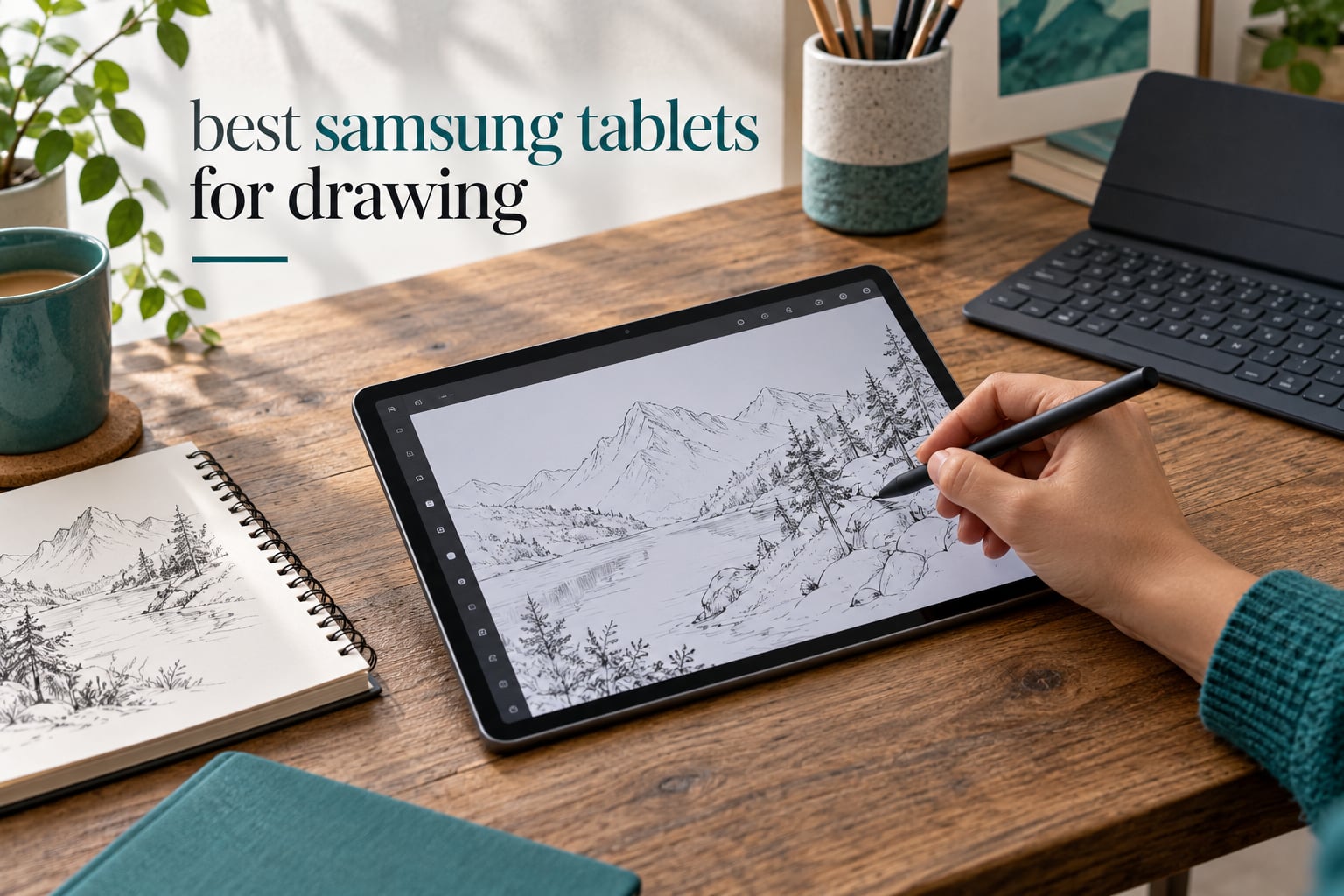
Drawing on a Samsung tablet means tapping a stylus that already lives in the box, opening an art app, and working on a screen that doubles as a full display for reference images, video calls and files. That combination is why the best Samsung tablets for drawing keep appearing at the top of every recommendation list we see, and why artists on Reddit and Krita forums repeatedly say the same thing about the pen itself. Our team compared the current S, FE, Lite and A range across screen, processor, pen behaviour and battery to work out where each one earns its place.
The short version: the Galaxy Tab S9 11 inch is the strongest all-round choice, with a 120Hz AMOLED canvas, a Snapdragon 8 Gen 2 chip and the S Pen in the box. If your work needs a very large drawing surface, the Galaxy Tab S11 Ultra gives you a 14.6 inch AMOLED panel. On the value side, the Galaxy Tab S10 Lite and the Galaxy Tab S6 Lite both bundle a pen and handle sketches, notes and light illustration well.
One naming trap before we start. The A series tablets look similar on a shelf and sit near the S models in size, but they do not ship with an S Pen at all. Several A9+ and A11+ bundles include a basic third-party stylus, which is not the same thing as a pressure-sensitive EMR pen. We have reviewed them anyway so you know exactly what you are and are not getting.
How the pen works matters too. Samsung uses Wacom EMR, or electromagnetic resonance, technology. The screen emits a magnetic field, the passive pen in the S Pen reacts to it, and the tablet reads position, pressure and tilt. No battery in the pen, no Bluetooth pairing, no charging cradle. That is why the S Pen works instantly on a freshly unboxed tablet while some competitors ask you to pair a stylus and watch for a connection. A forum answer that summed up community sentiment neatly: the S Pen is better than the Apple Pencil, in their view, mostly because of pressure response and zero pairing friction.
Table of Contents
Top 3 Samsung Tablets for Drawing (October 2026)

Galaxy Tab S9 11 inch
- 11 inch AMOLED at 120Hz
- Snapdragon 8 Gen 2
- 12GB RAM
- 256GB storage
- S Pen included

Galaxy Tab S11 Ultra
- 14.6 inch AMOLED at 120Hz
- 11600mAh battery
- 12GB RAM
- microSD slot
- S Pen and charger included

Galaxy Tab S10 Lite
- 10.9 inch LCD at 90Hz
- Exynos 1380 with 6GB RAM
- up to 2TB microSD
- up to 16 hour battery
- S Pen included
The Galaxy Tab S9 11 inch takes our top slot because nothing else in this lineup pairs a 120Hz AMOLED panel with flagship silicon and a pen in the box at a size that still fits in a jacket pocket. The S11 Ultra wins on raw canvas area and battery capacity, and the S10 Lite wins on the ratio of drawing ability to money spent.
Every Samsung Drawing Pick at a Glance in 2026
| Product | Specs | Action |
|---|---|---|
| Samsung Galaxy Tab S9 11 inch |
|
Check Latest Price |
| Samsung Galaxy Tab S11 Ultra |
|
Check Latest Price |
 Samsung Galaxy Tab S11 Samsung Galaxy Tab S11 |
|
Check Latest Price |
| Samsung Galaxy Tab S10 Lite |
|
Check Latest Price |
 Samsung Galaxy Tab S9 FE+ Samsung Galaxy Tab S9 FE+ |
|
Check Latest Price |
 Samsung Galaxy Tab S6 Lite Samsung Galaxy Tab S6 Lite |
|
Check Latest Price |
 Samsung Galaxy Tab A11+ Samsung Galaxy Tab A11+ |
|
Check Latest Price |
 Samsung Galaxy Tab A9+ Samsung Galaxy Tab A9+ |
|
Check Latest Price |
1. Samsung Galaxy Tab S9 11 inch – The Best All-Round Samsung Tablet for Drawing
Samsung Galaxy Tab S9 11” 256GB WiFi 7 Android AI Tablet, Snapdragon 8 Gen 2 Processor, AMOLED Screen, Durable Design, S Pen Included, Long Battery Life, Auto Focus Camera, US Version, 2023, Graphite
11 inch AMOLED at 120Hz
Snapdragon 8 Gen 2
12GB RAM
256GB
S Pen included
Pros
- Smooth 120Hz AMOLED canvas with deep blacks
- Snapdragon 8 Gen 2 stays fast in heavy art apps
- S Pen included with no charging needed
- Quad Dolby Atmos speakers are unusually strong
- IP68 build with Armor Aluminum frame
Cons
- Pen tip can leave faint marks on an unprotected display
- No wall charger included in the box
- Some first-party Samsung accessories are expensive
The 11 inch Dynamic AMOLED 2X panel runs at 120Hz and resolves to 2560 x 1600, with a listed brightness of 500 nits and a Vision Booster that shifts brightness and contrast automatically when you move from a bright room to a dim one. For a line-of-work tool, that smoothness is the difference between a stroke that feels connected to your hand and one that feels like it is being processed. Reviewers describe the screen as vivid with excellent blacks, and several explicitly mention using the tablet for art.
Inside is the Snapdragon 8 Gen 2 running at 3.36GHz with 12GB of RAM and 256GB of storage. That is the one configuration in this roundup where you can keep a large multi-layer illustration, a reference browser with dozens of tabs and a second drawing app open at once without the system stuttering. The IP68 rating and Armor Aluminum frame mean a splash of coffee or a dusty studio is not an emergency.
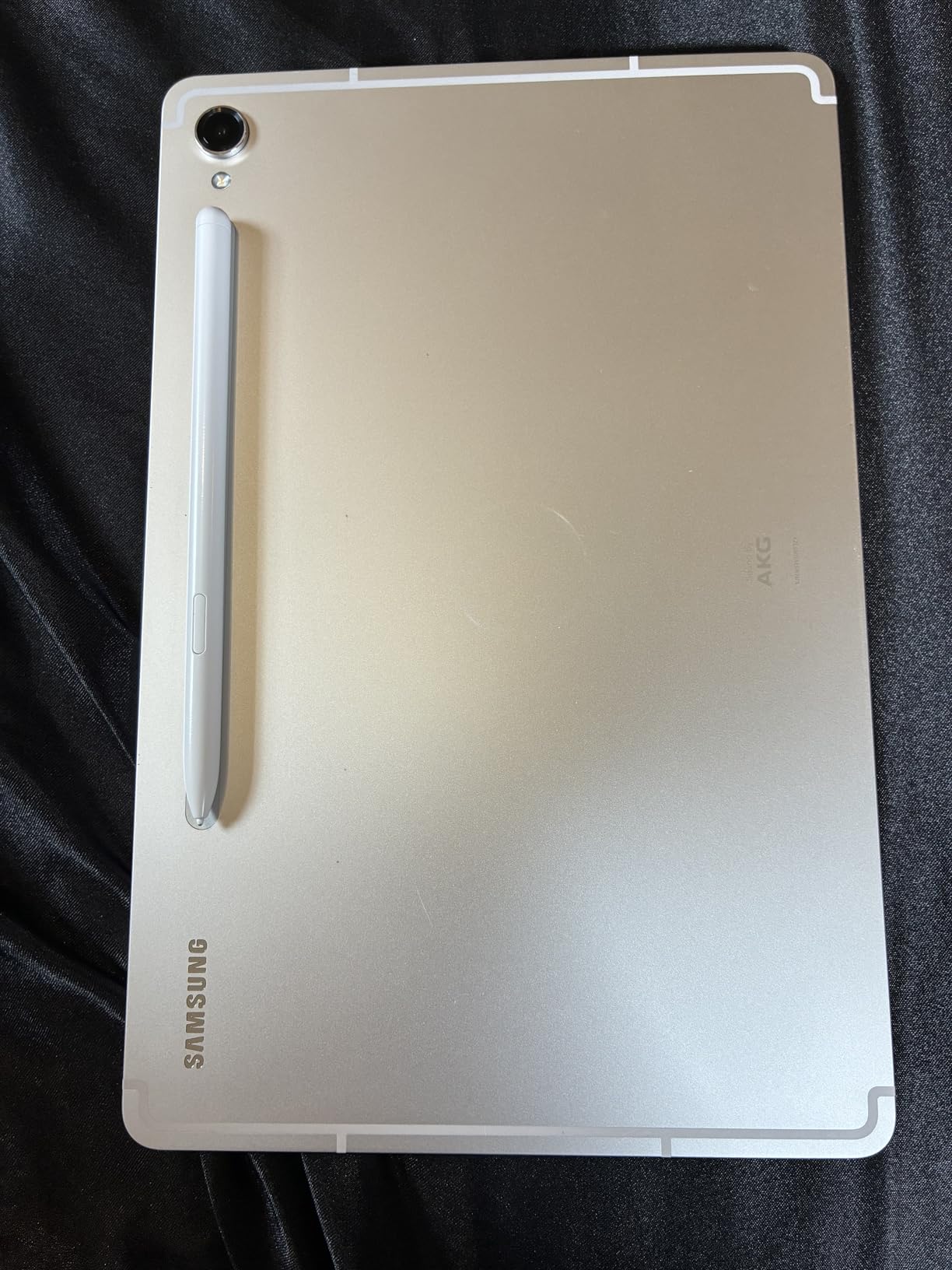
Battery is an 8400mAh cell with a listed average life of 15 hours, which comfortably covers a full working day of intermittent drawing, reference browsing and breaks. The quad Dolby Atmos speakers are a genuine surprise at this thickness, and useful if you are reviewing a rough cut or a client walkthrough alongside your canvas.
The single most common owner caution is simple and fixable: the S Pen nib can scuff an unprotected display, so put on a case with a built-in protector before your first serious session. There is also no wall plug in the box, and Samsung’s own first-party accessories carry a higher price tag than the tablet’s rivals.
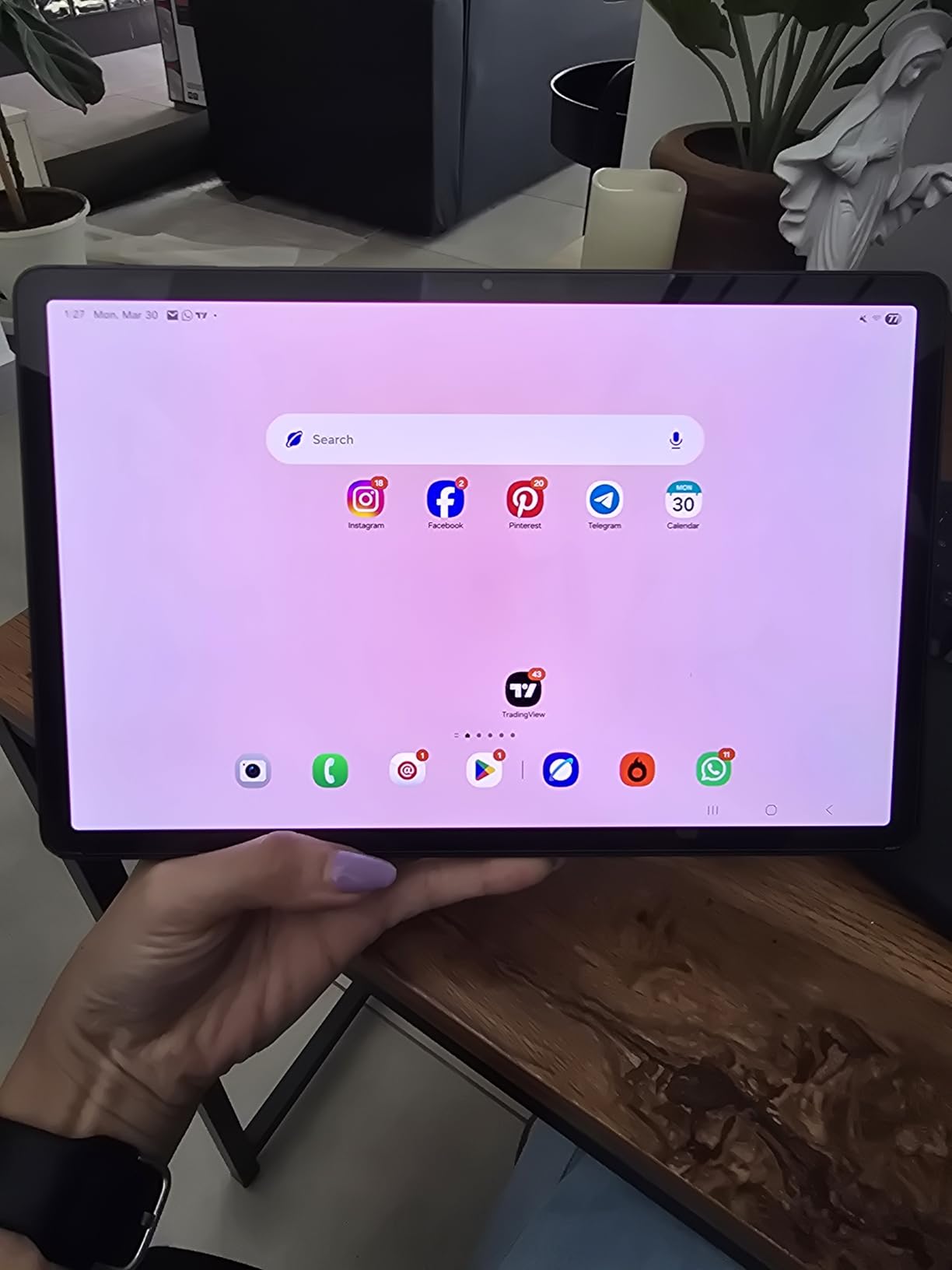
What canvas and pen feel like on the S9
At 11 inches the S9 sits in the range that most artists describe as the sweet spot between a portable sketchpad and a studio slate. It is thick enough to hold for an hour without wrist fatigue, small enough to fit a tote bag, and the 120Hz panel keeps line weight changes smooth as you vary pressure. With Wacom EMR underneath, the pen registers tilt as well as pressure, so you can shade with the side of the nib the way you would with a real pencil.
Latency is low enough that most people stop noticing it after the first sketch. The pen needs no charge, no pairing and no Bluetooth, which means the tablet works the second you switch it on. Palm rejection is handled by the digitiser, so you can rest your drawing hand flat on the glass without painting a second set of lines.
Who should skip the S9
Skip it if you work in very large formats. An 11 inch canvas at 2560 x 1600 is generous for illustration, comics and concept art, but a full-page spread or a detailed environment painting will still run out of room faster than on a 12.4 or 14.6 inch panel. Freelancers who bill for full pages every week tend to gravitate to the bigger models.
Also skip it if you are coming from a very new flagship iPad and you rely on a specific professional app that has no Android version. Samsung hardware is excellent, but the app catalogue is the real ceiling, not the tablet.
2. Samsung Galaxy Tab S11 Ultra – The Biggest Canvas Samsung Offers
Samsung Galaxy Tab S11 Ultra with S-Pen 2025 (256GB, 12GB RAM, Wi-Fi Only) 14.6″ AMOLED, WiFi 6E Android 16 Tablet, 4K Camera | International Model X930 | 25W Fast Charger Bundle (Moonstone Gray)
14.6 inch AMOLED at 120Hz
11600mAh battery
12GB RAM
256GB plus microSD
S Pen and 25W charger
Pros
- Enormous 120Hz AMOLED canvas that suits layout and design work
- Bright screen reviewers praise for outdoor clarity
- S Pen and a 25W fast charger both included
- 256GB storage with a dedicated microSD slot
- Fast and easy setup
Cons
- Very large and heavy at 2.2 pounds
- International model carries no US domestic warranty
- MediaTek Dimensity 9400+ rather than Snapdragon Elite silicon
- Pen input layer feels slightly less direct to some users
The S11 Ultra is the only tablet here with a 14.6 inch display, and at 1848 x 2960 with 120Hz it is the closest thing Samsung makes to a portable drawing desk. Owners describe the clarity and outdoor visibility as the standout features, and several specifically call out that the size suits design work where you want a full layout visible at once rather than panning across a canvas.
Power comes from the MediaTek Dimensity 9400+ on a 3nm process, paired with 12GB of RAM, Android 16 and One UI 8. The 11600mAh battery is by far the largest cell in this list, and the 25W Samsung Super Fast Charger is actually included in the box, which is rare for a flagship.
Storage is 256GB with a dedicated microSD expansion slot, so large layered files and reference libraries have room to grow. The rear cameras are a 13MP wide plus 8MP ultrawide, with dual 12MP front cameras and 4K video capture, which is useful if you film timelapses of your own work.
The honest drawbacks are physical and practical. At 2.2 pounds and 8.21 by 12.85 inches, this is not a one-hand tablet, and multiple reviewers warn that buyers underestimate the size until it arrives. The pen input also sits over the display in a way a few users describe as less direct than a bare screen. One more thing to check before you commit: this is an international model, so domestic warranty coverage differs from a US unit.
When a 14.6 inch canvas pays for itself
The big screen earns its bulk when your work is horizontal. Full-spread comic pages, environment concept sheets, storyboard grids and any layout where you need to see relationships between elements at the same time all benefit from the extra width. A 12.4 inch tablet shows a page; a 14.6 inch tablet shows the page plus the margins and the neighbouring panels you are iterating on.
Battery is the quiet hero. A 11600mAh cell means a long session without a wall, which matters for anyone drawing away from a desk. Because the charger is included, the setup is genuinely grab-and-go.
Who should look at a smaller model instead
Anyone who draws on location, on trains, in cafes or in bed will find 2.2 pounds tiring fast. Holding a large slab at the edge of a table for a two-hour sketching session is a real ergonomic cost that spec sheets do not show. The 11 inch and 10.9 inch models are the ones most artists actually carry daily.
Second, check the warranty situation for your region before buying an international unit, and confirm that the pen layer feel suits your hand. If you are used to a bare glass surface on another device, the extra film can take a session to get used to.
3. Samsung Galaxy Tab S11 – The Portable Creator Flagship
Samsung Galaxy Tab S11 256GB WiFi Android Tablet, Galaxy AI, IP68, Gray
11 inch AMOLED
MediaTek MT6991
12GB RAM
256GB plus microSD
IP68 at 1.1 pounds
Pros
- Premium 11 inch AMOLED with Vision Booster for long sessions
- 12GB RAM keeps app switching smooth
- S Pen plus Drawing Assist refines rough sketches
- IP68 rating and a 5.5mm slim body
- microSD expansion for large creative files
Cons
- 60Hz refresh rate is lower than 120Hz rivals
- You may want the brighter and larger canvas of the S11 Ultra
- Display specs are listed as OLED rather than a stated HDR tier
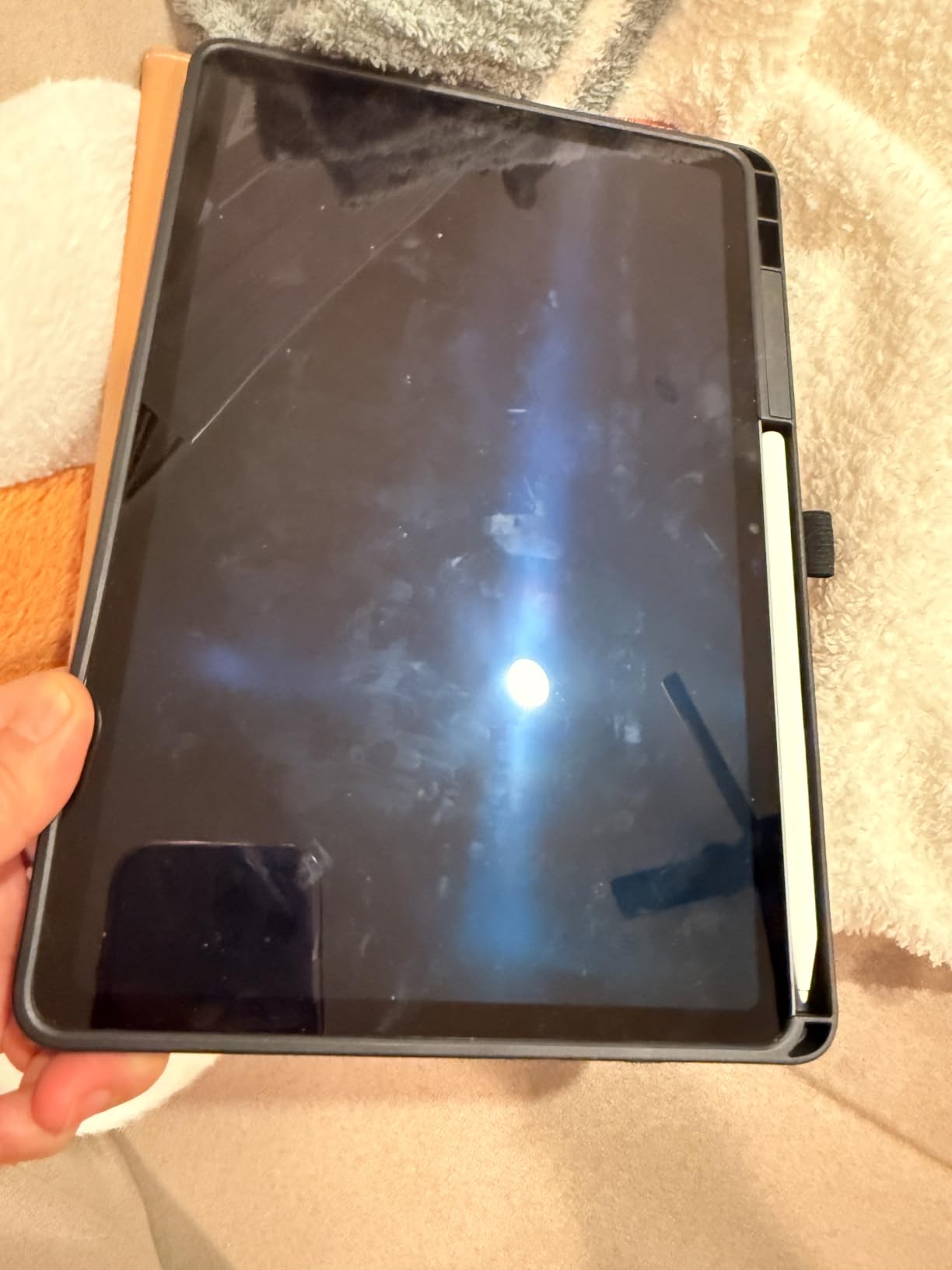
This is the S11 in its 11 inch form, and it lands at 1.1 pounds and 5.5mm thin with an IP68 rating. The display is 11 inches at 2560 x 1600 with Vision Booster, and reviewers describe it as holding up through long design sessions. The 12GB of RAM and 256GB of storage plus microSD expansion give you room for big files without constant housekeeping.
What separates this model from a straightforward spec bump is the software. Drawing Assist turns a rough sketch into something closer to a polished mock-up, and Note Assist keeps handwritten ideas organised after a meeting or a lecture. Gemini Live on screen and camera analysis round out an AI toolkit that is genuinely built for creative capture rather than a marketing label.
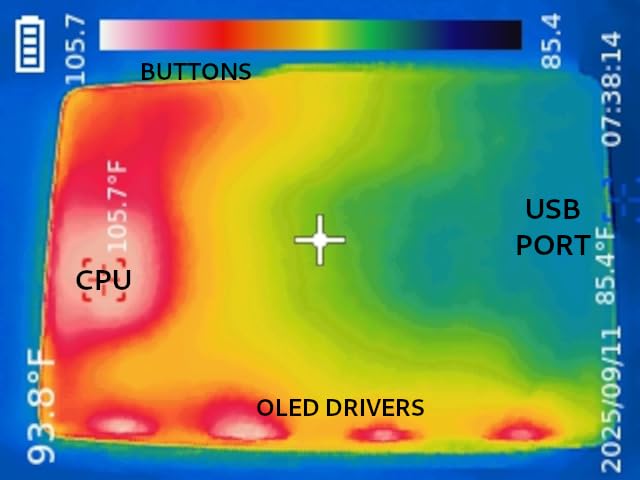
Battery is an 8400mAh cell with a listed average life of 18 hours, which is the longest quoted figure among the AMOLED models here. The S Pen is in the box, described as having pen-on-paper precision, and it works with no charging and no pairing.
The specification people argue about is the 60Hz refresh rate. Against 120Hz panels on competing and previous Samsung models, strokes and scrolling will not look quite as fluid, and if you are coming from a 120Hz device you will notice the difference in the first minute. That is the trade for a lighter body and a lower platform cost.
How Drawing Assist changes a working method
Drawing Assist is the feature that makes this more than an incremental upgrade for illustrators. You capture a rough layout, hand it to the on-device model, and get a cleaned-up version that keeps your composition but tidies the linework. Concept artists and students on client briefs find this useful for turning a five-minute thumbnail into something presentable in a meeting.
Note Assist plays the same role for research. Handwritten notes, a photo of a whiteboard, a list of references, and they come back organised and searchable. For a freelancer juggling a sketchbook, a brief and a shot list, that is a real reduction in friction.
Where the 60Hz panel shows
The refresh rate affects two things: how smooth scrolling and app transitions look, and how fluid a continuous stroke appears as you move the pen quickly across the glass. Fine line work with a slow, deliberate hand is barely affected. Fast hatching, gesture-heavy sketching and heavy scrolling are where the difference becomes obvious.
If smooth motion matters more to you than absolute lightness, compare this against the 120Hz AMOLED models before you settle. If you want the lightest AMOLED Samsung with a bundled pen, this is the one.
4. Samsung Galaxy Tab S10 Lite – The Best Value Samsung Tablet for Drawing
Samsung Galaxy Tab S10 Lite, 6GB RAM, 128GB, 2TB Expand, 10.9” LCD, Gray
10.9 inch LCD at 90Hz
Exynos 1380 with 6GB RAM
128GB plus 2TB microSD
Up to 16 hour battery
Pros
- S Pen included and works with no charging or pairing
- Light at 1.2 pounds and slim at 0.26 inches
- 6GB RAM handles app switching without stutter
- Up to 2TB microSD expansion
- 16 hour listed battery covers a full day
Cons
- LCD panel is less punchy than the AMOLED flagships
- 6GB RAM and Exynos 1380 are not built for heavy professional creative work
- One owner reported a hardware failure on a replacement unit
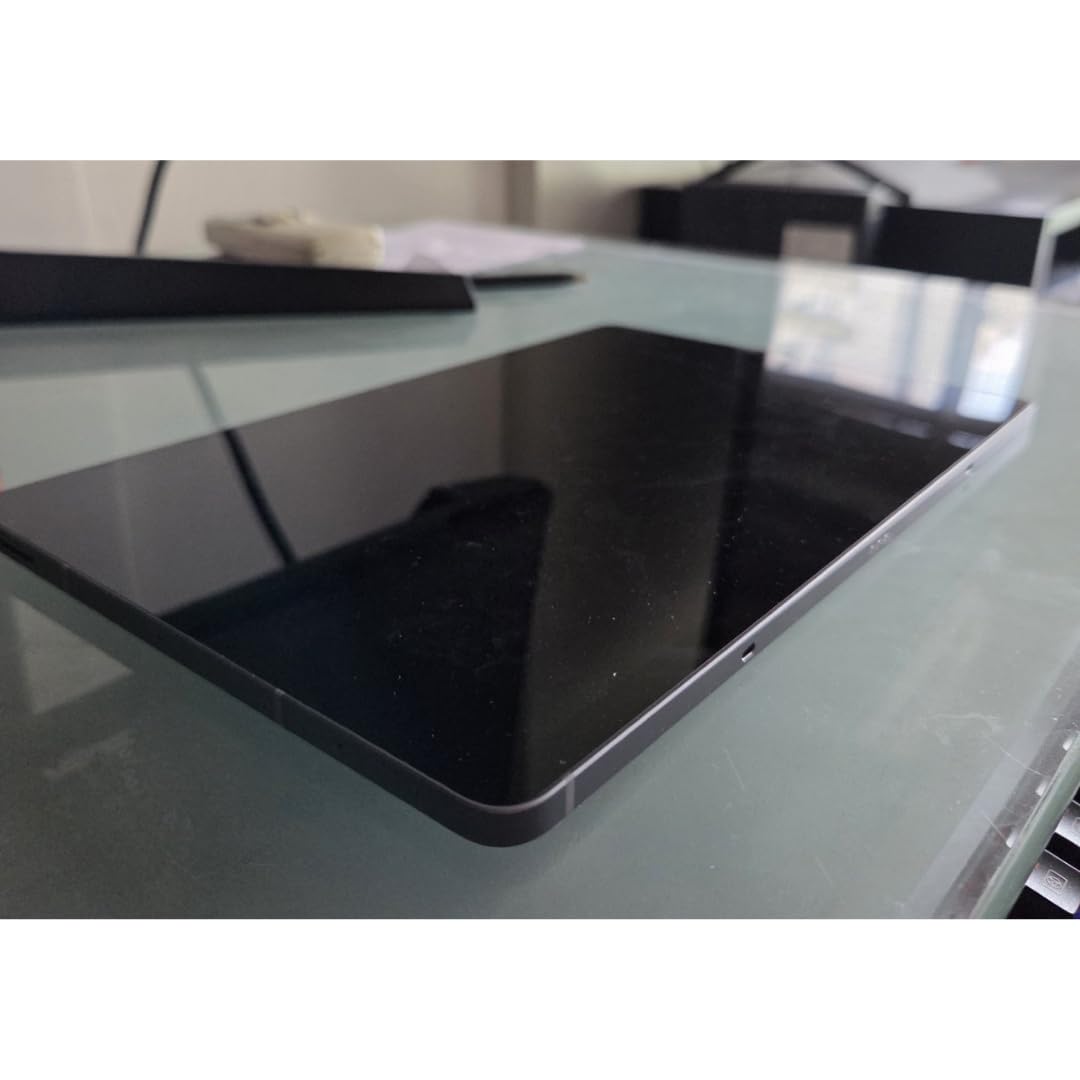
The S10 Lite is the model most people in our comparison group kept coming back to as the sensible answer. It has a 10.9 inch LCD at 2112 x 1320 running at 90Hz, an Exynos 1380 chip at 2.4GHz, 6GB of RAM and 128GB of storage, and the S Pen is in the box with no charging required. That combination covers writing, sketching and light illustration without asking you to budget for a separate stylus.
Owners consistently describe the pen experience as natural with minimal lag and good handwriting recognition, and the light 1.2 pound, 0.26 inch body is comfortable for long sessions. At 1.2 pounds it is one of the two lightest tablets here, which matters when the device is also your sketchbook.
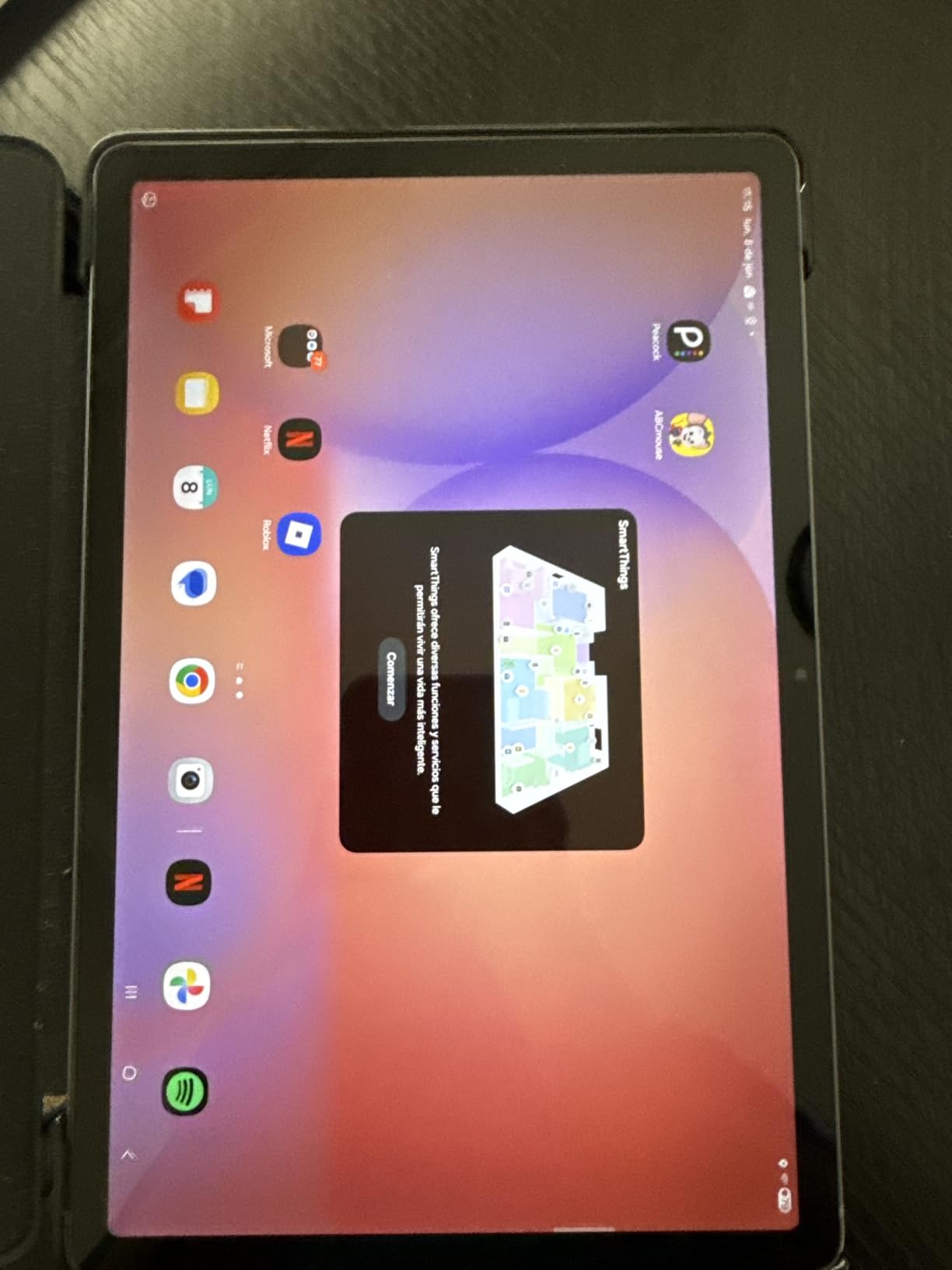
Battery is where this model overdelivers. The 8000mAh cell is quoted at up to 16 hours of average use, and Super Fast Charging brings it to full in about two hours. microSD expansion goes up to 2TB, so a large reference library costs nothing extra. Circle to Search, the AI Hot Key and SmartThings Map View are practical additions rather than novelty features.
The honest limits are the LCD panel and the memory configuration. The screen is less punchy than the AMOLED panels on the S flagships, and 6GB of RAM with an Exynos 1380 is not a professional creative workstation. One owner also reported a hardware failure on a replacement unit and an frustrating support experience, which is a single report but worth keeping in mind.
What 6GB of RAM means for a real drawing app
Six gigabytes is plenty for a sketch, a page of notes, a reference image and a video call running side by side. It holds up in Infinite Painter, Concepts and Samsung Notes without stutter, which covers the majority of everyday drawing. It is also fine for Clip Studio Paint on moderately sized canvases.
Where you will feel the ceiling is a 6000 by 4000 pixel canvas with dozens of layers, or switching between two heavy art apps plus a large reference file. The system will not crash on that, but it will get warm and responsive less immediately. If your work is client illustration at print resolution, step up to a model with more memory.
Who buys the S10 Lite and who does not
Buy it if you are a student, a note-taker who draws, a hobbyist or a parent buying a first pen tablet for a child. The pen is free, the battery is long, and the weight will not end a session early.
Do not buy it if you are a working illustrator who lives in large multi-layer files all day, or if colour accuracy on screen is central to your work. An AMOLED panel changes how you judge colour, and on the S series that difference is immediate.
5. Samsung Galaxy Tab S9 FE+ – The Best Samsung Tablet for Art Students
SAMSUNG Galaxy Tab S9 FE+ Plus Android Tablet (12.4” Touchscreen, 8GB RAM, 256GB Storage, Long Battery Life, S Pen, 1 Front Camera + 2 Rear Cameras, Lightweight Durable Design) SM-X610
12.4 inch LCD at 90Hz
Exynos 1380 with 8GB RAM
10090mAh battery
IP68
S Pen included
Pros
- Highest average rating in this lineup at 4.7 stars
- Bright 12.4 inch 2560x1600 90Hz screen for sketching and reading
- S Pen is accurate
- charge free and magnetically docks
- 10090mAh battery lasts a full day
- IP68 aluminum body is durable and portable
Cons
- LCD rather than AMOLED
- so blacks and contrast trail the flagship S9
- Exynos 1380 is not aimed at heavy creative or gaming work
- Power cable only in the box with no charger
- A few buyers find 12.4 inches a bit heavy to carry
The S9 FE+ is a 12.4 inch tablet with a 2560 x 1600 LCD at 90Hz, an Exynos 1380, 8GB of RAM and a 10090mAh battery quoted at up to 18 hours. At 4.7 stars it holds the highest average rating among the tablets we reviewed, and owners consistently describe it as a flagship feel without flagship pricing.
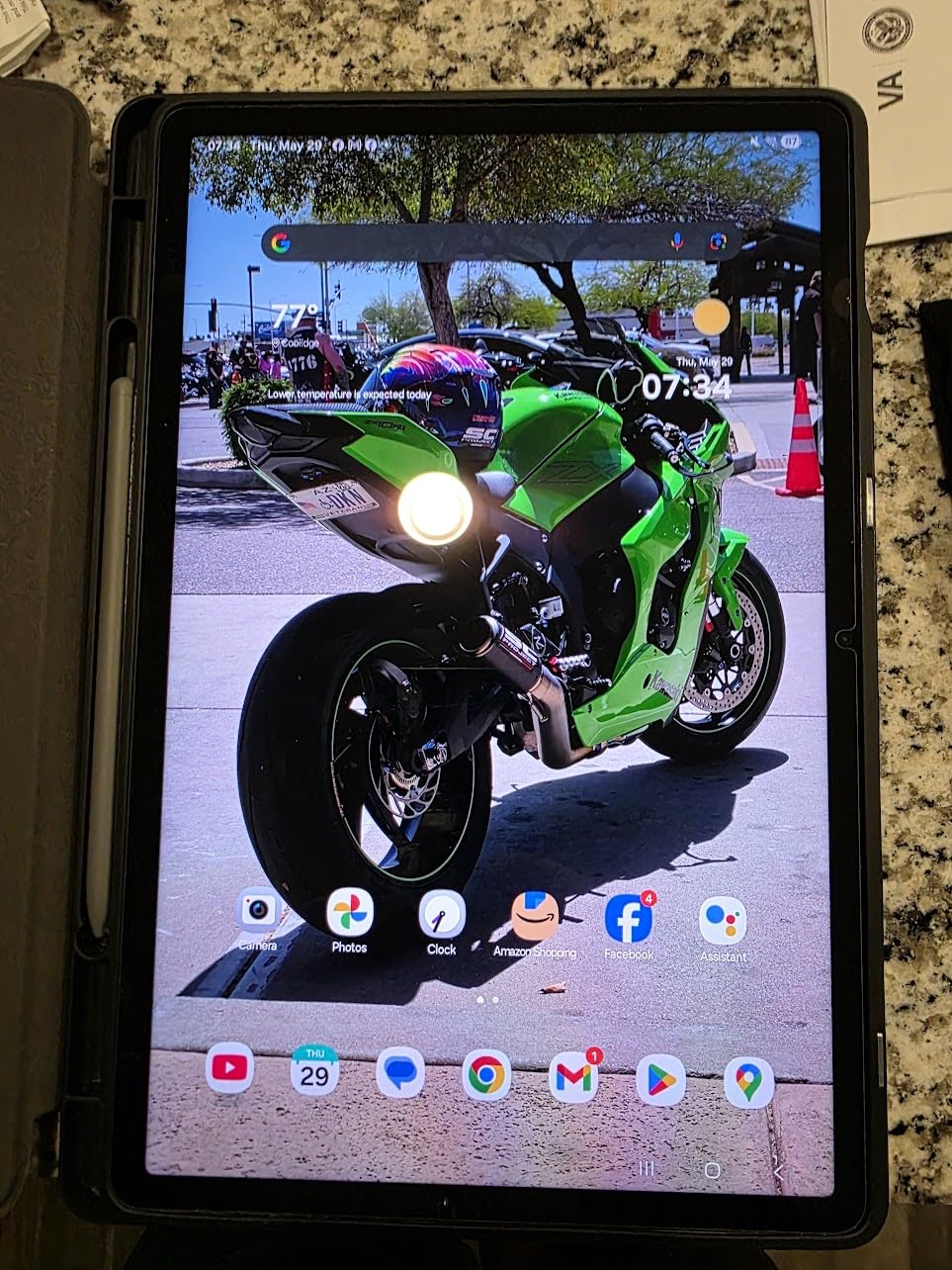
For drawing, the 12.4 inch screen is the star. It is large enough for a full sketchbook spread and small enough to sit on a café table, and reviewers call the panel bright, vibrant and smooth. The S Pen is responsive and accurate, needs no charging, and magnetically attaches to the tablet so it does not go missing in a bag.
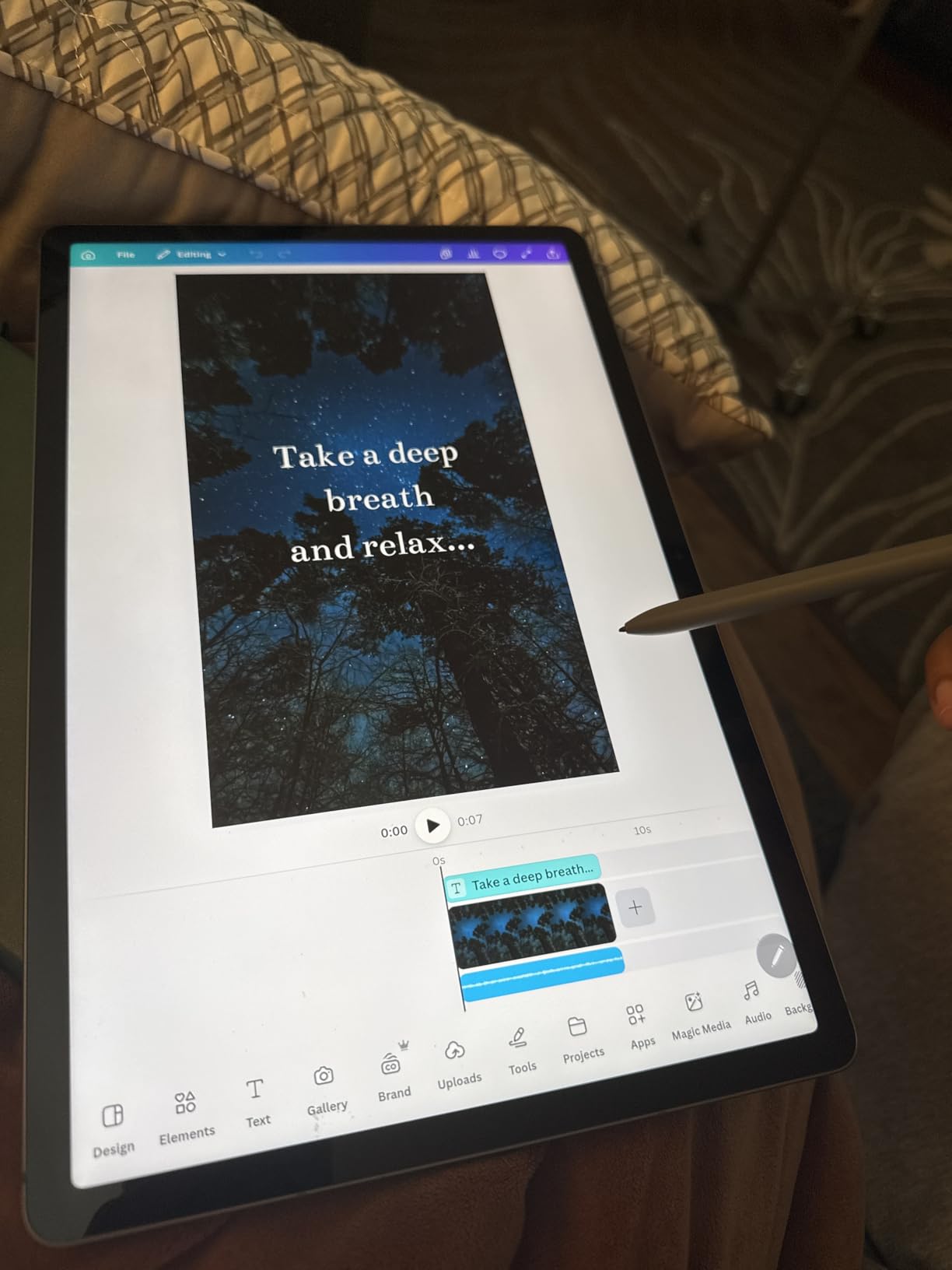
DeX adds a capable desktop-like mode when you attach a keyboard, which turns the tablet into a reasonable machine for a presentation or a client review. IP68 sealing and a lightweight aluminium body mean it survives a commute, and 8GB of RAM gives you more headroom for layered work than the Lite models.
The constraints are real but modest. It is an LCD, so blacks and contrast fall short of the flagship AMOLED panels, and the Exynos 1380 is not intended for heavy professional creative work or demanding games. The box includes a power cable but no charger, and a few buyers find 12.4 inches a bit heavy for long carry.
Why students keep landing on the FE+
The FE+ sits in the gap that students actually want: a pen included, a battery that survives a full day of lectures and library sessions, and a screen big enough to work on rather than annotate. Eight gigabytes of RAM handles a drawing app, a PDF of the brief and a video call without strain, which is the exact workload of an art course.
Add DeX with a keyboard and the same device handles the written half of an assignment. That single-device argument is why this is the recommendation we make most often to someone starting a foundation course.
Deciding between the FE+ and the S9
The choice is panel quality versus processing headroom. The flagship S9 gives you a 120Hz AMOLED screen and a Snapdragon 8 Gen 2, which is a better experience for colour work and fast strokes. The FE+ gives you a larger canvas, a longer quoted battery and a lower platform cost, on a screen that is bright and smooth but not as punchy.
For black-and-white linework, comics, greyscale concept sketches and annotation, the difference between the two is small. For colour illustration, photo editing and anything where you judge hues on screen, the AMOLED panel wins clearly.
6. Samsung Galaxy Tab S6 Lite – The Proven Budget Drawing Pick
SAMSUNG Galaxy Tab S6 Lite 10.4″ 128GB WiFi Android Tablet w/ S Pen Included, Slim Metal Design, Crystal Clear Display, Dual Speakers, Long Lasting Battery, SM-P610NZAEXAR, Gray
10.4 inch LCD at 2000x1200
Passive S Pen stows magnetically
4GB RAM
128GB
microSD
Pros
- S Pen included
- smooth and precise with no charging needed
- Most reviewed pick in the lineup with 18831 reviews at 4.7 stars
- Light aluminium body at roughly 1 pound
- Bright LCD most buyers find indistinguishable from OLED in normal use
- AKG tuned dual Dolby Atmos speakers
- Keeps the 3.5mm headphone jack and microSD expansion
Cons
- Exynos 9611 with 4GB RAM struggles with demanding creative work
- 10.4 inch screen is small for serious illustration
- No fingerprint reader
- only face unlock
- S Pen shows slight lag when writing very fast
The S6 Lite is the most proven tablet in this roundup by a wide margin, with 18831 reviews averaging 4.7 stars. It pairs a 10.4 inch 2000 x 1200 LCD with a passive Wacom S Pen that stows magnetically on the side, needs no charging, and has been in production long enough that its reliability is well documented rather than promised.
Owners repeatedly describe the pen as smooth and precise for note-taking and light drawing, and the bright LCD as something most people cannot tell apart from an OLED in ordinary use. The aluminium body weighs about 1 pound with a high screen-to-body ratio, and battery life is quoted at 13 hours with real-world mixed use typically landing lower.
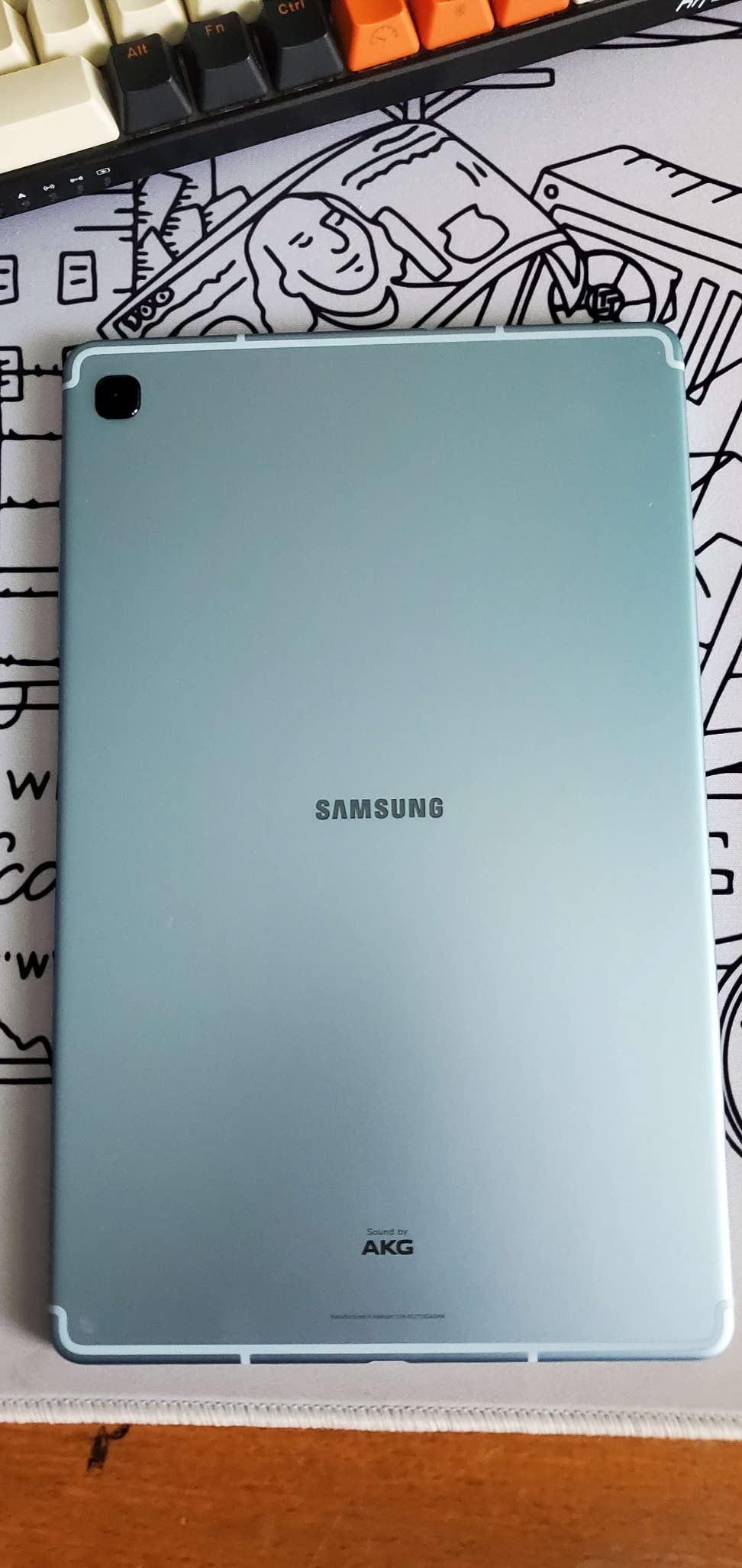
Two details that rarely appear on newer models are still here: a 3.5mm headphone jack and microSD expansion. The dual AKG tuned Dolby Atmos speakers are a genuine step up at this tier, and One UI gives you Samsung Notes, Smart Select and screen write on supported software versions.
Be clear-eyed about the limits. The Exynos 9611 with 4GB of RAM struggles with demanding games and professional creative work, and at 10.4 inches the canvas is small next to a dedicated drawing tablet. Security is face unlock only, which is unreliable with a mask and there is no fingerprint reader. The pen also shows slight lag when writing very fast.
What the S6 Lite can and cannot do
Sketching, note-taking, annotation, storyboard thumbnails and light illustration are all comfortably within reach. Android art apps that run on modest hardware, including simple raster and vector tools, handle this chip without drama. If your work is a few hundred brush strokes a day with moderate layer counts, you will not notice the processor.
Large-format work is where it stops. Big canvases, heavy layer stacks and video-based animation timelines are out of reach, and file transfers over USB 2.0 are slow for archives of artwork. The older platform also means a shorter runway of software updates than current models.
Who should still buy this in 2026
Buy it as a first pen tablet, a dedicated sketchbook for ideas away from your main machine, a note-taking and drawing tablet for a family member, or a cheap second device for on-the-go sketching. At roughly 1 pound it is the lightest option in this list, and the pen is genuinely free with it.
Move up to the S10 Lite or the S9 FE+ when your work becomes serious enough that a 10.4 inch canvas and 4GB of RAM start costing you time rather than money.
7. Samsung Galaxy Tab A11+ – Big Screen, No Pen in the Box
Samsung Galaxy Tab A11+ 6GB RAM, 128GB Storage, Expandable Storage, Gray
11 inch LCD at 90Hz
MediaTek octa core
6GB RAM
128GB plus microSD
Quad Dolby Atmos
Pros
- Large 11 inch 90Hz display that is smooth for everyday use
- 4.6 stars across more than 2500 reviews
- Quad Dolby Atmos speakers fill a room
- Light at 1.1 pounds with a slim modern design
- Long battery with fast charging and a 2 year warranty
- Google Gemini and Circle to Search are genuinely useful
Cons
- No S Pen included
- so it is not ready for pen drawing out of the box
- 1.85GHz MediaTek and 6GB RAM are entry level
- 1920x1200 LCD is lower resolution than S series AMOLED
- 5MP front camera is fine for calls but not for detail
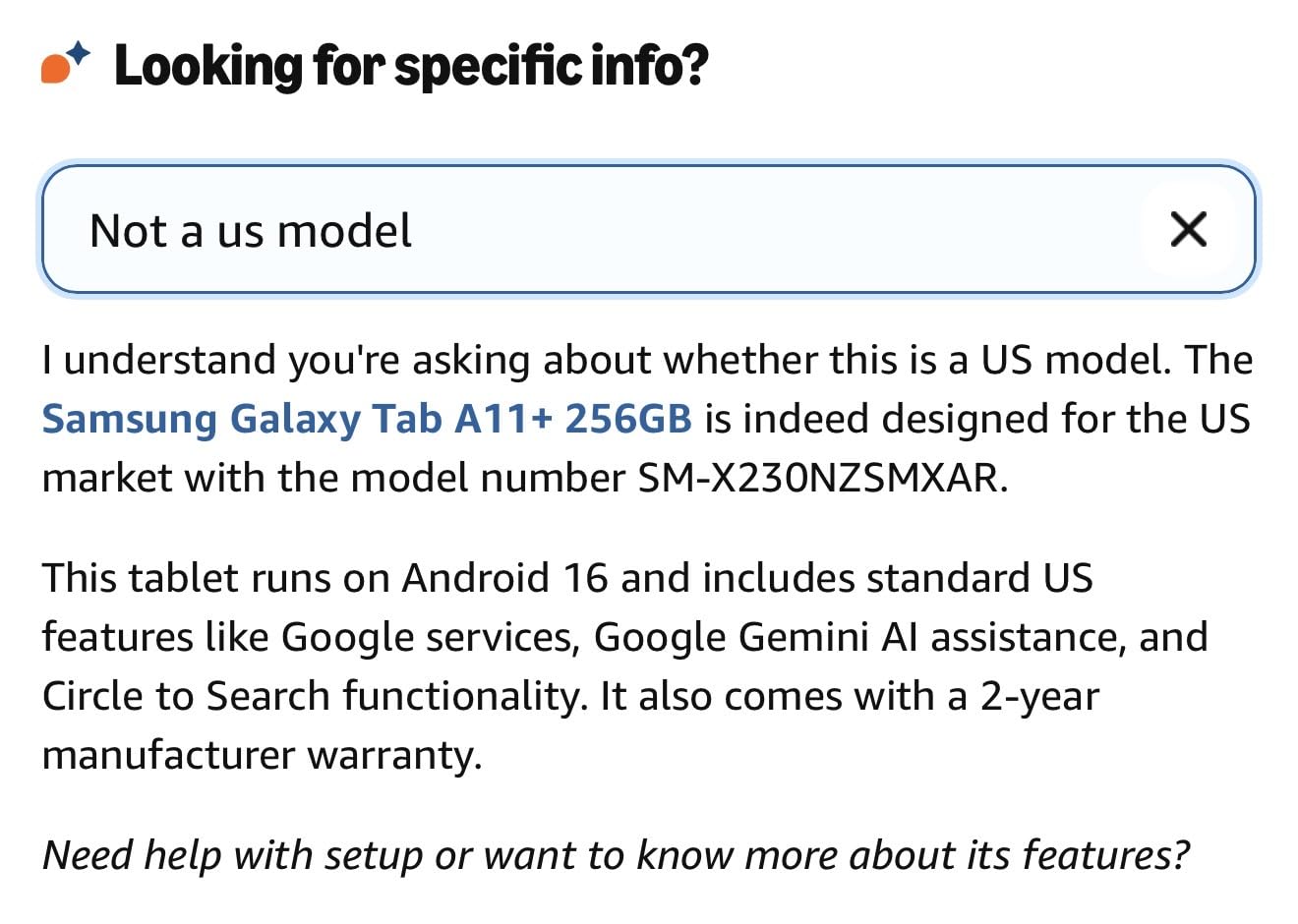
The A11+ is a good tablet for watching, reading and browsing, and the 11 inch 90Hz display with quad Dolby Atmos speakers backs that up. It holds a 4.6 rating across more than 2500 reviews, and owners point to the long battery, fast charging and a 2 year manufacturer warranty as the reasons it feels like good value.
The problem for this topic is a single fact: no S Pen is included. Nothing in the box, no EMR digitiser pairing, no pressure sensitivity. You can add a third-party stylus for basic annotation, but it will not behave like the pen on the models above, and a capacitive stylus on a large screen can feel imprecise.
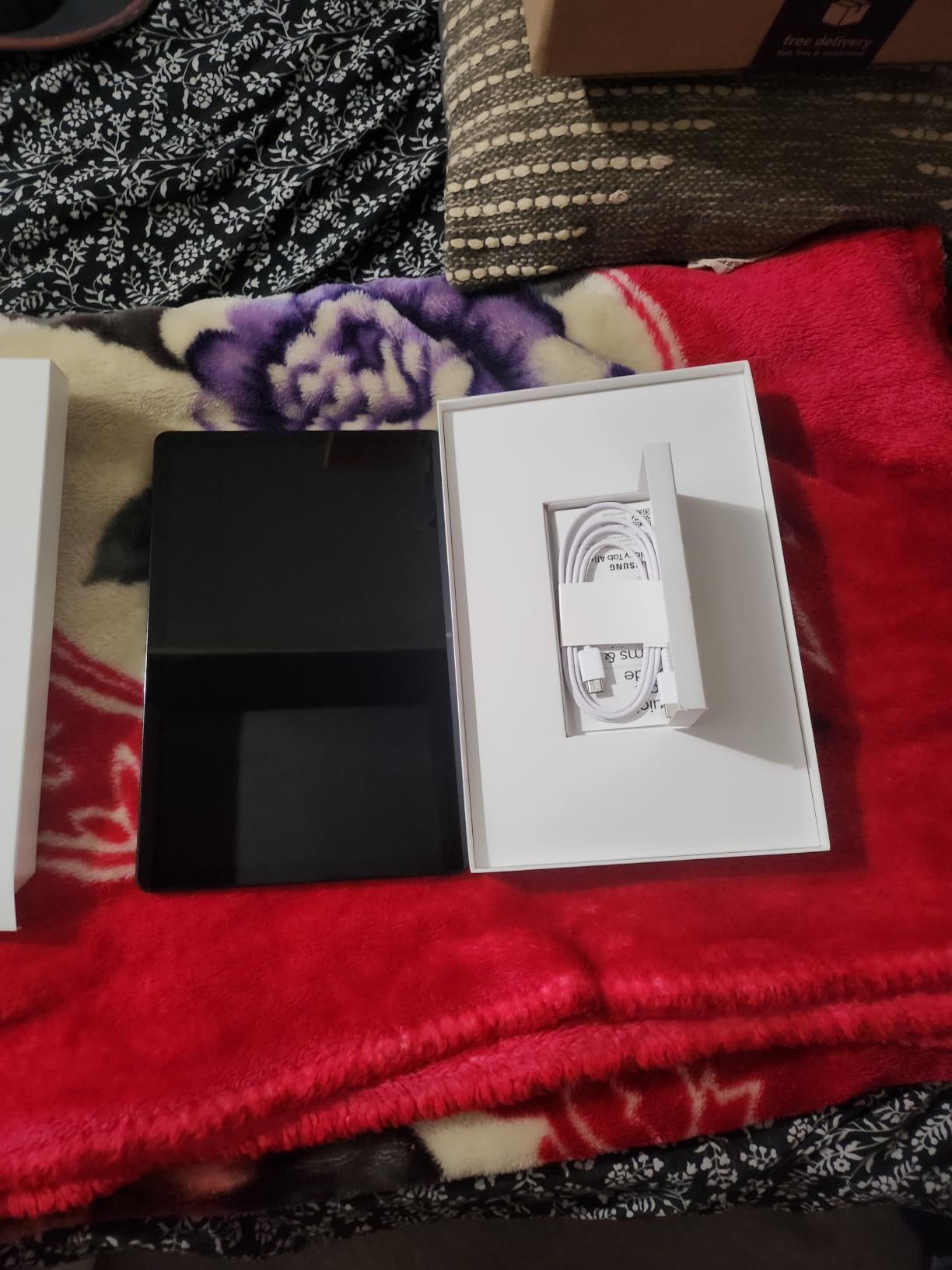
Under the hood it is a MediaTek chipset running at 1.85GHz with 6GB of RAM and 128GB of storage plus microSD expansion. That is an entry-level configuration. The 1920 x 1200 LCD is lower resolution than the AMOLED panels on the S series, and the 5MP front camera handles video calls without being good for any detailed capture.
The latest Android release with Google Gemini and Circle to Search makes it a pleasant general-purpose device, and at 1.1 pounds it is one of the lighter options here. But as a drawing machine, it is the wrong tool.
Why A series naming causes confusion
The A series and the S series look similar on a shelf, share screen sizes, and cost a similar amount in some configurations. That is exactly the confusion that shows up repeatedly in buyer questions, and the community consensus is blunt: do not buy a Tab A model if you want S Pen support.
The practical test is simple. If the product listing does not mention a bundled S Pen, assume there is none, and assume you will be buying a pen separately that behaves differently. The S series, the FE models and the Lite models all include the pen.
When the A11+ still makes sense
It makes sense as a family media tablet, a reading device, a second screen for streaming, or a gift that will not get dropped. The long battery and the two year warranty support exactly that use, and the 11 inch panel is pleasant for watching.
For anyone whose goal is drawing, choose a model with the S Pen in the box. The gap in feel between a passive EMR pen and a generic capacitive stylus is large enough that buying a tablet without one and adding a pen later rarely works out well.
8. Samsung Galaxy Tab A9+ – The Family Screen Option
Samsung Galaxy Tab A9+ 11 inch 256GB Android WiFi Tablet, Big Screen, Quad Speakers, Upgraded Chipset, Multi Window Display, Slim, Light, Durable Design, Graphite with Accessories
11 inch LCD at 90Hz
8GB RAM
256GB plus microSD
Quad Dolby Atmos
bundled 2 in 1 stylus
Pros
- Large 11 inch screen at an accessible price point
- Quad Dolby Atmos speakers stand out at this tier
- 256GB storage plus a bundled memory card
- Slim
- light and durable design
- Multi Window split screen and Samsung Kids add flexibility
Cons
- No S Pen in the box
- the bundled stylus is a basic third-party pen
- 1920x1200 LCD is lower resolution and less colour accurate than AMOLED
- Entry level chipset for demanding creative or gaming work
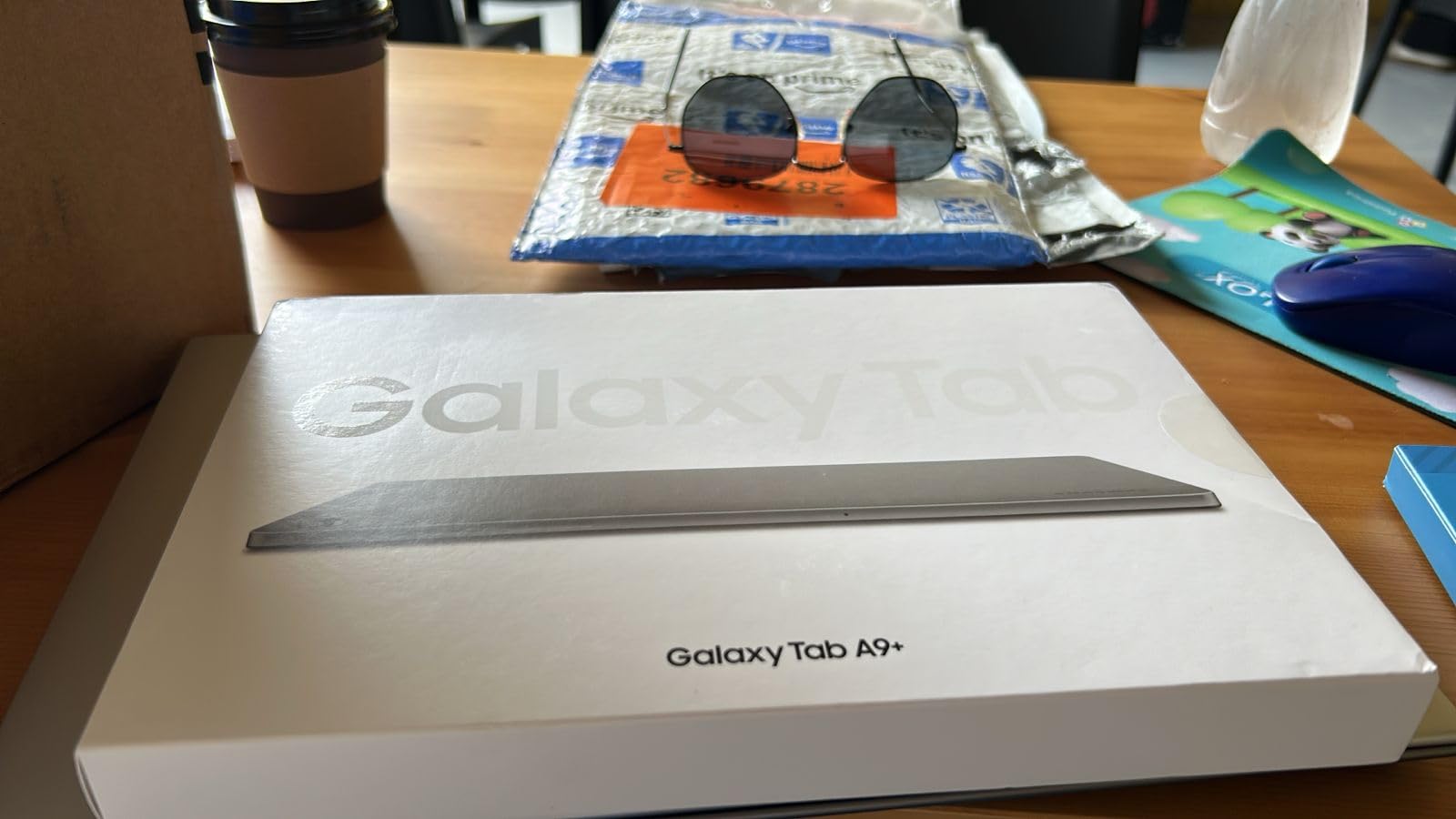
The A9+ is the largest-screen option at the budget end, with an 11 inch panel at up to 90Hz, quad Dolby Atmos speakers and 256GB of storage plus microSD. The package also includes a memory card, a 2 in 1 stylus pen and a cleaning cloth, which is a generous bundle for a media tablet.
But that bundled stylus is the point to read carefully. It is a basic third-party pen, not an S Pen, and it does not give you pressure levels, tilt detection or palm rejection. Owners and reviewers both flag it, and the feedback consensus is that the A9+ is a family media device rather than a drawing tablet.
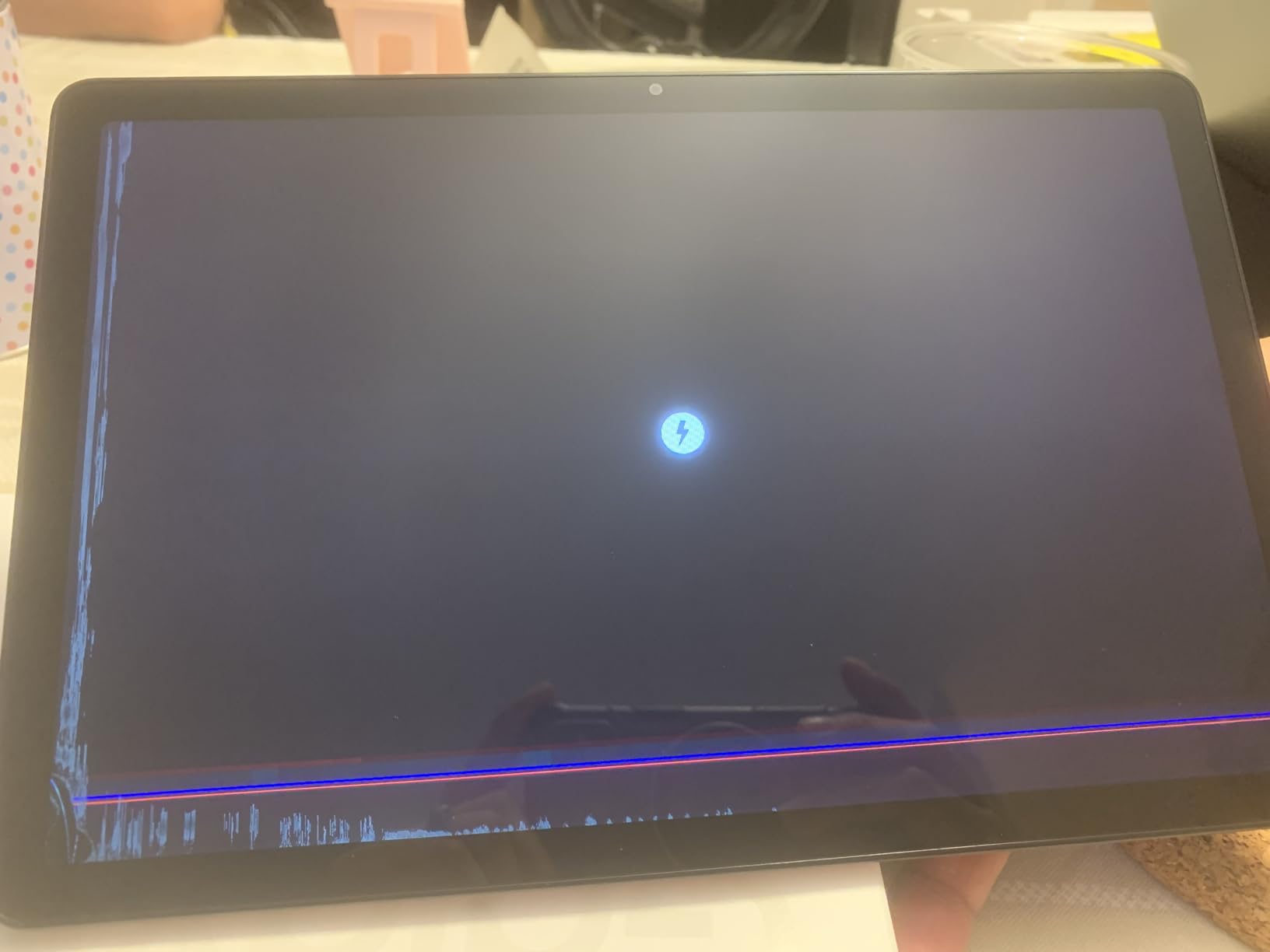
The 8GB of RAM is a genuine strength and more than the A11+ offers, but the chipset is a mid-range part that is not suited to demanding creative or gaming workloads. The 1920 x 1200 LCD is lower resolution and less colour accurate than the AMOLED panels on the S series, which matters if you are judging artwork colour on the screen.
Multi Window split screen, Samsung Kids and Quick Share to Android and iOS devices round out a tablet built for household use. At 4.4 stars it carries the lowest average rating in this roundup, with a small but notable one-star share.
Tracing a bundled stylus versus a real S Pen
A bundled capacitive stylus registers contact and roughly where the nib is. It does not measure how hard you press, how the pen is tilted, or how fast it moves. The practical result is flat line weight, no shading from the side of the nib, and occasional palm smudging because the screen cannot distinguish hand from pen.
An S Pen uses Wacom EMR, which reads position, pressure and tilt from the screen’s own magnetic field. That is why a stroke can swell and taper, why you can shade with the side of the nib, and why your hand can rest on the glass while you draw. No budget accessory closes that gap.
When this tablet fits, and when it does not
It fits if you want a large screen for streaming video, browsing and light note-taking, and the bundle extras are welcome. It does not fit if drawing is the reason you are shopping, because the pen experience is the whole point.
If drawing matters at all to you, put the money toward a model with a bundled S Pen. Every model above the A series in this guide includes one, and the difference in what you can produce is immediate.
How to Choose a Samsung Tablet for Drawing?
Screen size decides your workflow more than any other spec. Here is how the sizes in this roundup map to real working patterns, and what the other specifications mean once you have picked a size.
Screen size: the canvas decides your workflow
At 10.4 to 10.9 inches you get a portable sketchpad. That is enough for thumbnails, character designs, a comic panel, a page of notes and light illustration, and it is the size most people carry every day without thinking about it. Several artists describe the 10.9 to 11 inch form factor as the sweet spot for portable sketching.
At 11 to 12.4 inches you gain a full sketchbook spread or a two-page spread without panning, which is the range most students and freelance illustrators settle on. At 14.6 inches you are looking at a layout surface, a board, or a desk replacement, and you accept the weight that comes with it.
A forum comment that captures it well: the plus version gives you more real estate to draw on. That is the trade in one sentence, and it is a real trade rather than a marketing line.
AMOLED or LCD, and why it matters while you draw
AMOLED panels give you true blacks, stronger contrast and punchier colour. On the S9, S11 and S11 Ultra that shows up immediately when you are choosing swatches or editing a photo. LCD panels are bright and sharp, and most buyers find them perfectly good for ordinary use, but the colour is flatter.
The other LCD factor is reflection. Glossy LCD screens pick up ambient light, and users of the FE and Lite models report glare as the main thing to plan for. If you draw outdoors or under strong studio lights, put on an anti-reflective screen protector, or work somewhere with controlled lighting. This is the single most common complaint about the budget and mid-range models, and it is a fixable one.
RAM, storage and microSD for large artwork files
Four gigabytes of RAM is fine for notes and sketches. Six gigabytes handles a drawing app, a reference browser and a call at the same time. Eight gigabytes and above is where large multi-layer illustrations stop feeling restricted.
Storage matters less on the models that take a microSD card. The S10 Lite expands up to 2TB, the S9 FE+ and S11 both add microSD on top of their built-in storage, and the S6 Lite and A-series tablets all support expansion. Note that transfer speeds over USB 2.0 on some models are slow for large archives, so budget time for moving big files.
Battery life and charging for long sessions
Quoted average battery life in this lineup ranges from about 13 hours on the S6 Lite to 18 hours on the S9 FE+ and S11, with the S10 Lite quoted at up to 16. Real drawing use sits below the quoted figure because a bright screen and constant touch input are hard on a battery, but most of these models will still outlast a working day with mixed drawing and reference work.
Two practical notes. Several models in this range come with a cable but no wall charger, so check what is in the box before you order a charger separately. And the S11 Ultra is the one flagship here that includes a 25W fast charger with the tablet.
S Pen or a third-party stylus
Wacom EMR is the standard across the models that include the S Pen, and it delivers pressure sensitivity, tilt recognition and palm rejection with no battery in the pen and no pairing process. That is the feature set to insist on, whatever the screen size.
S Pen alternatives from other manufacturers do work on Galaxy tablets, and you can replace the tip when it wears down. What you cannot do is make a capacitive stylus behave like an EMR pen. If a listing does not say an S Pen is included, assume it is not.
What S, FE, Lite and A actually mean
Galaxy Tab S models are the flagship line: AMOLED or high-quality LCD, the newest processors, and the S Pen always included. FE models are the value-focused sibling with an LCD and a mid-range chip, and they also include the S Pen. Lite models sit below that with an LCD and an older Exynos chip, and the S Pen is still bundled. A series models are general-purpose media tablets with no S Pen at all.
So the decision shortcut is this. If the S Pen matters, buy anything in the S, FE or Lite range. If the tablet is for media, browsing and notes, the A series does the job well and costs less. The naming confusion is the most common buying mistake we see, and it is entirely avoidable with that one rule.
Frequently Asked Questions
Can I use a Samsung tablet as a drawing tablet?
Yes. Samsung Galaxy Tab S, FE and Lite models include the S Pen, which uses Wacom EMR technology to read position, pressure and tilt with no battery in the pen and no Bluetooth pairing. You can draw, paint and illustrate in Android apps such as Clip Studio Paint, Krita, Infinite Painter and Concepts without connecting to a computer.
Which Samsung tablet is best for drawing?
The Galaxy Tab S9 11 inch is our overall pick, combining an 11 inch 120Hz AMOLED display, a Snapdragon 8 Gen 2 processor, 12GB of RAM and the S Pen in the box. For the largest canvas, the Galaxy Tab S11 Ultra has a 14.6 inch AMOLED display. For value, the Galaxy Tab S10 Lite bundles a pen with a 10.9 inch display.
Is the Samsung Galaxy Tab S10 FE good for drawing?
The S10 FE class of tablet is good for drawing, and professional artists report it is sufficient for client work despite its LCD display. The key factors are the bundled S Pen with Wacom EMR, a large laminated canvas at 90Hz, solid real battery life and a long software update commitment. Expect less colour punch than the AMOLED S models.
Which Samsung tablet is better, A or S?
Choose the S series if you want to draw, because every S, FE and Lite model includes the pressure-sensitive S Pen. Choose the A series for media, browsing and note-taking, because no A model includes an S Pen and the bundled styluses on some bundles are basic third-party pens with no pressure or tilt detection.
What is the best Android tablet for drawing?
Among Android tablets for drawing, Samsung offers the widest range of pen-included options. The Galaxy Tab S9 11 inch leads for overall balance, the Galaxy Tab S11 Ultra for a 14.6 inch canvas, the Galaxy Tab S9 FE+ for students and the Galaxy Tab S10 Lite and S6 Lite for budget options. Artists on Krita forums commonly recommend Samsung Android tablets for CPU performance at comparable prices.
Final Verdict: Which Samsung Tablet for Drawing Should You Buy?
Buy the Galaxy Tab S9 11 inch if you want one device that handles everything from thumbnails to finished illustration. The 120Hz AMOLED screen, Snapdragon 8 Gen 2 and bundled S Pen make it the most balanced option we reviewed in 2026, and it is the pick we keep coming back to for a reason.
Go bigger with the Galaxy Tab S11 Ultra if you need a 14.6 inch canvas and can carry 2.2 pounds. Go cheaper with the Galaxy Tab S10 Lite for a light everyday sketchpad, the Galaxy Tab S9 FE+ for a large student-friendly canvas, or the Galaxy Tab S6 Lite as a proven first pen tablet. Skip the A series unless you only need a screen for media, because none of those models include a real S Pen.
Whichever you choose, put on a screen protector before your first session, keep a spare S Pen tip in your bag, and check what charger is in the box.