
The best laptops for animation are portable workstations with a dedicated NVIDIA GPU, at least 16GB of RAM (32GB for 3D work) and a color-accurate panel. The ASUS ROG Strix G16 takes our overall spot: its RTX 4060 runs at a full 140W, liquid metal on the CPU holds clocks through long renders, and more than a thousand owners have rated it.
That last point matters more than it sounds. Animation is not a benchmark hobby. A machine that hits a high frame rate in a thirty-second viewport test can quietly fall apart during a forty-minute offline render, and the difference usually comes down to cooling, GPU wattage and memory, not the sticker number on the box.
We spent 2026 comparing twelve laptops across the categories animators actually split into: 2D frame-by-frame work in Toon Boom Harmony, Adobe Animate or Krita, and 3D modeling, rigging and rendering in Blender, Maya or Cinema 4D. Two thirds of the pages on page one for this keyword mix the two together, which is why so much advice out there leaves you stuck. A 2D animator needs a beautiful screen, a responsive timeline and almost nothing else. A 3D generalist needs GPU memory, sustained wattage and a cooling system that does not quit.
Before the picks, one grounding note from the forums that shaped our list. On r/SuggestALaptop, Blender users keep describing the same problem: a ten-year-old machine that used to feel fast now stutters on a single subdivision level, and they are looking for something that handles both their personal renders and an evening of gaming. On blenderartists.org the recurring advice is that 32GB of RAM is the floor rather than the goal. On r/LaptopForStudent, animation-degree threads have been converging on M4 and M5 MacBook Pros, while r/scad regulars point at ProArt-style thin-and-light machines when weight matters. We built the roundup around those conversations.
Table of Contents
Top 3 Picks for Animation Laptops (October 2026)
Every Animation Laptop in This Roundup at a Glance in 2026
| Product | Specs | Action |
|---|---|---|
 ASUS ROG Strix G16 ASUS ROG Strix G16 |
|
Check Latest Price |
 MacBook Pro 14 M4 Pro MacBook Pro 14 M4 Pro |
|
Check Latest Price |
 Acer Nitro V 16S Acer Nitro V 16S |
|
Check Latest Price |
 Alienware 16 Aurora Alienware 16 Aurora |
|
Check Latest Price |
 MacBook Pro 14 M5 MacBook Pro 14 M5 |
|
Check Latest Price |
 MacBook Pro 14 M5 Pro MacBook Pro 14 M5 Pro |
|
Check Latest Price |
 Acer Predator Helios 16 Acer Predator Helios 16 |
|
Check Latest Price |
 MSI Cyborg 17 MSI Cyborg 17 |
|
Check Latest Price |
 Lenovo IdeaPad Pro 5 OLED Lenovo IdeaPad Pro 5 OLED |
|
Check Latest Price |
 GIGABYTE AERO X16 GIGABYTE AERO X16 |
|
Check Latest Price |
 Lenovo ThinkPad P16s Gen 3 Lenovo ThinkPad P16s Gen 3 |
|
Check Latest Price |
 Lenovo Yoga Pro 9i Lenovo Yoga Pro 9i |
|
Check Latest Price |
Two patterns jump out of that table. Every serious 3D option here ships with 8GB of dedicated VRAM, and the three machines that fall below that line (the ThinkPad P16s, the IdeaPad Pro 5 and, at 4GB each, their entry GPUs) all trade graphics memory for a better screen or a lower price. That trade is fine for 2D and painful for 3D.
How We Picked These Laptops for Animation
We did not pick these by looking at spec sheets and sorting by graphics card. Every laptop here was judged on the same seven criteria, in this order.
GPU and VRAM. We checked the actual GPU, its dedicated memory and its wattage ceiling. Marketing terms like AI TOPS mean nothing for render times, so we ignored them.
Sustained performance. A cool, quiet chassis under an hour-long load beats a fast burst. We looked for cooling evidence: liquid metal compound, multiple fans, larger intakes, vendor power modes.
Memory. 16GB is the entry requirement. 32GB is what we recommend for 3D, and we flagged which machines cap at 32GB or have memory that cannot be replaced.
Display quality. We required 100% sRGB at minimum for 2D color work, and we noted DCI-P3 or AdobeRGB coverage, resolution, matte or glossy finish and refresh rate.
Storage. 1TB is the practical starting point for project files, cached assets and a render output folder. We noted slot counts for expansion.
Portability. Animation school means carrying a machine across campus every day, so weight in pounds mattered as much as raw frames per second.
Owner-reported reliability. We read the review data for each product rather than trusting a launch review, because driver problems and black screens rarely show up on day one.
We also mapped each pick to specific software, since nobody animates with a generic program. If you work in Harmony or Animate, the display and timeline responsiveness matter most. If you work in Blender or Maya, VRAM and thermals decide your week.
1. ASUS ROG Strix G16 — The Best Overall Laptop for Animation With Real GPU Power
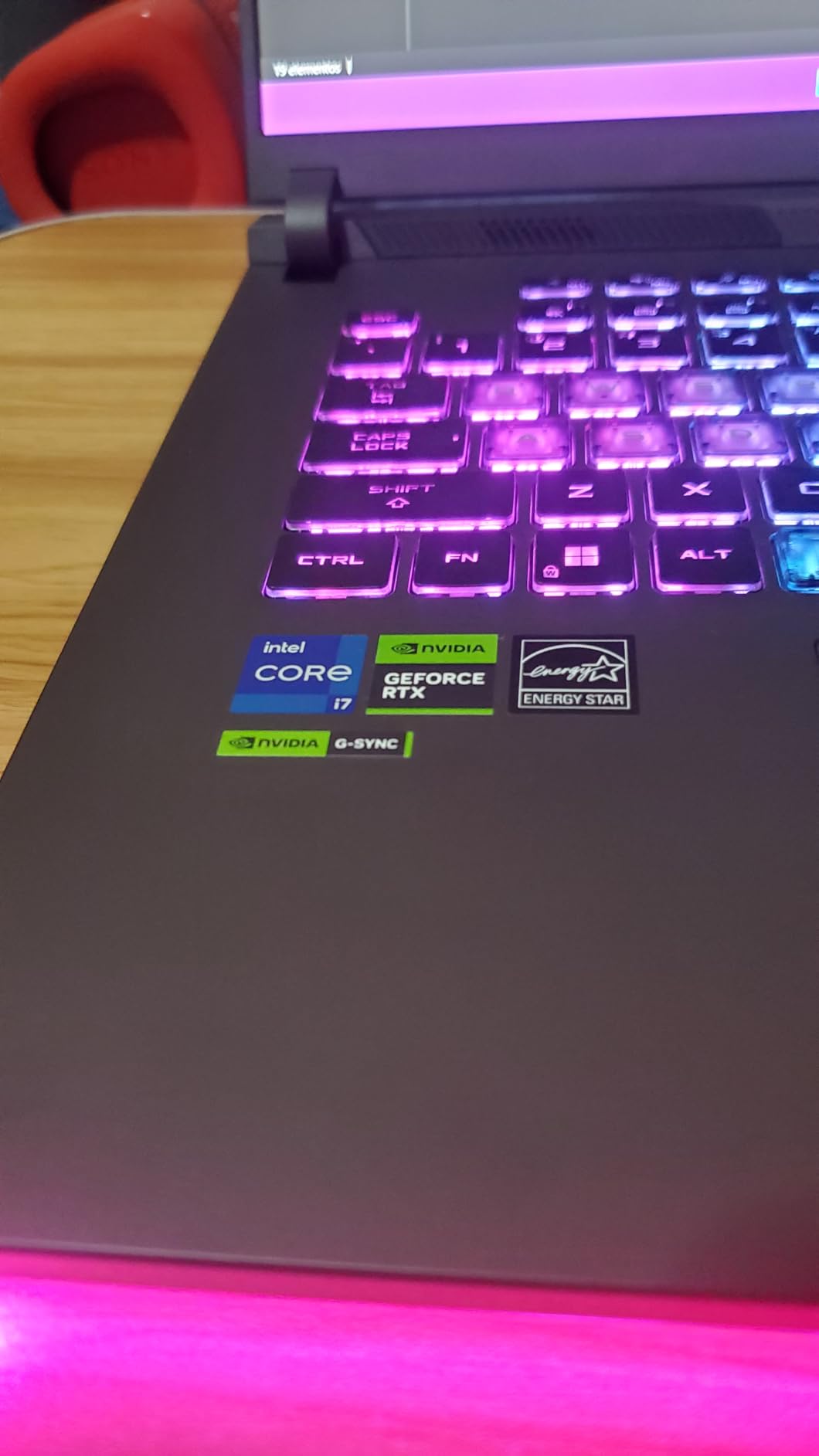
ASUS ROG Strix G16 Gaming Laptop, 165Hz Display, NVIDIA® GeForce RTX™ 4060, Intel Core i7-13650HX, 16GB DDR5, 1TB PCIe Gen4 SSD, Wi-Fi 6E, Windows 11, G614JV-AS74
i7-13650HX 14 cores
RTX 4060 8GB at 140W Max TGP
16GB DDR5 and 1TB Gen4 SSD
FHD 165Hz 100% sRGB
Pros
- RTX 4060 at full 140W wattage
- liquid metal cooling on the CPU
- 165Hz Pantone-validated 100% sRGB panel
- over 1000 owner reviews
Cons
- 16GB memory is the entry configuration
- 1080p resolution on a 16-inch panel
- 5.5 pounds is heavy to carry daily
I keep coming back to this machine because of one number: 140W. That is the full power budget for the RTX 4060 Laptop GPU, which means Blender and Maya get the same performance whether you are rendering for three minutes or three hours. Most thin laptops in this roundup quietly cap their GPUs far lower.
The cooling design backs that up. ASUS puts Thermal Grizzly Conductonaut Extreme liquid metal on the CPU and runs a third intake fan in the ROG Intelligent Cooling system. In practice the fans get loud under sustained load, which is the honest trade for a chip that stays at full speed through a long render.
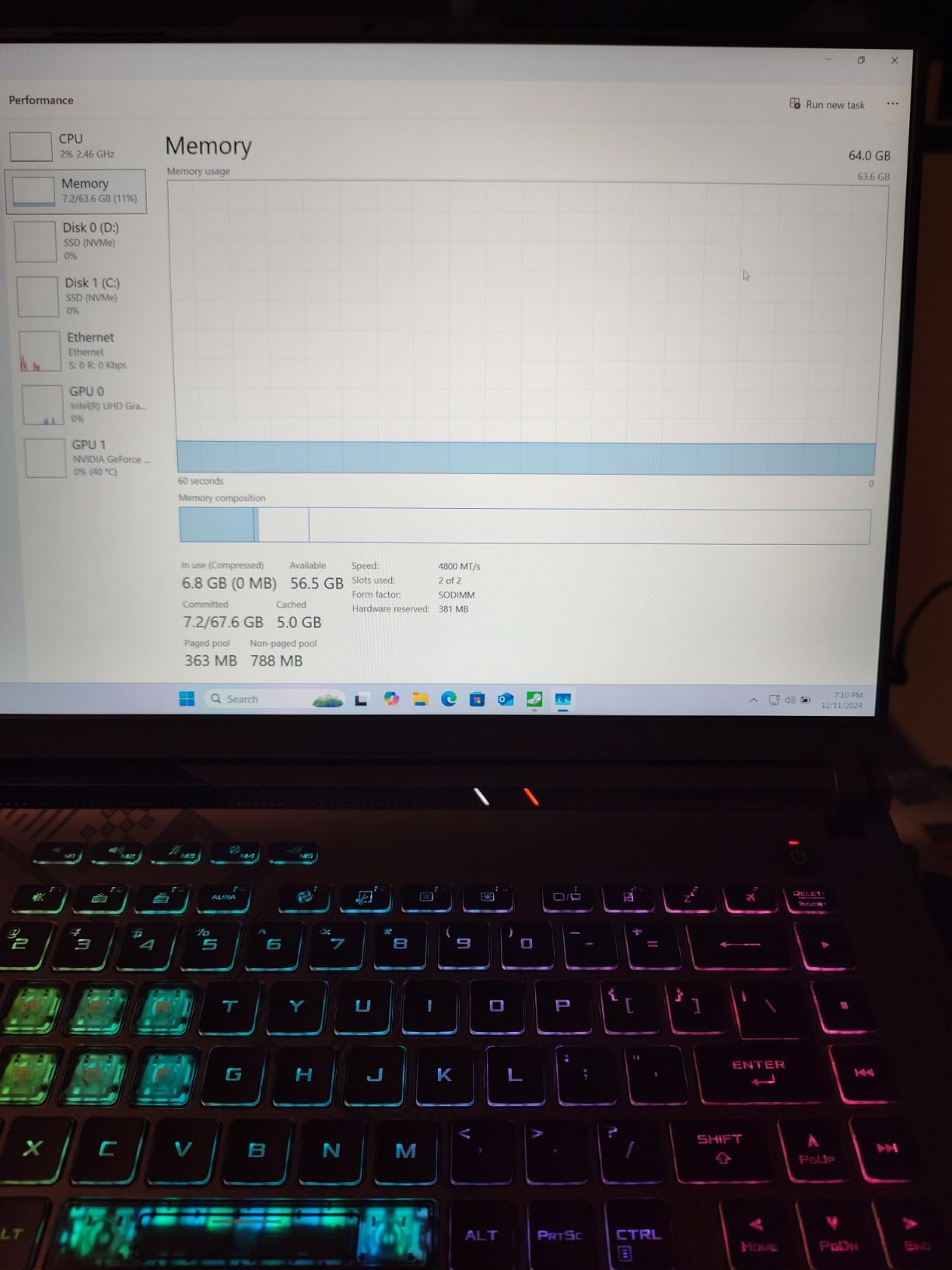
Owners consistently praise three things: the cooling, the 165Hz panel and the throughput. Reviewers with more than a thousand ratings average 4.4 stars, and the panel is Pantone-validated at 100% sRGB, which is enough for clean 2D color work without a separate monitor.
The specifications are worth reading closely. You get a 13th Gen Intel Core i7-13650HX with 14 cores boosting to 5 GHz, 16GB of DDR5-4800 memory, a 1TB PCIe Gen4 SSD, Wi-Fi 6E and a 90 watt-hour battery rated up to four hours. Ports cover one Thunderbolt 4, four USB connections, HDMI and Ethernet, which is generous for a machine this size.
Is the 16GB memory a problem for animation work?
For 2D work in Harmony or Animate, 16GB is workable today. For Blender, Cinema 4D or After Effects with heavy compositing, 32GB is where you want to be, and the review data lists this configuration as the entry memory option. Check what the seller will ship before you commit.
For a student on a four-year degree, this is the machine I would buy knowing they will outgrow 16GB in year two or three. Buying the higher-memory configuration up front is cheaper than finding out later.
Who should skip this laptop?
Skip it if you carry your laptop to every class and every crit. At 5.5 pounds it is a two-hand carry, and the 1080p panel is not sharp enough for detailed rigging work on a 16-inch screen.
Also skip it if you need more than two memory slots to grow into. There are lighter, sharper options in this roundup for anyone whose work is screen-based rather than render-based.
2. Apple MacBook Pro 14 M4 Pro — The Top Rated for Quiet 2D and 3D Work
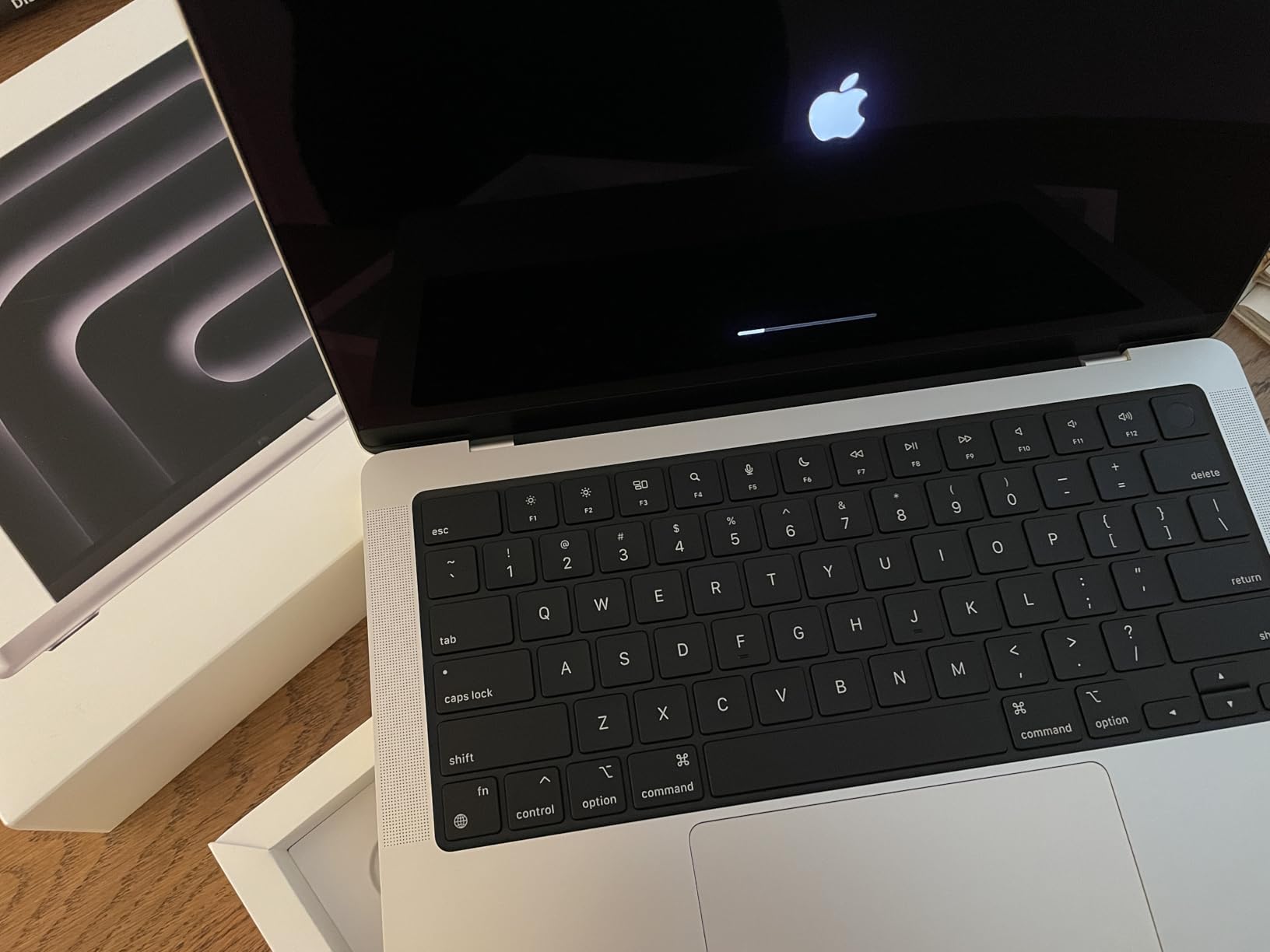
Apple 2024 MacBook Pro Laptop with M4 Pro, 12‑core CPU, 16‑core GPU: Built for Apple Intelligence 14.2-inch Liquid Retina XDR Display, 24GB Unified Memory, 512GB SSD Storage; Space Black
M4 Pro 12-core CPU and 16-core GPU
24GB unified memory
512GB SSD
Liquid Retina XDR at 3.52 pounds
Pros
- 4.8-star owner rating across 553 ratings
- silent with no performance drop unplugged
- excellent XDR color accuracy
- six speakers with Spatial Audio
Cons
- 512GB base storage fills fast
- Space Black finish smudges
- less RAM than the price implies
At 4.8 stars across 553 ratings, this sits right at the top of the group for owner satisfaction, and for 2D animators it is the one I recommend most often. The Liquid Retina XDR display reaches 1600 nits peak, which means flat colors stay flat and you can actually judge a shadow ramp on screen instead of guessing.
The M4 Pro pairs a 12-core CPU with a 16-core GPU and 24GB of unified memory. Unified memory is the quiet advantage: the CPU and GPU draw from the same pool, so texture-heavy scenes in Blender do not hit a hard wall the way they can on a laptop with a separate 8GB of VRAM.
Two details make it feel like a different class of machine. First, it is completely silent and delivers identical performance on battery or plugged in, so a crit session in a quiet room does not turn into a fan-noise problem. Second, the three Thunderbolt 4 ports plus MagSafe 3, SDXC and HDMI let you drive a large color-accurate reference display.
Reviewers call out the six-speaker Spatial Audio setup and the 12MP Center Stage camera as everyday quality-of-life wins, especially if you record scratch voiceover or hand off short review cuts. The trackpad is the best in any laptop, full stop.
How does the M4 Pro handle 3D rendering?
It handles 3D well for a 14-inch machine, and Blender is fully supported. The catch is storage rather than speed: 512GB is the base configuration and fills quickly with cached frames, project libraries and an HDRI set, so budget for an external drive or a higher configuration.
One reviewer note is worth repeating: some owners find the 12-core/16-core M4 Pro lands at or slightly below a previous-generation M3 Max 14-inch for certain workloads. If you already own an M3 Max, the upgrade case is weak. If you are starting fresh, it is excellent.
Who should look elsewhere?
If your studio runs Windows-only plugins, or your pipeline depends on software with no macOS build, stop and check compatibility first. Forum threads on this exact question rarely end well for people who skip that step.
The other group to consider elsewhere: anyone who wants to upgrade memory later. Apple silicon memory cannot be replaced, so 24GB is what you will have in five years.
3. Acer Nitro V 16S — The Best Value Laptop for Animation With 32GB as Standard
Acer Nitro V 16S AI Gaming Laptop | AMD Ryzen 7 260 Processor | NVIDIA GeForce RTX 5060 Laptop GPU (572 AI Tops) | 16″ WUXGA IPS 180Hz Display | 32GB DDR5 | 1TB Gen 4 SSD | Wi-Fi 6 | ANV16S-41-R2AJ
Ryzen 7 260 8 cores
RTX 5060 8GB GDDR7 Blackwell
32GB DDR5 and 1TB Gen4 SSD
180Hz 100% sRGB WUXGA
Pros
- 32GB DDR5 included
- RTX 5060 Blackwell with DLSS 4
- 180Hz 100% sRGB panel
- free M.2 slot
Cons
- Memory capped at 32GB
- 1920 x 1200 resolution
- 65 watt-hour battery
This is the configuration I keep pointing people toward when they tell me their whole budget for a 3D-capable machine is the mid tier. 32GB of DDR5 is included as standard, and that single fact removes the most common regret in this roundup.
The RTX 5060 Laptop GPU runs on Blackwell architecture with 4th-gen RT Cores and 5th-gen Tensor Cores, plus DLSS 4 with Multi Frame Generation and Ray Reconstruction. For animation that means faster viewport playback and usable real-time ray tracing in Blender and Maya.
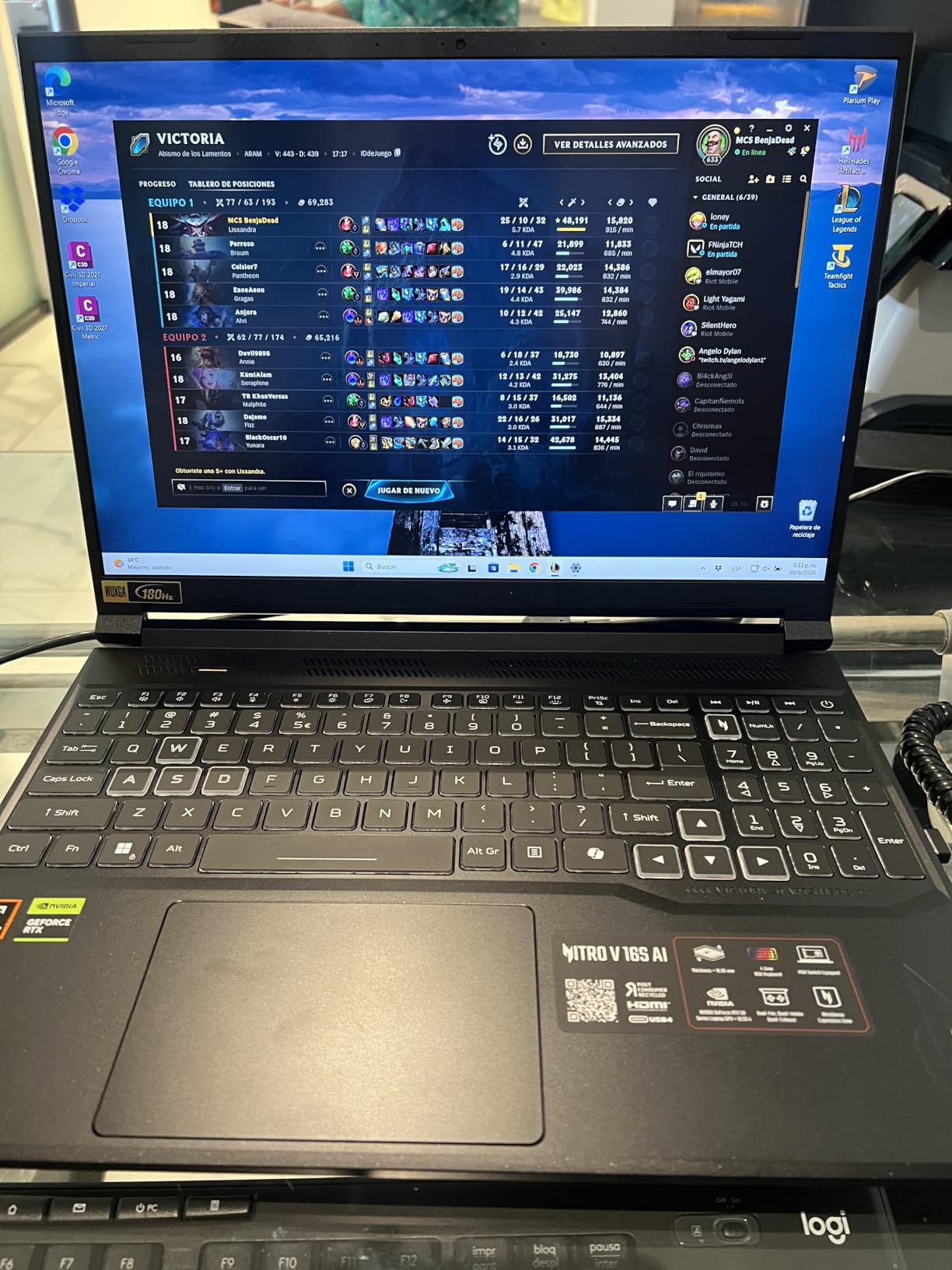
The panel is the quiet surprise. A 16-inch WUXGA IPS at 180Hz covering 100% sRGB is smoother than most creator laptops twice its size, and reviewers repeatedly praise the pairing of refresh rate and memory at this level. A 180Hz viewport makes on-screen animation playback feel like playback.
The Ryzen 7 260 brings 8 cores with boost up to 5.1 GHz and up to 38 AI TOPS, which handles rigging, scene assembly and simulation without complaint. Storage is 1TB PCIe Gen 4 with a second M.2 slot available, so expansion is straightforward.
Is 32GB of RAM enough for an animation degree?
For a four-year program, yes, with one caveat: this machine caps at 32GB. That covers 2D entirely and most 3D coursework, but heavy simulation work or background renders plus a large project open at once will start to press against it.
Weigh that against the alternative: a machine with 16GB and no upgrade path is the worse buy. The forum consensus we found treats 32GB as the baseline rather than the goal, and this is the cheapest way in this roundup to hit that baseline.
What are the trade-offs?
Resolution is the main one. 1920 x 1200 on a 16-inch panel is workable but not sharp, and detailed 2D line work in Photoshop or Krita benefits from more pixels. The 65 watt-hour battery is also small for a gaming-class machine.
If pixel density matters more to you than memory headroom, look at the OLED panels further down. If sustained 3D work matters more, this is the one.
4. Alienware 16 Aurora — The Best Laptop for 2D Animation With a Big Sharp Canvas
Alienware 16 Aurora Gaming Laptop, RTX 5050, Intel Core 7 240H
Core 7 240H 10 cores
RTX 5050 8GB GDDR7
16GB DDR5 in two slots
2560 x 1600 16:10 at 120Hz
Pros
- Sharp 2560 x 1600 16:10 display
- RAM in two slots up to 32GB
- Cryo-Chamber cooling
- one-year onsite service
Cons
- Mixed reliability reports including black screens
- noticeable fan noise under load
- no fingerprint reader
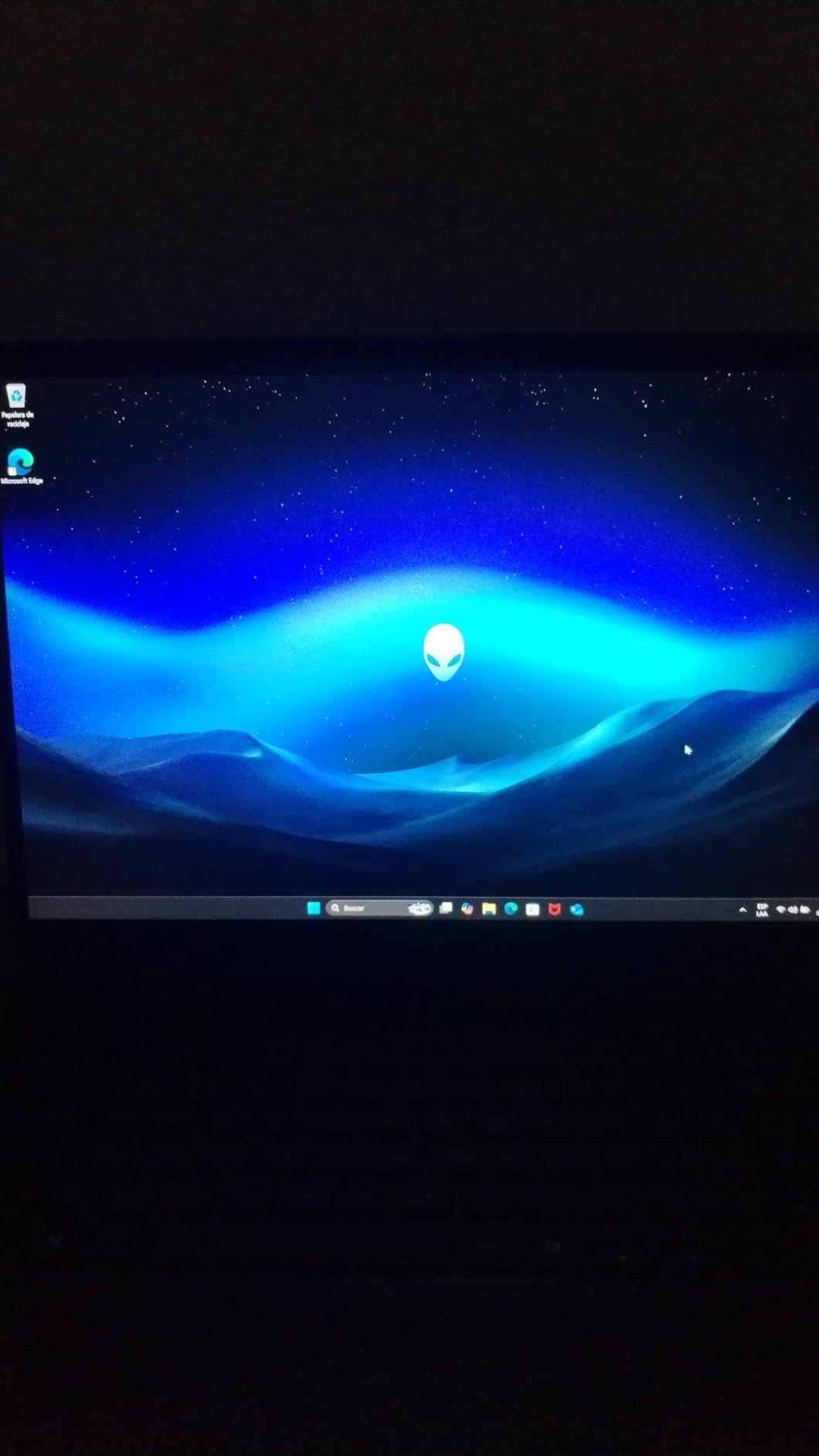
For 2D animators, the display is the whole argument. A 16-inch WQXGA panel at 2560 x 1600 in a 16:10 ratio with 120Hz refresh and an anti-glare finish gives you far more usable drawing surface than a 1080p screen at the same size, and the matte coating is kinder to long drawing sessions.
The RTX 5050 Laptop GPU with 8GB of GDDR7 is more than 2D work needs, which means the machine has headroom for the 3D modeling classes that sit in the first year of most animation degrees.
Memory sits in two slots with a maximum of 32GB, so you can start at 16GB and add a second stick later. That flexibility is rare in this roundup, where most competitors solder their memory down.
The Cryo-Chamber cooling structure directs airflow at the core components, and reviewers generally describe temperatures and noise as controlled. Port selection is good too, with HDMI, USB 3.2 Gen 1 and Gen 2, Ethernet and Bluetooth 5.3 on 802.11be.
Why do some owners report black screens and lag?
The review data on this one is genuinely split. Alongside strong praise for the display and chassis, a smaller group describes lag, high memory usage and black screens on light workloads, plus a need for repeated Dell driver updates including Wi-Fi fixes. That is why the rating sits at 4.1 rather than higher despite good hardware.
If you buy this, install the current driver set before you install any animation software, and keep your project files on the internal SSD rather than an external drive.
Is this the right choice for a first-year animation student?
Yes, if their work is primarily 2D. The screen quality makes drawing, cleaning up and compositing genuinely pleasant, and the upgradeable memory means year two can be handled with a stick rather than a new laptop.
It is a weaker pick if the student is headed straight into heavy Blender or Maya work, since the RTX 5050 entry card is not built for sustained 3D loads. Check the reliability reviews on the exact configuration you are buying.
5. Apple MacBook Pro 14 M5 — The Best Portable Laptop for Animation On the Go
Apple 2025 MacBook Pro Laptop with Apple M5 chip with 10‑core CPU and 10‑core GPU: Built for AI, 14.2-inch Liquid Retina XDR Display, 16GB Unified Memory, 1TB SSD Storage; Space Black
M5 10-core CPU and 10-core GPU
16GB unified memory
1TB SSD
Liquid Retina XDR at 3.41 pounds
Pros
- Lightest machine here at 3.41 pounds
- all-day battery
- 1TB base storage
- consistent speed unplugged
Cons
- Only 16GB unified memory
- limited to two external displays
- costs more than Windows rivals with more memory
If your work is 2D, motion graphics or storyboarding and you move between locations, weight matters as much as speed. At 3.41 pounds this is the lightest laptop in the roundup by a full pound and a half, and it still has a dedicated-class GPU in the sense that Apple silicon matters.
The M5 chip carries a 10-core CPU and a 10-core GPU with a Neural Accelerator in each GPU core. The 14.2-inch Liquid Retina XDR display hits 1600 nits peak, 1000 nits sustained and a 1,000,000:1 contrast ratio, which makes it a genuinely good reference for color decisions.
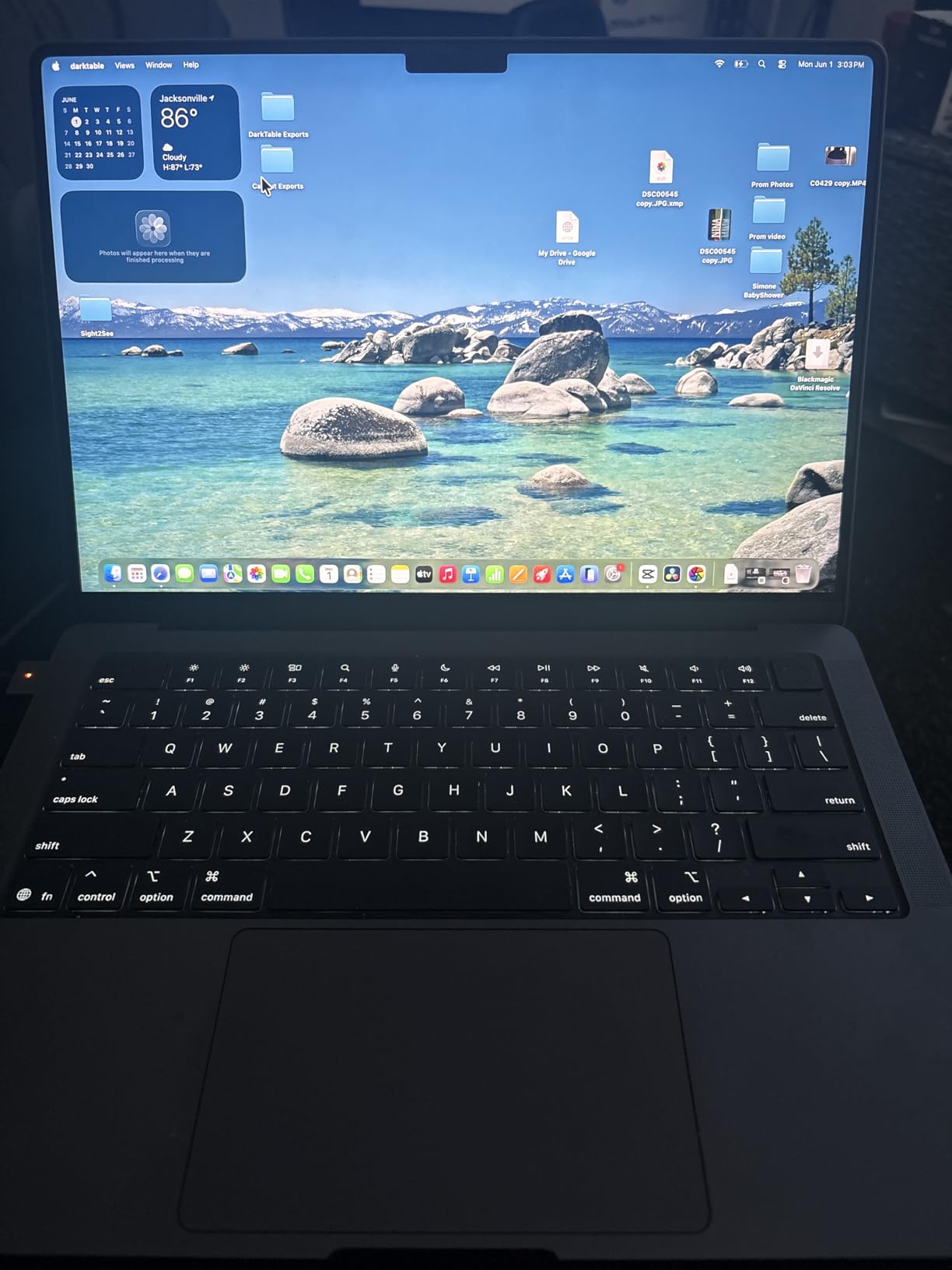
Storage is the better story here than on the M4 Pro: 1TB is the base configuration rather than 512GB. For someone who works locally rather than on a studio server, that removes the most common Mac complaint.
Reviewers consistently report fast performance across multitasking and creative apps, strong battery life in typical use and tight integration with an iPhone and iPad. The three studio-quality microphones are a real bonus for recording scratch dialogue.
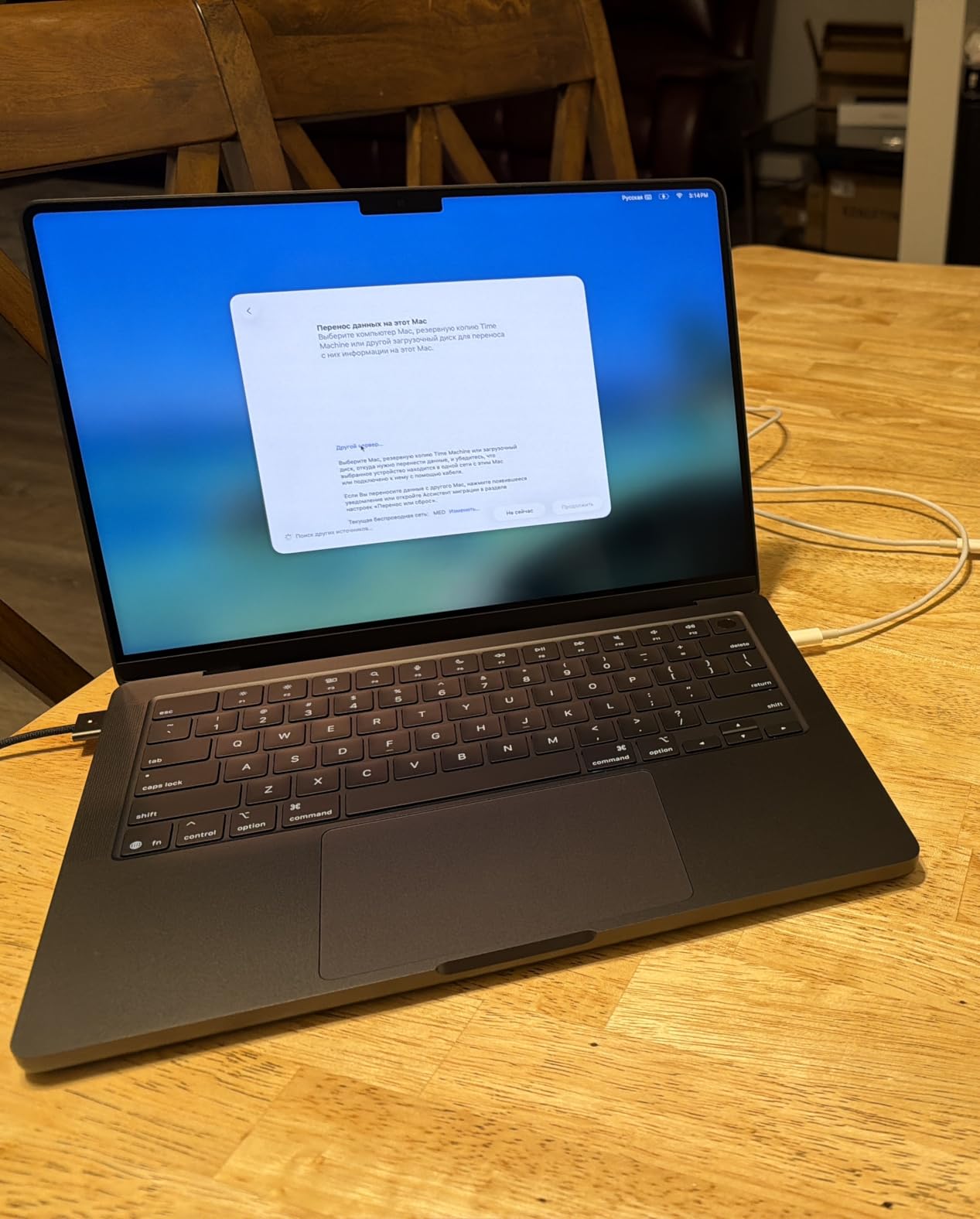
Is 16GB of unified memory enough?
For 2D animation, motion graphics and After Effects work, yes. For Blender, Cinema 4D or Maya with dense scenes, 16GB is the ceiling you will feel first, because Apple memory cannot be upgraded after purchase.
If your work is 3D-heavy and you are buying for four or more years, look at the M5 Pro configuration below or a Windows machine that comes with 32GB.
What are the limits of this configuration?
Two external displays is the maximum, which matters if you want a laptop screen plus a drawing tablet display plus a reference monitor. The three Thunderbolt 4 ports, MagSafe 3, SDXC and HDMI cover most setups, but not a triple-headless desk.
Reviewers also note it costs more than Windows alternatives with more memory and storage. That is the price of the battery life, the display and the silence.
6. Apple MacBook Pro 14 M5 Pro — The Best Laptop for On-Device AI and Heavy 3D Scenes
Apple 2026 MacBook Pro Laptop with Apple M5 Pro chip with 15-core CPU and 16-core GPU: Built for AI, 14.2-inch Liquid Retina XDR Display, 24GB Unified Memory, 1TB SSD, Wi-Fi 7; Silver
M5 Pro 15-core CPU and 16-core GPU
24GB unified memory
1TB SSD
Thunderbolt 5 and Wi-Fi 7
Pros
- Thunderbolt 5 and Wi-Fi 7
- up to three external displays
- 1TB starting storage
Cons
- 24GB memory may limit heavy multi-app work over time
- premium cost
- Windows-only software
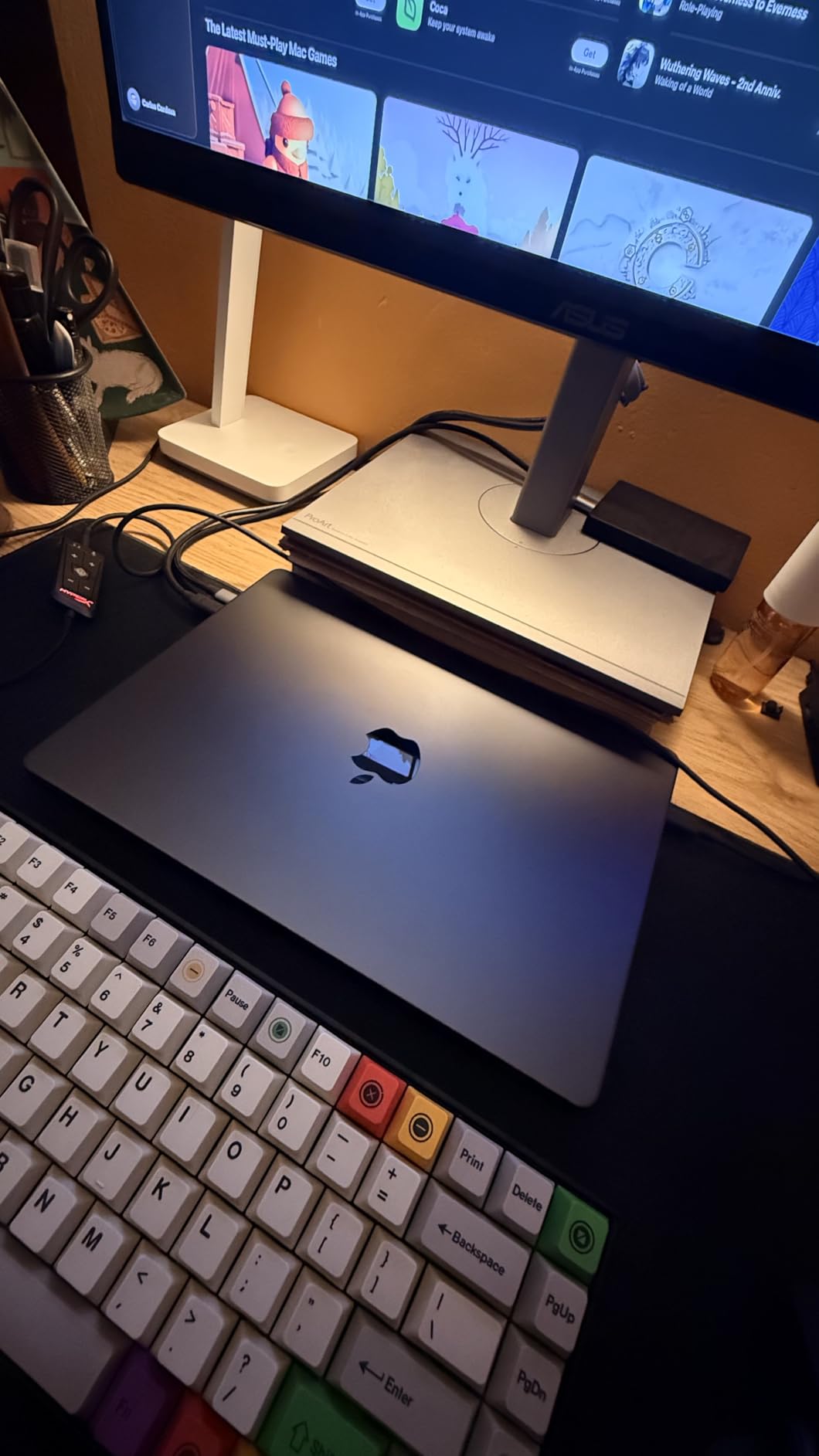
This is the configuration I would choose for Blender, Maya or Houdini work on a Mac. The M5 Pro pairs a 15-core CPU with a 16-core GPU, and both are faster and backed by faster unified memory than the standard M5, which is exactly where scene-heavy 3D work lives.
Neural Accelerators sit in every GPU core, so on-device AI workloads such as inference and training run without a cloud connection. That is not a rendering accelerator, but it is useful for AI-assisted tools that animation studios are adopting.
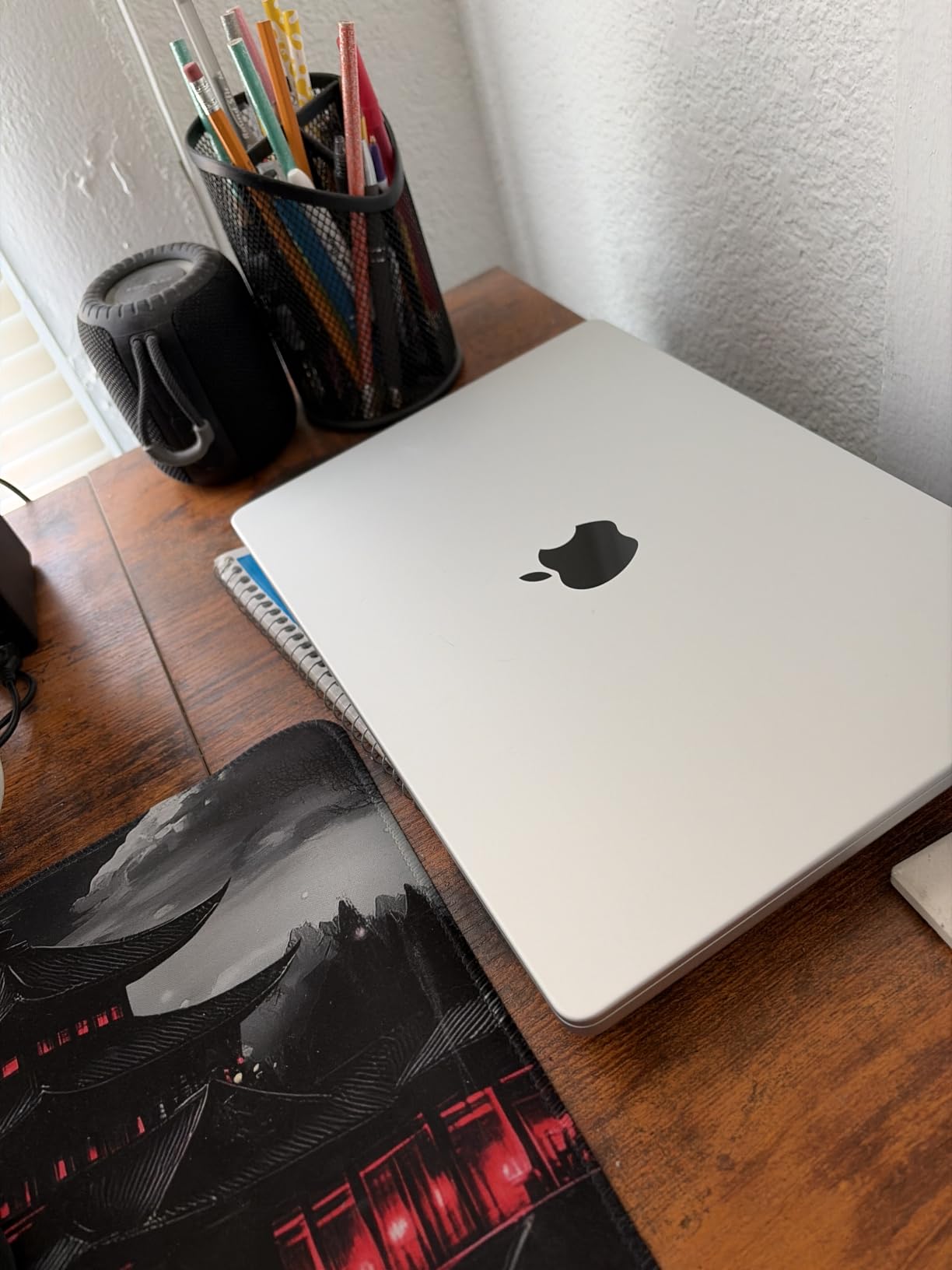
This hardware platform brings Thunderbolt 5 ports, Wi-Fi 7 and Bluetooth 6 through Apple’s N1 wireless chip, and supports up to three external displays. For a desk setup with a drawing tablet screen and a grading reference, that third display matters.
Owners report very high satisfaction with speed, the brilliant XDR display and all-day battery with consistent performance unplugged. The chassis is 3.52 pounds in Silver, and the 1TB SSD doubles the starting storage of the prior generation.
Is 24GB enough for an animation course?
For the length of most degree programs, yes. It sits above the entry M5 configuration and comfortably covers 2D and mid-weight 3D. The reservation in the review data is that heavy multi-app or AI workloads may outgrow it over time, and you cannot add memory later.
Compare that to a Windows machine in this roundup that comes with 32GB in replaceable SODIMM slots. If your plan involves long offline renders rather than interactive work, check the render-time implications before choosing.
Who should not buy this?
Anyone on a Windows-only pipeline. Software compatibility remains a live factor, and the premium cost compared with Windows laptops with more memory and storage is real. Check your studio’s plugin list before ordering.
Also skip it if silence is not a priority and you want maximum battery life on a heavy day. It is excellent, but the far lighter Windows machines in this roundup exist for a reason.
7. Acer Predator Helios 16 — The Best Laptop for a High-Refresh 3D Viewport
Acer Predator Helios 16 Gaming Laptop | 13th Gen Intel Core i7-13700HX | NVIDIA GeForce RTX 4060 | 16″ 2560 x 1600 165Hz G-SYNC Display | 16GB DDR5 | 1TB Gen 4 SSD | Killer Wi-Fi 6E | PH16-71-74UU
i7-13700HX 16 cores
RTX 4060 at 140W
2560 x 1600 165Hz G-SYNC
16GB DDR5, two M.2 slots
Pros
- Sharp 165Hz G-SYNC 16:10 panel with 3ms response
- 16 CPU cores
- dual Thunderbolt 4 and HDMI 2.1
Cons
- Heavy at 5.7 pounds
- poor battery life
- some models overheat without manual fan curves
Viewport performance is where this panel earns its keep. A 16-inch WQXGA 2560 x 1600 screen at 165Hz with G-SYNC, 3ms Overdrive response and NVIDIA Advanced Optimus switching means scrubbing a heavy Maya or Blender scene feels immediate rather than mushy.
Underneath, a 13th Gen Intel Core i7-13700HX with 16 cores handles rigging, simulation and scene assembly, and the RTX 4060 Laptop GPU is configured for 140W of maximum GPU power. That wattage ceiling is the same one that makes the ROG Strix G16 our top pick.
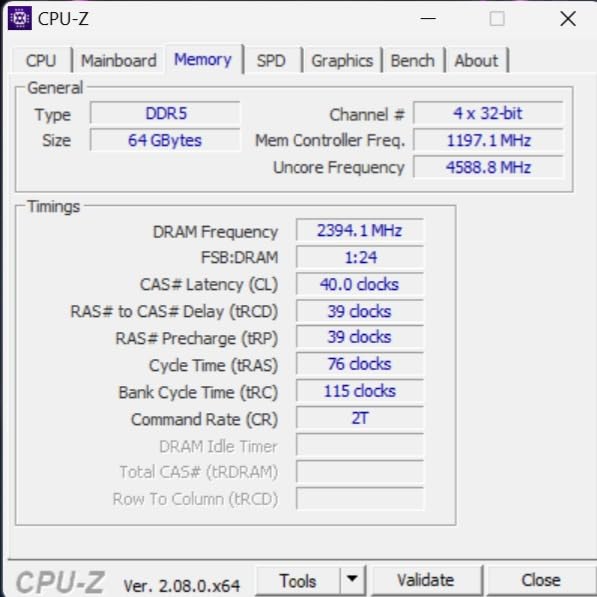
Two M.2 SSD slots mean storage can grow without replacing the drive, and RAM sits in two slots up to a 32GB ceiling. Ports are strong for a workstation: two Thunderbolt 4 USB-C, HDMI 2.1, four USB 3.2 Gen 2 and a microSD reader.
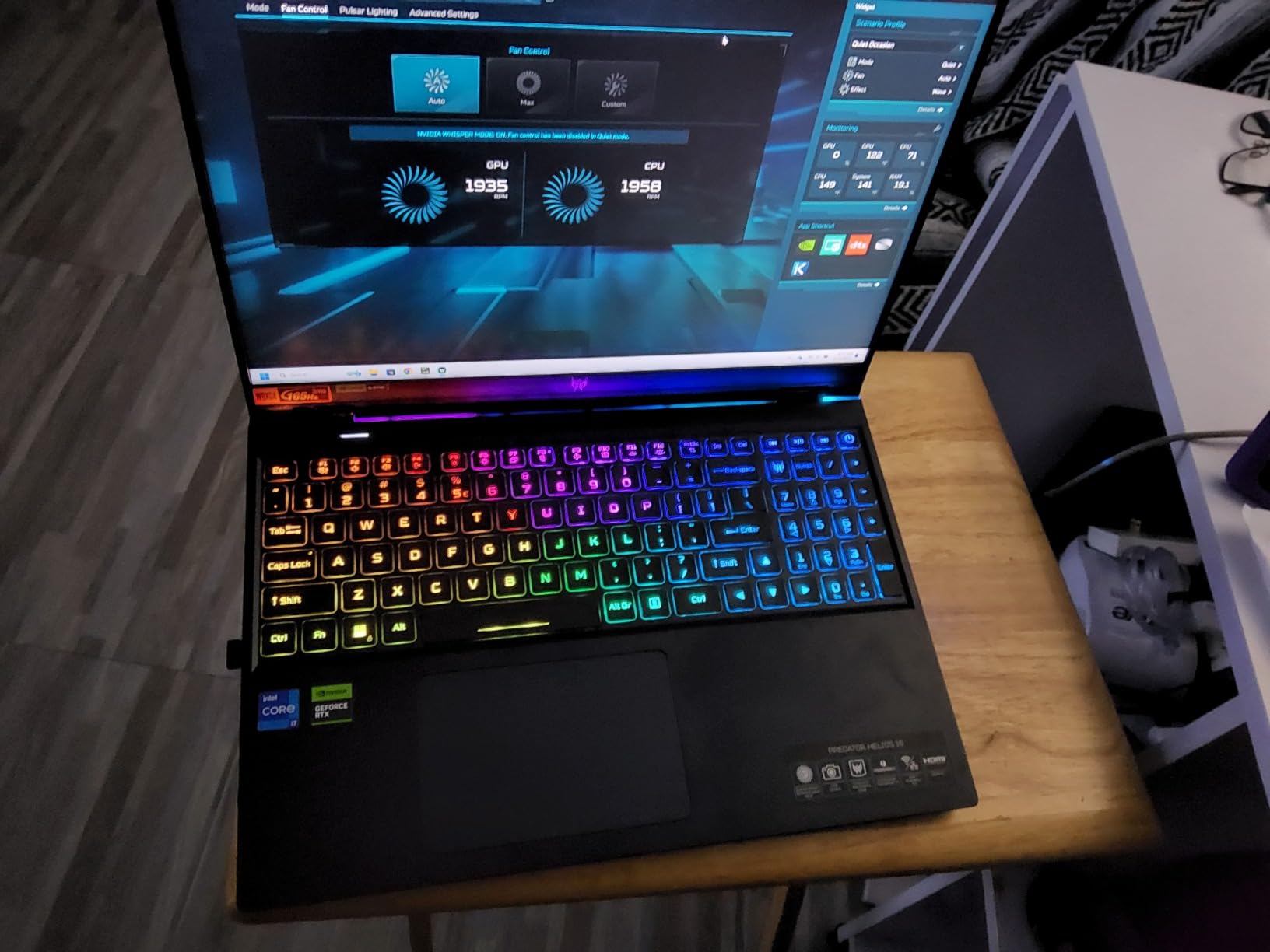
Several owners mention the PredatorSense app for overclocking, fan curves and RGB management, and the per-key Mini LED RGB keyboard gets good marks. Some models reportedly need manual fan curves to stay cool under sustained load, which is worth knowing before a long render.
Is this older platform still worth buying in 2026?
It depends on your software. Maya, Cinema 4D, Adobe apps and Blender all run well on this generation, and the 140W GPU configuration means you are not losing much raw performance against newer cards at lower wattage.
If you are starting from scratch today and can get a Blackwell-class GPU at similar wattage, that is the better long-term buy. If you found this configuration at a good number, the panel and CPU core count remain excellent.
What are the real compromises?
Weight and battery. At 5.7 pounds with a bulky power brick, this is the heaviest machine in the roundup, and battery life is described as poor even on eco mode. Animation school is a carrying-everything situation, and this is not a machine to move between buildings all day.
There are also a few reports of charging cable or port failures and Bluetooth wake-from-sleep issues on some models. Keep a second cable.
8. MSI Cyborg 17 — The Best Big-Screen Laptop for Animation With Expandable Memory
msi Cyborg 17 17.3″ FHD 144Hz Gaming Laptop: Intel Core 7-240H, NVIDIA Geforce RTX 5060, 16GB DDR5, 1TB NVMe SSD, Type C, Wi-Fi 6E, Win 11 Home: Translucent Black B2RWFKG-074US
Core 7-240H hybrid
RTX 5060 8GB
17.3-inch FHD 144Hz matte
16GB DDR5 expandable to 96GB
Pros
- Large 17.3-inch matte 144Hz display
- thin 0.83-inch chassis for the size
- RAM expansion to 96GB
- distinct design
Cons
- Few ports all crowded on the right side
- single SSD slot
- default power mode throttles performance
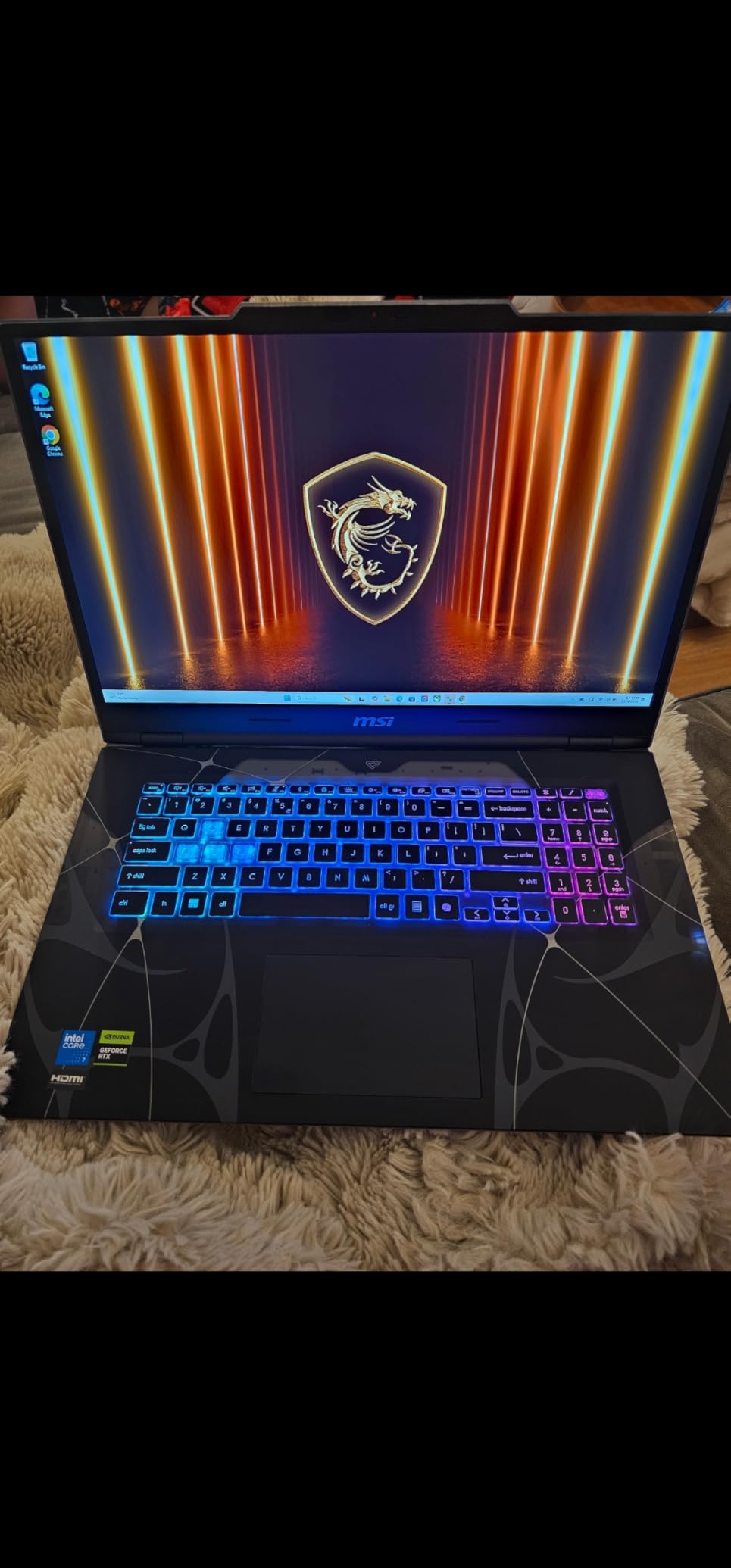
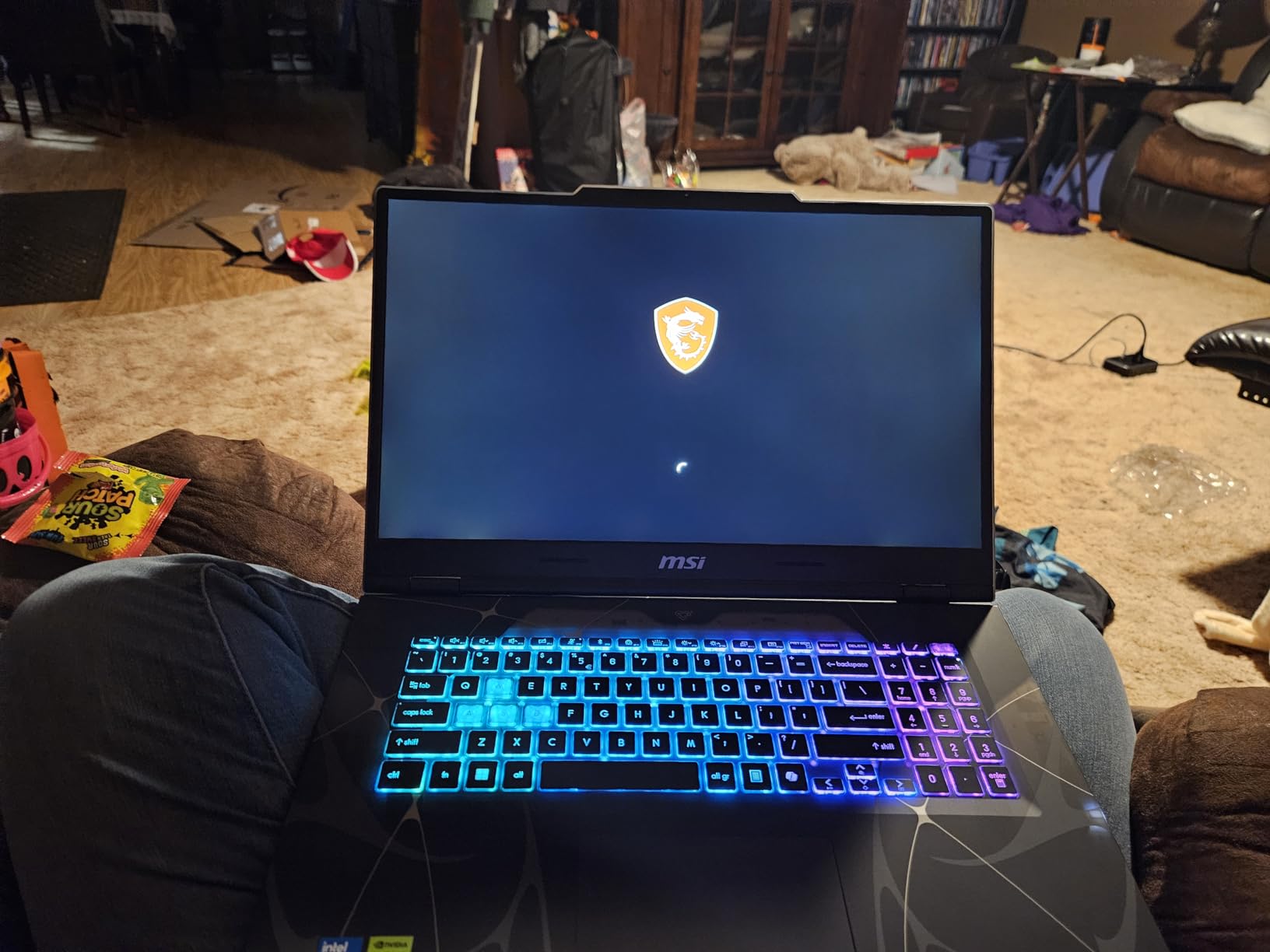
A 17.3-inch matte panel at 144Hz gives you a genuinely large canvas for drawing, painting and timeline work, and the matte finish is easier on the eyes than a glossy screen when you are staring at flat colors for hours.
The unusual part is how thin it is for that size: 0.83 inches, which the manufacturer lists at 5.5 pounds for the chassis. That is unusually light for a 17-inch machine with a discrete GPU, and it makes the size far more practical than the number suggests.
The RTX 5060 Laptop GPU with 8GB of GDDR7 brings ray tracing and DLSS 4, and the Core 7-240H uses a hybrid architecture topping out at 5.2 GHz. Memory runs DDR5-5600 in two slots and is listed as expandable to 96GB, which is the most upgrade headroom in this roundup by a wide margin.
Owners praise the large smooth display, the RTX 5060 capability, fast boot and load times from the 1TB NVMe SSD, and the clean translucent black design with keyboard-only RGB lighting.
Why do owners say to change the power mode first?
Because the default hybrid power mode throttles this machine. Several reviewers report that it only performs as expected once Performance mode is switched on in MSI Center. That is a two-minute fix, but if you never open the utility, you will think the laptop is slower than it is.
Some owners also report needing MSI’s IRST driver after a fresh Windows 11 install before NVMe drives are recognized, and slow transfers on default USB drivers. Set both up before your first project.
Who should choose this over a 16-inch machine?
Anyone who spends hours on flat 2D work, cuts, or timeline editing and wants one large screen instead of a laptop plus an external display. The 144Hz matte panel is the reason to pick it.
Choose elsewhere if port layout matters to you. There is one USB-C, two USB-A, HDMI and RJ45 Ethernet, and owners describe them as all crowded on the right side next to where the mouse sits.
9. Lenovo IdeaPad Pro 5 OLED — The Best OLED Laptop for Animation Storyboarding
Lenovo IdeaPad Pro 5-2025 – 16″ OLED 2880 x 1800 120Hz Display – 16GB Memory – 1 TB Storage – Ryzen AI 7 350 – NVIDIA GeForce RTX5050 – Windows 11 Home – Luna Grey
Ryzen AI 7 350
RTX 5050 with 4GB
2880 x 1800 OLED at 120Hz
16GB LPDDR5, 1TB SSD
Pros
- Gorgeous 2880 x 1800 OLED with VRR at 120Hz
- good USB4 and HDMI 2.1 connectivity
- thin 0.7-inch chassis
- security features
Cons
- Only 16GB soldered memory with no upgrade path
- RTX 5050 has just 4GB VRAM
- 60 watt-hour battery
Nothing else in this roundup beats this screen for drawing. A 2880 x 1800 OLED at 120Hz with VRR and 500 nits gives you the pixel density to sketch on the laptop directly, and OLED blacks make line art and cutout animation read cleanly against a dark background.
It is the most portable machine here at a 0.7-inch chassis, and the Ryzen AI 7 350 handles multitasking and light content creation well. Connectivity is genuinely good: two USB-C with USB4 and DisplayPort, two USB-A, HDMI 2.1 at 8K60 and an SD card reader.
The security details matter if you travel with it. There is an IR plus FHD webcam with a privacy shutter, Windows Hello, TPM 2.0 with Microsoft Pluton and MIL-STD-810H testing, which is unusual in a consumer machine at this level.
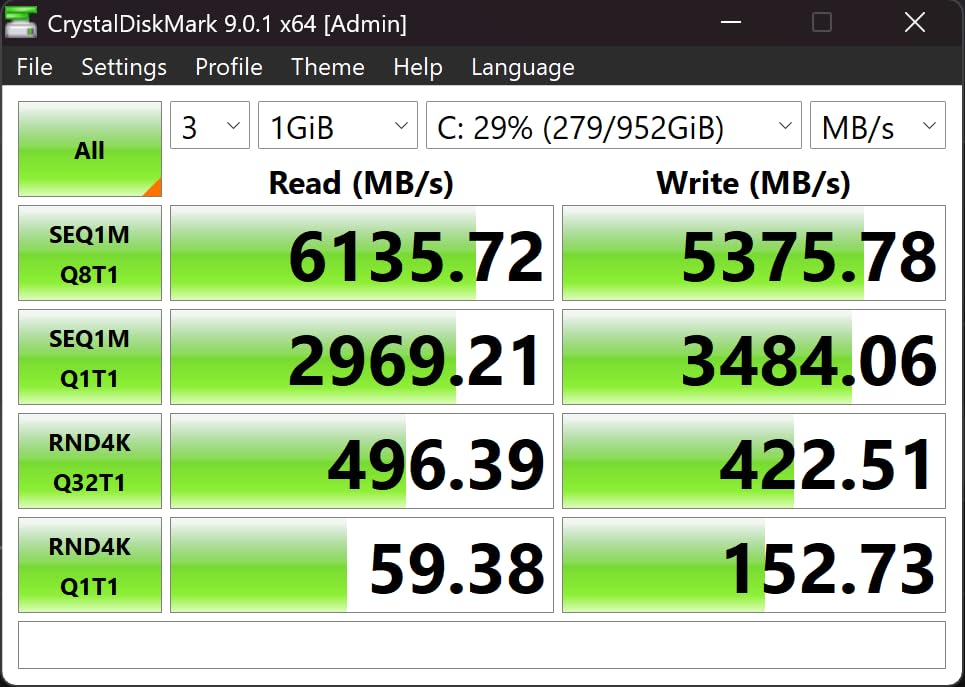
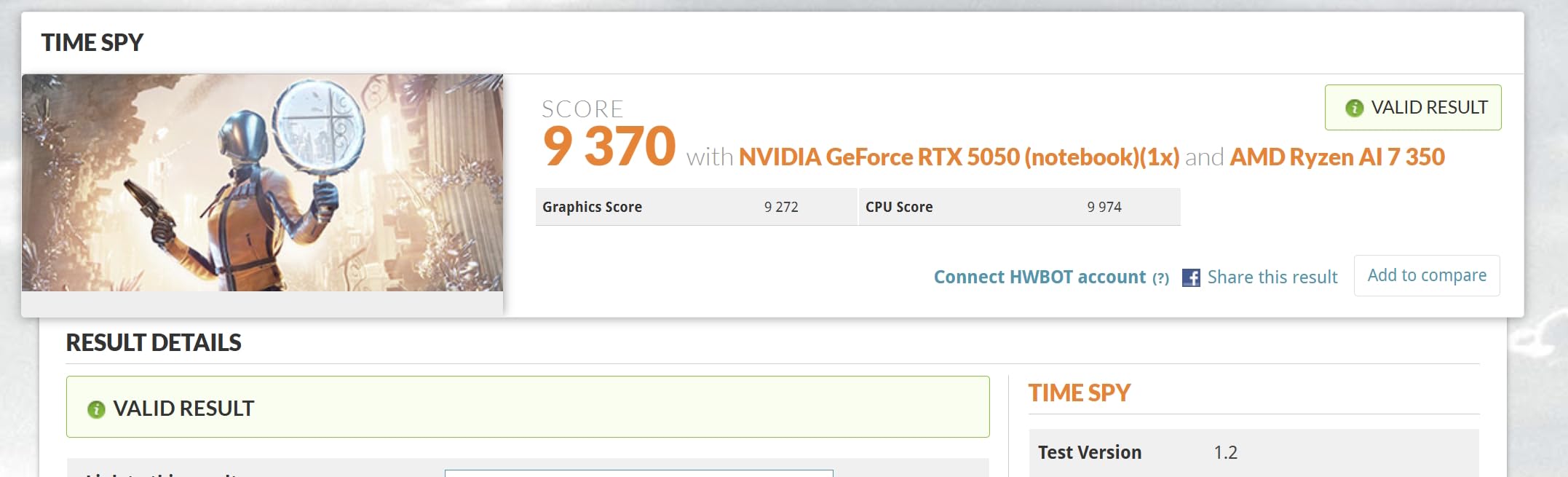
Now the part that decides it for a lot of people. The RTX 5050 in this configuration carries 4GB of VRAM, and 16GB of LPDDR5 at 8000 MHz is soldered with no upgrade path. That combination is fine for storyboarding and 2D, and a problem the moment a 3D scene gets complicated.
Why is the rating lower than the hardware suggests?
Review sentiment on this one is mixed at 3.6 stars. Positive comments focus on the high-resolution OLED display, build quality and port selection. Negative feedback centers on the fixed 16GB memory, the 4GB of VRAM, and a notable share of one-star reviews describing dissatisfaction with overall performance or reliability.
The 60 watt-hour battery is modest for a 2.8K OLED panel, so expect to carry a charger for a full day away from a desk.
Who should buy it and who should not?
Buy it if your work is 2D, storyboarding, mood boarding or frame cleanup and you want the best screen per pound in this roundup. The stylus-friendly high-resolution canvas makes it a natural fit for hand-drawn animation work.
Skip it if you are headed into 3D. Four gigabytes of VRAM is below the useful threshold for Blender or Maya, and soldered memory means no path forward in year two of a degree.
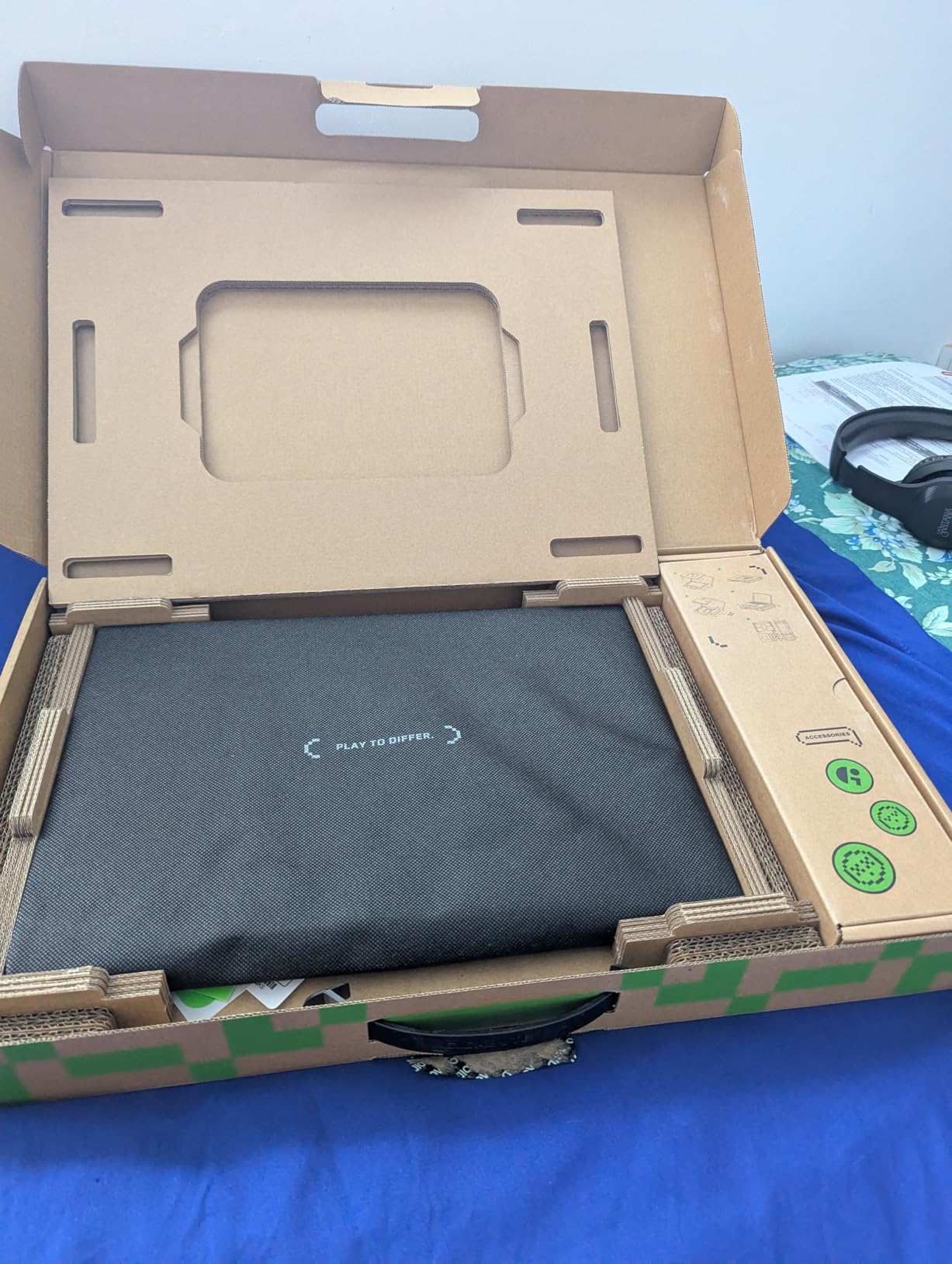
10. GIGABYTE AERO X16 — The Best Laptop for Animation With Real RAM Upgrade Room
GIGABYTE AERO X16 – AMD Ryzen AI 7 350 GeForce RTX 5070 16″ Laptop
Ryzen AI 7 350 8 cores
RTX 5070 8GB GDDR7
32GB DDR5 in four slots
2560 x 1600 165Hz 100% sRGB
Pros
- 32GB across four memory slots expandable to 64GB
- second SSD slot
- thin 4.2-pound chassis
- up to 14 hours battery listed
Cons
- Only 8GB VRAM on the RTX 5070
- difficult access for upgrades
- driver-update instability
Four memory slots is the detail that separates this machine. The 32GB configuration ships as 16GB x 2 across four slots with a maximum of 64GB, so you can grow to 64GB later without replacing what you have. Very few laptops in this roundup offer that.
The RTX 5070 Laptop GPU with 8GB of GDDR7 is a strong card, and the display is a sharp 16-inch 16:10 IPS at 2560 x 1600, 165Hz, 3ms response, 100% sRGB and 400 nits. That panel is well suited to color work without the burn-in profile of an OLED.
Portability is genuinely unusual here: the aluminum unibody chassis measures 16.75mm thick and 4.2 pounds, and the 76 watt-hour battery is listed at up to 14 hours. A discrete-GPU machine that light with that much memory is rare.
Storage is a 1TB PCIe Gen4 NVMe M.2 drive with a second slot available, and connectivity covers Thunderbolt 4, USB 3.2 Gen 2, USB-C, HDMI and Gigabit Ethernet with Wi-Fi 6E.
Is 8GB of VRAM on an RTX 5070 a problem?
It is the most common criticism in the review data, and it is fair. An RTX 5070 with 8GB will run Blender, Maya and Cinema 4D well for most scenes, but heavy texture stacks and high-resolution displacement maps will press against that ceiling sooner than the card’s raw compute would suggest.
If your pipeline is texture-heavy, prioritize VRAM over raw CUDA performance. If you are rigging, animating and rendering moderately complex scenes, the extra memory and the upgrade path make this a strong four-year machine.
What should you know before buying?
Reviewers note the chassis does not feel especially sturdy despite the slim design, and opening it to add RAM or a second SSD is described as difficult. Budget time for that, or buy the 64GB configuration from the start.
There are also reports of instability after Windows driver updates and one owner who needed a factory reset for a stuck Windows 11 update. Keep your project files backed up.
11. Lenovo ThinkPad P16s Gen 3 — The Best Workstation Display for 100% DCI-P3 Color Work
Lenovo ThinkPad P16s Gen 3 w/Ultra 7, 16” OLED, NVIDIA RTX 500, 32GB RAM
Core Ultra 7 155H 16 cores
RTX 500 Ada with 4GB
3840 x 2400 OLED at 100% DCI-P3
32GB DDR5 SODIMM
Pros
- 3840 x 2400 OLED covering 100% DCI-P3 with Dolby Vision
- 32GB SODIMM upgradeable to 64GB
- Windows 11 Pro
- fingerprint reader
Cons
- Only 4GB VRAM limits graphics work
- 60Hz refresh
- dim keyboard backlighting on some models
When color accuracy is the job rather than the byproduct, this is the screen to buy. The 3840 x 2400 OLED panel covers 100% DCI-P3 with HDR 500 True Black, Dolby Vision, 400 nits and an anti-reflective anti-smudge coating, which is the specification animators grading for broadcast and theatrical delivery ask for.
The rest is workstation-class in the useful ways. A Core Ultra 7 155H with 16 cores, 32GB of DDR5-5600 SODIMM in two slots that expand to 64GB, and a 1TB PCIe Gen4 TLC Opal SSD with two M.2 slots. Windows 11 Pro ships as standard.
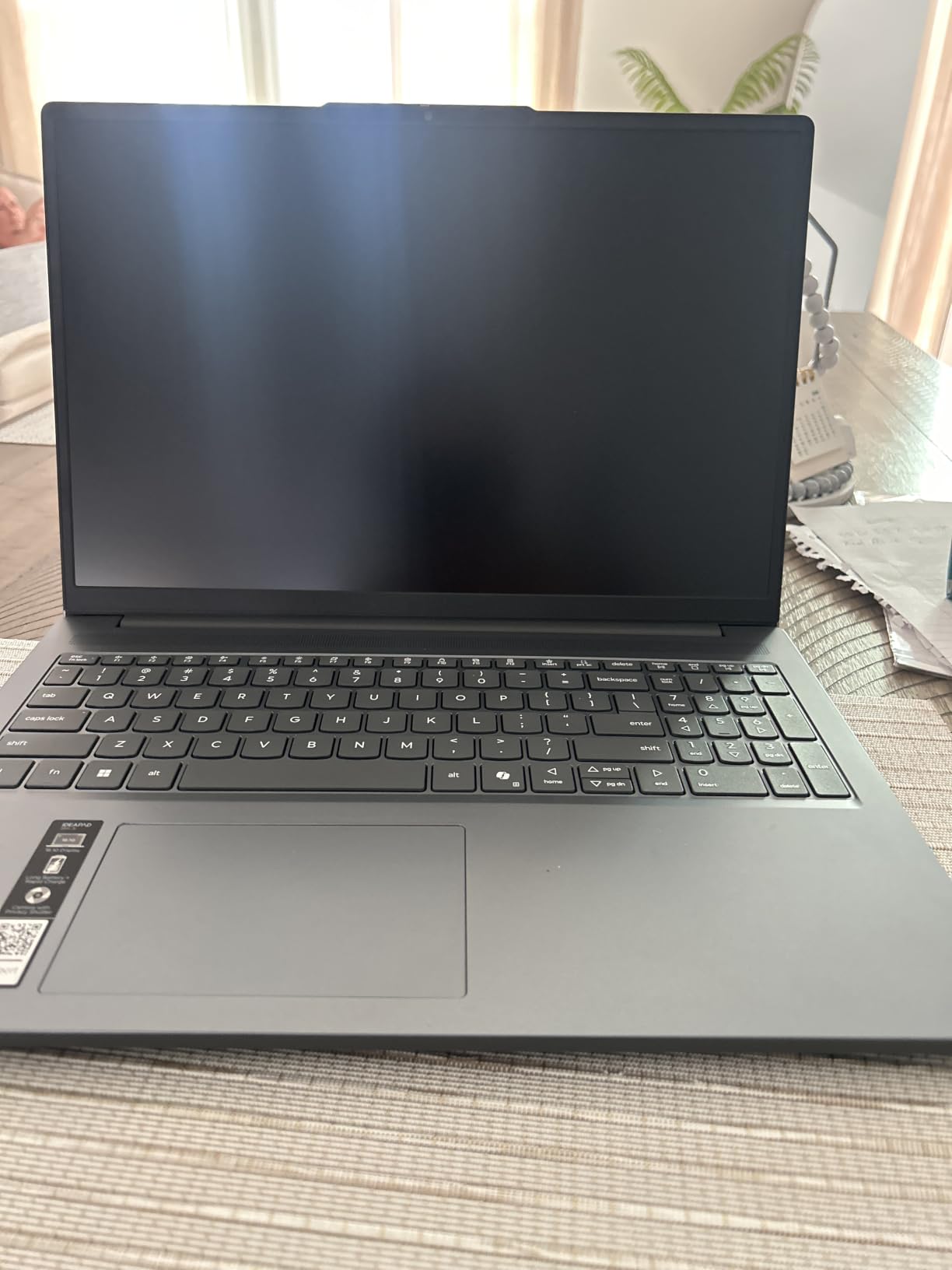
Owners consistently report strong performance and a beautiful, high-quality display, with several noting they switched to Lenovo from a lesser-known brand specifically for the panel and build. The fingerprint reader and full-size keyboard with numeric keypad are practical for long sessions.
The warranty is one year Courier or Carry-in, extendable to five years with Lenovo Premier Onsite Support Plus, which is worth considering for anyone buying this as a degree machine.
Is 4GB of VRAM a dealbreaker for animation?
For 2D, compositing and motion graphics work, no. The RTX 500 Ada Generation is a capable card for viewport work, and 32GB of system RAM covers a lot of the load that would otherwise demand graphics memory.
For 3D, it is the limiting factor. Viewport crashes and failed texture bakes on heavy scenes are exactly the symptom described in the forum threads we read, so treat this as a 2D-first machine with 3D headroom rather than a 3D machine.
What are the annoyances?
Reviewers mention keyboard backlighting that is dim or unlit on some models, a plastic rather than metal chassis compared with similar ThinkPad models, and no third-party protective cases for this specific model. The 60Hz refresh rate also makes it feel less smooth than the OLED panels in this roundup that hit 120Hz.
It supports a maximum of one external monitor, so plan your desk setup around the built-in screen or a single extended display.
12. Lenovo Yoga Pro 9i — The Best Full-Gamut Display for Animation Color Work
Lenovo Yoga Pro 9i, Ultra 9, RTX 5060, 32GB RAM, 1TB SSD, 3.2K Tandem OLED
Ultra 9 285H 16 cores
RTX 5060 8GB GDDR7
3.2K 3200 x 2000 Tandem OLED touch
32GB LPDDR5X
Pros
- Covers 100% Adobe RGB
- DCI-P3 and sRGB on a 3.2K touch OLED at 1000 nits and 120Hz
- Ultra 9 with 16 cores
- four-year onsite warranty
Cons
- No fingerprint reader
- battery life reported at roughly 3 hours
- 32GB soldered memory
This is the widest color gamut laptop in the roundup. The 16-inch 3.2K 3200 x 2000 Tandem OLED touch display covers 100% Adobe RGB, 100% DCI-P3 and 100% sRGB simultaneously, running at 1000 nits with HDR 1000 True Black and a 120Hz refresh rate. No other machine here covers all three gamuts.
Underneath it sits an Intel Ultra 9 285H with 16 cores, P-cores boosting to 5.40 GHz, paired with the RTX 5060 Laptop GPU at 8GB of GDDR7. Owners report very fast performance with excellent speed and memory across demanding creative workloads.
Because the display is a touchscreen, it works directly with a stylus for drawing keyframes, cleaning up drawings or blocking out poses without a separate pen display. That is the clearest path to hand-drawn work in this roundup.
Switchable dual graphics let the integrated chip handle light work and extend battery life, which is a genuinely useful setting during critique sessions. A 5MP RGB plus IR camera with an e-shutter and Wi-Fi 7 round out a well-specified machine.
Is 32GB of memory enough for animation?
More than enough for 2D and comfortable for 3D, but it is LPDDR5X-8400 soldered to the board with no upgrade path. Storage is a single 1TB M.2 slot as well, so plan for external drives if your project libraries grow.
The review base is small, at 19 ratings, so treat the 4.9 average as encouraging rather than proven. Spec for a machine you will keep four years, not for a machine you will sell in two.
What are the compromises?
Battery life is the big one, with owners reporting roughly three hours of use. The 84 watt-hour battery sounds generous on paper, but a 3.2K OLED at 1000 nits is a power-hungry panel. No fingerprint reader on this configuration, either.
Owners also note it is not oriented toward gaming despite the RTX 5060, which is fine for animation work, since sustained GPU rendering matters more than frame rates in games.
What Laptop Specs Do You Actually Need for Animation?
Here is the short version before the detail. A dedicated GPU with at least 8GB of VRAM, a processor with 8 or more modern cores, 16GB of RAM as a hard floor and 32GB as the realistic target, a 1TB SSD, and a display that covers at least 100% of the sRGB gamut. Everything below is the reasoning behind those numbers.
GPU and VRAM: the single most important spec
Animation software hands rendering, viewport playback and effects to the GPU, which is why integrated graphics struggle. Viewport playback drops frames, ray-traced previews crawl, and dense scenes can crash outright. Treat 8GB of dedicated VRAM as the practical floor for 3D.
VRAM is also why the two 4GB machines in this roundup are 2D-first choices rather than mistakes. They are perfectly good for 2D drawing, compositing and motion graphics, and frustrating as scene complexity rises. If you plan to move from 2D into 3D during your program, buy for 3D now.
CPU: cores matter for rigging and simulation
Your CPU handles rigging, physics simulation, scene assembly and file decoding. Eight modern cores is a reasonable starting point for 2D and light 3D. Sixteen cores, as on the Predator Helios 16 and the Yoga Pro 9i, gives simulation and batch processing real headroom.
RAM: 16GB minimum, 32GB realistic
RAM keeps your timeline responsive with heavy assets open. The blenderartists.org consensus we found treats 32GB as the baseline for animation work rather than an upgrade. Below 16GB, expect stuttering and swapping the moment you open a scene, a reference image and a render output folder together.
Equally important is whether you can add memory later. Several machines here solder RAM down; the GIGABYTE AERO X16 and ThinkPad P16s both give you replaceable slots.
Storage: 1TB is the working minimum
Project files, cached frames, HDRIs, brush sets and render outputs add up faster than people expect. A 1TB NVMe drive is the sensible start. Check for a second M.2 slot if you work offline, and note that several machines here offer one.
Display: gamut, then resolution, then finish
Start with color gamut. 100% sRGB is the entry requirement for digital delivery; 100% DCI-P3 suits cinema and broadcast; 100% Adobe RGB suits print and some commercial work. Brightness matters too, since grading on a dim panel is guesswork.
Resolution is a comfort factor rather than a requirement. 1920 x 1200 is workable, 2560 x 1600 is comfortable, and OLED panels at 2880 x 1800 or higher are genuinely pleasant for drawing. Matte finishes help in bright rooms; glossy ones look better in controlled light but show reflections.
Thermals, portability and stylus support
Sustained performance decides your week. Look for cooling evidence, multiple fans and a vendor power mode that actually holds full GPU wattage. A machine that throttles after twenty minutes will define your render schedule for you.
Weight decides your daily life. Animation school means carrying a laptop between crits, so anything under 4.5 pounds is a meaningful difference at the end of a long day. Battery life follows the same logic, and OLED panels cost you hours.
Finally, stylus support. If you draw animation frames by hand rather than on a separate tablet, a high-resolution touchscreen with pen input saves real time. The Yoga Pro 9i is the clearest option in this roundup.
Laptops to Avoid for Animation and Why
This question comes up constantly and almost no competitor answers it, so here is the direct version. Avoid these configurations regardless of how good the rest of the spec sheet looks.
8GB of RAM. There is no animation workflow that this helps. Buy 16GB minimum and prefer 32GB.
Integrated-only graphics. Without a dedicated GPU, viewport playback and real-time rendering suffer badly, and several popular 3D features are simply unavailable.
Discrete GPUs with 4GB of VRAM. Below this threshold, texture-heavy scenes start failing, which is exactly the failure mode described in the Blender and Maya communities we read.
Soldered memory with no path forward. A four-year animation program is a long time to be locked at 16GB.
TN or low-gamut panels. If a laptop cannot state a color gamut percentage, assume it is not accurate enough for work you will get paid for.
Thin chassis with capped GPU wattage. A card limited well below its full power budget is a card that slows down mid-render, right when you have committed to a deadline.
Single-drive machines with no external support. Without a spare slot or a fast external drive, a full disk stops a render rather than slowing it.
Frequently Asked Questions
What laptop specs do I need for animation?
You need a dedicated GPU with at least 8GB of VRAM, a processor with 8 or more modern cores, 16GB of RAM as a hard minimum and 32GB as the realistic target for 3D work, a 1TB SSD, and a display covering at least 100% of the sRGB gamut. For 2D animation the display matters most, while for 3D modeling and rendering the GPU, VRAM and cooling decide how your renders perform.
What laptop to stay away from for animation work?
Avoid laptops with only 8GB of RAM, integrated-only graphics without a dedicated GPU, and dedicated GPUs limited to 4GB of VRAM. Also skip TN panels or any display that cannot state a color gamut percentage, machines with soldered memory and no upgrade path, and thin chassis that cap GPU wattage low enough to throttle during long renders.
What device do most animators use at work?
Most professional animators work on desktop workstations at studio, with a Wacom pen tablet for drawing and a color-accurate reference display for grading. Laptops are used for travel, review, storyboarding and client-facing presentation rather than as the primary production machine, which is why laptop color accuracy matters so much.
What PC do animators use for their own work?
Animators building their own pipeline usually choose a Windows workstation with a current NVIDIA RTX GPU, since Maya, Blender, Cinema 4D, Houdini and game engines all target Windows first. Many 2D animators and freelancers on macOS use a MacBook Pro instead, because Adobe apps, Toon Boom Harmony and Procreate all run natively and quietly on Apple silicon.
What laptops are good for animators?
The ASUS ROG Strix G16 is the strongest all-round choice, with an RTX 4060 running at 140W and liquid metal CPU cooling. The MacBook Pro 14 with M4 Pro or M5 Pro chips suits 2D animators who want silence and battery life. The Acer Nitro V 16S offers 32GB of memory and an RTX 5060 in the mid tier, and the Alienware 16 Aurora suits 2D work with its sharp 2560 x 1600 panel.
What is the best laptop for animation students?
For a student, buy for the full length of the program rather than the first semester. The Acer Nitro V 16S is our pick for 3D-heavy students because it comes with 32GB of memory, while the ASUS ROG Strix G16 offers the best sustained GPU power. The Alienware 16 Aurora is the 2D-first option with its sharp 16:10 panel and upgradeable memory slots.
How much VRAM do I need for 3D animation?
Eight gigabytes of dedicated VRAM is the practical minimum for 3D animation, and it is what most modern RTX laptop GPUs provide. Below that, texture-heavy scenes and high-resolution displacement maps start to fail during bakes and renders. If you work in Blender or Maya with dense scenes, treat 8GB as the floor rather than the target.
The Verdict: Which Laptop Should You Buy for Animation?
The ASUS ROG Strix G16 is our pick for the best laptops for animation in 2026 because it combines a full 140W RTX 4060 with liquid metal CPU cooling, and it is the most reviewed machine in this roundup by a wide margin. If your program is 3D-heavy, that sustained GPU power is the difference between a render queue you plan around and one you do not.
Buy the MacBook Pro 14 instead if silence, battery life and a superb display matter more than raw wattage. The Acer Nitro V 16S is the sensible mid-tier choice because 32GB of memory is included, and the Alienware 16 Aurora covers 2D-first students with a sharp 16:10 screen and replaceable memory.
Whatever you choose, check your studio’s software compatibility before you order, buy the highest memory configuration you can afford, and hold on to the machine for the length of your program.