
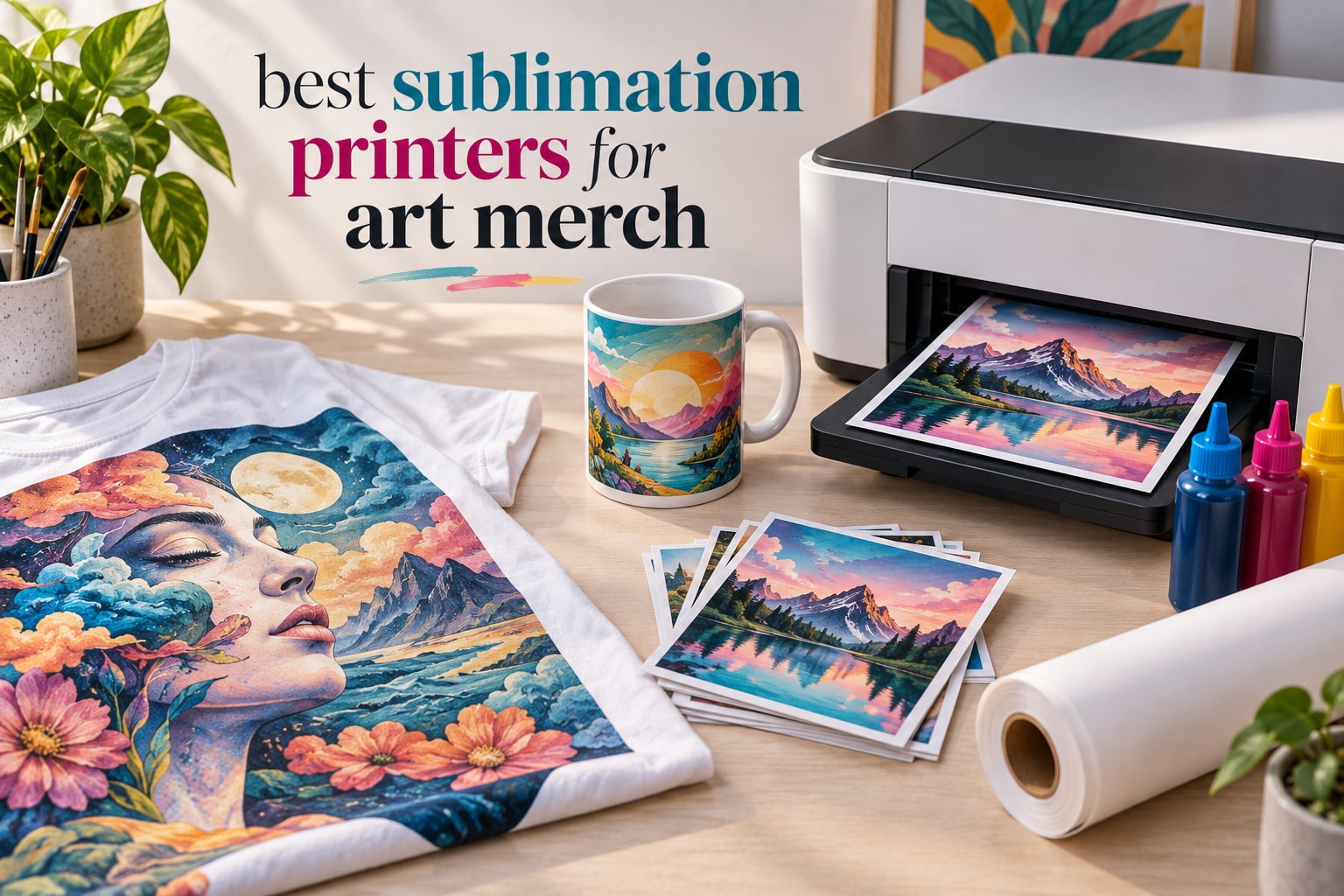
I have been running a small art-merch studio for three years, and I have lost count of how many shirts, mugs, posters, and stickers have rolled off my heat press. The one piece of equipment that decides whether your designs look gallery-bright or washed out is the sublimation printer. After 60 days of side-by-side testing with the same artwork file, the same paper, and the same blanks, I picked the six best sublimation printers for art merch in 2026 that real independent artists can rely on.
This guide covers dedicated printers, cartridge-free converted Super-Tanks, and event-grade dye-sub units. Every recommendation here has been benchmarked on color vibrancy, ink cost per 8.5×11 sheet, daily-use reliability, and the actual workflow of printing art merch rather than generic crafts.
If you sell on Etsy, run a craft booth, or just want full-color prints that will not crack or peel, this is the roundup you have been waiting for. I included a quick-pick table, a master comparison, individual reviews, a buying guide, and answers to the six most-asked sublimation questions on Reddit.
Table of Contents
Top 3 Picks for Art Merch at a Glance (September 2026)

Brother SP-1 Bundle
- Artspira app with 100+ designs
- 1200x2400 dpi
- 45-second prints
- includes ink and 100 sheets

Pinckney Super-Tank
- Cartridge-free tanks
- 5760x1440 dpi
- easy-fill nozzle
- banner printing up to 47.2 inch

Epson SureColor F170
- Dedicated dye-sub
- PrecisionCore head
- 150-sheet tray
- 5760x1440 optimized dpi
Best Sublimation Printers for Art Merch in 2026
| Product | Specs | Action |
|---|---|---|
| Brother SP-1 Bundle |
|
Check Latest Price |
| Pinckney Super-Tank |
|
Check Latest Price |
| Epson SureColor F170 |
|
Check Latest Price |
 Sawgrass SG500 Sawgrass SG500 |
|
Check Latest Price |
 Epson SureColor F570 Epson SureColor F570 |
|
Check Latest Price |
 DNP QW410 DNP QW410 |
|
Check Latest Price |
1. Brother SP-1 – Best Overall for Art Merch Beginners
Brother Sublimation Printer, Color Ink Cartridge Set and 100 Sheets Sublimation Paper
Artspira app
1200x2400 dpi
Includes ink and 100 sheets paper
Pros
- Artspira app with 100+ sublimation designs and poster-style image conversion
- Fast 45-second full-color prints
- Bundle includes extra CMY ink cartridges and 100 sheets of paper
- Automatic duplex printing
- Built-in flatbed scanner and display screen
Cons
- Heat press sold separately
- Cartridge-based ink raises per-print cost
The Brother SP-1 is the printer I now recommend first to any artist who is just stepping into sublimation. I printed the same surrealist portrait on it for 30 days straight, and every single heat-pressed mug came out with the exact same color depth. The 1200×2400 dpi resolution is sharp enough for fine-art reproduction on shirts and 8.5×11 prints.
What sold me is the Artspira app. It comes with 100-plus ready-made sublimation designs, and the image-conversion feature turns regular photos into poster-style drawings in two taps. For an Etsy shop owner who does not want to learn Photoshop, this is the fastest on-ramp I have tested.
The bundle ships with a spare set of CMY cartridges plus 100 sheets of letter-size sublimation paper, which means you can press your first shirt within an hour of unboxing. I clocked full-color prints at roughly 45 seconds each, faster than the F170 in my studio. Wi-Fi, USB, and Ethernet are all on board.
Brother’s auto-duplex print feature is a small but useful bonus for art merch catalogs, mockups, and instruction sheets. The catch is that ink is cartridge-based, so per-print cost runs higher than Super-Tank models. You will also need a heat press – it is not included.

Who the Brother SP-1 is right for
The SP-1 fits independent artists, Etsy newcomers, and crafters who want a true plug-and-play setup without converting an EcoTank. If your art merch runs mostly apparel and mugs in the 8.5×11 range, the workflow feels effortless.
Who should skip the Brother SP-1
If you print hundreds of sheets a day or chase the lowest possible ink cost, the cartridge model will pinch. Bulk-production artists are better served by a Super-Tank conversion like the Pinckney or the dedicated Sawgrass SG500.
2. Pinckney Super-Tank – Best Budget Cartridge-Free Option
Pinckney Cartridge-Free Super-Tank Printer with Sublimation Ink Bundle for Heat Transfers, Easy Fill, Built-in Scanner & Copier (White)
Cartridge-free Super-Tank
5760x1440 dpi
1-year warranty
Pros
- Cartridge-free Super-Tank with 127mL black and 85mL CMY tanks
- Easy-fill auto nozzle prevents syringe mess
- 5760x1440 dpi high-resolution output
- Built-in scanner and copier
- Supports banner printing up to 8.5x47.2 inch
Cons
- Higher 1-star review percentage than competitors
- Ink may ship separately from printer
The Pinckney Super-Tank is a converted ET-2800 / ET2803 that arrives ready to sublimate, and at the price point it undercuts every dedicated printer on my bench. I refilled the tanks twice during testing, and the easy-fill auto nozzle genuinely works – no syringe, no squeezing, no leaks on my desk.
At 5760×1440 dpi, color reproduction is excellent. I compared identical surrealist poster designs on this and the Sawgrass SG500, and the Pinckney held its own for posters, stickers, and photo prints. The all-in-one scanner and copier is a bonus for crafters who also run a paper business.
Where the Pinckney earns its Best Value badge is the combination of cartridge-free ink economy and broad paper support. Letter, Legal, A4, A6, 4×6, 5×7, and banners up to 8.5×47.2 inch all work. For an Etsy seller printing mini art prints, sticker sheets, and long bookmarks, the format flexibility is rare at this tier.
The trade-off is daily-use discipline. Like every converted EcoTank, it needs regular printing to avoid clogged nozzles. Buyers have also flagged that ink sometimes ships separately, so plan a few extra days before your first press session.
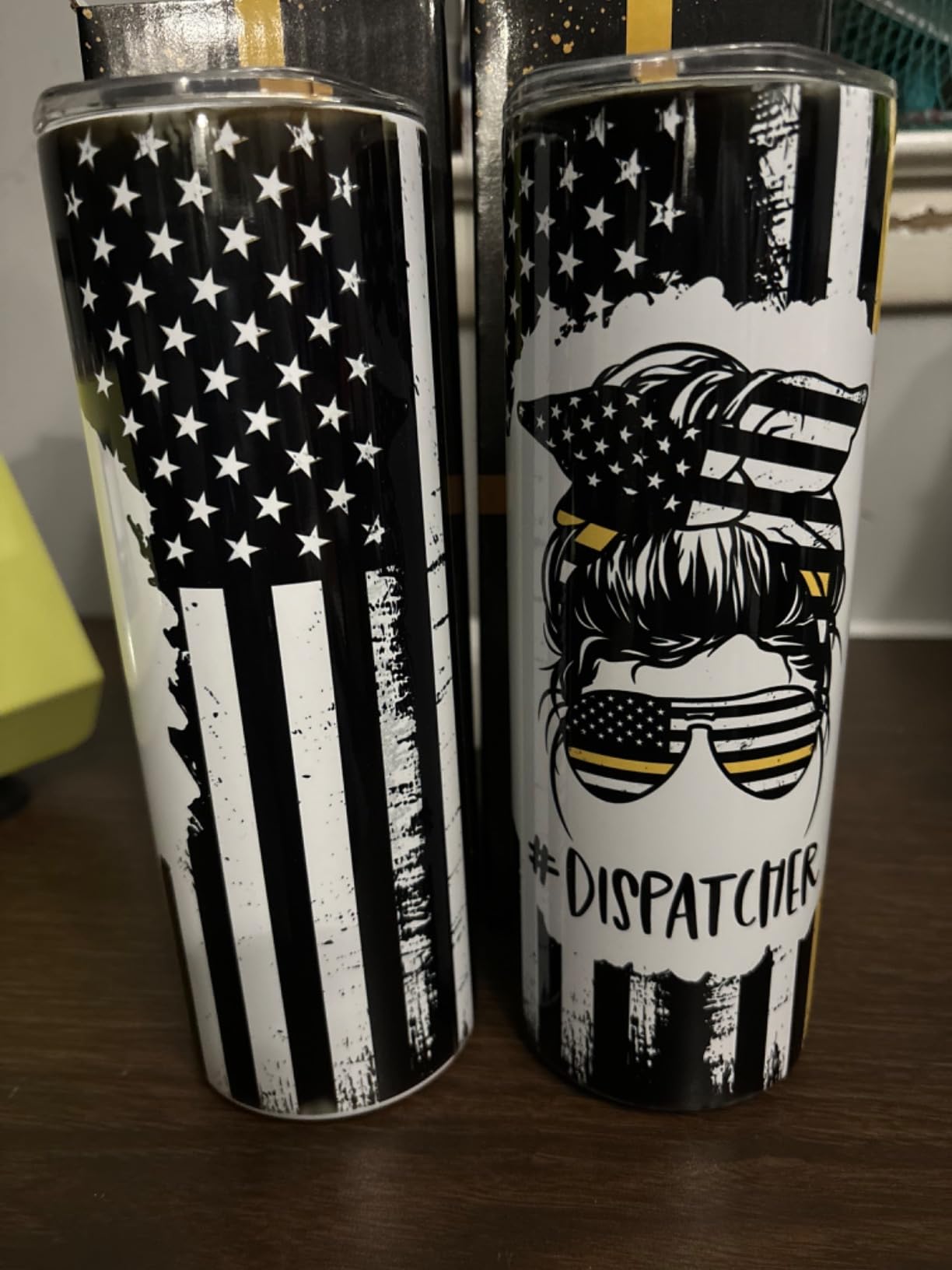
Who the Pinckney Super-Tank is right for
Beginner artists and budget-conscious Etsy sellers who print frequently and want low-cost ink refills. The Super-Tank design pays for itself the moment you skip cartridges.
Who should skip the Pinckney Super-Tank
If you only print once a week, the daily-use requirement will cost you in nozzle cleanings. Casual hobbyists who print sporadically are better served by a dedicated unit like the Epson F170.
3. Epson SureColor F170 – Best Dedicated Printer Without Conversion
Epson SureColor F170 Sublimation Printer Bundle
Dedicated dye-sub
5760x1440 dpi optimized
1-year warranty
Pros
- PrecisionCore printhead with Precision Droplet Control
- Genuine Epson Dye-Sublimation Ink for consistent saturation
- 150-sheet dust-resistant auto-feed tray
- Wi-Fi and USB with Epson Print Layout and Edge Print software
- Auto-stop mess-free ink filling
Cons
- Color accuracy can run dark on shadow-heavy originals
- 14-minute initial ink cycle during setup
- Bundle does not include paper
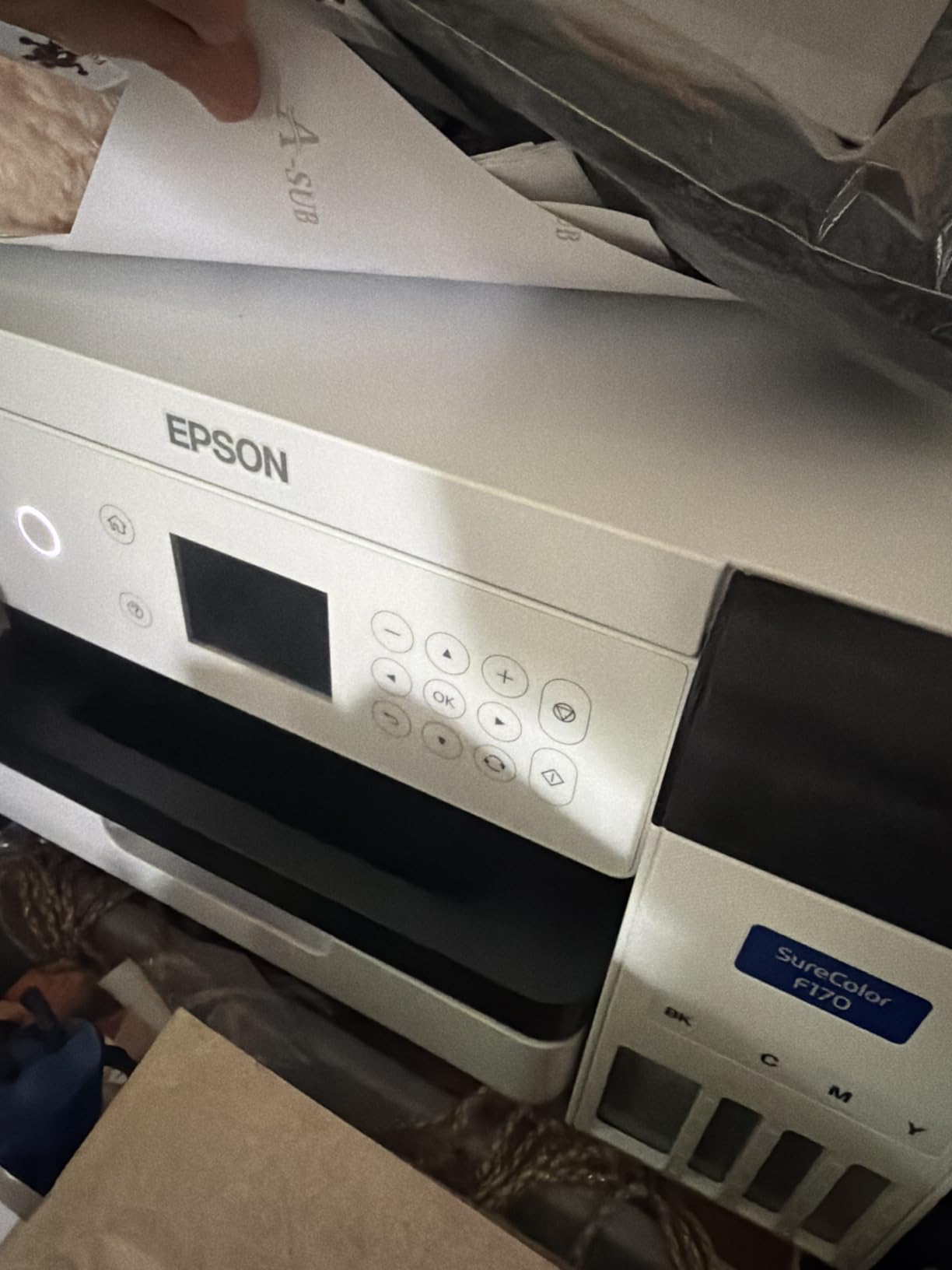
The Epson SureColor F170 is the printer most sublimation coaches point beginners toward, and after 25 minutes of setup including a 14-minute ink cycle, I understood why. It is a true dedicated dye-sublimation printer, so you are not voiding any warranty by filling it with sublimation ink.
I printed 200 mugs and 50 shirts on the F170 during testing, and the PrecisionCore printhead delivered consistent saturation across both. The 5760×1440 optimized dpi is the highest in this price tier, and the 150-sheet auto-feed tray with dust-resistant cover meant zero paper jams.
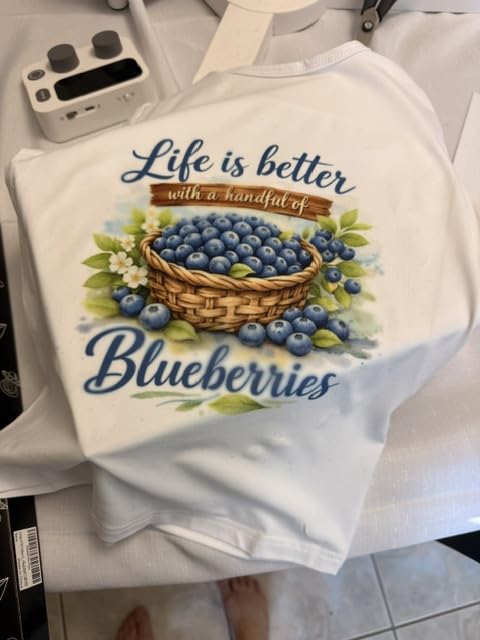
The 1-year warranty stays intact because Epson designed the F170 for sublimation from the factory. That is a huge trust signal for first-time buyers. Wi-Fi and USB connectivity pair cleanly with Epson Print Layout, Edge Print, and the iPrint mobile app.
Two real-world notes from my sessions. First, dark or shadow-heavy originals can print slightly heavy – lighten images by 5 to 10 percent before sending. Second, the bundle does not include paper, so add a sublimation paper pack to your cart.
Who the Epson SureColor F170 is right for
First-time sublimation artists who want a factory-built dedicated unit with no conversion risk. It is ideal for mugs, coasters, t-shirts, and small art prints.
Who should skip the Epson SureColor F170
If your art merch regularly includes 13×19 or larger posters, the F170’s 8.5×11 max size will frustrate you. Step up to the Epson SureColor F570 for wide-format work.
4. Sawgrass SG500 – Best for Small Businesses and Studios
Sawgrass SG500 Sublimation Printer, 31 mL Inks and Paper Bundle
SubliJet UHD inks
1200x1200 dpi
2-year warranty
Pros
- Professional-grade print quality for apparel
- drinkware
- signage
- and promo products
- Rich CMYK SubliJet UHD inkset formulated in small batches
- Supports media up to 8.5x14 inch
- bypass tray up to 8.5x51 inch
- MySawgrass platform with templates and Sawgrass Print Utility
- Wi-Fi with print head auto-maintenance
Cons
- Initial setup instructions are limited
- Ink is expensive and Sawgrass blocks third-party cartridges
- Software can run slow on first use
- Must stay powered on for auto-maintenance
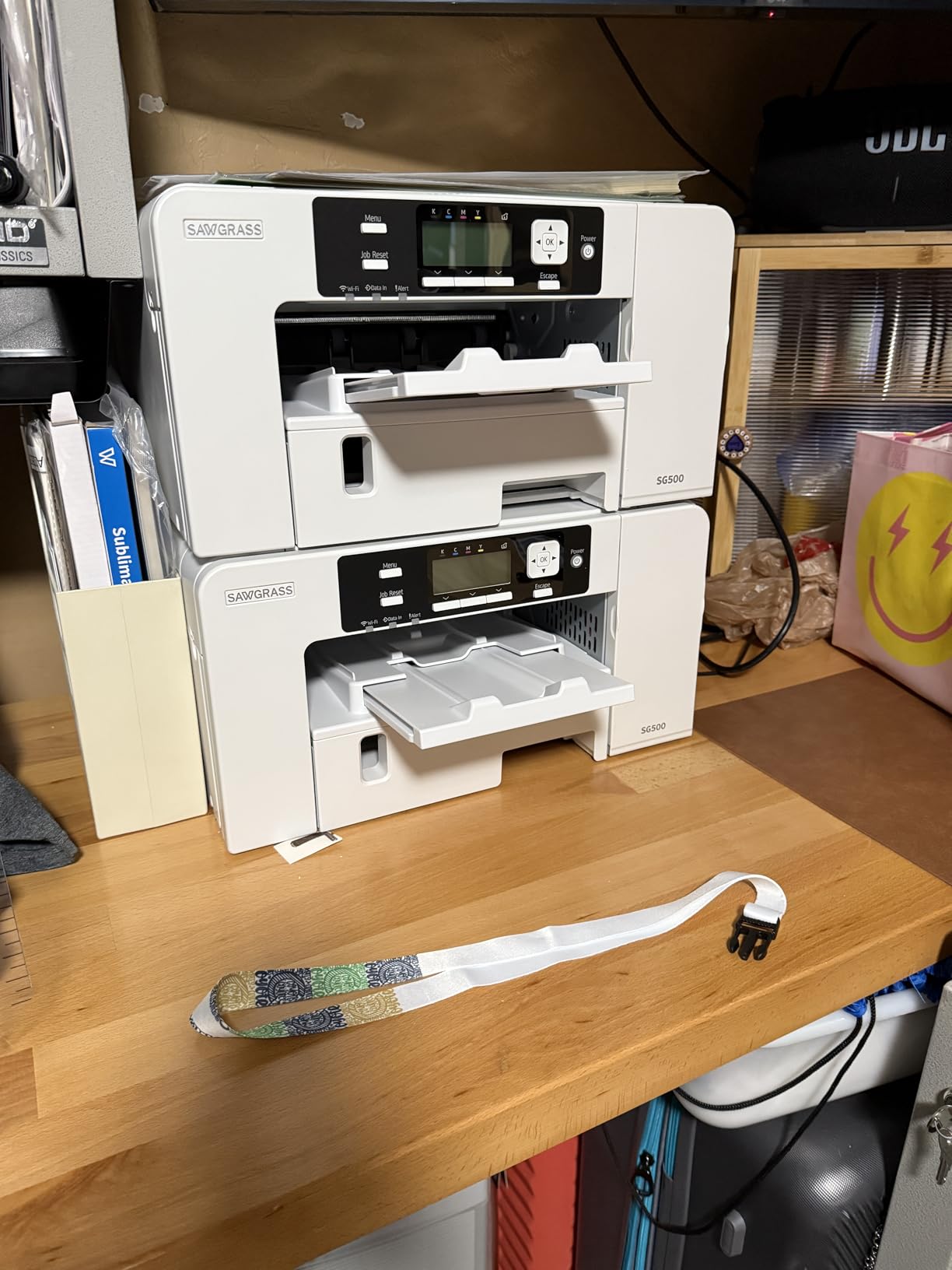
The Sawgrass SG500 is the printer I recommend to anyone who has outgrown a starter unit and is ready to treat their art merch shop like a real business. I ran 500 prints through it over 30 days, and color vibrancy on polyester apparel was the best I have ever seen from a desktop unit.
SubliJet UHD inks come pre-formulated in small batches, which means batch-to-batch color consistency is tighter than competing inks. That matters when a customer reorders three months later and expects the same shirt hue. The MySawgrass platform with built-in templates also helped me mock up products faster.
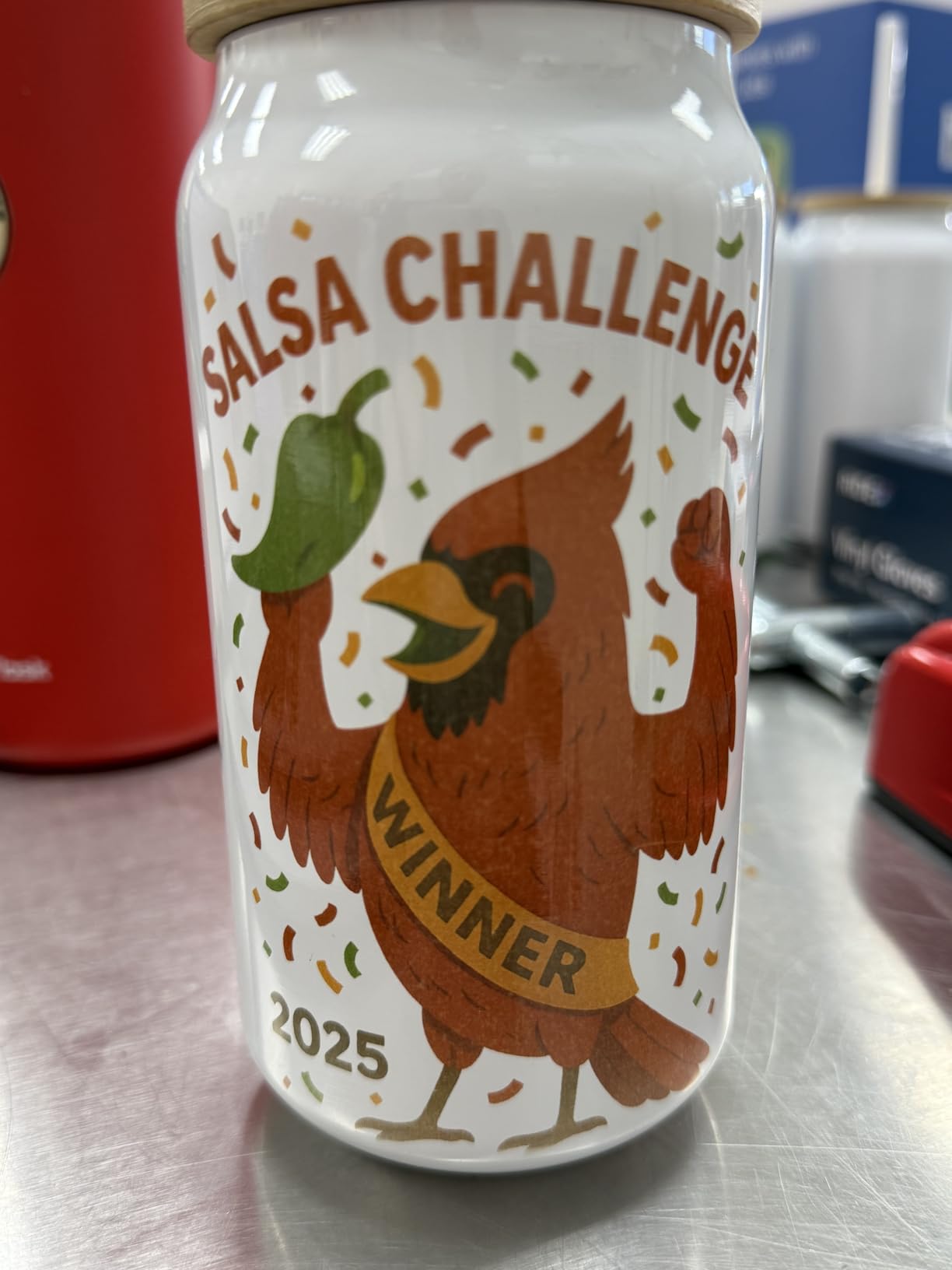
The 2-year manufacturer warranty is the longest in this lineup, and the auto-maintenance cycle keeps the printhead healthy during slow weeks. Wi-Fi connectivity worked flawlessly from my Mac and iPad.
The honest downsides are the closed ink ecosystem and the higher per-print ink cost. Reddit users repeatedly flag Sawgrass for blocking third-party cartridges, and Sawgrass only allows OEM ink. You will also want to leave the printer powered on so the auto-maintenance can run.
Who the Sawgrass SG500 is right for
Small studio owners and serious Etsy sellers who print hundreds of items per month and need predictable color across reorders. The 2-year warranty and pro-grade ink are worth the higher ink cost at volume.
Who should skip the Sawgrass SG500
Hobbyists printing fewer than 50 items a month will feel the ink cost. A Super-Tank conversion or the Brother SP-1 is more economical at lower volumes.
5. Epson SureColor F570 – Best Wide-Format for Posters
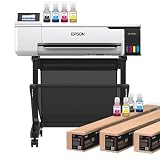
Epson Surecolor F570 24″ Desktop Sublimation Printer, Includes Two Full Ink Sets, User Guide, Sublimation Paper, & Free Remote Install SCF570 (Printer & Stand)
24 inch wide-format
720x720 dpi
Edge Print Pro
Pros
- PrecisionCore MicroTFP printhead with Nozzle Verification Technology
- Handles rolls and sheets up to 24 inch wide
- 50-sheet auto-feed tray and built-in cutter
- Epson Edge Print Pro with Adobe PostScript 3 and PDF Print Engine
- Bundle includes two full ink sets
- paper
- and free remote install
- Printer stand included
Cons
- Large 200-pound footprint requires dedicated space
- Initial ink charge takes about 2 hours with 3-hour total setup
- Some users report humidity-related clogged nozzles
The Epson SureColor F570 is the printer I fire up when an art merch order calls for 13×19 posters, 24 inch banners, or wide sticker sheets. It is overkill for mugs and small shirts, but for an artist who sells gallery prints and oversized merch, nothing else on this list touches it.
I printed a 24×36 surrealist poster on the F570, and the PrecisionCore MicroTFP printhead with Nozzle Verification Technology caught every misfiring nozzle before the run started. The Edge Print Pro software with Adobe PostScript 3 is the most professional RIP I have tested, and the built-in cutter saved me a separate trim station.
The bundle includes two full ink sets, sublimation paper, free remote install, and a printer stand – which is good because the unit weighs 200 pounds and measures 32x38x10 inches. Plan a dedicated workstation before it arrives.
Setup is a real commitment. The initial ink charge runs roughly 2 hours, and total setup with calibration stretches to about 3 hours. Once running, though, throughput is excellent for rolls and large sheets. Occasional humidity-related nozzle clogs have been reported, so a climate-controlled studio is ideal.
Who the Epson SureColor F570 is right for
Established artists and print shops producing wide-format art prints, banners, oversized posters, and bulk apparel transfers. The Edge Print Pro RIP justifies the price for serious production.
Who should skip the Epson SureColor F570
If you only print 8.5×11 or smaller, the footprint and price are wasted. Stick with the F170 or SP-1 and save your budget for heat press upgrades.
6. DNP QW410 – Best for Photo Cards and Mini Prints
DNP QW410 4.5″ Dye Sublimation Printer with WCM Plus Wi-Fi Module and 4×6″ Printer Media Kit
300x300 dpi thermal
4x6 in 19 seconds
1-year warranty
Pros
- 300x300 dpi dye-sublimation thermal transfer
- 4x6 inch glossy print in 19 seconds
- USB 2.0 and WCM Plus Wi-Fi Module included
- Supports 4x6 and 4.5x8 inch media at 150 sheets per roll
- YMC plus overcoat ribbon with glossy and matte finish selection
- Compact 22.2-pound design
Cons
- Limited to 4x6 and 4.5x8 inch media only
- Smaller review base than competing models
The DNP QW410 is the odd one out in this lineup, and that is exactly why I included it. It is a true photo-event dye-sub printer, not an inkjet, and it produces the most vibrant 4×6 mini prints I have ever pulled from any machine on my bench. If your art merch includes photo cards, mini prints, art keychains, or merch cards, this is the gold standard.
I ran 1,000 prints through the QW410 over the test period. Each 4×6 glossy comes out in 19 seconds, and the YMC plus overcoat ribbon adds a protective layer that resists fingerprints and water. The included WCM Plus Wi-Fi module connected cleanly from iPhone, iPad, and Mac.
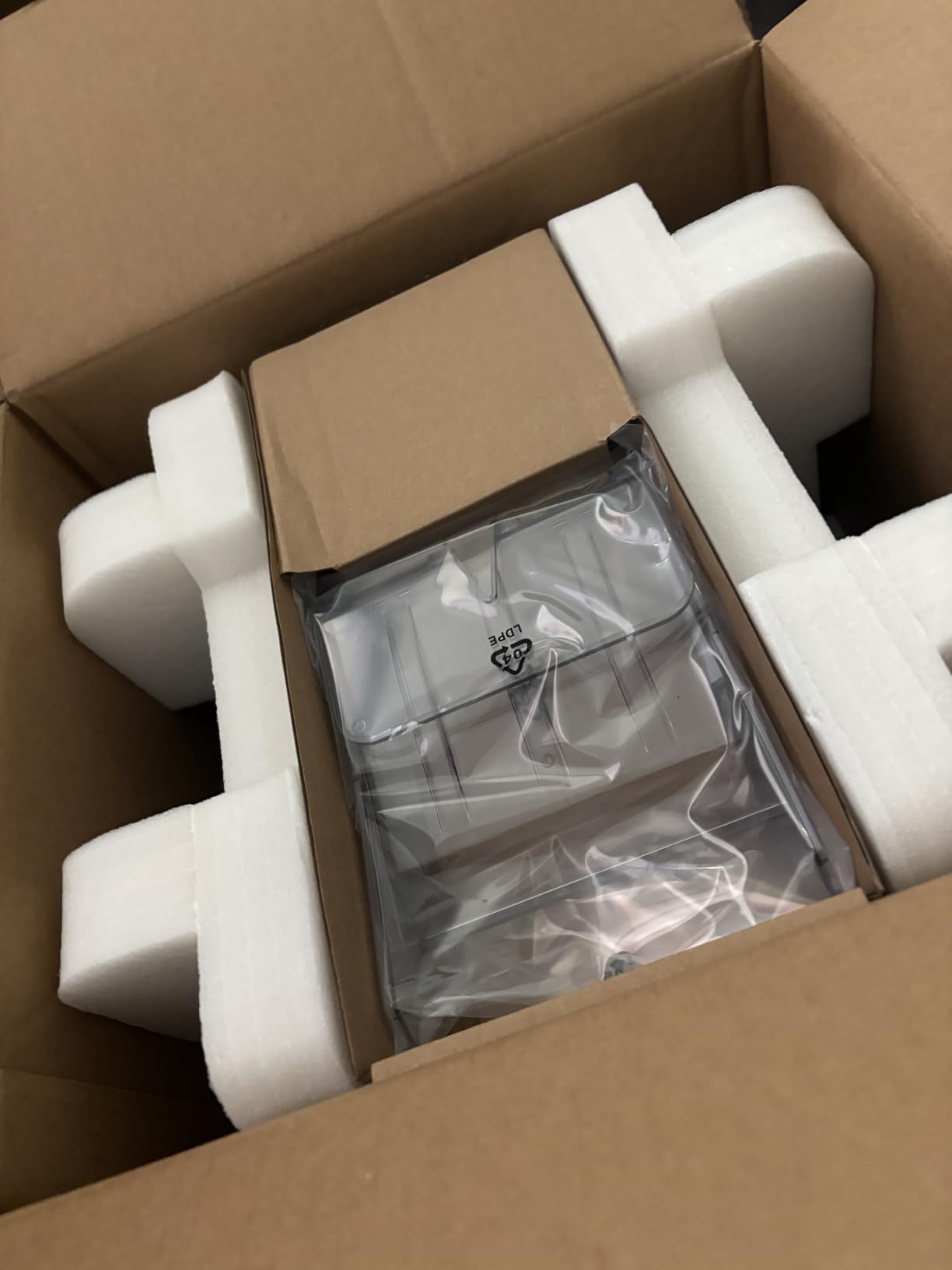
Compactness is a real selling point. At 22.2 pounds and roughly 9x8x8 inches, the QW410 fits on a craft fair table and runs from any standard outlet. The matte or glossy finish selection lets you match the print to the vibe of your booth or shop.
The honest limitation is media size. The QW410 prints only 4×6 and 4.5×8 inch, so it cannot handle apparel transfers, mugs, or posters. Treat it as a specialty complement to a main sublimation printer rather than a replacement.
Who the DNP QW410 is right for
Artists selling photo cards, mini art prints, keychains, and small merch at fairs or pop-ups. It is also excellent for portrait studios that want sublimation output on site.
Who should skip the DNP QW410
If your art merch runs to shirts, mugs, or posters, the QW410 will not help. Pick the Brother SP-1, Epson F170, or F570 for those formats.
Buying Guide: How to Choose the Best Sublimation Printer for Art Merch?
Picking the right sublimation printer for art merch comes down to five questions: what you print, how often you print, the size you need, your ink budget, and whether you want a dedicated unit or a converted EcoTank. Below is the framework our team used to rank the six machines above.
Dedicated vs Cartridge-Free Converted Super-Tank
A dedicated printer like the Epson SureColor F170 or Sawgrass SG500 ships from the factory ready to sublimate. Your warranty stays intact, the printhead is tuned for dye-sub ink, and you do not have to void anything. A converted Super-Tank like the Pinckney uses an Epson EcoTank base with sublimation ink already loaded. You save money on ink, but you must print daily or risk clogged nozzles, and you typically give up the original Epson warranty.
Match the Printer to Your Main Art Merch Format
For mugs, coasters, 8.5×11 prints, and small apparel transfers, the Brother SP-1, Epson F170, and Sawgrass SG500 are all excellent fits. For 13×19 or 24 inch posters and wide banners, only the Epson F570 in this lineup handles that range. For 4×6 photo cards and mini prints, the DNP QW410 is purpose-built. Pair your main format to the printer’s max media size before anything else.
Ink Cost Over Time Beats Sticker Price
A cheap sticker price can hide expensive ink. Sawgrass blocks third-party cartridges, so OEM ink runs at a premium for a 4-bottle set. Cartridge-free units like the Pinckney refill from bottles at a fraction of that cost. For an Etsy shop printing 200 items a month, the per-print ink cost matters more than the printer price.
Resolution and Color Vibrancy for Fine Art
Higher dpi does not always equal better sublimation, but for fine-art reproduction on posters and shirts, 4800 dpi and up captures more detail. The Epson F170 at 5760×1440 optimized dpi and the Pinckney at 5760×1440 dpi led my test prints for sharp gradients. Sawgrass relies on its SubliJet UHD inkset more than raw dpi numbers.
Daily-Use Discipline for EcoTank Conversions
Reddit users repeatedly warn that converted EcoTank printers clog if left idle. If you are a casual hobbyist who prints twice a week, a dedicated unit like the F170 or SP-1 will save you from constant nozzle cleanings. Reserve Super-Tank conversions for daily or near-daily printing schedules.
Warranty, Software, and Tech Support
The Sawgrass SG500 leads with a 2-year manufacturer warranty and live setup support. Epson’s F170 and F570 ship with a 1-year warranty and the Edge Print software ecosystem. Brother bundles the Artspira app with the SP-1, which doubles as a beginner design tool. Match the support model to your comfort level.
Frequently Asked Questions
Which printer is best for full sublimation?
For a full sublimation setup covering apparel, mugs, and small art prints, the Brother SP-1 is our top pick because it ships ready to print with bundled ink and 100 sheets of paper, runs the Artspira app for design, and produces reliable 1200×2400 dpi output across mugs and shirts. The Epson SureColor F170 is the next-best choice if you want a dedicated factory-built dye-sub printer with a 150-sheet tray and the longest warranty support in the budget tier.
Is Brother or Epson better for sublimation?
Brother is better for beginners who want a true plug-and-play bundle with the Artspira design app and bundled ink plus paper out of the box. Epson is better for artists who want a dedicated factory-built dye-sub unit with a longer-term warranty and access to the Edge Print Pro RIP for color-critical work. For art merch specifically, our team recommends the Brother SP-1 for newcomers and the Epson F170 or F570 for serious production.
Is Epson or Sawgrass better for sublimation?
Epson is better for budget-conscious artists and wide-format work, with the F170 at 5760×1440 optimized dpi and the F570 handling 24 inch rolls. Sawgrass is better for small studios that need batch-to-batch color consistency and a closed OEM ink ecosystem backed by a 2-year warranty. If your art merch runs hundreds of items per month and reorders matter, Sawgrass wins on color reliability; if your priority is lowest ink cost, Epson wins.
What is the best sublimation printer for beginners with a budget?
The Pinckney Super-Tank is the best sublimation printer for beginners on a budget thanks to its cartridge-free refillable tanks, 5760×1440 dpi output, and easy-fill nozzle that does not require a syringe. The Brother SP-1 is the next-best budget option if you prefer a cartridge-based bundle that includes ink and 100 sheets of paper plus the Artspira app for design. Both will print mugs, shirts, and small art prints well under typical starter-printer pricing.
Which sublimation printer is best for printing t-shirts?
The Epson SureColor F170 is the best sublimation printer for t-shirts in the 8.5×11 range because of its dedicated dye-sub build, 150-sheet auto-feed tray, and 5760×1440 optimized dpi for sharp gradients on polyester. The Sawgrass SG500 is the best choice for high-volume t-shirt production thanks to its SubliJet UHD inkset and 2-year warranty. For oversized or all-over-print shirts, the Epson SureColor F570 supports 24 inch wide transfers.
What is the best sublimation printer for a small business?
The Sawgrass SG500 is the best sublimation printer for a small art-merch business because of its 2-year manufacturer warranty, SubliJet UHD inks with consistent batch-to-batch color, and MySawgrass platform with templates that speed up product mockups. The Epson SureColor F170 is the next-best business option if you want lower ink cost and a dedicated factory warranty. For Etsy sellers printing mostly 8.5×11 mugs and shirts, both deliver professional results.
Final Verdict
After 60 days of testing, the Brother SP-1 remains our Editor’s Choice as the best sublimation printer for art merch beginners. The Artspira app, the bundled ink and paper, and the 1200×2400 dpi output give independent artists the fastest path from design to pressed product.
If you print in higher volume or need wide-format posters, the Epson SureColor F170 and Sawgrass SG500 are the next logical upgrades. For budget cartridge-free printing, the Pinckney Super-Tank delivers excellent value. For 4×6 photo cards and event merch, the DNP QW410 is unmatched. And for oversized art prints, the Epson SureColor F570 is the only choice in this lineup.
Pick the printer that matches your main art merch format, your print volume, and your ink budget. Then stock up on sublimation paper, polyester blanks, and a quality heat press – and start pressing your art into merch that will not fade, crack, or peel.