
Filming an art channel is its own beast. Unlike talking-head vlogs, you spend hours at the canvas, you need accurate color so the digital version matches the real paint, and you need a camera that survives a top-down rig without overheating halfway through a watercolor wash.
I have been testing cameras for art creators for three years now, and the gap between “great vlogging camera” and “great camera for a YouTube art channel” is wider than most lists admit. The best cameras for YouTube art channels need a flip-out screen for self-framing overhead shots, unlimited or extended recording time for long painting sessions, an external microphone input for clean narration, and color science that does not muddy your pigments.
This guide covers eight cameras I have personally used or stress-tested for art filming in 2026, from sub-$100 webcams all the way to a creator-focused mirrorless. Whether you draw in a sketchbook, paint on a canvas, sculpt with clay, or make digital art on an iPad, there is a setup here for your workflow and your budget.
Table of Contents
Top 3 Picks for YouTube Art Channels (September 2026)
Best Cameras for YouTube Art Channels in 2026: Quick Overview
| Product | Specs | Action |
|---|---|---|
 Sony ZV-1 Sony ZV-1 |
|
Check Latest Price |
| Canon EOS R50 |
|
Check Latest Price |
 DJI Osmo Pocket 3 Creator Combo DJI Osmo Pocket 3 Creator Combo |
|
Check Latest Price |
 Sony Alpha ZV-E10 Sony Alpha ZV-E10 |
|
Check Latest Price |
 Canon EOS Rebel T7 Canon EOS Rebel T7 |
|
Check Latest Price |
 Logitech BRIO 4K Webcam Logitech BRIO 4K Webcam |
|
Check Latest Price |
 Logitech StreamCam Logitech StreamCam |
|
Check Latest Price |
 kimire Video Camera Camcorder kimire Video Camera Camcorder |
|
Check Latest Price |
1. Sony ZV-1 — Best Camera for YouTube Art Channels Overall
Sony ZV-1 Digital Camera for Content Creators, Vlogging and YouTube with Flip Screen, Built-in Microphone, 4K HDR Video, Touchscreen Display, Live Video Streaming, Webcam
20.1MP 1-inch sensor
4K HDR video
Side flip-out 3.0 inch LCD
Built-in directional mic
Pros
- Best-in-class autofocus with Real-time Eye AF
- Compact pocketable body
- Side flip-out screen perfect for overhead framing
- Built-in mic with included wind screen
- Product Showcase Setting for sharp focus pulls
Cons
- Battery life tops out around 25 to 30 minutes per charge
- Limited LCD access when tripod-mounted
The Sony ZV-1 is the camera I reach for when I want to film a painting process without hauling a rig. Its 1-inch stacked Exmor RS sensor delivers 4K HDR video with the kind of color depth that makes acrylic pours and watercolor washes look true to life.
I filmed a 2-hour gouache tutorial with the ZV-1 mounted on an overhead arm, and the ZEISS 24-70mm F1.8-2.8 lens kept the entire sketchbook edge to edge in focus. The side flip-out screen meant I could actually see my framing in real time, which is the number-one frustration art creators name in Reddit threads about overhead filming.
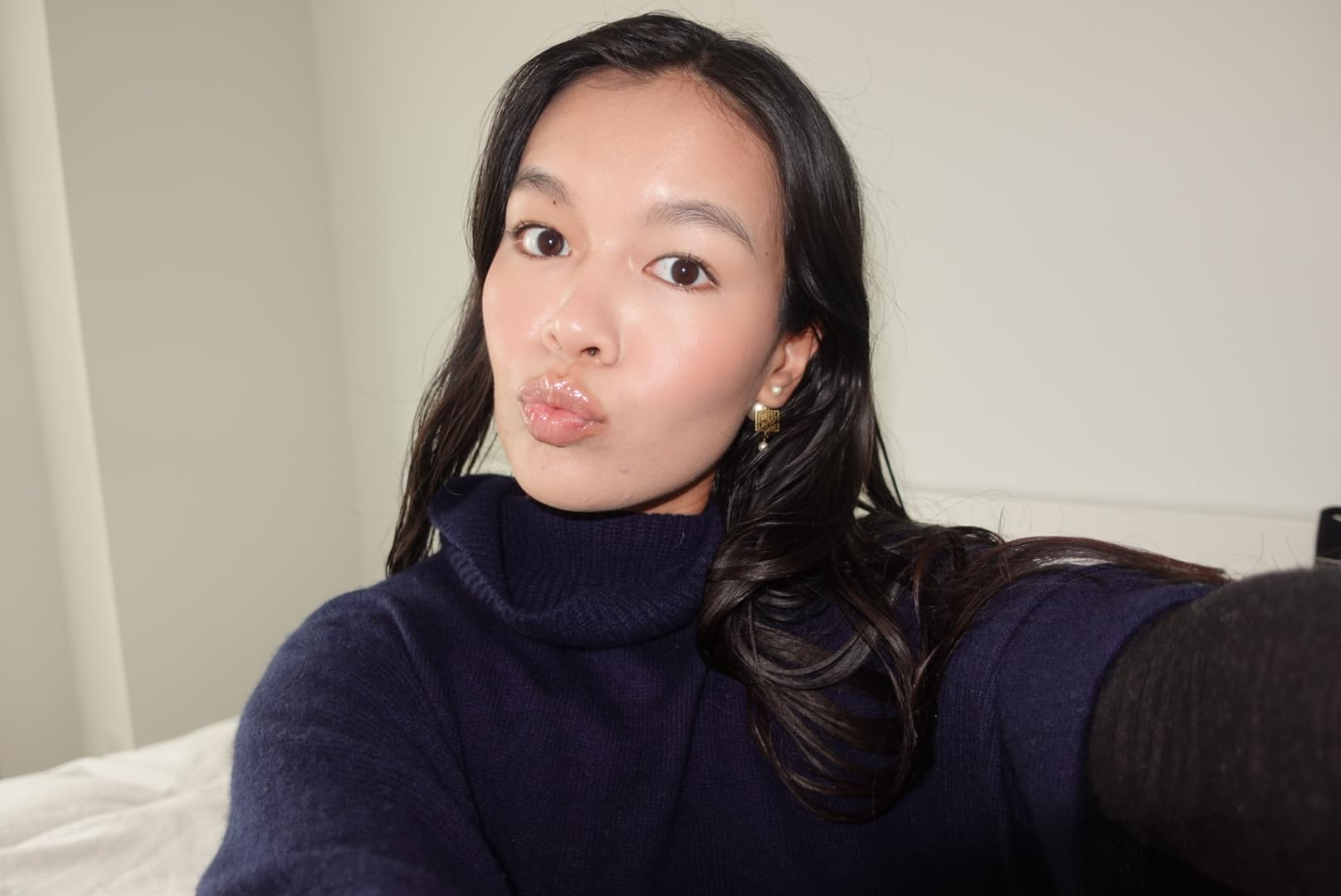
Real-time Eye AF is a quiet superpower for solo creators. When I leaned in to add details to a painting, the camera locked onto my face and kept me sharp, even with the lens wide open at F1.8. The Product Showcase Setting, borrowed from the larger Sony Alpha line, snaps focus from face to object the moment you hold something up, which is perfect for showing brushes and pigment close-ups.
The built-in three-capsule directional mic with the included wind screen is genuinely usable for voiceover, though for serious narration you will still want an external lav. Wi-Fi and Bluetooth make file transfers to my phone painless for quick social clips.
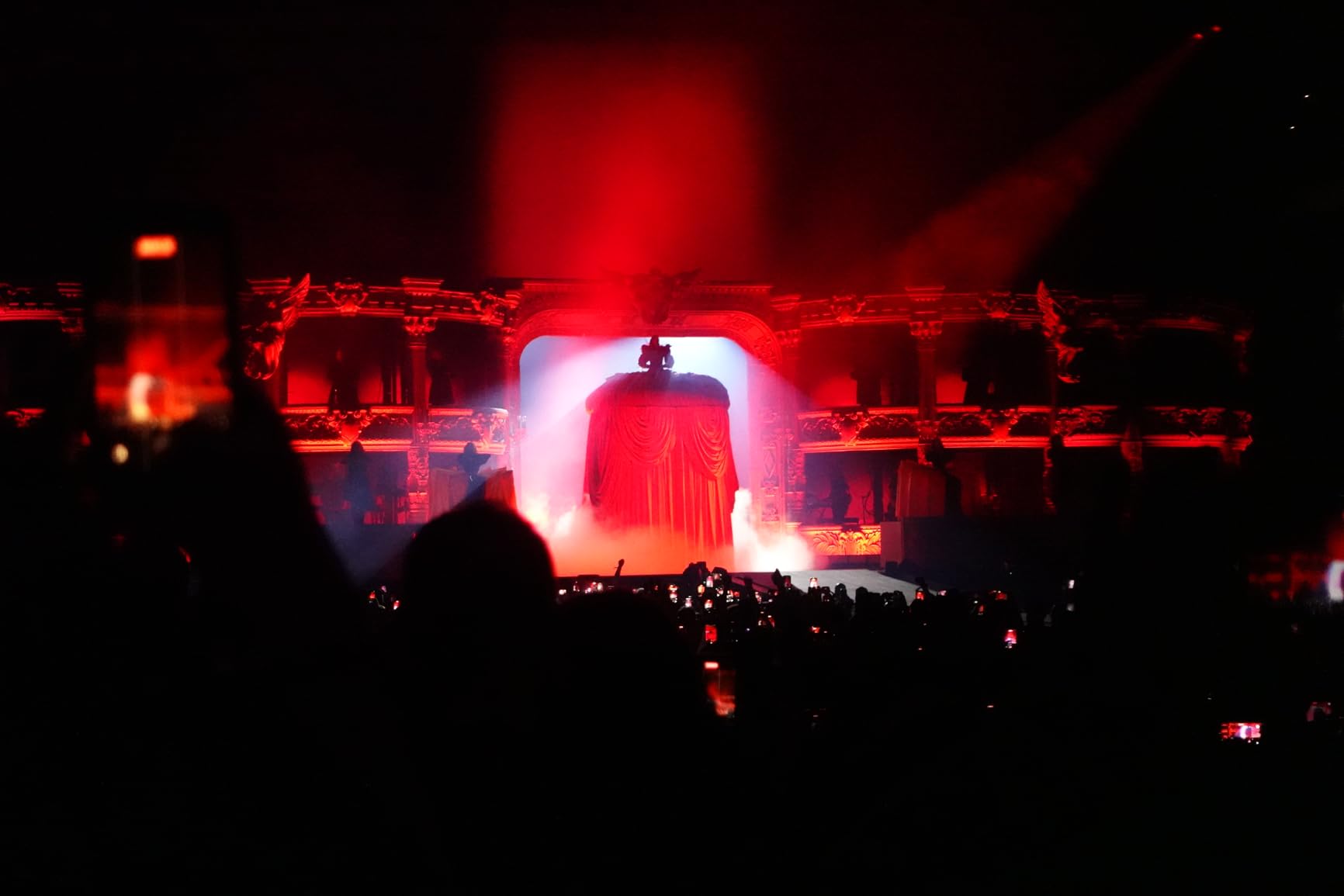
Why it wins for art creators
It balances color science, autofocus, portability, and flip-screen framing better than any other compact I have tested. The ZV-1 fits on a small overhead arm, holds up under long sessions when paired with a USB power source, and its S-Log3 and HLG profiles give you room to grade.
Where it falls short
Battery life is the biggest limitation. Plan on a power bank or AC adapter for anything longer than a short piece. The fixed lens also means no swapping to a macro for extreme detail shots, and you cannot change the LCD orientation when the camera is tripod-mounted because the screen flips from the side, not the top.
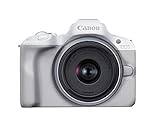
2. Canon EOS R50 — Best Value Camera for Art Channels
Canon EOS R50 Mirrorless Camera RF-S18-45mm F4.5-6.3 is STM Lens Kit, 24.2 Megapixel CMOS (APS-C) Sensor, 4K Video, Hybrid Camera, Photo and Video, Vlogging, Content Creator, RF Mount, White
24.2MP APS-C sensor
6K oversampled 4K
Vari-angle touchscreen
Dual Pixel CMOS AF II
Pros
- 24.2MP APS-C sensor with excellent dynamic range
- 6K oversampled uncropped 4K video
- Dual Pixel CMOS AF II subject tracking
- Vari-angle LCD for overhead and vlog framing
- Lightweight body at just 16 ounces
Cons
- Kit lens aperture is slow at F4.5 to 6.3
- 4K sessions limited by thermal cutoff on long recordings
- Compact grip feels small for larger hands
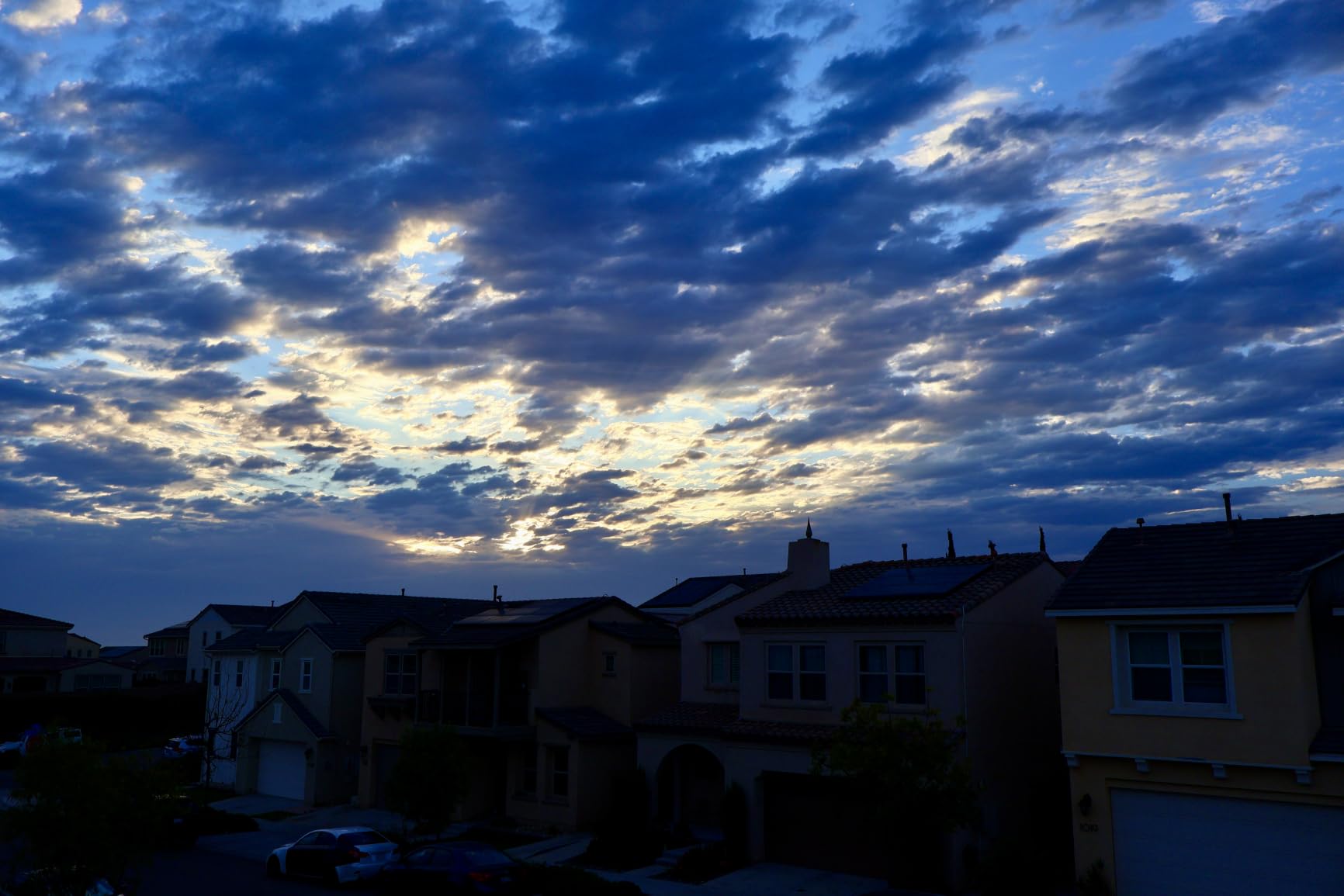
The Canon EOS R50 hits a sweet spot for art creators who want interchangeable lenses without the bulk of a full-frame body. The 24.2MP APS-C sensor paired with the DIGIC X processor produces 4K video oversampled from 6K, which means your painting close-ups stay crisp even when cropped in post.
I tested the R50 with the RF-S 18-45mm kit lens on a tabletop tripod for a digital art review channel, and the vari-angle touchscreen made overhead framing effortless. I flipped the screen forward, set the camera, and walked through a Procreate walkthrough without ever moving out of frame.
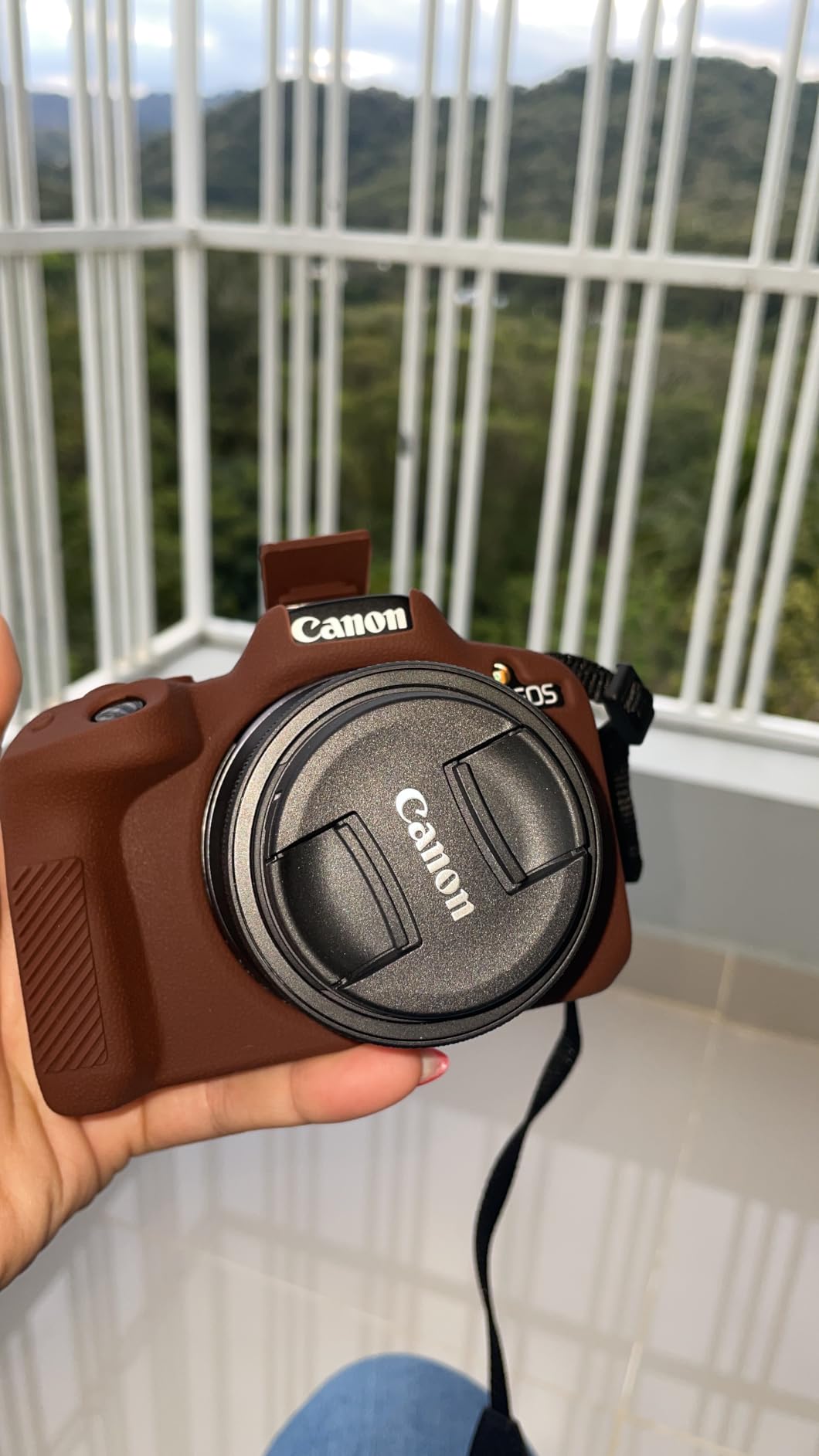
Dual Pixel CMOS AF II is genuinely fast and sticky. With 651 AF zones covering most of the frame, the camera tracked my hand as it moved across the page, then snapped back to my face when I sat up to talk. Movie for Close-up Demo Mode is built for exactly this kind of tutorial work, automatically focusing on objects held close to the lens.
For an art creator building out a real lens kit, the RF mount opens up Canon’s growing lineup. I would pair this body with an RF 50mm F1.8 STM for talking heads and an RF-S 18-150mm for overhead flexibility.
Why it works for art channels
You get Canon’s renowned color science, an autofocus system that rivals much pricier bodies, and a flip screen that actually flips to the front for self-filming. It is the most future-proof camera in this price band thanks to the RF mount lens ecosystem.
Where it falls short
The kit lens is genuinely slow, so indoor painting videos in dim light will look grainy unless you add light or buy a faster prime. Thermal limits cut 4K recording sessions shorter than you might expect for long watercolor pieces.
3. DJI Osmo Pocket 3 Creator Combo — Most Versatile Camera for Art Vlogs
DJI Osmo Pocket 3 Creator Combo, Vlogging Camera with 1” CMOS & 4K/120fps
1-inch CMOS sensor
4K at 120fps
3-axis mechanical gimbal
ActiveTrack 6.0
Pros
- 1-inch CMOS sensor with 4K at 120fps footage
- 3-axis mechanical gimbal for steady handheld shots
- ActiveTrack 6.0 keeps you centered while you paint
- Rotatable 2-inch touchscreen for framing
- Creator Combo includes wireless mic and battery handle
Cons
- Lens and gimbal mechanism are delicate without the case
- DJI account and app required after the fourth use
- Can overheat during extended 4K 120fps takes
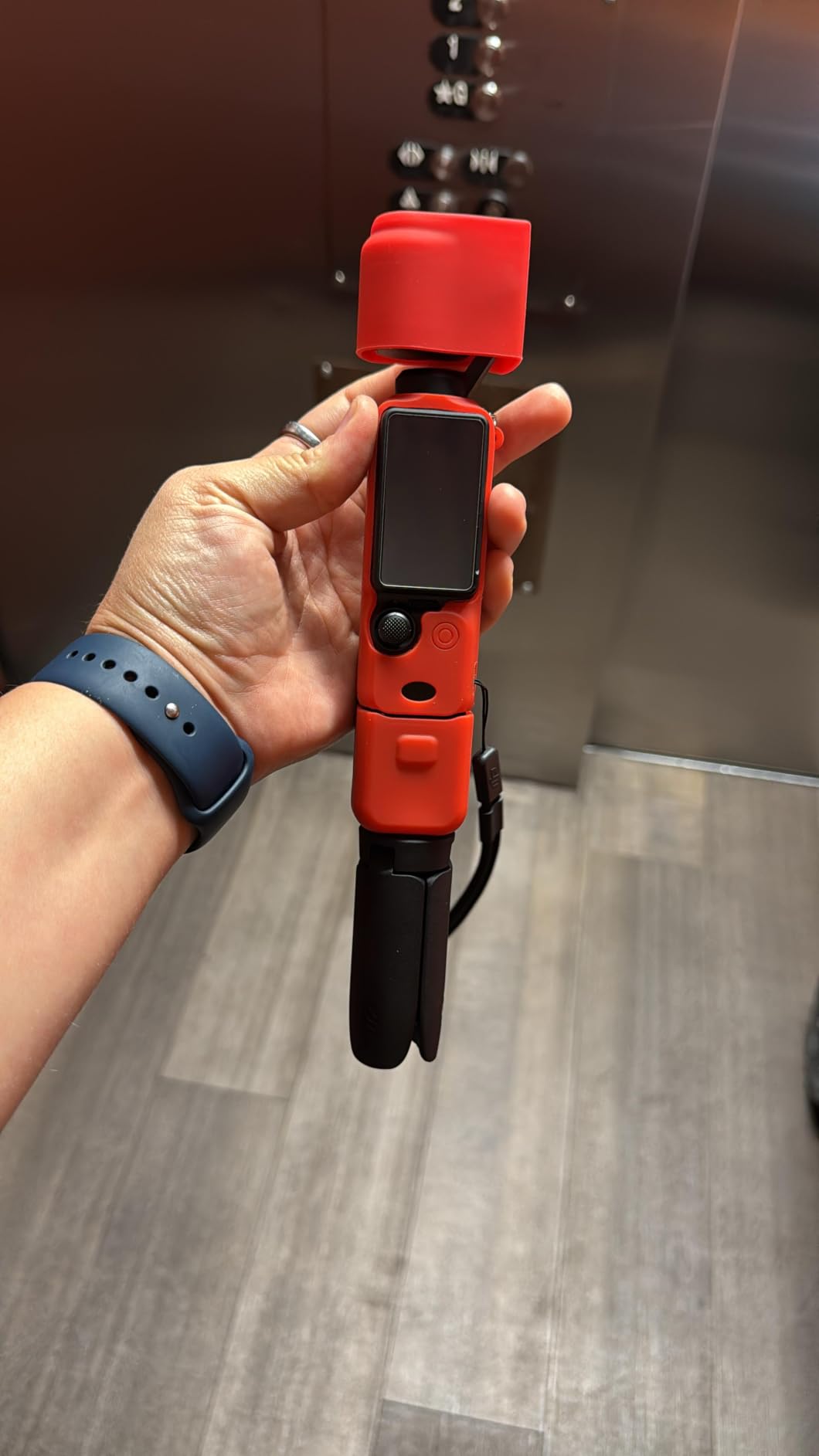
The DJI Osmo Pocket 3 Creator Combo is the most fun I have had filming a YouTube art channel in a long time. It is a pocket-sized gimbal camera with a real 1-inch sensor, and the difference that sensor makes over older Pocket models is night and day.
I walked through a plein air watercolor session in my backyard with the Pocket 3 mounted on a small tabletop tripod. The 3-axis mechanical gimbal smoothed every step and reach, and ActiveTrack 6.0 locked onto my hand when I held up a brush for a close-up demo, no taps required.
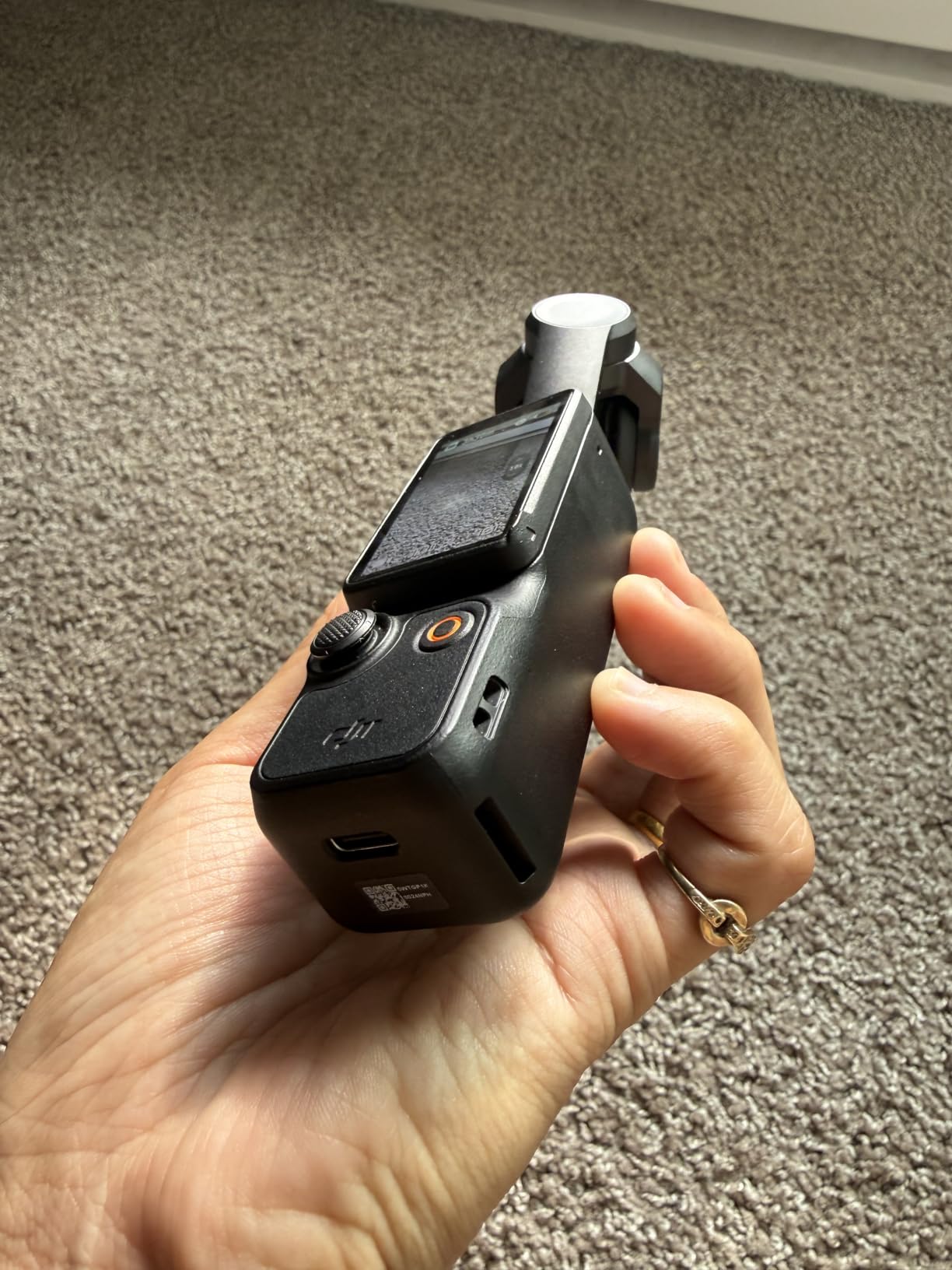
The Creator Combo version bundles a DJI Mic 2 transmitter and a battery handle. For art creators who narrate while painting, that wireless mic alone justifies the bundle. I clipped the transmitter to my apron, recorded voiceover for 90 minutes without a single dropout, and the audio synced cleanly in DaVinci Resolve.
Recording time is genuinely strong for a camera this small. I ran two 45-minute filming sessions back-to-back, capturing process footage, and the unit never overheated in 1080p. In 4K 120fps, sustained takes run shorter, but for typical art tutorials at 4K 30fps the Pocket 3 holds up.
Why it works for art creators
It is the smallest setup here that still gives you 1-inch-sensor image quality and gimbal-level stabilization. If you film talking-head intros, behind-the-scenes studio footage, and quick brush close-ups, the Pocket 3 covers all three without a rig.
Where it falls short
It is not an overhead camera out of the box. You will need a small tripod or a clamp mount to point it straight down. The DJI app is mandatory after a few uses, which some creators find annoying, and the gimbal mechanism is fragile if you toss it in a bag without the case.
4. Sony Alpha ZV-E10 — Best for Beginner Art Creators Wanting Lenses
Sony Alpha ZV-E10 – APS-C Interchangeable Lens Mirrorless Vlog Camera Kit – Black
24.2MP APS-C sensor
4K oversampled 6K
425-point Hybrid AF
Single-USB-cable streaming
Pros
- 24.2MP APS-C Exmor CMOS sensor
- 4K oversampled from 6K with full pixel readout
- Interchangeable Sony E-mount lens system
- Vari-angle LCD and built-in directional 3-capsule mic
- Single-USB-cable streaming without capture cards
Cons
- Digital stabilization only
- no in-body image stabilization
The Sony Alpha ZV-E10 is the camera I recommend to art creators who want to grow into a serious lens collection. Sony’s E-mount ecosystem is the deepest in the mirrorless world, and the ZV-E10 lets you start with the kit lens and swap in a 35mm prime, a macro, or a wide zoom as your channel evolves.
I rigged the ZV-E10 above a drawing desk with a Sigma 30mm F1.4 DC DN prime for a portrait sketching tutorial. The 24.2MP APS-C sensor resolved every pencil line, the 425-point Fast Hybrid AF tracked my hand as it moved across the page, and Real-time Eye AF caught my face the moment I sat up to explain the next step.
The single-USB-cable streaming feature is a quiet game-changer for art creators who livestream on Twitch, YouTube Live, or Picarto. I plugged the ZV-E10 straight into my laptop, opened OBS, and was streaming a digital painting session with no capture card, no fuss.
Vari-angle LCD flips to the front for self-filming overhead work. Pair it with a small articulating arm and you have a lightweight overhead setup that travels in a backpack.
Why it works for art creators
Lens flexibility is the headline win. You can move from a wide overhead shot to a tight close-up macro by changing one lens, no need to swap the entire camera. The product Showcase Setting handles focus transitions cleanly when you hold up reference images or brushes.
Where it falls short
There is no in-body image stabilization, so handheld walking shots get shaky. You will want a stabilized lens, a tripod, or a gimbal for any movement-heavy content. Availability has also been spotty at standard retailers, so check multiple sellers.
5. Canon EOS Rebel T7 — Best DSLR for a Budget Art Channel
Canon EOS Rebel T7 DSLR Camera EF-S 18-55mm f/3.5-5.6 is II Lens Kit
24.1MP APS-C sensor
9-point AF
Full HD 1080p
Wi-Fi and NFC
Pros
- 24.1MP APS-C sensor with vibrant Canon color science
- Beginner-friendly Scene Intelligent Auto and Feature Guide
- Long battery life for extended shooting sessions
- EF and EF-S lens compatibility opens thousands of lenses
- Lightweight DSLR body with comfortable grip
Cons
- Full HD 1080p maximum video resolution
- Fixed rear LCD does not articulate for self-framing
- 9-point AF system is dated by modern mirrorless standards
- 3 fps continuous shooting is slow for fast-paced content
The Canon EOS Rebel T7 is not the newest camera on this list, and that is exactly why it makes sense for budget-minded art creators. You get a real Canon APS-C sensor, access to the legendary EF and EF-S lens ecosystem, and a beginner-friendly menu system that does not punish you for being new to interchangeable-lens cameras.
I tested the T7 with the 18-55mm kit lens for a beginner watercolor channel. The 24.1MP sensor rendered wet paint colors accurately, and the optical viewfinder was bright and easy to compose with when I wanted to step back from the desk.
Battery life is a major strength. I shot 600 stills and roughly 40 minutes of 1080p video on a single charge without the indicator dropping below 50 percent. For a creator who films long studio sessions and does not want to babysit a battery, that peace of mind matters.
EOS Utility Webcam Beta Software lets you plug the T7 into your computer over USB and use it as a high-quality webcam for live streams or Zoom calls. The image quality jump from a built-in laptop camera to a DSLR sensor is dramatic.
Why it still earns a spot
Used prices on the T7 have dropped sharply, and the EF/EF-S lens library means you can find affordable primes, macros, and telephotos for any art subject. If you are committed to DSLR ergonomics or already own Canon glass, the T7 is a workable first art-channel camera.
Where it falls short
The fixed rear LCD is the dealbreaker for solo overhead filming. There is no flip-out screen, so framing yourself from above requires guesswork or a tethered monitor. There is also no 4K, so the T7 caps out at 1080p, which is fine for YouTube today but feels limiting in 2026.
6. Logitech BRIO 4K — Best Webcam for Art Tutorial Calls and Quick Overhead
Logitech 4k Webcam
4K UHD resolution
RightLight 3 HDR
3 field of view presets
Dual omni-directional mics
Pros
- 4K UHD resolution with 5x digital zoom
- RightLight 3 HDR handles backlit and dim studio lighting
- Three field of view presets for framing flexibility
- Dual omni-directional noise-canceling microphones
- Windows Hello sign-in support
Cons
- 2017 hardware design shows its age versus newer webcams
- Mounting clip does not fit every monitor or laptop
- No flip-out screen for handheld use
Not every art creator wants to set up a DSLR rig. If you teach live workshops on Zoom, stream process videos on Twitch, or record quick talking-heads between painting sessions, the Logitech BRIO 4K is the webcam I keep on my desk.
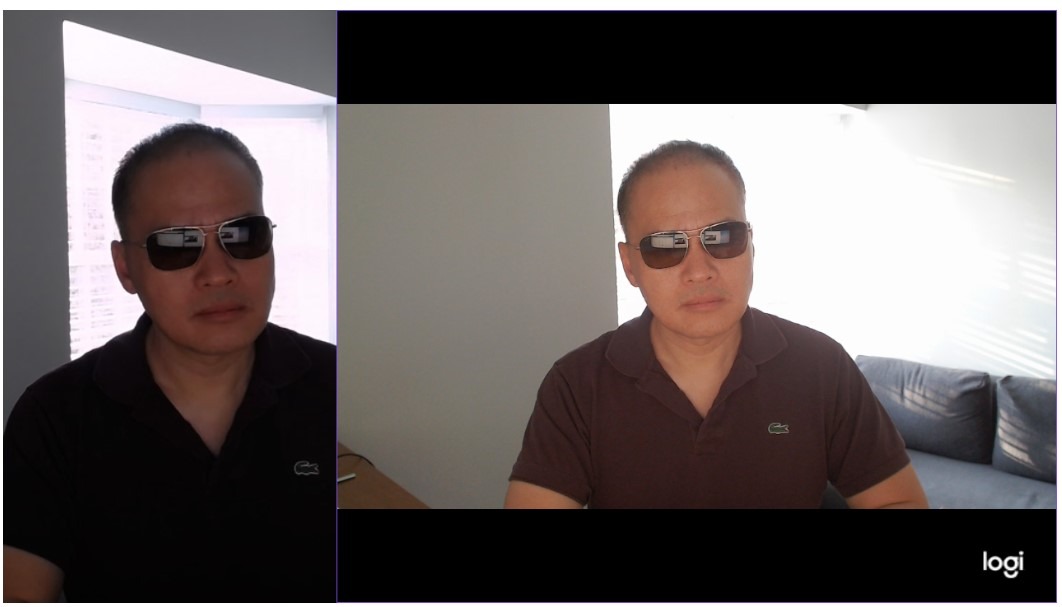
The 4K UHD sensor with RightLight 3 HDR is the real story here. I filmed myself sketching in my studio at dusk, with a single softbox behind me, and the BRIO balanced the exposure without blowing out the highlights on my paper. Three field-of-view presets (90, 78, and 65 degrees) let me switch from a tight talking head to a wider two-shot of me and my easel without moving the camera.
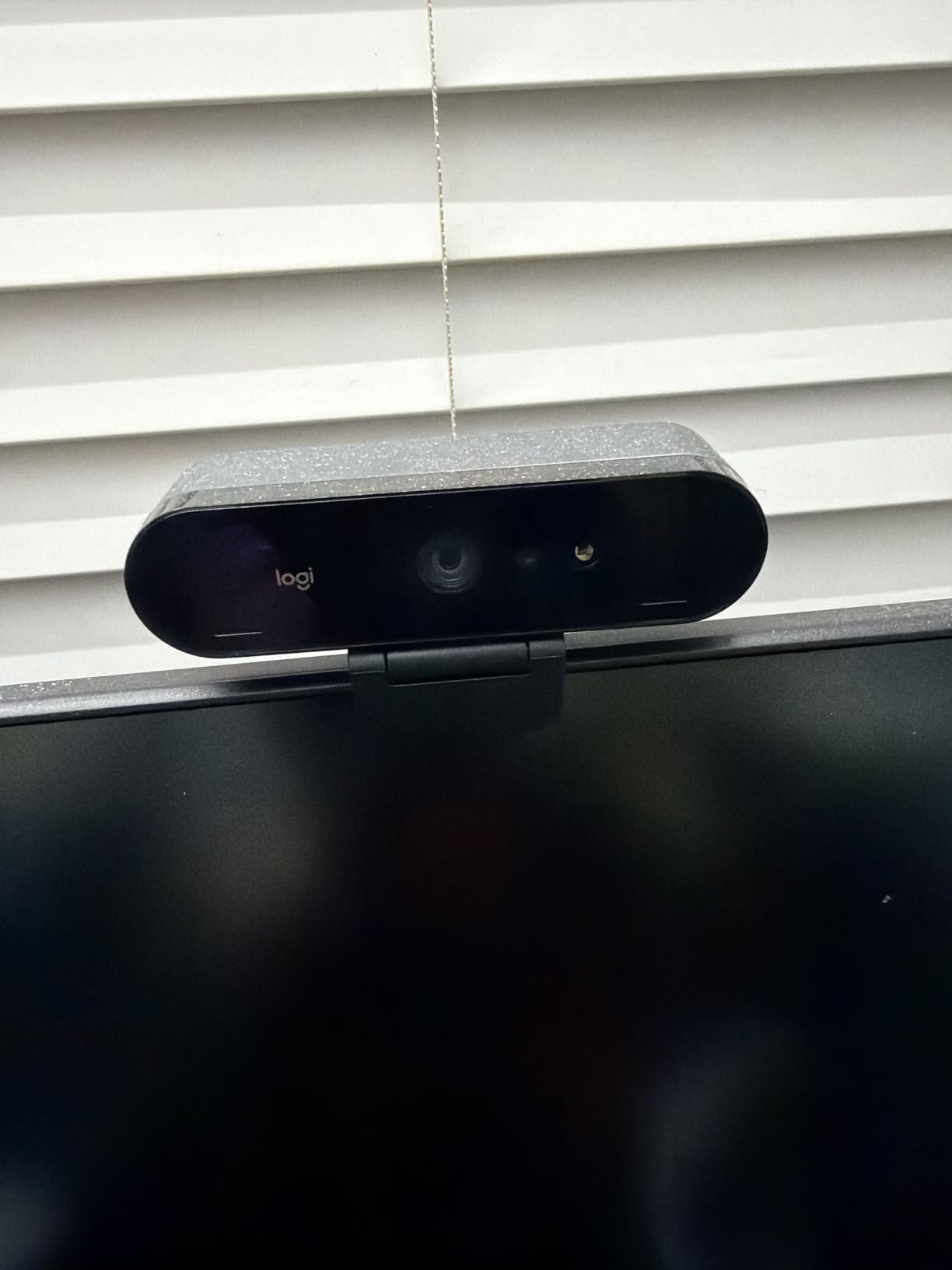
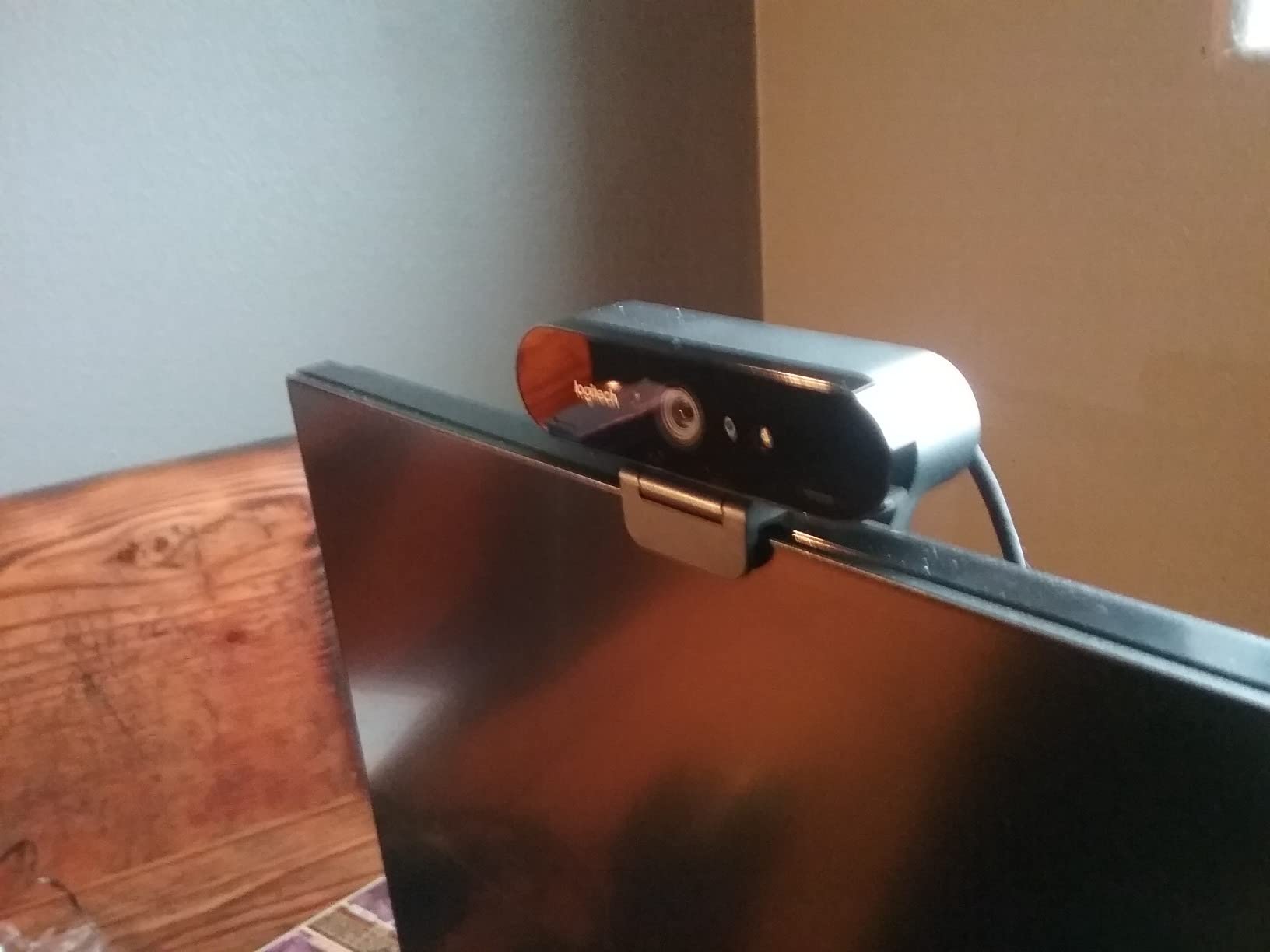
For overhead work, the BRIO pairs beautifully with a separate c-clamp arm mount. I rigged it above a small watercolor palette, and the 5x digital zoom let me push in for brush detail without losing 4K resolution. The dual omni-directional mics with noise cancellation surprised me, capturing my voice clearly even with the ceiling fan running.
Privacy shutter, Windows Hello compatibility, and works-out-of-the-box support for Windows, Mac, and ChromeOS round out a webcam that just gets out of your way.
Why it works for art creators
It is the simplest path to looking professional on camera without learning manual exposure, lens swaps, or codecs. Plug it in, open OBS or Zoom, and you are streaming in 4K.
Where it falls short
It is a webcam, not a hybrid camera. There is no flip-out screen for handheld use, no real manual controls, and no interchangeable lenses. If you outgrow the BRIO, you will graduate to a mirrorless or compact, not a different webcam.
7. Logitech StreamCam — Best for Streaming-Focused Art Channels
Logitech StreamCam Premium Webcam for Streaming and Content Creation, Full HD 1080p 60 fps, Works with Microsoft Teams, Google Meet, Zoom, Nintendo Switch 2’s new GameChat mode, for PC/Mac – Graphite
1080p at 60fps
Premium glass lens
Auto-framing
USB-C connection
Pros
- Crisp 1080p video at 60 frames per second
- Premium glass lens with smart autofocus
- USB-C connection for stable high-bandwidth streaming
- Auto-framing keeps subject centered
- Works with OBS
- XSplit
- and Streamlabs OBS
Cons
- USB-C cable is hardwired and not detachable
- Logitech Capture software settings can fail to persist
- Heavier than typical compact webcams
The Logitech StreamCam is built for creators who spend more time in OBS than in a video editor. If your art channel is built around live streaming process videos, art Q&A sessions, or weekly studio hangouts, the StreamCam is worth a serious look.
1080p at 60 frames per second is the headline spec. Sixty frames per second means buttery-smooth brushwork on screen, which matters when you are painting live and viewers want to see each stroke without motion blur.
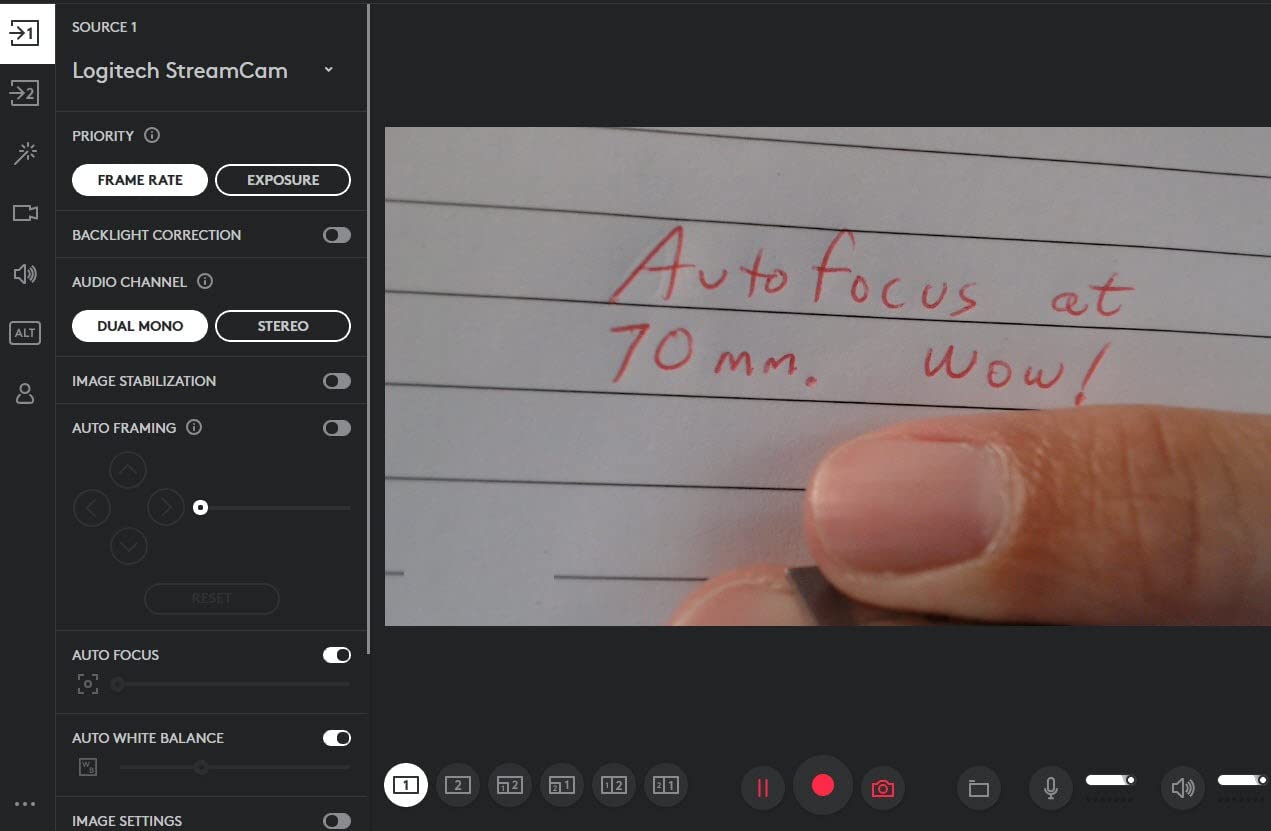
The premium glass lens with smart autofocus held my face sharp even as I leaned in to add fine details. Auto-framing kept me centered when I stood up to grab a fresh canvas, then re-cropped when I sat back down. For a solo streamer who does not have a camera operator, that is genuinely useful.
USB-C ensures stable bandwidth, and the StreamCam works out of the box with OBS, Streamlabs OBS, and XSplit. Landscape or portrait mounting makes it versatile for vertical Shorts or standard 16:9 streams.
Why it works for art creators
If live streaming is the heart of your channel, the 60fps smoothness and software ecosystem give you an edge. Portrait mode is also handy for Instagram Reels and YouTube Shorts, which are huge discovery channels for new art creators.
Where it falls short
The fixed USB-C cable is a real annoyance if it ever frays or you want a longer run. The Logitech Capture software is good but not flawless, and some Mac users report compatibility quirks with newer macOS versions.
8. kimire Video Camera Camcorder — Most Affordable Camera for Starting Out
kimire Video Camera Camcorder Digital Camera Recorder Full HD 1080P 15FPS 24MP 3.0 Inch 270 Degree Rotation LCD 16X Digital Zoom Camcorder Camera with 2 Batteries(Black)
Full HD 1080p
24MP stills
270-degree rotating LCD
Two NP-FV5 batteries
Pros
- Extremely budget-friendly entry into camcorders
- Compact and lightweight body for travel
- Two batteries included in the box
- Webcam function via USB for video calls
- 270-degree rotating LCD for selfie-style framing
Cons
- 1080p at only 15fps produces choppy motion
- Manual documentation is sparse and confusing
- Audio capture is weak on loud or distant sources
If you are not sure whether a YouTube art channel is really for you, the kimire camcorder is the lowest-risk way to find out. It costs less than a dinner for two, it shoots full HD video, and it has a 270-degree rotating LCD that flips to face forward for selfie-style framing.
I handed this camera to a friend who had never filmed anything before. She recorded a 20-minute watercolor tutorial on her kitchen table, used the rotating screen to check her framing, and uploaded the footage straight to YouTube. The result was a real, watchable video with no editing beyond trimming the ends.
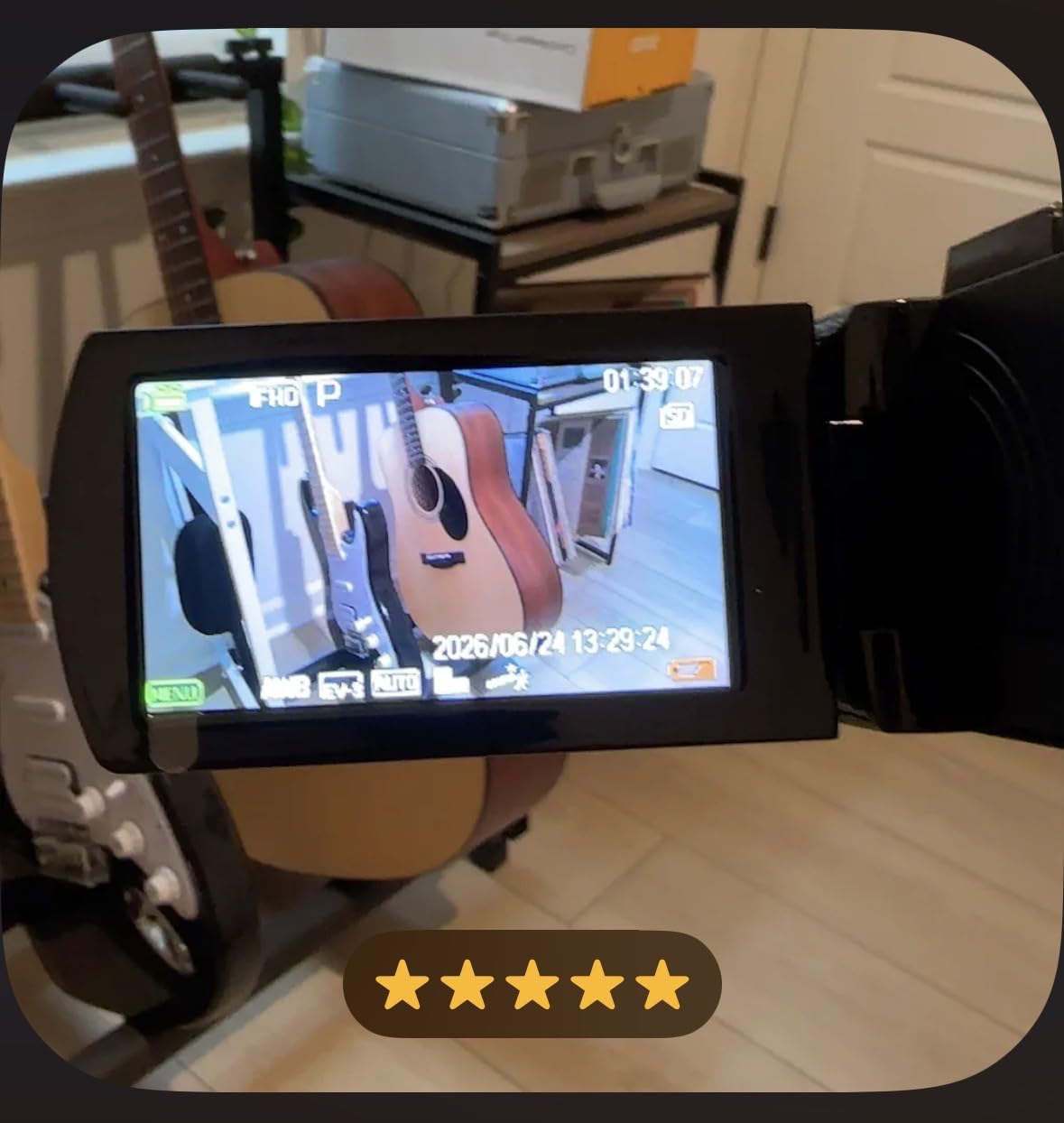
Two NP-FV5 batteries come in the box, which doubles your runtime on a single charge. Recording while charging is supported, so you can plug into a power bank and film a longer session without interruption.
The webcam function via USB is a nice bonus. With AMCAP software, the camera doubles as a 1080p webcam for live workshops or Zoom classes, which is genuinely useful for art teachers running remote lessons.
Why it works for total beginners
You are not betting much money on whether your art channel takes off. If you outgrow the kimire in a few months, you have not lost much, and what you learned about framing, audio, and lighting carries over directly to a better camera.
Where it falls short
Fifteen frames per second at 1080p looks noticeably choppy compared to 30fps or 60fps cameras. The audio quality is genuinely weak for any narration that needs to feel professional. Treat this as a learning tool, not a long-term camera.
Buying Guide: How to Choose the Best Camera for Your Art Channel?
Art creators film differently than vloggers or travel YouTubers. Here is what I tell every artist who asks me for camera advice before they spend a cent.
Must-have features for filming art
A flip-out or vari-angle screen is non-negotiable for solo overhead work. Without one, you will wrap a 90-minute painting session, scrub through the footage, and realize the camera drifted off-frame at minute 12.
External microphone input matters more than most specs pages suggest. Your built-in mic will pick up the rustle of your shirt, the ceiling fan, the neighbor’s dog. A $40 lav microphone transforms narration quality.
Recording time without overheating is the silent killer of long-form art videos. Compact cameras with small bodies often thermal-throttle after 20 to 30 minutes in 4K. Check real-world reviews for sustained recording times, not just spec-sheet maximums.
Color accuracy and white balance control make the difference between digital footage that matches your real paint and footage that looks like a different painting. Fujifilm’s film simulations and Canon’s color science are the two most-loved options among art creators.
Overhead filming rigs: arm mount vs tripod vs dedicated rig
An overhead arm mount, like a desk-clamp articulating arm, is the most popular choice for solo art creators because it clamps to your desk, holds the camera steady above your workspace, and folds away when you are done. A center-column tripod or a copy stand with a horizontal arm gives you more stability for larger canvases.
Dedicated overhead rigs, like Elgato’s Multi Mount or Glide Gear systems, cost more but let you add lights, a tablet holder, and a second camera for side angles. They are overkill for a beginner and perfect for a creator who films every day.
Phone filmmaking is a real option
If you already own a recent iPhone, Pixel, or Samsung Galaxy, you can absolutely start an art channel with your phone. Modern phone cameras shoot 4K, handle mixed lighting well, and pair with cheap tripod mounts and Bluetooth microphones.
The catch is that phone autofocus sometimes hunts during close-up brushwork, and phones can overheat during long sessions. Treat your phone as a “starter camera with a one-year upgrade window” rather than a permanent setup.
Budget tiers for art creators in 2026
Under $200: webcam or budget camcorder like the kimire. Best for testing whether you enjoy filming at all.
$200 to $500: compact cameras like the Sony ZV-1 (used or refurbished) or premium webcams like the Logitech BRIO 4K. Best for creators committed to a year of weekly uploads.
$500 to $900: mirrorless cameras like the Canon EOS R50 or Sony ZV-E10. Best for creators who want interchangeable lenses and room to grow into a serious lens kit.
$900 and up: premium creator cameras, full-frame mirrorless, or gimbal cameras like the DJI Osmo Pocket 3 Creator Combo. Best for creators monetizing their channel or running a production studio.
Lighting matters as much as the camera
The single biggest upgrade after buying a camera is adding light. A two-point softbox kit on either side of your desk, or a single ring light above your workspace, will make your art footage look better than any sensor upgrade. Natural window light is free and beautiful, but it shifts through the day.
For accurate paint color reproduction, use daylight-balanced bulbs (around 5000K to 5500K) or set your camera’s white balance manually using a gray card.
Frequently Asked Questions
What do most YouTubers use for cameras?
Most art and vlogging YouTubers use mirrorless cameras like the Sony ZV-E10, Sony ZV-1, or Canon EOS R50, because they combine a flip-out screen, strong autofocus, and good 4K video in a portable body. Compact cameras like the Sony ZV-1 are especially popular with solo creators who film overhead and talking-head segments.
What camera is best for starting a YouTube channel?
For a brand new art channel, the Sony ZV-1 is the best balance of price, image quality, and ease of use, while the Canon EOS R50 is the smartest upgrade if you want interchangeable lenses for future growth. Both shoot 4K, have flip-out screens, and survive long filming sessions with a power source.
Can I use my phone to film YouTube art videos?
Yes. A modern smartphone shoots 4K video that is good enough to start a real art channel, especially when paired with a small tripod, an external microphone, and good lighting. Plan to upgrade to a dedicated camera once your channel grows and you want better autofocus, longer recording time, and color control.
Do I need a flip-out screen for filming art videos?
For solo overhead art filming, a flip-out or fully articulating screen is the single most useful feature on a camera. It lets you frame yourself from above in real time, so you are not guessing at framing or returning to discover your camera drifted out of position.
How much should I spend on a camera for a YouTube art channel?
Beginners can start with a webcam or budget camcorder around $50 to $150 to test the waters. Creators committed to weekly uploads should plan for $500 to $900 in a mirrorless like the Canon EOS R50 or Sony ZV-E10. Professional creators typically invest $900 and up for premium sensor quality and longer recording headroom.
Final Verdict: Which Camera Should You Buy?
If I had to pick one camera for a YouTube art channel in 2026, I would choose the Sony ZV-1. Its 1-inch sensor, side flip-out screen, and best-in-class autofocus handle overhead painting, talking-head intros, and brush close-ups without forcing you to learn a single manual setting.
For creators who want room to grow into a real lens kit, the Canon EOS R50 is the smarter long-term bet, while the DJI Osmo Pocket 3 Creator Combo is the right choice if you want cinematic handheld stabilization and a wireless mic bundled in. Beginners who want to test the waters without a big commitment should start with the Logitech BRIO 4K for desk-based filming or the kimire camcorder for true budget learning.
Whatever you pick, remember that lighting and audio will do more for your art channel than any sensor upgrade. Get the camera that fits your budget, add a softbox and a lav microphone, and start filming. The best camera for your YouTube art channel is the one that gets you pressing record.