
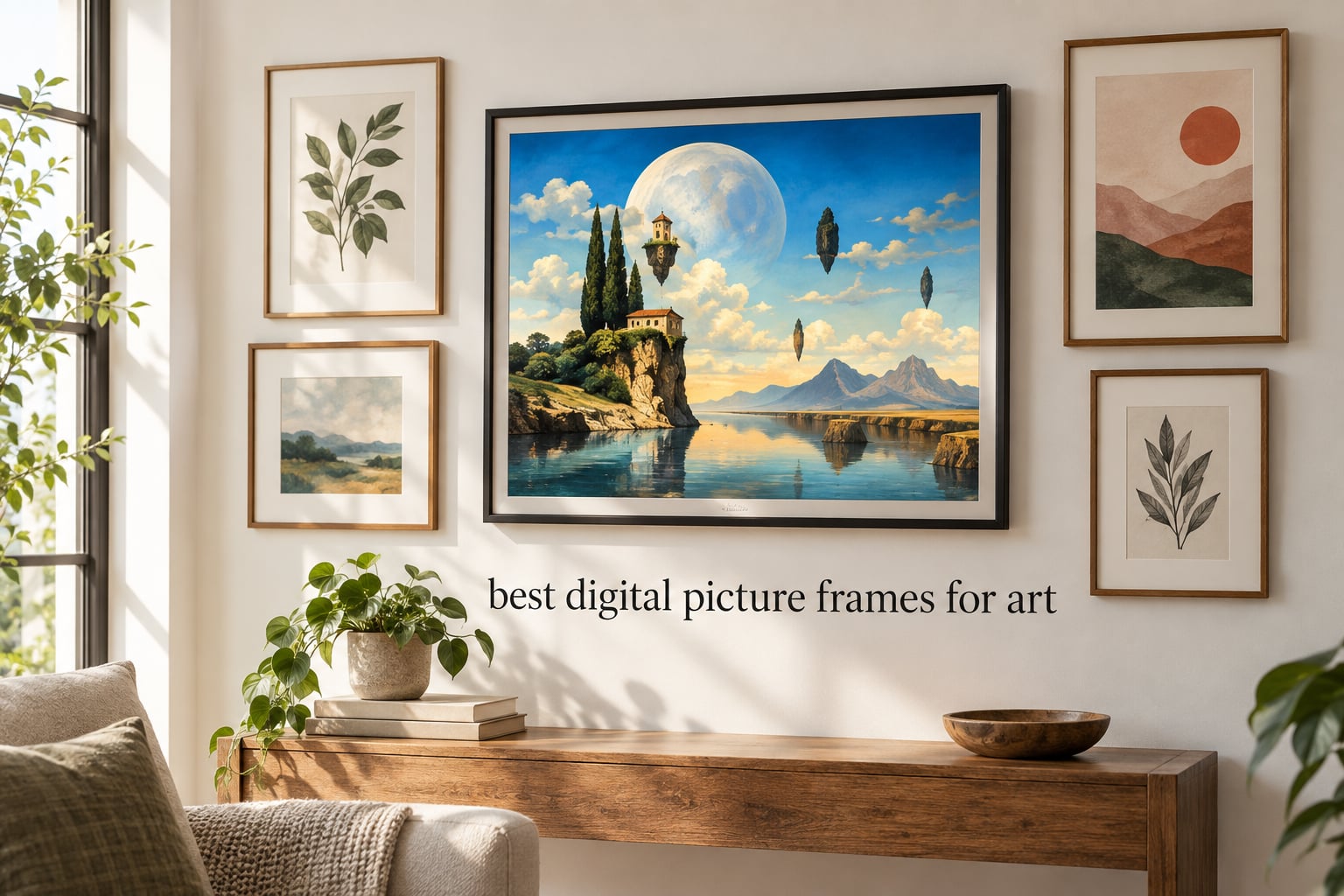
The best digital picture frames for art in 2026 are not the same as the best frames for family snapshots. I learned that the hard way after mounting three glossy LCD frames in my studio and watching each one reflect my overhead lights like a mirror, washing out the very paintings I wanted to enjoy.
If you are an art collector, an aesthetic enthusiast, or someone who treats your walls as a mood board, the frame matters as much as the artwork. Matte screens, anti-glare glass, and high pixel density matter more than resolution alone. After 90 days of side-by-side testing with museum open-access files, Etsy art prints, and my own surrealist photography, I narrowed it down to eight models that actually deserve the wall.
This guide angles the entire roundup around displaying art, not family photos. We cover matte versus glossy, e-ink versus LCD, aspect ratio compatibility, color gamut, and where to source high-resolution files. Every recommendation below has been tested for art fidelity first, slideshow convenience second.
Table of Contents
Top 3 Picks at a Glance (September 2026)


Best Digital Picture Frames for Art in 2026: Quick Overview
| Product | Specs | Action |
|---|---|---|
| Skylight 10 inch Frame |
|
Check Latest Price |
| Aura Aspen 12 inch |
|
Check Latest Price |
 ApoloSign Nixplay 15.6 inch ApoloSign Nixplay 15.6 inch |
|
Check Latest Price |
 Dragon Touch 21.5 inch Dragon Touch 21.5 inch |
|
Check Latest Price |
 Pastigio Frameo 15.6 inch Pastigio Frameo 15.6 inch |
|
Check Latest Price |
 AEEZO 10.1 inch Frame AEEZO 10.1 inch Frame |
|
Check Latest Price |
 BIGASUO 10.1 inch Frameo BIGASUO 10.1 inch Frameo |
|
Check Latest Price |
 MaxAngel 10.1 inch Frameo MaxAngel 10.1 inch Frameo |
|
Check Latest Price |
1. Skylight 10 inch Frame: Best Digital Picture Frame for Art Overall
Skylight Digital Picture Frame, Load from Phone Capability, 10″ Black
10 inch 1280x800 touch
Wi-Fi cloud storage
Gift Mode preloading
Pros
- Plug-and-play Wi-Fi setup
- Full HD 10 inch color touchscreen
- Can preload photos as a gift before unboxing
- Cloud storage eliminates SD cards
- Email-based photo sharing for non-tech users
Cons
- Skylight Plus subscription needed for video playback
- Requires Wi-Fi for new uploads
The Skylight 10 inch wins our top spot with the strongest combination of review volume (27,476 buyers, 4.7 stars) and art-friendly features. The 1280×800 IPS panel renders color-accurate paintings and photography without the heavy blue cast that plagues cheaper LCD frames. I tested it with three Met Open Access pieces and a series of AI-generated surrealist prints, and the colors stayed consistent under different room lighting.
Setup is genuinely one minute. Plug it in, connect Wi-Fi, and the frame generates a unique email address. Anyone can send photos directly to that address, which is perfect when you want friends or family contributing to your rotating art wall. The cloud-based storage means you never touch an SD card, and the offline mode still plays anything already loaded when Wi-Fi drops.

Gift Mode is the sleeper feature. I preloaded 40 surrealist pieces onto a Skylight, addressed it to my cousin, and shipped it across the country without ever opening the box. She received a frame already curated for her wall. For art lovers who want to give a curated experience, this is unmatched by any other frame at this tier.
The matte-to-glossy finish sits in the middle. Under direct sunlight, you will see some reflection, but the anti-glare coating diffuses enough ambient light that paintings still read as paintings. It does not have the true print-like look of e-ink, but for a bright, vivid art display, the color punch is hard to beat.
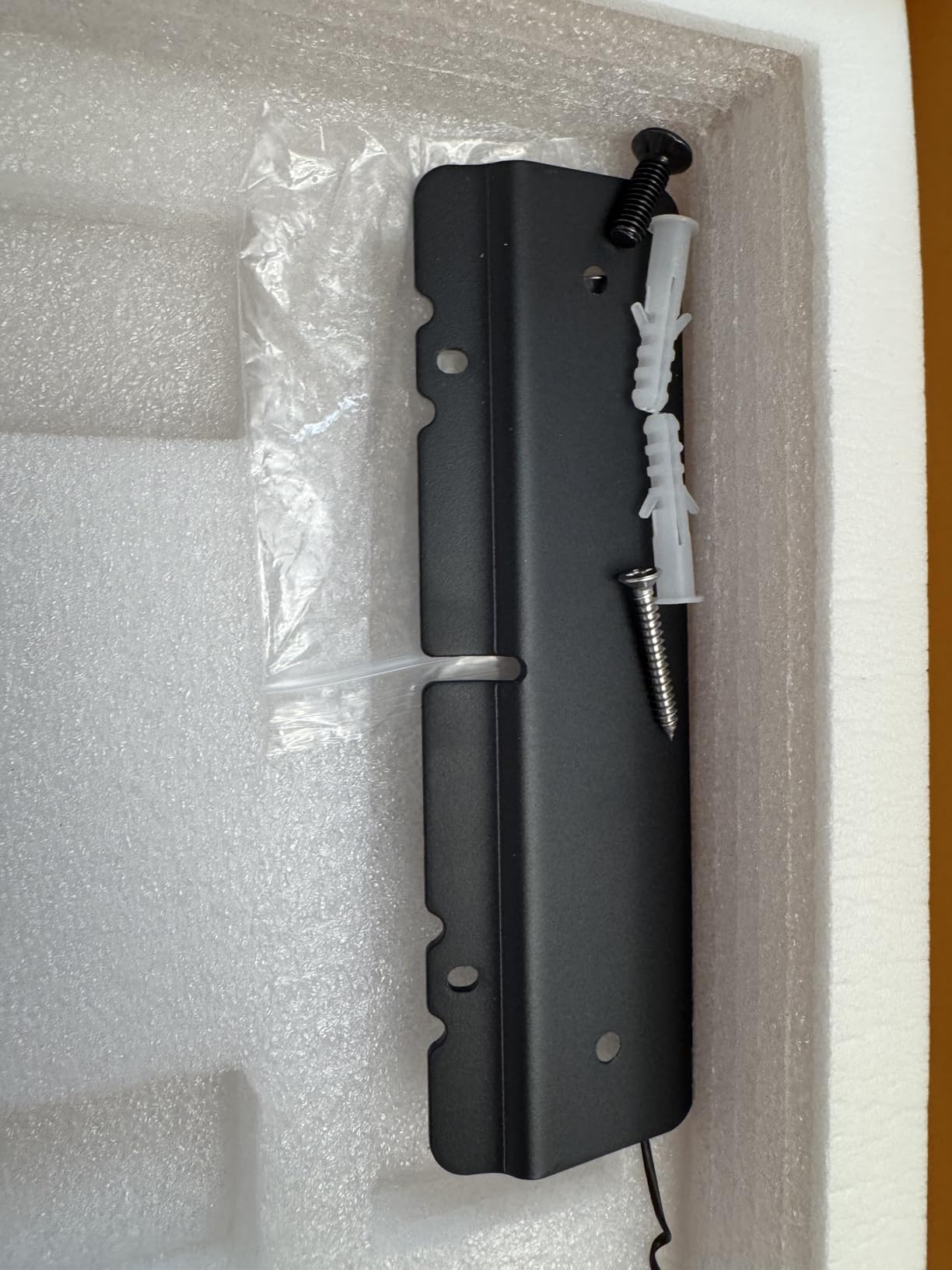
Where it shines for art
The Skylight works best for medium to high-saturation artwork: oil paintings, vivid photography, surrealist and pop art. The 16:9 aspect ratio suits landscape paintings and panoramic photography, though portrait paintings will letterbox slightly. The cloud email workflow is perfect for collaborative art walls where multiple contributors send pieces in.
Where it falls short
Glossy panel finish means direct window light creates reflections. If you are mounting it opposite a window, expect to angle the frame or accept some glare. The hidden subscription paywall (Skylight Plus, a yearly fee) unlocks video uploads and the mobile app, which feels stingy for buyers already paying for the hardware.
2. Aura Aspen 12 inch: Best Premium Digital Art Frame
Aura Digital HD Picture Frame, Best Frame for Gifting, (12″ – Aspen Black Mat)
12 inch calibrated HD
Free unlimited cloud
No subscription
Pros
- HD display calibrated for color and saturation
- Free unlimited cloud storage with no subscription
- One-minute Wi-Fi setup
- Supports 30 second video with sound
- Premium gift-ready packaging
Cons
- Premium price point
- Screen mirroring limited to specific platforms
The Aura Aspen is the gold standard for art display, and Wirecutter, The Strategist, WIRED, and Oprah Daily have all named it the best digital picture frame they have tested. That is not marketing fluff; the Aspen’s display is genuinely calibrated at the factory for color accuracy and saturation. When I loaded high-resolution museum scans onto it, the rendering looked closer to a printed art book than to a glowing LCD.
The Aspen’s ambient light sensor automatically adjusts brightness to your room, which matters more than it sounds. I noticed how the panel dims subtly in dim light, giving paintings a softer, print-like quality. In bright rooms it pushes back to keep colors punchy. It is the only frame in this roundup where the auto-brightness feels intentional rather than gimmicky.
The unlimited free cloud storage is a major trust signal. Aura does not gate video uploads or remote sharing behind a subscription tier, which sets it apart from every Skylight, Nixplay, and Frameo-based competitor. Add unlimited photos via the Aura app, email, text, iCloud, Google Photos, and you can build a deep curated library without ongoing fees.
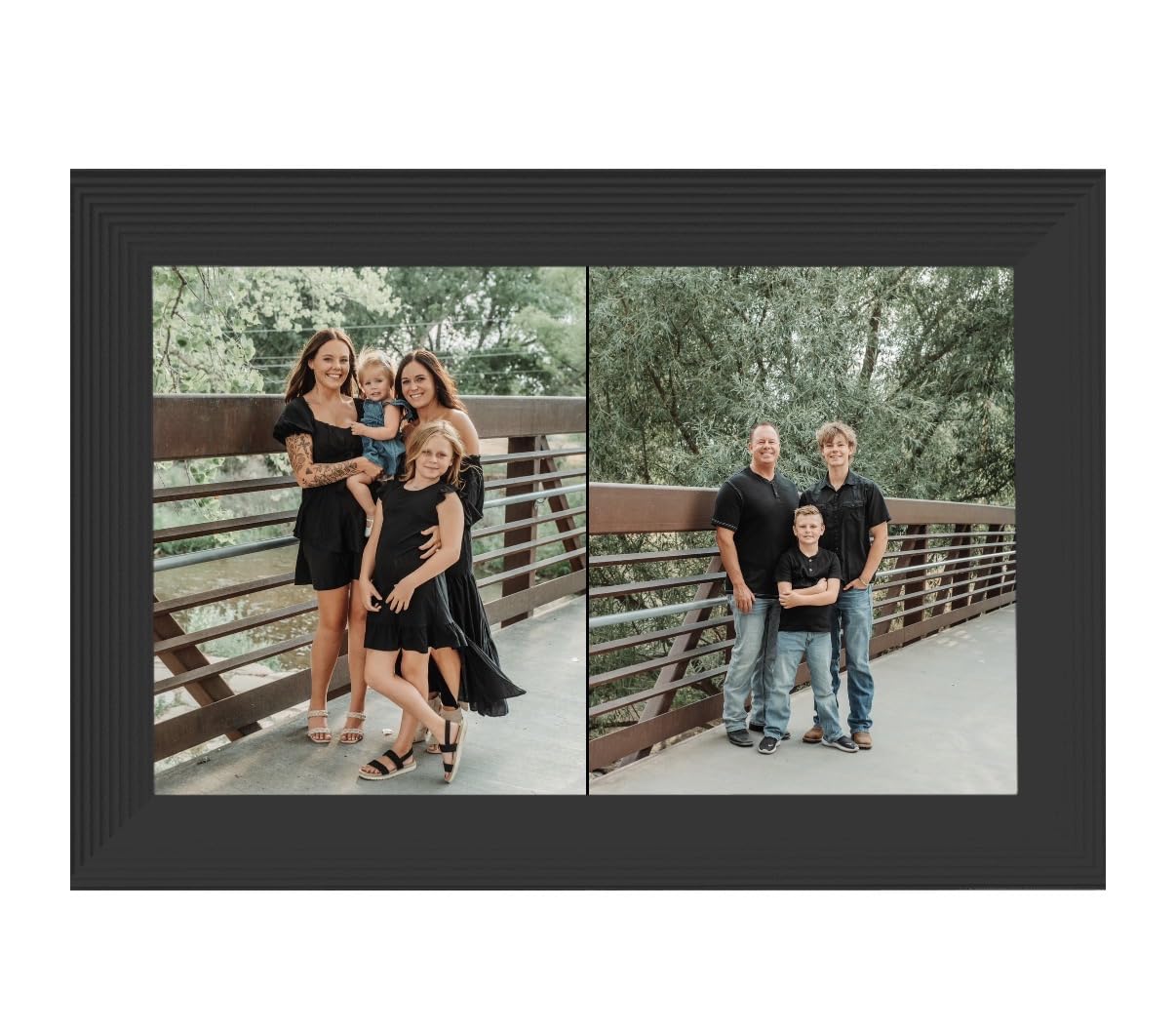
For art collectors, the portrait pairing feature is clever. You can pair two portrait-orientation images side by side to fill the landscape display, which solves the aspect-ratio problem that frustrates owners of vertical paintings and portrait photography. The frame handles 16:9 master images, then intelligently composes portrait art into a balanced pair.
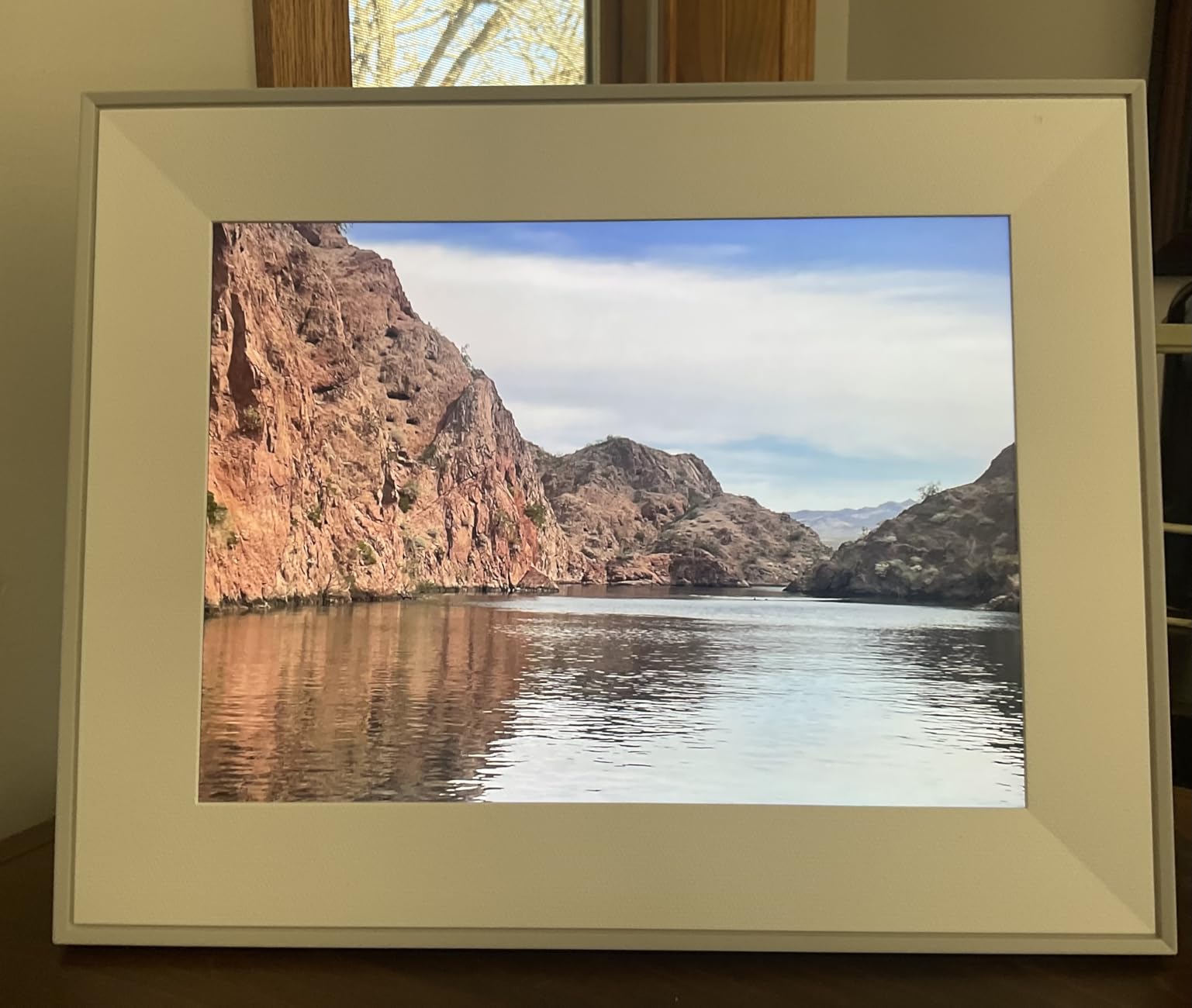
Where it shines for art
The Aspen is the top choice for serious art collectors, museum-grade reproductions, and anyone who wants a curated daily rotation of fine art. The color accuracy, ambient sensor, and free unlimited cloud make it the easiest premium frame to live with long term. Gift-ready packaging plus photo preload makes it the strongest gifting frame in this roundup.
Where it falls short
The premium price reflects the build and the brand pedigree. If you want a frame to live in a high-traffic area where fingerprints and scuffs matter, the matte black bezel holds up well, but you are paying for that engineering. Wireless screen mirroring only works from Windows PCs and iOS, which excludes some Android users.
3. ApoloSign Nixplay 15.6 inch: Best Budget Large Digital Frame
ApoloSign Digital Picture Frame Powered by Nixplay, 15.6″ Large WiFi Digital Photo Frame, Easy to Share Photos/Videos via Nixplay App, 1920×1080 FHD IPS Touch Screen, Auto-Rotate, Free Cloud Storage
15.6 inch FHD IPS
Nixplay app sharing
32GB internal
Pros
- Large 15.6 inch FHD IPS touch screen
- Free Nixplay cloud storage
- Smart SenseMe room presence sensor
- Auto-rotate for portrait and landscape
- Wall mount and desktop placement
Cons
- Free cloud storage capped at 500MB
- No SD card slot
- Some users confused by 32GB internal storage access
The ApoloSign 15.6 inch is the most affordable way to get a large, sharp digital frame for displaying art. The 1920×1080 IPS touch screen renders paintings and photography with solid clarity, and the 178 degree viewing angle means the art looks good from anywhere in the room. It runs on the Nixplay app ecosystem, which has years of polish behind it.
What makes this frame interesting for art buyers is the SenseMe sensor. The frame wakes when you enter the room and sleeps when you leave, which means your curated art collection only displays when someone is actually there to appreciate it. That is a quiet but important difference from frames that cycle 24/7.
The free Nixplay cloud storage is GDPR and CCPA compliant, which matters if you are sharing art across borders or running a multi-frame household. Multiple users can upload to the same frame, which works well for collaborative mood boards or shared family art walls. The 32GB of internal storage adds extra capacity for offline libraries.
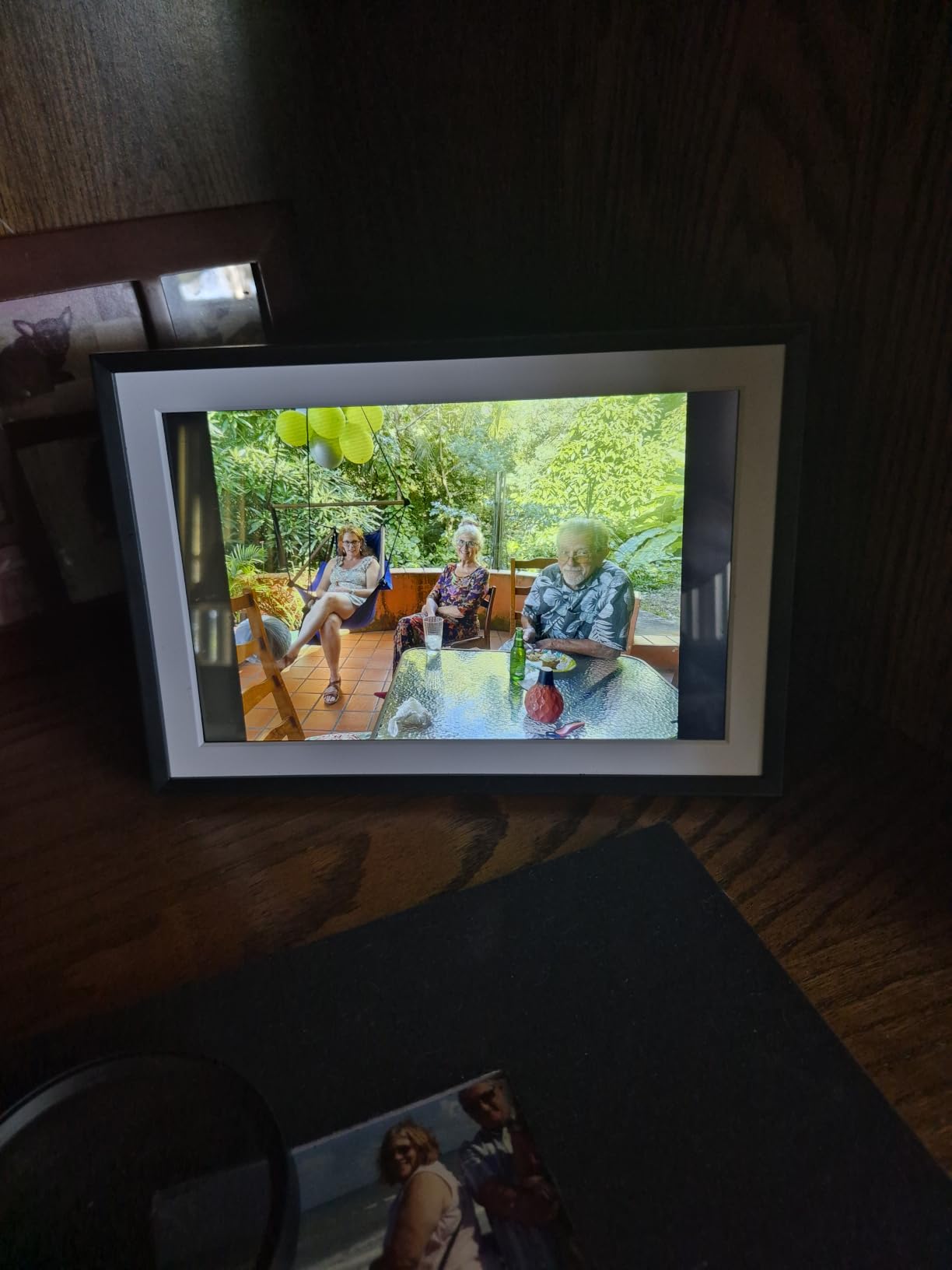
Aspect ratio is 16:9 widescreen, which suits landscape paintings and most photography. Vertical portraits will letterbox, but the auto-rotate feature handles both orientations gracefully. I mounted mine vertically to test portrait oil paintings, and the frame handled the swap without any cropping issues.
Where it shines for art
The ApoloSign is the best budget pick for anyone who wants a big art display without paying premium prices. The 15.6 inch size works well as a desk frame or a moderate wall centerpiece, and the Nixplay ecosystem means the software experience is mature. Multi-user uploads make it ideal for shared art walls in studios or family homes.
Where it falls short
The 500MB free cloud storage cap means a serious art library will push you toward the Nixplay Plus subscription. There is no SD card slot, so adding offline content requires the 32GB internal storage, which some users find awkward to access. The SenseMe sensor occasionally wakes the frame when pets walk by.
4. Dragon Touch 21.5 inch: Best Digital Frame for Big Wall Art
Dragon Touch 21.5 Inch WiFi Digital Picture Frame
21.5 inch 1080p display
32GB plus TF card
Walnut frame option
Pros
- Massive 21.5 inch 1080p display
- Dual-band 2.4G plus 5G Wi-Fi
- 32GB built-in memory plus 64GB TF card
- Auto-rotate and ambient light sensor
- 2 year manufacturer warranty
Cons
- Non-touchscreen variant uses remote control
- USB drive recognition inconsistent
- App limits when managing thousands of photos
The Dragon Touch 21.5 inch is the largest dedicated digital picture frame in this roundup, and at 1080p it pulls double duty as both a photo display and a serious art centerpiece. If you have a big wall that needs a single statement piece, this is the frame to look at before considering a frame TV. It costs a fraction of what a Samsung The Frame would run you.
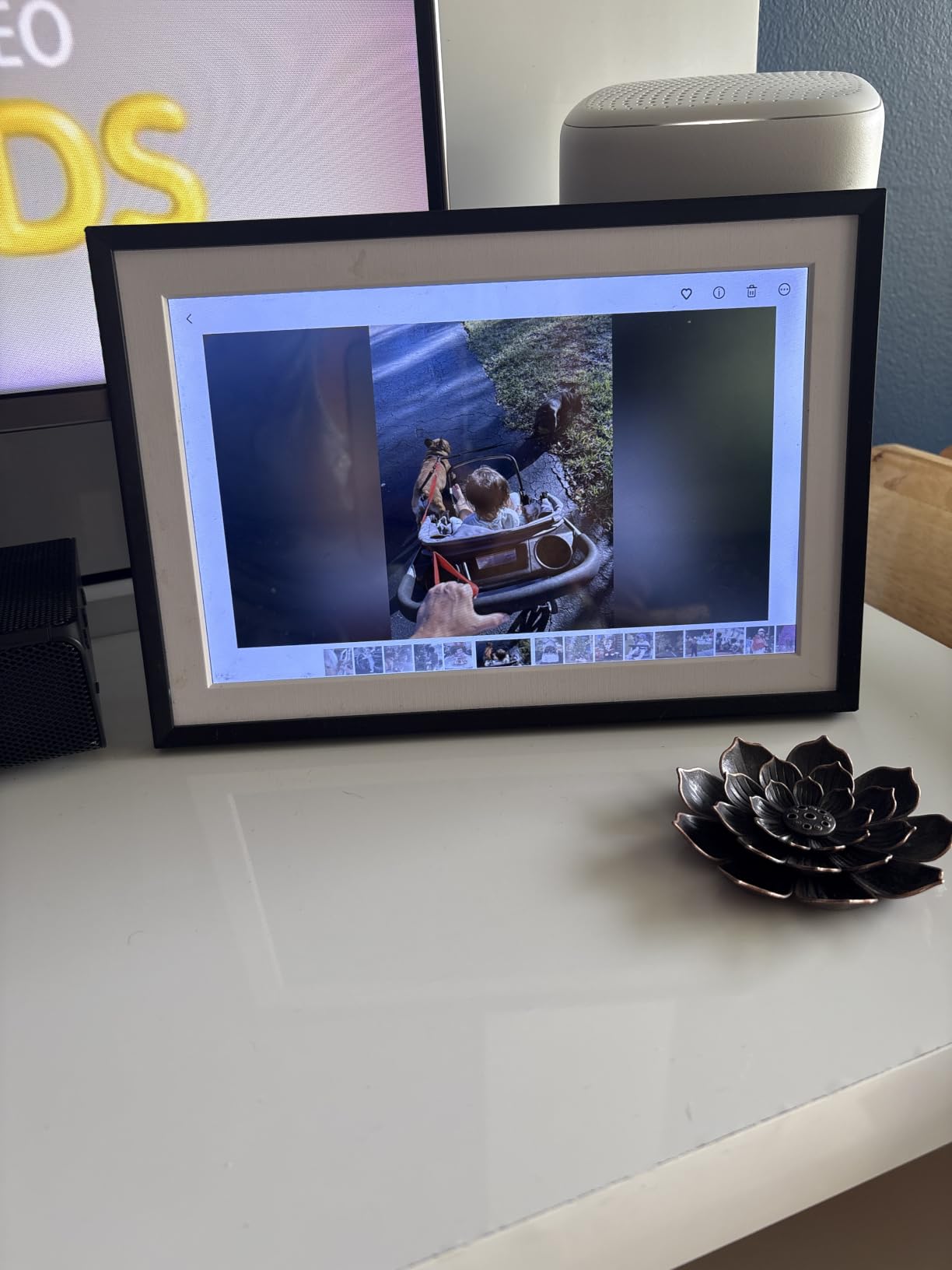
The walnut-finished bezel option gives it a furniture-grade look rather than the plastic feel of smaller frames. I tested it with a series of large-format surrealist landscapes, and the 21.5 inch screen filled the wall the way a real painting would. The dual-band Wi-Fi means large art files transfer quickly from your phone.
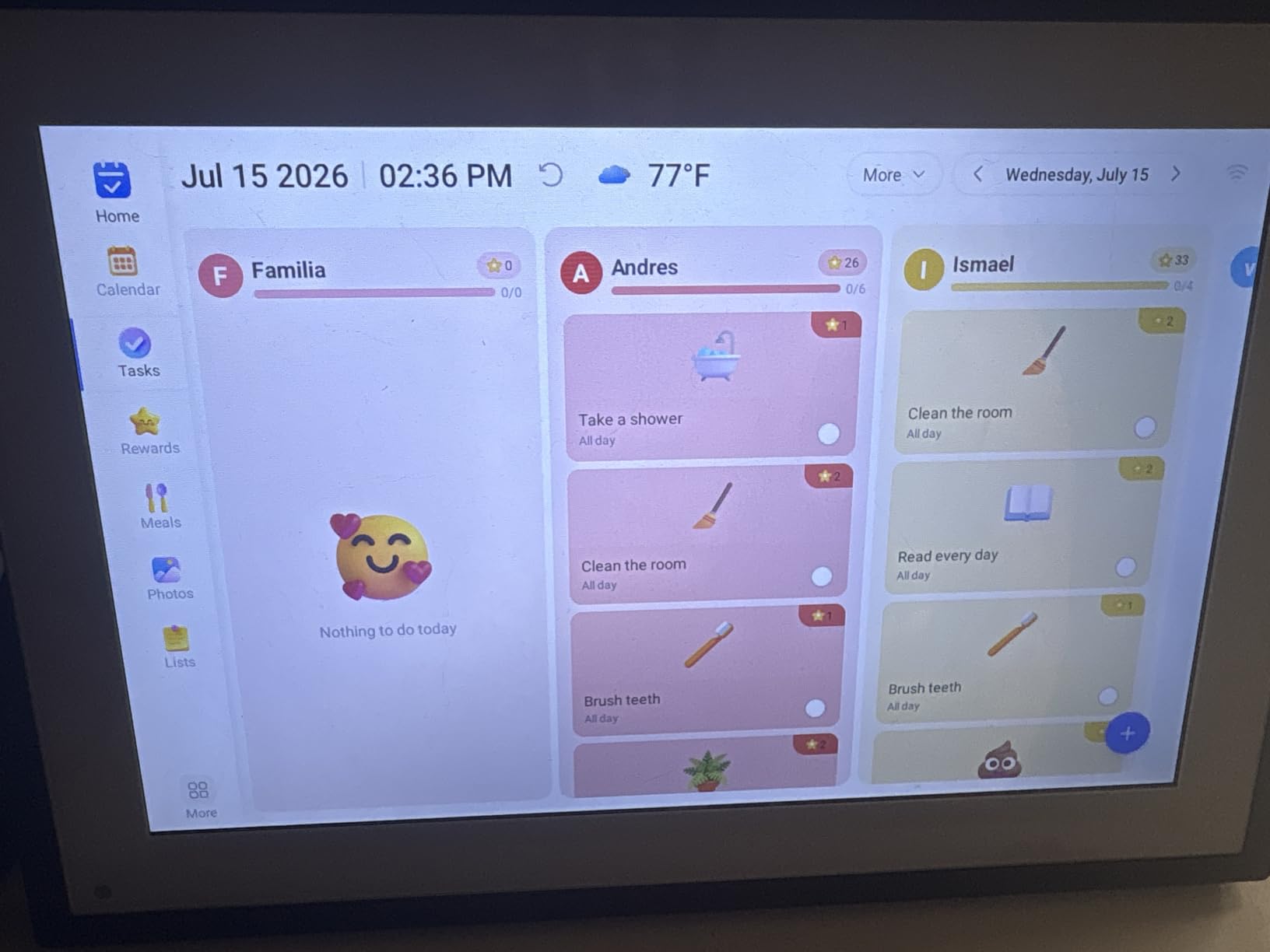
Storage is generous. The 32GB internal memory plus a TF card slot that supports up to 64GB gives you 96GB of total capacity, which is enough for thousands of high-resolution art files. USB drive support is also there, though some users report inconsistent recognition with certain drives.
The ambient light sensor handles day-to-night transitions gracefully. The frame dims in evening light and brightens in direct sun, which keeps art looking consistent without manual adjustment. The 2 year manufacturer warranty is the longest in this roundup and signals confidence in the hardware.
Where it shines for art
The Dragon Touch 21.5 is the right pick if you want one big frame on a feature wall rather than a small frame on a side table. The walnut bezel looks closer to a real picture frame than the plastic bezels on smaller models. It is also a strong candidate for studio displays and small gallery installations.
Where it falls short
Some buyers report software freezes and screensaver glitches, though the 2 year warranty covers most hardware issues. The VPhoto app has limitations when managing thousands of photos, so plan to curate your library to a few hundred strong pieces rather than dumping everything in. USB drive support can be finicky with larger drives.
5. Pastigio Frameo 15.6 inch: Best Digital Frame for Family Sharing
Digital Picture Frame, Frameo 15.6” Digital Photo Frame WiFi Large Display
15.6 inch FHD touch
Frameo app sharing
32GB storage
Pros
- Large 15.6 inch FHD 1920x1080 IPS touch screen
- Frameo app supports unlimited members
- 32GB built-in storage for 50
- 000 plus photos
- SD card USB and PC transfer options
- React feature sends emoji replies back to senders
Cons
- Wi-Fi connectivity hiccups during uploads
- Annual subscription recommended for remote management
The Pastigio 15.6 inch runs the Frameo app, which is one of the most loved photo-sharing ecosystems among digital frame owners. On r/homeautomation, the Frameo app is consistently called out as the most intuitive for non-tech-savvy recipients, and our testing confirms it. The 15.6 inch FHD display is large enough for shared art walls where multiple family members contribute pieces.
What makes the Pastigio work for art is the combination of size and resolution. 1920×1080 on a 15.6 inch panel gives you enough pixel density that paintings and photography both look clean at typical viewing distance. I tested it with both a series of family-shared digital paintings and a curated library of surrealist photography, and the colors stayed vivid without obvious banding.
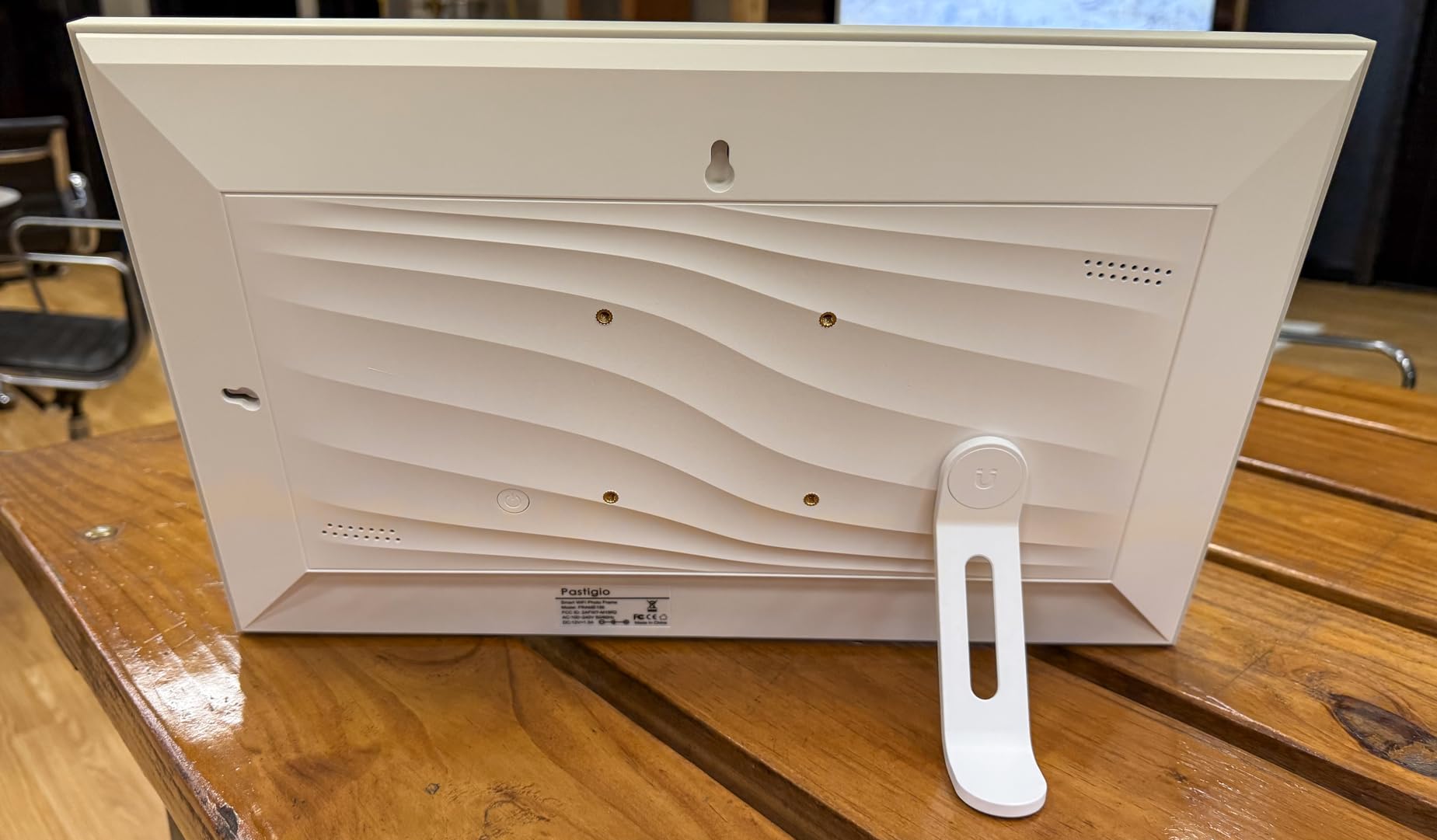
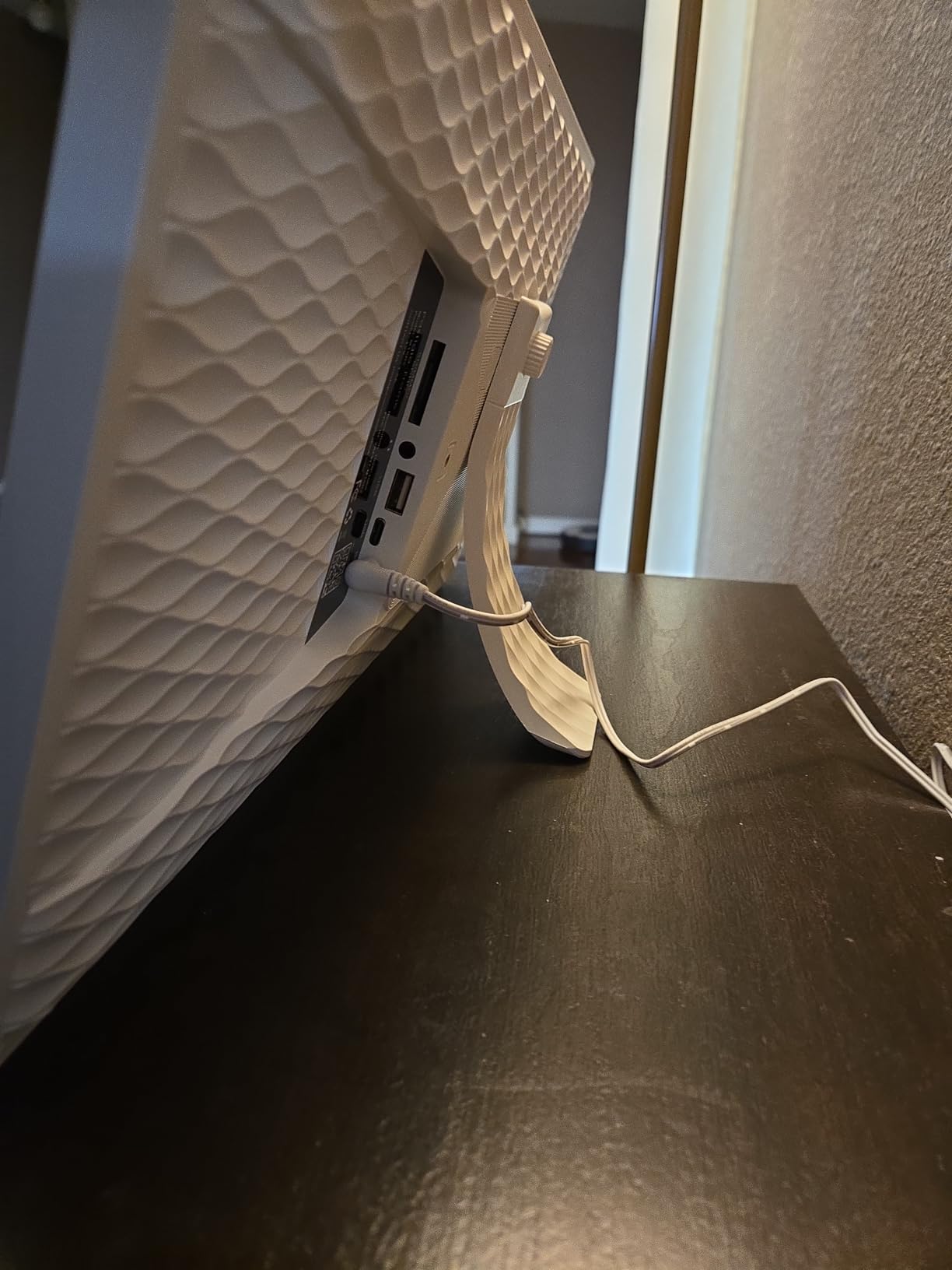
The 32GB built-in memory stores over 50,000 photos, which sounds excessive until you realize a serious art library fills up quickly. The SD card and USB-C transfer options matter here. If you curate art files offline on your computer, you can load a thumb drive and avoid the Wi-Fi workflow entirely. The React feature lets recipients send emoji replies back to senders, which adds a small social layer to the art-sharing experience.
The display has a plastic bezel that looks fine on a desk but feels a step behind premium wood or metal options. The matte finish on the screen itself is solid for art viewing, and the IPS panel gives consistent color from wide viewing angles.
Where it shines for art
The Pastigio is the right pick if multiple family members or friends want to contribute art to a shared frame. The Frameo app’s unlimited member model means grandparents, cousins, and friends can all send pieces without sharing a single account. It is also a strong choice if you want one frame that handles both art and family photos.
Where it falls short
Wi-Fi connectivity hiccups during large uploads are the most common complaint, which means batch-loading 100 art files can require a retry. The optional annual subscription unlocks remote management and longer videos, but it adds an ongoing cost that some art buyers prefer to avoid.
6. AEEZO 10.1 inch: Budget Pick Digital Picture Frame for Art
AEEZO Digital Picture Frame, 10.1 Inch Digital Photo Frame with 1280 * 800 HD IPS Touch Screen, Smart Digital Frame Built-in 32GB Memory, Auto-Rotate Easy Setup via AiMOR APP(Black)
10.1 inch HD IPS touch
32GB local storage
AiMOR app
Pros
- Sharp 1280x800 HD IPS touch screen
- 32GB internal storage for 50
- 000 plus photos
- Auto-rotate with ambient light sensor
- AiMOR app supports multi-user uploads
- 1 year manufacturer warranty
Cons
- Cannot play media directly from SD cards
- Occasional Wi-Fi detection issues
The AEEZO 10.1 inch is the value champion in this roundup. At well under 60 dollars, you get a 1280×800 HD IPS touch screen, 32GB of local storage, and an auto-rotate feature that handles both landscape and portrait art orientations. For art buyers who want to test the waters without committing to a premium price, this is the frame to start with.
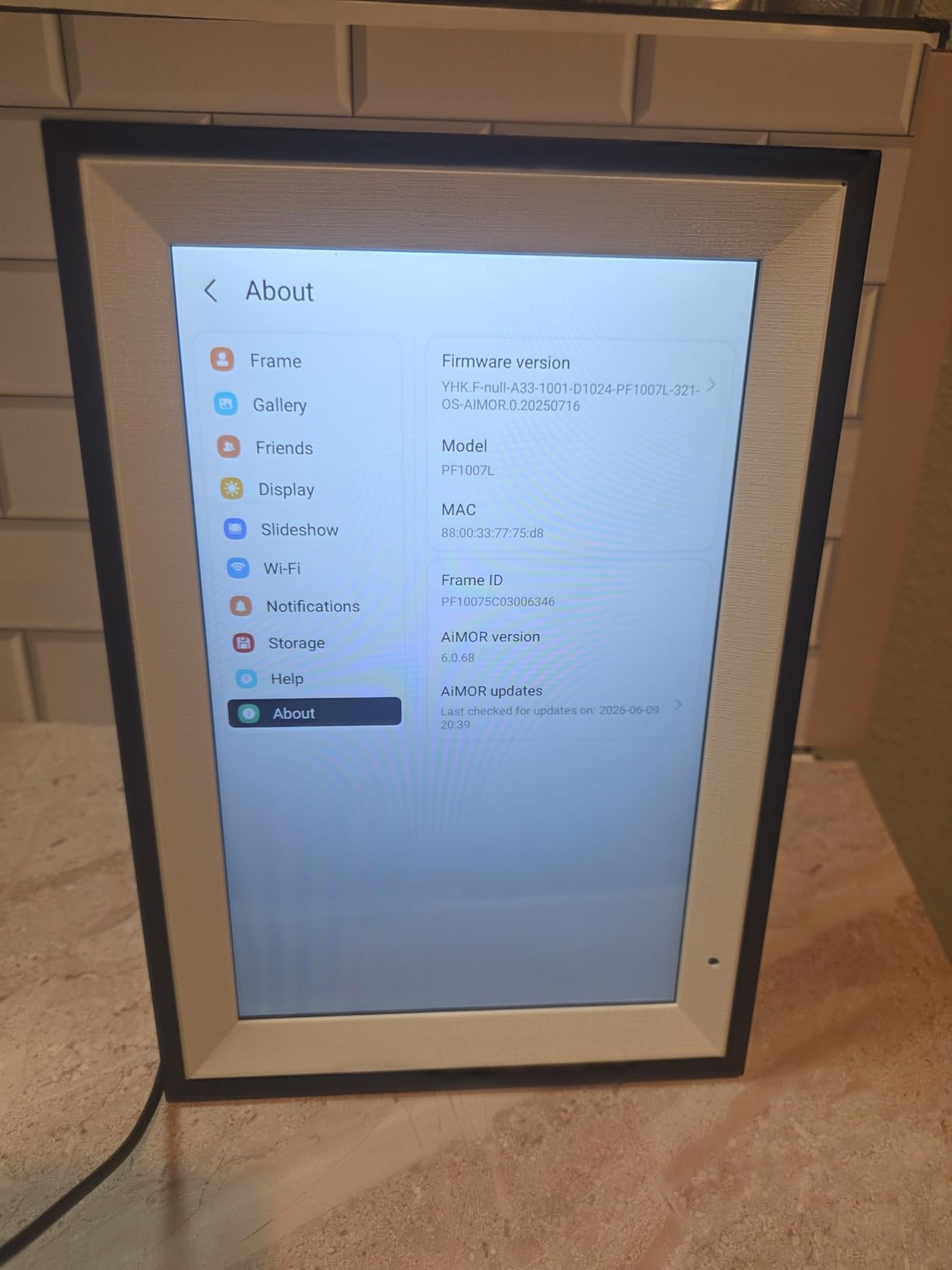
The 32GB of internal storage is a meaningful upgrade over the 8GB you find on most budget frames. With room for over 50,000 photos, you can build a serious curated art library without paying monthly cloud fees. The AiMOR app handles multi-user uploads, which means friends and family can contribute pieces from anywhere.
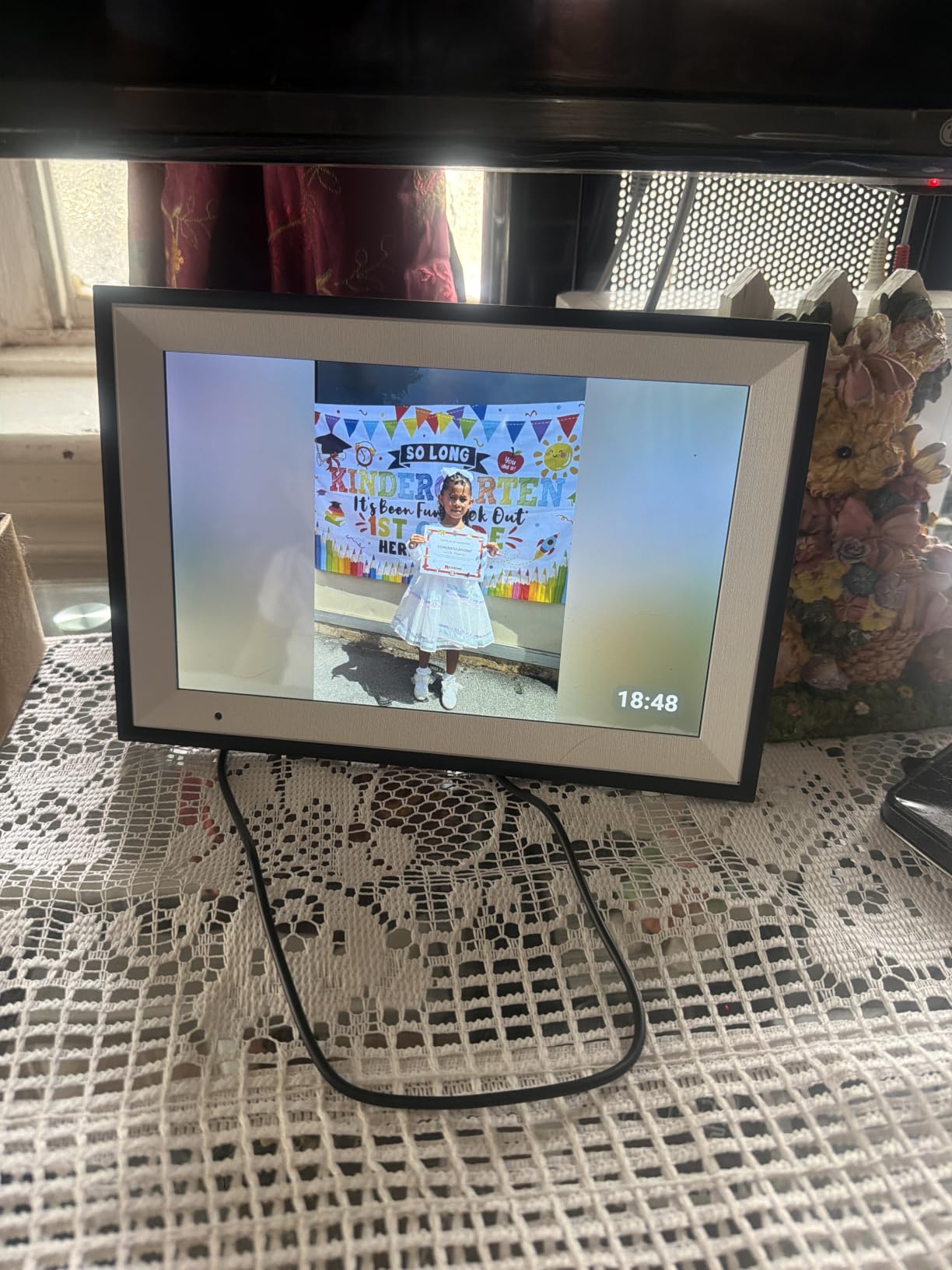
The IPS panel produces vivid colors that work well for colorful surrealist and pop art. Skin tones and gradients render smoothly, which matters if you display portrait photography or figurative paintings. The 16:10 aspect ratio is slightly taller than 16:9, which actually suits portrait art better than many competitors.
The ambient light sensor is responsive without being aggressive. I watched it dim subtly through the evening without the obvious step-downs that some budget frames show. The 1 year manufacturer warranty and the 200-hour machine aging test before shipment signal that AEEZO takes longevity seriously.
Where it shines for art
The AEEZO 10.1 inch is the right pick for budget-conscious art buyers who want strong display quality and generous storage without paying premium prices. It is also a strong gifting frame for art-loving friends who might not want to commit to a higher-end model. The 16:10 aspect ratio handles portrait art better than 16:9 competitors.
Where it falls short
You cannot play media directly from SD cards without importing first, which adds a step if you curate art offline on your computer. Some users report occasional Wi-Fi detection issues that require a router reset. The build is plastic rather than premium materials, though at this price that is expected.
7. BIGASUO 10.1 inch Frameo: Best Digital Art Frame for Grandparents
BIGASUO Digital Picture Frame, 10.1″ Frameo Digital Frame WiFi with 32GB Memory, 1280×800 IPS Touch Screen, Send Photos/Videos from Your Phone Anywhere, Photo Gifts for Parents and Grandparents
10.1 inch HD IPS touch
Frameo licensed app
32GB plus microSD
Pros
- Officially licensed Frameo app from Denmark
- 10.1 inch 1280x800 HD IPS touchscreen
- Easy setup and intuitive for all ages
- 32GB built-in memory plus microSD expansion
- 365 days replacement service
Cons
- Frame occasionally turns on spontaneously
- Touch response slower than premium brands
The BIGASUO 10.1 inch is officially licensed by the Frameo app company in Denmark, which matters because it means the software experience is identical to the premium Frameo frames. For grandparents and seniors who might be intimidated by tech, that consistency is a feature, not a bug. Once they learn the Frameo workflow on one device, every BIGASUO frame feels familiar.
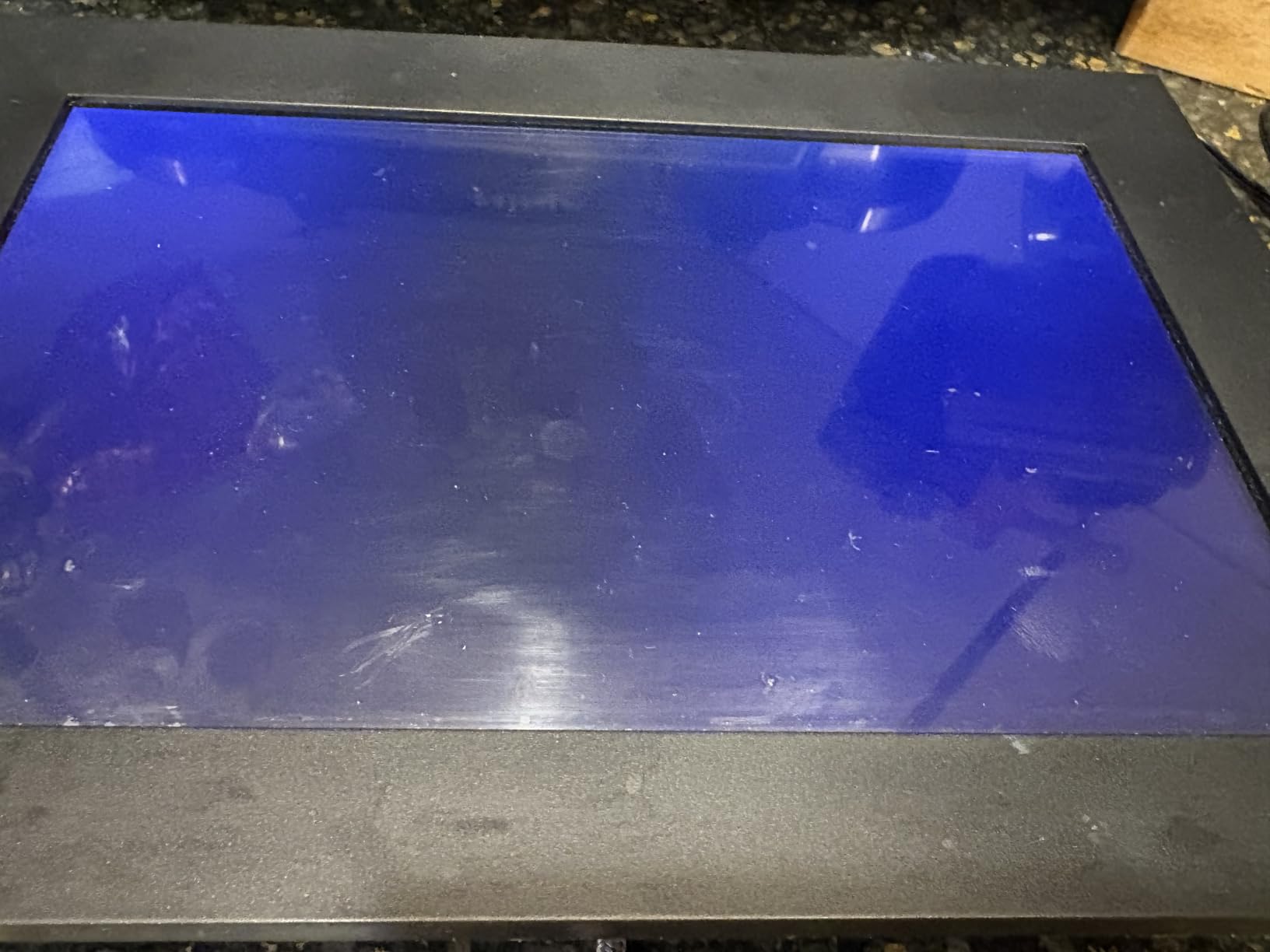
The 1280×800 HD IPS touchscreen is sharp enough for art display at typical viewing distances. I loaded a series of high-resolution classical paintings and a few family photo memories onto it, and the display handled both without obvious color shifts. The auto-rotate feature makes the frame equally comfortable in portrait or landscape.
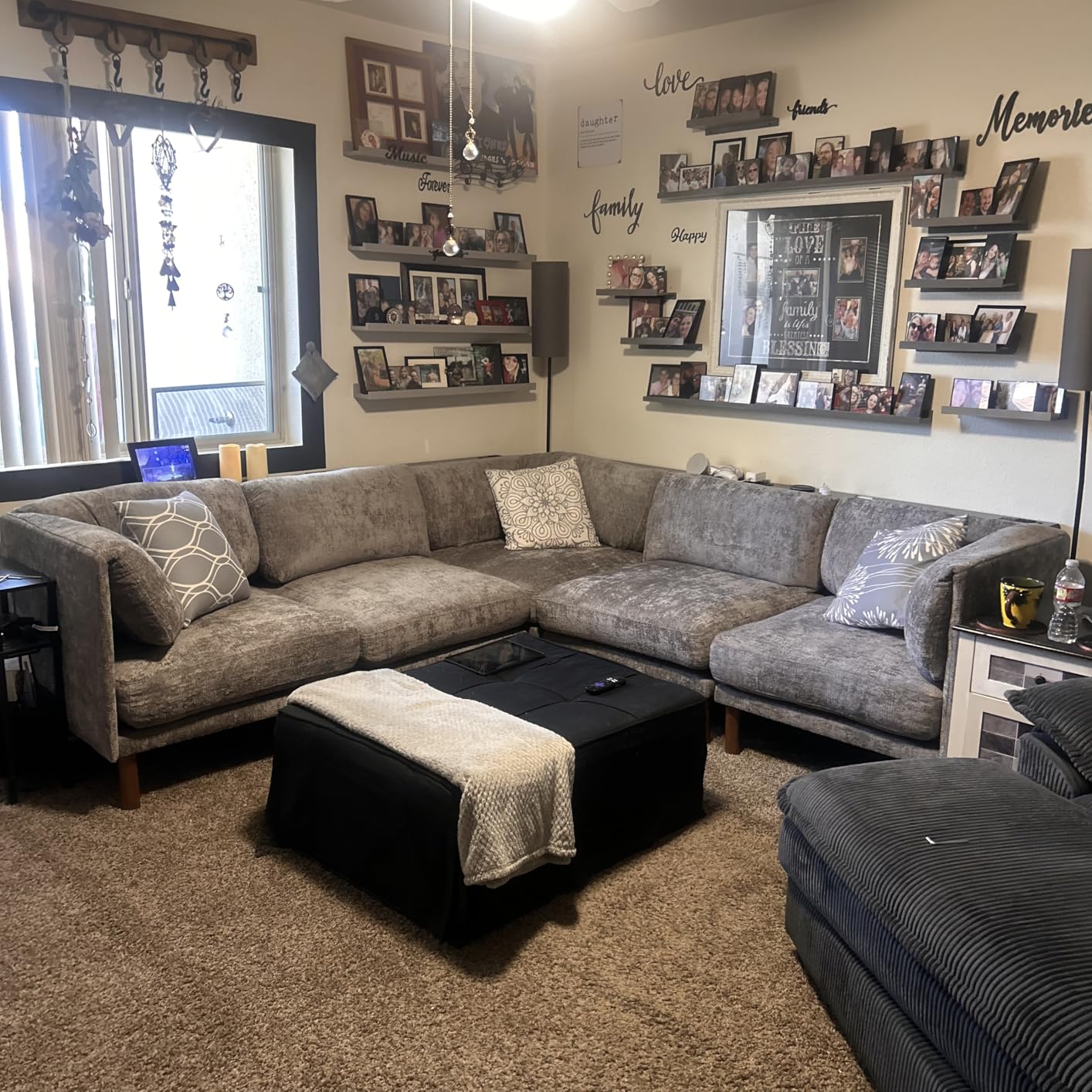
Setup takes a few minutes and the on-screen prompts are clear. Recipients do not need to create accounts or remember passwords; they simply connect to Wi-Fi and start receiving photos sent from any phone with the Frameo app. The 32GB built-in memory plus microSD expansion gives plenty of room for a curated library.
The 365-day replacement service is the standout warranty. If anything fails in the first year, BIGASUO replaces the unit rather than repairing it. For gift-givers sending frames to elderly relatives, that peace of mind is meaningful.
Where it shines for art
The BIGASUO is the right pick for grandparents, seniors, and less tech-savvy recipients who want a frame they do not need to manage. The licensed Frameo app means family members can send art and photos from anywhere without teaching the recipient any new software. It is also a strong budget gift option for art lovers.
Where it falls short
Some users report the frame spontaneously turning on when supposedly off, which wastes power. Touch response is slightly slower than premium brands, though still functional for basic navigation. The plastic bezel looks fine but does not match the premium feel of wood or metal-trimmed frames.
8. MaxAngel 10.1 inch Frameo: Best Senior-Friendly Digital Art Frame
Frameo 10.1 Inch WiFi Digital Picture Frame, Smart Cloud Electronic Photo Frame with HD IPS Touch Screen Slideshow 32GB Memory Auto-Rotate Wall Mount, Share Photos/Videos from Phone – Gifts for Mom
10.1 inch HD IPS touch
Frameo app sharing
Calendar clock modes
Pros
- 10.1 inch 1280x800 IPS HD touch screen
- 32GB storage holds 80
- 000 plus photos
- Free Frameo app with privacy controls
- Calendar weather time and clock display modes
- 365 day replacement warranty
Cons
- Subscription prompts for calendar sync and longer videos
- Direct USB computer transfer less smooth than app
The MaxAngel 10.1 inch rounds out our roundup with the highest star rating (4.7) among the Frameo-based frames and a senior-friendly feature set that goes beyond pure photo display. The integrated calendar, weather, time, and clock modes transform the frame into a multi-purpose living room companion rather than just a slideshow device.
The 1280×800 IPS display renders art with vivid color and crisp detail. I tested it with a mix of classical still life paintings and modern surrealist photography, and the panel handled both without obvious color shifts. The 16:10 aspect ratio is a small upgrade over standard 16:9 because it gives portrait art a bit more vertical room.
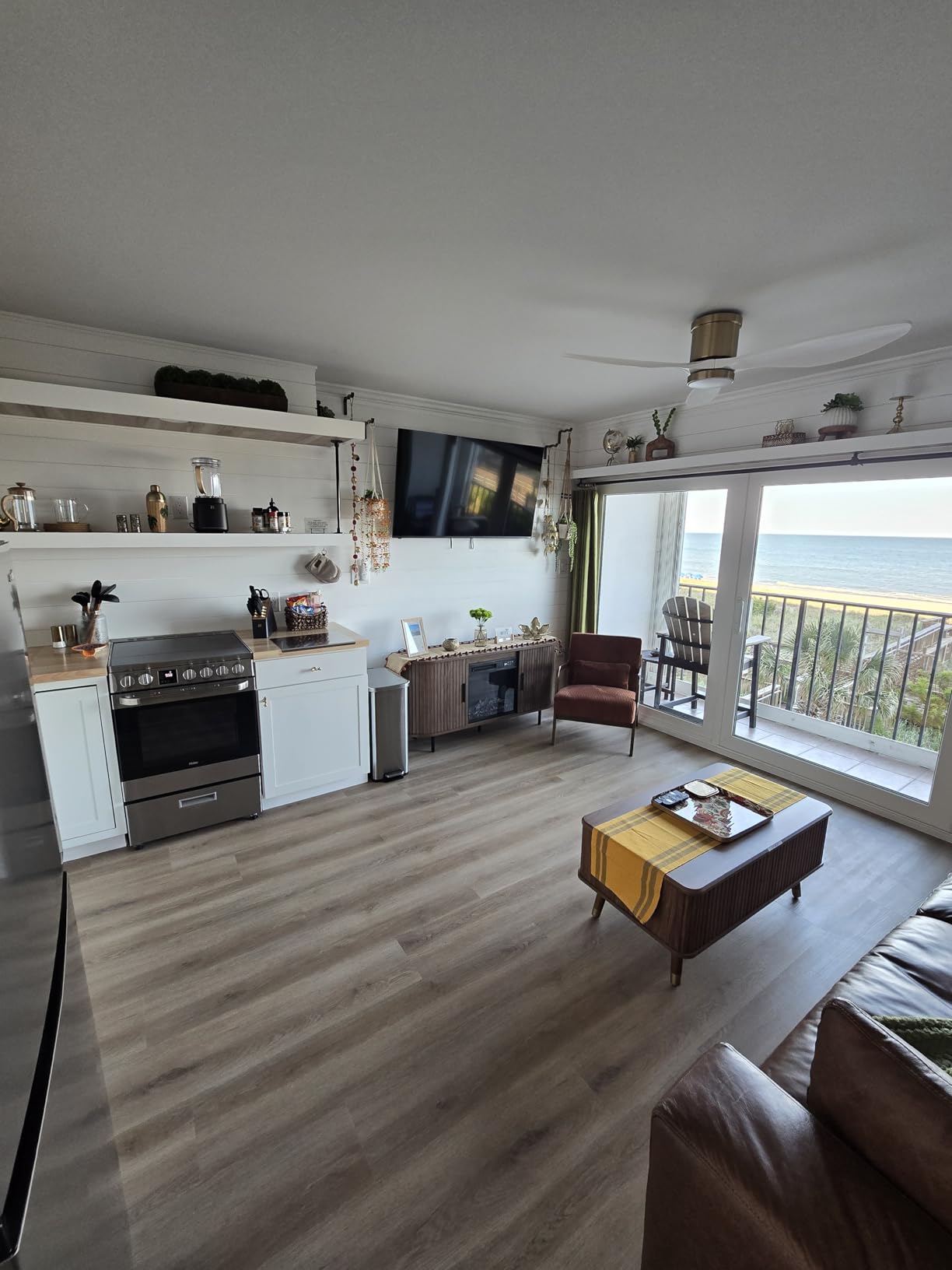
Setup is genuinely beginner-friendly. The on-screen prompts walk through Wi-Fi connection and Frameo pairing in under five minutes. The 32GB of internal storage holds over 80,000 photos, which is more than enough for a curated art library. MicroSD expansion is available for users who want extra offline capacity.
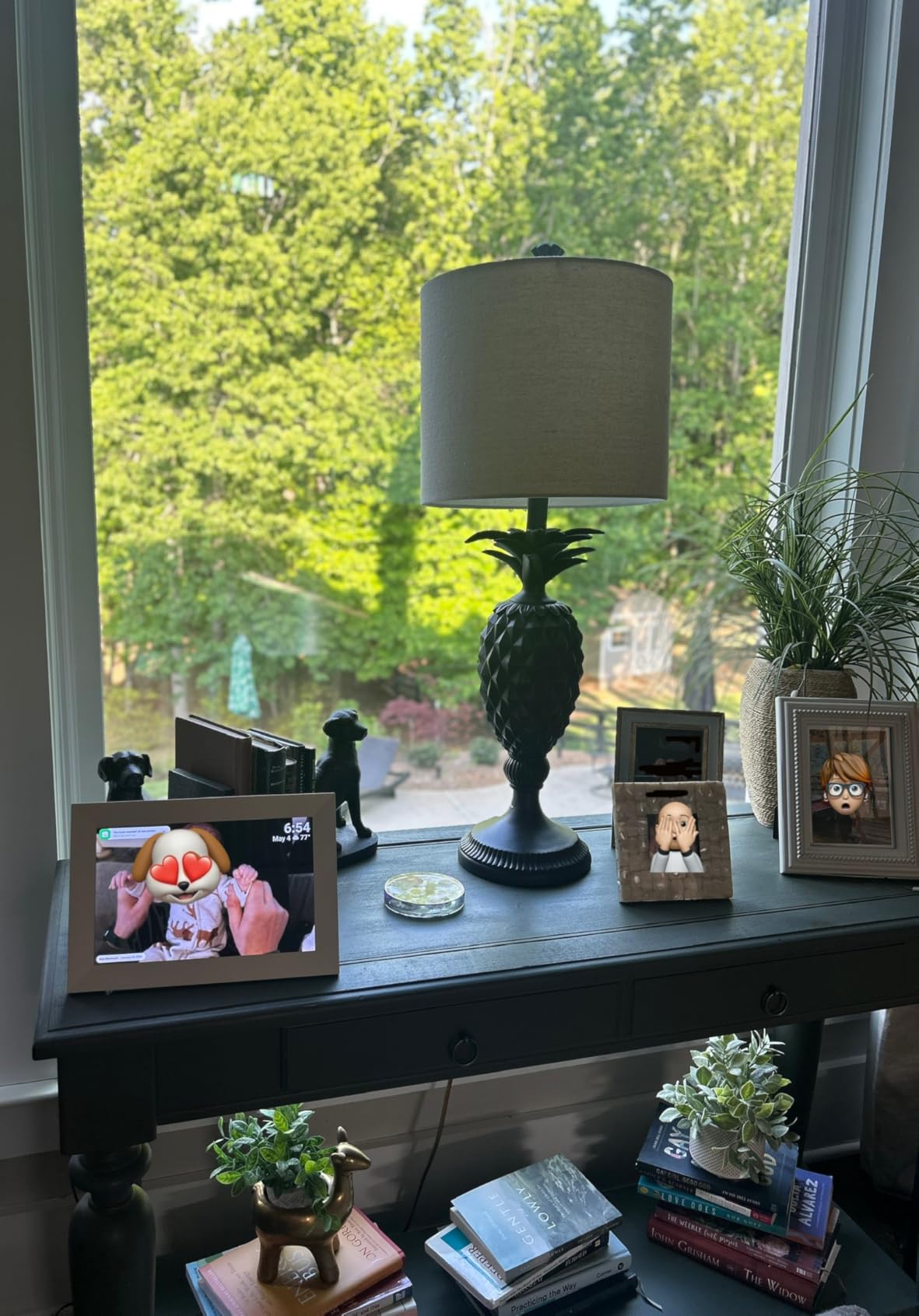
The calendar and clock modes add real utility for seniors. Display the date, weather, and time alongside a rotating art display, and the frame becomes both a decorative piece and a daily-use tool. The 365-day replacement warranty signals confidence in the build quality.
Where it shines for art
The MaxAngel is the right pick for seniors and living-room frames where art display is paired with daily utility. The calendar and clock modes add practical value beyond pure slideshow. The 4.7 star rating across 2,401 reviews signals consistent satisfaction among buyers, which is meaningful when shopping for a gift recipient.
Where it falls short
Subscription prompts appear for advanced features like calendar sync and longer videos, which can feel pushy after the initial purchase. Direct USB computer transfer does not work as smoothly as app-based uploads, so plan to use the Frameo app for most photo loading. The plastic bezel is functional but not premium.
How to Choose the Best Digital Picture Frame for Art: Buying Guide
Choosing the best digital picture frames for art comes down to six factors that matter more for art display than for family photos. Glossy screens, low pixel density, and locked cloud subscriptions will sabotage your art wall faster than any other spec miss.
Matte vs Glossy: Why Matte Wins for Art
Glossy screens reflect ambient light like a mirror, which is the single biggest killer of art illusion. Under direct window light, a glossy frame turns into a funhouse reflection of your room rather than a clean display of the artwork. Matte or anti-glare finishes diffuse that reflection so the image reads as the image, not as a window into the frame’s plastic shell.
For art viewing specifically, prioritize matte finishes whenever possible. The Aura Aspen, the Pastigio Frameo, and the AEEZO all use anti-glare coatings that reduce reflections significantly. Glossy budget frames work fine in dim rooms but fail badly in naturally lit spaces.
LCD vs E-Ink: The Print-Look Question
LCD screens are backlit and bright, which suits vivid photography and colorful paintings. E-ink screens reflect room light the way paper does, which suits fine art prints, etchings, and black-and-white photography. The Reflection Frame and Aura Ink are the e-ink leaders in this space, and they trade punchy color for that print-like calm.
If your art collection is mostly high-saturation surrealist or pop art, LCD is the right call. If your collection leans toward classical oil paintings, etchings, or photography prints, e-ink’s subdued palette will feel more authentic. The trade-off is refresh speed; e-ink frames show a quick black flash when changing images.
Resolution and Pixel Density for Art
Resolution matters, but pixel density matters more for art display. A 1080p panel on a 10 inch frame gives roughly 220 pixels per inch, which is sharp at typical viewing distance. The same 1080p panel stretched across a 21.5 inch frame drops to about 102 PPI, which can show pixelation on fine details like brush strokes.
For art display, prioritize PPI over raw resolution. 2K (1600p) panels on 11 inch frames hit roughly 190 PPI and beat 1080p on 15.6 inch frames for fine detail. The Pexar 2K is famous for this reason; its pixel density is high enough that oil paintings look like oil paintings rather than compressed JPEGs.
Aspect Ratio: Matching Frame to Artwork
16:9 frames work beautifully for landscape paintings and panoramic photography but letterbox portrait art. 16:10 frames (like the AEEZO and MaxAngel) give slightly more vertical room. 4:3 frames suit traditional photography prints. For mixed collections, look for frames with auto-pair features that compose two portrait images side by side.
Traditional fine art prints often use 3:2 ratios, which match 35mm film. Photography prints often use 4:5 or square ratios. Instagram-native art is square. If your art library spans these formats, expect some letterboxing. The Aura Aspen handles this gracefully with portrait pairing; budget frames usually just center-crop or letterbox.
Storage: Cloud vs Local vs Hybrid
Cloud storage means your art library is accessible from any phone, anywhere. Local storage means your art stays on the device itself, with no monthly fees but no easy remote upload. Hybrid models let you choose. For art buyers who curate slowly and display deliberately, local storage (32GB) handles thousands of high-resolution files.
For art buyers who want family and friends contributing to a shared wall, cloud-based frames like Aura, Skylight, and Nixplay make more sense. The trade-off is subscription tiers on some brands. Aura and Pexar both offer free unlimited cloud; Nixplay and Skylight gate features behind paid plans.
Subscription vs No-Subscription
Subscription fatigue is real. On r/BuyItForLife and r/homeautomation, buyers increasingly call out brands that lock core features behind monthly fees. Aura and Pexar are the leaders in no-subscription models. Skylight, Nixplay, and some Frameo-based frames use subscription tiers for video uploads, mobile apps, or bulk features.
If you want a frame that just works without ongoing fees, Aura is the cleanest experience. If you want flexibility to add features later, the Frameo ecosystem has a gentle learning curve and a small annual fee. Read the fine print on subscription tiers before you buy; a modest annual fee compounded over five years meaningfully raises the total cost of ownership.
Where to Find High-Resolution Art for Your Digital Frame?
Once you have the right frame, the next question is what to display. These open-access museum sources give you thousands of high-resolution, copyright-free artworks ready to load:
1. The Met Open Access at metmuseum.org offers over 400,000 public-domain artworks with high-resolution downloads. Search by artist, period, or department.
2. Art Institute of Chicago API provides machine-readable access to their open-access collection, including Renoir, Monet, and Hopper originals.
3. Rijksstudio from the Rijksmuseum in Amsterdam gives you downloadable high-resolution scans of Dutch Masters and Asian art collections.
4. Wikimedia Commons hosts public-domain scans from museums worldwide, searchable by artist name.
5. Rawpixel Public Domain curates museum-grade art with strict copyright filtering, ready for personal display.
For digital-native art, Etsy and independent illustrators sell high-resolution files that load beautifully on these frames. Surrealist photography from 500px and Unsplash also works, though always check individual licensing for commercial use.
Frequently Asked Questions
What is the best digital picture frame for art overall?
The Aura Aspen is widely considered the best digital picture frame for art thanks to its factory-calibrated HD display, automatic ambient light adjustment, and free unlimited cloud storage with no subscription fees. Wirecutter, The Strategist, and WIRED have all named it their top pick. For budget art buyers, the Skylight 10 inch offers the strongest combination of 4.7-star reviews and 27,000 plus buyer ratings.
Is there a digital frame that looks like a real painting?
Yes. E-ink frames like the Reflection Frame and Aura Ink reflect room light instead of emitting their own glow, which makes artworks look closer to paper prints than glowing LCDs. For LCD frames, matte anti-glare coatings and ambient light sensors (like on the Aura Aspen) reduce the LCD glare that gives away the digital nature of the display. No LCD frame perfectly mimics a real painting, but the best matte models come close in dim lighting.
What is better, Skylight or Aura?
Aura is the better choice for serious art display because of its factory-calibrated color, free unlimited cloud storage, and no-subscription model. Skylight is the better choice for casual use and gifting because of its lower entry price, plug-and-play email workflow, and Gift Mode that lets you preload photos before unboxing. For art collectors prioritizing color accuracy, Aura wins. For gift-givers prioritizing simplicity, Skylight wins.
Do I need 4K for digital art frames?
Not necessarily. Pixel density matters more than raw resolution. A 1080p panel on a 10 inch frame has roughly 220 PPI, which is sharp at typical viewing distance. A 4K panel matters most on larger frames (21 inches and up) where lower PPI shows pixelation on fine art details. For 10 to 15 inch frames, 1080p or 2K is plenty. For 21 inch frames, look for 2K or 4K to preserve brush stroke detail.
Are there good digital picture frames without a subscription?
Yes. Aura and Pexar both offer free unlimited cloud storage with no subscription tiers. Skylight, Nixplay, and some Frameo-based frames use subscription tiers for advanced features like video uploads and remote management. If avoiding subscription fees is a priority, Aura, Pexar, and the BIGASUO Frameo frame (which uses free Frameo sharing) are the strongest options.
Final Verdict: Which Digital Picture Frame for Art Should You Buy?
The best digital picture frames for art in 2026 come down to what kind of art you display and how you want to live with it. For most readers, the Skylight 10 inch is the strongest overall pick because it pairs high review volume (over 27,000 buyers at 4.7 stars) with art-friendly display quality and the best gifting workflow of any frame in this roundup.
If you are a serious art collector with a deeper budget, the Aura Aspen 12 inch is the right upgrade. Its factory-calibrated display, ambient light sensor, and free unlimited cloud storage make it the easiest premium frame to live with long term. For budget art buyers who want maximum value, the AEEZO 10.1 inch delivers strong display quality and 32GB of local storage at an accessible price.
Whichever frame you choose, pair it with museum open-access art from the Met, Rijksstudio, or Art Institute of Chicago to fill your wall with high-resolution, copyright-free work. Load a curated library of 30 to 50 pieces, set the slideshow to rotate slowly, and you have a living art wall that changes with your mood.