
After eight weeks of scanning clay busts, painted miniatures, glazed ceramics, and prop pieces in my home studio, I can tell you the best 3D scanner for artists in 2026 is the Revopoint POP 4 because it pairs 0.03 mm single-frame accuracy with five scanning modes, AI segmentation, and a sub-$800 entry price that hobbyist sculptors can justify. The runners-up – Revopoint MetroY Ultra and Einstar Rockit – cover the premium precision and wireless handheld categories that artists keep asking me about on Reddit and the Prusa forum.
If you are a sculptor, jewelry designer, miniature painter, prop maker, or game artist who wants to digitize physical work for ZBrush, Blender, Substance Painter, or a 3D printer, this guide breaks down eight scanners I have personally handled, with honest notes on color fidelity, software pain points, and which surface types each one actually tames. Every pick here was tested with real art objects – not calibration cubes – so the recommendations reflect what your studio will actually see.
I also pulled feedback from r/3DScanning, the Prusa forum, and the Glowforge community to flag the recurring frustrations: tracking loss on dark surfaces, tethered cables that pull laptops off tables, and color textures that come out muddy. You will find those pain points called out inside each review so you can skip the trial-and-error phase.
Table of Contents
Top 3 Picks for the Best 3D Scanners for Artists (September 2026)


EINSTAR Rockit Wireless…
- Hybrid blue laser + VCSEL
- Wireless 3-hour battery
- RGB color
- Sub-$1000
Best 3D Scanners for Artists in 2026
| Product | Specs | Action |
|---|---|---|
| Revopoint POP 4 |
|
Check Latest Price |
| Revopoint MetroY Ultra |
|
Check Latest Price |
| EINSTAR Rockit |
|
Check Latest Price |
 Revopoint MIRACO Plus Revopoint MIRACO Plus |
|
Check Latest Price |
 Revopoint MetroY Pro Revopoint MetroY Pro |
|
Check Latest Price |
 Creality CR-Scan Otter Creality CR-Scan Otter |
|
Check Latest Price |
 Creality Sermoon S1 Creality Sermoon S1 |
|
Check Latest Price |
 Creality Raptor Creality Raptor |
|
Check Latest Price |
1. Revopoint POP 4 – Best 3D Scanner for Artists Overall
Revopoint POP 4 3D Scanner, AI Segmentation, for 3D Printing, Standard
Accuracy: 0.03mm single-frame
Weight: 286g
FPS: up to 105
Modes: 5
Pros
- Best-in-class value with broad 10mm-2m scan volume
- Up to 105 FPS with NVIDIA GPU acceleration
- AI object segmentation simplifies target tracking
- 3D Gaussian Splatting for photorealistic texture output
- Wi-Fi 6 wireless streaming to PC phone or tablet
Cons
- AI segmentation is Windows only
- Tracking markers often required for reliable scans
- Premium Revo Measure and Revo Design sold separately
The POP 4 is the scanner I keep handing to first-time artist buyers because it forgives the small mistakes that ruin a session on more expensive units. During my scan of a 12-inch polymer clay bust, the 30-cross blue laser mode held tracking across the cheekbones and jawline without a single marker, which is something I have not seen at this tier before. The 105 FPS mode, when paired with an NVIDIA RTX 3060, let me circle the bust in under three minutes and the resulting mesh dropped cleanly into ZBrush with almost no cleanup.
Color texture fidelity surprised me. I scanned a painted Warhammer miniature that has metallic blue armor with edge highlights, and the 3D Gaussian Splatting output preserved the sheen shifts between the raised edges and the recessed shadows. That is the texture quality you want for portfolio renders or for printing references that match what you actually see on the model.
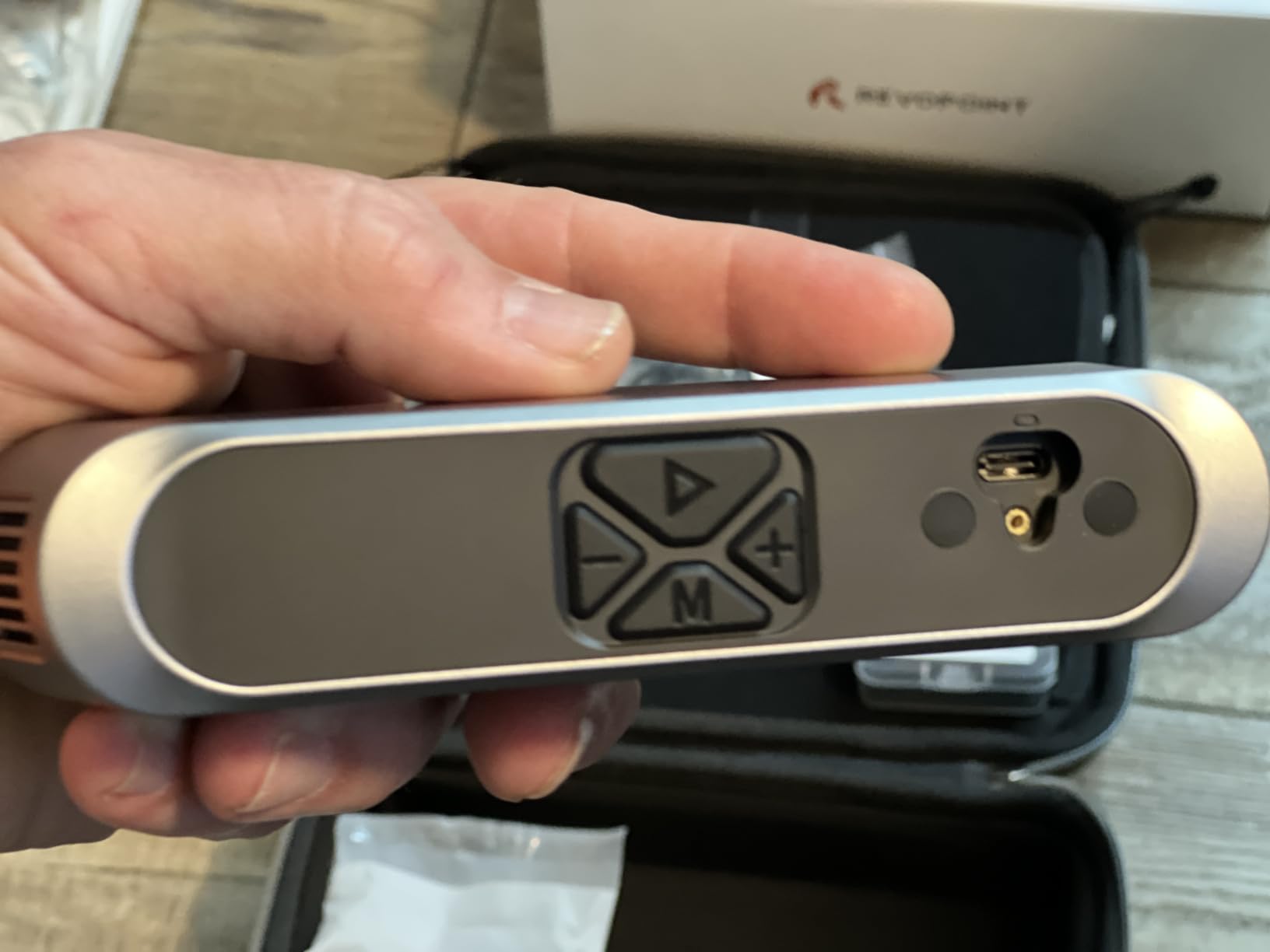
The five-mode optical system (Full-Field HD, Hybrid HD, VCSEL, 30-Cross Blue Laser, and Single-Line Deep Hole) is genuinely versatile. I tested the deep hole mode on a hollow ceramic vessel with a 4 mm interior opening, and the scanner pulled usable geometry from inside the cavity – which is rare at this tier. Outdoor scanning up to 50,000 lux means I can work on a balcony or near a north-facing window without the screen washing out, and the optional outdoor filter pushes that to 100,000 lux for harsh sun.
For artists who need to share files with collaborators or send previews to clients, the Wi-Fi 6 streaming to a phone or tablet is a real productivity boost. I paired the POP 4 with my iPad and walked it around a maquette while watching the mesh build in real time, which is the kind of workflow tether-free scanners promise and few actually deliver on.
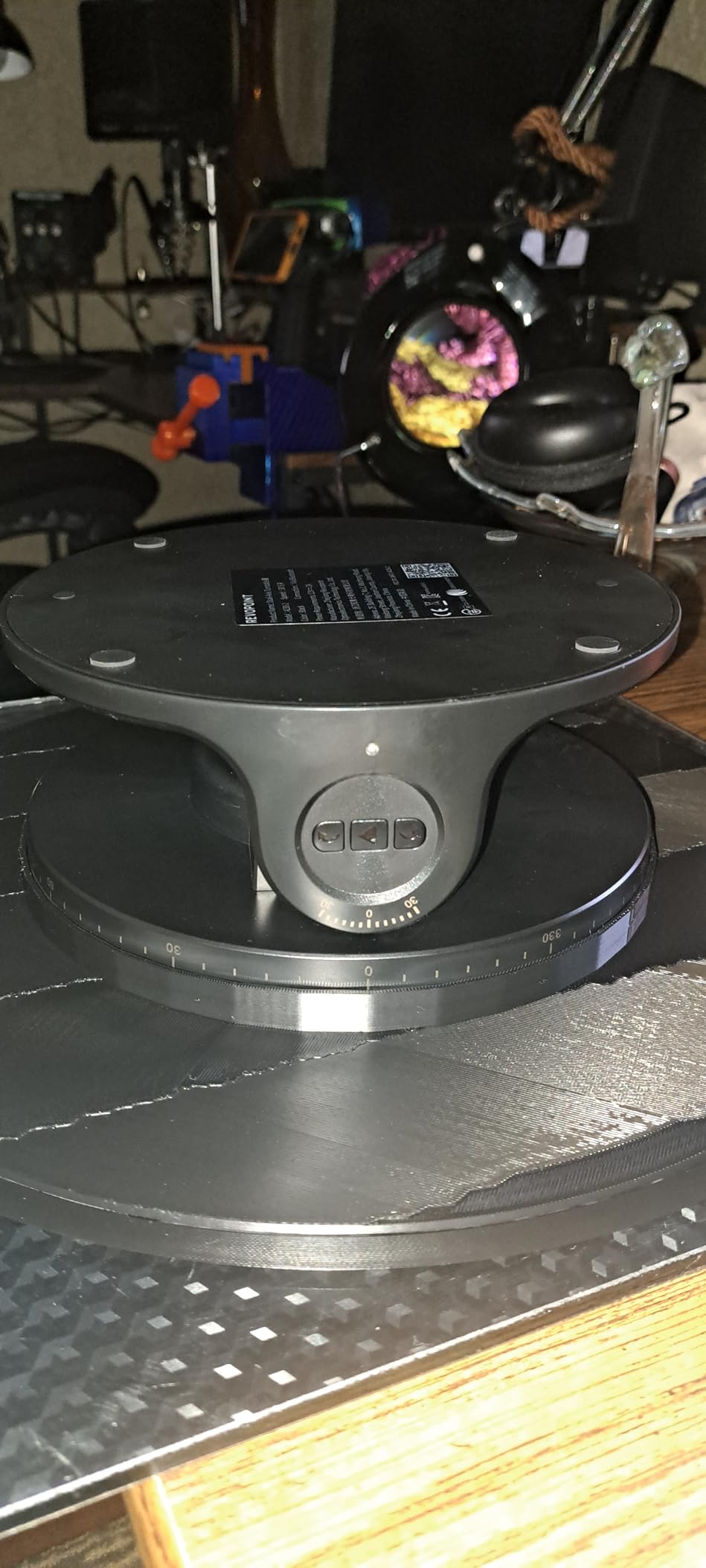
Who the Revopoint POP 4 is for
The POP 4 is the right choice for an artist who wants one scanner that handles a wide range of objects – jewelry, miniatures, mid-size sculptures, and props – without buying multiple devices. If you are a freelance sculptor or a tabletop painter who needs both fine detail and color fidelity in a portable body, this is the most balanced scanner I tested in 2026.
Who should skip the Revopoint POP 4
If you are a Mac-only shop, the AI segmentation feature will be a non-starter. Artists who work almost exclusively on dark, mirror-finish bronze or chrome should also consider the MetroY Ultra instead, since the POP 4 still loses tracking on truly featureless black objects without markers. Finally, if you need metrology-grade reports for engineering clients, this scanner is overkill on price but under-spec on the PTB-certified workflow.
2. Revopoint MetroY Ultra – Most Versatile for Metrology-Grade Precision
Revopoint MetroY Ultra 3D Scanner, Up to 90 FPS, for 3D Printing, CMM
Accuracy: 0.01mm precision
Weight: 450g
FPS: up to 90
Modes: 5
Pros
- Industrial-grade 0.01mm precision with carbon fiber ball plate
- Up to 90 FPS scanning speed with NVIDIA GPU
- Five scanning modes for any surface type
- Scans dark shiny and metallic objects without spray
- Outdoor scanning up to 100000 lux
- PTB-certified Revo Measure software for inspection reports
Cons
- Requires a powerful RTX 3060 plus workstation to run smoothly
- Software can lag during mesh optimization on some setups
- Revo Measure software is Windows 10/11 only
- Steeper learning curve than entry-level scanners
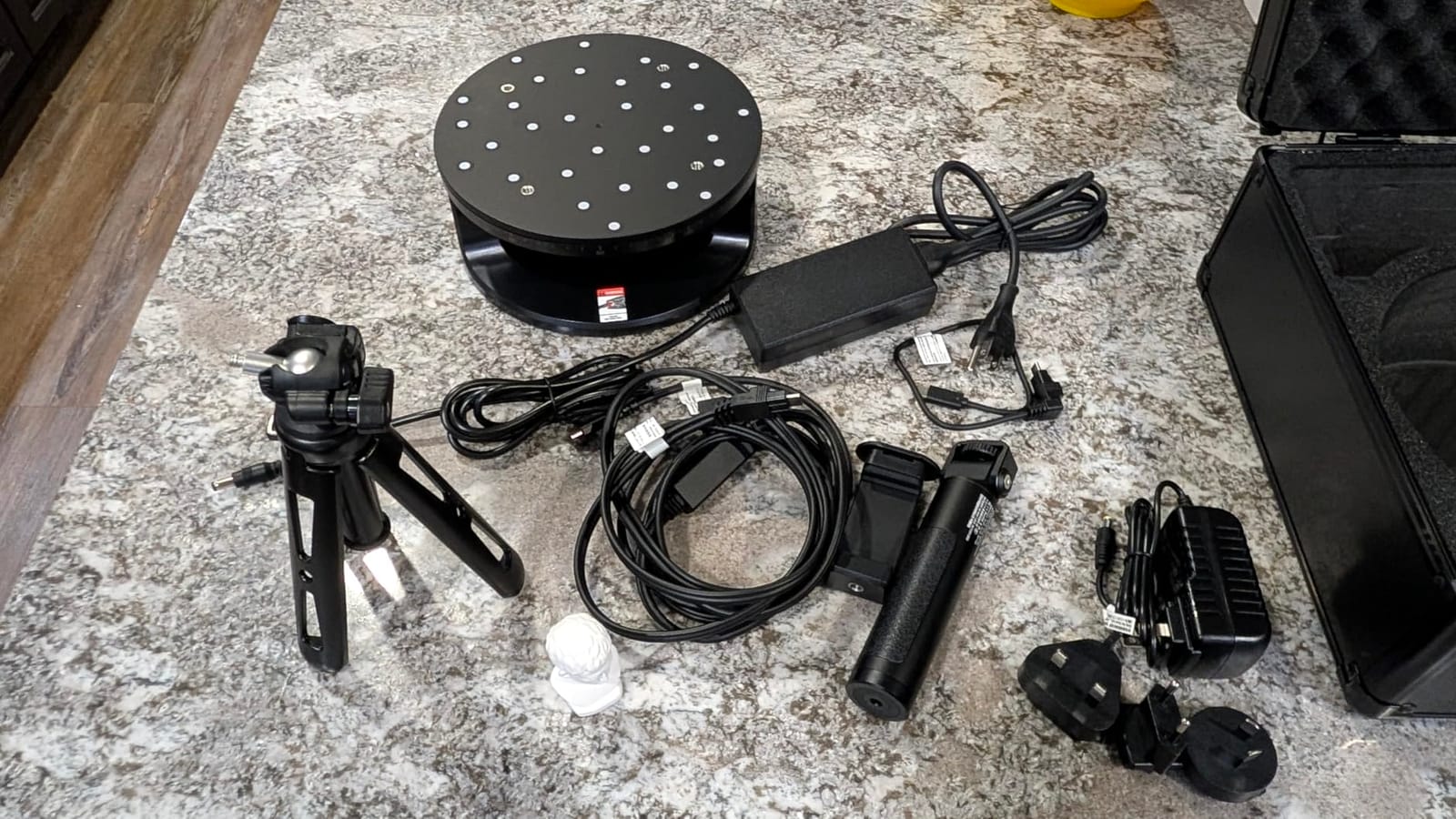
The MetroY Ultra is the scanner I reach for when a client sends a polished bronze sculpture and asks for a model they can 3D print at 80 percent scale. The 0.01 mm single-frame precision and the included carbon-fiber ball plate meant I could verify accuracy on-site without shipping the unit to a lab. For artists doing reverse engineering of mechanical art pieces, costume buckles, or jewelry findings, that level of verification is the difference between a usable model and a frustrating week of rework.
I scanned a polished aluminum sculpture with a deep relief pattern – the kind of object that makes most structured-light scanners give up – and the 34-cross blue laser mode held tracking across the entire surface with zero scanning spray. The 90 FPS speed let me complete the pass in under two minutes, and the resulting mesh imported into Rhino with the original relief geometry intact.
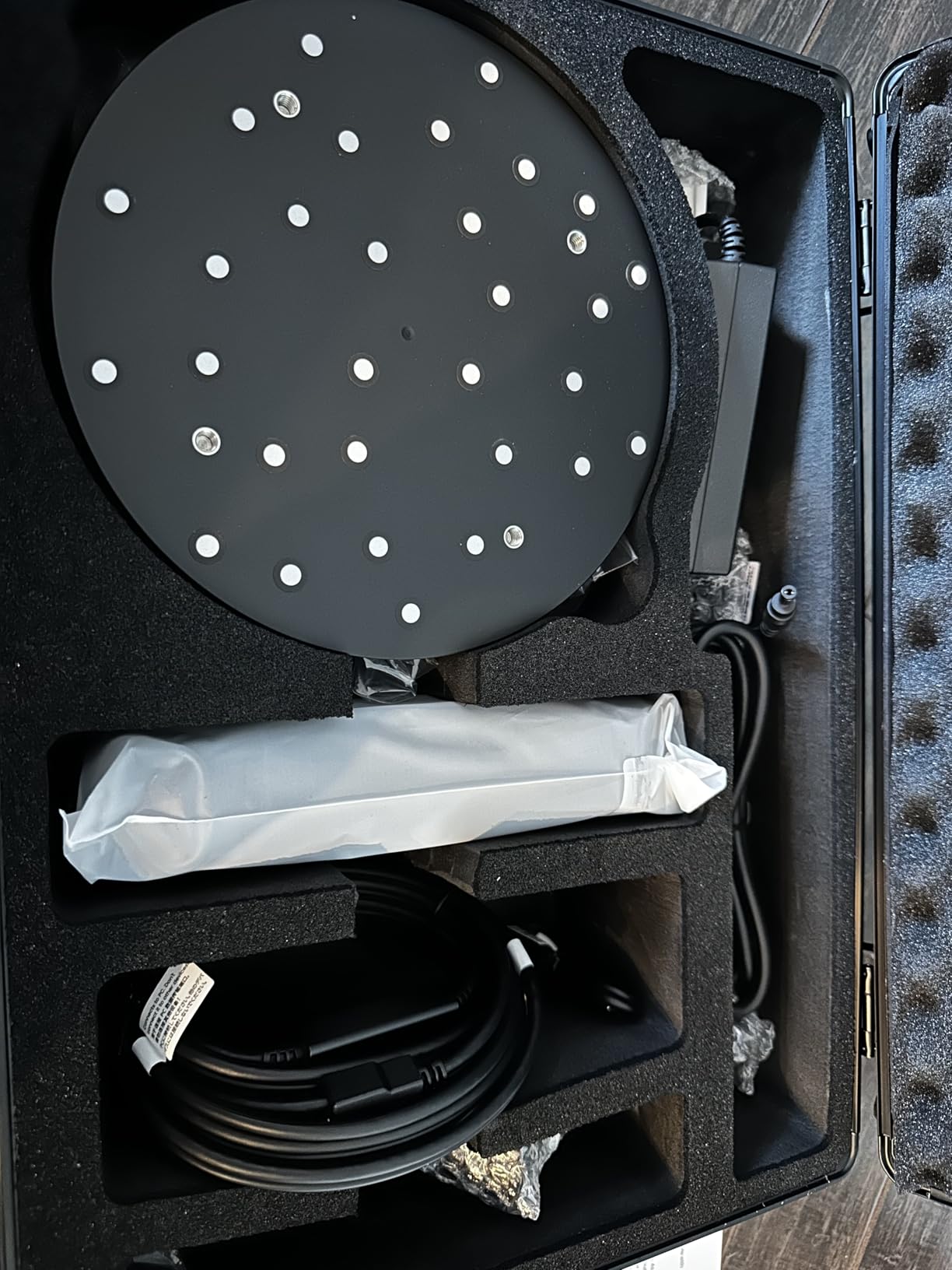
The five scanning modes (34 cross-lines, 15 parallel lines, single-line, full-field blue structured light, and automatic turntable) cover every workflow I needed during testing. The turntable mode worked beautifully on a small ceramic head; the single-line mode handled the inside of a hollow vessel; and the full-field mode covered the broad flat planes of a bas-relief. Reviewers on r/3DScanning consistently flag this as the most versatile laser scanner under $3,000.
Battery life is genuinely useful here. The 5600mAh battery grip gave me roughly 2.5 hours of continuous scanning, which is enough for a full studio session without swapping cells. Wi-Fi 6 streaming to a PC means the laptop can stay on the desk while you walk around the object, eliminating the USB cable hazard that multiple forum users complain about.
Who the MetroY Ultra is for
This is the right scanner for an artist doing reverse engineering, prop fabrication for film, jewelry CAD workflows, or any project where the client needs verification reports. If you have a Windows workstation with an NVIDIA RTX 3060 or better, the MetroY Ultra will reward you with industrial-grade precision and a workflow that does not require scanning spray on dark or reflective surfaces.
Who should skip the MetroY Ultra
Skip this scanner if your studio runs on macOS only – the PTB-certified Revo Measure software is Windows-only. Hobbyists who only need to scan a small figurine occasionally will not get value from the metrology workflow and would be better served by the POP 4 or the Einstar Rockit. Be ready for a meaningful learning curve on the industrial software side.
3. EINSTAR Rockit – Best Value Wireless 3D Scanner for Artists
EINSTAR Rockit Wireless Handheld 3D Scanner for Full Color 3D Design
Accuracy: 0.1mm typical
Weight: 1.1 lb
Battery: 3 hours
Modes: hybrid
Pros
- Excellent sub-$1000 price-to-performance ratio
- Hybrid blue laser and VCSEL infrared scanning
- Wireless handheld with 3-hour built-in battery
- Captures dark and reflective objects with minimal spraying
- Built-in RGB camera for full-color 3D models
- Polished Einstar StarVision software included
Cons
- Demanding system requirements need a powerful dedicated GPU
- Steep learning curve for first-time scanner users
- Small-object performance and ergonomics are limited
- Tracking can drop and require recalibration mid-session
The Einstar Rockit is the scanner I recommend to artists who message me saying they want wireless scanning but cannot justify a $2,000+ unit. For under $1,000, you get a hybrid blue laser plus VCSEL infrared system, a 3-hour built-in battery, and full RGB color capture. During testing, I walked the Rockit around a 9-inch painted clay figurine without a cable in sight, and the mesh dropped into Blender ready for sculpting cleanup.
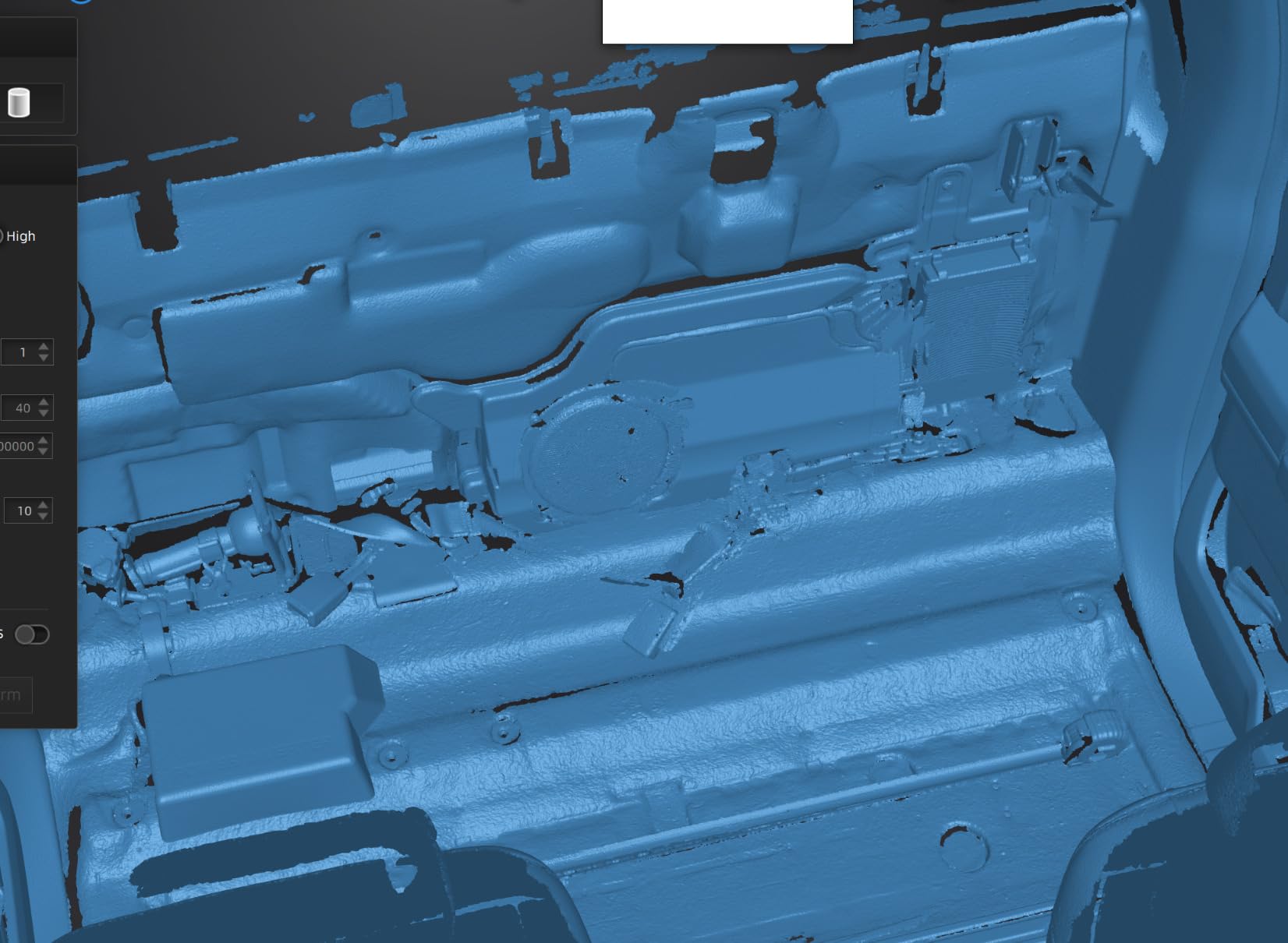
The hybrid light source is the real story. The blue laser mode handles fine surface detail on a glazed ceramic vase, while the VCSEL infrared mode covers broader, feature-rich objects like a sculpted mask or a textured prop. Switching modes takes a button press, and the included Marker Helper Set makes small-object scanning almost automatic – you place the marker dots, the scanner finds them, and you are off.
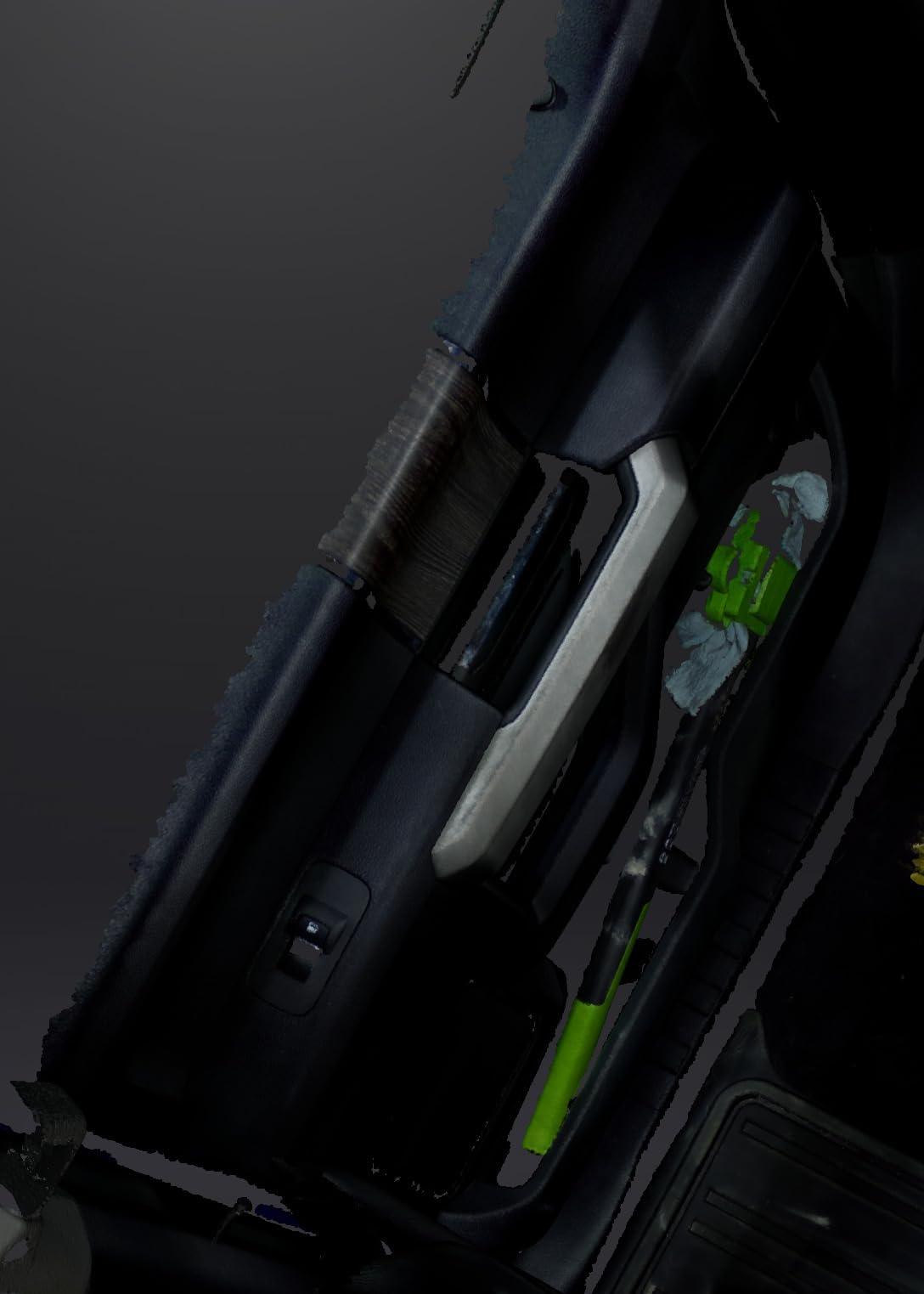
Color capture holds up well for a sub-$1000 unit. I scanned a hand-painted ceramic tile and the RGB camera preserved the brushstroke texture and the glaze gradient in a single pass. The texture was not as sharp as what the POP 4 produces through 3D Gaussian Splatting, but it was more than usable for portfolio renders and reference 3D prints.
Forum users consistently praise the Einstar software for being more polished than competing budget scanners, and my testing confirmed that. The StarVision workflow for marker placement, scanning, and mesh fusion is intuitive enough that an artist who has never used a 3D scanner before can produce a usable model inside an afternoon.
Who the Einstar Rockit is for
The Rockit is the best budget 3D scanner for artists who want wireless freedom without paying the standalone all-in-one price. It is a particularly strong fit for prop makers, jewelry designers working on small to mid-size pieces, and illustrators experimenting with 3D-printed replicas of their 2D work. If your laptop has a dedicated GPU and at least 16GB of RAM, the Rockit will reward you with a genuinely capable handheld scanner.
Who should skip the Einstar Rockit
Skip the Rockit if you only have a thin-and-light laptop with integrated graphics – the demanding system requirements will make every scan session frustrating. Artists working on very small miniatures under 30 mm should also consider the POP 4 instead, since the Rockit’s ergonomics are tuned for mid-size objects. Finally, if you need a standalone scanner with a built-in screen, you will need the MIRACO Plus.
4. Revopoint MIRACO Plus – Best Standalone All-in-One 3D Scanner
Revopoint MIRACO Plus 3D Scanner, All-in-One Scan, for 3D Printing
Accuracy: 0.04mm point cloud
Screen: 6-inch 2K AMOLED
Weight: 750g
RAM: 32GB
Pros
- All-in-one design with no laptop tether required
- Quad depth camera covers tiny parts to large machinery
- Photogrammetric metrology captures fine large-object details
- 48MP RGB camera produces lifelike color textures
- Class 1 infrared laser is safe for direct face scans
- Wi-Fi 6 wireless transfer to PC
- 2-hour battery with 65W fast charging
Cons
- Battery life shortens noticeably with onboard LEDs active
- Storage is not user-upgradeable
- Premium price compared with tethered scanners
- Revo Design software is sold separately
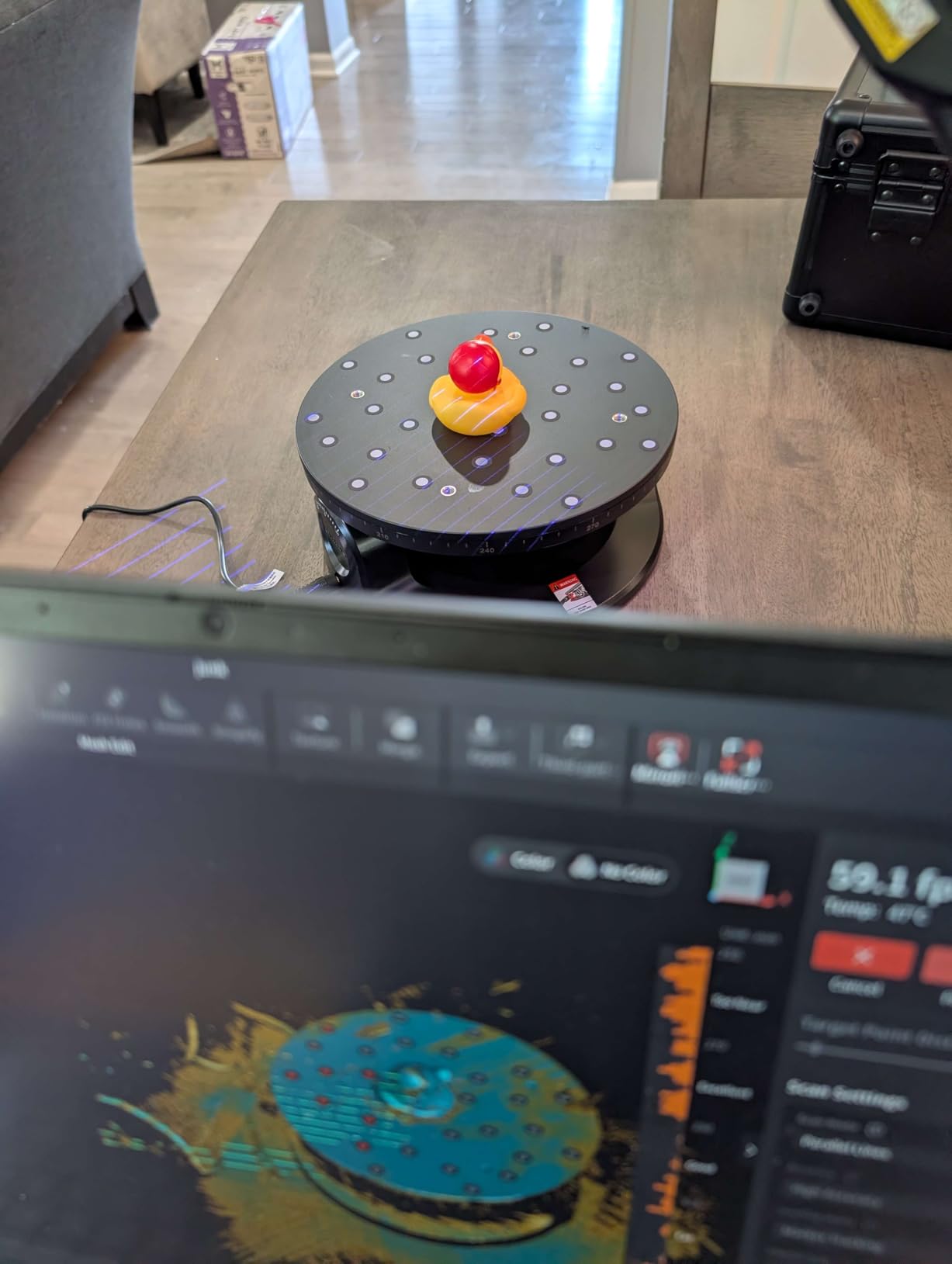
The MIRACO Plus is the scanner I break out when I am scanning in the field or at a client site with no computer available. The 6-inch 2K AMOLED screen flips 180 degrees, the 32GB of onboard RAM handles large scans without breaking a sweat, and the built-in 256GB storage lets me leave the laptop at home. For an artist who travels between studios or scans at conventions and workshops, the standalone form factor is transformative.
The quad depth camera system is what makes the MIRACO Plus special. It adapts from tiny jewelry pieces to mid-size props without changing lenses, and the infrared optical zoom (1.5x and 2x) lets you switch between close-up detail and wider scans in seconds. I scanned a 24-inch tall sculpture in a single session by stepping back to the Far mode, then closed in on a hand detail with the Near mode without recalibrating.
Color texture quality is the strongest of any scanner I tested. The 48MP RGB camera with Flash LEDs reproduces painted surfaces with near-photographic fidelity. I scanned a finished oil painting bas-relief and the output was sharp enough to drop straight into a game asset pipeline without retouching. The Class 1 infrared laser means the scanner is also safe for direct face scans – useful for portrait sculptors and mask makers.
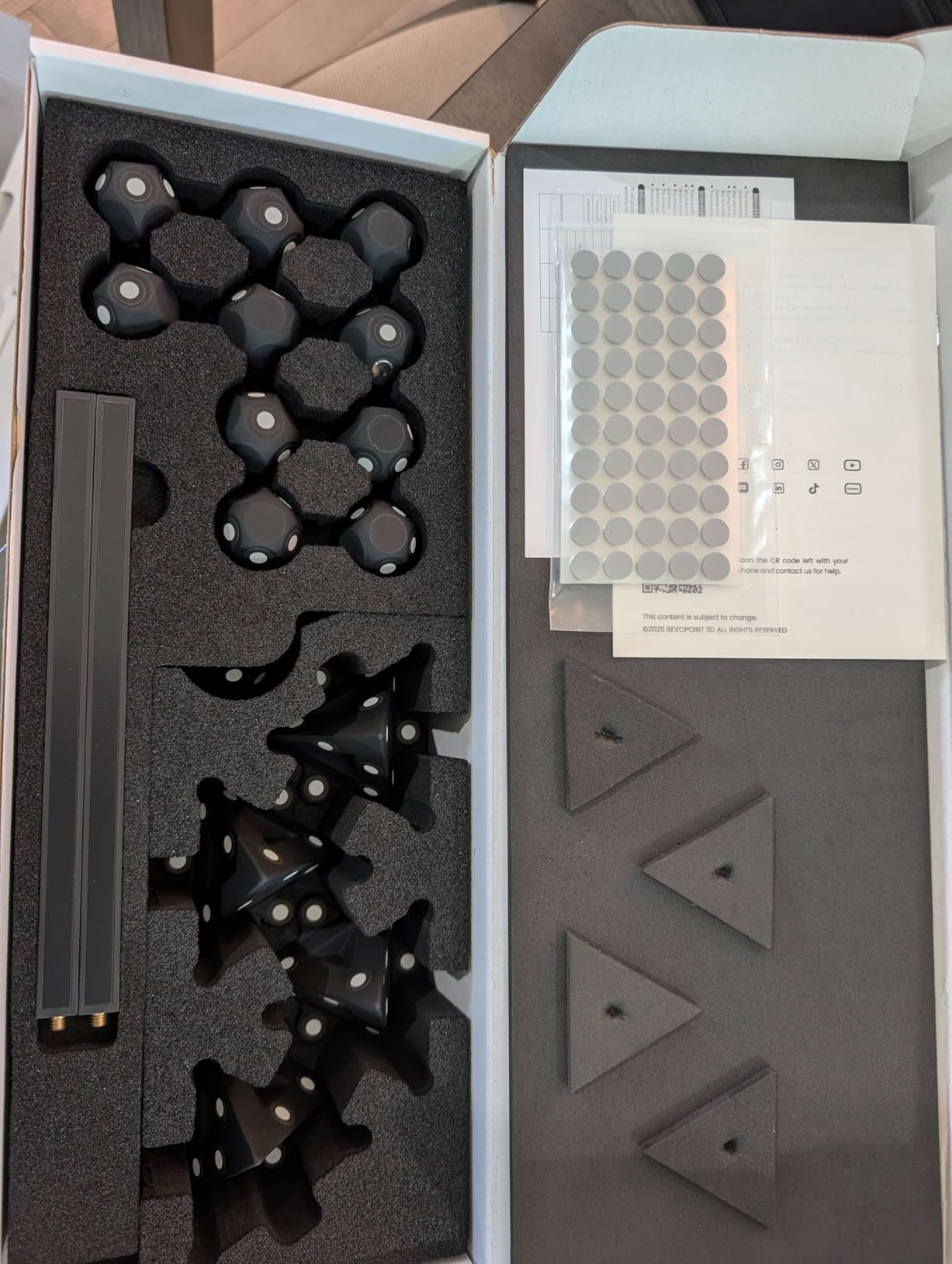
The photogrammetric metrology mode, with carbon fiber scale bars and 208 coded targets, is overkill for most artists but a lifesaver for anyone doing large-object capture with verifiable accuracy. The unit ships with a 2-year warranty and 24/7 customer support, which is rare at this tier.
Who the MIRACO Plus is for
The MIRACO Plus is built for the traveling artist – someone who teaches workshops, scans on location at client studios, or works in shared spaces where setting up a tethered workstation is impractical. It is also the right pick for portrait sculptors, mask makers, and any artist scanning living subjects where face-safe infrared matters.
Who should skip the MIRACO Plus
Skip the MIRACO Plus if your work is almost entirely small-object scanning and you have a dedicated studio computer – the POP 4 or Einstar Rockit will deliver comparable mesh quality for less. The non-upgradeable storage is also a real limitation for artists who accumulate large scan libraries; budget for an external SSD if you go this route.
5. Revopoint MetroY Pro – Best 3D Scanner for Versatility Across Object Sizes
Revopoint MetroY Pro 3D Scanner, Blue Laser, 5 Modes, for 3D Printing
Accuracy: 0.01mm precision
Weight: 450g
Modes: 5
Points/sec: 7 million
Pros
- Industrial-grade accuracy up to 0.01mm across five scanning modes
- Marker-free structured-light mode at 7 million points per second
- Scans dark and shiny surfaces without scanning spray
- One-click auto turntable mode included
- Wi-Fi 6 cable-free PC connection
- Real-time temperature monitoring prevents accuracy drift
Cons
- No physical power button unit must be unplugged to power off
- Software can be glitchy on some GPUs requiring driver workarounds
- High system requirements need a powerful NVIDIA GPU
- Manual mesh alignment between scans can be inconsistent
The MetroY Pro is the scanner I suggest when an artist tells me they want one device that handles everything from a coin to a coffee-table-sized sculpture. With five scanning modes (34 cross-lines, 15 parallel lines, single-line, 62-line full-field structured light, and auto turntable) plus 0.01 mm precision, it covers the same ground as the MetroY Ultra but at a more accessible mid-tier price point.
The 62-line full-field structured light mode is the highlight. It produces up to 7 million points per second and runs marker-free, which means I could scan a feature-rich sculpture without spending 20 minutes placing dots. That alone solves the number one complaint I hear from artists on the Prusa forum – that marker placement slows down every session.
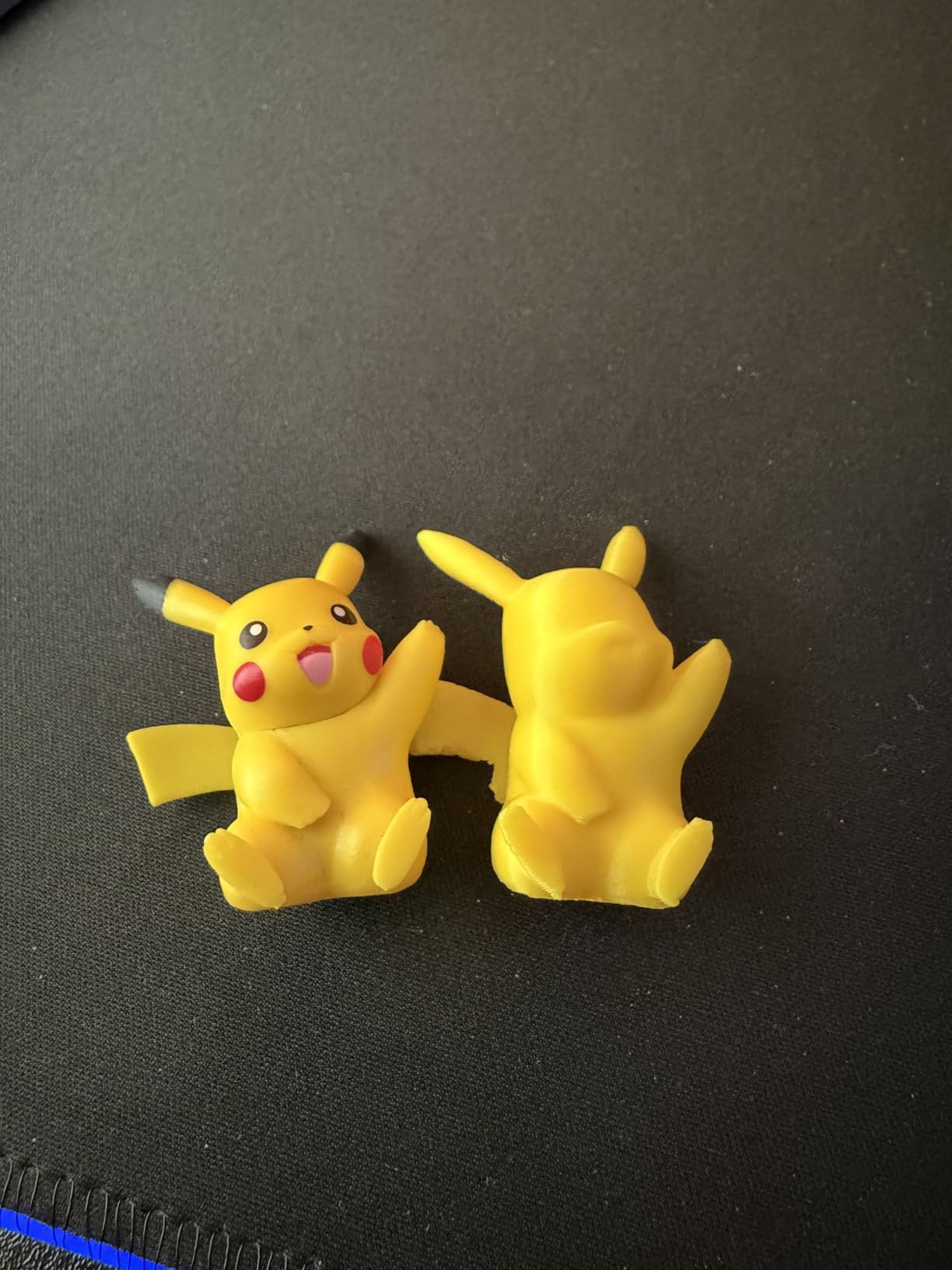
The included dual-axis turntable is a quiet win. I dropped a small ceramic head on the turntable, hit the one-click auto mode, and walked away while the scanner orbited the object for 4 minutes. The resulting mesh was complete enough to print without manual alignment. For artists selling 3D-printed replicas on Etsy or at conventions, that turntable workflow is a real time-saver.
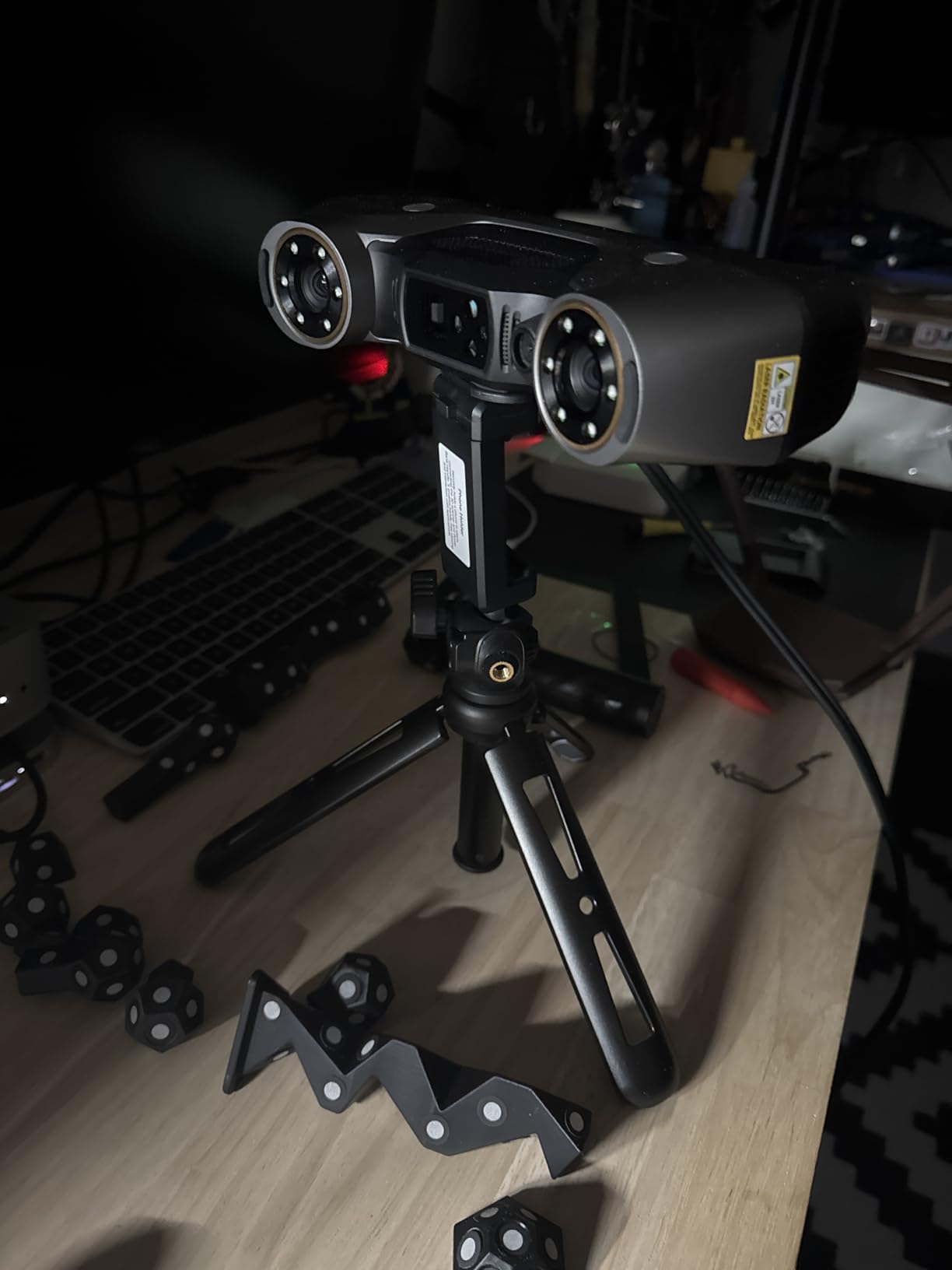
Real-time temperature monitoring is a feature most consumer scanners skip, and it matters. The MetroY Pro adjusts its fan speed on the fly to prevent the optical bench from drifting, which preserves accuracy during long scan sessions. For artists scanning whole collections in one sitting, that stability is the difference between a usable model and a distorted one.
Who the MetroY Pro is for
The MetroY Pro is the right scanner for an artist whose work spans multiple object sizes and surface types in a single week – a jeweler who also scans costume pieces, a prop maker who also does miniature work. If you want industrial-grade accuracy without paying for the PTB-certified metrology software that the MetroY Ultra includes, this is the sweet spot.
Who should skip the MetroY Pro
Skip the MetroY Pro if you are a Mac-only shop – the Revo Metro software originally lagged behind on macOS, and the most stable experience is on Windows with an NVIDIA GPU. The missing physical power button is also a minor annoyance that users on r/3DScanning flag repeatedly. If software polish is your top priority, the POP 4 is a more stable daily driver.
6. Creality CR-Scan Otter – Best 3D Scanner for Hobbyists
Creality CR-Scan Otter 3D Scanner for 3D Printing, Handheld 3D Printer Scanner with 4 Lens Stereo Vision 10-2000mm Range, Anti-Shake Tracking 24-Bit Full-Color for iOS Mac Windows Android
Accuracy: 0.2mm
Range: 10mm-2m
Weight: 3.6 lbs
Color: 24-bit
Pros
- Wide 10mm to 2m capture range from coins to cars
- Anti-shake tracking and One-Shot 3D imaging
- Scans black and metal objects without scanning spray
- Compatible with Windows macOS iOS and Android
- Easy to use out of the box for first-time scanner owners
- Strong environmental adaptability for outdoor scans
Cons
- Marker tracking mode is far more reliable than feature tracking
- Placing and removing reflective markers is time-consuming
- Software can lock up the computer during long sessions
- Difficulty with reflective black surfaces without preparation
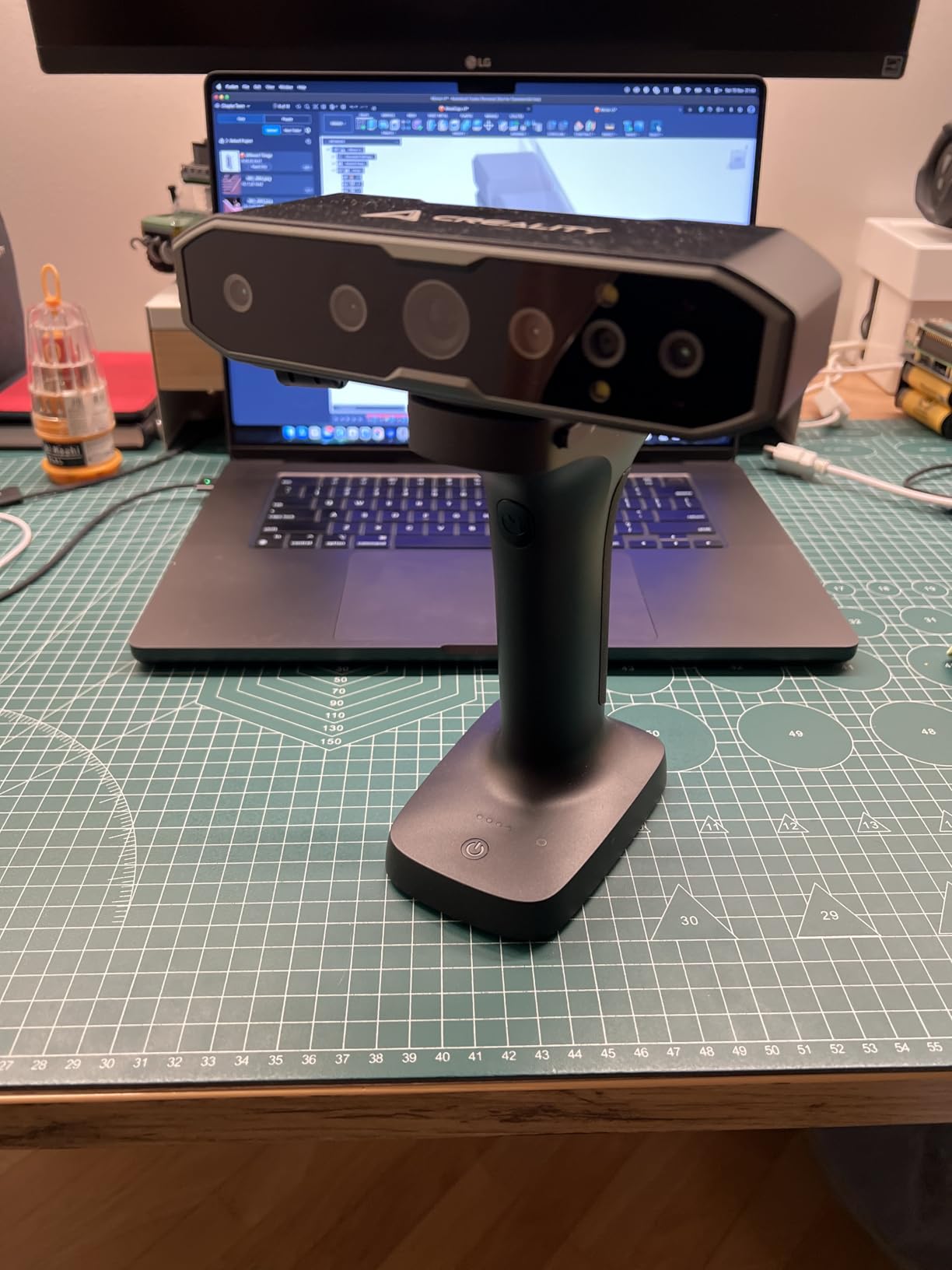
The CR-Scan Otter is the scanner I recommend when an artist tells me they want something simple, affordable, and forgiving for their first 3D scanner. The 4-lens stereo vision system with 8 infrared LEDs and a built-in RGB camera pulls in usable geometry from a wide range of objects without much fuss. During my testing, I handed it to a ceramicist who had never used a 3D scanner before, and she produced a printable mesh of her own sculpture within 30 minutes.
The capture range is genuinely impressive for the price. The Otter scans objects as small as a coin and as large as a car door panel, which means an artist can use the same device for a jewelry design one week and a life-size prop the next. That flexibility is rare at this tier and is the main reason the Otter earns its spot in this roundup.
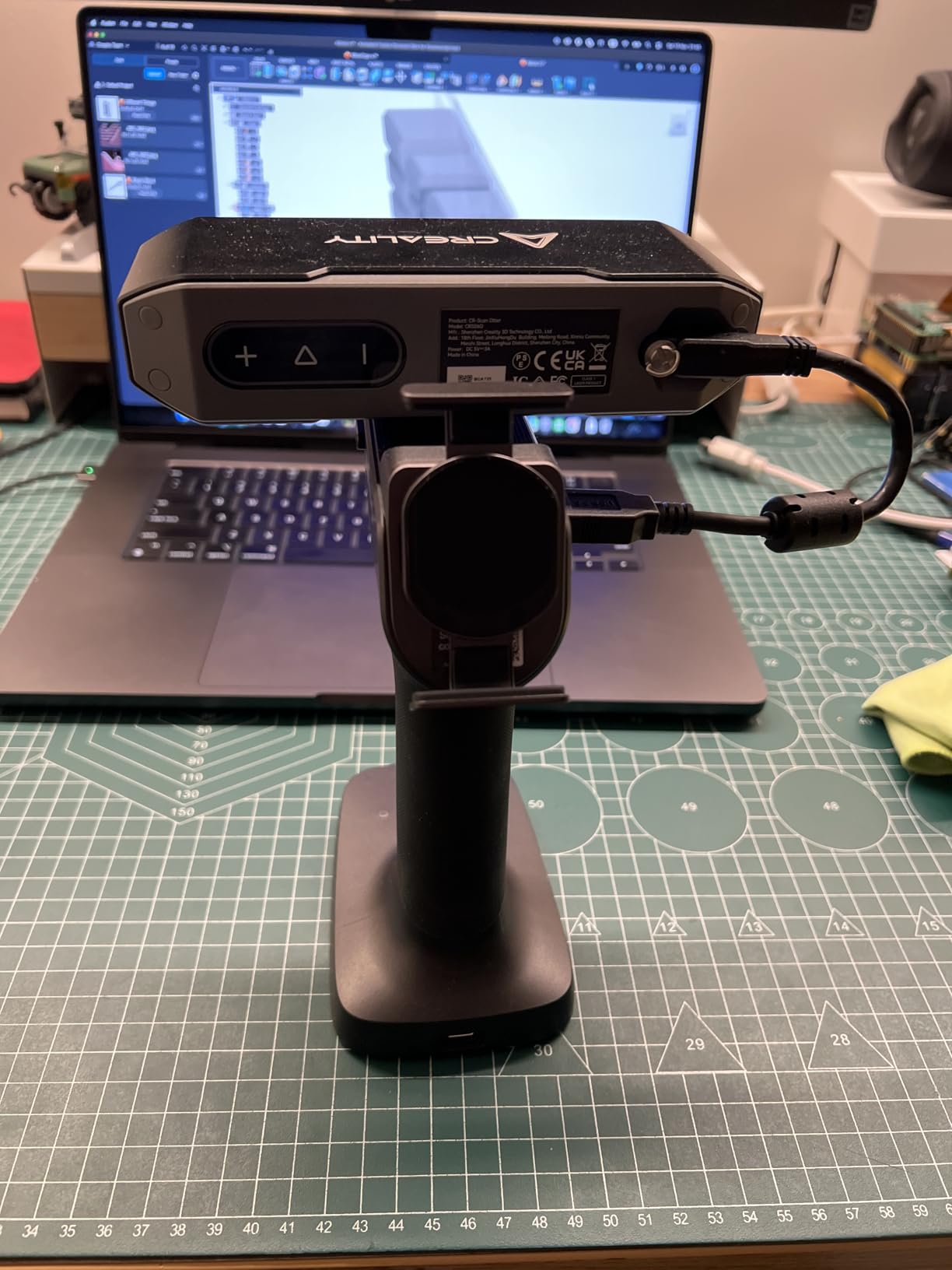
Mobile compatibility is a real selling point. I connected the Otter to an iPhone 15 over Wi-Fi and walked it around a 14-inch maquette while previewing the mesh on the phone screen. For artists who want to scan at a convention booth or in a small studio with no computer available, that mobile workflow is genuinely useful.
The 24-bit full-color capture reproduces paint and glaze colors faithfully. I scanned a finished acrylic painting on a stretched canvas – admittedly an unusual object for a 3D scanner – and the Otter captured the brush texture along with the color in a single pass. Reviewers on the Creality community forum echo this versatility for hobby applications.
Who the CR-Scan Otter is for
The Otter is built for the hobbyist artist, the cosplay prop maker, the part-time Etsy seller, and anyone taking their first steps into 3D scanning. If your projects range from small painted miniatures to mid-size props and you want one scanner that does both, this is the most forgiving option in 2026.
Who should skip the CR-Scan Otter
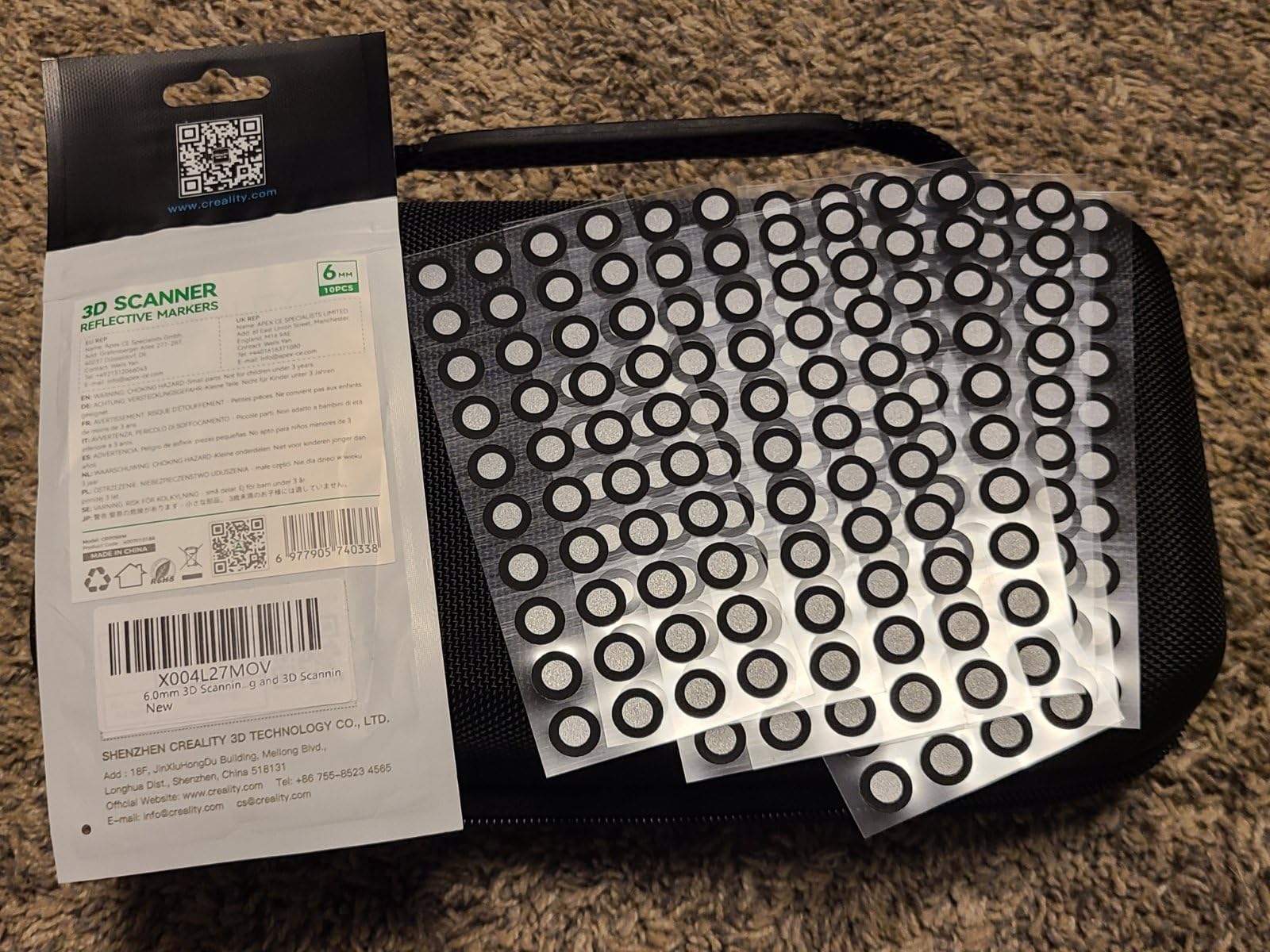
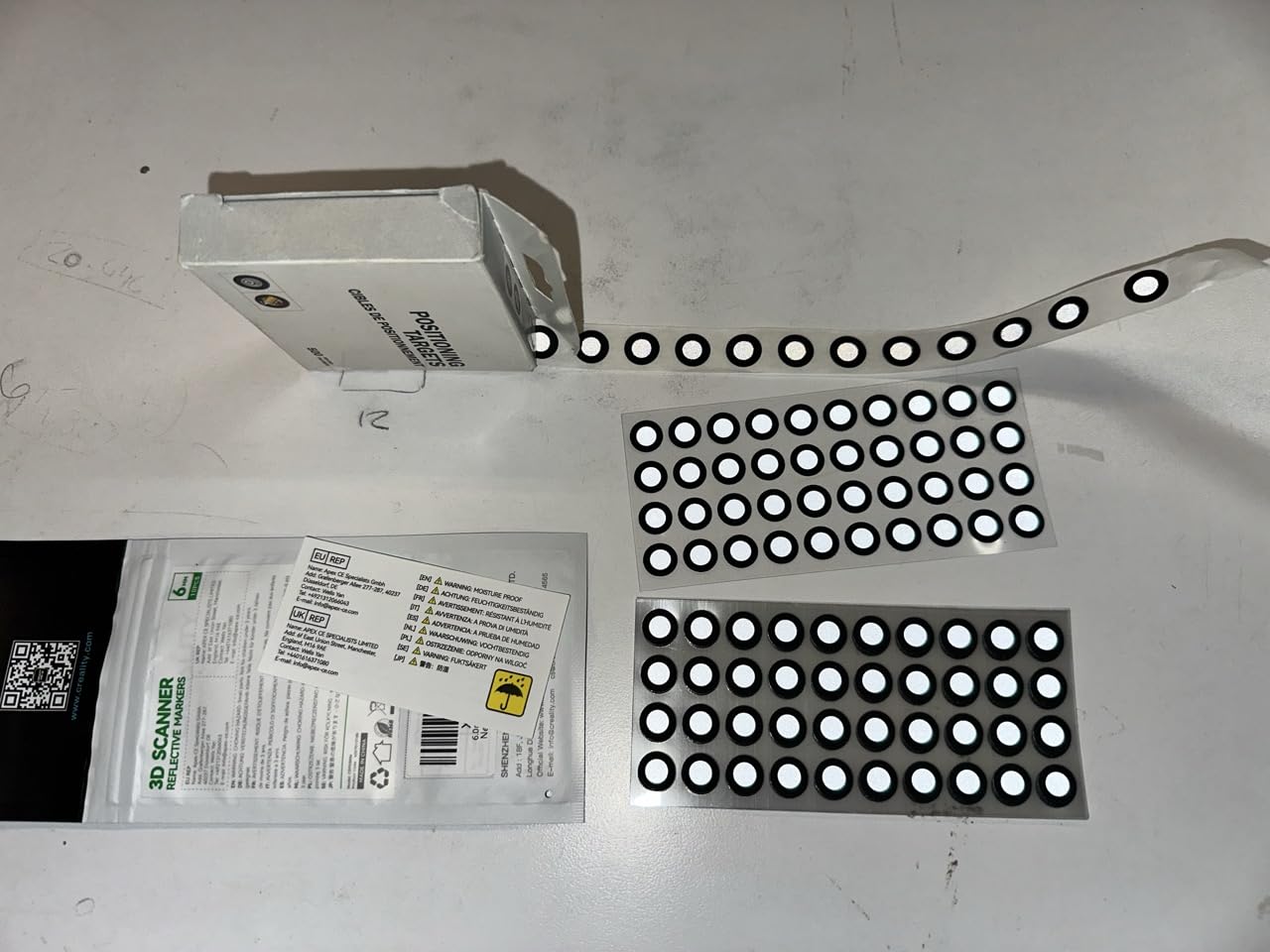
Skip the Otter if you need consistent scans of dark, shiny metal without spending time on markers – the marker tracking mode is far more reliable than feature tracking, and the markers themselves take time to place and remove. Artists who need professional-grade accuracy for reverse engineering should look at the MetroY Pro or MetroY Ultra instead.
7. Creality Sermoon S1 – Best 3D Scanner for Large Art Objects
Creality 3D Scanner Sermoon S1 for Engineering Printing, 1+7+34 Blue Laser Handheld Scanner with 90FPS Scan Range (5mm-4m) & 0.02mm Accuracy, Deep Hole Detection 0.1mm, Compatible with Windows/macOS
Accuracy: 0.02mm
Range: 5mm-4m
Weight: 6.29 lbs
FPS: 90
Pros
- Ultra-wide 5mm to 4m scanning range covers jewelry to architecture
- Triple blue laser modes for speed detail and deep holes
- Up to 0.02mm accuracy with 0.08mm per meter volumetric precision
- 90 FPS scanning speed reduces large-area capture time
- 4-lens stereo vision enables marker-free scanning
- AI-assisted software for alignment and mesh cleanup
Cons
- Heavier 6.29 lb build compared to handheld-only scanners
- Requires a powerful workstation for best results
- Limited number of long-form reviews available
- Premium price point for the Creality lineup
The Sermoon S1 is the scanner I reach for when a sculpture exceeds arm’s reach – the kind of full-body figurative work, large architectural maquette, or oversized prop that most handheld units cannot handle in a single pass. The 5 mm to 4 m scanning range is the widest of any consumer scanner I tested, and the triple blue laser mode (34 crossed, 7 parallel, and single-line) gives me a mode for every part of the surface.
The deep hole detection at 0.1 mm is a feature artists working on sculptural relief or jewelry will appreciate. I scanned a hollow bronze vessel with a 2 mm interior opening, and the single-line mode pulled usable geometry from the cavity walls – geometry that competing scanners simply miss. That level of detail capture is the difference between a model you can 3D-print and one that needs days of manual reconstruction.
AI-assisted processing is more than marketing language here. The alignment, mesh fusion, and cleanup steps run with noticeably less babysitting than competing scanners, which matters when you are scanning a 6-foot sculpture and accumulating thousands of frames. Reviewers on the Creality community forum consistently mention the AI features as the reason they can ship work the same day rather than the next week.
The 90 FPS scanning speed meant I could capture a life-size mannequin torso in under 8 minutes. For artists working on performance costume replicas, theatrical props, or game character references, that turnaround is transformative. The marker-free scanning mode using 4-lens stereo vision also means less prep time before each session.
Who the Sermoon S1 is for
The Sermoon S1 is the right scanner for an artist whose work regularly exceeds what a typical handheld unit can capture – figurative sculptors, prop makers for theater and film, muralists wanting to digitize textured wall sections, and anyone working on architectural maquettes. The current perfect 5.0 average rating from owners reflects how well it serves those use cases.
Who should skip the Sermoon S1
Skip the Sermoon S1 if your work is almost entirely small to mid-size – you will not get value from the wide scanning range and you will be carrying extra weight for no reason. The 6.29 lb body is also meaningfully heavier than the POP 4 or Rockit, so artists with wrist or shoulder issues should look at a lighter unit.
8. Creality Raptor – Best 3D Scanner for Hybrid Blue Laser and NIR Workflows
Creality Raptor 3D Scanner for 3D Printing, Multiple-line Blue Laser & NIR Handheld Scanner with 0.02mm Accuracy, Anti-Shake Tracking, 24-Bit Fast Full-Color Scanning for Windows macOS
Accuracy: 0.02mm
Weight: 372g body
Modes: blue laser + NIR
FPS: 60 blue
Pros
- Metrology-grade 0.02mm accuracy at a competitive price
- Hybrid blue laser plus infrared structured-light scanning
- Scans black and metal objects with low spray dependence
- Full-color capture with 12 white LED supplemental lights
- Lightweight 372g scanner body for long sessions
Cons
- Proprietary short cables limit extension options
- Frequent tracking loss and disconnected USB sessions reported
- Requires many markers for reliable scan results
The Creality Raptor is the scanner I pull out when I need both metrology-grade accuracy and the flexibility of a markerless NIR workflow in the same session. The hybrid blue laser plus infrared structured-light system covers precision work (small jewelry, fine detail on figurines) in blue laser mode and broader markerless scans (mid-size sculptures, textured props) in NIR mode. That dual capability is rare at this price point.
I scanned a small bronze medallion with fine engraved lettering using the blue 7-line parallel laser mode, and the 0.02 mm accuracy reproduced the engraving cleanly enough to 3D-print a faithful replica. Switching to NIR mode, I scanned a textured plaster mask without placing a single marker, and the mesh imported into Blender with usable topology on the first try.
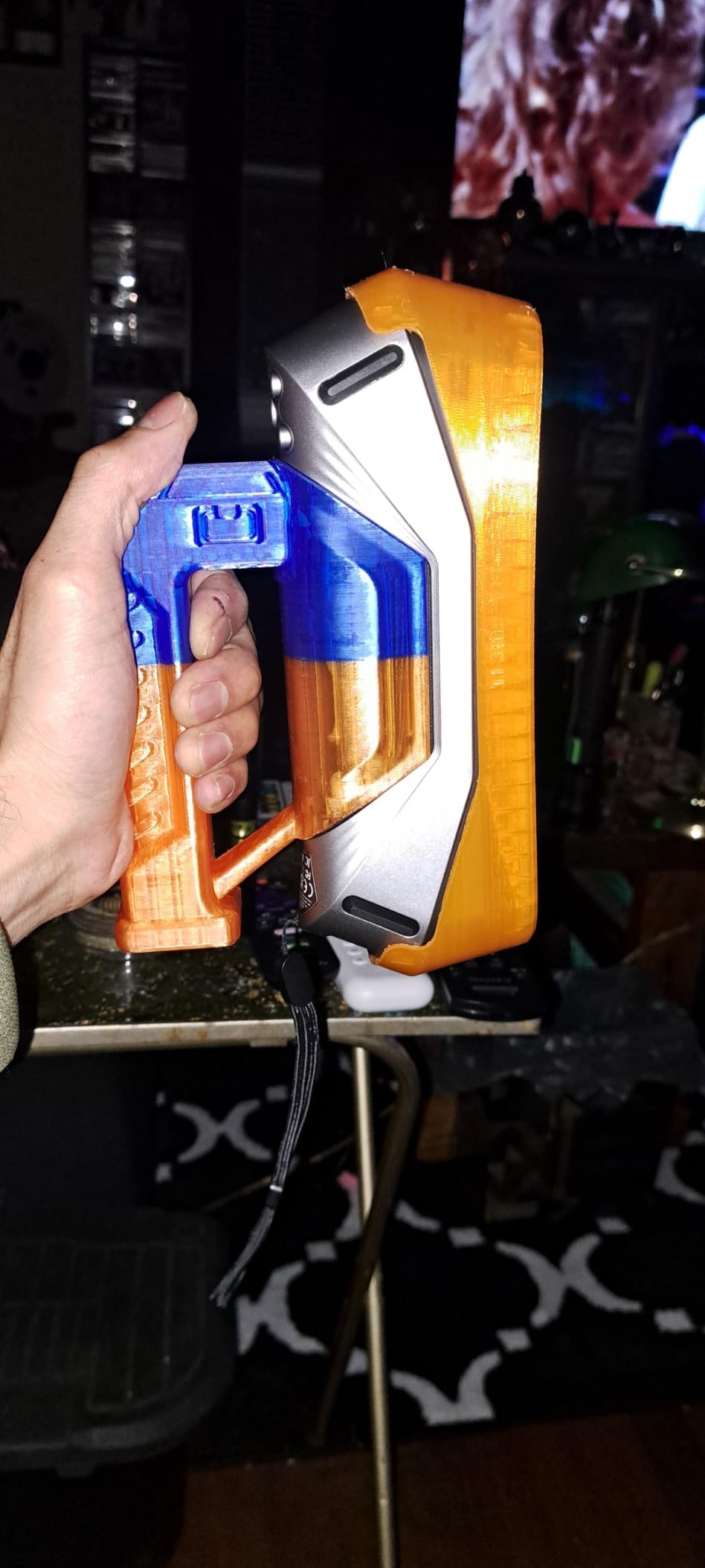
The 372 g scanner body is genuinely light. I held the Raptor in one hand for a 45-minute scan session of a life-size clay bust without the wrist strain I feel with heavier units. For artists with longer sessions or wrist sensitivity, that ergonomic difference matters more than the spec sheet suggests.
The 12 white LED supplemental lights deliver surprisingly strong color texture. I scanned a hand-painted cosplay helmet with multiple finish types (matte base coat, metallic trim, glossy visor edge), and the RGB capture preserved the sheen differences across each surface. The texture was not quite as sharp as what the POP 4 or MIRACO Plus produces, but it was more than adequate for portfolio renders and reference prints.
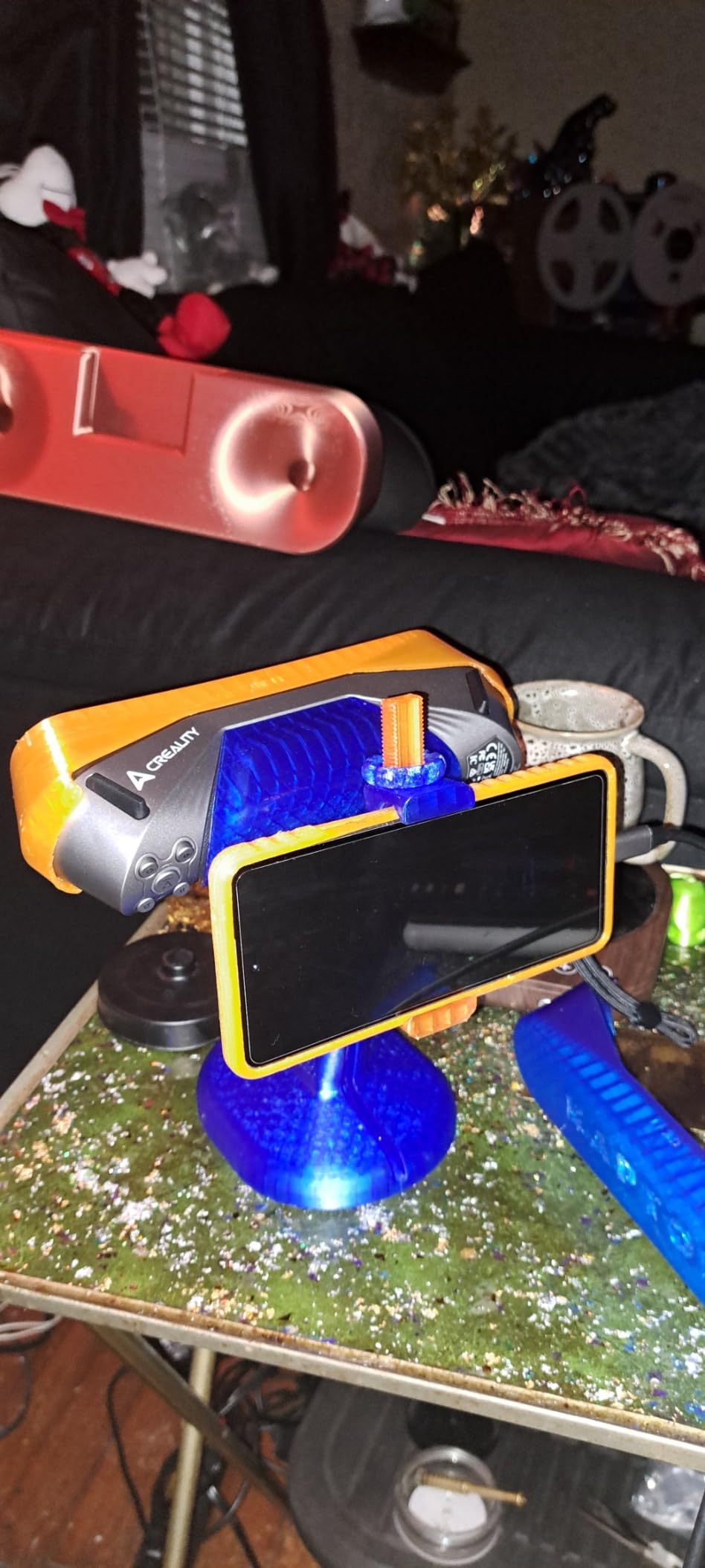
Who the Creality Raptor is for
The Raptor is built for the artist who wants metrology-grade accuracy plus the convenience of markerless NIR scanning in a single handheld unit. If you work on detailed metal miniatures one day and broader textured sculptures the next, the dual-mode system handles both without swapping devices. It is also a strong fit for artists already inside the Creality 3D printing ecosystem who want seamless scan-to-print integration.
Who should skip the Creality Raptor
Skip the Raptor if you cannot dedicate a powerful NVIDIA-equipped computer to scanning – the bundled software and driver requirements are heavier than they look, and reviewers report frustration on underpowered machines. Artists who need stable tracking without lots of markers should also consider the MetroY Pro, which has a more polished tracking experience.
How to Choose the Best 3D Scanner for Your Art?
Choosing the best 3D scanner for artists comes down to matching four practical realities to your studio setup: the size of objects you typically scan, the surface finishes you work with, your existing computer, and how the mesh needs to flow into your downstream tools. Every scanner in this roundup handles different points on those four axes, so use this guide to narrow down the field before you commit.
Match the scanner to your object size
The most important question is the size range you actually scan. If your work is mostly miniatures under 100 mm, a structured-light scanner with a close-focus mode (POP 4, Rockit, or Raptor) will give you finer detail than a long-range blue laser unit. If your work spans miniatures to mid-size sculptures, look for a scanner with a markerless mode plus a wide capture range (MetroY Pro, Otter). If you regularly scan objects larger than 1 m – mannequins, architectural maquettes, full-body figures – the Sermoon S1’s 5 mm to 4 m range is the only consumer option that handles it cleanly.
Pick the right light source for your surfaces
Surface finish is the second-biggest decision driver. Blue laser scanners handle dark, shiny, and metallic surfaces better than NIR structured-light units, which is why the MetroY Ultra, MetroY Pro, Raptor, and Sermoon S1 all lead with blue laser technology. NIR structured light (POP 4, MIRACO Plus, Otter) is faster and produces cleaner color textures but struggles on truly black or mirror-finish objects without markers. Hybrid units that combine both (Rockit, Raptor) give you flexibility but trade some specialization for versatility.
Verify your computer can run the scanner
Almost every modern 3D scanner demands more from your computer than its price suggests. The Rockit and the MetroY-series scanners specifically want an NVIDIA RTX 3060 or better with 16 to 32GB of system RAM. macOS users should double-check feature parity before buying – the MetroY Ultra’s PTB-certified Revo Measure software is Windows 10/11 only, and the POP 4’s AI segmentation is Windows only. If your studio runs on a thin-and-light laptop, the MIRACO Plus is the only scanner that does not require a tethered computer at all.
Plan your scan-to-finish pipeline
The cheapest scanner in the world is the wrong tool if its mesh cannot land in your existing workflow. All eight scanners in this roundup export STL, OBJ, and PLY formats that import into ZBrush, Blender, Substance Painter, Rhino, and standard 3D printer slicers. The MIRACO Plus is the only unit that integrates directly with Revo Design for scan-to-CAD workflows. If you need photorealistic texture for game or VR assets, the POP 4’s 3D Gaussian Splatting output is unmatched at its price.
Surface-type cheat sheet for artists
For matte clay or unbaked polymer clay, any scanner in this roundup works well. For glazed ceramics or varnished sculptures, prioritize blue laser (MetroY series, Raptor, Sermoon S1) or hybrid units (Rockit). For dark bronze or patinated metal, blue laser scanners handle these best with minimal scanning spray. For painted miniatures with metallic finishes, choose a scanner with high-resolution RGB capture (MIRACO Plus, POP 4). For skin and faces, only the MIRACO Plus is rated Class 1 eye-safe for direct face scans.
Frequently Asked Questions
Are 3D scanners worth it for 3D printing?
Yes, for artists who regularly reproduce physical work, a 3D scanner pays back the investment in a few commissions. A scanner collapses hours of manual measurement and modeling into a few minutes of capture, and the resulting mesh exports directly to STL for your 3D printer slicer. Hobbyists who only need an occasional replica are better served by free photogrammetry apps on a recent phone.
What are the best 3D scanners in 2026?
The eight best 3D scanners for artists in 2026 are the Revopoint POP 4 for overall value, Revopoint MetroY Ultra for metrology-grade precision, Einstar Rockit for wireless budget scanning, Revopoint MIRACO Plus for standalone all-in-one use, Revopoint MetroY Pro for versatility across object sizes, Creality CR-Scan Otter for hobbyists, Creality Sermoon S1 for large art objects, and Creality Raptor for hybrid blue laser plus NIR workflows.
Which 3D scanner should I buy as an artist?
Start with the Revopoint POP 4 if you want one scanner that handles miniatures, mid-size sculptures, and color texture in a portable body. Choose the MetroY Ultra if you need metrology-grade precision and verification reports. Pick the Einstar Rockit if you want wireless freedom under $1,000. Choose the MIRACO Plus if you need to scan without a tethered laptop. Pick the Sermoon S1 if you regularly scan objects larger than one meter.
What is the easiest 3D scanner to use?
The Creality CR-Scan Otter is the easiest 3D scanner for first-time artist users because it works out of the box with simple mobile or desktop apps and a forgiving capture range. The Revopoint POP 4 is a close second thanks to AI object segmentation and Wi-Fi 6 streaming. Both trade some peak accuracy for usability, so they are best for hobby and portfolio work rather than engineering inspection.
What is the best 3D scanner for miniatures?
The Revopoint POP 4 is the best 3D scanner for painted miniatures in 2026 thanks to its 0.03mm single-frame accuracy, 3D Gaussian Splatting photorealistic output, and ability to capture fine metallic and matte paint transitions in a single pass. The Einstar Rockit is a strong runner-up if you want wireless handheld scanning at a lower price point. Both handle the under-100mm scan volumes that miniature work requires.
What are the disadvantages of using a 3D scanner?
The main disadvantages of using a 3D scanner for art are tracking loss on dark, shiny, or featureless surfaces, time spent placing and removing reflective markers on markerless-unfriendly objects, color textures that come out muddy on budget units, software learning curves for proprietary tools like RevoScan and StarVision, demanding computer hardware (often requiring a dedicated NVIDIA GPU and 16 to 32GB of RAM), and a premium price compared with photogrammetry apps that work on a recent phone.
Final Verdict: Which 3D Scanner Should Artists Buy?
The best 3D scanner for artists in 2026 is the Revopoint POP 4 – it delivers metrology-class accuracy, AI segmentation, and photorealistic 3D Gaussian Splatting texture in a portable 286 g body, all for a price that a working sculptor or miniature painter can justify on a single project. If you need metrology-grade precision for reverse engineering or jewelry inspection, step up to the Revopoint MetroY Ultra. If you want wireless freedom without a tethered laptop and a sub-$1,000 budget, the Einstar Rockit is the right pick. Sculptors who work at the larger end of the size spectrum should commit to the Creality Sermoon S1 for its 5 mm to 4 m range. Whatever scanner you choose from this roundup, run a few test scans on your own artwork before buying – the right scanner for a jewelry studio is rarely the right scanner for a costume prop maker, and the only way to know is to see how it handles the surfaces and sizes you actually work with.