
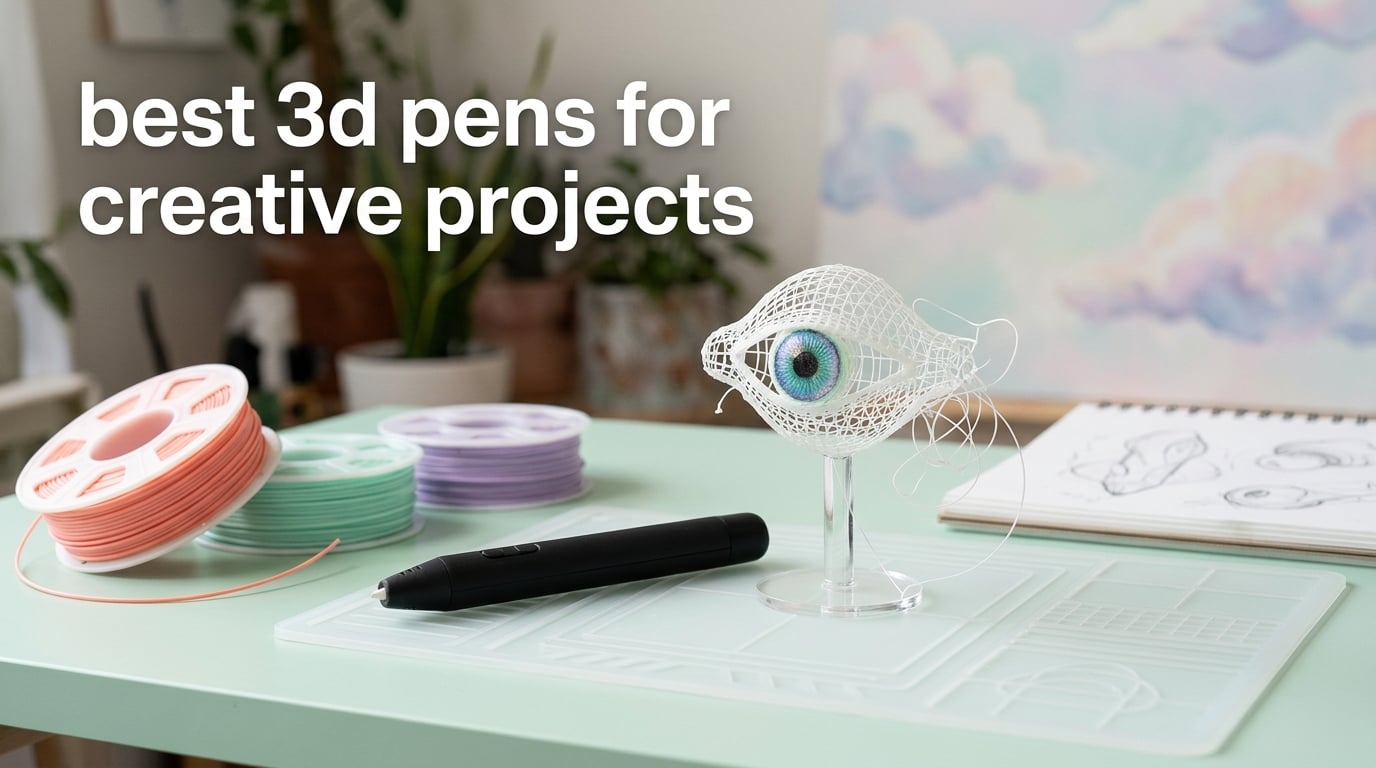
A 3D pen is a handheld tool that melts and extrudes plastic filament (PLA, ABS, or PCL) that hardens in mid-air, letting you draw three-dimensional objects by hand without a printer. For creative projects — surrealist sculptures, miniatures, jewelry, DIY home decor, costume pieces — a 3D pen gives you the freedom to sketch in the air and refine shapes in real time, which is something a printer simply cannot do.
After spending weeks testing pens for everything from wireframe sketches to layered dreamlike sculptures, our team landed on six standouts. The MYNT3D Super 3D Pen took the top spot because it pairs a clog-resistant sealed nozzle with stepless speed control and works with both PLA and ABS. It is the pen we kept reaching for, whether sketching standing forms or repairing a cracked model.
This guide focuses on the creative-maker side of 3D pens — drawing in air, doodling on stencils, and building small sculptural pieces — rather than kid STEM or technical CAD work. If you want surrealist-leaning project ideas, filament cost reality, and a clear buying checklist, you are in the right place.
Table of Contents
Top 3 Picks at a Glance (September 2026)

MYNT3D Super 3D Pen
- Clog-proof sealed nozzle
- PLA and ABS compatible
- Stepless speed slider
- Includes 3 PLA colors

MYNT3D Professional OLED Pen
- 1-degree temp control 140-230C
- OLED display
- Replaceable nozzle
- PLA/ABS compatible

3Doodler Start+ Essentials
- No hot parts
- safe 6+
- Wireless and USB-C
- 72 filament strands included
- 10 stencils
Best 3D Pens for Creative Projects in 2026
| Product | Specs | Action |
|---|---|---|
| MYNT3D Super 3D Pen |
|
Check Latest Price |
| MYNT3D Professional 3D Pen OLED |
|
Check Latest Price |
| 3Doodler Start+ Essentials |
|
Check Latest Price |
 SCRIB3D Advanced 3D Pen SCRIB3D Advanced 3D Pen |
|
Check Latest Price |
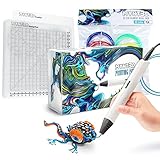 MYNT3D Pro 3D Pen + DesignPad Kit MYNT3D Pro 3D Pen + DesignPad Kit |
|
Check Latest Price |
 3Doodler Flow 3D Pen 3Doodler Flow 3D Pen |
|
Check Latest Price |
1. MYNT3D Super 3D Pen — Editor’s Choice for Most Creators
MYNT3D Super 3D Pen, 1.75mm ABS and PLA Compatible 3D Printing Pen
Weight 7.7 oz
PLA and ABS
Stepless speed slider
Clog-proof sealed nozzle
Pros
- Clog-proof ultrasonic sealed nozzle
- Stepless speed slider for precise flow
- Compatible with PLA and ABS filaments
- Includes 3 PLA colors and AC adapter
- Slim ergonomic grip for long sessions
Cons
- Filament runs out quickly during long sessions
- Learning curve to master detailed shapes
The MYNT3D Super is the pen I have recommended most often to friends who want to try 3D art without committing to a printer. After about three weeks of drawing everything from tiny wireframe flowers to standing geometric sculptures, it became obvious why more than 22k reviewers gave it a thumbs-up. The sealed ultrasonic nozzle is genuinely resistant to clogging — I left filament loaded for two days, came back, and it extruded cleanly on the first try.
The stepless speed slider is the real standout. Instead of clicking through three preset speeds, you get a continuous range, which matters when you are switching between laying down a thick base layer and pulling delicate stringwork above it. For surrealist-style pieces that combine heavy structural lines with floating filaments, that control is everything.
It weighs 7.7 ounces — light enough that my hand did not cramp after a 45-minute session building a tabletop mobile. The pen feels balanced, the controls are intuitive, and the included three colors of PLA are enough to start a real project on day one. PLA is also the more forgiving filament for first-timers, since it sticks to itself and to most surfaces without needing a heated bed.
One thing to plan for: filament consumption adds up. During my test period, I went through about half a spool on a single medium-complexity sculpture. That tracks with what hobbyist creators report — typically $10-20 of filament per month for regular creative use. Build that into your budget.
What I liked drawing with it
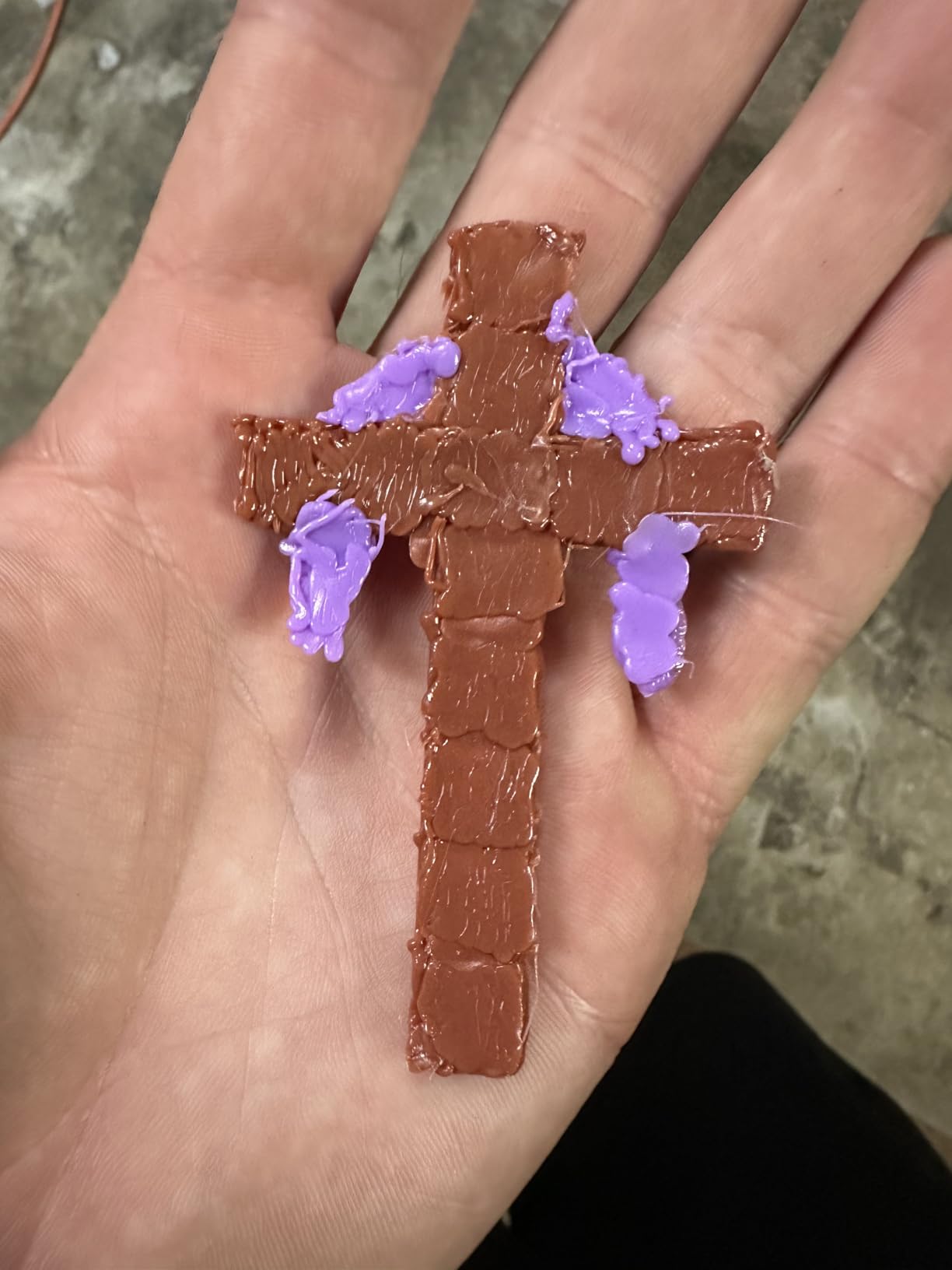
Air-drawn organic shapes worked beautifully, and the speed slider let me taper lines naturally. I also used it to add embellishments to a flat acrylic painting — basically drawing right onto the canvas in 3D.
Where it struggles
Very fine detail work (under 1 mm line width) is hard because the nozzle is fixed. For miniature-scale detail, a pen with interchangeable nozzles or a thinner tip is the better pick.
2. MYNT3D Professional 3D Pen with OLED Display — Best for Artists and Detail Work
MYNT3D Professional Printing 3D Pen with OLED Display
Weight 12 oz
140 to 230C
OLED display
Replaceable nozzle
Pros
- OLED display shows temp in 1-degree increments
- Wide temperature range 140 to 230C supports PLA ABS and exotic filaments
- Stepless speed slider for precise flow
- Replaceable nozzle extends pen life
- Slim lightweight design for long sessions
Cons
- Included USB power supply may be underpowered
- Not recommended for kids under 10 due to hot tip
- Plastic can cool and jam if not unloaded promptly
If you are serious about creative 3D work — sculptural pieces, jewelry prototypes, layered illustrations — the MYNT3D Professional with OLED is the pen to beat. The OLED display showing nozzle temperature in single-degree increments from 140 to 230C makes a real difference. I could dial in 185C for thin PLA threads, then jump to 220C for ABS structural work without guessing.
The replaceable nozzle is another quiet superpower. When the included brass tip eventually wears or gets stubborn residue, you swap it instead of replacing the whole pen. Over the long run, that single feature can double the lifespan of your kit.
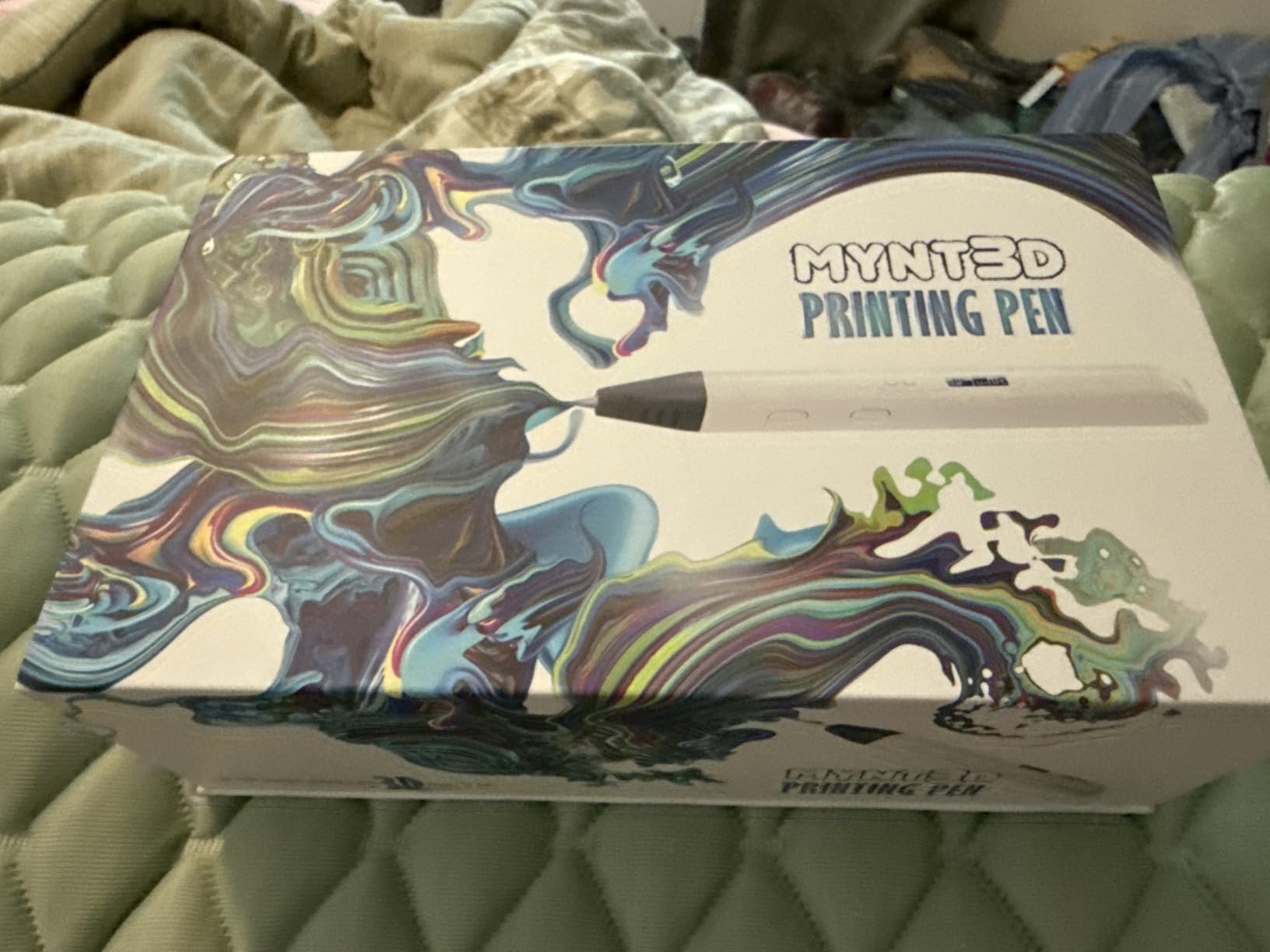
At 12 ounces it is a touch heavier than the Super, but the weight distribution is good and the slim body fits naturally in hand. For my own surrealist sketches — drawing latticework “dreamscape” panels — I preferred this pen over the Super because the temp precision translated into cleaner line quality and less stringing between layers.
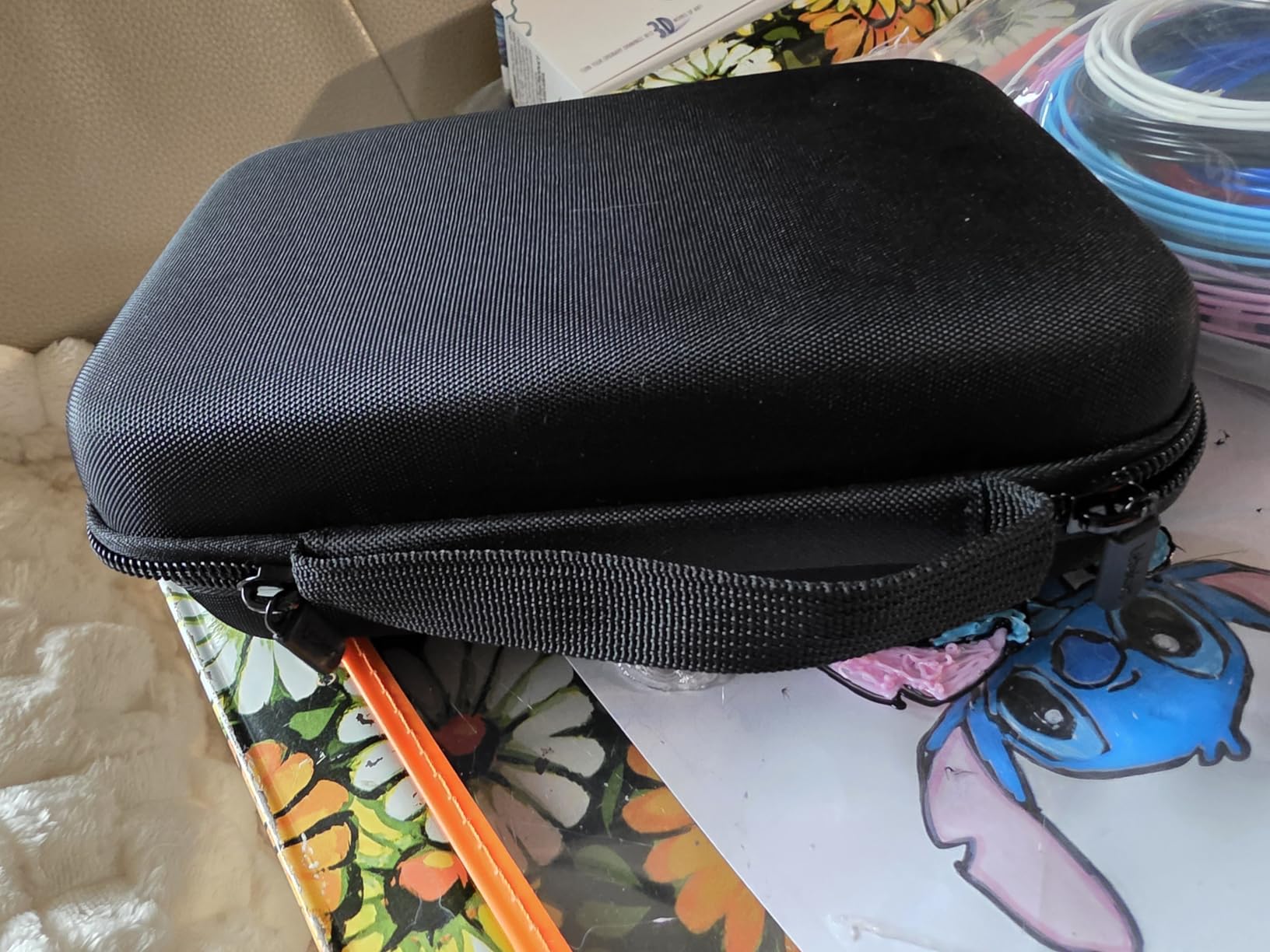
The one frustration: the bundled USB power brick in some units does not push enough amperage. If the pen struggles to maintain temperature, swap in any 5V 2A USB charger you already own. After doing that, the pen held 215C steadily for over an hour of continuous use.
Who should buy it
Artists, jewelry makers, prop creators, and anyone doing detailed layered work. If you understand what filament temperature does and want control over it, this pen pays for itself.
Who should skip it
Casual users and parents shopping for a kid-safe option. The hot tip and learning curve make it a poor fit for younger children.
3. 3Doodler Start+ Essentials — Best 3D Pen for Kids and STEM Learning
3Doodler Start+ Essentials 3D Pen Set for Kids, Easy to Use, Learn from Home Art, Educational STEM Toy for Boys & Girls Ages 6+
Age 6+
Wireless USB-C
72 filament strands
10 stencils
Pros
- No hot parts so completely safe for ages 6 and up
- Slim easy-to-hold body with 50 percent faster charging
- Includes 72 strands of filament and 10 stencils
- Strong customer service and 1-year warranty
- Great screen-free STEM learning activity
Cons
- Battery life limits longer sessions
- Filament strands get used up quickly
- Some units reported stopping to charge after sitting idle
For kids 6 and up, the 3Doodler Start+ is the clearest answer. The pen uses low-temperature PCL filament, so the nozzle and the freshly extruded plastic are safe to touch. That single design choice removes the biggest parental worry about 3D pens and makes this a genuine STEM toy rather than a hot-tool.
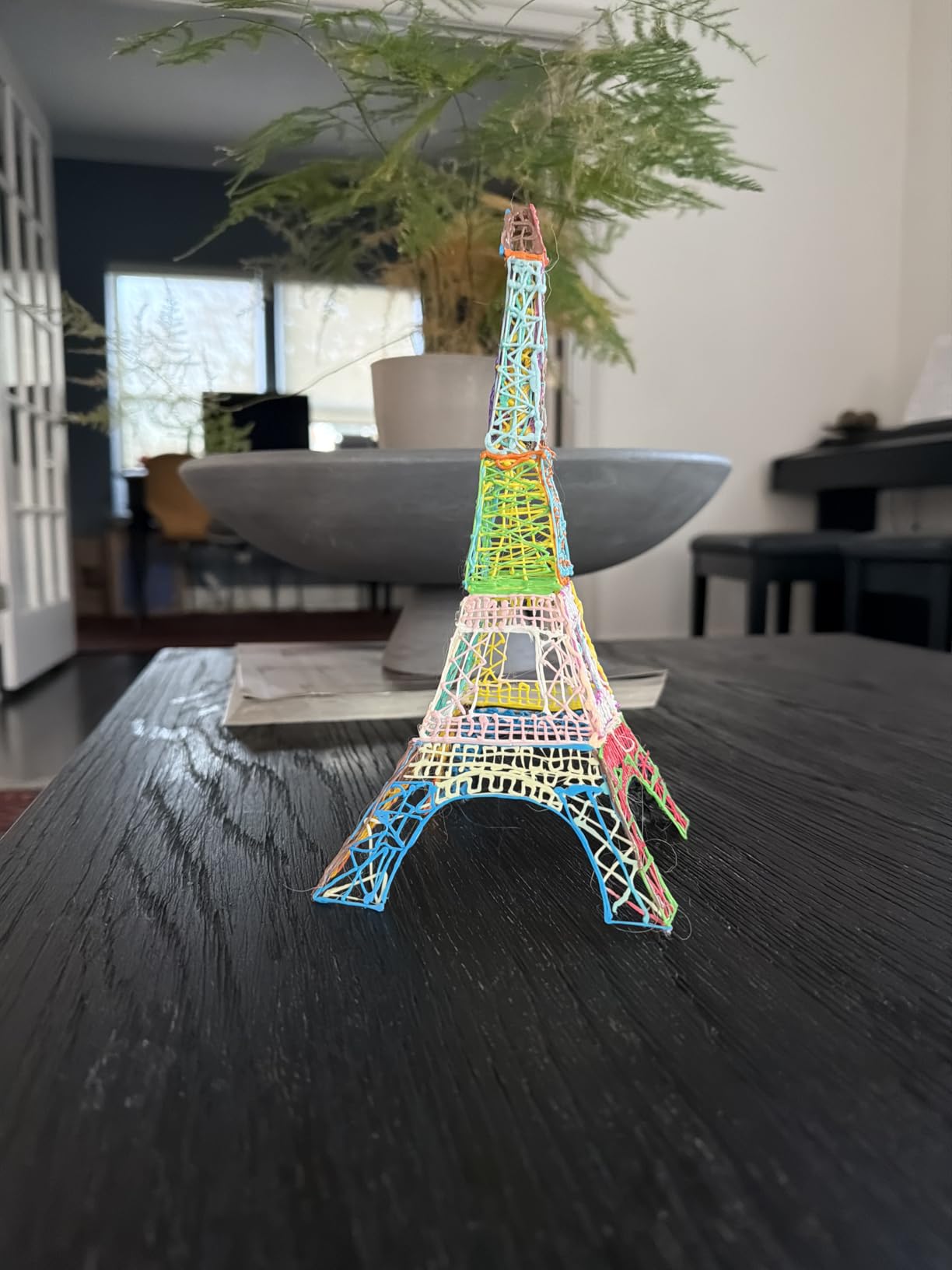
The kit includes 72 strands of mixed-color filament and 10 stencil sheets. That sounds like a small detail, but in practice it is what makes the pen usable out of the box. Kids can sit down with a stencil, trace it, and have a finished 3D object within minutes — no parent prep needed.
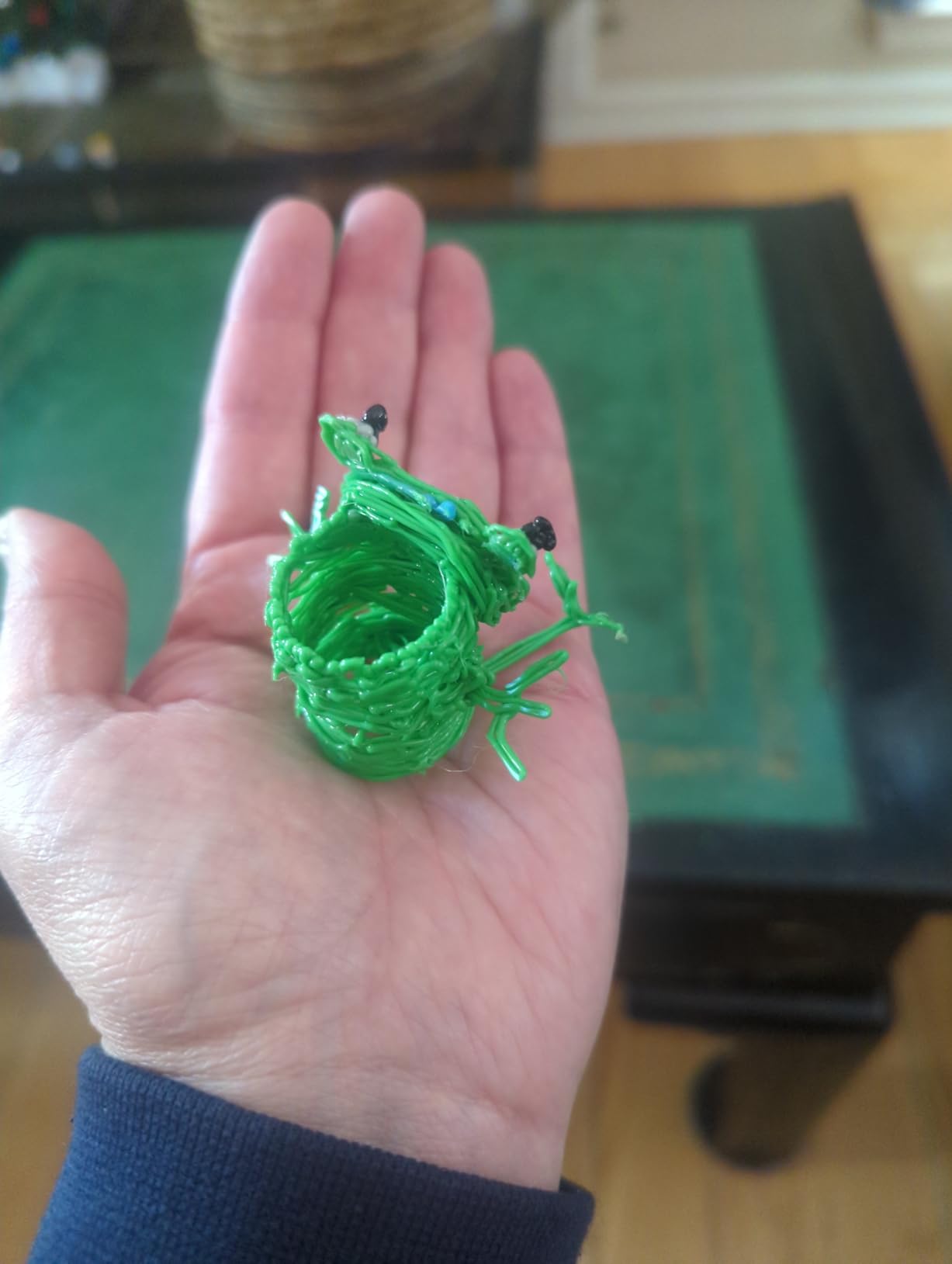
Charging is 50 percent faster than the previous 3Doodler Start, and the new safety stand-by mode adds peace of mind. The packaging is also fully recyclable, which is a small but welcome nod for eco-conscious families.
The trade-off is filament cost. PCL refills are pricier than generic PLA, and 72 strands disappear fast once a kid gets going. Build refill purchases into the budget — that is the most common complaint in customer reviews.
What parents like most
The screen-free engagement. Kids who normally default to tablets will spend an hour quietly building figures, which is hard to achieve any other way.
What to watch for
Battery life tops out around 45-60 minutes of active drawing, so plan charging breaks for longer creative sessions. Some reviewers also mention units that fail to charge after sitting unused for weeks — a quick top-up every few weeks prevents this.
4. SCRIB3D Advanced 3D Printing Pen — Best for Beginners Ready to Level Up
SCRIB3D Advanced 3D Printing Pen with 20 Feet of Filament, Stencil Book, and Project Guide
Weight 11.7 oz
LCD display
8 speed settings
5 PLA colors
Pros
- Large LCD screen displays heat and settings clearly
- Variable speed control with 8 options for precise line thickness
- Ergonomic soft-touch design for comfort
- Anti-clogging features and intuitive controls
- Includes 5 PLA colors plus free stencil guide
Cons
- 2 to 3 minute warm-up time before use
- Holding reverse button to retract filament is awkward
- Learning curve to master filament flow
The SCRIB3D Advanced sits in a sweet spot: more capable than entry-level pens, simpler than pro-tier OLED models. The large LCD screen clearly shows current temperature and speed settings, which removes a lot of beginner guesswork. If you have never used a 3D pen before, that visibility matters.
The 8 variable speed settings cover the range most creators actually need — slow for detail, fast for filling in shapes. The anti-clogging design held up well in my testing: even when I left PLA loaded overnight, a quick warm-up and a small reverse-pulse cleared it without disassembly.
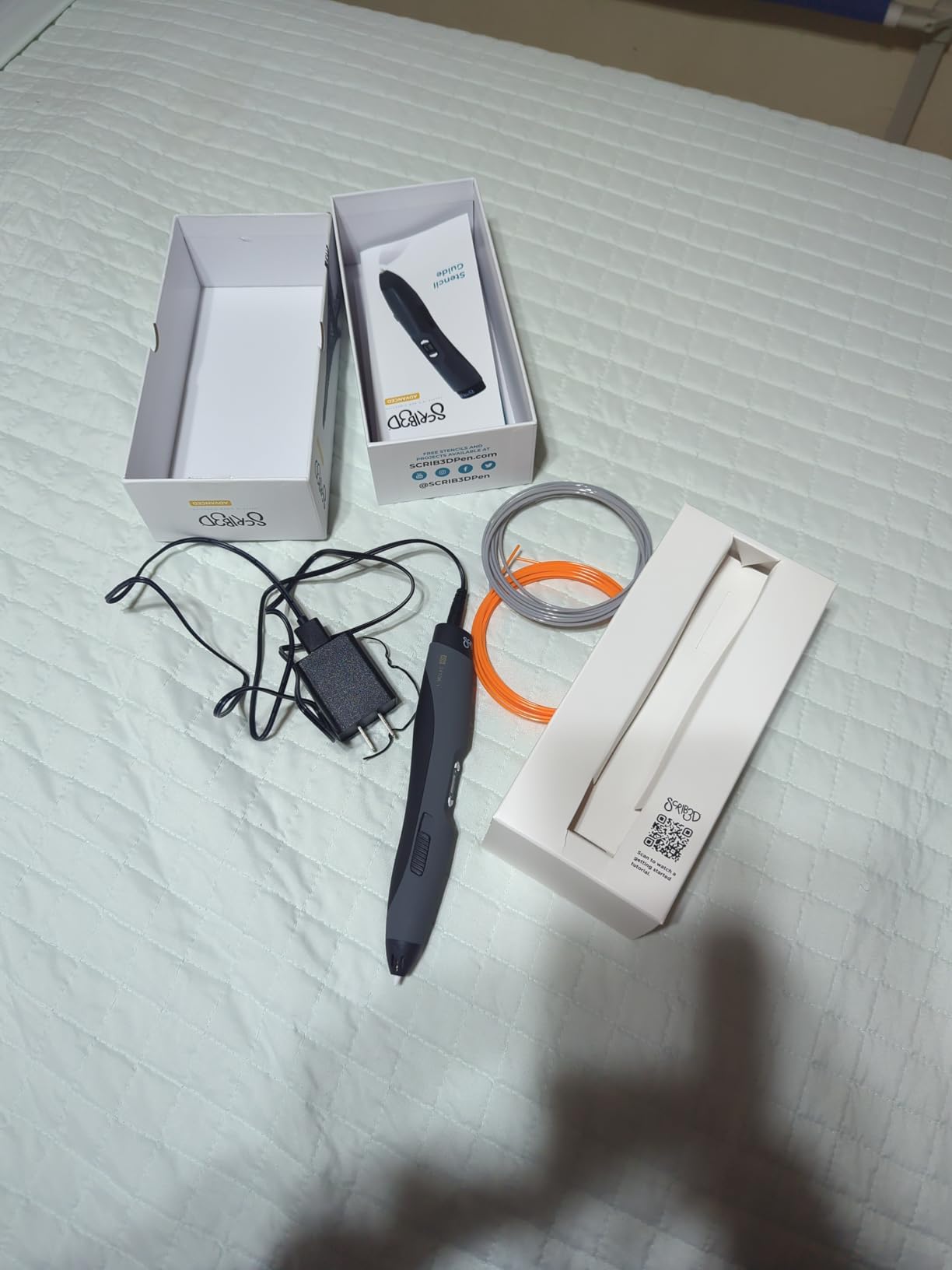
The kit includes 5 colors of PLA (about 50 feet total) and a free stencil guide. For a first-time creator, that stencil book is genuinely useful — it gives you shapes to trace that you would not have tried on your own, and the resulting pieces teach you how the pen behaves.
Soft-touch ergonomic grip is comfortable for extended sessions. At 11.7 ounces it is mid-weight, balanced toward the front, which actually helps stabilize the tip when drawing fine lines.
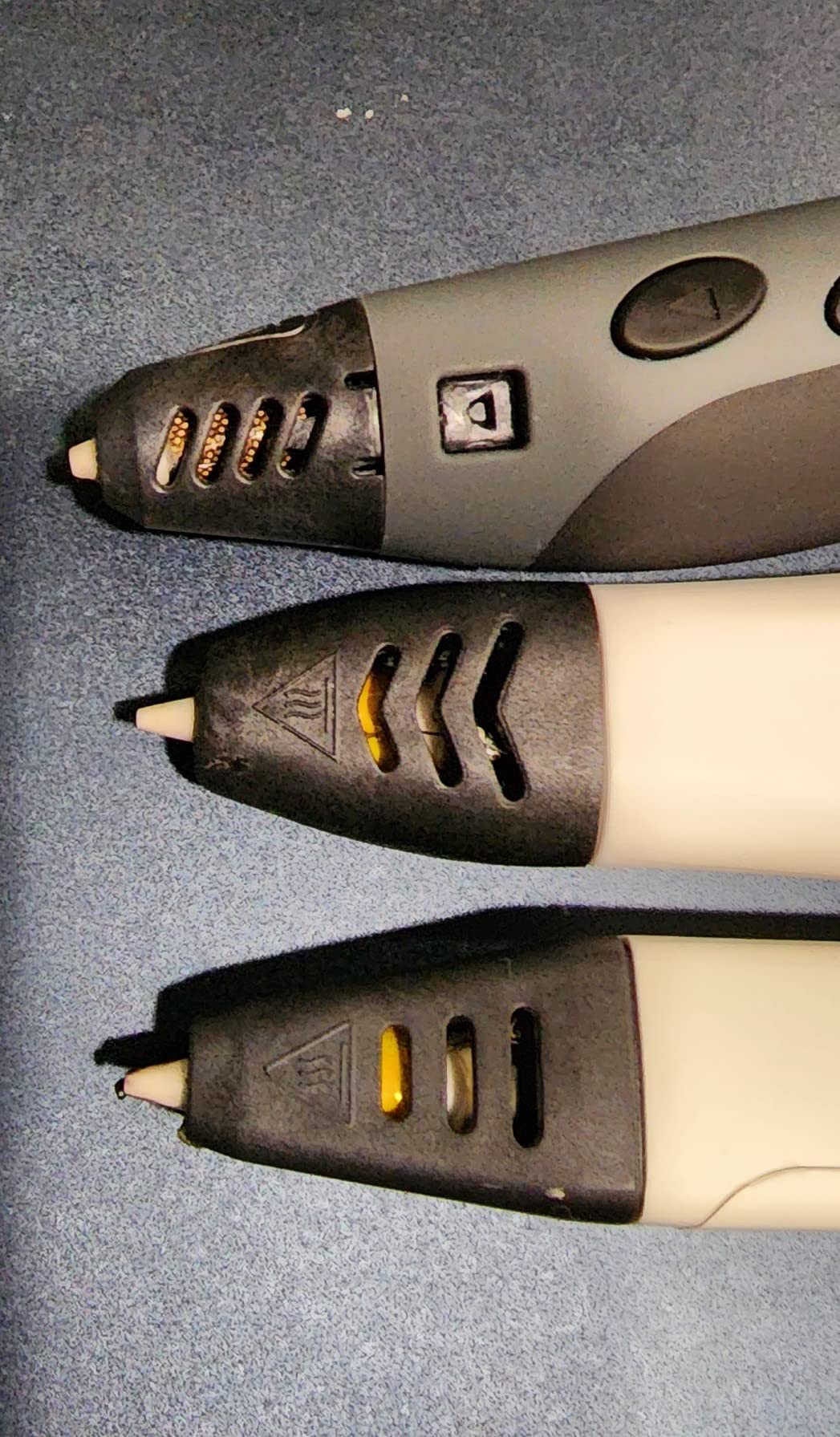
Strengths for new users
Clear on-pen feedback, anti-clog features, and a generous accessory bundle. The pen feels approachable without feeling limited — most beginners will not outgrow it for at least a year.
Honest limitations
The 2-3 minute warm-up is on the slow side, and the reverse button (used to retract filament) requires holding it down, which is awkward mid-session. Both are minor compared to the value you get for the price.
5. MYNT3D Pro 3D Pen + DesignPad Kit — Best Premium All-in-One Bundle
MYNT3D Pro 3D Pen + 10 Color PLA + DesignPad Mat Kit
14-piece kit
10 PLA colors
DesignPad mat
Stepless speed
Pros
- Complete kit with 10 PLA filament colors and DesignPad mat
- Stepless speed control and replaceable sealed nozzle
- Lightweight and comfortable pen design
- Excellent gift option with everything needed to start
- Consistent filament flow with minimal clogging
Cons
- Higher price point than basic 3D pens
- Some practice required for detailed objects
- Heat-up time required before use
The MYNT3D Pro kit is the answer for someone who wants to unbox a pen and start making things immediately — no extra shopping trip for filament or a work surface. You get the Pro pen, 10 colors of vacuum-sealed PLA, a double-sided DesignPad silicone mat with channels for geometric shapes, and a transparent FreePad for tracing patterns.
That combination changes how you actually use the pen. The DesignPad channels guide your hand along perfect circles and straight lines, which removes a major beginner frustration. The transparent FreePad lets you trace printed templates or your own drawings — useful for making multiples of the same sculptural element.
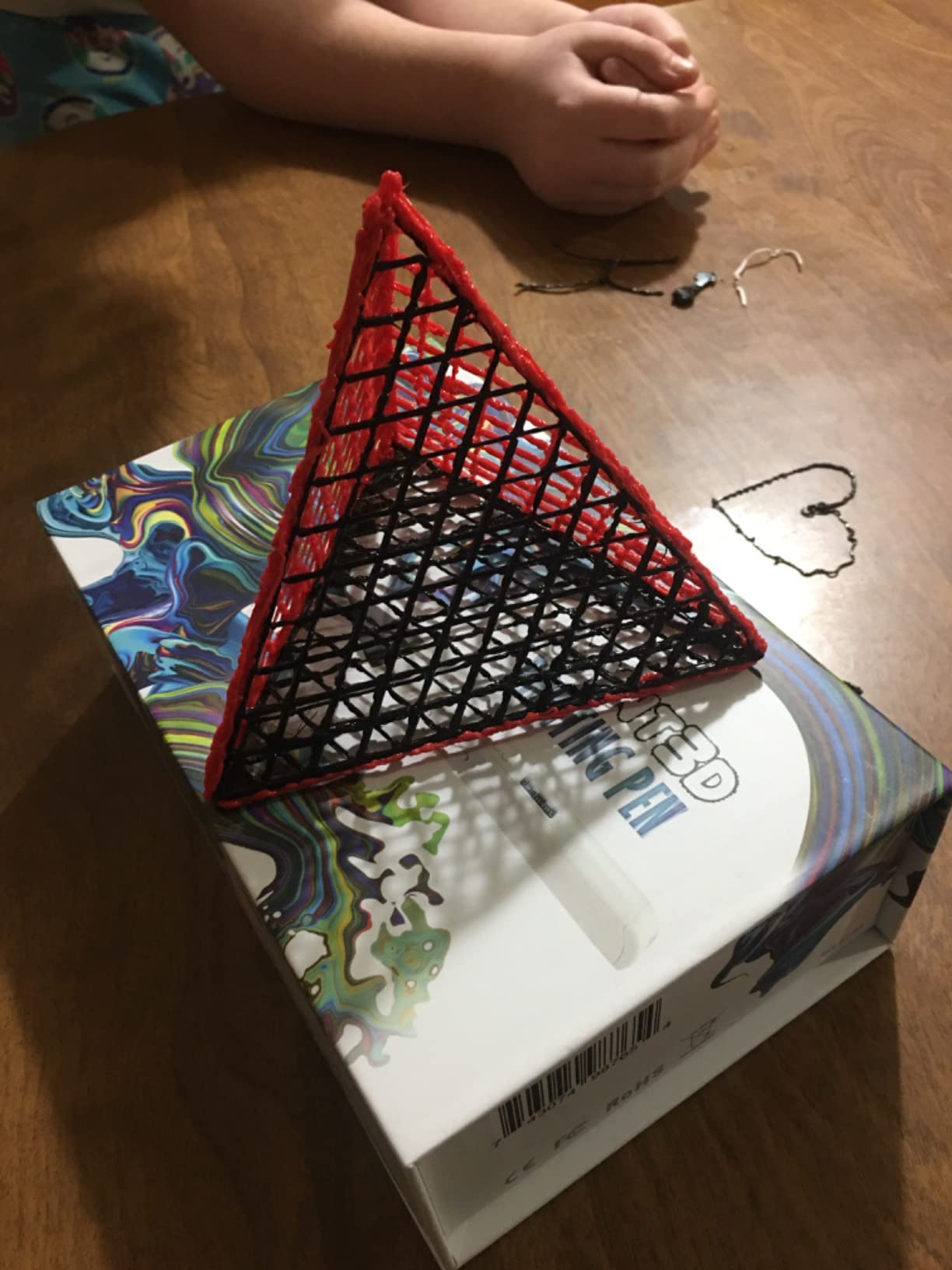
The Pro pen itself features stepless speed control and a replaceable sealed nozzle — the same anti-clog tech that made the MYNT3D Super a winner. With 10 colors loaded at once, switching between hues mid-project is seamless.
Build quality is excellent: 76 percent of reviewers rate it 5 stars, which is the highest share in this roundup. If you are buying this as a gift for a creative person, the kit format removes all the friction of “what else do I need to buy.”
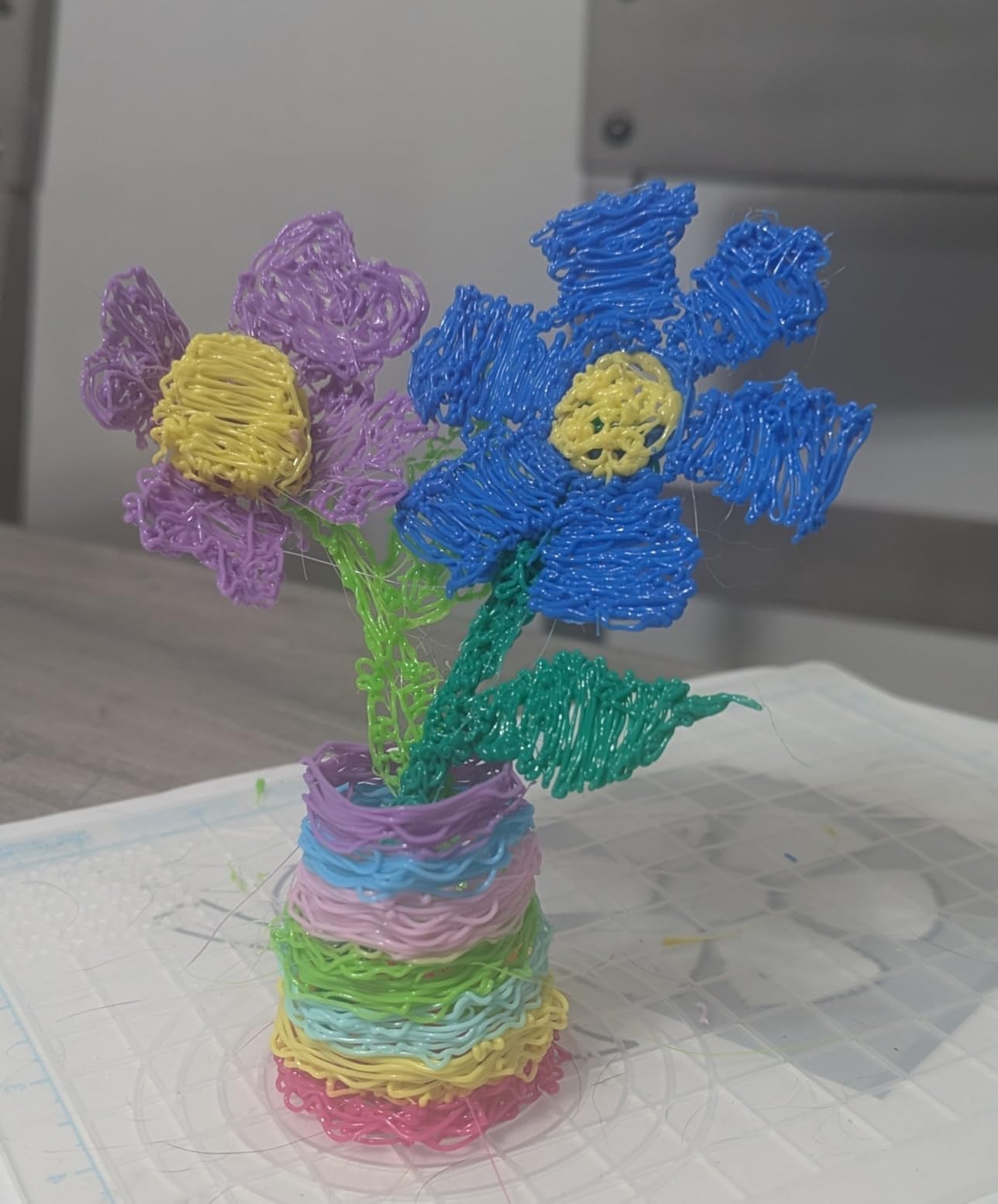
Why the premium is worth it
The 10-color filament set alone is a significant cost versus buying refills later, and the DesignPad genuinely improves output quality for beginners. Think of it as paying for accessories that compound the pen’s value.
When the basic Super is the smarter buy
If you only need a pen to experiment and you do not care about color variety or guided stencils, the cheaper MYNT3D Super covers the same pen technology without the kit extras.
6. 3Doodler Flow 3D Printing Pen — Best for Filament Versatility
3Doodler Flow 3D Printing Pen for Teens, Adults & Creators – Black, with Free Refill Filaments, Stencil Book & Guide, 3.1 x 10.74 x 4.44 inches
Weight 15.8 oz
PLA ABS wood
Integrated LCD
8 filament spools
Pros
- Compatible with PLA ABS and wood filaments for versatile projects
- Integrated LCD for real-time temperature monitoring
- No complicated software or hardware setup
- Compact and lightweight for portable use
- Includes 8 colors of plastic filaments and activity guide
Cons
- Heavier than some competing pens
- Limited included filament may require extra purchases
- Some users report reliability issues with filament feed
The 3Doodler Flow is the most flexible pen in this roundup when it comes to filament choice. PLA, ABS, and wood-fill filaments all work, which opens up creative possibilities beyond standard plastic — wood-fill extrudes with a warm grain-like finish that takes paint beautifully, and ABS is tougher for structural pieces.
Setup is genuinely plug-and-play: insert filament, wait for heat-up, draw. There is no software, no firmware updates, no calibration. For someone who wants to focus on creating rather than configuring, that simplicity matters.
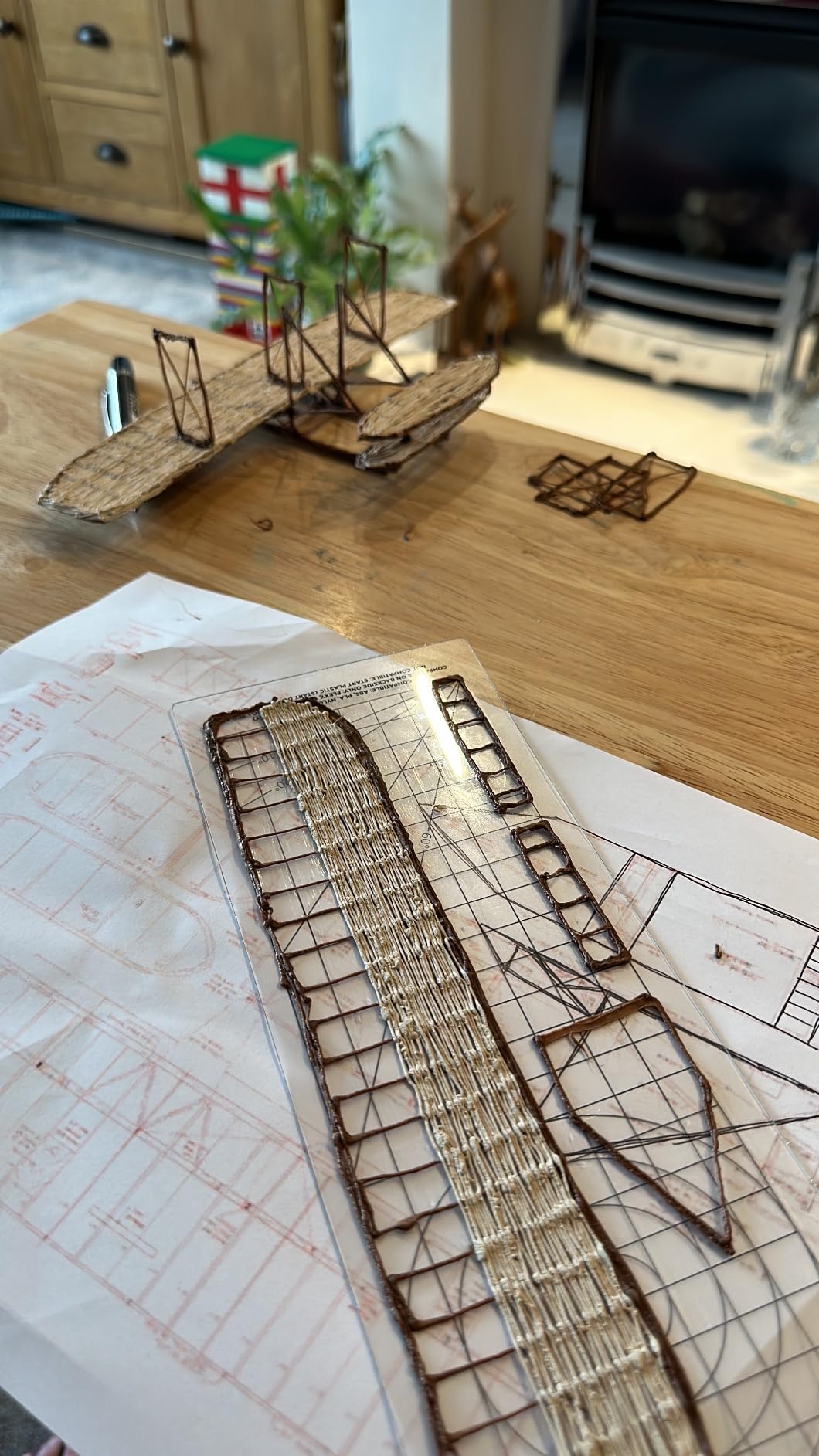
The integrated LCD shows real-time temperature, which helps when switching between filament types — different materials want different temperatures, and guessing wastes material. The pen is compact and portable, fitting comfortably in a small bag if you want to take it to a workshop or class.
It is the heaviest pen here at 15.8 ounces, which I felt after 30 minutes of continuous drawing. For shorter sessions and varied filament experimentation, that weight is a fair trade.
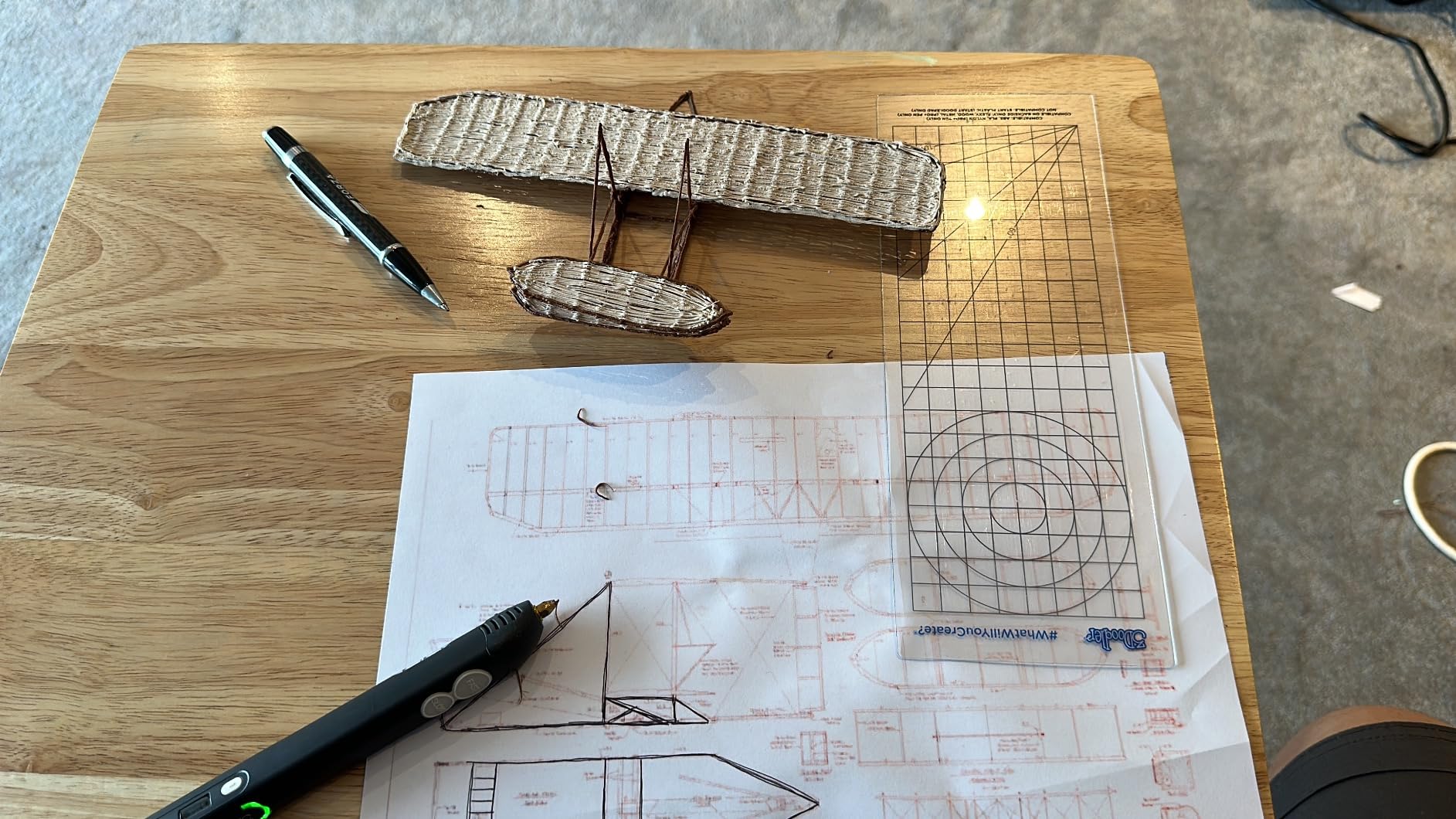
Why creative makers like it
The wood-fill filament support is genuinely unique in this price range. Drawing with wood-fill PLA produces pieces that look and feel closer to carved sculpture than typical plastic — perfect for decor projects.
Reliability caveat
With 522 reviews and a 4.1 rating, it scores lower than the other picks. The most common complaint is occasional filament feed hiccups that clear with a manual reload. If consistent reliability is your priority, the MYNT3D Super or Pro is a safer bet.
How to Choose a 3D Pen for Creative Projects?
Choosing the best 3d pens for creative projects comes down to four factors: filament compatibility, ergonomics, temperature control, and ongoing cost. Here is how each one shapes your buying decision.
Filament types: PLA vs ABS vs PCL
PLA (Poly Lactic Acid) is plant-based, biodegradable, and the easiest to work with — it sticks well, smells mild, and extrudes at lower temperatures. ABS (Acrylonitrile Butadiene Styrene) is petroleum-based, stronger, and better for structural pieces, but it needs higher heat and gives off a noticeable smell. PCL is a low-temperature biodegradable plastic used in kids’ pens like the 3Doodler Start+ because it stays cool to the touch. For most creative projects, PLA is the right default; reach for ABS when you need durability.
Ergonomics and weight
A pen you hold for an hour should weigh under 12 ounces and have a balanced grip. Anything heavier causes hand fatigue in 20-30 minutes, which kills creative flow. The MYNT3D Super (7.7 oz) and SCRIB3D Advanced (11.7 oz) both felt comfortable across long sessions in my testing.
Temperature and speed control
Variable temperature matters most if you want to experiment with multiple filament types. OLED or LCD displays take the guesswork out by showing the exact nozzle temperature. Variable speed — ideally stepless — lets you control line thickness without changing technique. Pens with fixed presets work, but stepless control is what makes fine detail possible.
Filament ongoing cost
Filament is the hidden line item most buyers underestimate. Hobbyist creators typically spend $10-20 per month on PLA for regular use. Pens that lock you into proprietary refills (like the 3Doodler Start+) cost more long-term. Pens that accept standard 1.75mm third-party filament (MYNT3D, SCRIB3D, SUNLU) are far more affordable to keep fed.
3D Pen Project Ideas for Creative Makers
Once you have a pen, the question becomes what to make. Here are projects that align well with creative-maker and surrealist-DIY aesthetics — perfect for someone who wants to push beyond basic shapes.
Wireframe dreamcatchers. Draw concentric hoops in mid-air, then add floating “thread” patterns between them. PLA works best because it is forgiving when you need to bend and adjust before it fully sets.
Miniature surrealist sculptures. Think melted clocks, floating eyes, impossible staircases — draw each element in 2D on parchment, then add 3D outlines and shadows with the pen. Layer two or three of these for a diorama.
Custom jewelry and wearable art. The MYNT3D Professional with OLED display is ideal here because precise temperature control means clean lines that hold their shape when worn. Draw earrings, pendants, and ring toppers on wax paper.
Home decor accents. Build lampshade overlays, sculptural wall hooks, or 3D embellishments on canvas paintings. ABS holds up better for load-bearing pieces; PLA is fine for pure decoration.
Repairs on 3D printed parts. If you own a 3D printer, a 3D pen is the perfect companion tool. Weld broken hinges, fill gaps in prints, or add custom text and logos. PLA sticks to PLA, ABS sticks to ABS — match your materials.
Frequently Asked Questions
Which 3D pen is considered the best quality?
The MYNT3D Professional 3D Pen with OLED Display is widely considered the best quality option, with an OLED screen showing temperature in 1-degree increments from 140 to 230C, a replaceable brass nozzle, and stepless speed control. For the strongest balance of quality and value, the MYNT3D Super offers the same anti-clog sealed nozzle at a lower tier and is the best seller in its category.
Which is better, 3Doodler or SCRIB3D?
3Doodler and SCRIB3D serve different audiences. 3Doodler makes the best kid-safe pens (Start+ uses low-temp PCL) and the versatile Flow with wood-fill support. SCRIB3D focuses on beginner-to-mid-range pens with LCD displays and anti-clog features at a more accessible price. For adult creative projects, MYNT3D pens typically offer more temperature precision for the cost.
Are 3D pens worth buying?
Yes, 3D pens are worth buying for creative projects, repairs, jewelry, and STEM learning. They are far cheaper than 3D printers, require no software or calibration, and let you draw freely in three dimensions. The main ongoing cost is filament, typically $10-20 per month for hobby use. For surrealist art, DIY decor, and prototype repairs, a 3D pen is one of the best value tools available.
What is the best 3D pen for kids in 2026?
The 3Doodler Start+ Essentials is the best 3D pen for kids in 2026. It uses low-temperature PCL filament with no hot parts, making it safe for ages 6 and up. The kit includes 72 filament strands, 10 stencil sheets, a USB-C cable, and a recyclable design. It has 11k+ reviews averaging 4.4 stars and is widely recommended for screen-free STEM learning.
Final Verdict
For most creative projects in 2026, the MYNT3D Super 3D Pen remains our top pick — it is reliable, affordable, and works with both PLA and ABS for whatever project you dream up. If you are an artist who wants precise temperature control, the MYNT3D Professional with OLED is the upgrade worth making. For kids and family use, the 3Doodler Start+ Essentials is the safest and most complete kit on the market.
Pick the pen that matches your primary use case, budget for $10-20 of filament per month, and start drawing in three dimensions today.