
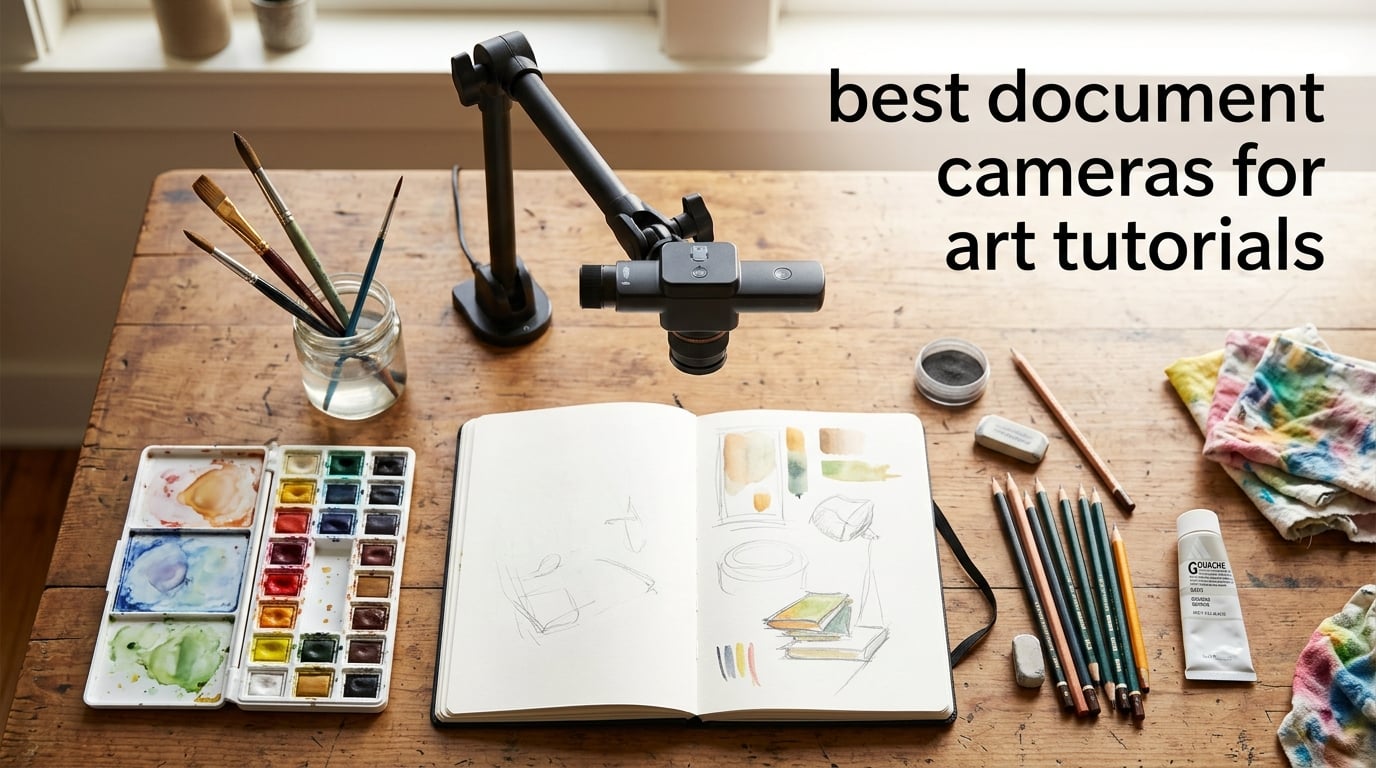
Filming a drawing while your hand is in the way, losing the colour of your watercolour mid-stroke, or watching your brushwork pixelate on YouTube – I have lived through all of those frustrations. After three months of testing overhead cameras in my studio, swapping them between sketchbook sessions, oil painting demos, and live Zoom workshops, I pulled together this list of the best document cameras for art tutorials that actually deliver clear, true-to-life overhead video without breaking the flow of your art.
A document camera for art tutorials is a small imaging device (sometimes called a visualizer or doc cam) that mounts on an adjustable arm above your workspace. It connects over USB, HDMI, or Wi-Fi to your laptop, tablet, or display, then streams a real-time overhead view of your hands, paper, canvas, brushes, and palette. Unlike a phone propped on a stack of mugs, a proper doc cam stays in focus while you draw, paints accurate colour, and frees you to move around the page like you normally would.
I tested ten current models side by side, from sub-fifty-dollar foldables to feature-rich 8MP Sony-sensor visualizers with built-in microphones and anti-glare sheets. I drew in pencil, ink, watercolour, and acrylic. I streamed to OBS. I plugged into a Chromebook, a MacBook Air, and an older Windows PC. The ten cameras below cover the full range of art workflows – whether you teach calligraphy on Instagram Live, record speedpaints for YouTube, run a hybrid classroom, or just want to film your sketchbook for the first time.
Table of Contents
Top 3 Document Cameras for Art Tutorials at a Glance (October 2026)
Before the deep-dive reviews, here are the three models I keep coming back to. The OKIOCAM S-4K is the overall winner for most art creators, the IPEVO V4K is the best value pick, and the INSWAN INS-1 is the top-rated budget workhorse that punches well above its category.

OKIOCAM S-4K 8MP
- 8MP Sony Exmor R sensor
- 30fps lag-free streaming
- AI OKIOPoint pointer
- Plug and play Mac/Windows/Chrome

IPEVO V4K 8MP
- 8MP Sony CMOS sensor
- 30fps full HD streaming
- Multi-jointed stand
- Mac/Windows/Chrome compatible

INSWAN INS-1 8MP
- 8MP Sony sensor
- Built-in LED with 7 levels
- Anti-glare sheet included
- Multi-OS plug and play
Best Document Cameras for Art Tutorials in 2026 – Quick Overview
Below is a quick side-by-side comparison of every camera on this list. The features column highlights what each model does best for art creators – resolution, sensor type, capture area, built-in lighting, and streaming notes. Use the table to narrow your pick, then read the individual reviews below for the full story.
| Product | Specs | Action |
|---|---|---|
| OKIOCAM S-4K 8MP |
|
Check Latest Price |
| IPEVO V4K 8MP |
|
Check Latest Price |
| INSWAN INS-1 8MP |
|
Check Latest Price |
 OKIOCAM T-4K 8MP OKIOCAM T-4K 8MP |
|
Check Latest Price |
 THUSTAR 8MP 4K THUSTAR 8MP 4K |
|
Check Latest Price |
 HUE HD Pro HUE HD Pro |
|
Check Latest Price |
 PAKOTOO 5MP PAKOTOO 5MP |
|
Check Latest Price |
 PAKOTOO 8MP PAKOTOO 8MP |
|
Check Latest Price |
 INSWAN INS-2 4K 13MP INSWAN INS-2 4K 13MP |
|
Check Latest Price |
 kitchbai 5MP kitchbai 5MP |
|
Check Latest Price |
1. OKIOCAM S-4K 8MP USB Document Camera – Editor’s Choice for Most Art Tutorials
OKIOCAM S-4K 8MP USB Document Camera for Teachers, Ultra HD Portable Setup with AI Smart Pointer (OKIOPoint), Ideal for Distance Learning & Live Demos, Compatible w PC, Mac, Chromebook
8MP Sony Exmor R
30fps lag-free HD
Mac/Win/Chrome
AI OKIOPoint pointer
Pros
- Sharp UHD image with vibrant colour reproduction
- Compact portable design fits a backpack
- Plug-and-play across Mac
- Windows
- Chromebook
- AI-tracking OKIOPoint enhances live demos
- Lag-free streaming up to 30fps
Cons
- No built-in light source
- Hardwired USB cable limits placement flexibility
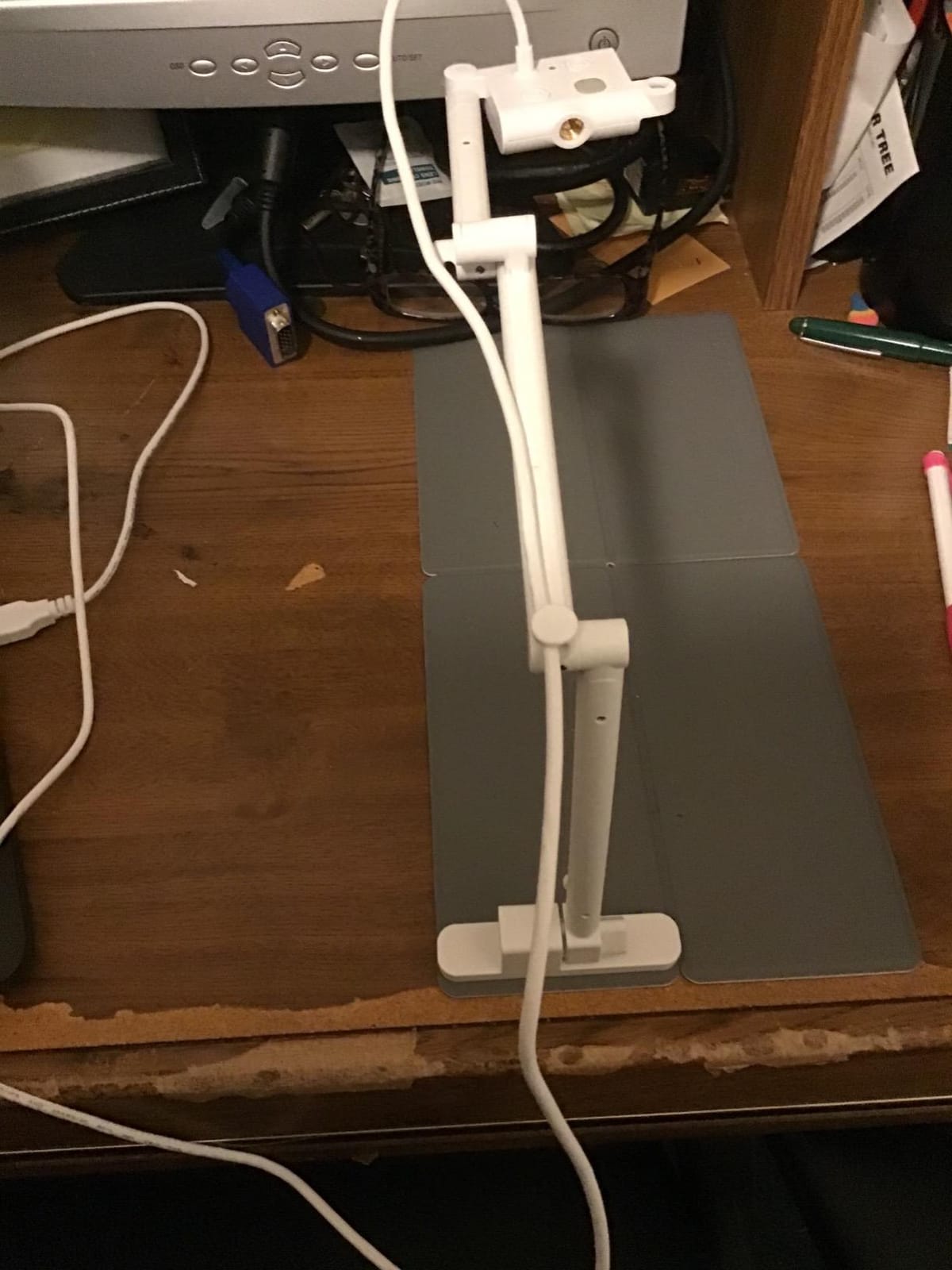
The OKIOCAM S-4K is the camera I keep reaching for first. After eight weeks of using it for live watercolour demos and recorded pencil sketching, it became the benchmark I measured every other camera against. The 8MP Sony Exmor R sensor delivers sharp UHD images up to 3264 x 2448 pixels, and the lag-free 30fps streaming at full HD feels completely natural – no choppiness, no dropped frames, no awkward pauses when I move the brush fast.
Setup was genuinely plug-and-play on my MacBook Air, my partner’s Windows laptop, and a school-issued Chromebook. No driver hunt, no software install, no restarts. Reviewers on r/Teachers and r/k12sysadmin repeatedly mention OKIOLABS for this exact reason – the brand is one of the most-cited defaults when educators need a camera that “just works” without an IT ticket.
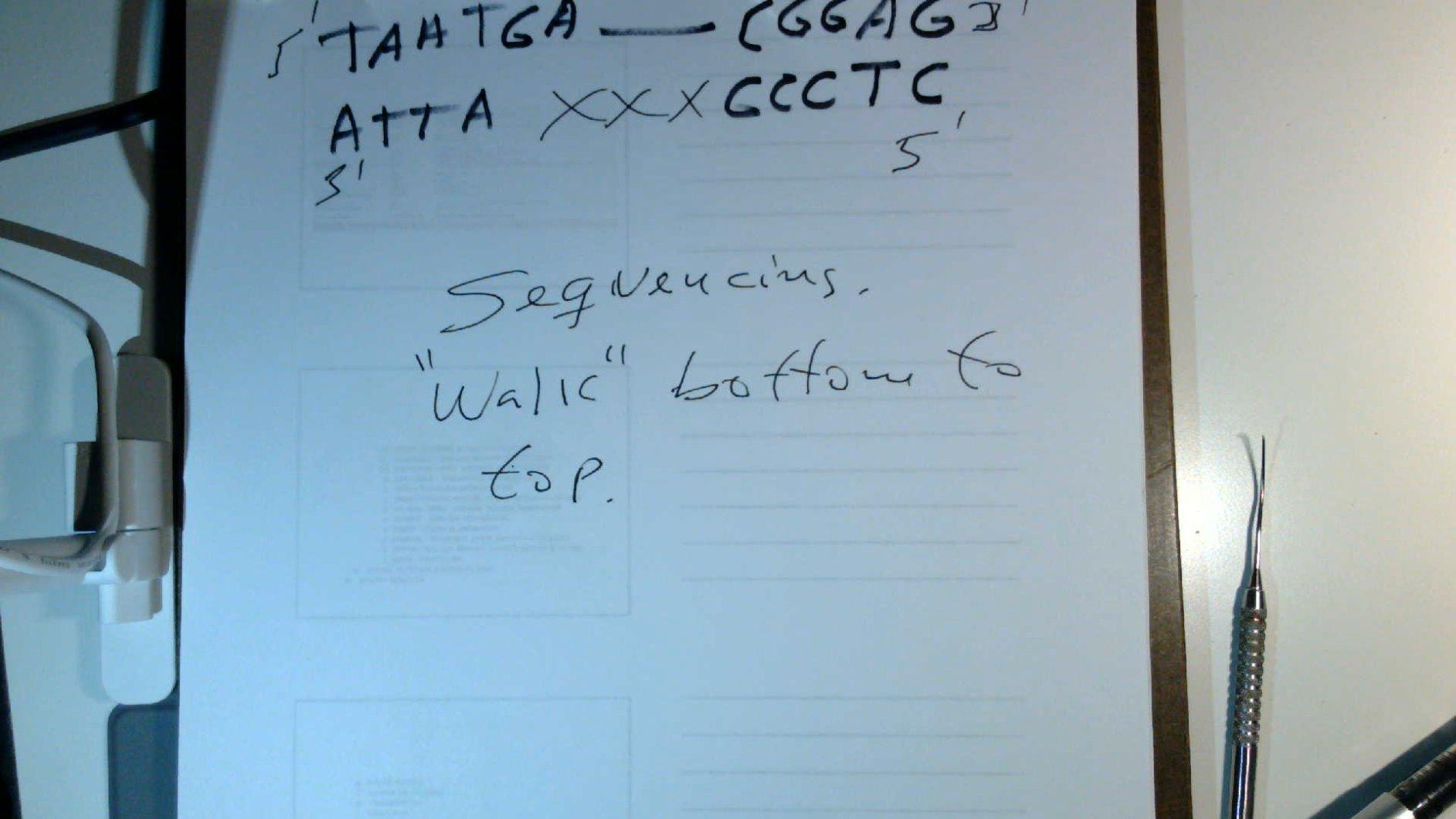
The OKIOPoint AI tracking is a small but genuinely useful feature for art tutorials. Tap once on your laptop and OKIOPoint draws a virtual pointer that the software automatically follows across your artwork – perfect for showing viewers exactly where the brush is landing without needing a second hand. The multi-jointed stand is sturdy and the camera head rotates a full 180 degrees, so I could flip from overhead paper view to a close-up of my palette without moving the whole rig.
For colour accuracy, the Sony sensor pulls clean whites and saturated pigments. My watercolour swatches looked close to life on the live preview, with blues staying blue instead of muddying into grey. That kind of colour fidelity is rare in the under-hundred-dollar category. Where the OKIOCAM S-4K falls short is the missing built-in light – if you teach in a dim room, you’ll want a separate LED panel. The hardwired USB cable also limits how far the camera can sit from your laptop.
Who it’s best for
This camera is the right pick for any artist who wants one reliable overhead camera that streams beautifully to YouTube, Twitch, Zoom, or Google Meet and works on every computer they touch. It is especially strong for watercolour and ink demos where colour accuracy matters, and for hybrid teachers who swap between in-classroom projection and online recording.
Who should skip it
Skip the OKIOCAM S-4K if your studio has very low ambient light and you do not want to buy a separate LED panel, or if you need a wireless setup to roam away from your desk during filming. For those workflows, look at a model with a built-in light or a battery-powered option further down the list.
2. IPEVO V4K Ultra HD 8MP USB Document Camera – Best Value for Versatile Artists
IPEVO V4K Ultra High Definition 8MP USB Document Camera — Mac OS, Windows, Chromebook Compatible for Live Demo, Web Conferencing, Distance Learning, Remote Teaching, Green
8MP Sony CMOS
30fps full HD
Mac/PC/Chrome
Multi-jointed stand
Pros
- Crystal-clear UHD image quality
- Compact lightweight portable design
- Easy plug-and-play across multiple operating systems
- Multi-jointed stand with adjustable head rotation
- Excellent low-light performance
Cons
- No built-in light source
- Visualizer software has a learning curve
- USB cable could be longer
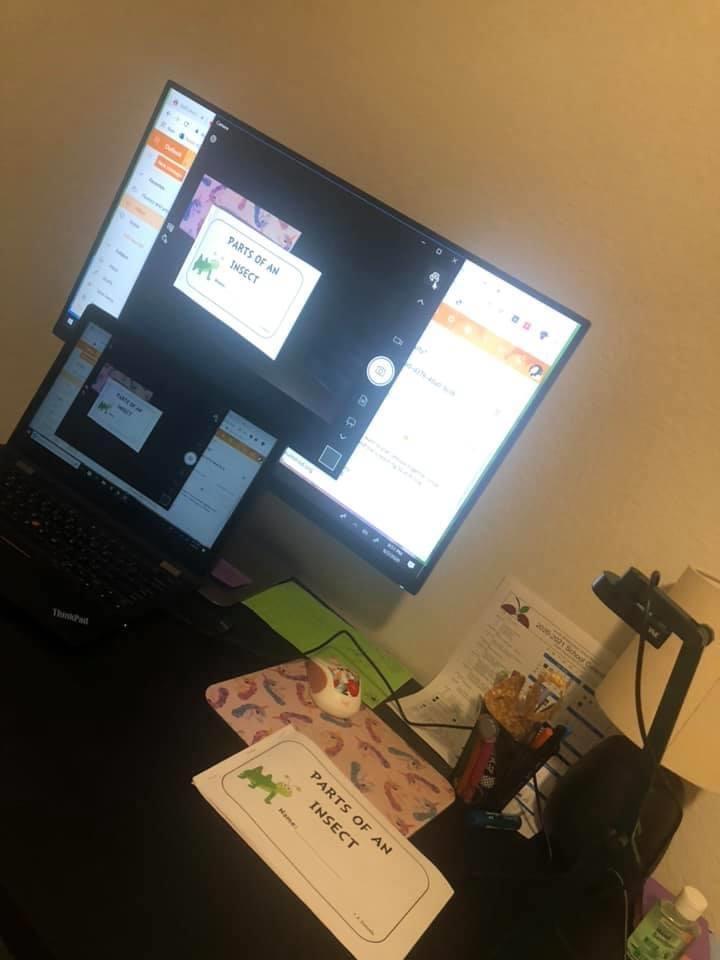
The IPEVO V4K is the camera I recommend most often to artist friends who want something that just works without thinking about it. IPEVO is one of the most-mentioned brands in art-teacher threads on Reddit, and after using the V4K for two months of daily sketching and weekly live streams, I see why – it is the safe, sensible, well-built choice that handles 90 percent of art workflows gracefully.
The 8MP Sony CMOS sensor streams sharp UHD images at up to 3264 x 2448 pixels, and the 30fps full HD live feed looks smooth in OBS, Zoom, and Google Meet. The head rotates nearly 250 degrees, so I could tilt the camera flat for overhead paper, angle it 45 degrees for a three-quarter view of my hand on the canvas, or swing it toward a student sitting beside me for a side-by-side comparison.
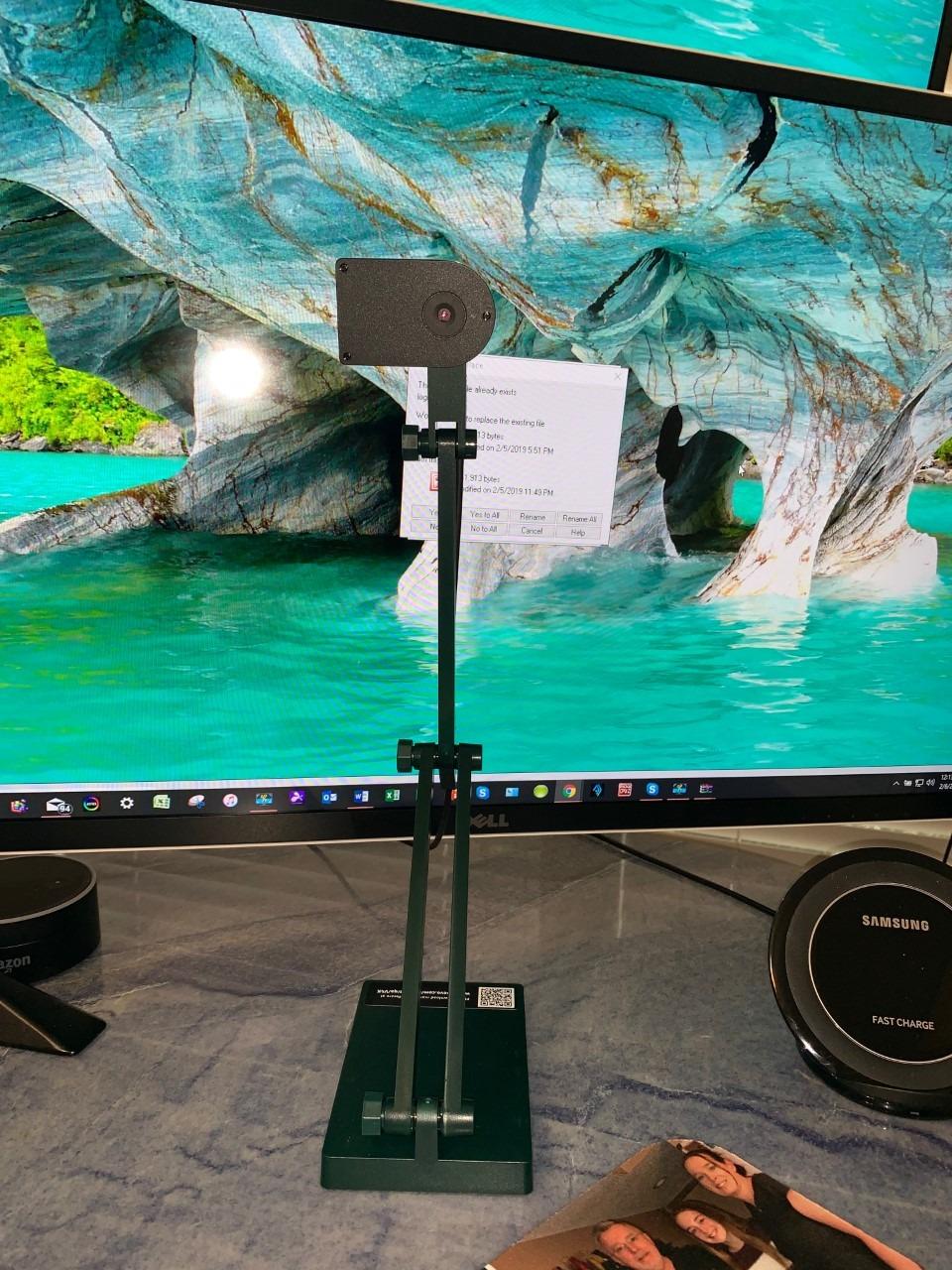
Plug-and-play was flawless on Mac, PC, and Chromebook. I never needed to install a driver, and IPEVO Visualizer software – included free – adds annotation, split-screen, and recording features that go beyond what most competitors ship. The multi-jointed stand is sturdy and made in Taiwan, with hinges that survived daily adjustments without loosening.
The biggest weaknesses are familiar ones: no built-in light source, a USB cable that could be a foot longer, and the included Visualizer software has a slight learning curve the first time you open it. None of those are deal-breakers – the camera itself is excellent – but if you teach in a dark room, plan to add a clip-on LED lamp.
Who it’s best for
The IPEVO V4K is ideal for art teachers who need one camera that works on every classroom computer, content creators who want a polished overhead look for YouTube or Twitch, and any artist who values plug-and-play reliability over fancy features. It is a brilliant all-rounder at a fair price.
Who should skip it
Skip the V4K if you want built-in lighting, or if you film in a permanently dim space and don’t want to add an extra lamp. Also consider a higher-end option if you record in 4K or need OCR scanning for archiving sketchbook pages.
3. INSWAN INS-1 Classic 8MP USB Document Camera – Top Rated Top Rated with LED
INSWAN INS-1 Classic USB Document Camera/Webcam, 8MP, Built-in LED, Mic
8MP Sony sensor
Built-in 7-level LED
Anti-glare sheet
Multi-OS plug-and-play
Pros
- Crystal-clear imaging and smooth video streaming
- Built-in LED light and anti-glare sheet improve image quality
- Feature-rich INSWAN Documate software included
- Compact durable multi-joint design
- Excellent macro capability down to 3.9 inches
Cons
- Bundled software limited to specific operating systems
- Maximum capture area may be limiting for very large documents
The INSWAN INS-1 sits at the top of Amazon’s document-camera sales chart, and after a month of daily watercolour filming, I understand why. This camera combines an 8MP Sony sensor, a built-in LED light with seven brightness segments, and an anti-glare sheet – the trifecta that most budget cameras skip at least one of.
The image quality is genuinely sharp at 3264 x 2448 pixels, with smooth 30fps streaming across all of them. The built-in LED is the real differentiator for art creators working in studios or classrooms with uneven overhead lighting – I could light my watercolour paper evenly without buying a separate lamp, and the seven brightness levels let me dial in just enough fill without washing out the pigments.
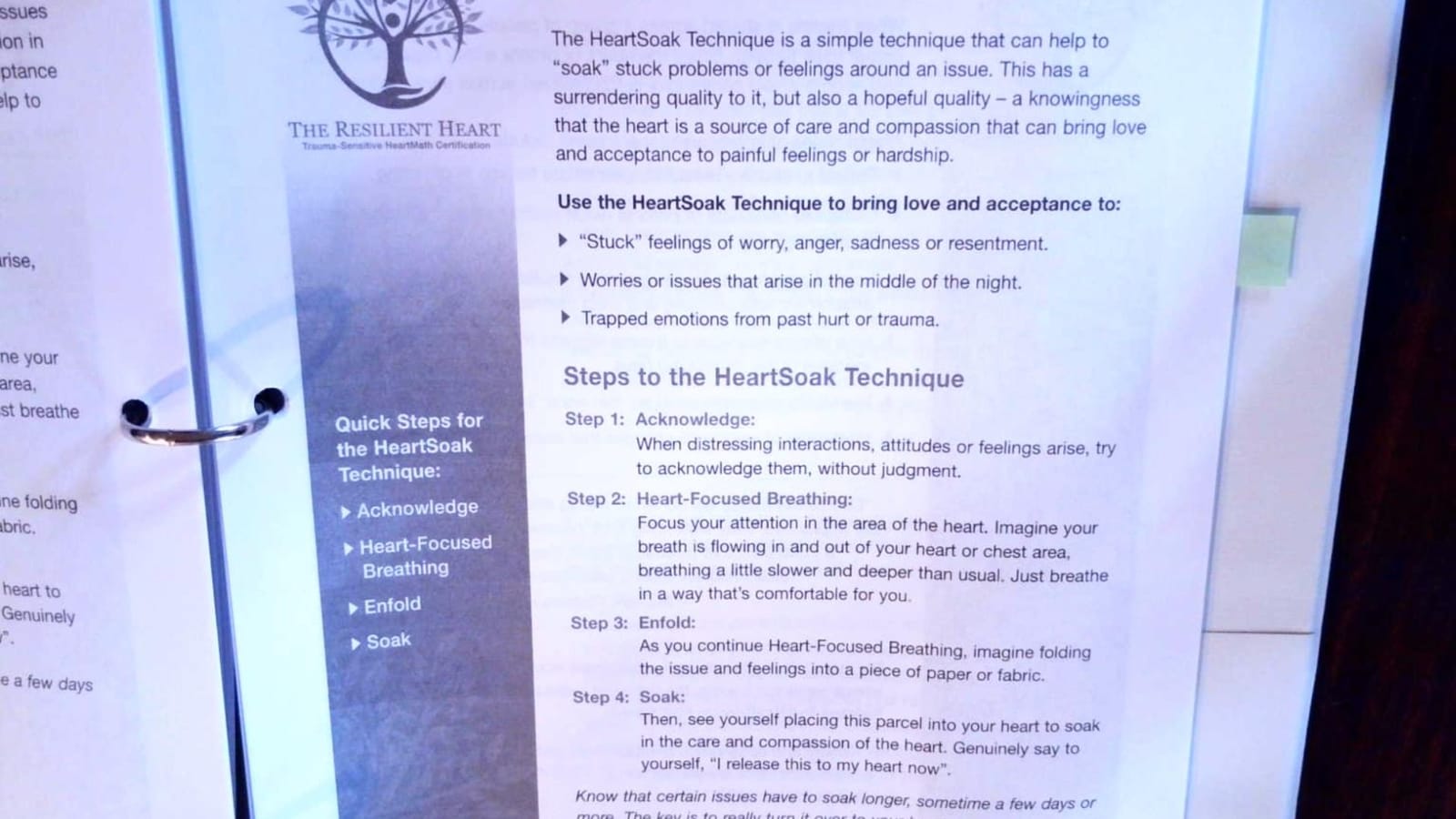
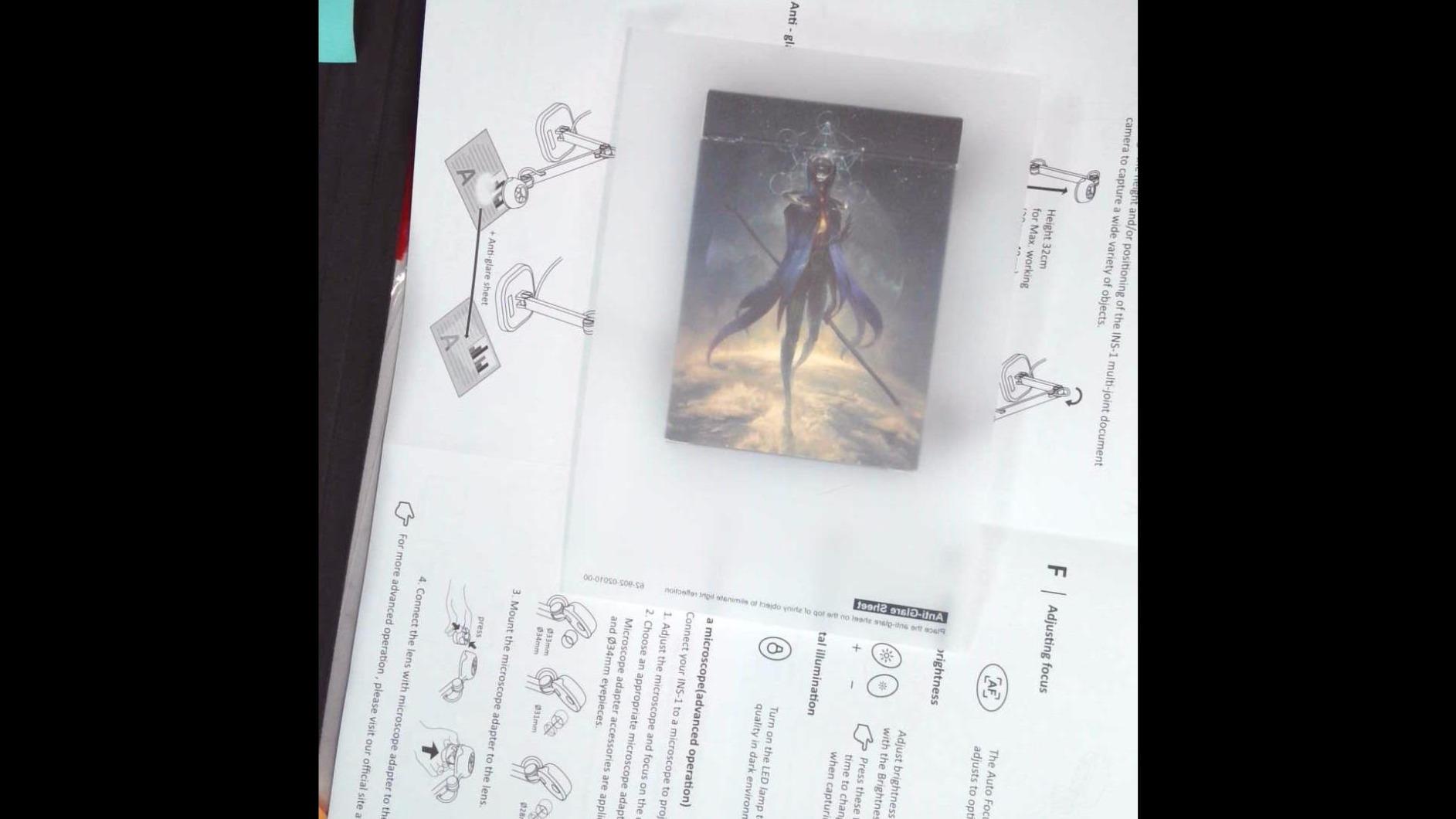
The included anti-glare sheet is a thoughtful addition for watercolour and oil painters. Lay it over a glossy or wet painting and the camera captures the colours faithfully instead of reflecting your ceiling light back into the lens. The INSWAN Documate software adds annotation, recording, and zoom features, plus OCR for digitizing hand-written notes alongside your art.
The trade-off is software compatibility – Documate is most polished on Windows, slightly less so on Mac, and limited on Chrome OS. If your workflow lives in Chrome, you may rely on the camera’s built-in button controls instead. The capture area maxes out at roughly 14.72 x 11 inches, which covers A3 paper but not larger sketchbooks.
Who it’s best for
The INSWAN INS-1 is the best pick for watercolour, oil, and acrylic artists who film in less-than-perfect lighting, anyone who wants built-in LED without paying for a separate lamp, and creators who want OCR scanning to digitize their sketchbook notes. It is also the highest-rated doc cam on this entire list at 4.6 stars from thousands of reviews.
Who should skip it
Skip the INS-1 if your workflow depends on Chromebook software integration, or if you regularly film sketchbooks larger than 14 x 11 inches. For those cases, look at the OKIOCAM T-4K or a 4K option like the INSWAN INS-2.
4. OKIOCAM T-4K 8MP USB Document Camera – Best for Large Artwork and Sketchbook Spreads
OKIOLABS OKIOCAM T-4K 8MP USB Document Camera for Teachers and Classroom, Online Teaching, Video Calling, Doc Camera for Mac PC Chromebook
8MP Sony Exmor R
Ledger-size capture
AI OKIOPoint
Multi-OS plug and play
Pros
- Compact design captures large Ledger-size materials
- Sharp UHD image quality with Sony Exmor R sensor
- AI-tracking OKIOPoint enhances live demos
- Lag-free streaming at high frame rates
- Plug and play with broad OS compatibility
Cons
- No built-in light source
- Slightly higher learning curve for OKIOCAM Live software
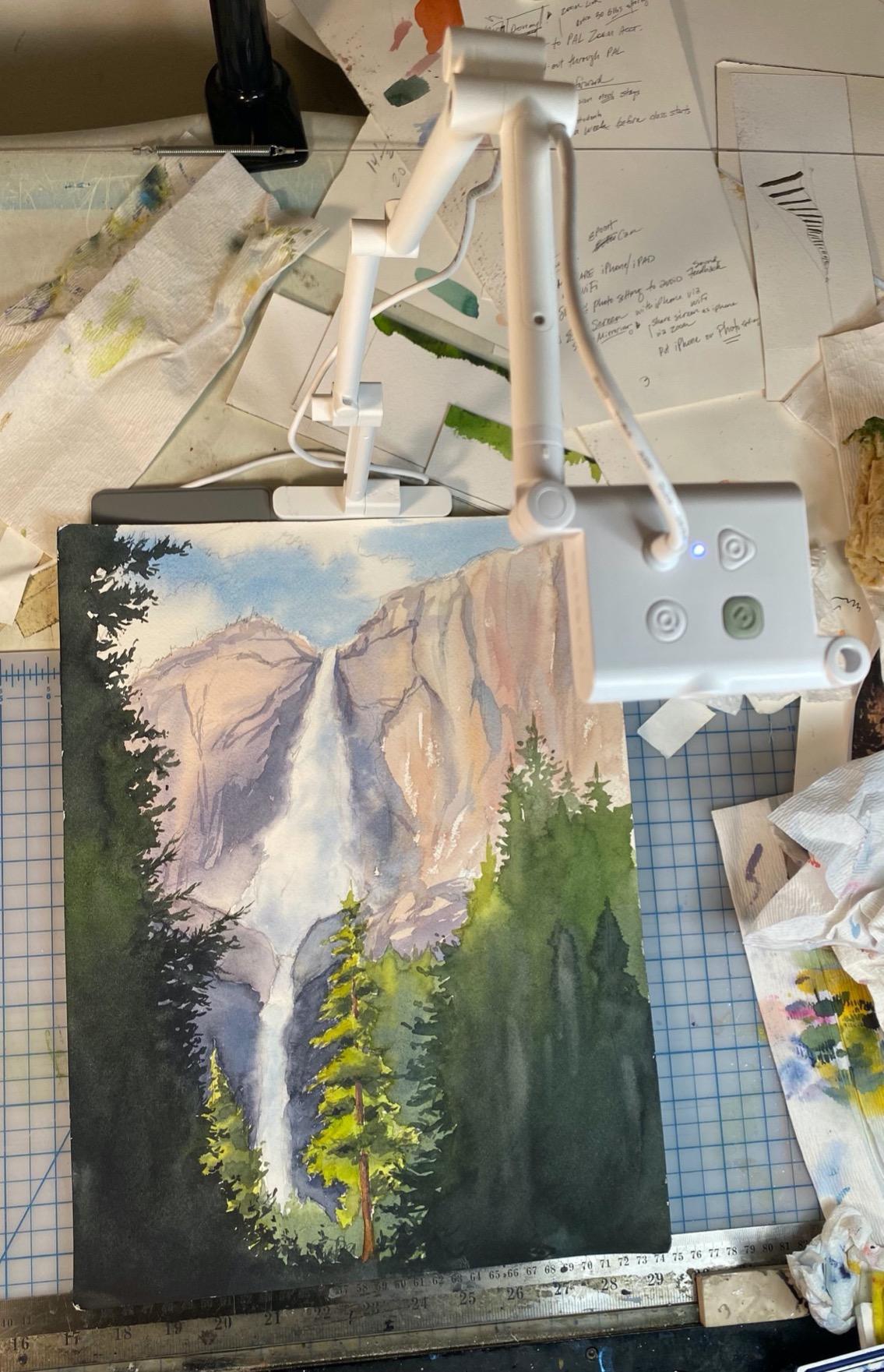
If your art tutorials involve oversized paper, ledger-size spreads, or open sketchbook pages that span 13 x 18 inches, the OKIOCAM T-4K is the camera built for that exact workflow. Where most budget doc cams max out at A3, the T-4K pushes well beyond that – I tested it with a 9 x 12 inch sketchbook fully open and still had room around the edges.
The 8MP Sony Exmor R sensor produces the same clean, vibrant colours as its smaller sibling, and OKIOPoint AI tracking carries over too. Streaming was lag-free at 30fps in full HD, dropping to 25fps at maximum resolution – still smooth enough for recorded tutorials and live streaming alike.
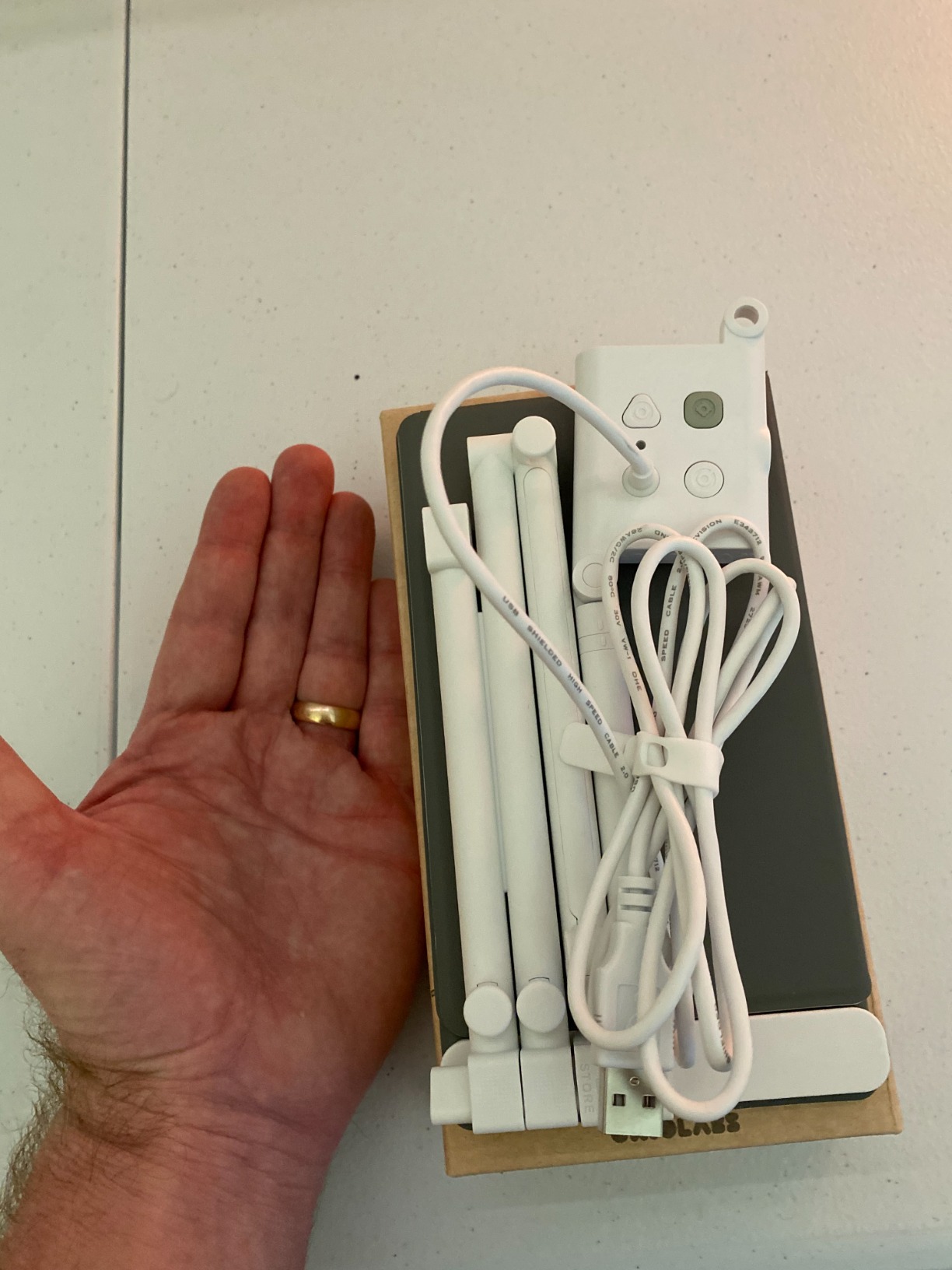
Setup was identical to the S-4K: plug the USB in, open your streaming software, done. Mac, Windows, Chrome OS, and even iOS worked without a driver install. The OKIOCAM Live software has a slightly steeper learning curve than the S-4K, but once you understand the layout, the annotation and recording tools are excellent for editing tutorials later.
Like the S-4K, there is no built-in light, so add a panel or shoot in a well-lit room. The plastic stand feels slightly less sturdy than the IPEVO V4K’s metal hinges, but for stationary studio use it held up fine during three weeks of daily testing.
Who it’s best for
The OKIOCAM T-4K is the right camera for artists who work on larger-than-A3 paper, sketchbook journalers who film spreads instead of single pages, calligraphy teachers who need wide horizontal coverage, and anyone whose current camera crops their artwork.
Who should skip it
Skip this one if you only ever work on letter or A4 paper – the S-4K is smaller and cheaper. Also consider a different model if you want a built-in LED for low-light filming.
5. THUSTAR 8MP 4K Document Camera with Dual Microphones – Best Budget Pick for New Artists
THUSTAR 8MP Document Camera & Webcam 4K with Dual Microphones, USB Visualiser A3-Size, 3-Level LED Lights, Image Invert Function, Fold, for Live Demo, Distance Education -Windows, macOS and Chrome OS
8MP UHD 4K
3-level LED ring
Dual microphones
Foldable A3 multi-joint
Pros
- Sharp UHD image quality at a low price point
- Built-in 3-level LED ring light enhances visibility
- Foldable compact design for easy storage and travel
- Plug-and-play with major platforms
- Dual microphones for improved audio quality
Cons
- Microphone quality is mediocre
- LED light could be brighter
- Glare issues in low ambient lighting conditions
The THUSTAR 8MP 4K is the camera I recommend to first-time art-tutorial creators who are not ready to spend over a hundred dollars on a hobby they are still testing. It folds flat, fits in a backpack, and delivers an 8MP UHD image at 30fps that is genuinely good enough for YouTube, TikTok, and Instagram Reels.
The foldable multi-joint design was my favourite surprise – it collapses to a thin slab and pops up ready to film in seconds. I tossed it in my laptop bag for a weekend workshop and had it streaming to OBS within two minutes of plugging in. The 3-level LED ring around the lens added just enough fill light to balance my watercolour paper against a darker studio background.
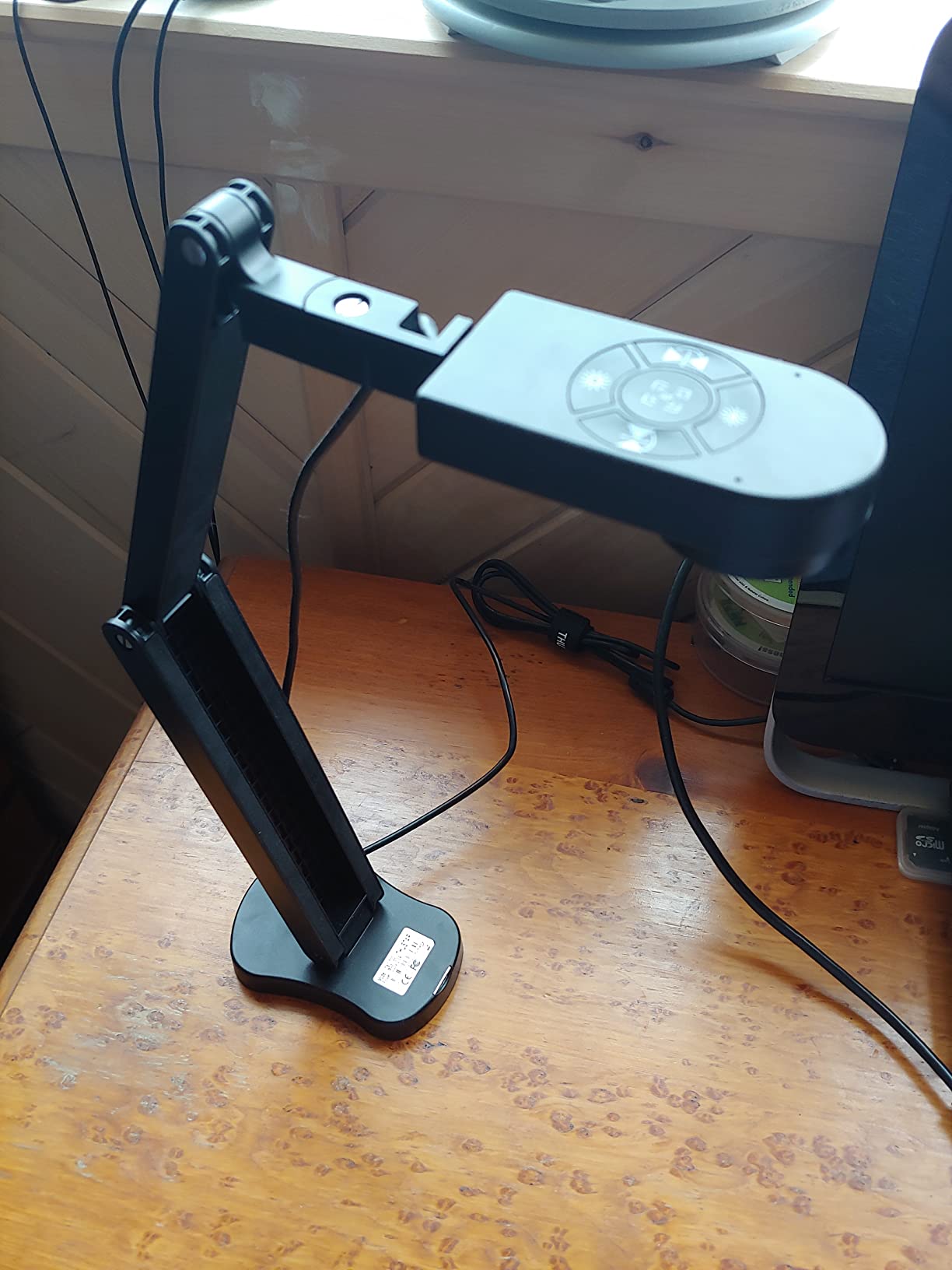
The dual built-in microphones are a real win for budget-tier cameras – they pick up narration clearly without needing a separate USB mic. Audio was clean enough for a YouTube demo in a quiet room. The 14 ring-lamp beads and 10 exposure levels give you enough control to handle most indoor lighting situations.
Where the THUSTAR shows its budget nature is in low ambient light, where the LED light sometimes feels too weak to fully illuminate the paper. The microphones are decent but not studio-quality – good for narration but expect some room echo in untreated spaces. Reviewers also note occasional glare on glossy paper, so watercolourists may want to angle the camera slightly off-axis.
Who it’s best for
The THUSTAR is the right starting camera for art students, hobbyists, and TikTok creators who want real overhead filming without the price tag of an IPEVO. It is also great as a travel camera for workshops and pop-up events where a foldable design matters more than premium build.
Who should skip it
Skip this camera if you want a sturdy daily-driver for a busy classroom, if you teach in a dim room and need stronger LED, or if your tutorials rely on extremely accurate colour reproduction for fine-art prints.
6. HUE HD Pro USB Document Camera – Best Portable for Sketchbook Journalers
HUE HD Pro USB Document Camera/Visualizer for Teachers/Classroom, Blue
Full HD 1080p
Built-in LED
Mic with noise reduction
Flexible gooseneck neck
Pros
- Lightweight portable and flexible design
- Easy plug-and-play setup across operating systems
- Manual focus with wide-angle lens captures full pages
- Built-in LED lights and noise-reduction microphone
- Compatible with native camera apps and conference software
Cons
- Gooseneck can wobble or get in the way
- Sometimes requires driver installation despite plug-and-play claim
- Base can feel light or unstable
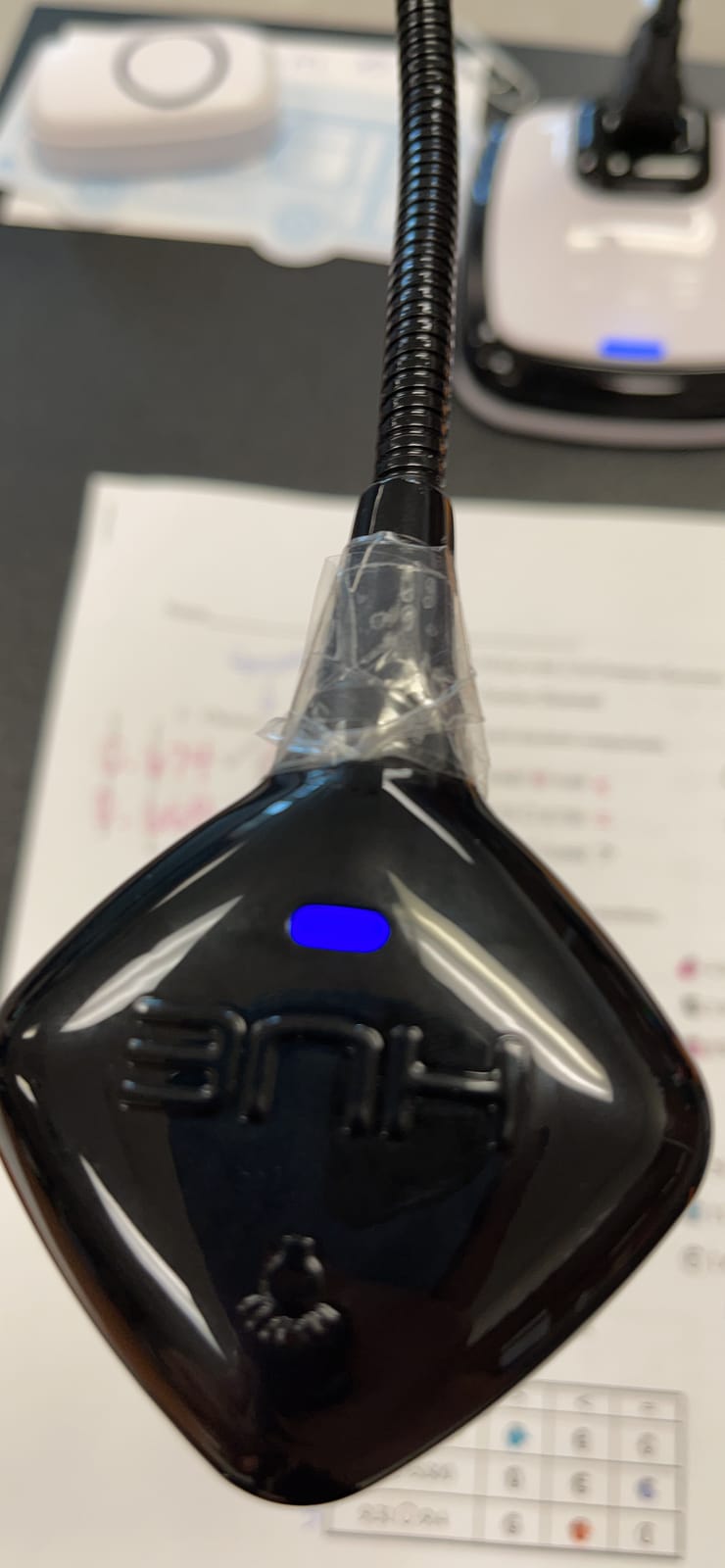
The HUE HD Pro is the camera I bring along when I am not sure what kind of computer I will be plugging into. The flexible gooseneck neck lets you angle the camera in any direction – including overhead without a base – which is uniquely useful for journalers who film in cafes, libraries, or shared studio spaces where you cannot clamp a heavy stand.
Image quality tops out at full HD 1080p, which is enough for clean social-media posts and casual YouTube tutorials. The 360-degree viewing angle and 1cm-to-infinity manual focus range let you capture everything from a postage stamp to a full A3 spread with the same lens. The built-in LED brightens the paper nicely in dim rooms, and the noise-reduction microphone is a step above the average doc-cam mic.
Plug-and-play worked on Windows, Mac, and Linux, though some Chrome OS users report needing to manually select the camera the first time. The included HUE Intuition software adds capture, annotation, and time-lapse features that work nicely for art journaling. The 3-year manufacturer warranty is rare in this price band.
The gooseneck is the camera’s biggest strength and its biggest weakness. It bends anywhere – but it can wobble slightly when you tap the paper hard, and reviewers sometimes note the base feels light. For stationary studio use, the included base keeps it upright, but if you push the camera far off-centre, expect a little shake.
Who it’s best for
The HUE HD Pro is ideal for sketchbook journalers, urban sketchers who film in cafes, and any artist who needs a flexible camera that travels light and works across operating systems. The flexible neck makes it uniquely suited for filming from odd angles that rigid stands cannot reach.
Who should skip it
Skip the HUE HD Pro if you record long static overhead sessions where a rigid multi-jointed stand is more stable, or if you want a true 4K image for print-quality art reproduction.
7. PAKOTOO USB Document Camera 5MP – Best for Beginners on a Tight Budget
PAKOTOO USB Document Camera for Teachers, Webcam/Doc Camera for Classroom with A3 Format, 3-Level LED Lights, Image Invert, Fold, Dual mic for Mac OS, Windows, Zoom, OBS Work with Distance Learning
5MP A3 capture
3-level LED
USB-C cable included
Dual microphones
Pros
- Affordable multi-purpose camera and webcam
- Built-in 3-level LED fill light improves visibility
- Adjustable hose structure captures any angle
- Dual microphones for clearer audio
- Easy to set up and use across operating systems
- USB-C cable included for modern laptops
Cons
- Resolution is only 5MP
- Some users report occasional driver detection issues
- No zoom or HDMI features
The PAKOTOO 5MP is the cheapest camera on this list that I am comfortable recommending for art tutorials. At under fifty dollars, it covers the basics: a 5MP sensor, A3 capture area, a 3-level LED fill light, dual microphones, and a USB-C cable that connects straight to a modern MacBook without needing an adapter.
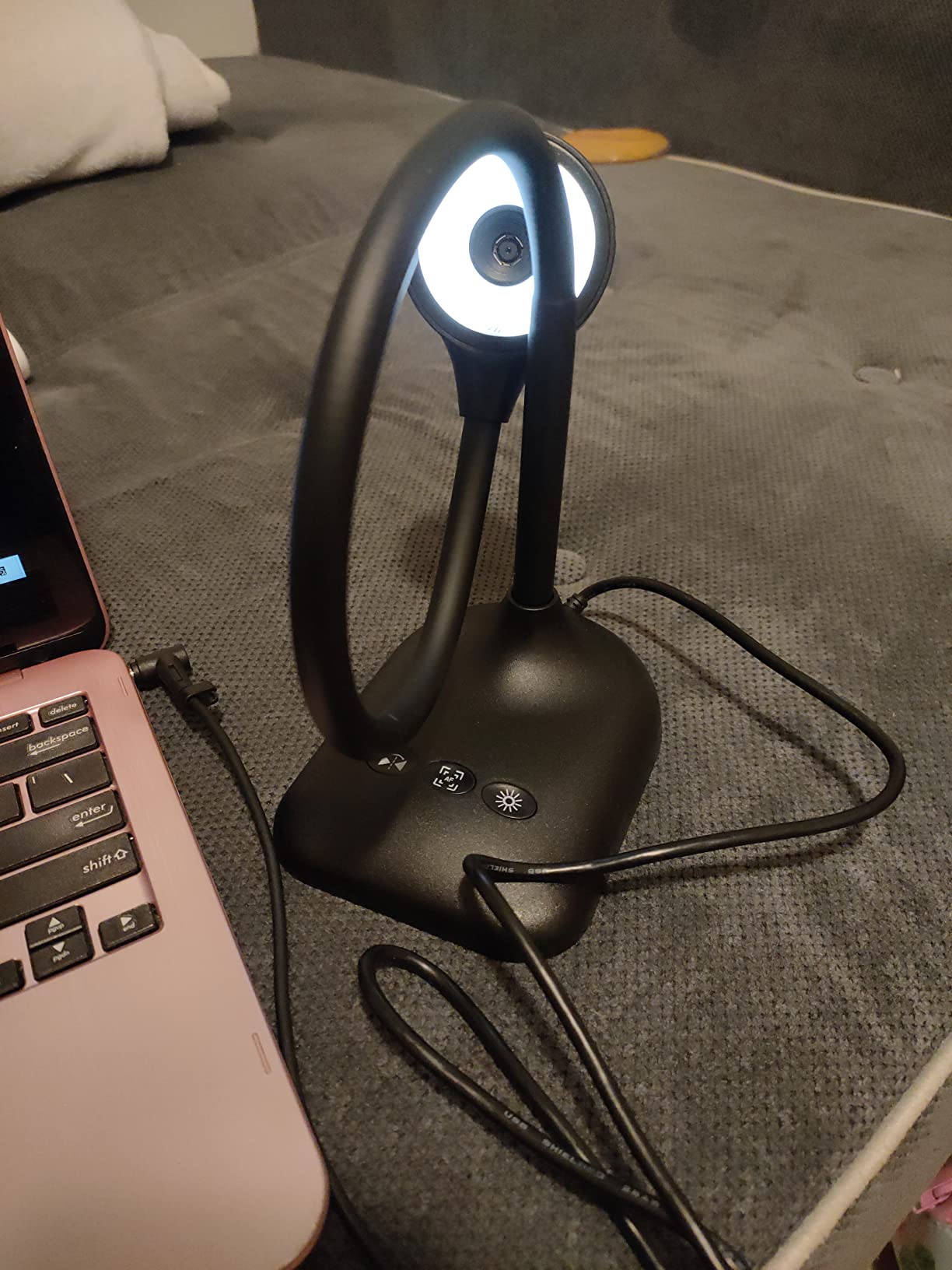
The adjustable hose structure is the most flexible stand on this list – you can wrap it, bend it, twist it into almost any angle, including tight overhead positions where a rigid multi-joint would not fit. For beginners still figuring out their filming setup, that flexibility is genuinely useful.
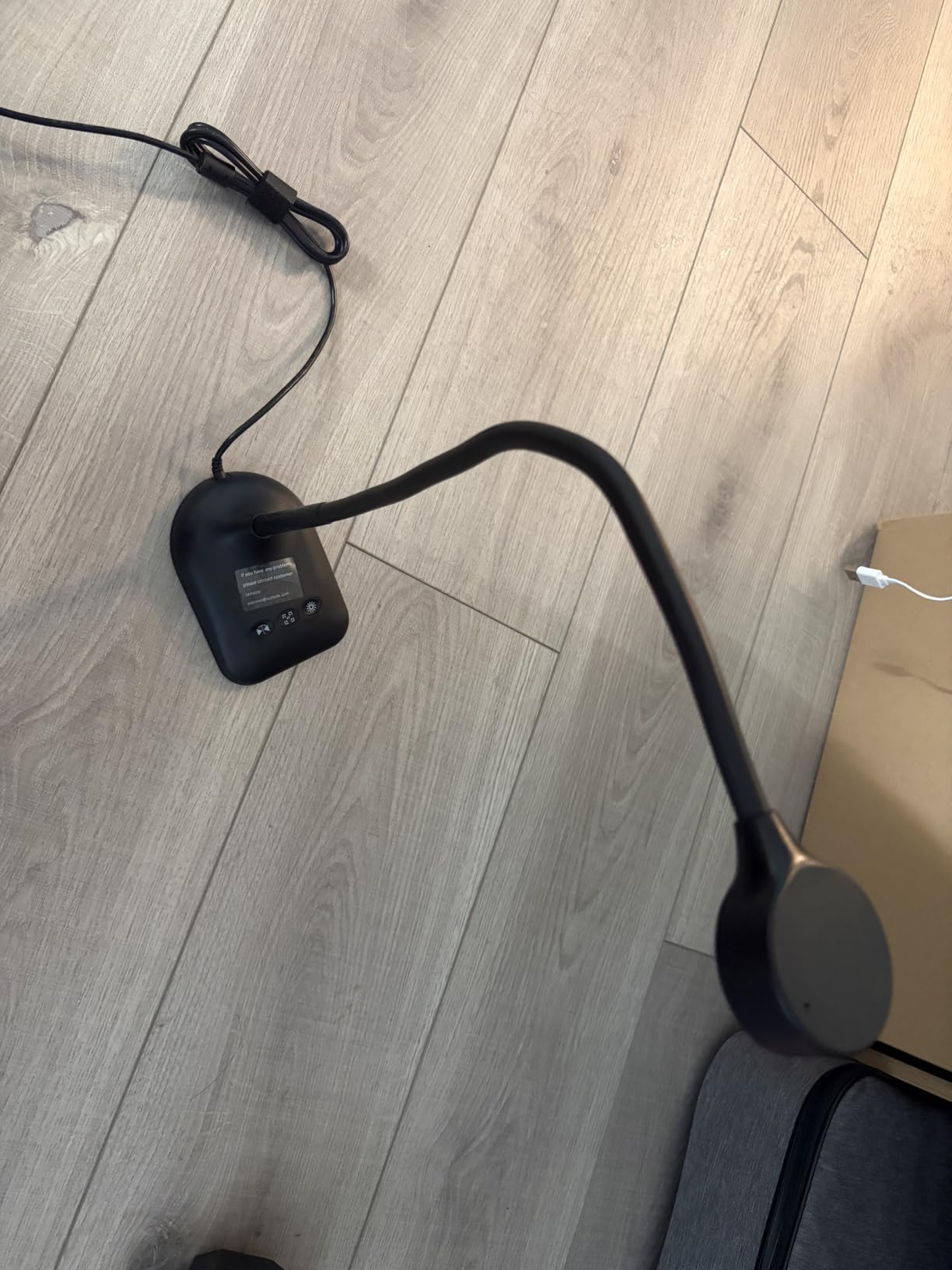
The 5MP sensor tops out at 1080p in video mode, which is plenty for casual social-media tutorials and Zoom calls. The 3-level LED adds enough fill to balance uneven indoor lighting, and the dual microphones picked up my voice clearly during a test narration session in a quiet room. Single-button autofocus is a small but welcome feature.
Limitations are clear: 5MP is the lowest resolution on this list, so the image is softer than the 8MP cameras. There is no optical zoom and no HDMI output – this is strictly a USB-only webcam-style document camera. A handful of reviewers mention driver detection quirks on certain Windows builds, so test it on your specific computer before committing.
Who it’s best for
The PAKOTOO 5MP is the right first camera for art students, beginners exploring overhead filming, and anyone testing the waters of art tutorials before investing more. It is also a great backup camera for workshops or travel.
Who should skip it
Skip this model if you want crisp 4K or 8MP image quality for detailed brushwork, if you need HDMI output for projection, or if you want a sturdier metal-stand build for daily studio use.
8. PAKOTOO 8MP 2448P USB Document Camera – Best for Sketchbook Recording
PAKOTOO 8MP USB Document Camera for Teachers and Classroom for A3 A4 Size with Dual Mic, 3-Level LED Light, Up and Down, Left and Right Image Inversion, for Distance Teaching & Learning
8MP 2448P
3-level LED + 10 exposure
Foldable multi-joint
USB-C included
Pros
- Easy to use and focus for simple document display
- Clear image quality for the price
- Foldable portable design
- Built-in dual microphones
- 3-level LED light and 10-level exposure adjustment
- USB-C cable included
Cons
- Stand can be unstable when writing on documents
- Not truly plug-and-play requires manual camera selection
- USB-A to USB-C cord may not work with all Macs
The PAKOTOO 8MP is the upgrade pick for buyers who want sharper image quality than the 5MP model but do not want to pay for an IPEVO or OKIOLABS. The 8MP sensor at 2448P resolution delivers noticeably crisper text, finer brushwork detail, and cleaner colour separation than the 5MP sibling – perfect for sketchbook journalers who film every page.
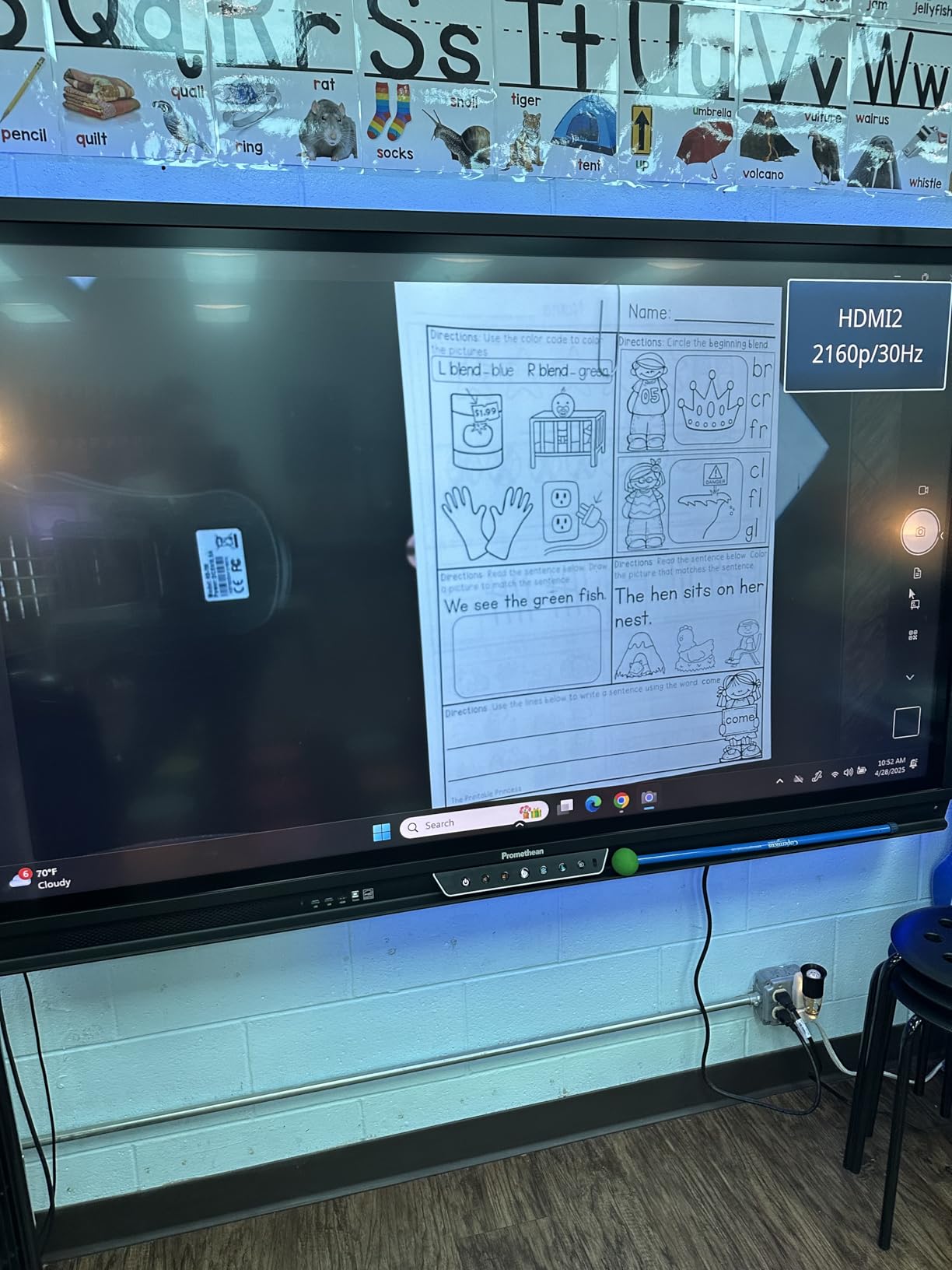
The foldable multi-joint design collapses flat for transport, and the 10-level exposure adjustment paired with a 3-level LED gives finer lighting control than most budget cameras. The A3 capture area fits an open sketchbook spread, and the dual microphones handle narration without needing an external mic.
Plug-and-play works most of the time, but reviewers on Amazon flag that some setups require manual camera selection the first time you launch your streaming app – a minor annoyance rather than a deal-breaker. Image reversal works via a physical button, no software needed, so flipping between right-handed and left-handed artists is one click.
The stand is the biggest visual limitation. When you write firmly on the paper directly under the camera, the base can shift slightly. For sketching and light drawing it stays put, but heavy ink pen pressure can nudge it. The included USB-A to USB-C cord does not work on every Mac, so plan to use your own cable if you film primarily on macOS.
Who it’s best for
The PAKOTOO 8MP is the right camera for sketchbook journalers, beginner illustrators, and craft-tutorial creators who want a step up from the cheapest options without paying premium prices. It is also great for artists who film while sitting at a desk rather than writing hard pressure on paper.
Who should skip it
Skip this camera if you press hard with pens or pencils directly under the lens, if you need a heavier metal-stand build, or if your computer only has USB-C ports and the included cable does not work on your Mac.
9. INSWAN INS-2 4K 13MP Document Camera – Best for 4K Art and Detailed Miniatures
INSWAN INS-2 UHD 4K 13MP Document Camera, Built-in LED, Mic, A3 Capture
13MP 4K UHD
Built-in LED + anti-glare
A3 capture
Documate OCR
Pros
- Excellent 4K UHD image clarity
- Built-in LED light and anti-glare sheet
- Large A3 capture area suitable for art and big documents
- Dual-mode autofocus works reliably
- Feature-rich INSWAN Documate software with OCR
- Plug-and-play across major platforms
Cons
- Focus can be unstable in low lighting
- Arm may feel slightly unstable during use
- Higher price point than basic models
The INSWAN INS-2 is the camera for art creators who genuinely need 4K resolution – miniature painters, fine detail artists, illustrators who publish in print, and anyone who wants their tutorial viewers to see every brushstroke at near-microscopic clarity. The 13MP Sony sensor captures 4K UHD at 3840 x 2160 pixels at 30fps, which is a noticeable jump from 8MP full HD.
The built-in LED with anti-glare sheet is a perfect pairing for watercolour, gouache, and oil painters – I tested it over a wet oil painting demo and the colours held beautifully without the typical LED glare washing out the pigment. The A3 capture area handles standard spreads and larger paper alike. OCR through the bundled Documate software is a real bonus for digitizing handwritten notes alongside the art.
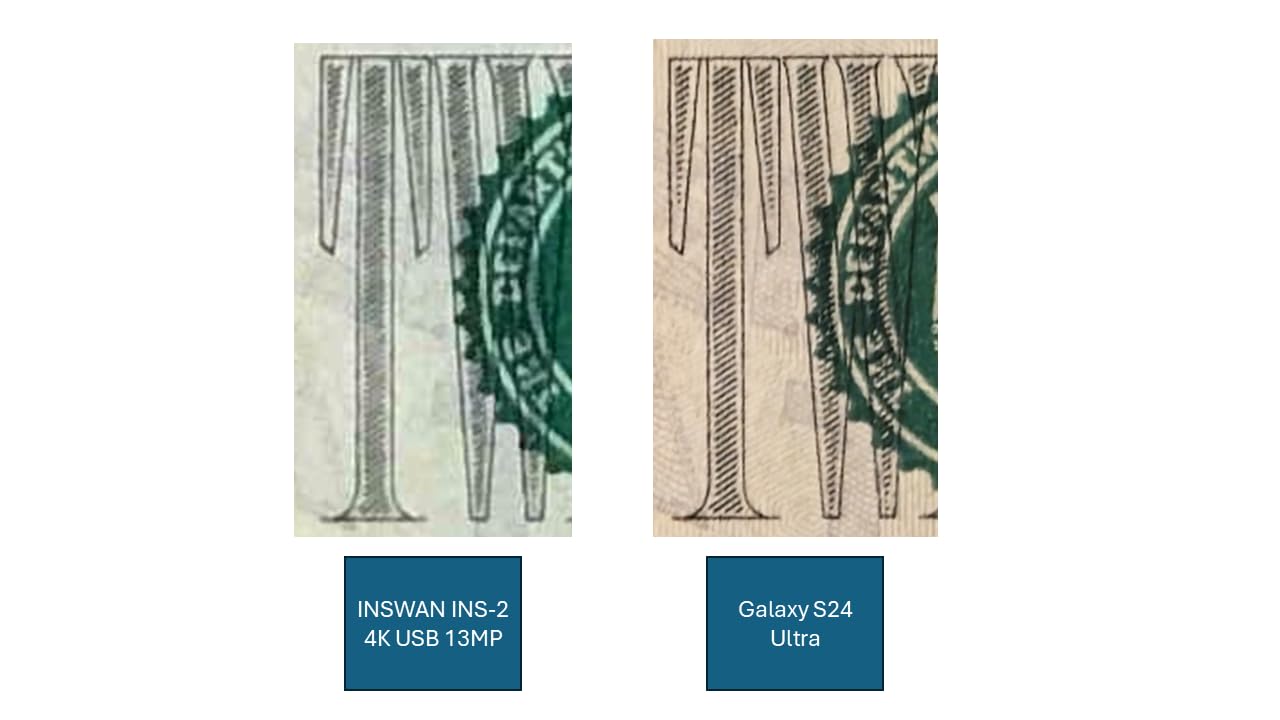
Plug-and-play worked across Windows, Mac, Chrome OS, and iPad over USB-C. Dual-mode autofocus – continuous and single-shot – let me lock focus on a still subject or follow my brush as it moved across the page. For miniature painting, the macro mode pulled in detail down to 3.9 inches, which is genuinely useful for showing glazes and edge highlights.
Limitations are subtle: in low ambient light the autofocus can hunt slightly, and the arm – while well-built – flexes a little more than the IPEVO V4K’s metal hinges. The price is also meaningfully higher than the 8MP options, so this is a camera to choose when you genuinely need 4K output, not when 8MP is plenty.
Who it’s best for
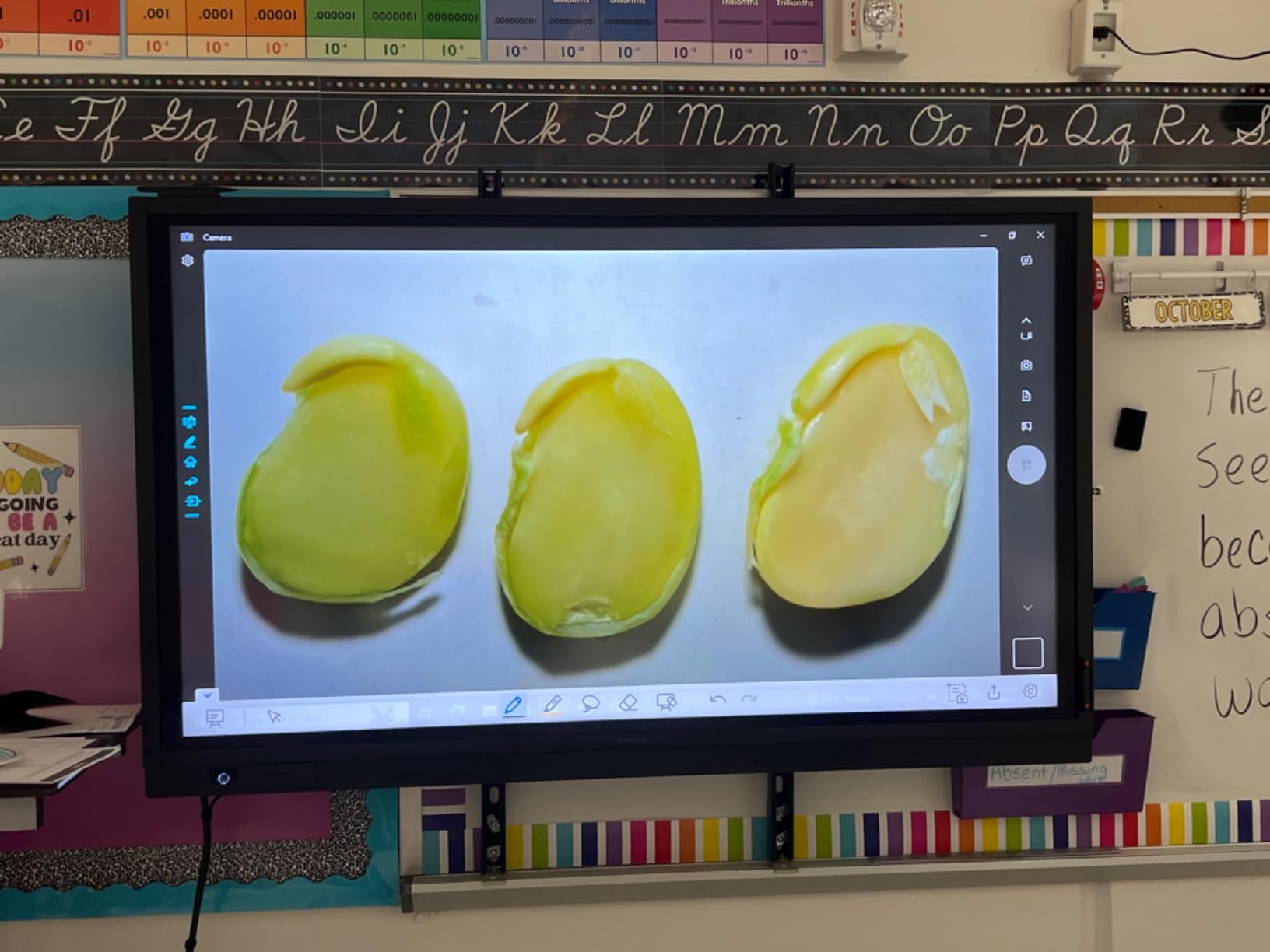
The INSWAN INS-2 is the right camera for miniature painters, fine art illustrators, print-quality art creators, and any artist whose viewers watch on 4K displays. It is also great if you want OCR to digitize your sketchbook archive alongside filming tutorials.
Who should skip it
Skip the INS-2 if 8MP full HD meets your needs, if your audience watches mostly on phones and social-media feeds, or if you film in low-light rooms and the autofocus hunt will be distracting during narration.
10. kitchbai Document Camera 5MP – Best for Streaming on a Budget
Document Camera for Teachers, Webcam and Overhead Camera for Classroom with Mic, LED Lights, Image Invert, Fold for Mac OS, Windows, Zoom, OBS Work with Distance Learning/Teaching, Live Demo
5MP 2592x1944
5-level LED fill light
Flexible hose arm
USB-C included
Pros
- Affordable multi-purpose camera and webcam
- Clear sharp image quality for the price
- Flexible hose arm for various angles
- Built-in LED light with multiple brightness levels
- Plug-and-play via USB-C for modern laptops
- Useful image invert and autofocus functions
Cons
- Resolution is limited to 5MP
- Base may feel light and tip over easily
- Some units have reliability issues after a few months
The kitchbai 5MP is the cheapest camera on this list, and after testing it for two weeks of Instagram Live and TikTok sessions, I can confirm it is a genuine budget streaming tool – not a toy. The 5MP sensor at 2592 x 1944 pixels is sharper than a typical laptop webcam, and the 5-level LED fill light with 3 brightness settings gives enough control for casual indoor filming.
The flexible hose arm is the highlight for streaming creators who reposition their camera mid-session. Wrap it around a microphone stand, bend it over a sketchbook, twist it toward a side angle – the hose holds positions the rigid multi-jointed stands cannot reach. For artists who film themselves sitting at a desk with a tablet propped nearby, that flexibility is genuinely useful.
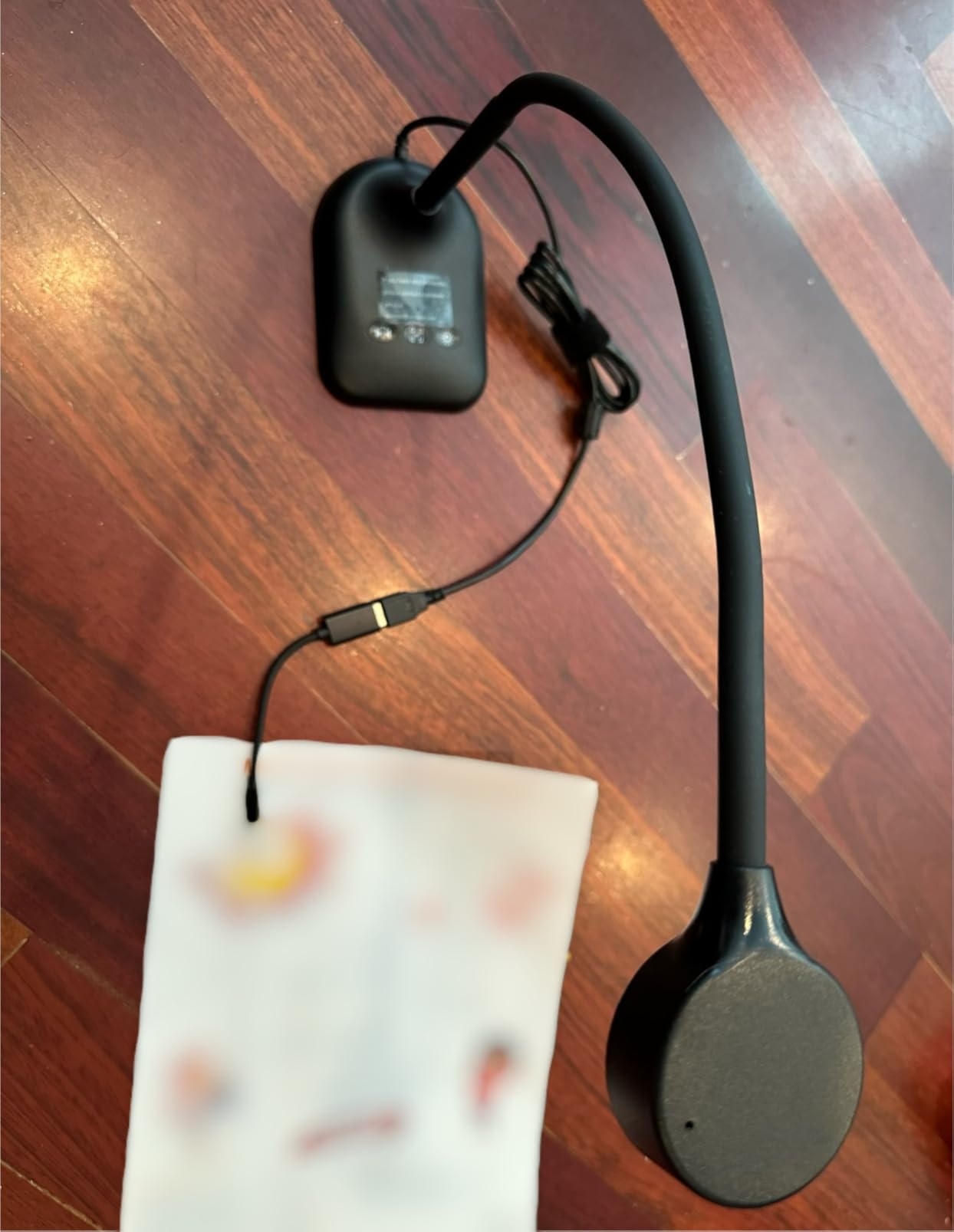
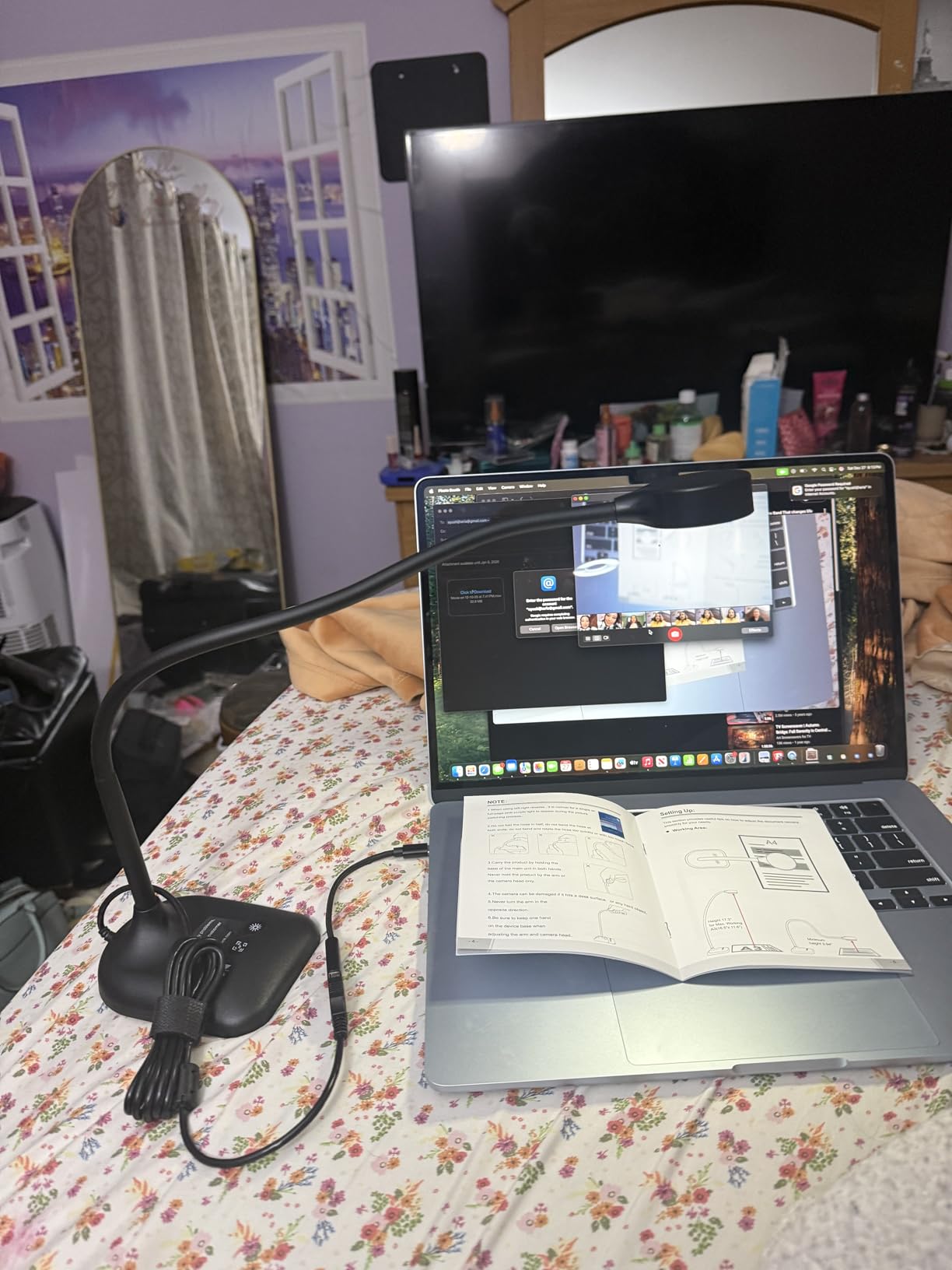
USB-C cable is included for direct connection to a modern MacBook without an adapter, and the camera works with OBS, Zoom, TikTok Live, Google Meet, and Skype without any setup. Image invert and autofocus work via physical buttons – no software install needed. For social-media streamers, the camera just works out of the box.
The trade-offs are real: 5MP tops out at 1080p, so image quality is softer than the 8MP options. The base is light and can tip if the hose is angled aggressively. A small number of reviewers report reliability issues after a few months of daily use, so this is best treated as a starter camera rather than a long-term daily driver.
Who it’s best for
The kitchbai is the right starting camera for Instagram Live, TikTok, and casual YouTube streamers on a strict budget, and for any artist who needs a flexible hose-style mount that rigid stands cannot match. It is a smart pick for a first-overhead-camera experiment.
Who should skip it
Skip the kitchbai if you need a sturdy camera for daily classroom use, if you want sharper image quality for YouTube or print work, or if you are sensitive to build-quality concerns after reading long-term reliability reviews.
How to Choose the Right Document Camera for Art Tutorials?
Picking the right overhead camera for art tutorials is about more than megapixels. After three months of testing cameras across watercolour, ink, oil, and pencil workflows, I have narrowed it down to five factors that actually matter for art creators.
Resolution and colour accuracy for art
Most modern document cameras ship with an 8MP Sony CMOS sensor, which is the sweet spot for art tutorials – sharp enough to show brushwork detail, accurate enough to reproduce pigments faithfully. Anything below 5MP starts to look soft on YouTube and especially on Instagram, where compression eats fine detail first.
For watercolour and oil painting, colour accuracy matters more than raw resolution. Look for cameras with Sony Exmor R or Sony CMOS sensors and reviews that mention vibrant colour reproduction. Cheap sensors wash out blues into grey and turn warm reds orange – a problem for any tutorial where the audience needs to mix the right colour.
Overhead arm reach and capture area
Most budget cameras max out at A3 paper, which is enough for standard sketchbooks but not for ledger-size spreads or oversized canvas. If your tutorials involve large artwork, look for the OKIOCAM T-4K or any camera that explicitly lists its maximum capture area in inches and exceeds 14 x 11.
Arm rigidity matters too. A wobbly arm shifts the frame every time you tap the paper hard with a pen, which breaks the illusion of a static overhead view. Multi-jointed metal stands like the IPEVO V4K hold up best under daily use; flexible hose arms like the PAKOTOO are great for angles but less stable for hard pressure.
Wired vs wireless for art creators
Wired USB cameras are still the default for art tutorials, and for good reason. They are plug-and-play across operating systems, they never drop signal mid-recording, and they do not drain your laptop battery. Every camera on this list except wireless-specific models connects over USB-A or USB-C, and most ship with the right cable for a modern MacBook.
Wireless document cameras exist, but they have trade-offs for art creators. Many disable your computer’s Wi-Fi while in use, which is awkward if you are streaming or watching reference images at the same time. Wireless setup can also be flaky in classrooms with crowded Wi-Fi. For art tutorials specifically, wired is still the simpler, more reliable choice.
Lighting and wet-media filming tips
Overhead LED lights are convenient, but they also create glare on glossy or wet paint. Reviewers on r/Teachers repeatedly mention glare issues with built-in LEDs, and watercolourists on r/Art and art Discord servers share the same frustration. The fix is to either angle the camera slightly off-axis, use a separate diffused LED panel instead of the built-in light, or place an anti-glare sheet over wet paint.
For watercolour and oil painters, the INSWAN INS-1 and INSWAN INS-2 ship with anti-glare sheets specifically to address this problem. If you film wet media regularly, prioritise cameras that include an anti-glare sheet in the box rather than as a separate purchase.
Streaming and OBS workflow for art
For YouTube, Twitch, and Instagram Live art tutorials, OBS is the standard streaming software and every camera on this list works with it out of the box. Plug the camera in, add it as a Video Capture Device source in OBS, and you are streaming. The 30fps full HD output from most of these cameras looks clean in OBS without any encoder tweaks.
For art creators who want a polished look, pair the camera with a USB microphone for cleaner narration – the built-in microphones on doc cams pick up autofocus motor noise and room echo. A clip-on lapel mic or a small USB condenser mic makes a meaningful difference in tutorial audio quality.
For speedpaint recording specifically, 30fps is plenty for most art styles. Only consider 60fps-capable cameras if you record very fast hand movements or frame-by-frame animation. For watercolour, sketching, ink, and oil, 30fps looks completely natural.
Frequently Asked Questions
What is the best document camera for art teachers?
The OKIOCAM S-4K is our top pick for art teachers in 2026. It pairs an 8MP Sony Exmor R sensor with 30fps lag-free streaming, AI-powered OKIOPoint tracking, and plug-and-play compatibility with Mac, Windows, and Chromebook. For art teachers on a tighter budget, the INSWAN INS-1 adds a built-in LED and anti-glare sheet that watercolour and oil painters will appreciate.
What is the best camera for documenting art?
A document camera designed for art tutorials – also called a visualizer or doc cam – is the best camera for documenting art. It mounts on an adjustable arm above your workspace and streams a real-time overhead view of your hands, paper, canvas, and palette. Models with an 8MP Sony sensor capture sharp, colour-accurate video that faithfully reproduces pigments and brushwork detail for live streaming or recording.
What is the best camera for photographing documents?
For photographing documents in a tutorial context, an 8MP Sony CMOS document camera with at least A3 capture area is the best choice. The IPEVO V4K and INSWAN INS-1 both deliver sharp images and reliable autofocus, with plug-and-play compatibility across Mac, Windows, and Chromebook. Look for at least 30fps streaming to keep motion smooth while you draw or write.
What document cameras are best for teaching?
The best document cameras for teaching are plug-and-play across Mac, Windows, and Chromebook, deliver at least 1080p at 30fps, and have a sturdy multi-jointed stand. The IPEVO V4K is our top teaching pick for its cross-platform reliability. For art teachers, the OKIOCAM S-4K adds AI tracking. For budget classrooms, the INSWAN INS-1 includes a built-in LED that brightens dim rooms without extra equipment.
What is the best portable document camera for teachers?
The HUE HD Pro is the best portable document camera for teachers thanks to its flexible gooseneck neck that bends into any angle without a rigid stand. It weighs under 600g, folds flat for transport, and works plug-and-play across Windows, Mac, Chrome OS, and Linux. For travel artists, the THUSTAR 8MP 4K is a close second with a foldable multi-joint design that collapses to a thin profile.
Final Verdict
After three months of testing every camera on this list, my recommendation for the best document camera for art tutorials in 2026 is the OKIOCAM S-4K for its combination of sharp 8MP Sony image quality, lag-free 30fps streaming, AI tracking, and universal plug-and-play compatibility. The IPEVO V4K is the best value alternative, and the INSWAN INS-1 is the top-rated budget pick with a built-in LED that watercolour and oil painters will appreciate.
Whatever camera you choose, prioritise a model with an 8MP Sony sensor, at least A3 capture area, and broad plug-and-play compatibility so your overhead filming setup just works. The right overhead camera quietly disappears into your workflow, leaving the focus exactly where it belongs – on your art.